
CFIAI PB-08
CFIAI Portable Charger Power Bank PB-08 User Manual
Мадэль: PB-08
1. Уводзіны
Thank you for choosing the CFIAI Portable Charger Power Bank PB-08. This device is designed to provide reliable and efficient power for your mobile devices on the go. Featuring a 15000mAh capacity, 22.5W fast charging, and built-in cables, it offers convenience and versatility. Please read this manual thoroughly to ensure proper use and maintenance of your power bank.
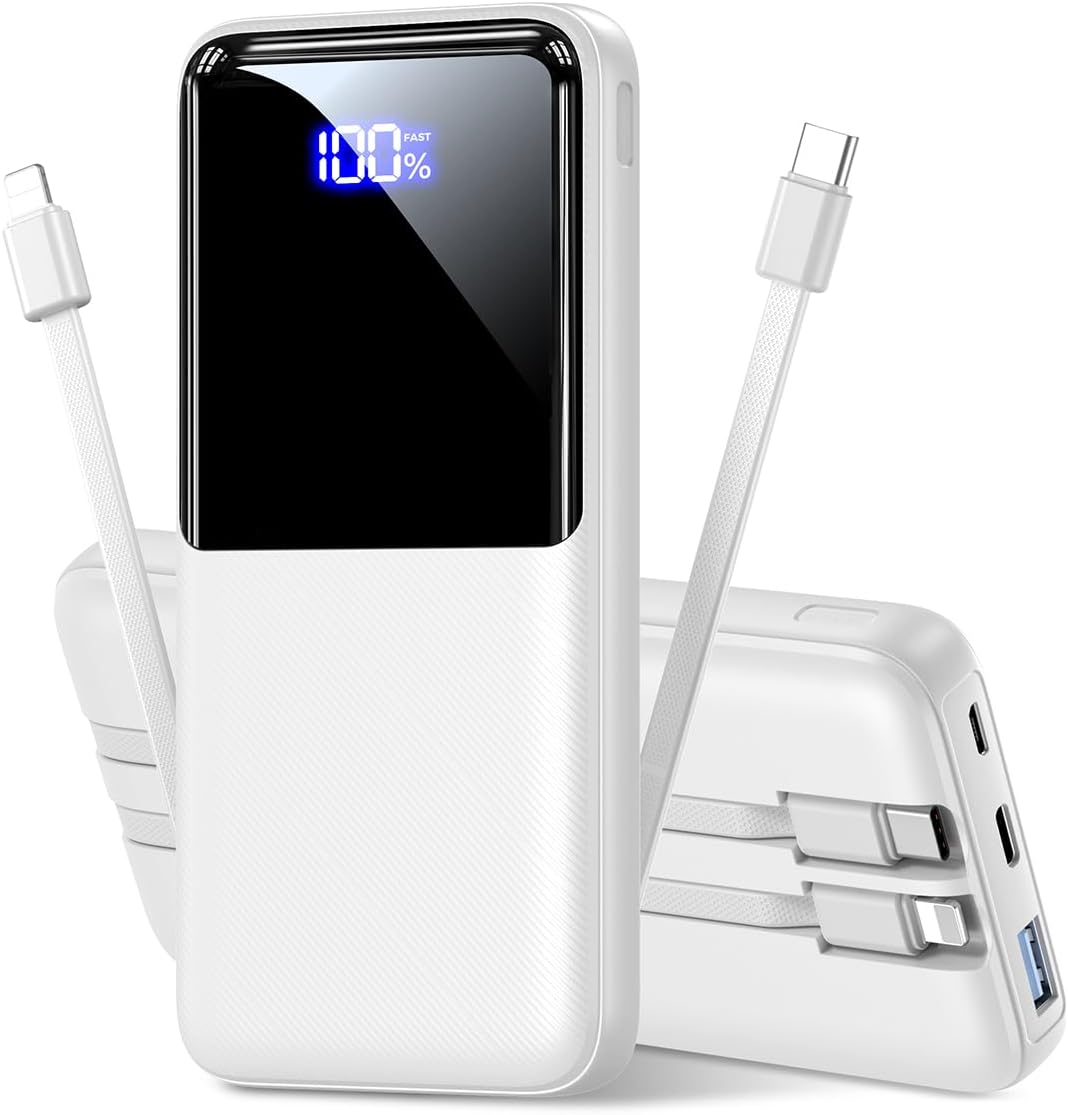
Выява 1.1: Спераду view of the CFIAI Portable Charger Power Bank PB-08, displaying its digital charge indicator.
2. Інфармацыя па бяспецы
Каб забяспечыць бяспечную працу і пазбегнуць пашкоджання прылады або траўмаў, калі ласка, выконвайце наступныя меры бяспекі:
- Не падвяргайце знешні акумулятар уздзеянню экстрэмальных тэмператур (вышэй за 60°C/140°F або ніжэй за 0°C/32°F), прамых сонечных прамянёў або агню.
- Avoid dropping, disassembling, or attempting to repair the device yourself. Unauthorized repairs can void the warranty and pose safety risks.
- Keep the power bank away from water, moisture, and corrosive materials.
- Выкарыстоўвайце толькі сертыфікаваныя зарадныя кабелі і адаптары.
- Не карыстайцеся знешнім акумулятарам, калі ён якім-небудзь чынам пашкоджаны.
- Захоўваць у месцах, недаступных дзецям.
- Утылізуйце знешні акумулятар адказна ў адпаведнасці з мясцовымі правіламі.
3. Змесціва ўпакоўкі
Пасля распакавання пераканайцеся, што ўсе прадметы наяўныя:
- 1x CFIAI Portable Charger Power Bank PB-08
- 1x USB-C зарадны кабель
- 1x Кіраўніцтва карыстальніка (гэты дакумент)
4. Прадукт скончыўсяview
The CFIAI PB-08 Power Bank is equipped with multiple features for convenient and efficient charging:
- Ёмістасць 15000 мАг: Забяспечвае некалькі зарадаў для большасці смартфонаў.
- Убудаваныя кабелі: Includes integrated USB-C and iOS (Lightning) cables for direct device charging without needing extra cords.
- Хуткая зарадка 22.5 Вт: Supports various fast charging protocols (PD/QC/FCP/AFC/SSCP) for rapid power delivery.
- Лічбавы святлодыёдны дысплей: Паказвае рэшту батарэі ў працэнтахtagе ў рэжыме рэальнага часу.
- Некалькі выхадных партоў: In addition to built-in cables, features a USB-A output port and a Type-C In/Output port.
- Кампактны і лёгкі: Designed for portability, suitable for travel and daily use.
- Аховы бяспекі: Enhanced chip provides multiple safety systems including overcharge, overcurrent, and short circuit protection.

Выява 4.1: Канецview of the power bank's input and output options, including built-in cables.
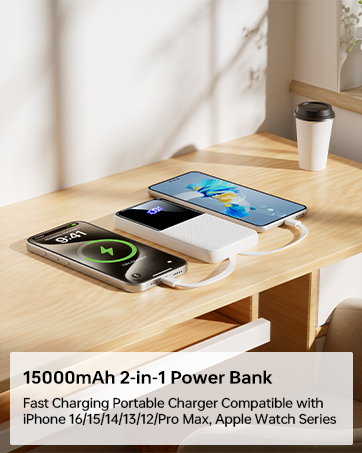
Image 4.2: The power bank's compact size makes it suitable for air travel (15,000mAh capacity is generally safe for carry-on luggage).
5. Настройка
5.1 Пачатковая зарадка знешніх акумулятараў
Before first use, fully charge your CFIAI Power Bank. This ensures optimal battery performance.
- Connect the provided USB-C charging cable to the power bank's Type-C In/Output port.
- Connect the other end of the USB-C cable to a compatible USB wall adapter (not included) or a computer's USB port.
- The digital LED display will show the charging progress. The power bank is fully charged when the display shows 100%.
Alternatively, you can use a Micro USB cable to charge the power bank via its Micro Input port.
6. Інструкцыя па эксплуатацыі
The CFIAI Power Bank allows you to charge up to four devices simultaneously.
6.1 Charging Devices Using Built-in Cables
The power bank features integrated USB-C and iOS (Lightning) cables for direct connection to your devices.
- Identify the correct built-in cable for your device (USB-C for Android/newer devices, iOS for Apple devices).
- Gently pull out the desired built-in cable from its storage slot.
- Падключыце кабель да порта зарадкі вашай прылады.
- Паўэрбанк аўтаматычна пачне зараджаць вашу прыладу. На лічбавым дысплеі будзе паказаны пакінуты зарад паўэрбанка.
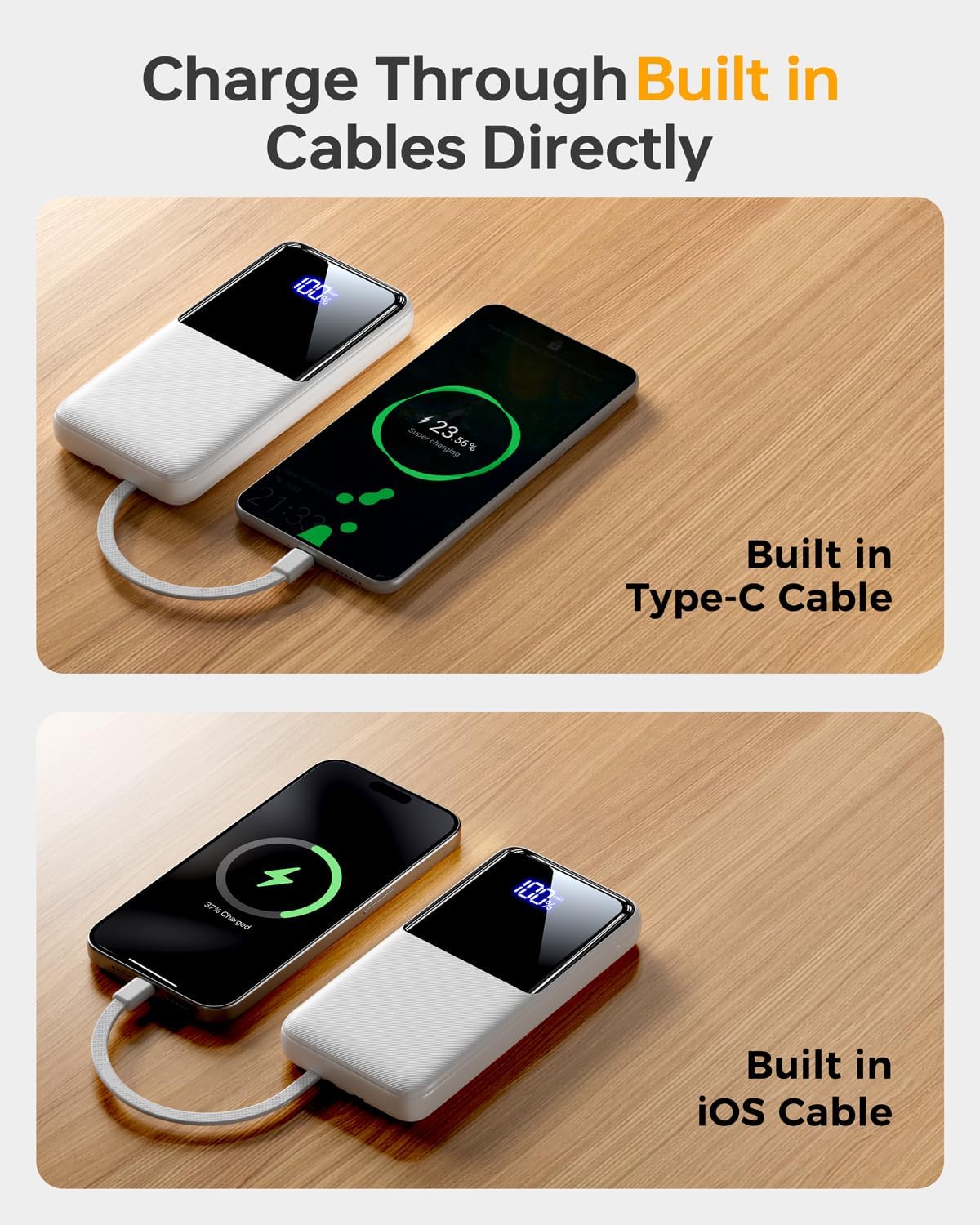
Image 6.1: Charging a device using the built-in USB-C cable.
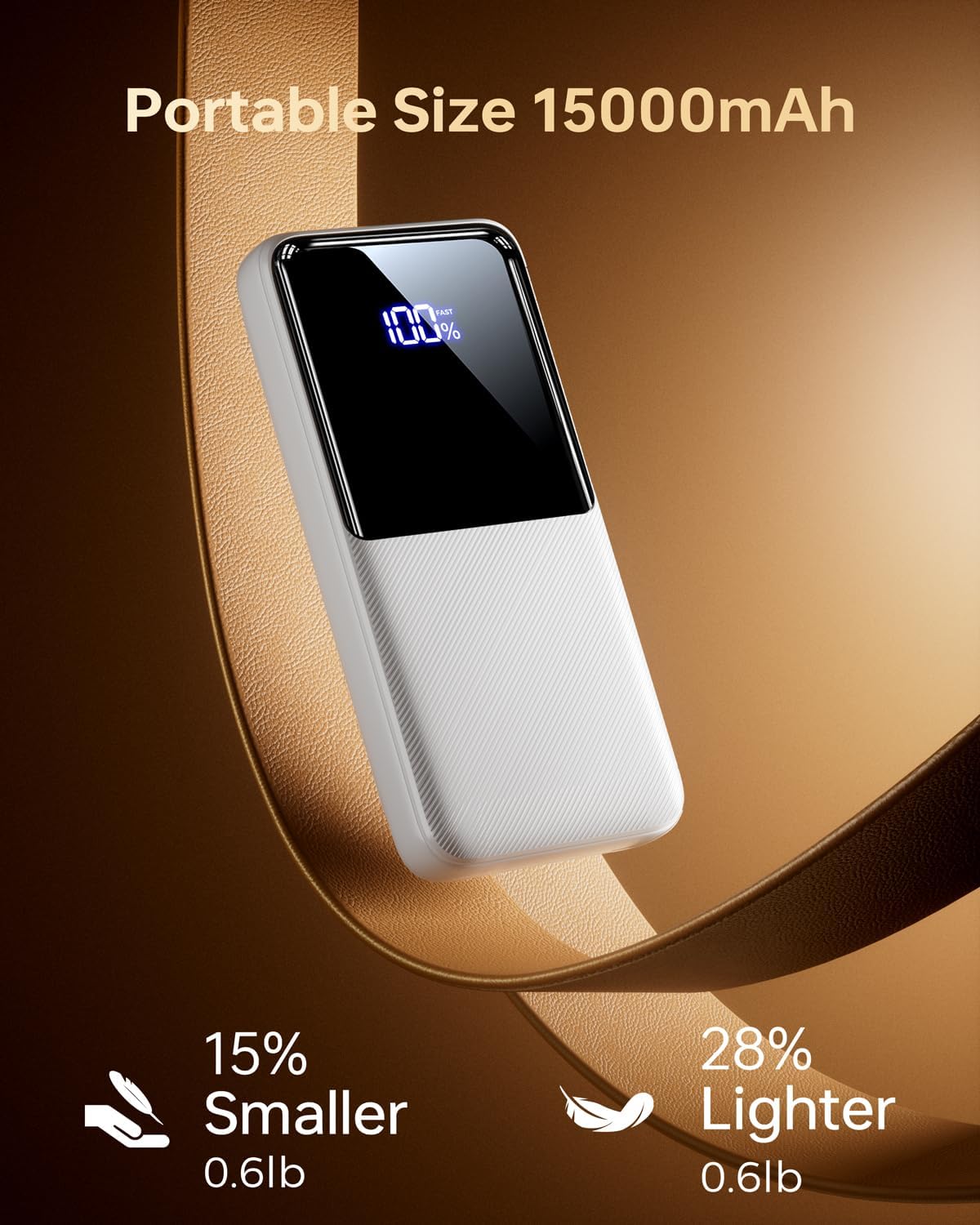
Image 6.2: Charging a device using the built-in iOS (Lightning) cable.
6.2 Charging Devices Using External Ports
You can also use your own cables with the power bank's external ports.
- Connect your device's charging cable to either the USB-A output port or the Type-C In/Output port on the power bank.
- Падключыце другі канец кабеля да прылады.
- Паўэрбанк аўтаматычна пачне зараджацца.
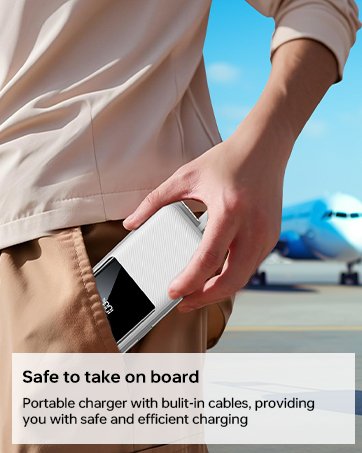
Image 6.3: The power bank simultaneously charging multiple devices.
6.3 Trickle-Charging Mode
For low-power devices such as earbuds or smartwatches, the power bank supports a trickle-charging mode to prevent overcharging and extend battery life. This mode activates automatically when a low-power device is connected.
7. Тэхнічнае абслугоўванне
Follow these guidelines to maintain your power bank's performance and longevity:
- Працірайце знешні акумулятар мяккай сухой тканінай. Не выкарыстоўвайце агрэсіўныя хімічныя рэчывы або абразіўныя матэрыялы.
- Захоўвайце знешні акумулятар у прахалодным, сухім месцы, удалечыні ад прамых сонечных прамянёў і экстрэмальных тэмператур.
- Калі знешні акумулятар не выкарыстоўваецца працяглы час, зараджайце яго хаця б раз на тры месяцы, каб падтрымліваць яго ў працоўным стане.
- Avoid bending the built-in cables excessively at sharp angles to prevent damage.
8. Выпраўленне непаладак
Калі ў вас узніклі праблемы з вашым знешнім акумулятарам, звярніцеся да наступных распаўсюджаных рашэнняў:
| праблема | Магчымая прычына | Рашэнне |
|---|---|---|
| Power bank не зараджаецца | Charging cable is faulty or not properly connected. Wall adapter is not working. | Ensure the charging cable is securely connected. Try a different cable or wall adapter. |
| Прылада не зараджаецца ад Power Bank | Power bank battery is depleted. Device cable is faulty or not properly connected. Device is incompatible. | Recharge the power bank. Ensure the device's charging cable is securely connected. Verify device compatibility. |
| Павольная зарадка | Cable or adapter used does not support fast charging. Device does not support fast charging. | Use a fast-charging compatible cable and adapter. Ensure your device supports fast charging protocols. |
| Лічбавы дысплей не працуе | Power bank is completely discharged. Internal malfunction. | Attempt to charge the power bank. If the issue persists, contact customer support. |
If the problem persists after attempting these solutions, please contact CFIAI customer support for further assistance.
9. Тэхнічныя характарыстыкі
| Асаблівасць | Дэталь |
|---|---|
| Нумар мадэлі | ПБ-08 |
| Ёмістасць батарэі | 15000 мАг |
| Памеры прадукту | 5.9 х 2.69 х 0.6 цалі |
| Вага прадмета | 10.9 унцыі |
| Уваходныя парты | Micro USB, USB Type-C |
| Выхадныя парты | USB Type-A, USB Type-C (built-in), iOS (built-in) |
| Хуткая зарадка | 22.5W (PD/QC/FCP/AFC/SSCP compatible) |
| Асаблівасці | Built-in Cables, Digital Display, Fast Charging, Lightweight, Pocket Size |
| Колер | Purewhite |
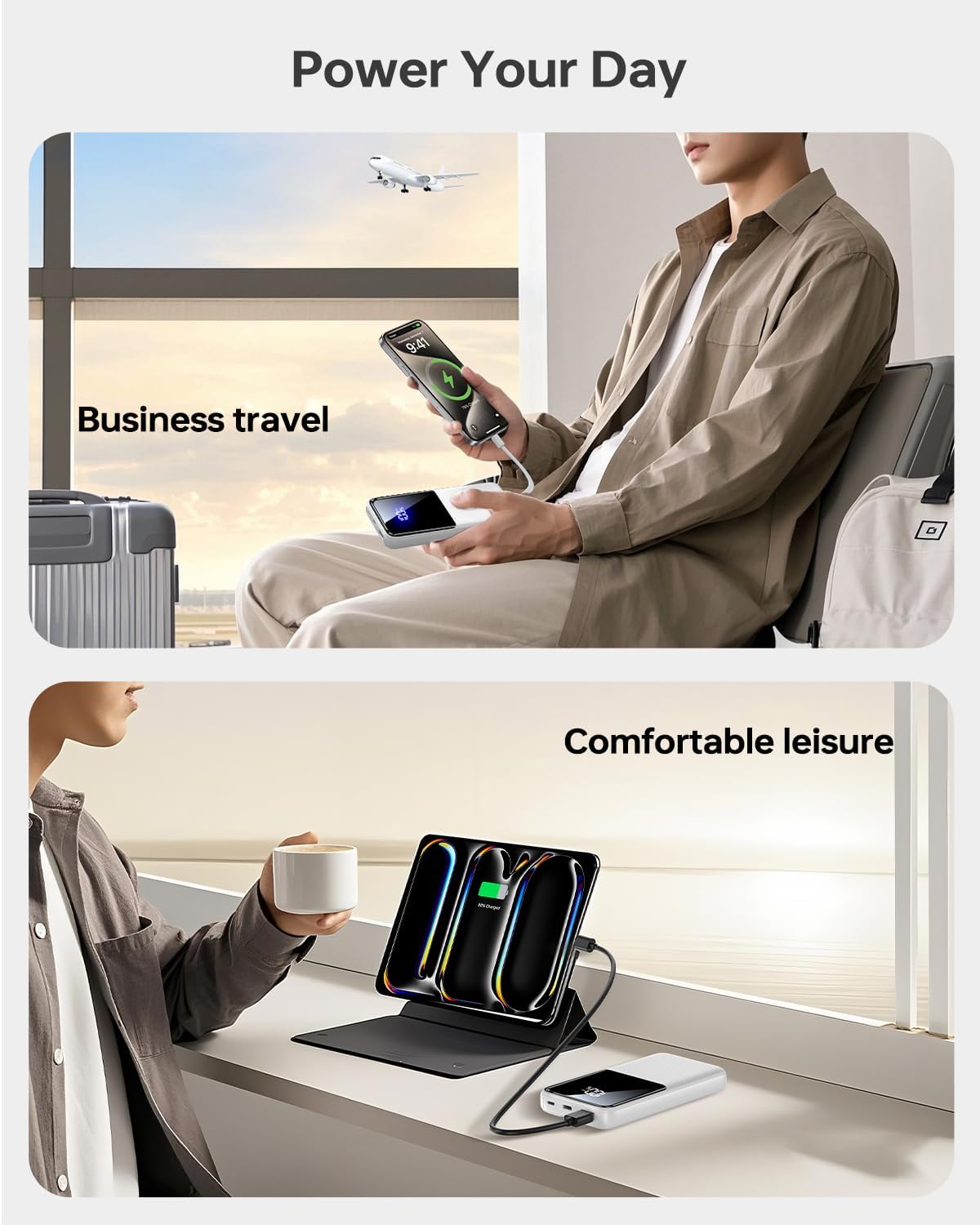
Image 9.1: The power bank offers broad compatibility with various mobile devices.
10. Гарантыя і падтрымка
CFIAI provides a 12-month care plan for this product. For warranty claims, technical support, or any inquiries, please contact CFIAI customer service.
- Абслугоўванне кліентаў: Available 24 hours.
- Exchange Service: 30-day exchange service.
- Care Plan: 12-months.
For more information, visit the official CFIAI store: CFIAI Store on Amazon
Ask a question about this manual
Ask about setup, troubleshooting, compatibility, parts, safety, or missing instructions. Manuals+ will review the question and use this page’s manual context to help answer it.