
Уводзіны
This manual provides detailed instructions for the setup, operation, and maintenance of your usogood D45 2.5K Indoor Security Camera. Please read this manual thoroughly before using the product to ensure proper functionality and safety.
Што ў скрынцы
Пераканайцеся, што ўсе кампаненты наяўныя пасля распакавання:
- 2 x Indoor Security Camera
- 1 x User Manual (EN/DE/IT/FR/ES)
- 2 х кранштэйн для сцен
- 4 x Base Screw & 4 x Base Bolts
- 2 x Power Cord & 2 x Adapter
Настройка
1. Фізічная ўстаноўка
The usogood D45 camera offers flexible installation options, including tabletop, ceiling, or wall mounting.
Video: usogood 4MP Pet Camera Easy to Install. This video demonstrates the simple installation process for the camera on a table, ceiling, or wall.
- Размяшчэнне на стальніцы: Проста пастаўце камеру на роўную, устойлівую паверхню.
- Мацаванне на столі/сцяне:
- Attach the wall bracket to your desired location using the provided screws and bolts.
- Securely attach the camera to the mounted bracket. Ensure the camera is firmly in place.
2. App Installation and Camera Connection
To operate your usogood D45 camera, you need to install the Canny Cam app on your smartphone and connect the camera to your Wi-Fi network.
Video: Connecte Usogood D45 with Canny Cam APP. This video guides you through connecting your camera to the Canny Cam application.
- Download the Canny Cam App: Пошук "Canny Cam" in your smartphone's app store (iOS or Android) and install it.
- Уключыце камеру: Connect the camera to a power source using the provided power cord and adapter. The camera will initiate its startup sequence.
- Дадаць прыладу ў праграму:
- Open the Canny Cam app and tap the '+' icon to add a new device.
- Select 'PTZ Cameras' from the device type options.
- Confirm the camera is powered on and click 'Next'.
- Enter your 2.4GHz or 5GHz Wi-Fi network name and password. Ensure your phone is connected to the same Wi-Fi network.
- Press the 'RESET' button on the camera for 1 second until you hear a voice message.
- The app will display a QR code. Hold your phone's screen towards the camera lens at a distance of 15-25cm until the camera emits a prompt sound, indicating successful scanning.
- Once connected, name your camera (e.g., "Living Room Camera," "Pet Cam") and complete the setup.
Note: The camera supports both 2.4GHz and 5GHz dual-band Wi-Fi bands for a stable connection.
Image: The usogood D45 camera supports both 2.4GHz and 5GHz dual-band Wi-Fi connections for enhanced signal stability and speed.
Інструкцыя па эксплуатацыі
1. Жыць View і прайграванне
Access real-time video feeds and review запісана footage directly from the Canny Cam app.
Video: Pet camera indoor Video Playback. This video demonstrates how to view жывы footage and access recorded video playback within the app.
- жыць View: Select your camera from the app's main screen to view жывы канал.
- Прайграванне: Navigate to the 'Local' or 'Cloud' tab within the camera interface to access recorded videos. You can select specific timeframes for review.
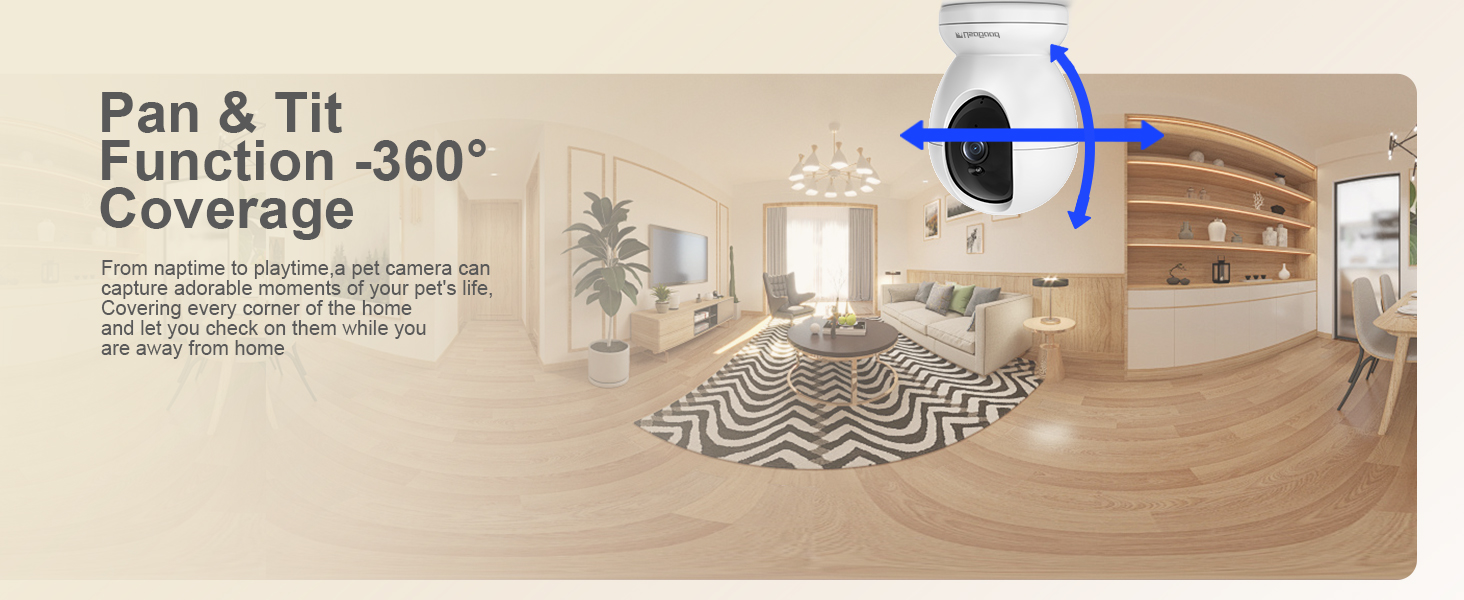
Image: The camera supports 24/7 continuous recording, allowing you to review фуtagе ў любы час.
2. Pan and Tilt Control (360° Coverage)
The usogood D45 camera offers 355° horizontal pan and 115° vertical tilt, providing comprehensive coverage of your indoor space.
Video: 360 Security Camera Indoor, Baby/Pet Camera with Phone App (Preview). This short video demonstrates the 360-degree pan and tilt functionality of the camera.
- У прамым эфіры view interface of the Canny Cam app, use the directional controls to remotely adjust the camera's viewкут нахілу.
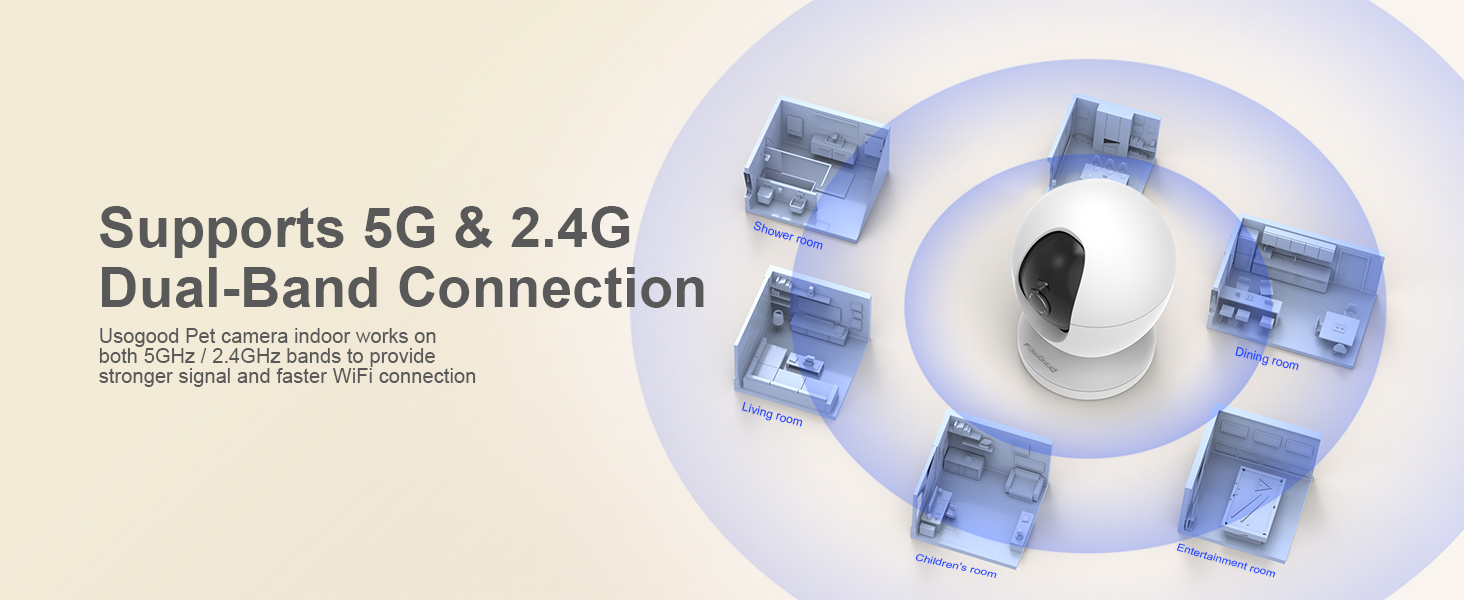
Image: The camera's pan and tilt function provides 360-degree coverage, ensuring no corner of your home is missed.
3. Двухбаковая аўдыёсувязь
The built-in microphone and speaker allow for two-way communication through the camera.
- У прамым эфіры view, tap the microphone icon to speak through the camera.
- The camera's speaker will transmit your voice, and you can hear audio from the camera's environment.
4. Начное бачанне
The camera features Starlight Night Vision with High sensitivity IR-CUT technology, providing clear images up to 12 meters (approximately 39 feet) even in complete darkness.
- Начное бачанне ўключаецца аўтаматычна пры слабым асвятленні.
- For specific scenarios (e.g., monitoring through a window), you may manually adjust night vision settings in the app if reflections occur.

Image: Crystal-Clear Color Night Vision. Monitor movements clearly even in low light.
5. Motion and Sound Detection with Alerts
The camera utilizes AI recognition to differentiate between humans and other objects, providing accurate motion tracking and instant notifications.
Video: Smart AI Detection Alert (Preview). This short video demonstrates the camera's smart detection and alert features for human, motion, and sound events.
- Уключыць выяўленне: In the app's settings, navigate to 'Alarm Management' or 'Notifications' to enable Motion Detection, Human Detection, and Sound Detection.
- Рэгуляванне адчувальнасці: Adjust the sensitivity levels (Low, Middle, High, Highest) for motion and sound detection to suit your environment.
- Аўтаматычнае адсочванне: Enable 'Active Tracking' to allow the camera to automatically follow detected movement. (Note: Automatic tracking supports only left and right movements, not up and down.)
- Імгненныя апавяшчэнні: Receive real-time alerts on your smartphone when motion or sound is detected.
- Выяўленне сігналізацыі: If enabled, the camera can sound an alarm to deter intruders.

Image: Human Detection & Instant Notification. The camera detects human presence and sends immediate alerts to your phone.
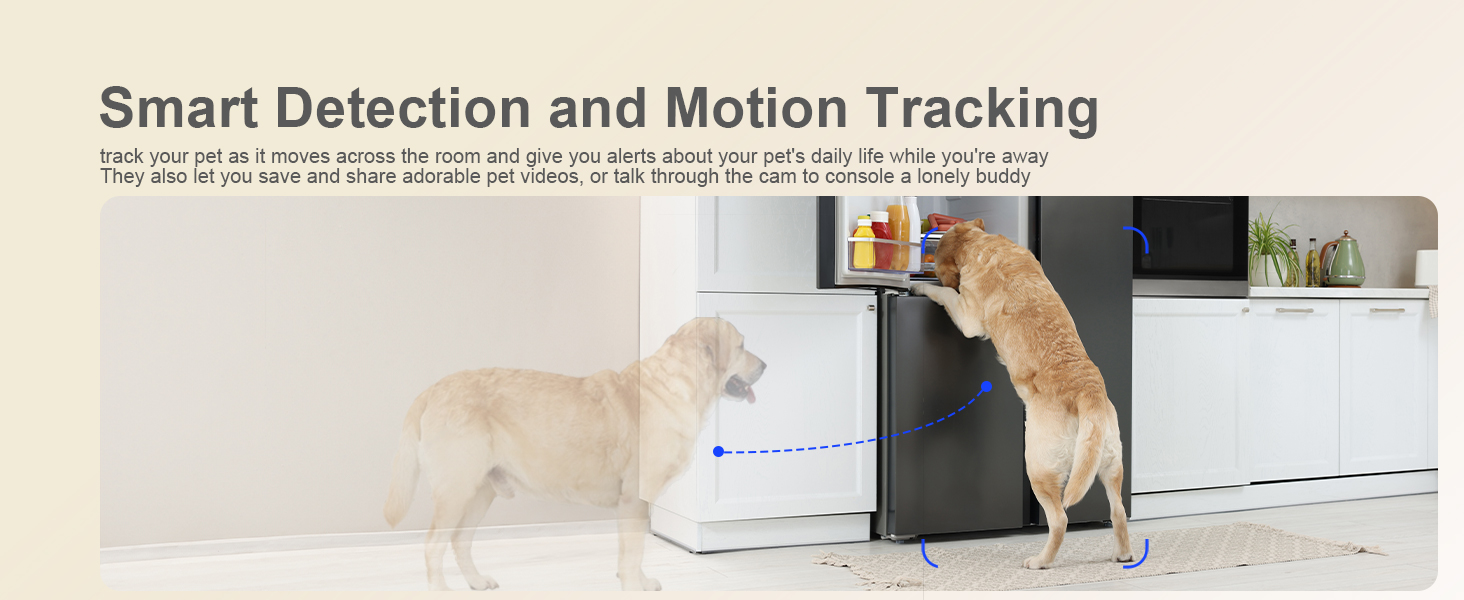
Image: Smart Detection features include Human Detection, Area Detection, and Noise Detection.
6. Параметры захоўвання
The usogood D45 camera supports both local and cloud storage for your recordings.
- Лакальнае сховішча: Insert a Micro SD card (up to 128GB, not included) into the camera's SD card slot for continuous 24/7 recording.
- Воблачнае сховішча: Optional cloud storage is available via subscription within the Canny Cam app. This provides off-site backup of your footage.
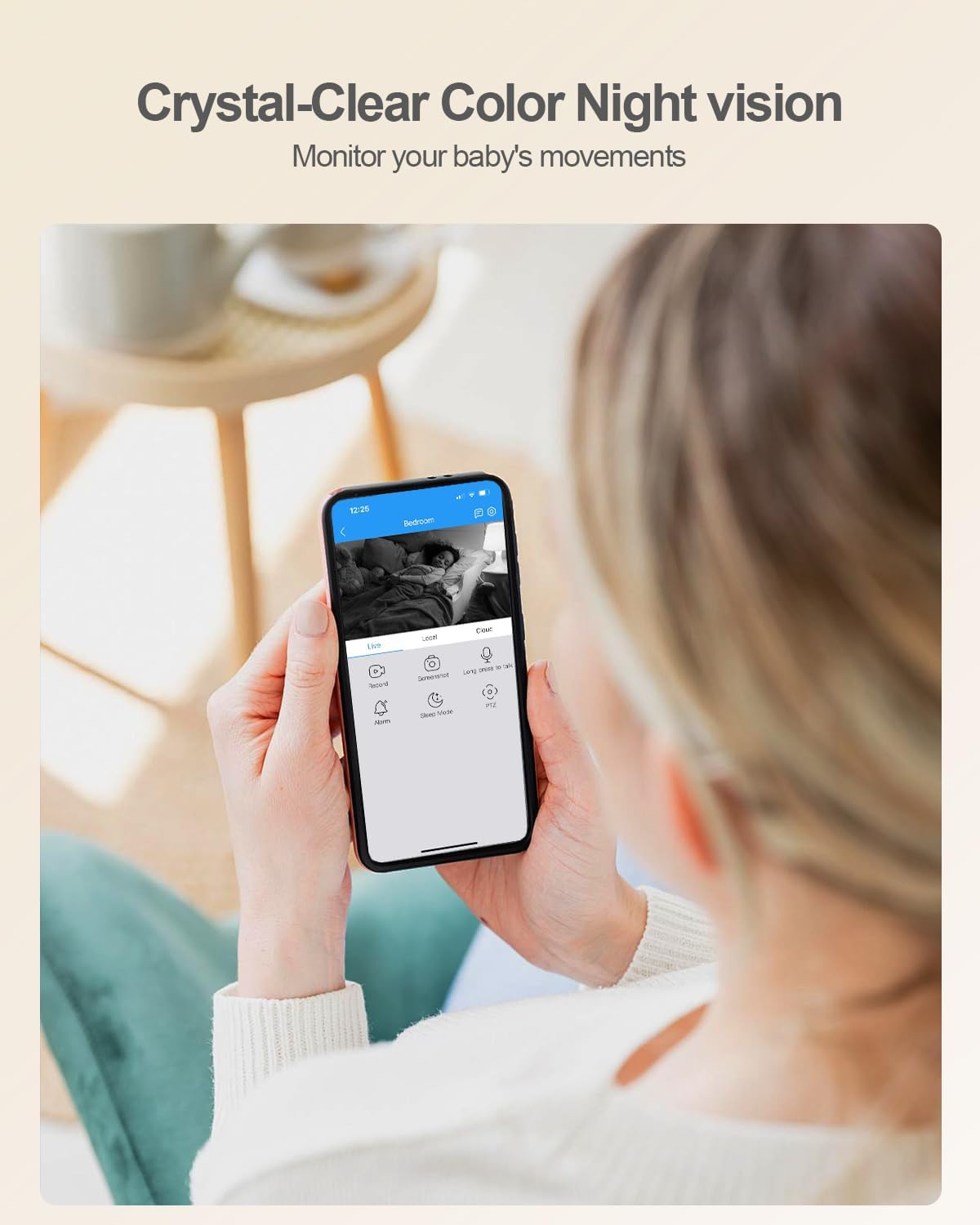
Image: The camera features an SD card slot for local storage, supporting up to 128GB.
Тэхнічнае абслугоўванне
- Уборка: Выкарыстоўвайце мяккую сухую тканіну для чысткі аб'ектыва і корпуса камеры. Пазбягайце выкарыстання агрэсіўных хімічных рэчываў або абразіўных матэрыялаў.
- Абнаўленні праграмнага забеспячэння: Regularly check the Canny Cam app for firmware updates. Keeping your camera's software up-to-date ensures optimal performance and security.
- Цыкл харчавання: Калі ў камеры ўзніклі праблемы, паспрабуйце адключыць яе ад крыніцы харчавання на 10 секунд, а затым зноў падключыць.
Ліквідацыю непаладак
| праблема | Магчымае рашэнне |
|---|---|
| Камера не падключаецца да Wi-Fi. |
|
| Нізкая якасць відэа або затрымка. |
|
| Motion detection not working or too many false alarms. |
|
| Night vision is unclear or has reflections. |
|
| Cannot hear audio or two-way talk not functioning. |
|
Тэхнічныя характарыстыкі
| Асаблівасць | Дэталь |
|---|---|
| Марка | usogood |
| Нумар мадэлі | D45 |
| Тэхналогія падлучэння | Правадное (харчаванне), Wi-Fi (перадача дадзеных) |
| Выкарыстанне ў памяшканні/на вуліцы | У памяшканні |
| Дазвол відэазахопу | 2.5K (4 МП) |
| Viewing кут | 360 градусаў (панарамаванне/нахіл) |
| Pan Range | 355° |
| Дыяпазон нахілу | 115° |
| Бесправадныя тэхналогіі | 2.4Ghz & 5Ghz WiFi |
| Асаблівасці | 2-Way Audio, 2.5K Resolution, Easy to Install, Night Vision, Auto Motion Tracking, AI Detection |
| Начное бачанне | Starlight, up to 10 meters (33 feet) |
| Параметры захоўвання | Micro SD Card (up to 128GB, not included), Cloud Storage (subscription required) |
| Тып абвесткі | Аўдыё і рух |
| Сумяшчальныя прылады | Смартфон (Android, iOS) |
| Крыніца харчавання | Правадная электрычная |
| Памеры прадмета | 2.29 х 2.3 х 3.7 цалі |
Гарантыя
The usogood D45 Indoor Security Camera comes with a Гарантыя 2 годКалі ласка, захавайце пацвярджэнне пакупкі для прэтэнзій па гарантыі.
Падтрымка кліентаў
For any questions, technical assistance, or warranty inquiries, please contact usogood customer service. You can typically find contact information on the product packaging, the official usogood website, or through the Canny Cam app's support section.
Email support is often available at support@cannycam.com as indicated in the app connection steps.