
Уводзіны
Thank you for choosing the SANODESK 4-Leg Electric Height Adjustable Standing Desk. This manual provides essential information for the safe and efficient assembly, operation, and maintenance of your new desk. Designed to enhance your workspace, this desk allows for seamless transitions between sitting and standing positions, promoting a healthier and more productive work environment.
Інфармацыя па бяспецы
- Заўсёды ўважліва выконвайце ўсе інструкцыі па зборцы.
- Do not exceed the maximum weight limit of 220 pounds (99.7 kg) for the desk surface.
- Ensure the desk is placed on a level surface and is stable before use.
- Keep hands, fingers, and other objects clear of moving parts during height adjustment to prevent injury.
- Не дазваляйце дзецям працаваць за сталом без нагляду дарослых.
- Адключыце электрычнасць перад чысткай або любым тэхнічным абслугоўваннем.
Змест пакета
Please verify that all components are present before beginning assembly. The package includes the desk frame, desktop panels, control panel, power adapter, and all necessary hardware for assembly. If any parts are missing or damaged, please contact customer support.
Настройка
Assembly is required for this product. It is recommended to have two people for assembly due to the weight and size of the components. Follow the detailed instructions provided in the separate assembly guide included with your product. Ensure all connections are secure and stable before use.

Image: The robust 4-leg frame of the SANODESK standing desk, providing enhanced stability.
Інструкцыя па эксплуатацыі
Рэгуляванне вышыні
The desk features an electric height adjustment system, allowing you to smoothly transition between sitting and standing positions. The adjustable height range is from 28.7 inches to 47.2 inches. Use the up and down arrow buttons on the digital control panel to adjust the desk to your desired height.

Image: Close-up of the digital keypad with buttons for height adjustment and memory presets.
Налады памяці
The control panel includes three memory preset buttons (1, 2, 3) to save your preferred sitting and standing heights. To save a height setting:
- Адрэгулюйце вышыню стала на патрэбную вам вышыню з дапамогай стрэлак уверх/уніз.
- Націсніце кнопку «M». На дысплеі з'явіцца «S-».
- Press one of the number buttons (1, 2, or 3) within 2 seconds. The display will show 'S-1', 'S-2', or 'S-3' to confirm the setting is saved.
To recall a saved height, simply press the corresponding number button (1, 2, or 3).
Anti-Collision System
The desk is equipped with an anti-collision system that detects obstacles during height adjustment. If an obstruction is encountered, the desk will automatically stop and reverse slightly to prevent damage or injury. This feature ensures a safer workspace.
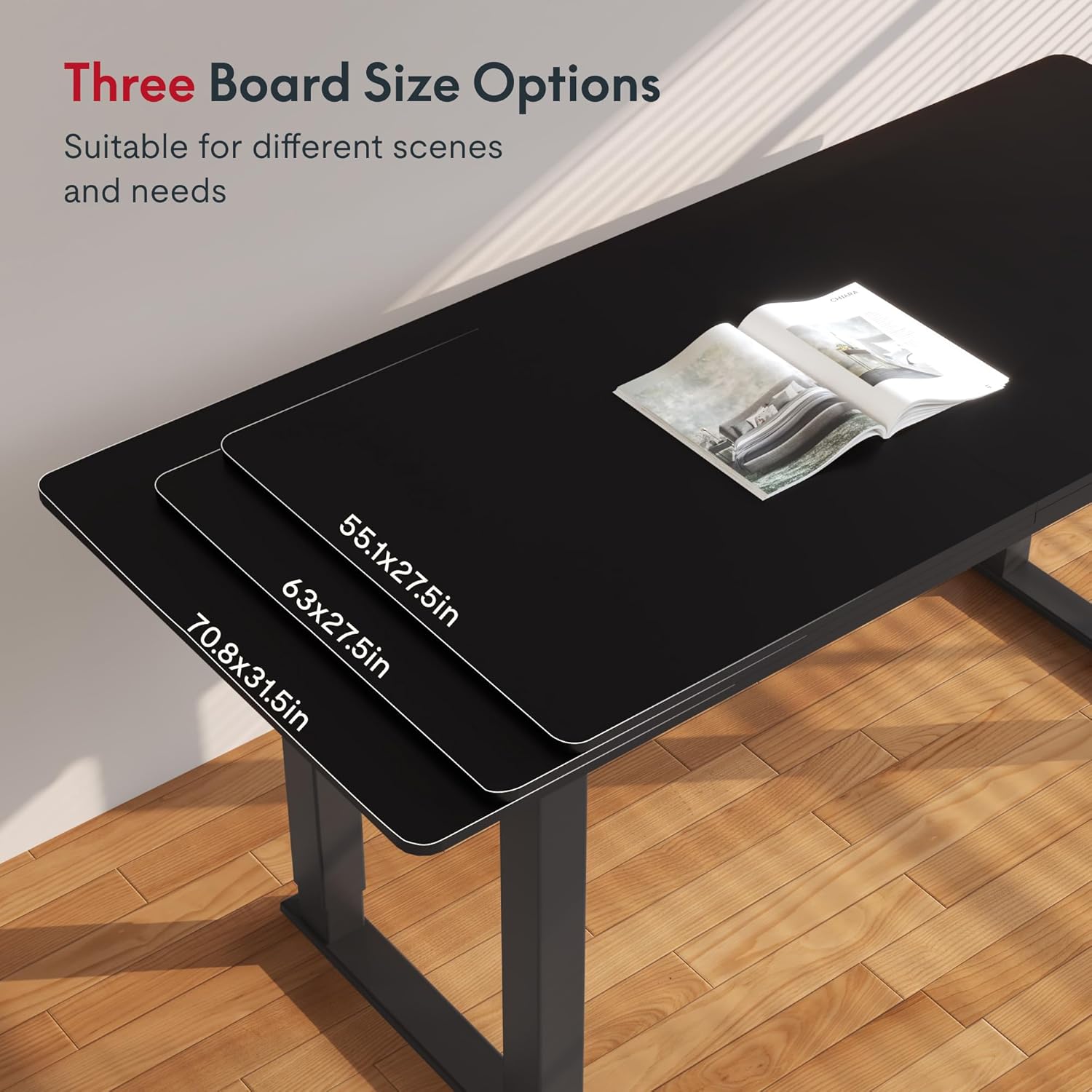
Image: Illustration of the anti-collision system detecting an obstacle and reversing desk movement.
Ціхая праца
The desk operates with a noise level of less than 50dB, ensuring a quiet and undisturbed work environment.
Тэхнічнае абслугоўванне
- Уборка: Працярыце паверхню стала мяккай, damp тканінай. Пазбягайце выкарыстання агрэсіўных хімічных рэчываў або абразіўных ачышчальнікаў, якія могуць пашкодзіць пакрыццё.
- агляд: Перыядычна правярайце ўсе шрубы і крапежныя элементы, каб пераканацца ў іх зацягнутасці. Пры неабходнасці падцягвайце.
- Кабельнае кіраванне: Ensure power cords and other cables are neatly managed to prevent interference with the desk's movement.
Ліквідацыю непаладак
| праблема | Магчымая прычына | Рашэнне |
|---|---|---|
| Стол не рухаецца | Power cable disconnected; Overload; Control panel error. | Check power connections; Reduce weight on desk; Reset the control panel (refer to assembly guide for specific reset instructions). |
| Няроўная рэгуляванне вышыні | Перашкода; Нязбалансаваная нагрузка. | Remove any obstructions; Redistribute weight evenly on the desk surface. |
| Сістэма прадухілення сутыкненняў часта спрацоўвае | Sensitivity setting too high; Obstacles in path. | Check for obstacles; Adjust anti-collision sensitivity (refer to assembly guide). |
If you encounter issues not listed here or if the suggested solutions do not resolve the problem, please contact SANODESK customer support.
Тэхнічныя характарыстыкі
| Асаблівасць | Дэталь |
|---|---|
| Марка | САНОДЭСК |
| мадэль | 55x28 Inches (Black) |
| Памеры прадукту (Д х Ш х У) | 28" Г x 55" Ш x 28.7" У |
| Рэгуляваны дыяпазон вышыні | ад 28.7 да 47.2 цаляў |
| Рэкамендацыя па максімальнай вазе | 220 фунта |
| Верхні тып матэрыялу | Канструяваная драўніна |
| Тып матэрыялу рамы | Вугляродзістай сталі |
| Пад'ёмны механізм | Электрычны |
| Асаблівасць | Corded, Memory Presets, Anti-Collision System |
| Узровень шуму | Менш за 50 дБ |
| Патрабуецца зборка | так |

Image: Detailed dimensions of the 55x28 inch SANODESK standing desk.
Гарантыя і падтрымка
Інфармацыя аб гарантыі
This SANODESK product comes with a Limited Warranty. For specific details regarding coverage and duration, please refer to the warranty documentation included with your purchase or contact SANODESK customer support.
Падтрымка кліентаў
For any questions, assistance with assembly, troubleshooting, or warranty claims, please contact SANODESK customer support. Contact information can typically be found on the product packaging or the official SANODESK webсайт.
Optional protection plans are available for purchase, including 2-Year and 3-Year plans, as well as a monthly 'Complete Protect' option. These plans offer extended coverage beyond the standard warranty.