
Crelander T40
Crelander 10.1-inch Android 13 Tablet User Manual
Мадэль: T40
Уводзіны
This user manual provides comprehensive instructions for setting up, operating, and maintaining your Crelander 10.1-inch Android 13 Tablet. Designed for versatility and performance, this tablet comes equipped with a powerful processor, ample storage, and a vibrant display, making it suitable for various tasks from entertainment to productivity.

Image: The Crelander 10.1-inch Android 13 Tablet shown with its accompanying keyboard, mouse, and stylus, highlighting its 12GB RAM and 512GB ROM capabilities.
Што ў скрынцы
Пасля распакавання пераканайцеся, што ўсе наступныя прадметы ў камплекце:
- Crelander 10.1-inch Android 13 Tablet
- Ахоўны футляр
- Бесправадная клавіятура
- Бесправадная мыш
- Стылус
- USB-кабель C
- OTG Data Cable
- Кіраўніцтва карыстальніка (гэты дакумент)
- Пратэктар экрана
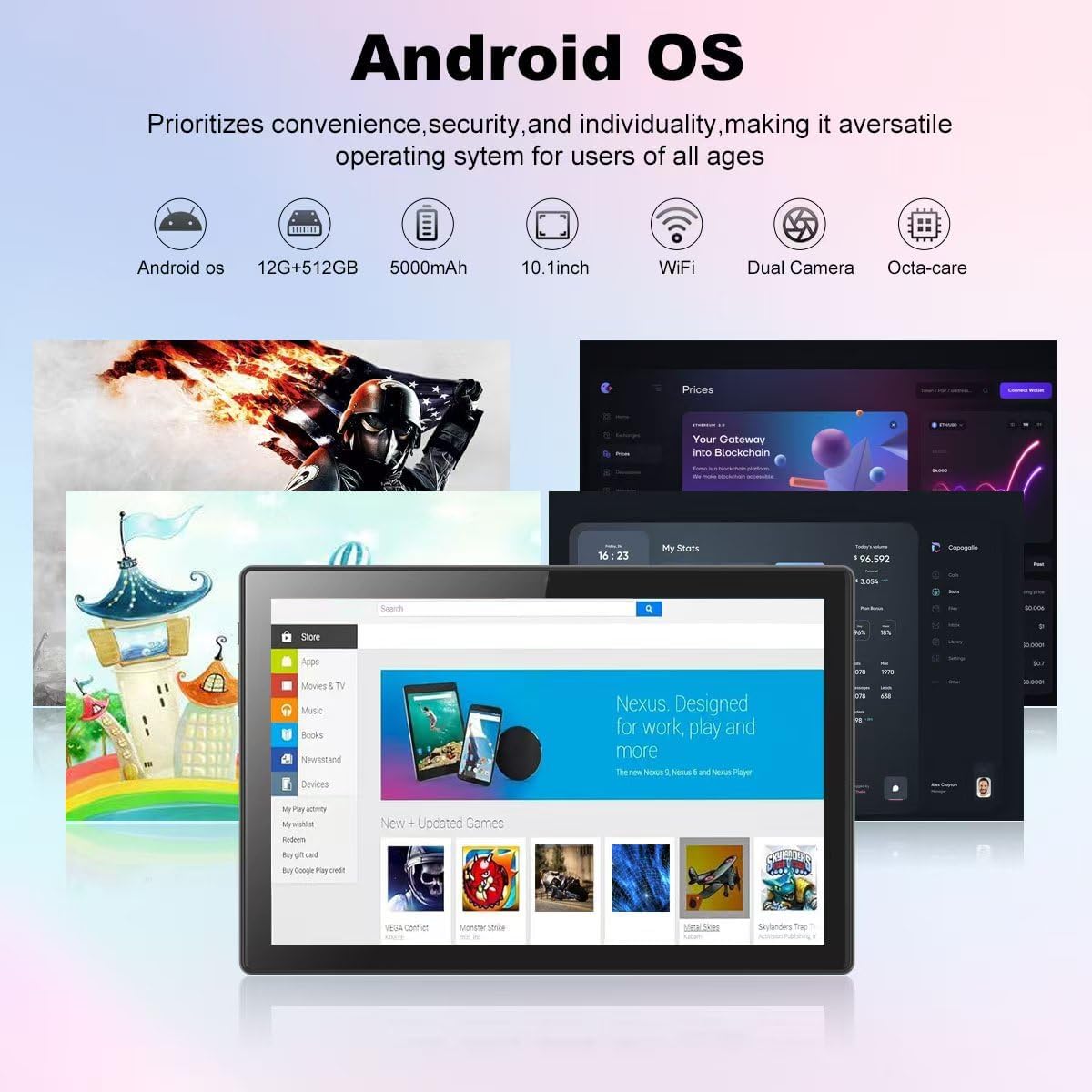
Image: A visual representation of the Crelander tablet package contents, including the tablet, protective case, keyboard, mouse, stylus, and cables.
Прадукт скончаныview
Фізічныя кампаненты

Image: A detailed diagram illustrating the various ports and buttons on the Crelander tablet, including the Type-C port, Reset button, Volume controls, Power button, Headphone Jack, TF-Card/SIM-Card slot, and speakers.
- Порт тыпу C: Для зарадкі і перадачы дадзеных.
- Кнопка скіду: Small pinhole for system reset if needed.
- Кнопкі гучнасці: Адрэгулюйце гучнасць гуку.
- Кнопка харчавання: Press and hold to power on/off or restart. Short press to sleep/wake.
- Раз'ём для навушнікаў: 3.5 мм аўдыявыхад.
- TF-Card / SIM-Card Slot: Insert a TF (MicroSD) card for expandable storage (up to 1TB) or a SIM card for cellular data (if supported by your model).
- Дакладчыкі: Інтэграваны аўдыёвыхад.
Асноўныя характарыстыкі
- Дысплей: 10.1-inch 1280x800 IPS HD Touch Screen for vibrant visuals.
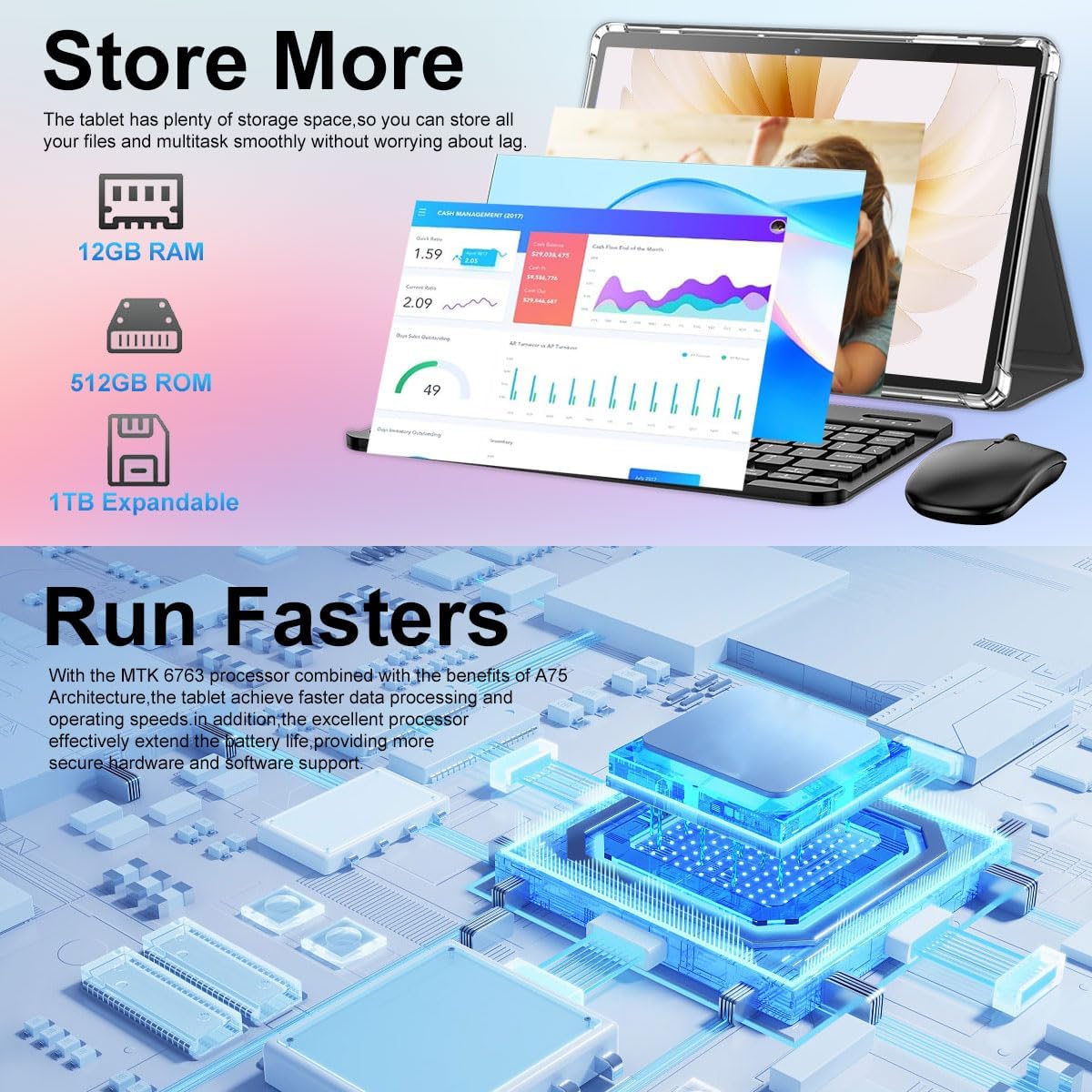
- Прадукцыйнасць: 12GB RAM and 512GB ROM, powered by Android 13 for smooth multitasking.
- Пашыраная памяць: Supports up to 1TB via Micro SD card.
- Камеры: Dual cameras (5MP Front, 13MP Rear) for photos and video calls. Features LED Flash and Face Unlock.
- Падключэнне: Built-in WiFi and Bluetooth for seamless wireless connections.
- акумулятар: Акумулятар ёмістасцю 8000 мАг для працяглага выкарыстання.
Выява: Оверview of the Crelander tablet's features, including its 10-inch HD screen, dual camera system, 8000mAh battery, SIM card slot, and Android OS.

Image: Details on the tablet's camera capabilities, showing 5MP front and 13MP rear cameras, LED flash, and face unlock functionality.
Настройка
Першапачатковая зарадка
Before first use, fully charge the tablet using the provided USB-C cable and a compatible power adapter. The battery indicator on the screen will show charging status.
Уключэнне/выключэнне
- Каб уключыць: Press and hold the Power button until the Crelander logo appears.
- Каб выключыць: Press and hold the Power button until a power menu appears, then select "Power off".
- Каб перазапусціць: Press and hold the Power button until a power menu appears, then select "Restart".
Падключэнне аксесуараў
The tablet comes with a keyboard, mouse, and stylus for enhanced productivity. These accessories typically connect via Bluetooth.
- Клавіятура/мыш:
- Пераканайцеся, што клавіятура/мыш зараджана і ўключана.
- На планшэце перайдзіце да Налады > Падлучаныя прылады > Bluetooth.
- Уключыце Bluetooth і знайдзіце даступныя прылады.
- Select the keyboard/mouse from the list and follow on-screen pairing instructions.
- Стылус: The provided stylus is a passive capacitive stylus and does not require pairing. Simply use it directly on the screen.
Кіраванне планшэтам
Базавая навігацыя
The tablet runs on Android 13, offering an intuitive user interface. Use touch gestures for navigation:
- Націсніце: Выберыце элемент або адкрыйце праграму.
- Правядзіце пальцам: Пракручваць старонкі або меню.
- Звядзенне пальцамі для павелічэння: Павялічваць або памяншаць маштаб малюнкаў і web старонкі.
- Доўгі націск: Доступ да кантэкстных меню або перамяшчэнне значкоў.

Image: A screenshot of the Android OS interface on the Crelander tablet, showcasing various applications and the overall user experience.
Падключэнне да Wi-Fi
Каб падключыцца да сеткі Wi-Fi:
- Перайсці да Налады > Сетка і інтэрнэт > Wi-Fi.
- Уключыце Wi-Fi.
- Выберыце патрэбную сетку са спісу.
- Enter the password if prompted and tap "Connect".
SIM Card Installation (if applicable)
If your model supports cellular data, you can install a SIM card:
- Locate the SIM card slot on the side of the tablet (refer to Product Overview дыяграма).
- Use the SIM ejector tool (not explicitly listed but implied for SIM slot) or a paperclip to open the tray.
- Place the SIM card correctly into the tray.
- Акуратна ўстаўце латок назад у слот, пакуль ён не зафіксуецца пачуўшы пстрычку.
Выкарыстанне фотакамер
The tablet features a 5MP front camera and a 13MP rear camera. Open the "Camera" app to capture photos or record videos.

Image: The tablet's dual camera setup, showing the rear camera module and a user taking a photo with the tablet.
Video Playback Demonstration
Watch this video to see the Crelander tablet in action, demonstrating its display quality and accessory integration.
Video: An official product video from Crelander, showcasing the 10.1-inch Android 13 Tablet, its accessories, and demonstrating video playback and general usage.
Тэхнічныя характарыстыкі
| Асаблівасць | Спецыфікацыя |
|---|---|
| Марка | Crelander |
| Назва мадэлі | Т40 |
| Аперацыйная сістэма | Android 13 |
| Памер экрана | 10.1 цалі |
| Максімальны дазвол экрана | 1280x800 пікселяў |
| Марка працэсара | MT6750 |
| АЗП | 12 ГБ |
| Унутраная памяць (ROM) | 512 ГБ |
| Сховішча з магчымасцю пашырэння | Up to 1TB via TF (MicroSD) Card |
| Пярэдняя камера | 5 МП |
| Задняя камера | 13 МП |
| Ёмістасць батарэі | 8000 мАг |
| Сувязь | Wi-Fi, Bluetooth |
| Вага прадмета | 3.3 фунта |
| Памеры прадукту (ДxШxВ) | 10 х 0.3 х 7 цалі |
| Колер | Шэры Чорны |

Image: Diagram showing the physical dimensions of the Crelander 10.1-inch tablet.
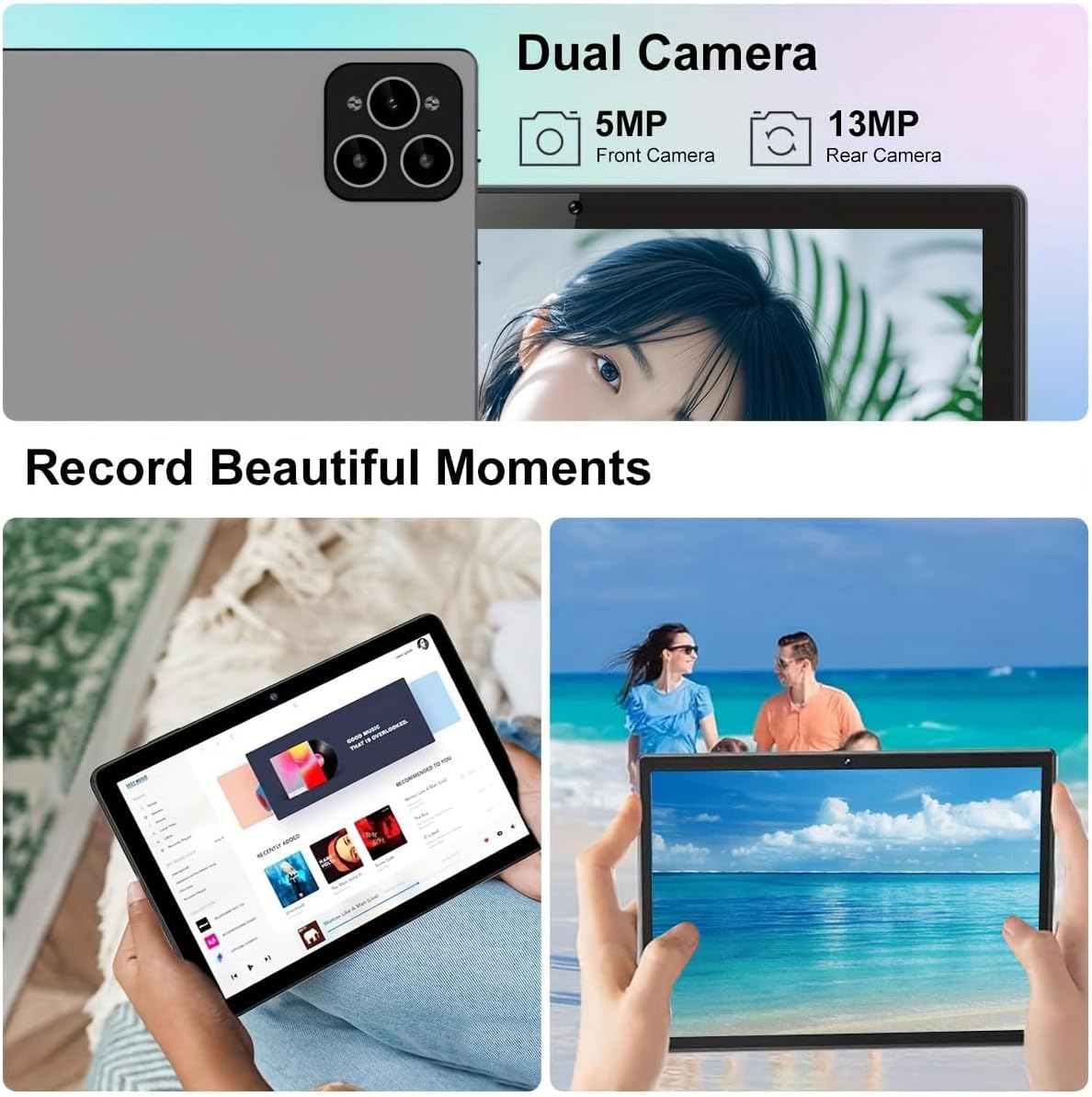
Image: Visual representation of the tablet's storage (12GB RAM, 512GB ROM, 1TB expandable) and processor (MTK 6763) capabilities.
Тэхнічнае абслугоўванне
- Уборка: Для чысткі экрана і корпуса выкарыстоўвайце мяккую тканіну без ворса. Пазбягайце выкарыстання абразіўных ачышчальнікаў або растваральнікаў.
- Сыход за батарэяй: To prolong battery life, avoid extreme temperatures and do not let the battery fully drain frequently.
- Абнаўленні праграмнага забеспячэння: Рэгулярна правярайце наяўнасць абнаўленняў сістэмы і ўсталёўвайце іх, каб забяспечыць аптымальную прадукцыйнасць і бяспеку. Перайдзіце па спасылцы Налады > Сістэма > Абнаўленне сістэмы.
- Кіраванне сховішчам: Перыядычна чысціце непатрэбнае fileі праграмы для падтрымання дастатковай прасторы для захоўвання і прадукцыйнасці.
Ліквідацыю непаладак
| праблема | Рашэнне |
|---|---|
| Планшэт не ўключаецца. | Ensure the tablet is fully charged. Press and hold the Power button for at least 10 seconds. |
| Немагчыма падключыцца да Wi-Fi. | Check if Wi-Fi is enabled in settings. Restart your router. Ensure you are entering the correct password. |
| Планшэт павольны або не рэагуе. | Close unused applications. Clear cache. Restart the tablet. Consider a factory reset if issues persist (backup data first). |
| Аксесуары (клавіятура/мыш) не падключаюцца. | Ensure accessories are charged and in pairing mode. Re-pair them via Bluetooth settings. |
Гарантыя і падтрымка
Crelander offers dedicated after-sales support for any inquiries or issues you may encounter with your tablet. Please refer to your purchase documentation for specific warranty terms and contact information. For general support, visit the official Crelander webсайт або звярніцеся ў службу падтрымкі кліентаў.
Інтэрнэт-рэсурсы:
- Crelander Store on Amazon: Visit Crelander Store
Ask a question about this manual
Ask about setup, troubleshooting, compatibility, parts, safety, or missing instructions. Manuals+ will review the question and use this page’s manual context to help answer it.