
BNCF NewBook 11
BNCF NewBook 11 2-in-1 Laptop User Manual
Model: NewBook 11 | Brand: BNCF
Уводзіны
This manual provides essential information for setting up, operating, maintaining, and troubleshooting your BNCF NewBook 11 2-in-1 Laptop. Please read this guide thoroughly to ensure optimal performance and longevity of your device.
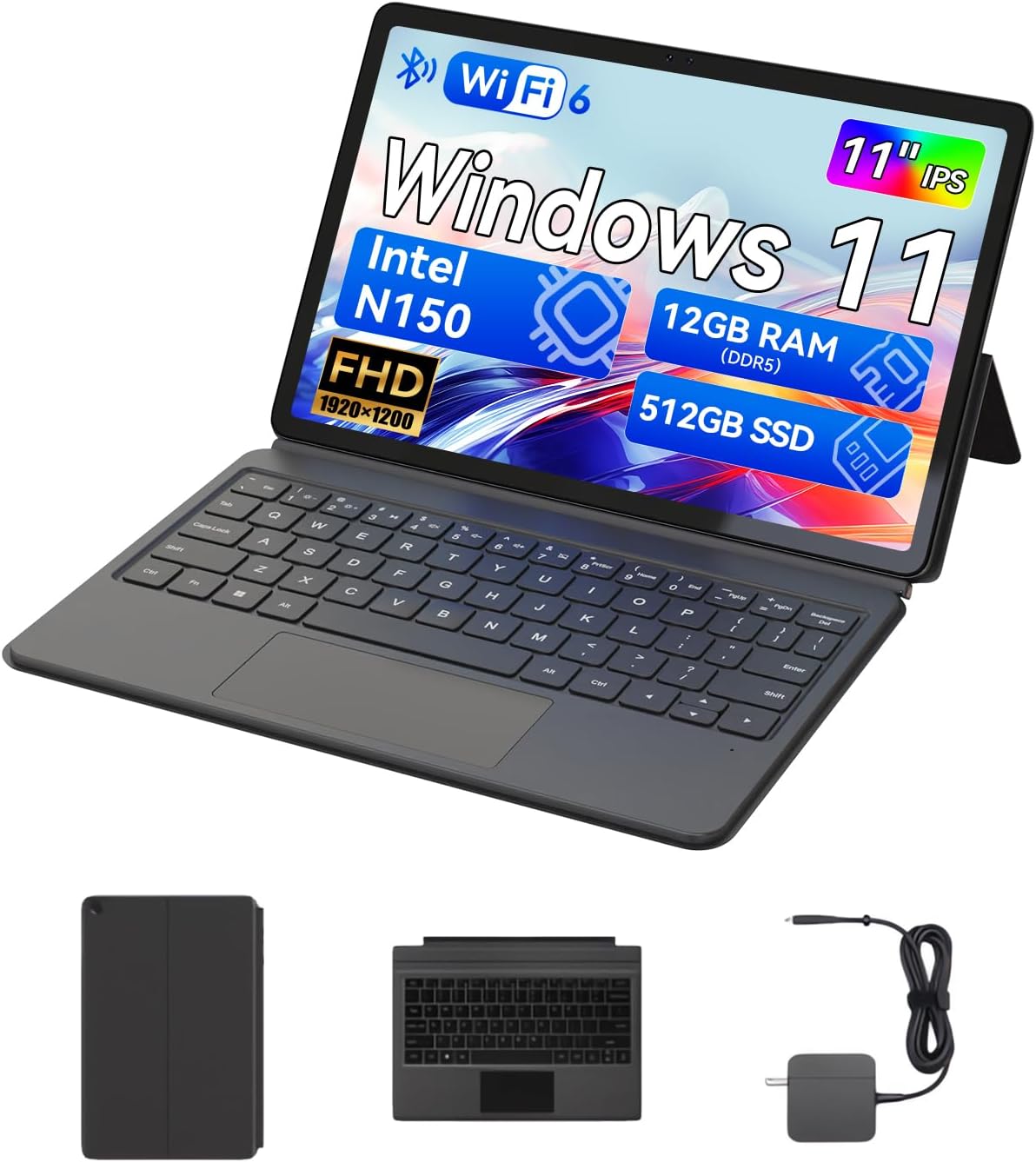
The BNCF NewBook 11 2-in-1 Laptop, shown here in its laptop configuration, featuring an 11-inch display, detachable keyboard, and kickstand.
1. Кіраўніцтва па наладцы
1.1 Распакоўка і першапачатковы агляд
Upon receiving your BNCF NewBook 11, carefully unpack all components. Ensure the following items are present:
- BNCF NewBook 11 2-in-1 Laptop
- Магнітная клавіятура
- Падстаўка
- Адаптар сілкавання (12В/3А)
- Кіраўніцтва карыстальніка (гэты дакумент)
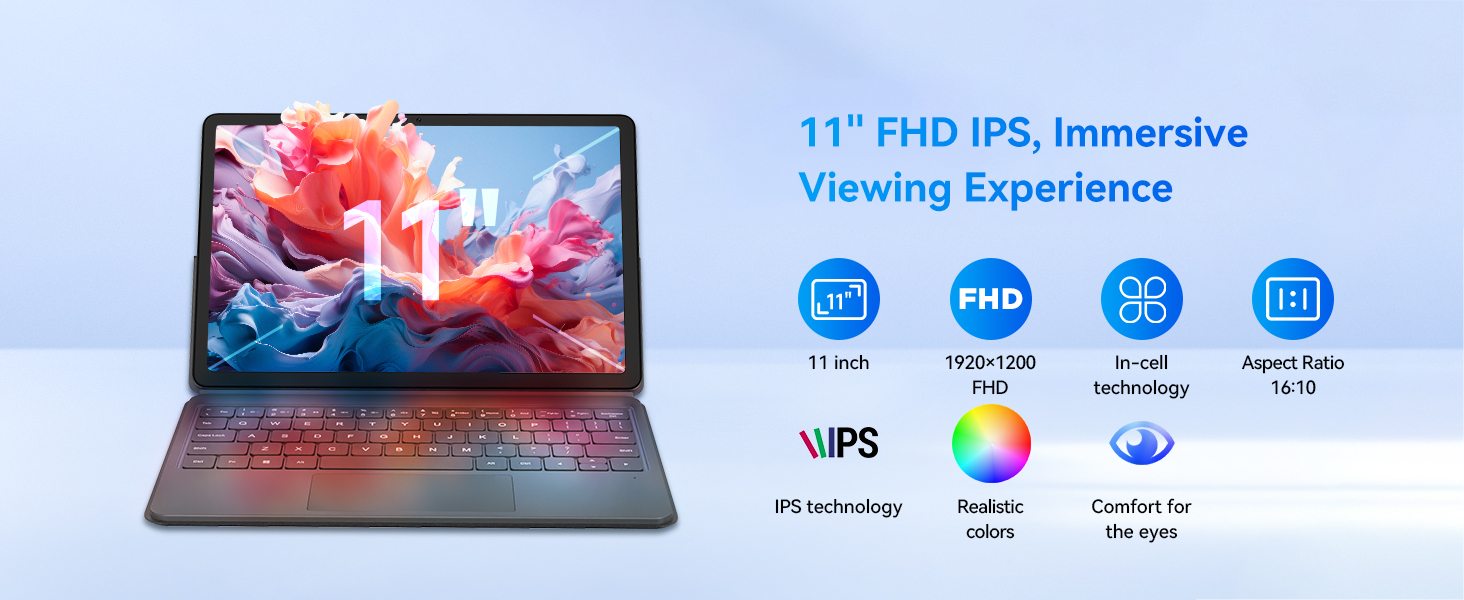
Illustration of the items included in the BNCF NewBook 11 package, including the main unit, keyboard, kickstand, and power adapter.
1.2 Зарадка прылады
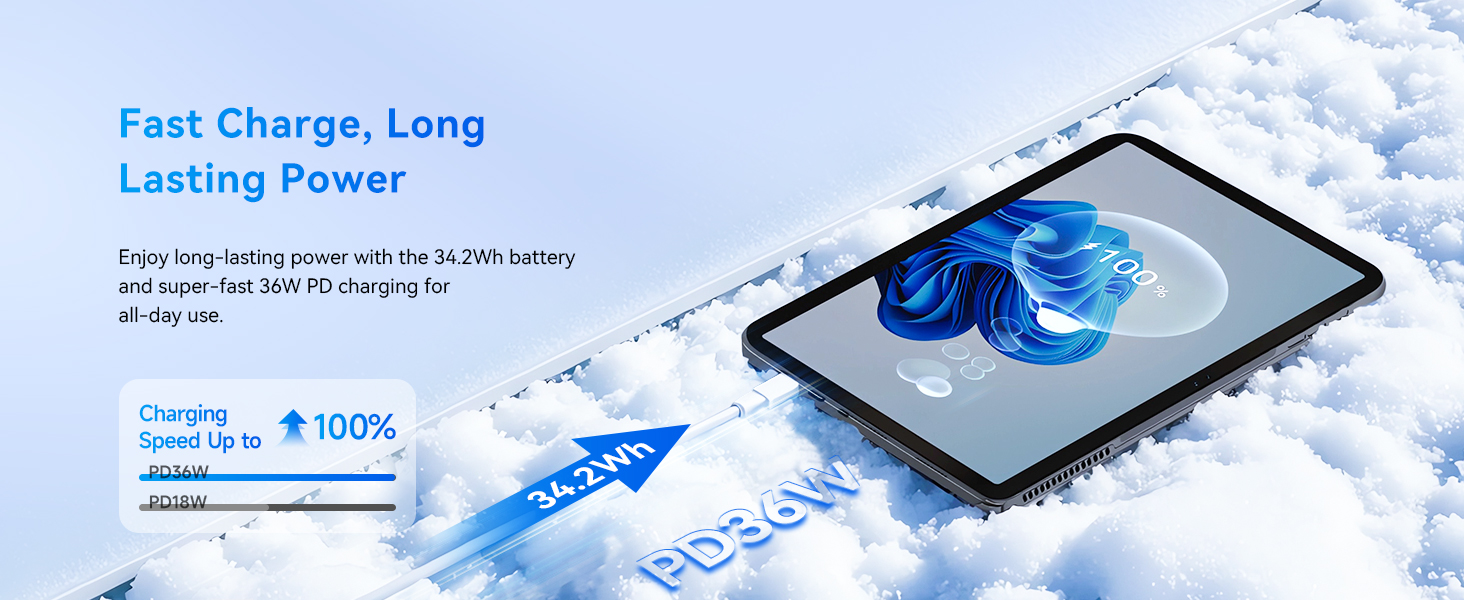
Before first use, fully charge your NewBook 11. Connect the provided power adapter to the Type-C charging port on the device and then to a power outlet. The charging indicator will illuminate.
1.3 Attaching the Keyboard and Kickstand
The magnetic keyboard and kickstand are designed for easy attachment and detachment:
- Клавіятура: Align the magnetic connector on the keyboard with the docking port at the bottom edge of the tablet. The magnets will secure it in place.
- Падстаўка: The kickstand attaches magnetically to the back of the tablet. Position it to achieve your desired viewing angle. Note that frequent adjustments may require re-aligning the kickstand.

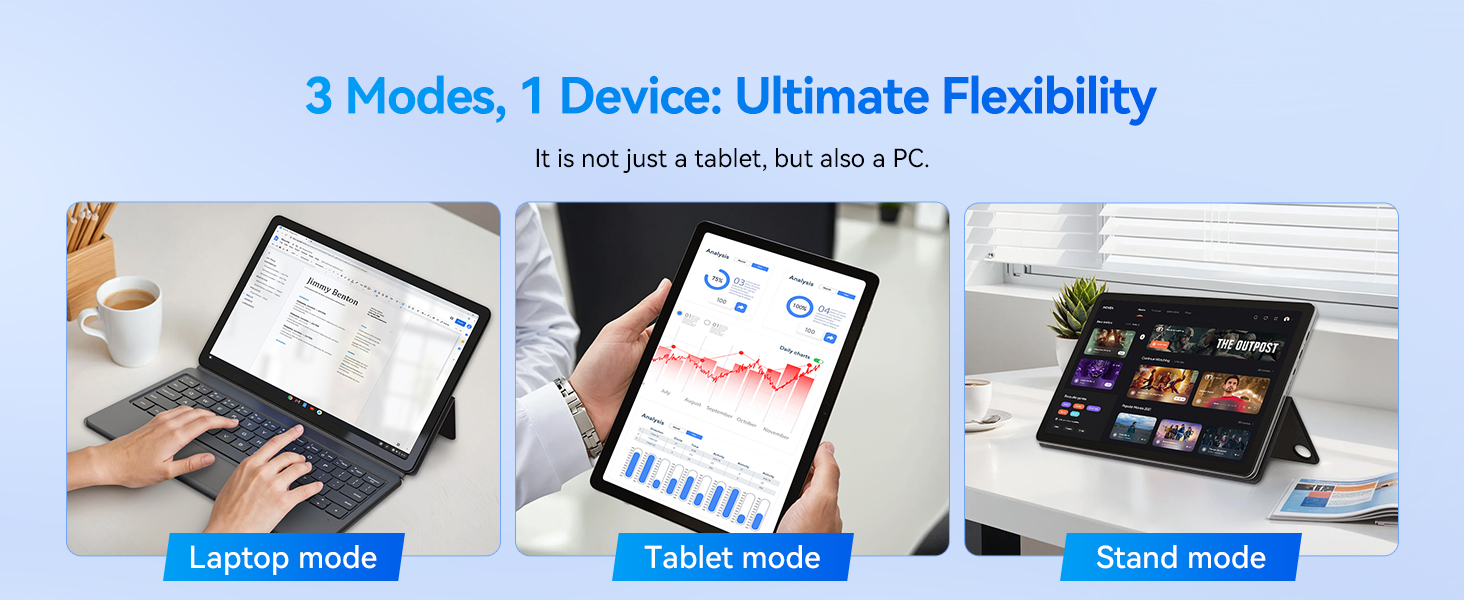
The BNCF NewBook 11 demonstrating its three flexible modes: laptop, tablet, and stand, enabled by the magnetic keyboard and kickstand.
1.4 Пачатковае ўключэнне і ўстаноўка Windows 11
Press and hold the power button located on the side of the device until the screen illuminates. Follow the on-screen instructions to complete the Windows 11 initial setup, including language selection, network connection, and user account creation.
2. Інструкцыя па эксплуатацыі
2.1 Функцыянальнасць «2 у 1»
The BNCF NewBook 11 offers versatile usage modes:
- Рэжым ноўтбука: With the keyboard and kickstand attached, use the device as a traditional laptop for productivity tasks.
- Рэжым планшэта: Detach the keyboard to use the device as a standalone tablet for touch-based interactions, browsing, or media consumption.
- Рэжым падстаўкі: Use the kickstand to prop up the tablet without the keyboard, ideal for watching videos or presentations.
2.2 Touchscreen and Display
The 11-inch FHD IPS In-Cell touchscreen (1920x1200 resolution) provides clear visuals and responsive touch input. Utilize multi-touch gestures for navigation within Windows 11.
The 11-inch FHD IPS In-Cell display of the NewBook 11, designed for clear and vibrant visuals.
2.3 Падключэнне
The device features various ports and wireless options:
- USB-C Ports (2): One for charging/data, one full-featured.
- USB 3.0 Port (1): Для падключэння перыферыйных прылад.
- Micro HDMI Port (1): For external display output (supports 1080P HD).
- 3.5mm Audio Jack (1): Для навушнікаў або знешніх дынамікаў.
- Wi-Fi 6: For high-speed wireless internet connectivity (2.4/5GHz).
- Bluetooth 5.0: Для падключэння бесправадных аксесуараў.
Падрабязны view of the BNCF NewBook 11's ports and external features, highlighting its comprehensive connectivity options.
2.4 Камеры
The device includes dual cameras: a 5MP front camera and an 8MP rear camera, suitable for video calls and basic photography.
3. Тэхнічнае абслугоўванне і догляд
3.1 Ачыстка
- экран: Выкарыстоўвайце мяккую тканіну без ворса, спецыяльна прызначаную для электронікі. Dampпры неабходнасці злёгку прамыйце вадой або сродкам для чысткі экранаў. Пазбягайце агрэсіўных хімічных рэчываў.
- Цела: Wipe the metal chassis with a soft, dry cloth.
3.2 Сыход за акумулятарам
Каб падоўжыць тэрмін службы батарэі:
- Пазбягайце частай поўнай разрадкі акумулятара.
- Не падвяргайце прыладу ўздзеянню экстрэмальных тэмператур.
- Use only the provided BNCF power adapter for charging.
3.3 Сістэма астуджэння
The NewBook 11 features an active cooling system with a PC-level fan and dual-copper heat pipe. Ensure the air vents are not obstructed to maintain optimal performance and prevent overheating.
An illustration of the internal active cooling system, showing the PC-level fan and copper heat pipe designed to maintain stable device temperature.
4. Выпраўленне непаладак
This section addresses common issues you might encounter with your BNCF NewBook 11.
4.1 Прылада не ўключаецца
- Ensure the device is fully charged. Connect the power adapter and wait a few minutes before attempting to power on again.
- Націсніце і ўтрымлівайце кнопку харчавання на працягу 10-15 секунд, каб выканаць жорсткі скід.
4.2 Кароткі тэрмін службы батарэі
- Знізіце яркасць экрана.
- Зачыніце непатрэбныя фонавыя праграмы.
- Ensure Wi-Fi and Bluetooth are turned off when not in use.
- Check for Windows updates, as power management improvements may be included.
4.3 Display Issues (e.g., Washed Out Colors)
- Check display settings in Windows 11 (Settings > System > Display) for color calibration options.
- Пераканайцеся, што драйверы відэакарты абноўленыя.
4.4 Keyboard or Trackpad Not Responding
- Ensure the magnetic keyboard is securely attached to the tablet's docking port.
- Адлучыце і зноў падключыце клавіятуру.
- Перазапусціце прыладу.
- If issues persist, contact BNCF support.
4.5 General Performance Slowdown
- Зачыніце невыкарыстоўваныя праграмы і ўкладкі браўзера.
- Check for sufficient free storage space on the 512GB SSD.
- Запусціце сканаванне сістэмы на наяўнасць шкоднасных праграм.
- Ensure Windows 11 is updated to the latest version.
5. Тэхнічныя характарыстыкі
| Асаблівасць | Дэталь |
|---|---|
| Назва мадэлі | NewBook 11 |
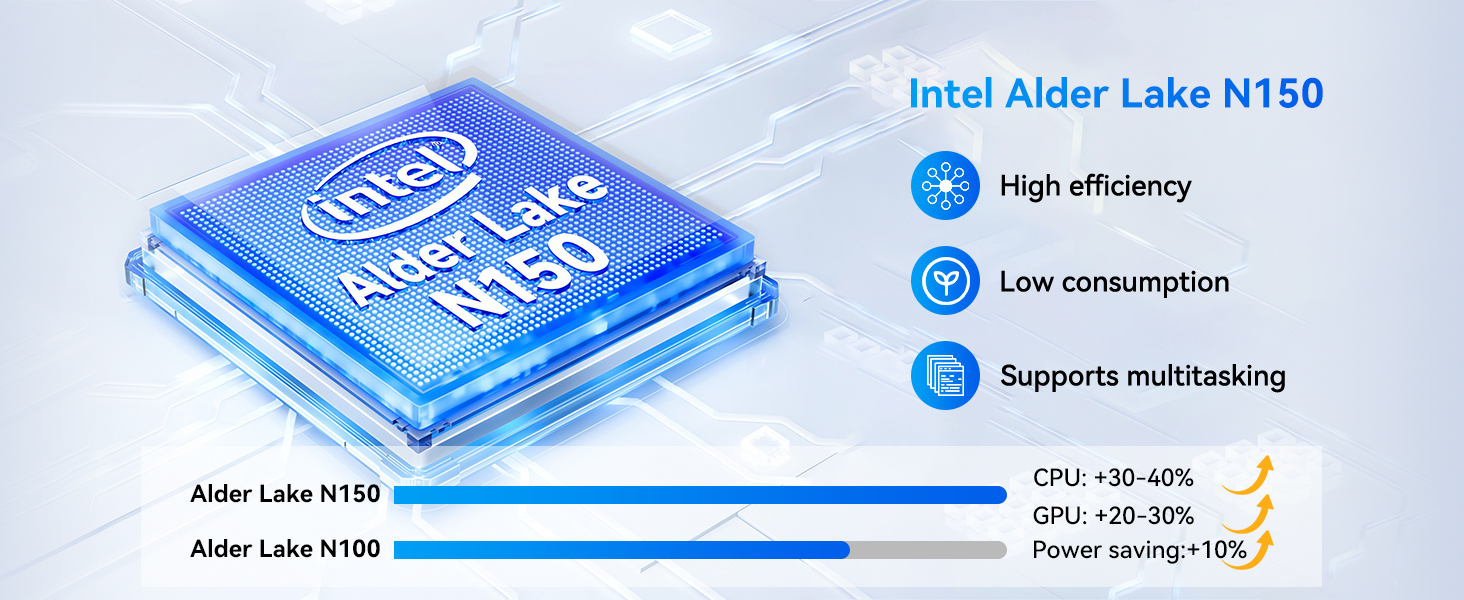
| Працэсар | Intel Alder Lake N150 (Quad-core, up to 3.6 GHz) |
| Графіка | Графіка Intel UHD |
| АЗП | 12 ГБ DDR5 |
| Захоўванне | 512 ГБ NVMe SSD |
| Аперацыйная сістэма | Windows 11 Pro |
| Дысплей | 11-inch FHD IPS In-Cell Touchscreen (1920x1200 pixels) |
| Камеры | Пярэдняя: 5 Мп, задняя: 8 Мп |
| Бесправоднае падключэнне | Wi-Fi 6 (2.4/5GHz), Bluetooth 5.0 |
| Парты | 2x Type-C (charging/data, full-featured), 1x USB 3.0, 1x Micro HDMI, 1x 3.5mm Audio Jack |
| акумулятар | 34.2Wh, supports PD 36W fast charging |
| Памеры (планшэт) | 10.12 х 6.61 х 0.38 цалі |
| Вага (планшэт) | 635 г (1.4 фунта) |
| Weight (Total with Keyboard/Kickstand) | 1106 г (2.44 фунта) |
6. Гарантыя і падтрымка
BNCF is committed to providing high-quality products and customer satisfaction.
6.1 Інфармацыя аб гарантыі
Your BNCF NewBook 11 comes with a адзін год гарантыі. This warranty covers manufacturing defects and ensures that your device meets BNCF's quality standards. For specific details regarding the RMA (Return Merchandise Authorization) policy, please refer to the official BNCF webсайт або звярніцеся ў службу падтрымкі кліентаў.
6.2 Тэхнічная падтрымка
Прапановы BNCF пажыццёвая тэхнічная падтрымка for its products. If you encounter any issues or have questions regarding your device, please contact BNCF customer service. You can expect a response within 24 hours.

BNCF provides a one-year warranty and dedicated support to ensure customer satisfaction.