
1. Уводзіны
Дзякуй за пакупкуasing the Heatz Sound Light Pro ZS24 Portable Bluetooth Speaker. This manual provides essential information for setting up, operating, and maintaining your speaker. Please read it carefully before use to ensure optimal performance and longevity of your device.
2. Інфармацыя па бяспецы
- Не падвяргайце дынамік уздзеянню экстрэмальных тэмператур, прамых сонечных прамянёў або высокай вільготнасці.
- Пазбягайце падзення дынаміка і не падвяргайце яго моцным ударам.
- Не разбірайце, не рамантуйце і не мадыфікуйце прыладу самастойна. Звярніцеся па дапамогу да кваліфікаванага абслугоўваючага персаналу.
- Трымайце калонку далей ад вады і іншых вадкасцей.
- Выкарыстоўвайце толькі зарадны кабель, які ўваходзіць у камплект, або яго сертыфікаваны эквівалент.
- Працірайце дынамік мяккай сухой тканінай. Не выкарыстоўвайце абразіўныя ачышчальнікі або растваральнікі.
3. Змесціва ўпакоўкі
Калі ласка, праверце наяўнасць усіх прадметаў у вашай упакоўцы:
- Heatz Sound Light Pro ZS24 Portable Bluetooth Speaker
- USB-кабель для зарадкі
- Кіраўніцтва карыстальніка
4. Прадукт скончыўсяview
Азнаёмцеся з кампанентамі і элементамі кіравання дынамікам.

Image: The Heatz Sound Light Pro ZS24 speaker, highlighting its various connection options including Bluetooth, FM Radio, Micro SD Card slot, USB port, and Type C charging port. Control buttons are located on the top panel.
Элементы кіравання і парты:
- Кнопка харчавання: Націсніце і ўтрымлівайце, каб уключыць/выключыць.
- Узмацненне гучнасці/наступны трэк: Кароткае націсканне для павелічэння гучнасці, доўгае націсканне для наступнага трэка.
- Паменшыць гучнасць/Папярэдні трэк: Кароткае націсканне для памяншэння гучнасці, доўгае націсканне для папярэдняга трэка.
- Play/Pause/Call Answer: Press to play/pause music or answer/end calls.
- Кнопка рэжыму: Press to switch between Bluetooth, USB, TF Card, AUX, and FM Radio modes.
- Кнопка святлодыёднага святла: Press to cycle through LED light modes.
- Порт USB: Для прайгравання з USB-назапашвальніка.
- Слот TF карты: For TF (Micro SD) card playback.
- Уваход AUX: Для падлучэння знешніх аўдыёпрылад праз аўдыёкабель 3.5 мм.
- Зарадны порт тыпу C: Для зарадкі калонкі.
5. Настройка
Першапачатковая зарадка:
Before first use, fully charge the speaker. Connect the provided USB charging cable to the Type C port on the speaker and the other end to a USB power adapter (not included) or a computer's USB port. The LED indicator will show charging status and turn off when fully charged.
6. Інструкцыя па эксплуатацыі
Уключэнне/выключэнне харчавання:
- Каб уключыць прыладу, націсніце і ўтрымлівайце кнопку харчавання, пакуль не пачуеце гукавое паведамленне.
- Каб выключыць дынамік, зноў націсніце і ўтрымлівайце кнопку харчавання, пакуль ён не выключыцца.
Спалучэнне праз Bluetooth:
- Уключыце дынамік. Ён аўтаматычна пяройдзе ў рэжым спалучэння Bluetooth, пра што будзе сведчыць мігценне святлодыёда.
- Уключыце Bluetooth на вашым смартфоне, планшэце або іншай прыладзе.
- Пошук available Bluetooth devices and select "Heatz ZS24" from the list.
- Пасля спалучэння вы пачуеце гукавы сігнал пацверджання, і святлодыёдны індыкатар перастане міргаць.
Спалучэнне True Wireless Stereo (TWS):
TWS allows you to connect two Heatz ZS24 speakers for an enhanced stereo sound experience.
- Ensure both ZS24 speakers are powered on and not connected to any other Bluetooth device.
- On one of the speakers, double-press the Mode button. You will hear a prompt indicating it's searching for another speaker.
- The two speakers will automatically pair with each other. A confirmation sound will indicate successful TWS pairing.
- Now, connect your device to one of the paired speakers via Bluetooth as described above. Both speakers will play audio in stereo.
Прайграванне карты USB/TF:
Insert a USB drive or TF (Micro SD) card containing MP3 audio files into the respective port. The speaker will automatically switch to USB or TF card mode and begin playback. Use the Volume/Track buttons to control playback.
AUX рэжым:
Connect an external audio device (e.g., MP3 player, laptop) to the speaker's AUX input using a 3.5mm audio cable (not included). Press the Mode button until you enter AUX mode. Audio will be played from the connected device.
Гучная сувязь:
When connected to your phone via Bluetooth, the speaker's built-in microphone allows for hands-free calls.

Image: A woman is shown using the Heatz Sound Light Pro ZS24 speaker for hands-free calling, demonstrating its convenience during daily activities.
- Адказаць на званок: Націсніце кнопку Play/Pause адзін раз.
- Завяршыць выклік: Націсніце кнопку прайгравання/паўзы адзін раз падчас размовы.
- Адхіліць выклік: Націсніце і ўтрымлівайце кнопку Прайграванне/Паўза.
Рэжымы святлодыёднага святла:
Press the LED Light button to cycle through various lighting effects or turn the lights off.
7. Зарадка
When the battery is low, the speaker will emit an audible warning. Connect the USB charging cable to the Type C port on the speaker and a power source. The LED indicator will illuminate during charging and turn off when the battery is full. A full charge provides up to 6 hours of continuous music playback.
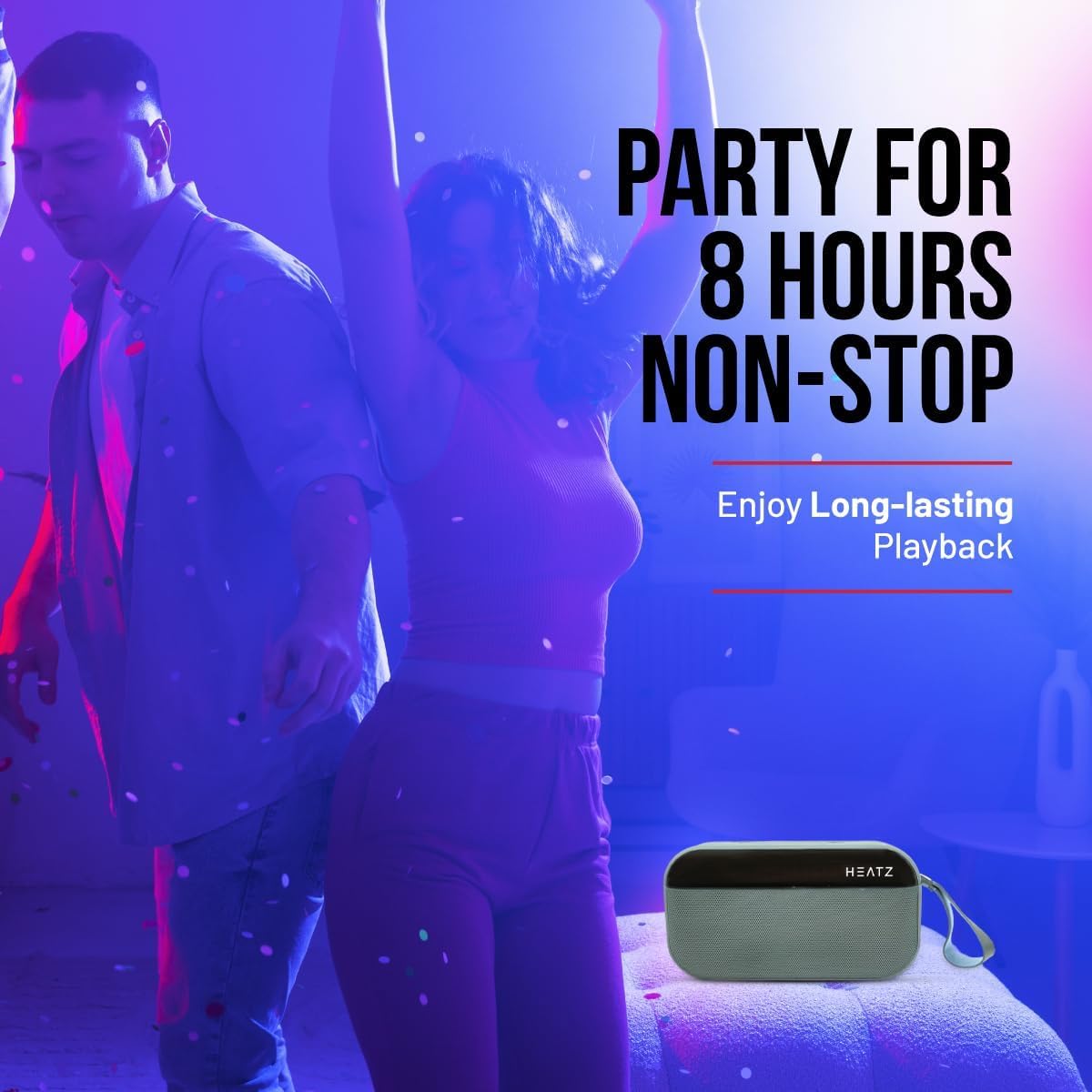
Image: The Heatz Sound Light Pro ZS24 speaker, illustrating its long-lasting playback capability for extended enjoyment.
8. Тэхнічнае абслугоўванне
- Уборка: Use a soft, dry, lint-free cloth to clean the speaker's exterior. Do not use liquid cleaners or sprays.
- захоўванне: Захоўвайце дынамік у прахалодным, сухім месцы, удалечыні ад прамых сонечных прамянёў і экстрэмальных тэмператур, калі ён не выкарыстоўваецца працяглы час.
- Сыход за батарэяй: Каб падоўжыць тэрмін службы батарэі, пазбягайце частай поўнай разрадкі батарэі. Рэгулярна зараджайце дынамік, нават калі ён не выкарыстоўваецца.
9. Выпраўленне непаладак
| праблема | Магчымая прычына | Рашэнне |
|---|---|---|
| Дынамік не ўключаецца. | Акумулятар разраджаны. | Цалкам зарадзіце дынамік. |
| Немагчыма падключыцца праз Bluetooth. | Дынамік не ў рэжыме спалучэння; Bluetooth на прыладзе выключаны; Прылада знаходзіцца занадта далёка. | Ensure speaker is in pairing mode. Turn on Bluetooth on your device. Move device closer to speaker (within 10 meters). |
| Няма гуку. | Volume is too low; Incorrect input mode; Device not playing. | Increase speaker and device volume. Switch to correct input mode (Bluetooth, USB, TF, AUX). Ensure audio is playing on your connected device. |
| Памылка спалучэння TWS. | Speakers are already paired to another device; Incorrect TWS pairing procedure. | Пераканайцеся, што абедзве калонкі адключаны ад іншых прылад. Уважліва выконвайце крокі спалучэння TWS. |
10. Тэхнічныя характарыстыкі
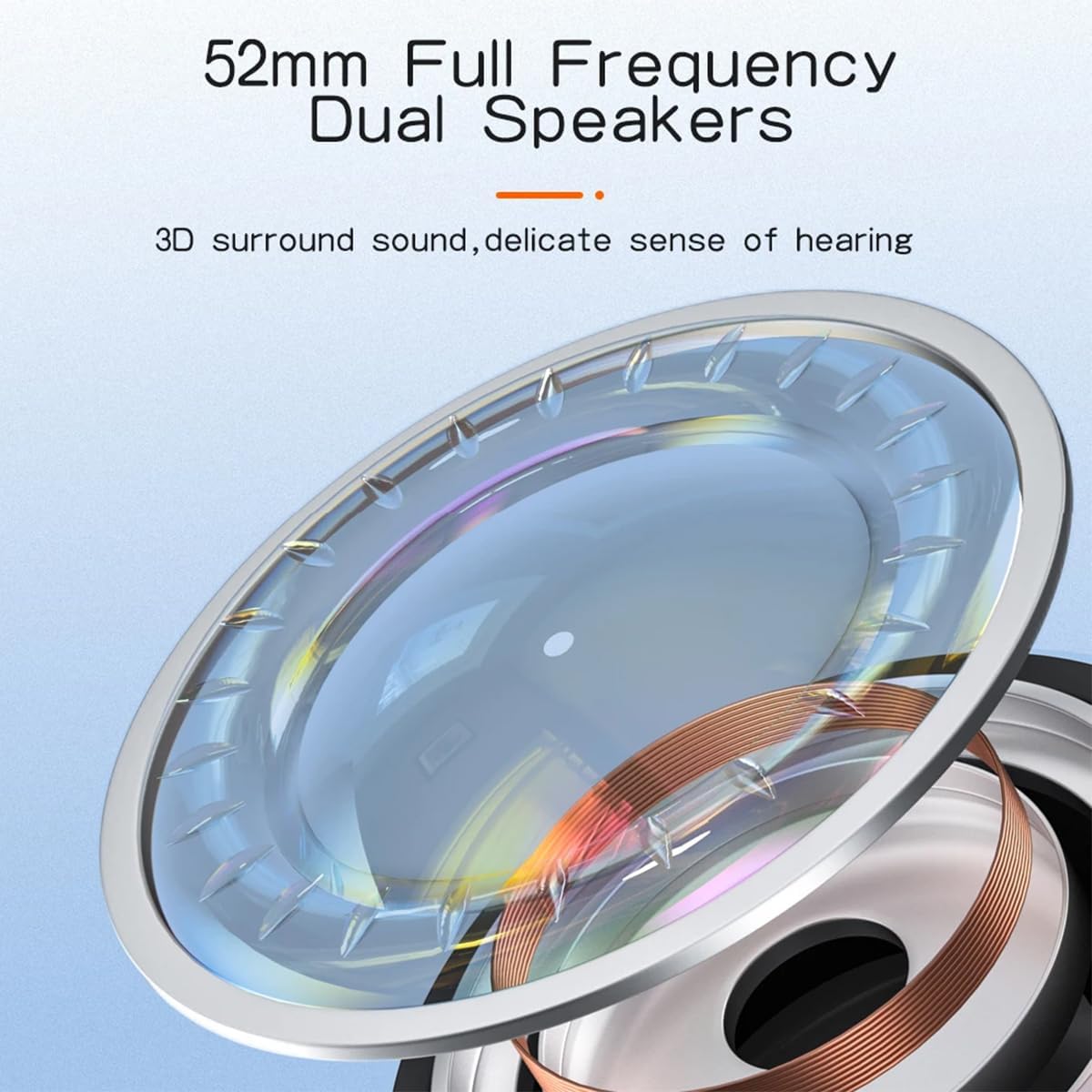
Выява: Падрабязны view of the 52mm full-frequency dual speakers, designed for 3D surround sound and a delicate sense of hearing.
| Асаблівасць | Дэталь |
|---|---|
| мадэль | ZS24 |
| Выходная магутнасць | 12 Вт (2 х 6 Вт) |
| Версія Bluetooth | 5.4 |
| Ёмістасць батарэі | 2400 мАг |
| Час прайгравання | Да 6 гадзін |
| Памер дынаміка | 57mm (52mm Full Frequency Dual Speakers) |
| Падтрымка TWS | так |
| Параметры падлучэння | Bluetooth, USB, TF-карта, AUX |
| Асвятленне | Рэжым святлодыёднага святла |
| Элементы кіравання | Power, Volume, Play/Pause, Mode, Light |
| Званок без рук | Убудаваны мікрафон |
| Памеры | 16.8 х 12.5 х 6.5 см |
| Вага | 450 грамаў |
| Імпеданс | 4 Ом |
11. Гарантыя і падтрымка
This product comes with a standard manufacturer's warranty. Please refer to the warranty card included in your package for specific terms and conditions. For technical support, troubleshooting assistance, or warranty claims, please contact your retailer or the Heatz customer service department.
Захоўвайце чэк аб куплі ў якасці пацверджання пакупкі для мэт гарантыйнага абслугоўвання.