
1. Прадукт скончыўсяview
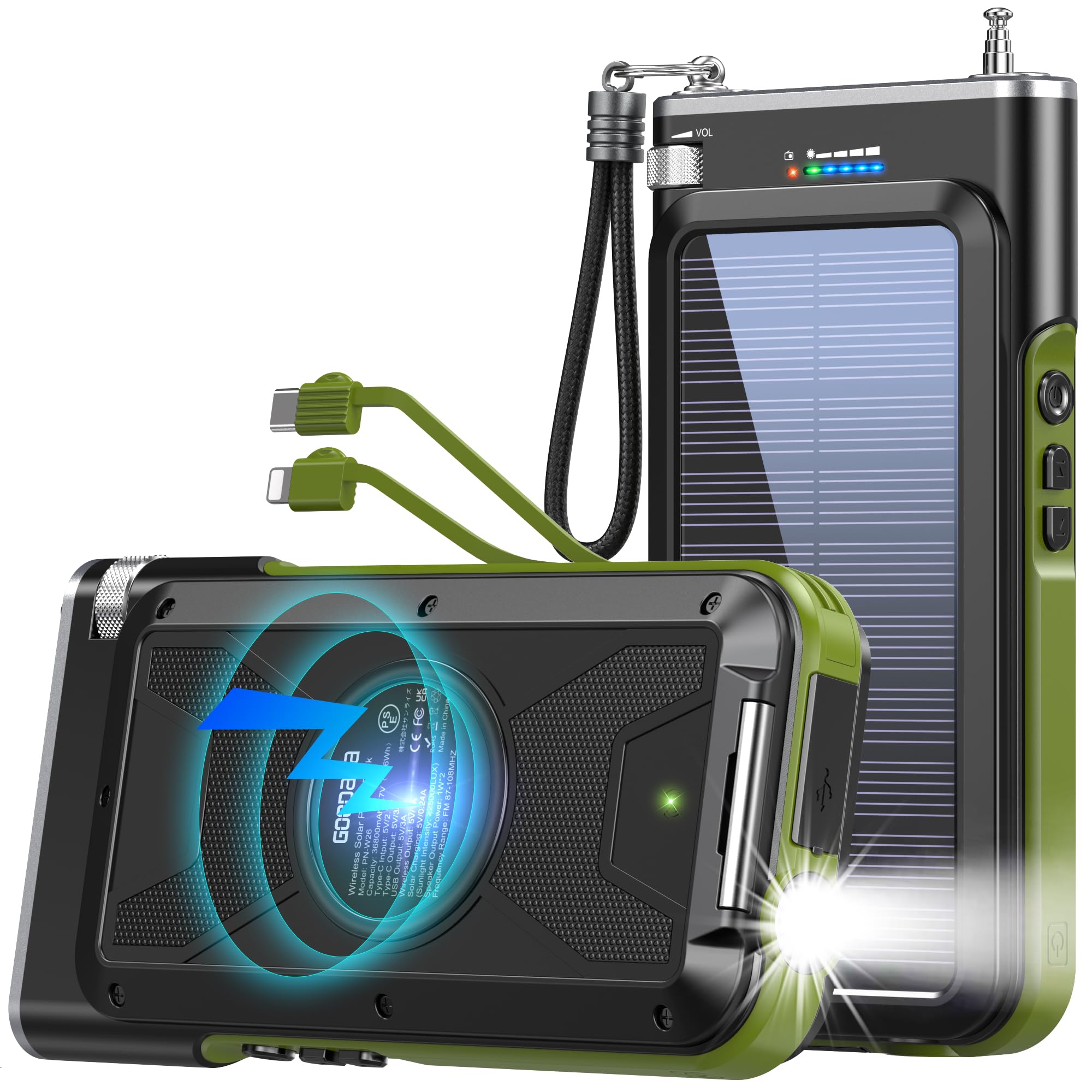
The GOODaaa PN-W26 Solar Power Bank is a versatile and robust portable charging solution designed for outdoor enthusiasts and emergency preparedness. With a high capacity of 45800mAh, it ensures multiple charges for your devices. It features advanced wireless charging, built-in Type-C and Lightning cables, and 15W fast charging capabilities, allowing up to 5 devices to charge simultaneously. Unique emergency features include an integrated FM radio and a bright LED flashlight. The device is built for durability, offering waterproof, dustproof, and shockproof protection.
2. Інфармацыя па бяспецы
Please read all safety instructions before using this product. Failure to follow these instructions may result in electric shock, fire, or personal injury.
- Do not expose the power bank to extreme temperatures (above 60°C/140°F or below 0°C/32°F).
- Не разбірайце, не мадыфікуйце і не рамантуйце прыладу.
- Трымаць далей ад вады, вільгаці і лёгкаўзгаральных матэрыялаў.
- Не кідайце прыладу і не падвяргайце яе моцным ударам.
- Не выкарыстоўвайце прыладу, калі яна пашкоджана або ўздутая.
- Dispose of the power bank according to local regulations. Do not dispose of it in household waste.
3. Настройка
3.1 Першапачатковая зарадка
Before first use, fully charge the power bank using a wall adapter via the USB-C input port. Alternatively, place the power bank under direct sunlight for solar charging.
3.2 Мацаванне шнурка
Attach the included lanyard to the designated loop on the power bank for convenient carrying.
4. Аперацыя
4.1 Зарадныя прылады
To begin charging, press the power button once to activate the power bank. The battery indicator lights will illuminate.
4.1.1 Правадная зарадка
Connect your device using the built-in Type-C or Lightning cables, or use your own USB-A or USB-C cable with the respective output ports. The power bank supports 5V/3A fast charging.

4.1.2 Бесправадная зарадка
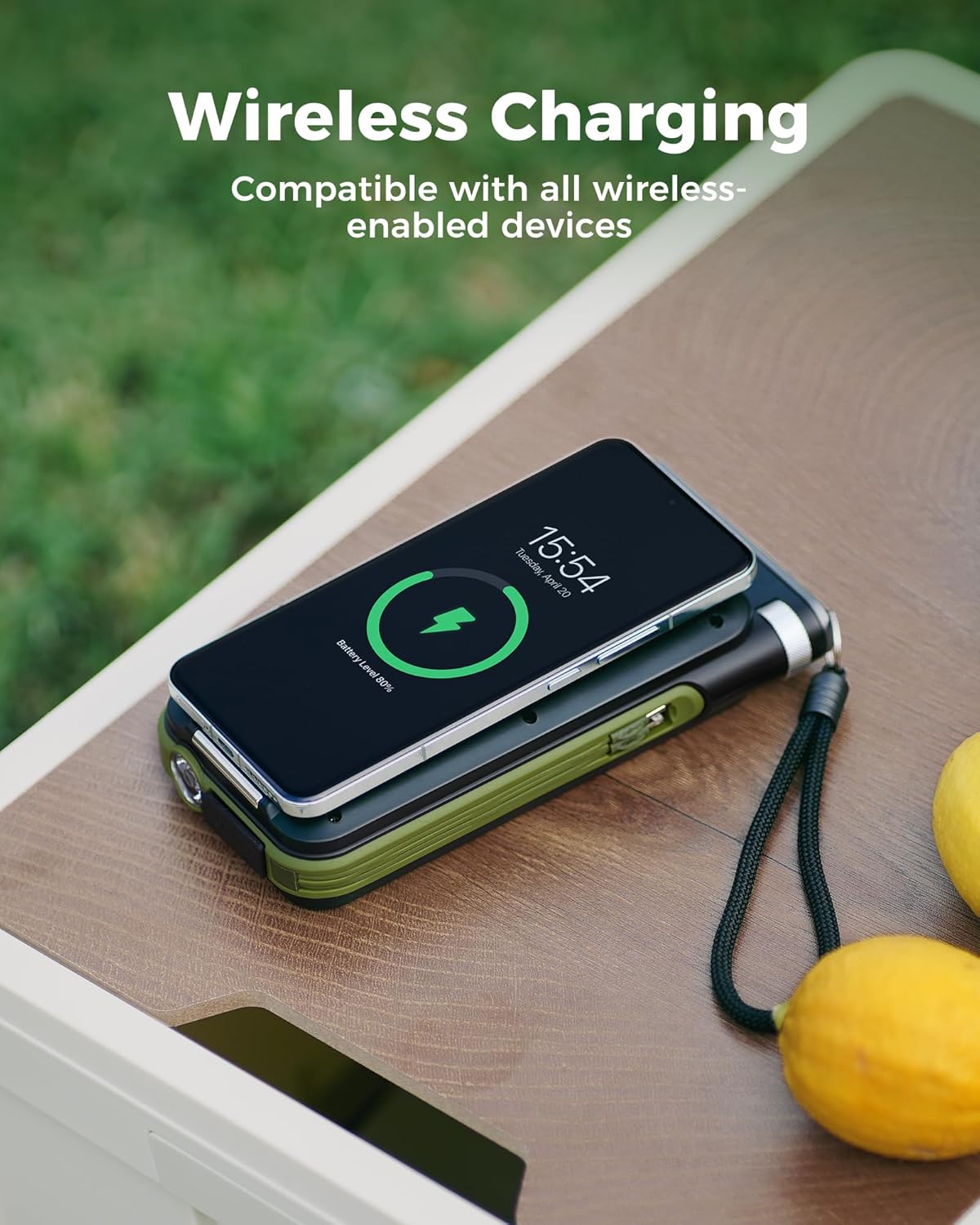
Place your wireless-enabled mobile device (e.g., iPhone 16/15/14/13 series, Samsung Galaxy S23/S22/S21 series) on the designated wireless charging area on the back of the power bank. Ensure the device is centered for optimal charging. The wireless output is 5V/1A.
4.2 Зарадка знешніх акумулятараў
4.2.1 Via USB-C Input
Connect a USB-C cable from a wall adapter to the USB-C input/output port on the power bank. The battery indicator lights will show the charging progress.

4.2.2 Via Solar Panel
Place the power bank under direct sunlight. The solar charging indicator light will illuminate, indicating that the device is charging. For optimal solar charging, ensure the solar panel is facing the sun directly and is not obstructed. Solar charging is primarily for emergency use and may be slower than wired charging.

4.3 Праца з ліхтарыкам
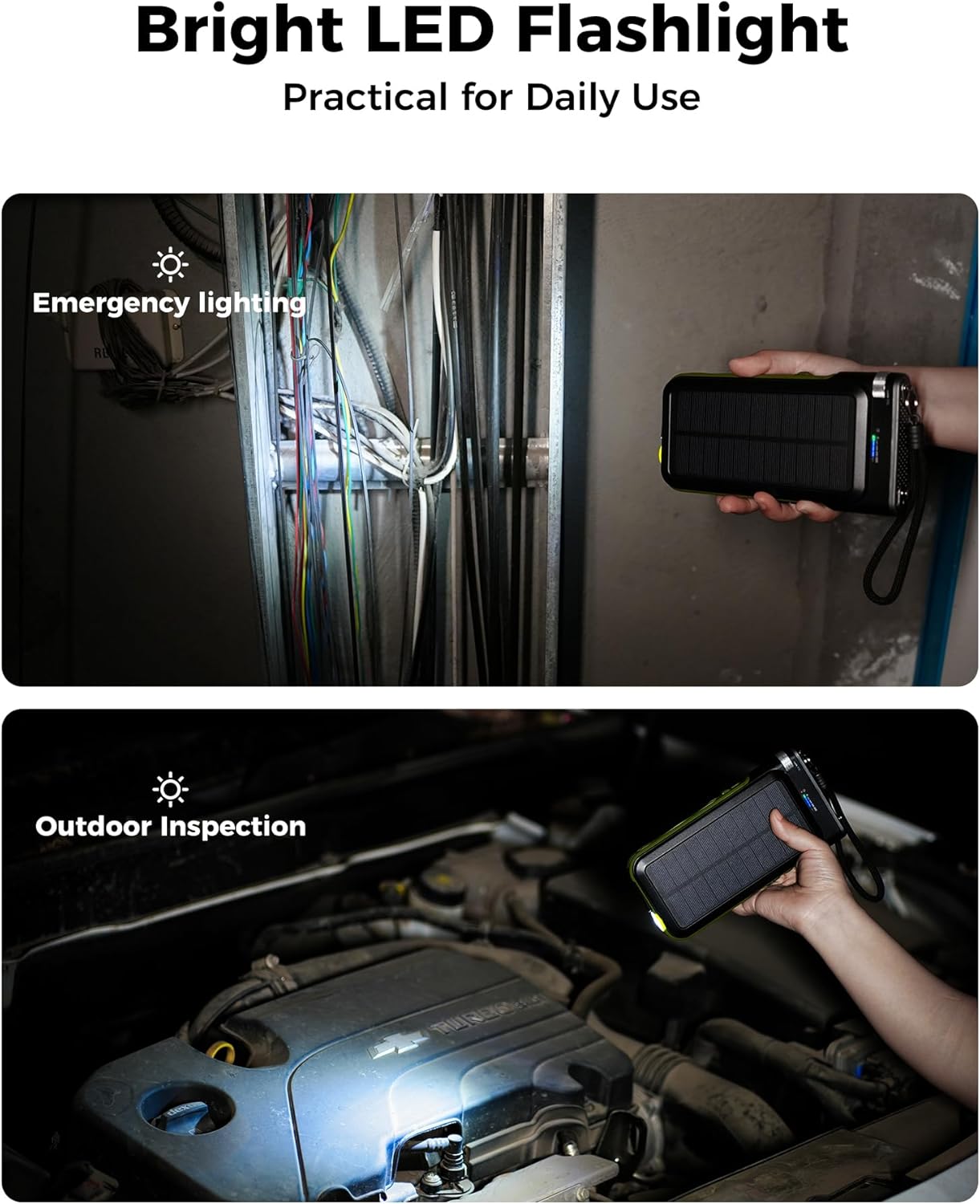
To turn on the LED flashlight, press and hold the power button for 3 seconds. To cycle through different modes (e.g., steady, SOS, strobe), press the power button briefly. To turn off the flashlight, press and hold the power button again for 3 seconds.
Праца з радыё 4.4 FM
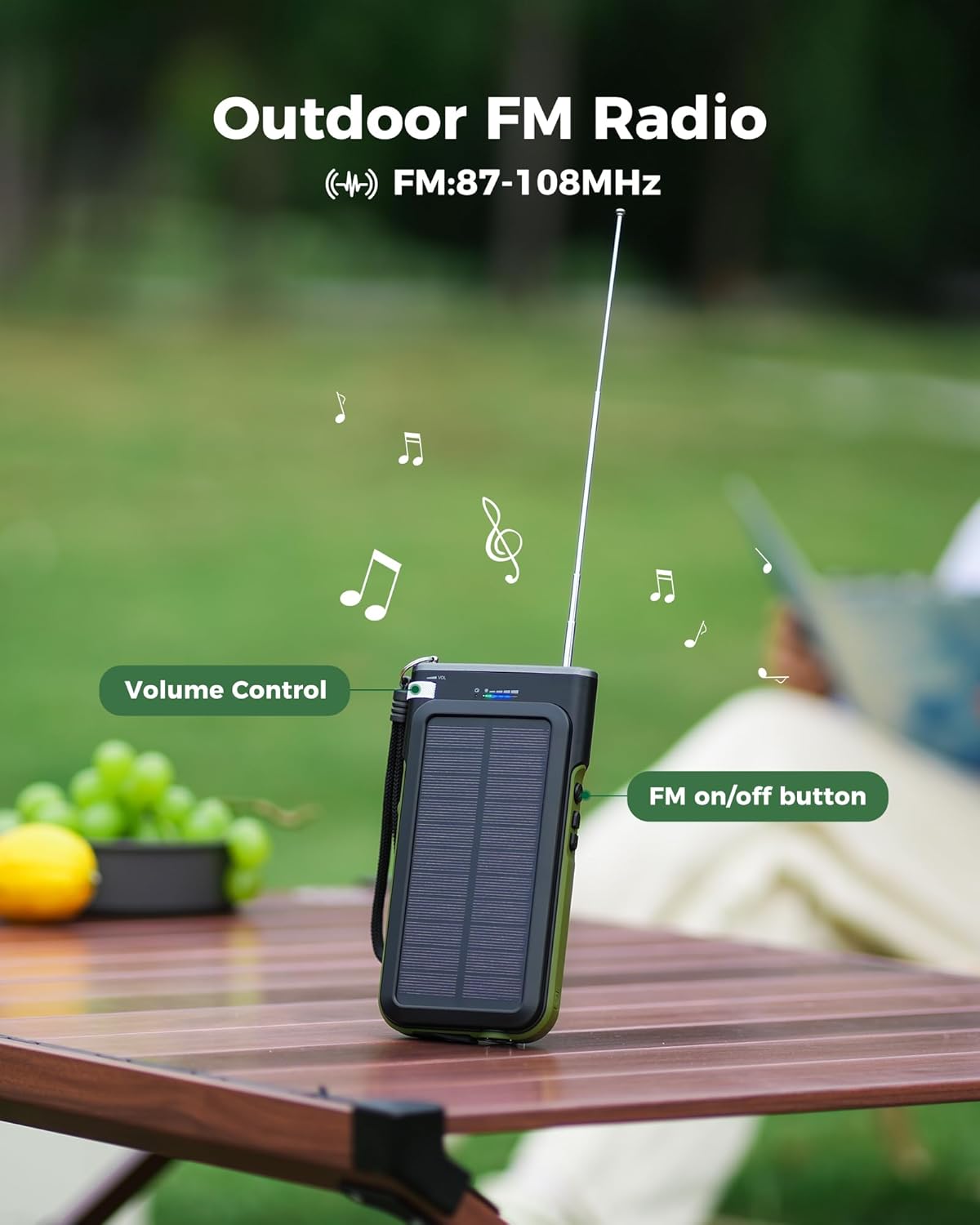
Extend the antenna located on the top of the power bank. Press the radio power button to turn on the FM radio. Use the volume dial to adjust the sound level. Use the scan buttons to search for available radio stations. The frequency range is FM 87-108 MHz.
4.5 Kickstand Use
The power bank features a built-in kickstand on the back. Pull it out and fold it down to prop up the device. This is useful for angling the solar panel towards the sun or for hands-free radio listening.
5. Тэхнічнае абслугоўванне
5.1 Ачыстка
Працірайце прыладу мяккай сухой тканінай. Не выкарыстоўвайце агрэсіўныя хімікаты або абразіўныя ачышчальнікі.
5.2 Захоўванне
Store the power bank in a cool, dry place away from direct sunlight and extreme temperatures. For long-term storage, ensure the battery is charged to about 50-70% and recharge it every 3 months to prolong battery life.
5.3 Сыход за акумулятарам
Avoid completely discharging the battery. Charge the power bank regularly, even if not in use, to maintain optimal battery health.
6. Выпраўленне непаладак
6.1 Прылада не зараджаецца
- Ensure the power bank is turned on by pressing the power button.
- Check all cable connections. Try a different cable or port.
- If using solar charging, ensure the panel is in direct sunlight and the solar indicator light is on.
6.2 Павольная зарадка
- For wired charging, ensure your adapter supports 15W fast charging.
- Solar charging is inherently slower and intended for emergency or supplemental use.
6.3 Radio Not Working
- Цалкам выцягніце антэну.
- Ensure the radio power button is pressed.
- Adjust the volume dial.
- Use the scan buttons to find a clear station.
6.4 Flashlight Not Working
- Пераканайцеся, што знешні акумулятар мае дастатковы зарад.
- Press and hold the power button for 3 seconds to activate the flashlight.
7. Тэхнічныя характарыстыкі
| Асаблівасць | Дэталь |
|---|---|
| Нумар мадэлі | PN-W26 |
| Ёмістасць батарэі | 45800 мАг |
| Уваход/выхад USB-C | DC 5V/3A (макс.) |
| Выхад USB-A | DC 5V/3A (макс.) |
| Убудаваны выхад Lightning Cable | Пастаянны ток 5 В/2 А |
| Убудаваны кабельны выхад USB-C | Пастаянны ток 5 В/3 А |
| Бесправадны выхад | Пастаянны ток 5 В/1 А |
| Уваход для сонечнай зарадкі | DC 5V/0.24A (25000LUX) |
| Выходная магутнасць дынаміка | 1 Вт*2 |
| Дыяпазон частот FM | 87-108 МГц |
| Памеры прадукту | 6.7 х 3.5 х 1.5 цалі |
| Вага прадмета | 1.15 фунта |
| Асаблівасці | Built-in Cables, Flashlight, Wireless Charging, Radio, Solar Panel, Waterproof, Dustproof, Shockproof |
8. Гарантыя і падтрымка
GOODaaa provides a worry-free warranty and professional pre-sales and after-sales services. If you encounter any problems with your PN-W26 Solar Power Bank, please contact our customer support for a satisfactory solution.
For support, please refer to the contact information provided in your product packaging or visit the official GOODaaa webсайт.