
Уводзіны
This manual provides essential information for the proper setup, operation, and maintenance of your UnionSine HD3513 1TB External Hard Drive. Please read these instructions carefully to ensure optimal performance and longevity of your device.
Настройка
The UnionSine HD3513 external hard drive is designed for plug-and-play functionality, requiring no software installation for basic use.
- Падключыце дыск: Use the provided USB 3.0 Type-C cable to connect the external hard drive to an available USB port on your computer (PC, Mac, Linux), laptop, gaming console (PS4, Xbox), or compatible TV.
- Аўтаматычнае распазнаванне: Ваша аперацыйная сістэма павінна аўтаматычна выявіць і ўсталяваць неабходныя драйверы. Дыск будзе адлюстроўвацца як новая прылада захоўвання дадзеных.
- Пачатковае фарматаванне (неабавязкова): For cross-platform compatibility (e.g., using with both Windows and Mac), it is recommended to format the drive to exFAT. For specific operating systems, you may choose NTFS (Windows) or HFS+ (Mac). Formatting will erase all data on the drive, so ensure it is empty or backed up before proceeding. Refer to your operating system's documentation for formatting instructions.
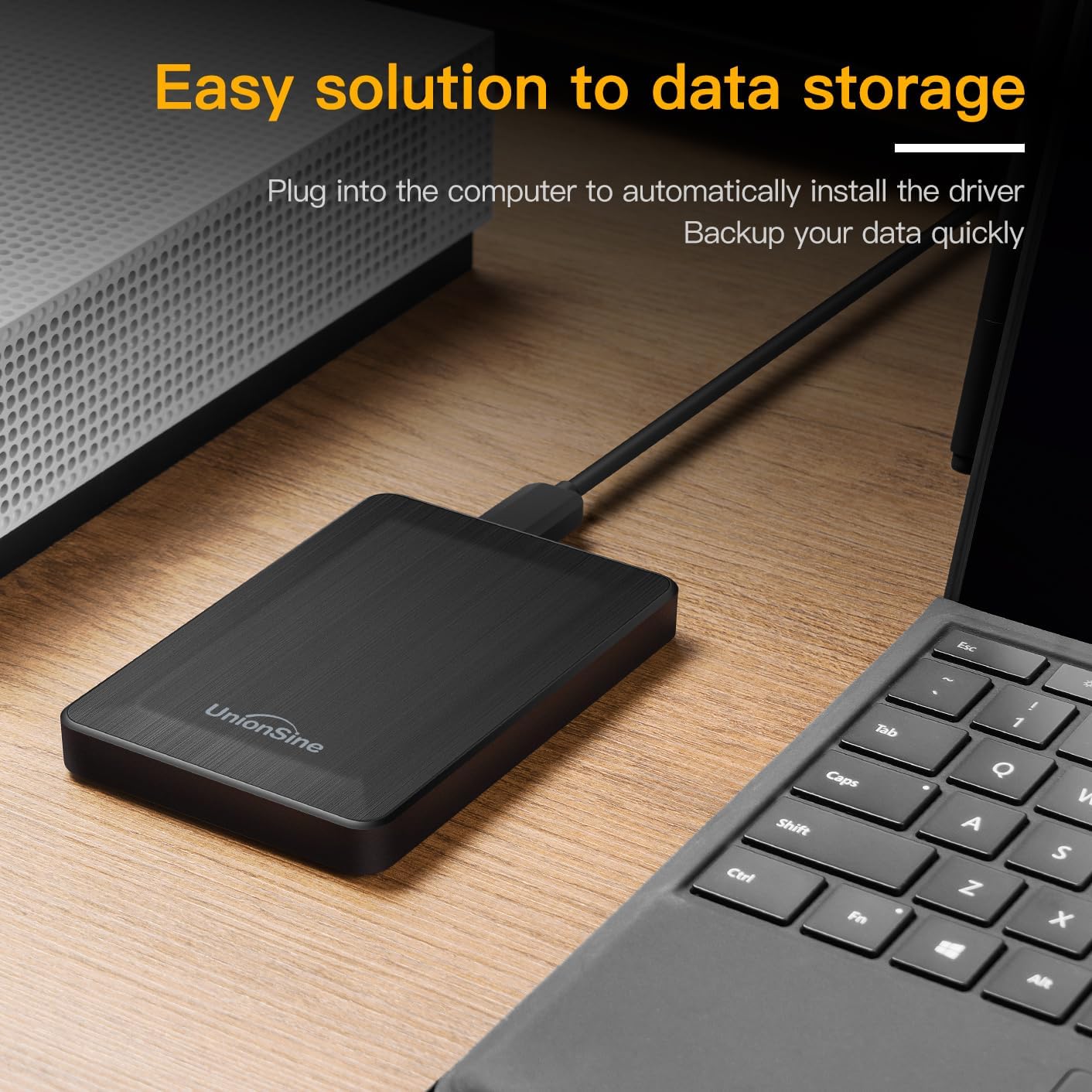
Image: The UnionSine HD3513 external hard drive connected via USB, demonstrating its plug-and-play setup for data storage and backup.
Аперацыйная
Once connected and recognized, your UnionSine HD3513 external hard drive functions like any other storage device.
- Перадача дадзеных: Перацягнуць files or use copy/paste functions to transfer data to and from the drive. The USB 3.0 interface supports high-speed data transfers up to 120MB/s, depending on your system's hardware configuration and operating system.
- Сумяшчальнасць: The drive is compatible with various operating systems including Windows, Mac, and Linux. It can also be used with gaming consoles like PS4 and Xbox, and certain smart TVs for media playback or storage expansion.
- Бяспечнае выдаленне: Always safely eject the hard drive from your operating system before physically disconnecting it to prevent data corruption.
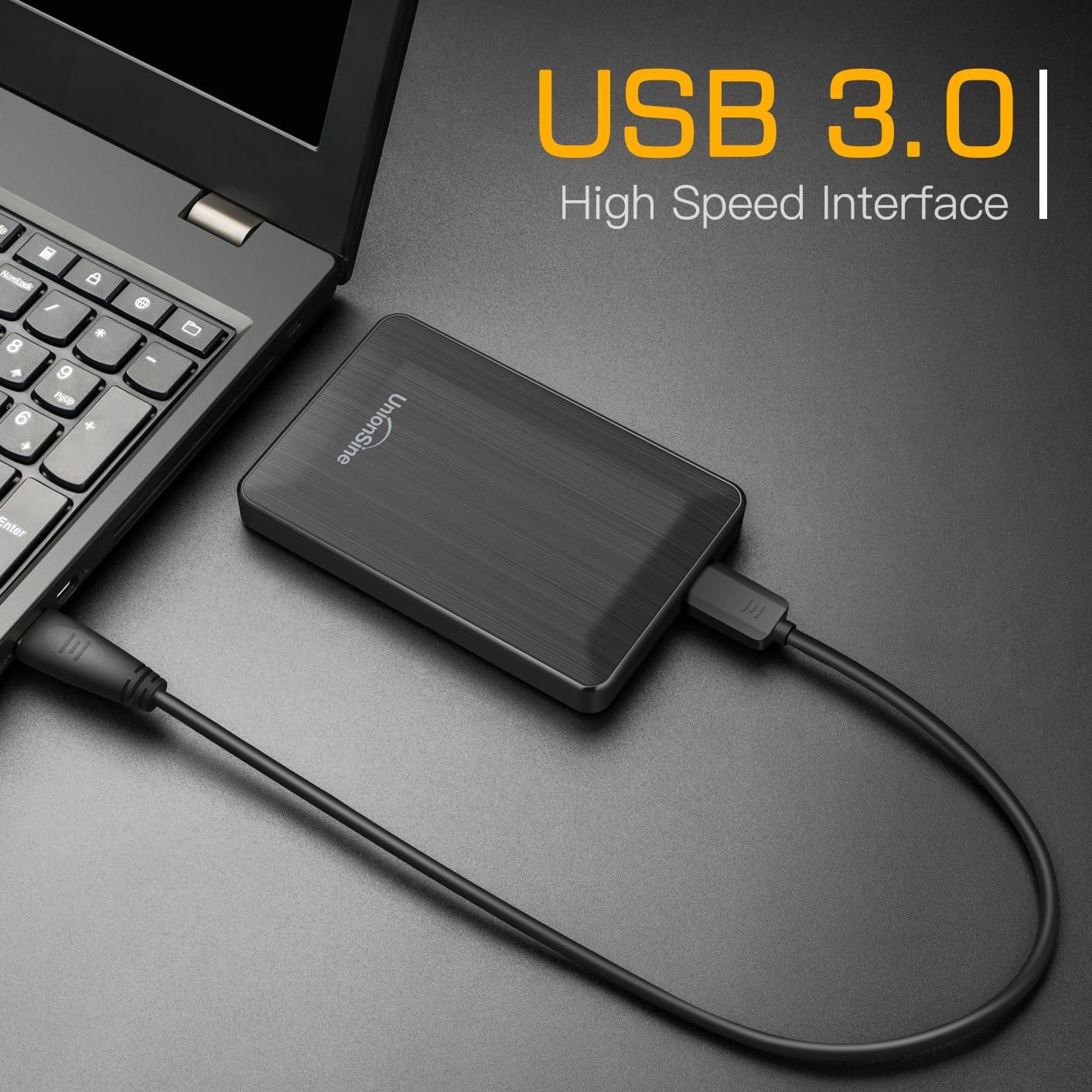
Image: The UnionSine HD3513 external hard drive connected to a laptop, demonstrating its USB 3.0 high-speed interface for efficient data transfer.

Image: An illustration of the UnionSine HD3513 external hard drive's broad compatibility with Windows, Mac, and Linux operating systems.
Тэхнічнае абслугоўванне
Proper care ensures the longevity and reliability of your external hard drive.
- Фізічная абарона: Avoid dropping or subjecting the drive to strong impacts. While designed for portability, excessive physical shock can damage internal components.
- Умовы навакольнага асяроддзя: Трымайце дыск далей ад экстрэмальных тэмператур, прамых сонечных прамянёў і высокай вільготнасці.
- Уборка: Для чысткі вонкавага боку дыска выкарыстоўвайце мяккую сухую тканіну. Не выкарыстоўвайце вадкія ачышчальнікі або растваральнікі.
- Рэзервовае капіраванне даных: Regularly back up important data stored on the external drive to another location to prevent data loss in case of unforeseen issues.
Ліквідацыю непаладак
If you encounter issues with your UnionSine HD3513, consider the following:
- Дыск не распазнаецца:
- Ensure the USB cable is securely connected to both the drive and your device.
- Паспрабуйце падключыцца да іншага USB-порта на прыладзе.
- Test the drive on another computer to rule out a system-specific issue.
- Check your computer's Disk Management (Windows) or Disk Utility (Mac) to see if the drive is detected but unformatted or has a drive letter conflict.
- Павольная хуткасць перадачы дадзеных:
- Для аптымальнай хуткасці пераканайцеся, што вы падключаны да порта USB 3.0. Парты USB 2.0 прывядуць да павольнай перадачы дадзеных.
- Праверце, ці абноўленыя драйверы вашага кампутара.
- Закрыйце іншыя праграмы, якія могуць выкарыстоўваць сістэмныя рэсурсы або выконваць фонавую перадачу дадзеных.
- Capacity Discrepancy: The actual usable capacity of a hard drive may appear slightly less than the nominal capacity due to differences in calculation methods (decimal vs. binary) and system fileс. Напрыкладample, 1TB is approximately 931GB of usable space. This is normal and not an indication of a defect.
Калі праблемы не знікнуць, звярніцеся ў раздзел падтрымкі для атрымання дадатковай дапамогі.
Тэхнічныя характарыстыкі
| мадэль | HD3513 |
| Ёмістасць лічбавай памяці | 1 ТБ (тэрабайт) |
| Інтэрфейс жорсткага дыска | USB 3.0 (зваротная сумяшчальнасць з USB 2.0) |
| Тэхналогія падлучэння | USB |
| Форм-фактар жорсткага дыска | 2.5 цалі |
| Хуткасць кручэння жорсткага дыска | 5400 XNUMX абаротаў у хвіліну |
| Сумяшчальныя прылады | Desktop, Mac, Laptop, Game Console (PS4, Xbox), TV |
| Апаратная платформа | Лінукс, Mac, ПК |
| Колер | Чорны |
| Памеры пасылкі | 13.89 х 10.21 х 3.71 см |
| Вага прадмета | 240 г |
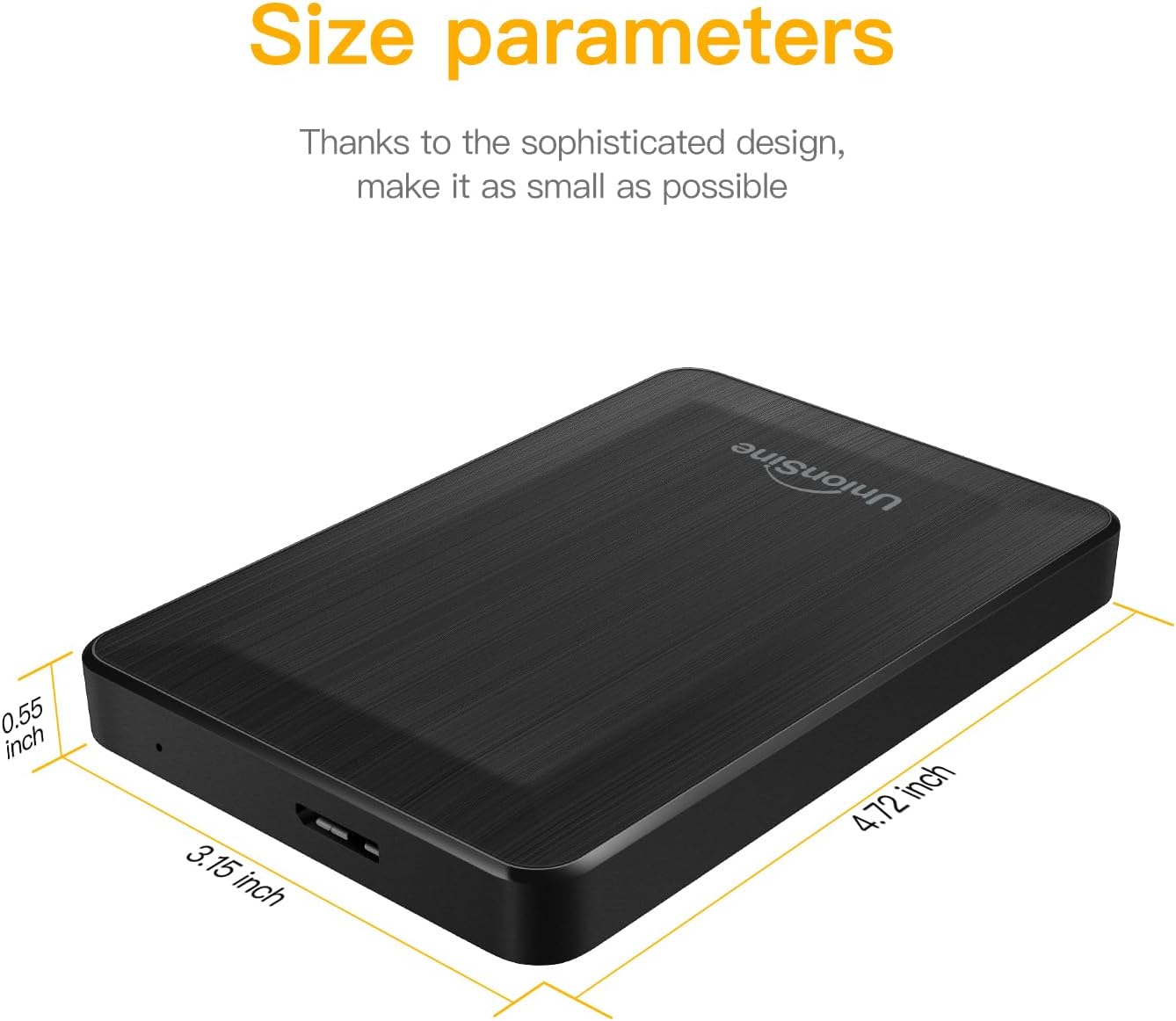
Image: Detailed size parameters of the UnionSine HD3513 external hard drive, showing its compact dimensions.
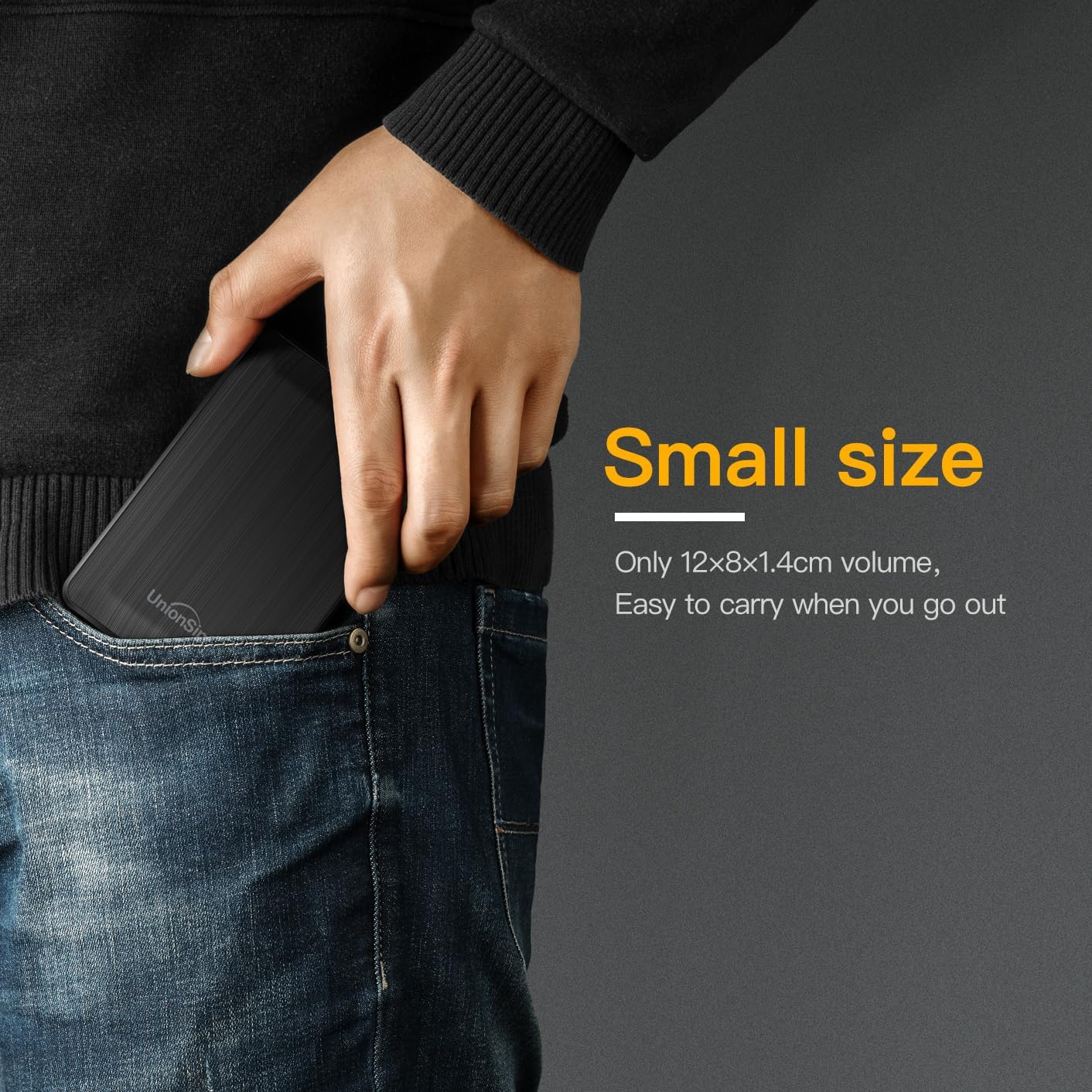
Image: The UnionSine HD3513 external hard drive fitting easily into a pocket, emphasizing its small size and portability for on-the-go use.
Гарантыя
Specific warranty details for the UnionSine HD3513 external hard drive are provided by the manufacturer at the time of purchase. Please retain your proof of purchase for warranty claims. For detailed warranty terms and conditions, refer to the documentation included with your product or contact UnionSine customer support.
Падтрымка
For technical assistance, troubleshooting beyond this manual, or warranty inquiries, please contact UnionSine customer support. Contact information can typically be found on the product packaging, the manufacturer's official webсайце або праз вашага прадаўца.