
1. Уводзіны
The HOVERAir X1 PROMAX is a foldable 8K action flying camera designed for capturing high-quality aerial footage. This manual provides essential information for setting up, operating, maintaining, and troubleshooting your device to ensure optimal performance and safety.
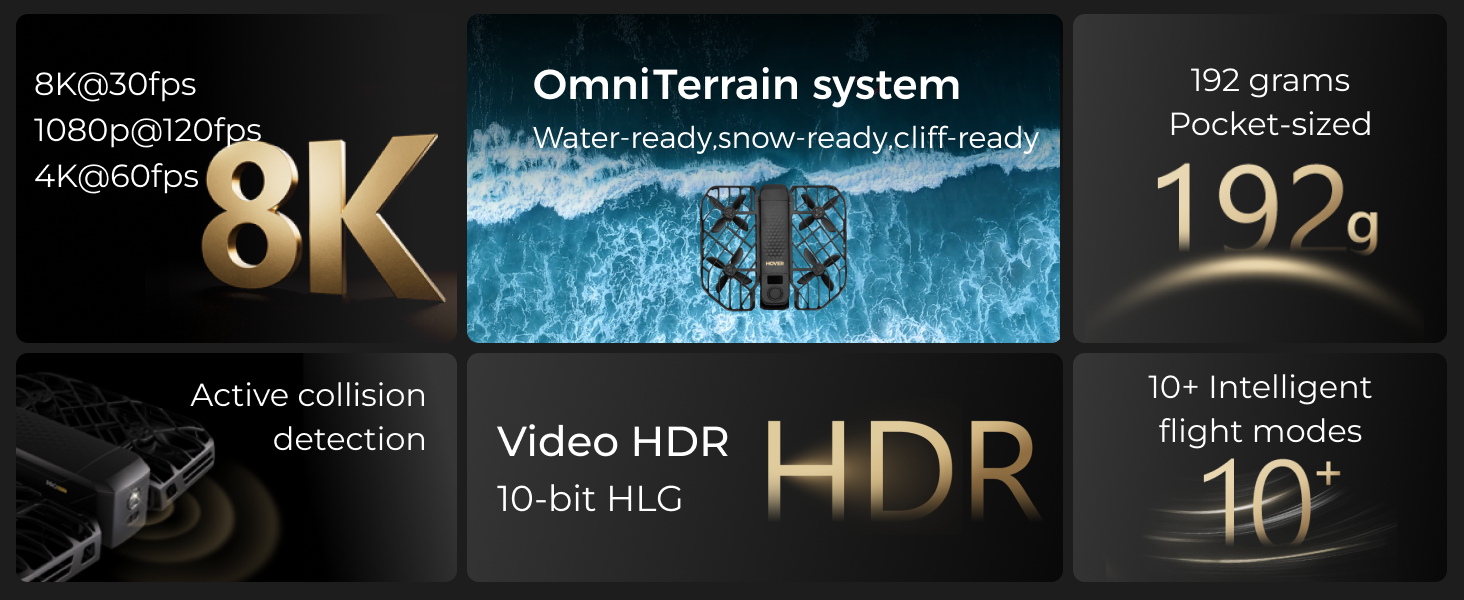
Image: Key highlights of the HOVERAir X1 PROMAX, showcasing its compact design and advanced features.
2. Настройка
2.1 Распакоўка і першапачатковы агляд
Carefully unpack all components from the box. Verify that all items listed in the 'What's in the Box' section are present and undamaged. Inspect the drone for any visible signs of damage before first use.

Image: The HOVERAir X1 PROMAX drone with its included accessories, laid out for inspection.
2.2 Зарадка акумулятара
The HOVERAir X1 PROMAX uses 1920 Milliamp Hours Lithium Ion smart batteries. Before first use, fully charge all batteries using the provided X1 PRO/PROMAX Charging Hub and Charging plug. The charging hub allows for rapid charging of multiple batteries.

Image: Illustration of the HOVERAir X1 PROMAX smart battery, designed to prevent overcharging and over-discharging.
2.3 Складванне і раскладванне
The HOVERAir X1 PROMAX features a foldable design for portability. Gently unfold the propeller guards until they lock into place. To fold, reverse the process, ensuring the guards are securely tucked against the main body.
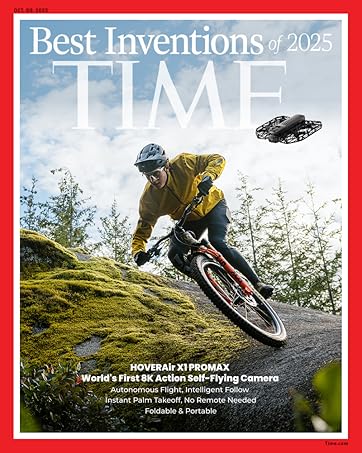
Image: The HOVERAir X1 PROMAX in its compact, folded state, held in a hand.

Image: The HOVERAir X1 PROMAX unfolded and ready for flight.
3. Рэжымы працы
The HOVERAir X1 PROMAX offers over 10 fully automatic flight modes, allowing for hands-free filming. These modes can be selected directly on the device or through the companion app.
Video: This video demonstrates various flight modes of the HOVERAir X1 PROMAX, including Hover, Zoom Out, Follow, Orbit, Bird's Eye, Dolly Track, and Side Track, showcasing the drone's autonomous capabilities.
3.1 Automatic Flight Modes
- Навядзенне: The drone maintains a stable position in the air.
- Змяншэння: The drone flies backward and upward, revealing more of the surroundings.
- Сачыце за: The drone tracks a designated subject, keeping it in the frame.
- Арбіта: The drone circles around a subject at a set distance and altitude.
- Bird's Eye: The drone ascends and points directly down for an overhead shot.
- Dolly Track: The drone moves forward or backward while maintaining a consistent distance from the subject.
- Ski Mode: Optimized for capturing skiing action, tracking the subject's movement.
- Рэжым язды на ровары: Specifically upgraded for capturing cycling action, following the rider.
- Indoor Follow: Tracks subjects in indoor environments.
- Кручэнне на 360°: The drone performs a full 360-degree rotation in place.

Image: Visual representation of various one-touch automatic intelligent flight modes available on the HOVERAir X1 PROMAX.
4. Кантроль
4.1 Аперацыя ў рэжыме гучнай сувязі
The HOVERAir X1 PROMAX is designed for hands-free operation. It can take off from your hand with a simple click or voice command, eliminating the need for a traditional controller or smartphone for basic flight modes.
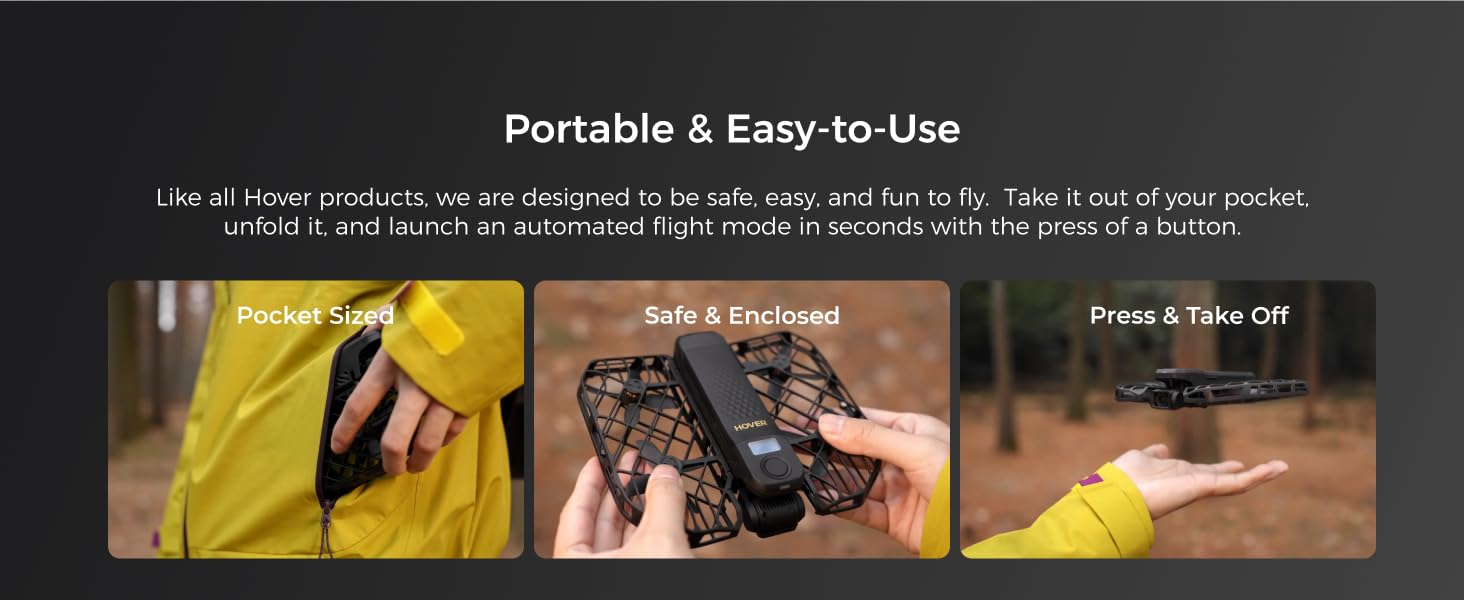
Image: The HOVERAir X1 PROMAX demonstrating hands-free operation, taking off from a user's palm.
4.2 Beacon & Remote Controller
For enhanced control, the HOVERAir X1 PROMAX can be paired with the optional Beacon and Joystick Set. The Beacon provides real-time monitoring and transmission within a 1km range, featuring a 1.78" OLED display. It supports sound commands and sound recording and can be mounted on handlebars or clipped to your jacket.

Image: The HOVERAir X1 PROMAX drone shown alongside its Beacon controller.

Image: The Beacon controller mounted on bicycle handlebars, showing its 1.78" OLED display.
4.3 Кіраванне праграмамі
The HOVERAir X1 app allows you to configure flight modes, download and share content, and launch manual control. It provides a comprehensive interface for managing your drone's settings and media.
5. Асаблівасці
5.1 8K Action Camera
Capture stunning 8K@30fps videos (horizontal) and 4K@30fps (vertical) with the HOVERAir X1 PROMAX. It features a 1/1.3" CMOS sensor and a 107° FOV wide lens for clear, vibrant images with 14 stops of dynamic range.
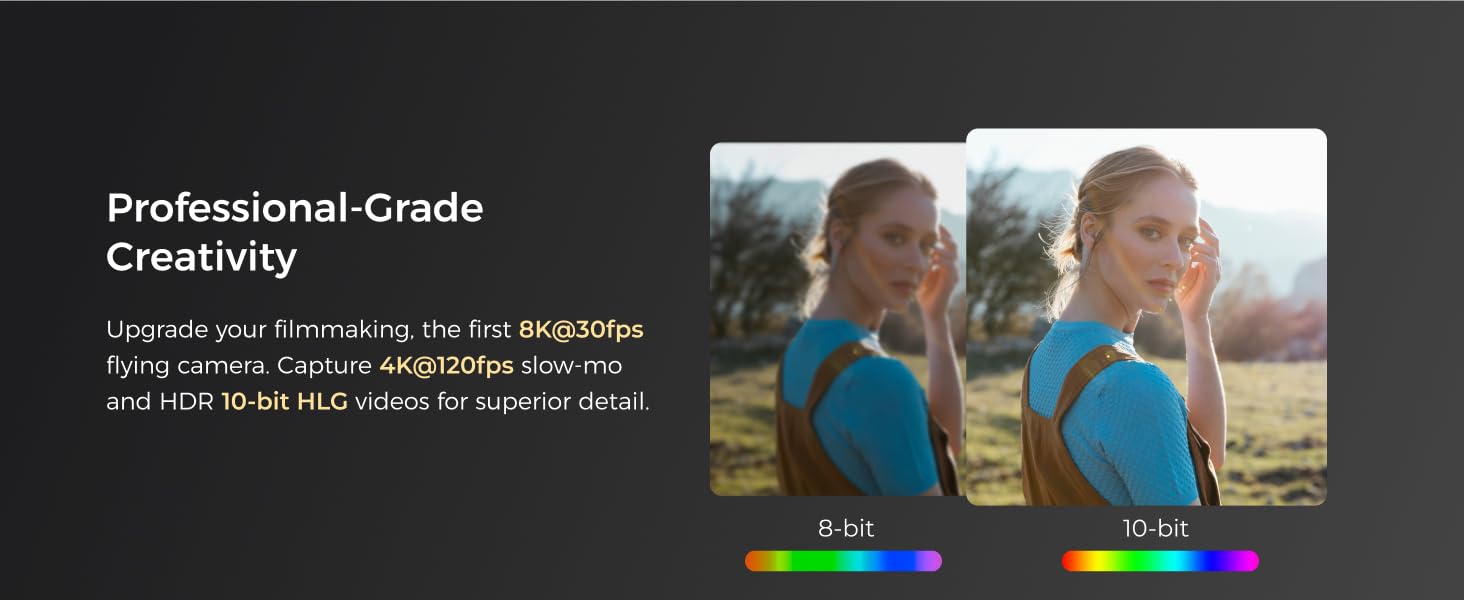
Image: Demonstrates the clarity and detail of 8K video capture from the HOVERAir X1 PROMAX.

Image: Illustrates the 8K ultra-wide field of view captured by the HOVERAir X1 PROMAX camera.
5.2 SmoothCapture 2.0 Stabilization
This mini drone features a two-axis gimbal with Electronic Image Stabilization (EIS) and Horizon Leveling (HL) for steadier shots and effortless filming during movement, ensuring smooth and stable footage.
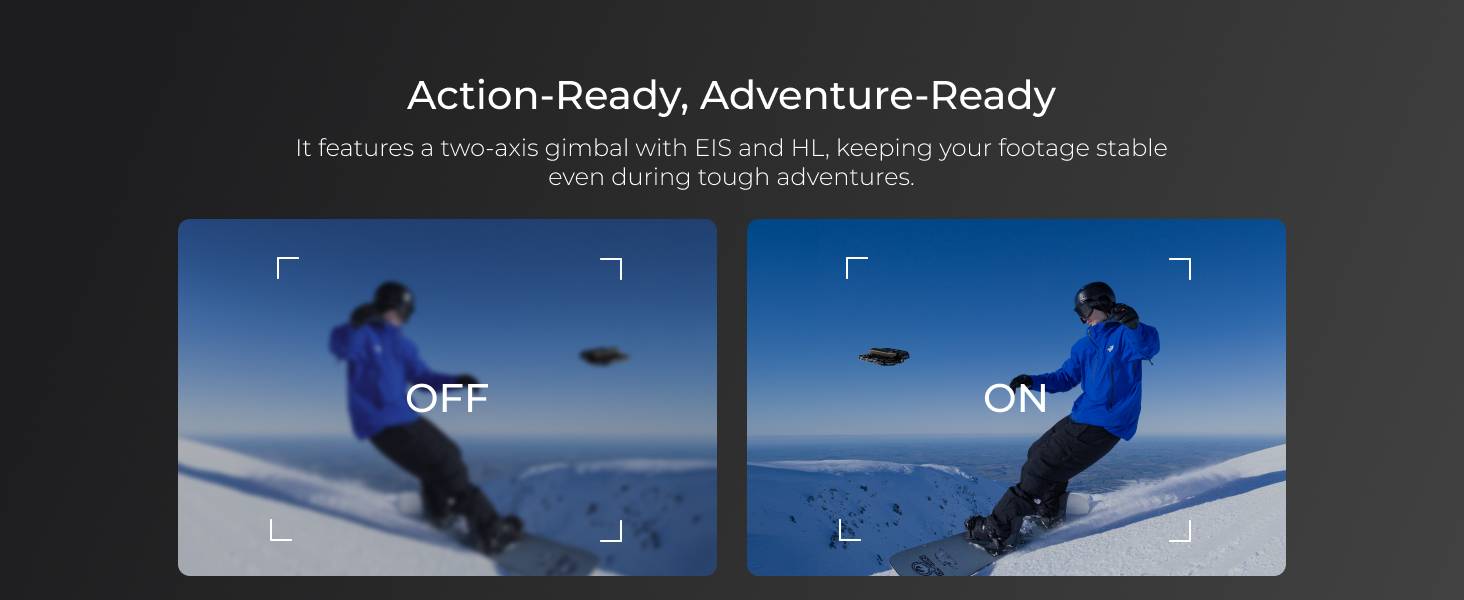
Image: Visual comparison of footage with and without SmoothCapture 2.0 stabilization enabled.
5.3 OmniTerrain Flight
The innovative OmniTerrain feature enables all-terrain flight, including over snow, water, and cliffs. This allows you to capture diverse scenery during any adventure.
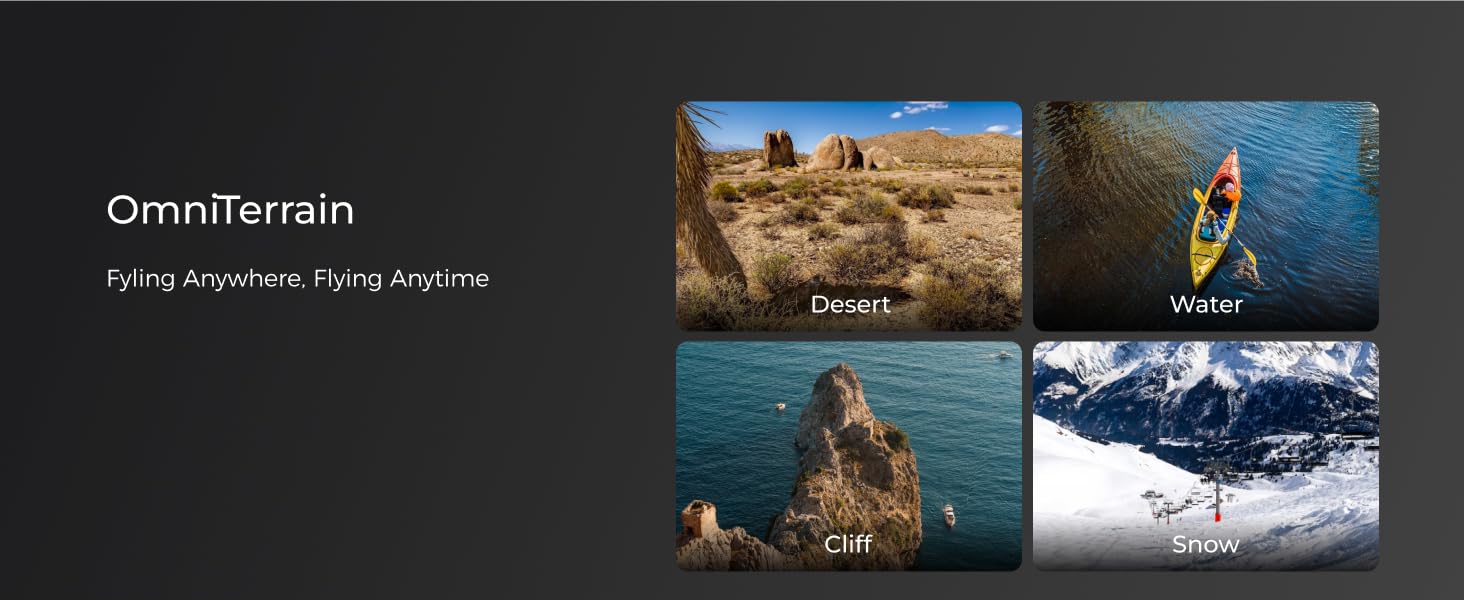
Image: Depicts the HOVERAir X1 PROMAX flying over various terrains like desert, water, cliffs, and snow, highlighting its OmniTerrain capability.
5.4 Fast Follow Speed
The HOVERAir X1 PROMAX features an upgraded aerodynamic design, allowing it to reach follow speeds of up to 42 KM/H (26 mph) and a top burst speed of 60 KM/H. An enhanced chip and tracking algorithm keep the subject centered in the frame during high-speed activities.
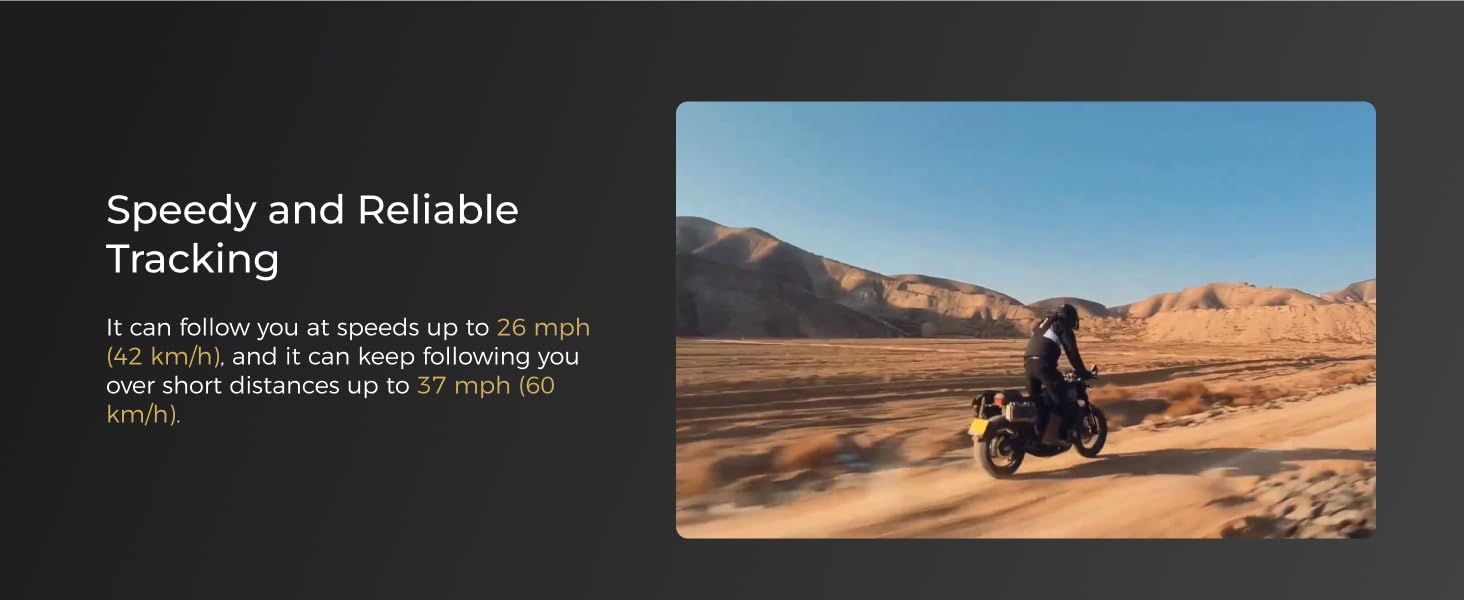
Image: Comparison of HOVERAir PRO MAX and HOVERAir X1 follow speeds and features.
5.5 Rear Active Collision Detection
Equipped with an advanced rear ToF (Time of Flight) proximity sensor and visual sensor, the drone supports braking before collisions at speeds up to 3m/s when detecting obstacles, ensuring safer tracking in complex environments.

Image: Diagram illustrating the Rear Active Collision Detection system of the HOVERAir X1 PROMAX.
5.6 Portable, Foldable, and Durable Design
The foldable and fully enclosed design ensures portability and safety. The propeller guards are made of HEM, an aerospace-grade material lighter than carbon fiber, offering superior safety, elasticity, durability, and structural integrity.
Image: The HOVERAir X1 PROMAX in its compact, folded state, held in a hand.
5.7 Ample Internal Storage and Expansion
The action camera comes with 64GB UFS internal storage and supports an external SD card of up to 1TB, providing plenty of space for all your adventures.

Image: Diagram illustrating the internal storage and SD card expansion capabilities of the HOVERAir X1 PROMAX.
6. Тэхнічнае абслугоўванне
To ensure the longevity and optimal performance of your HOVERAir X1 PROMAX, regular maintenance is recommended.
- Уборка: Use a soft, dry cloth to clean the drone's body and camera lens. Avoid using harsh chemicals or abrasive materials.
- Агляд прапелера: Regularly check propellers for any signs of damage (cracks, bends). Replace damaged propellers immediately to prevent flight instability.
- Сыход за батарэяй: Захоўвайце акумулятары ў прахалодным, сухім месцы. Пазбягайце поўнай разрадкі акумулятараў на працягу доўгага часу.
- Абнаўленні прашыўкі: Periodically check the HOVERAir X1 app for available firmware updates to ensure your drone has the latest features and performance enhancements.
7. Выпраўленне непаладак
If you encounter issues with your HOVERAir X1 PROMAX, refer to the following common troubleshooting steps:
- Дрон не ўключаецца: Пераканайцеся, што акумулятар цалкам зараджаны і правільна ўстаўлены.
- Праблемы з падключэннем да праграмы: Verify Wi-Fi connection between your smartphone and the drone. Restart both the app and the drone if necessary.
- Няўстойлівы палёт: Check propellers for damage and ensure they are properly installed. Perform IMU calibration via the app if flight remains unstable.
- Rapid battery discharge: This can occur if the drone is not in use. Monitor charge levels and ensure batteries are stored appropriately.
- Obstacle avoidance failure: Ensure sensors are clean and unobstructed. Avoid flying in overly complex environments that may exceed sensor capabilities.
8. Тэхнічныя характарыстыкі
| Марка | HOVERAir |
| Назва мадэлі | HOVERAir X1 PROMAX |
| Асаблівасць | Intelligent Flight Paths, Triple Stabilization, SmoothCapture 2.0, Active Collision Detection, OmniTerrain Flight |
| Дазвол відэазахопу | 8K 4K |
| Эфектыўнае рашэнне | 12 МП |
| Тэхналогія падлучэння | Wi-Fi |
| Вага прадмета | 120 грам (4.2 унцый) |
| Ёмістасць батарэі | 1920 Міліamp Гадзіны |
| Памеры прадукту | 6.81 см Д х 5.87 см Ш х 1.54 см В |
| Матэрыял | HEM (proprietary material) |
9. Што ў скрынцы
The HOVERAir X1 PROMAX (Fly Joy Combo) includes the following items:
- HOVERAir X1 PROMAX x1
- HOVERAir X1 PRO Smart Battery x2
- X1 PRO/PROMAX Charging Hub x1
- Charging plug x1
- Combo case x1
- Сумка для захоўвання x1
- Joystick Set x1
- Мацаванне на руль x1
- Магнітны адаптар для мацавання x1

Image: All components included in the HOVERAir X1 PROMAX Fly Joy Combo package.
10. Гарантыя і падтрымка
HOVERAir provides comprehensive support for its products.
- Гарантыя: The HOVERAir X1 PROMAX comes with a 1-year warranty against manufacturing defects.
- Пасляпродажная падтрымка: For any inquiries or assistance, please contact our after-sales team via email: support@hoverair.com.