
Уводзіны
This manual provides detailed instructions for the Edifier W820NB Plus Gen 2 Wireless Over-Ear Noise Cancelling Headphones. Please read this manual thoroughly before using the product to ensure proper operation and to maximize your listening experience.
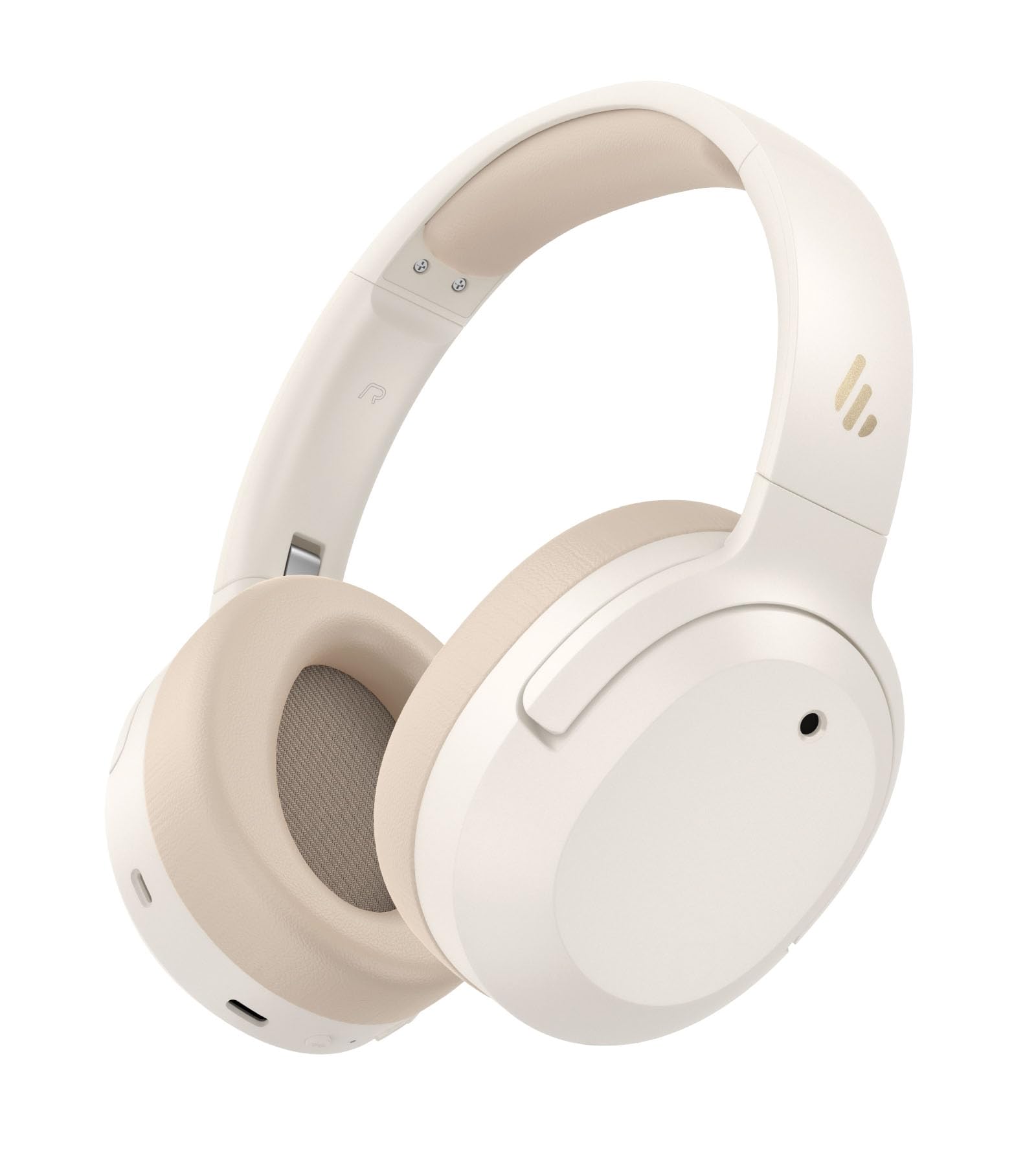
Image: Edifier W820NB Plus Gen 2 Headphones in Ivory.
Што ў скрынцы
Upon opening your Edifier W820NB Plus Gen 2 package, you should find the following items:
- Edifier W820NB Plus Gen 2 Headphones
- Зарадны кабель USB-C (1.2 метра)
- Кіраўніцтва карыстальніка
- Важная інфармацыя па бяспецы
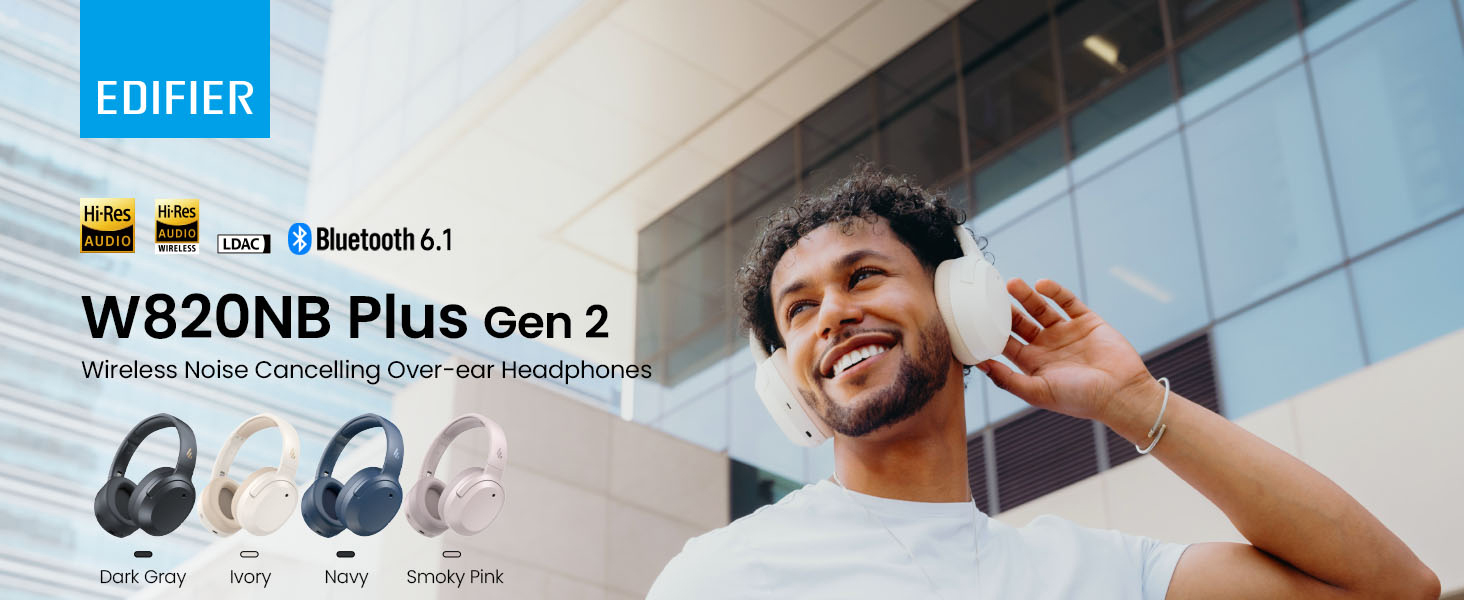
Image: Box contents showing the headphones, charging cable, and documentation.
Настройка
Уключэнне/выключэнне харчавання
- Уключэнне: Press and hold the power button for approximately 2 seconds. The blue LED will blink once.
- Выключэнне: Press and hold the power button for approximately 2 seconds. The red LED will blink once.
Спалучэнне Bluetooth
Першае спалучэнне
- Power on the headphones. They will automatically enter Bluetooth pairing mode.
- The LED will blink blue and green alternately.
- On your phone or device, select "EDIFIER W820NB Plus" from the Bluetooth list.
- Once connected, the blue LED will blink twice.
Pairing a New Device (Multipoint)
- Уключыце навушнікі.
- Press and hold the multi-function button for about 3 seconds to re-enter Bluetooth pairing mode. The voice prompt will say "Pairing," and the LED will blink blue and green alternately.
- Select "EDIFIER W820NB Plus" on your new device to pair.
- To complete multipoint connection, go back to the first paired device and reconnect to "EDIFIER W820NB Plus".
Download the EDIFIER ConneX App
Enhance your experience by downloading the EDIFIER ConneX App. Пошук "EDIFIER ConneX" in your device's app store or scan the QR code provided in the packaging or user manual. The app allows you to switch ANC modes, customize EQ, adjust sound effects, set maximum volume levels, and access other settings.
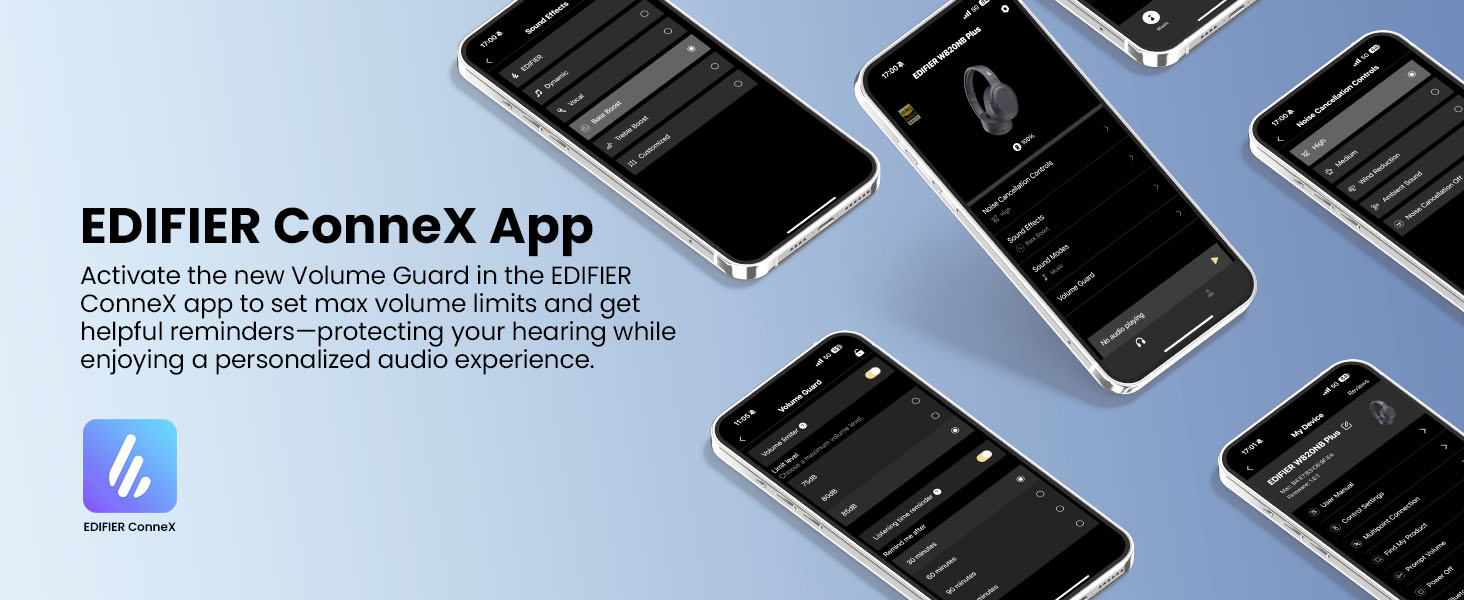
Image: The EDIFIER ConneX App provides extensive customization options.
Official User Guide Video
Video: A detailed user guide video demonstrating various features and setup processes for the Edifier W820NB Plus Gen 2 headphones.
Інструкцыя па эксплуатацыі
Элементы кіравання
The headphones feature intuitive physical buttons for easy control:
| Кнопка | Дзеянне | Функцыя |
|---|---|---|
| Кнопка харчавання (шматфункцыянальная) | Адзінкавая прэса | Прайграванне/Паўза, Адказ/Завяршэнне выкліку |
| Кнопка харчавання (шматфункцыянальная) | Двайны прэс | Адхіленне выкліку, галасавы памочнік |
| Кнопка харчавання (шматфункцыянальная) | Націсніце і ўтрымлівайце | Уключэнне/выключэнне харчавання |
| Павелічэнне гучнасці (+) | Адзінкавая прэса | Павялічыць гучнасць |
| Павелічэнне гучнасці (+) | Націсніце і ўтрымлівайце | Наступны трэк |
| Volume Down (-) | Адзінкавая прэса | Паменшыць гучнасць |
| Volume Down (-) | Націсніце і ўтрымлівайце | Папярэдні трэк |
| Кнопка ANC | Адзінкавая прэса | Switch ANC Modes (High Noise Cancellation / Ambient Sound / Noise Cancellation Off) |
| Кнопка ANC | Двайны прэс | Switch Sound Effects (Music Mode / Game Mode / Spatial Sound) |
| Кнопка ANC | Націсніце і ўтрымлівайце | Пара Bluetooth |
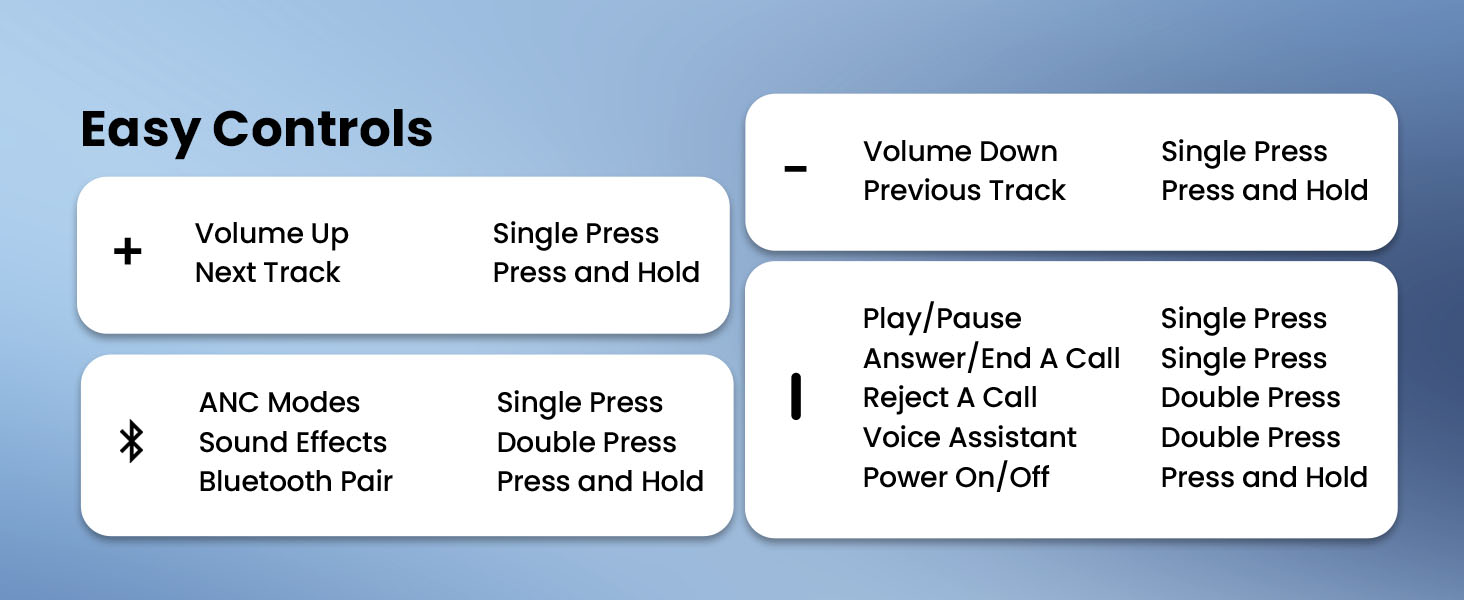
Image: Easy controls for managing audio and calls.
Актыўны шумапрыглушэння (ANC)
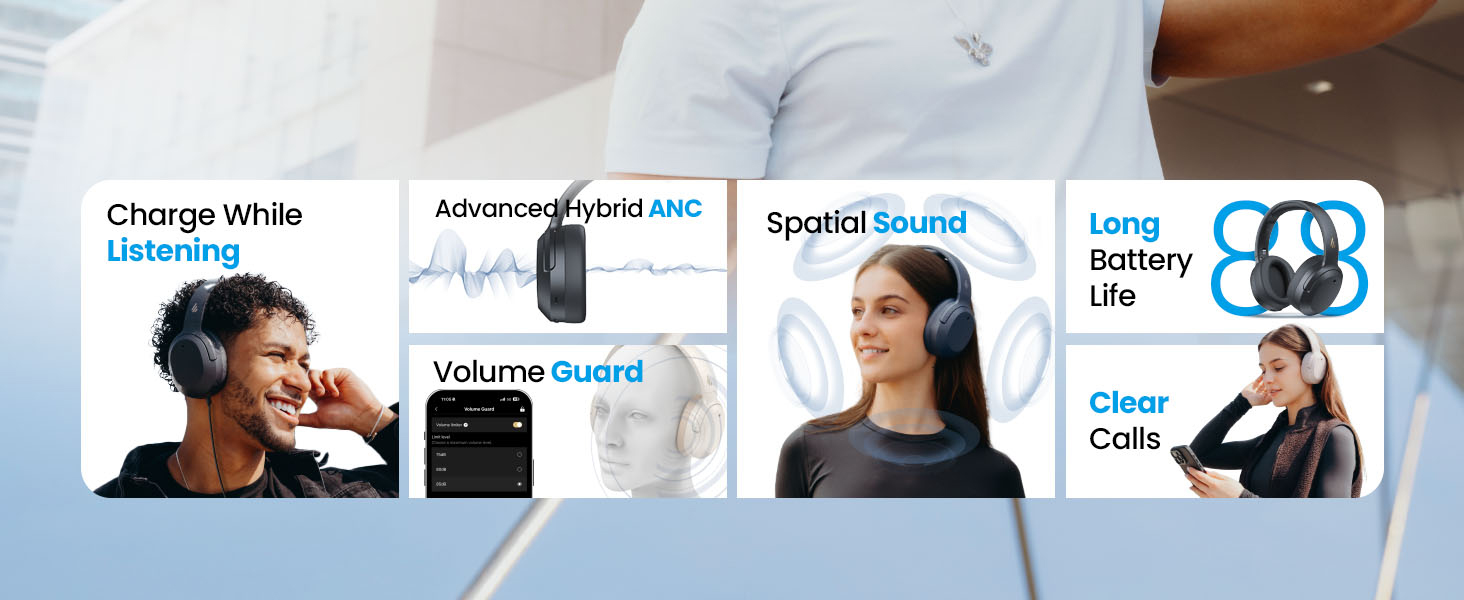
The headphones feature advanced -49dB hybrid ANC with multiple modes:
- Высокі ўзровень шумапрыглушэння: For maximum noise reduction in loud environments.
- Сярэдні ўзровень шумапрыглушэння: A balanced mode for moderate noise.
- Навакольны гук: Дазваляе чуць навакольнае асяроддзе падчас праслухоўвання аўдыё.
- Зніжэнне ветру: Specifically designed to minimize wind noise.
- Шумапрыглушэнне выключана: Disables ANC.
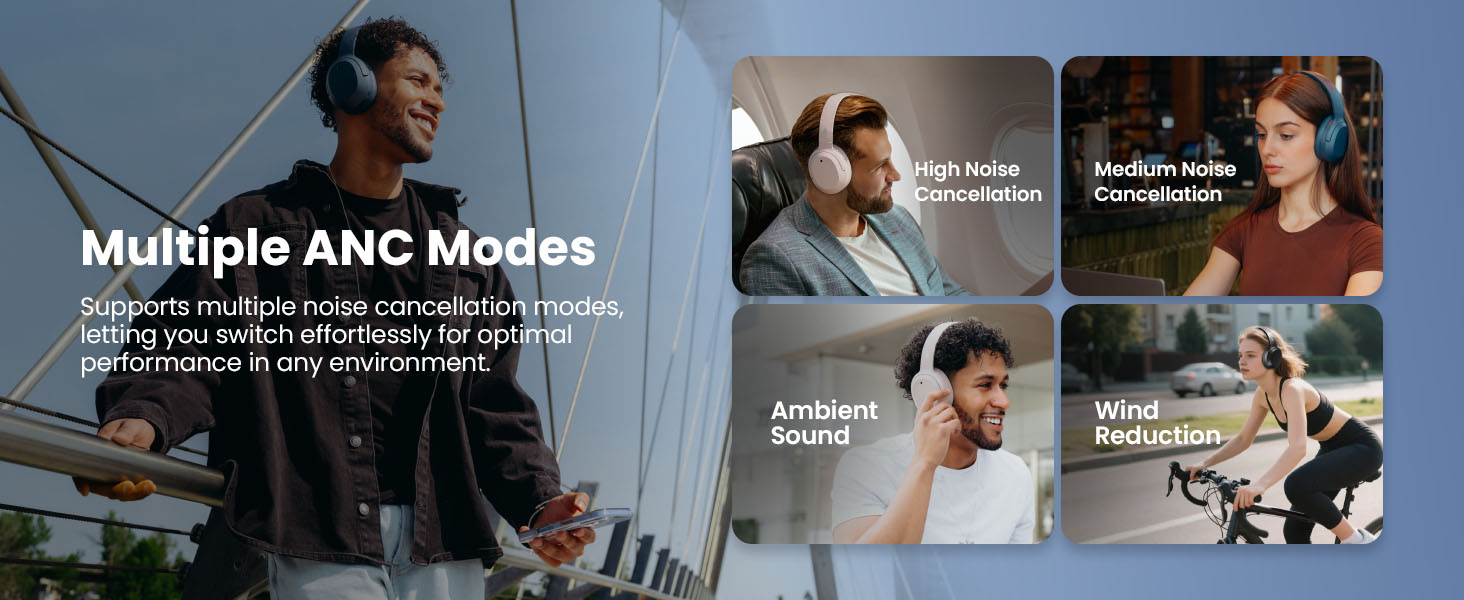
Image: Multiple ANC modes for various environments.
Прасторавы гук
Immerse yourself in a dynamic 360° surround sound experience with lifelike depth and clarity. Activate Spatial Sound via the EDIFIER ConneX App or by double-pressing the ANC button until the Spatial Sound effect is selected.
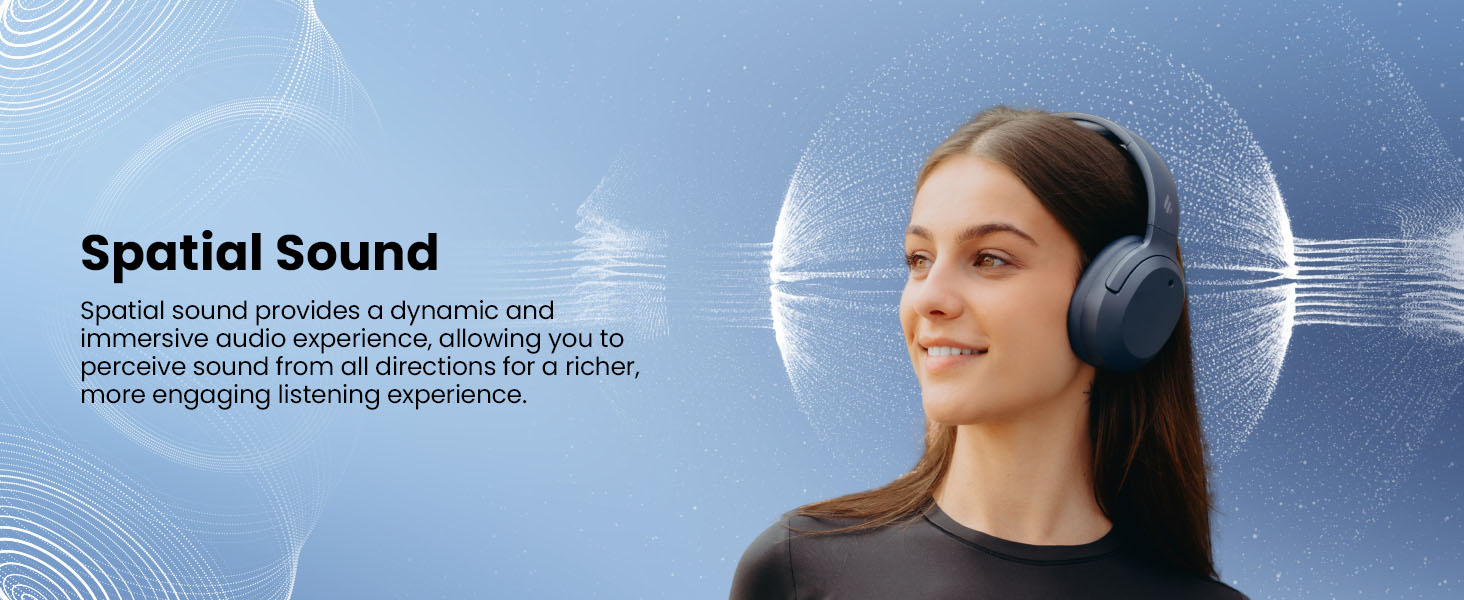
Image: Experience immersive spatial audio for 3D sound.
Гульнявы рэжым
For a smoother, more immersive gameplay experience, activate Gaming Mode. This mode reduces audio latency for responsive sound. Access Gaming Mode via the EDIFIER ConneX App or by double-pressing the ANC button until the Game Mode effect is selected.
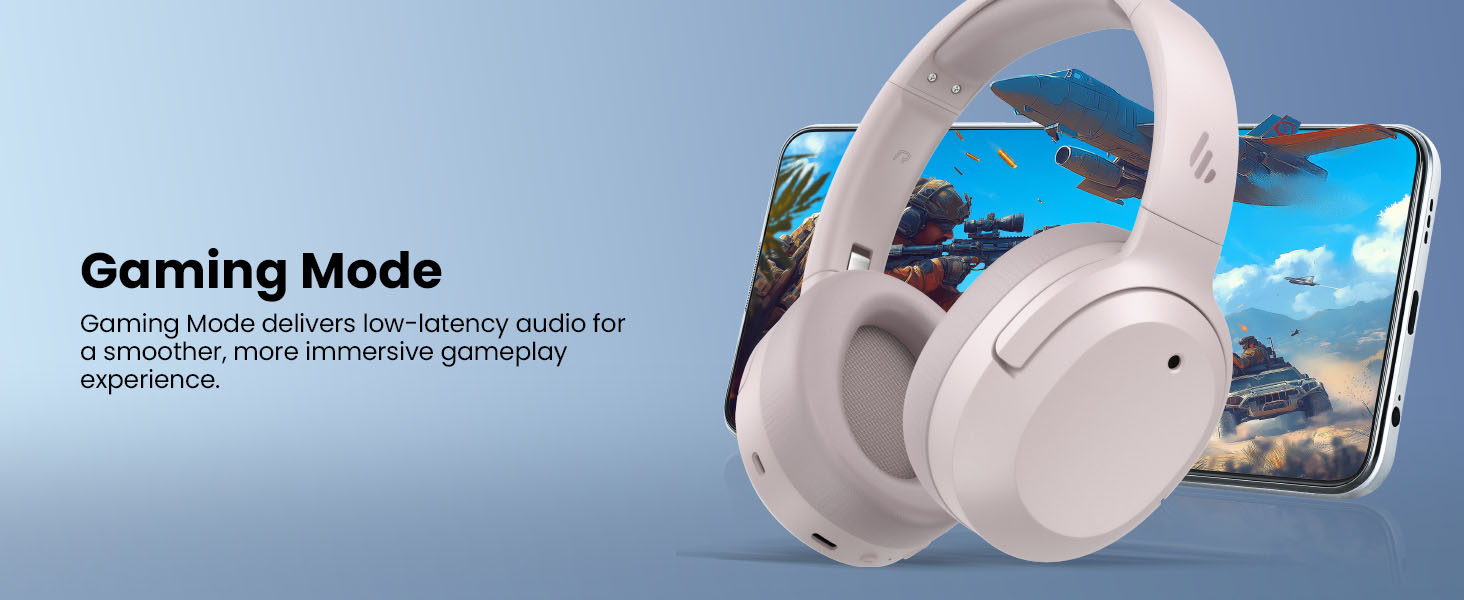
Image: Gaming Mode provides low-latency audio for an enhanced experience.
Volume Guard
The Volume Guard feature, accessible through the EDIFIER ConneX App, helps protect your hearing by allowing you to set a preferred maximum volume level and receive listening time reminders.
Правадное злучэнне
To use the headphones in wired mode, plug the included USB-C cable into the headphone's USB-C port and connect the other end to a computer or another device with a USB port. The wired connection will automatically disable Bluetooth mode.
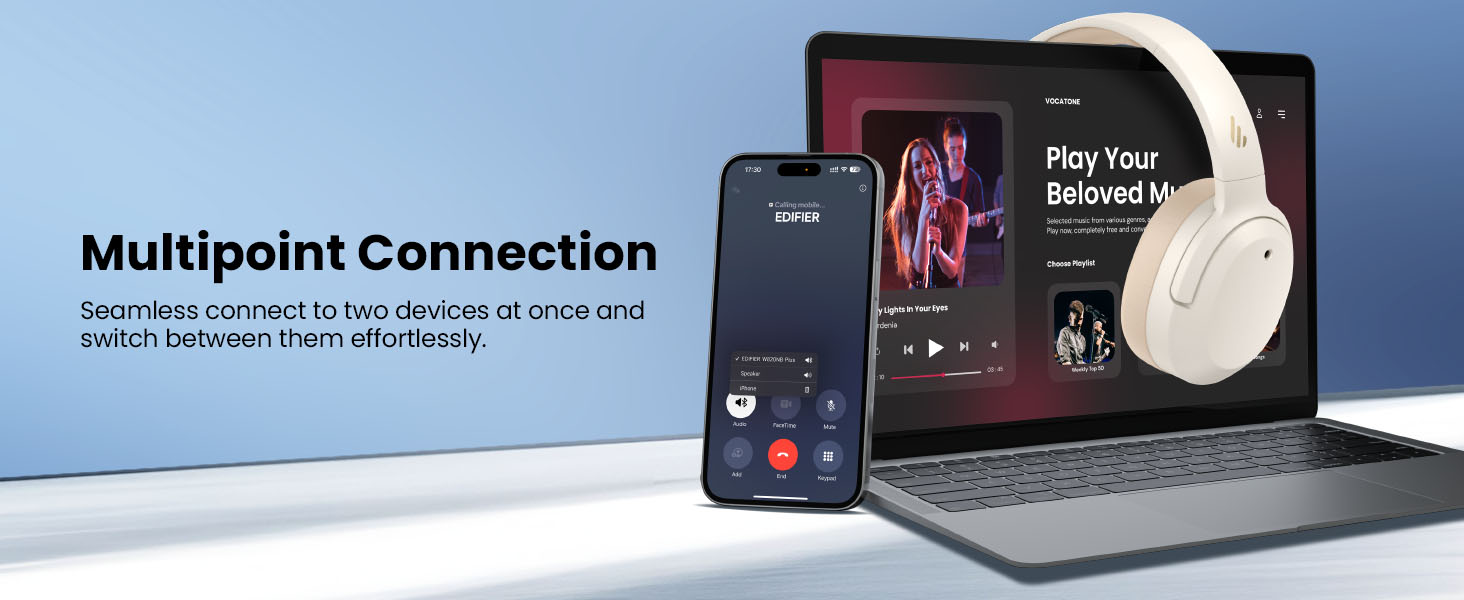
Image: Wired connection for continuous playback and charging.
Тэхнічнае абслугоўванне
Зарадка
The headphones offer up to 88 hours of continuous use (49 hours with ANC enabled). When the battery is low (less than 2%), a voice prompt will notify you: "Low battery, please charge," and the red LED will flash every 5 seconds.
To charge your headphones, plug the USB-C charging cable into the headphone's USB-C port and connect the other end to a computer or a wall charger. The LED will stay solid red while charging. It will turn green when fully charged if connected to a computer, or it will turn off when connected to a wall charger.
Выява: Час працы батарэі і магчымасць хуткай зарадкі.
Ачыстка і захоўванне
- Use a soft, dry cloth to clean the headphones. Avoid using abrasive cleaners or solvents.
- Store the headphones in a cool, dry place away from extreme temperatures and humidity.
- The headphones feature a compact and foldable design for easy storage and portability.
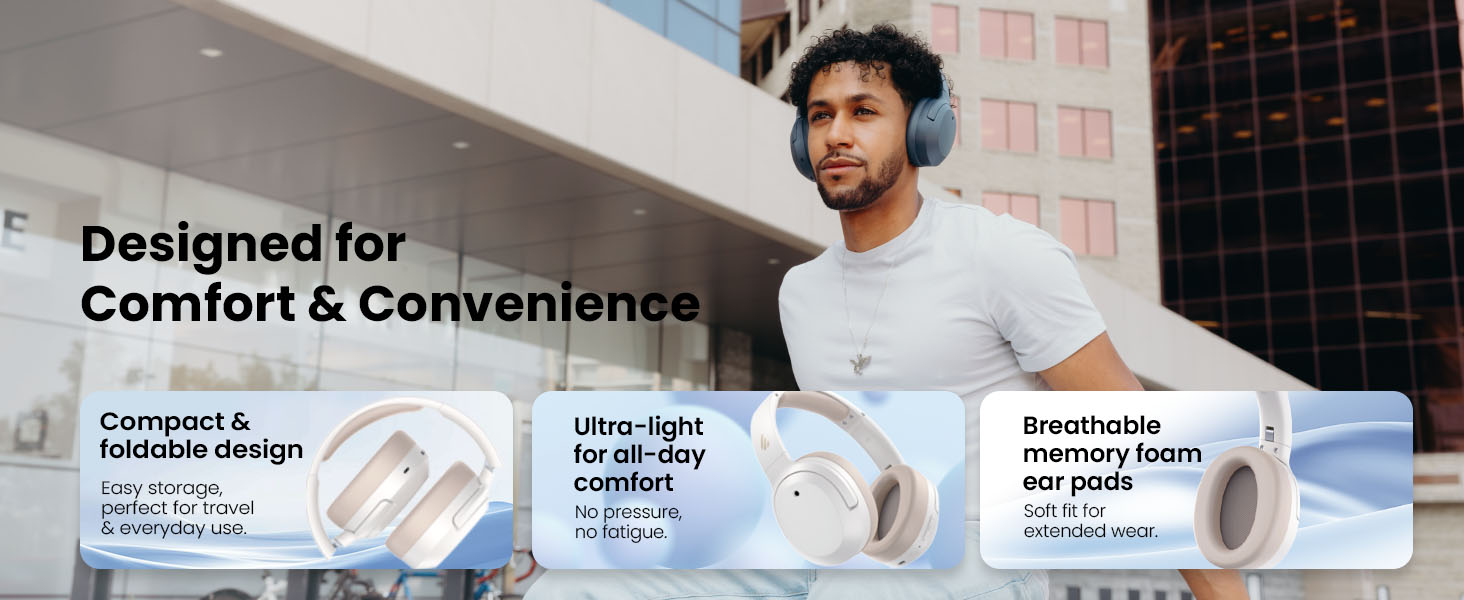
Image: Foldable design for comfort and convenience.
Ліквідацыю непаладак
Скід налад навушнікаў
If you encounter any issues during use, you can reset the headphones to restore factory settings:
- Press and hold the top (+) and bottom (-) buttons simultaneously for 5 seconds.
- The blue LED will blink six times until the reset is complete.
- A voice prompt will say "Disconnected."
- The headphones will then enter Bluetooth pairing mode, with the LED blinking blue and green alternately, and a voice prompt will say "Pairing."
- Follow the pairing instructions to reconnect your device.
Агульныя праблемы
- Немагчыма ўключыць: Пераканайцеся, што навушнікі зараджаныя. Падключыце іх да крыніцы харчавання з дапамогай кабеля USB-C.
- Немагчыма падключыць праз Bluetooth: Ensure the headphones are in pairing mode (LED blinking blue and green). Check your device's Bluetooth settings and try re-pairing. If issues persist, perform a factory reset.
- Няма гуку: Check the volume levels on both the headphones and your connected device. Ensure the headphones are properly paired or connected via wired mode.
- АНК працуе неэфектыўна: Ensure ANC is enabled. Adjust the ANC mode via the multi-function button or the EDIFIER ConneX App to suit your environment.
- Дрэнная якасць выкліку: Ensure the headphones are close to your device. Check for any obstructions between the headphones and your device.
Тэхнічныя характарыстыкі
| Асаблівасць | Дэталь |
|---|---|
| Марка | Эдыфікатар |
| Нумар мадэлі | W820NBPLUS 2025 |
| Назва мадэлі | W820NB Plus Gen 2nd |
| Колер | Слановая косць |
| Размяшчэнне вушэй | Над вухам |
| Імпеданс | 40 Ом |
| Метад кантролю | Кнопка |
| Час зарадкі акумулятара | 2 гадзін |
| Сярэдні тэрмін службы батарэі | 88 гадзін (49 гадзін з ANC) |
| Кантроль шуму | Актыўнае шумапрыглушэнне (-49 дБ) |
| АЧХ | 40 кГц |
| Тып аўдыё драйвера | Дынамічны драйвер |
| Памер аўдыё драйвера | 40 міліметра |
| Дыяпазон частот | 20 Гц - 20,000 Гц |
| Матэрыял корпуса | Plastic, Foam, Fabric |
| Сумяшчальныя прылады | Smartphones, Laptops, Desktops, Tablets, Televisions, Gaming Consoles |
| Раз'ём для навушнікаў | USB-C |
| Тэхналогія падлучэння | Бесправадная сувязь (Bluetooth) |
| Версія Bluetooth | 6.1 |
| Вага прадмета | 247 грам |
| GTIN / UPC | 875674008313 |
Гарантыя і падтрымка
Інфармацыя аб гарантыі
The Edifier W820NB Plus Gen 2 headphones come with a 1-гадовая гарантыя ад вытворцыКалі ласка, захавайце пацвярджэнне пакупкі для прэтэнзій па гарантыі.
Падтрымка кліентаў
For further assistance, technical support, or warranty inquiries, please visit the official Edifier website or contact their customer service. You can also find additional resources and FAQs within the EDIFIER ConneX App.