
FIREBAT AR1
FIREBAT AR1 Android Tablet User Manual
Model: AR1 | Brand: FIREBAT
1. Уводзіны
This manual provides detailed instructions for the setup, operation, and maintenance of your FIREBAT AR1 Android Tablet. Please read this manual thoroughly to ensure proper use and to maximize the performance and longevity of your device.

The FIREBAT AR1 Android Tablet, shown with its included protective case and screen protector, is designed for versatile use.
2. Змесціва ўпакоўкі
Пасля адкрыцця ўпакоўкі пераканайцеся, што ў камплекце ёсць усе наступныя прадметы:
- 1 x FIREBAT AR1 Tablet
- 1 x Protective Film (Installed)
- 1 x Protective Case (Installed)
- 1 x 9V/2A 18W US Power Charger
- 1 х Кіраўніцтва карыстальніка
The complete package contents of the FIREBAT AR1 Tablet.
3. Прадукт скончыўсяview
The FIREBAT AR1 Tablet is equipped with advanced features for a smooth user experience. Its design focuses on portability and performance, making it suitable for various applications from entertainment to productivity.
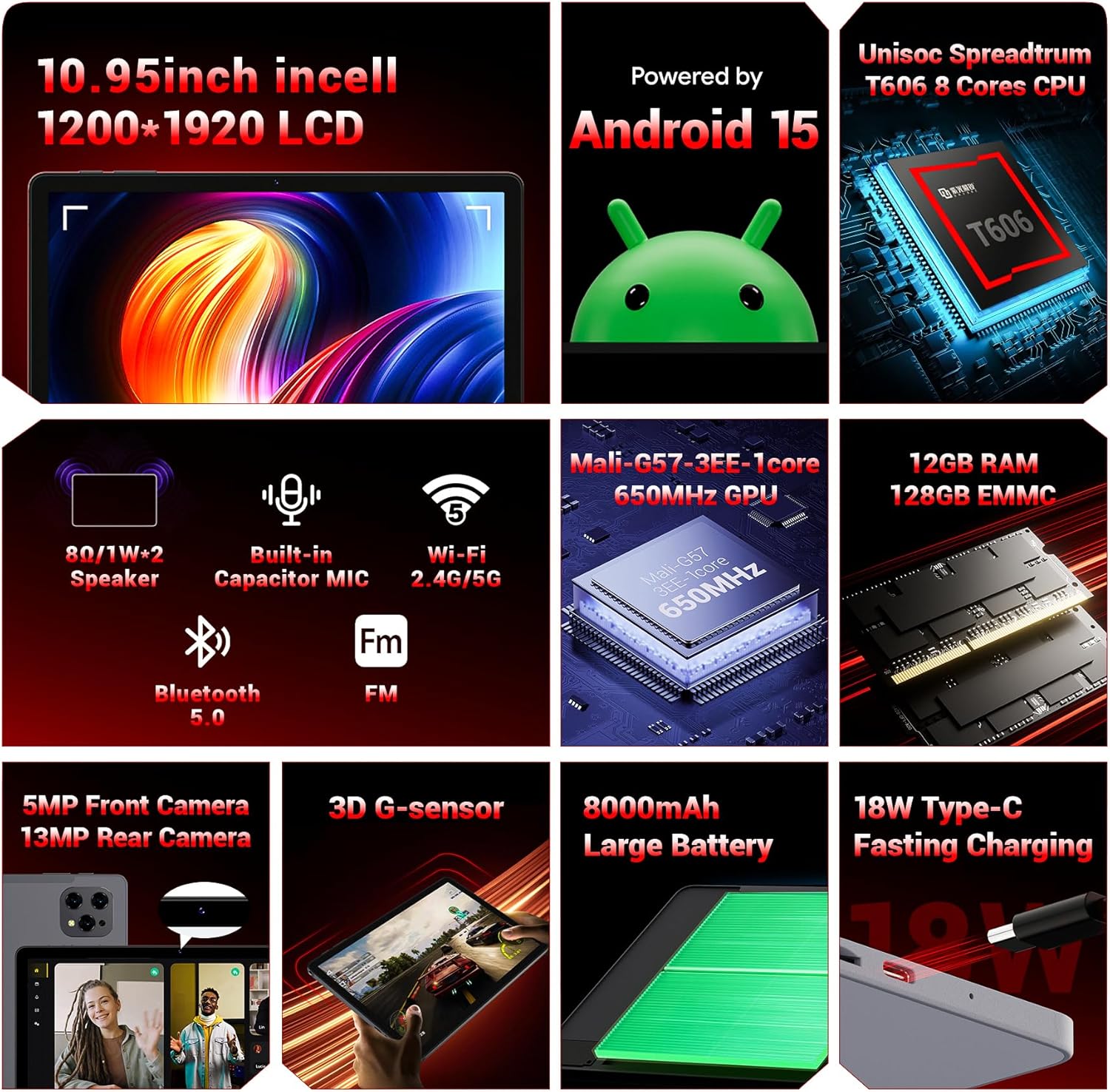
Надview of the key technical specifications and features of the FIREBAT AR1 Tablet.
Асноўныя характарыстыкі:
- Дысплей: 10.95-inch In-Cell 1920x1200 Touchscreen
- Працэсар: Unisoc Spreadtrum T606 Octa-Core CPU
- Памяць: 12GB RAM, 128GB ROM (Expandable via SD card)
- акумулятар: 8000mAh Large Capacity Battery with 18W Fast Charging
- Камеры: Пярэдняя камера 5 МП, задняя камера 13 МП
- Падключэнне: Wi-Fi 5 (2.4G/5G), Bluetooth 5.0, FM
- Аперацыйная сістэма: Android 15
- Бяспека: Widevine L1 Support for high-definition streaming
- дызайн: Upgraded Thinner In-Cell Technology, Narrow Bezel, Delicate Texture Metal Shell

The powerful Unisoc Spreadtrum T606 Octa-Core Processor ensures smooth operation.

Experience vibrant visuals with the 10.95-inch In-Cell 1920x1200 LCD.

The narrow bezel design maximizes screen space for an immersive viewвопыту.

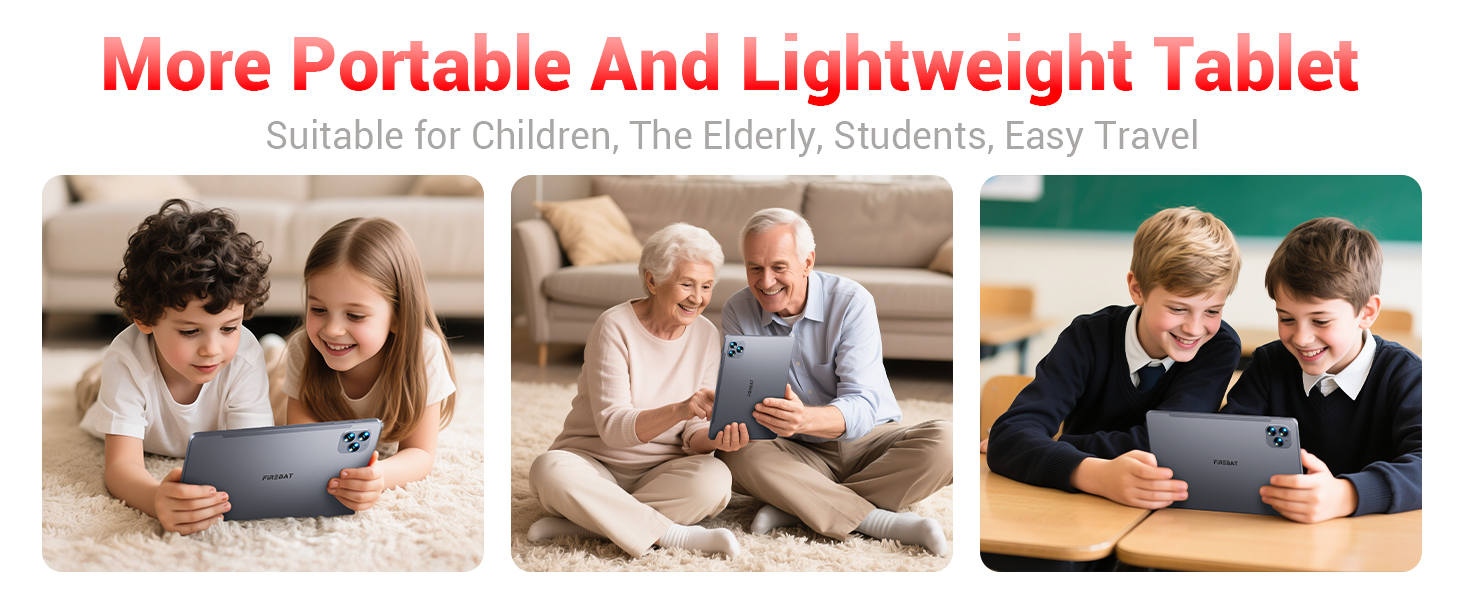
Designed to be lighter and less hand-consuming, ideal for convenient travel.

The newly upgraded delicate texture metal shell enhances heat dissipation and improves protection.
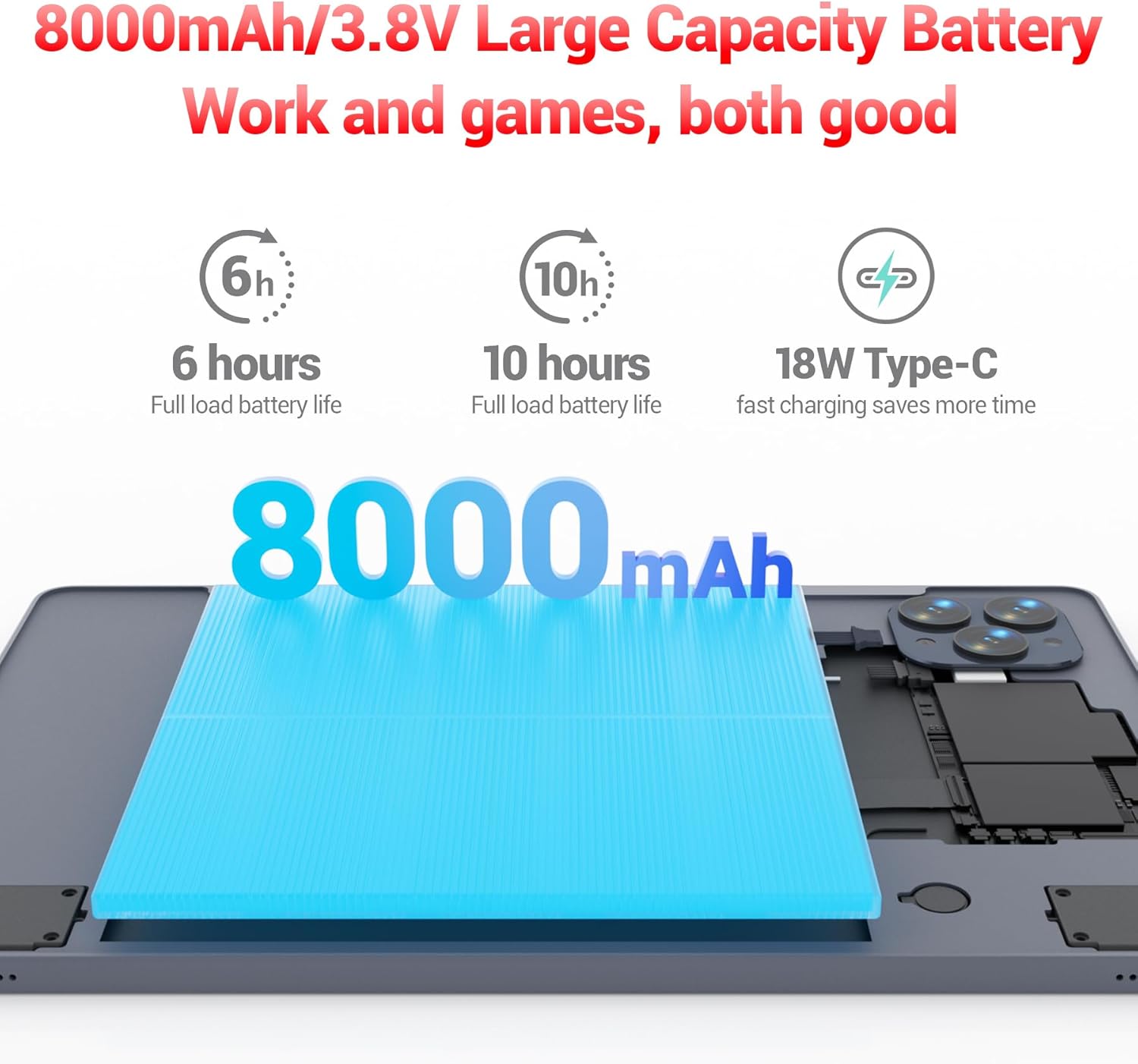
The 8000mAh large capacity battery provides extended usage time.

Capture moments and make video calls with the 5MP front and 13MP rear cameras.
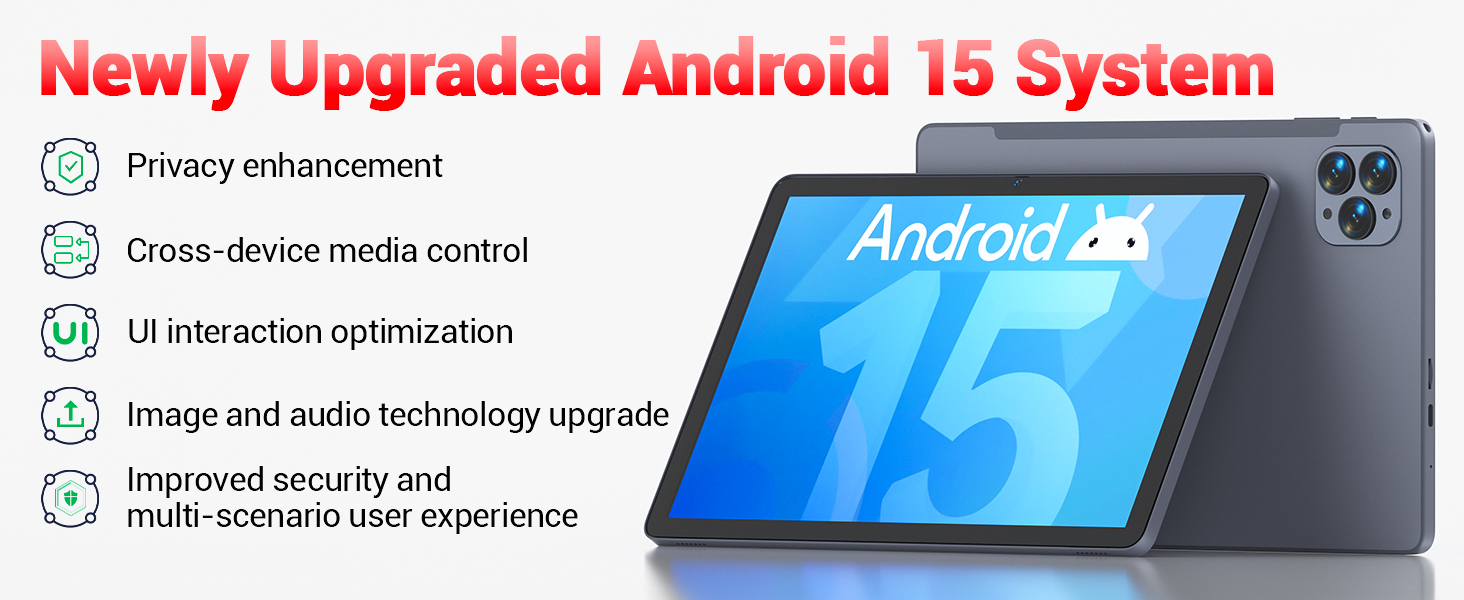
Powered by the newly upgraded Android 15 system for enhanced performance and user experience.
4. Настройка
4.1 Першапачатковае ўключэнне
- Press and hold the Power button located on the side of the tablet until the FIREBAT logo appears.
- Выконвайце падказкі на экране, каб выбраць мову, падключыцца да сеткі Wi-Fi і наладзіць свой уліковы запіс Google.
4.2 Зарадка планшэта
Before first use, fully charge the tablet using the provided 9V/2A 18W US Power Charger and USB-C cable.
- Падключыце кабель USB-C да порта USB-C планшэта.
- Падключыце адаптар сілкавання да насценнай разеткі.
- Індыкатар батарэі на экране будзе паказваць стан зарадкі.
4.3 Устаўка SD-карты (неабавязкова)
The tablet supports SD card expansion up to 1TB for additional storage.
- Locate the TF Card Slot on the side of the tablet.
- Акуратна ўстаўце SD-карту ў слот, пакуль яна не зафіксуецца са шчоўкам.
- The tablet will prompt you to format the SD card for use, if necessary.
5. Інструкцыя па эксплуатацыі
5.1 Асноўная навігацыя
- Сэнсарны экран: Націсніце, каб выбраць, правядзіце пальцам, каб пракруціць, звядзіце пальцамі, каб павялічыць.
- Галоўны экран: Доступ да вашых праграм і віджэтаў.
- Панэль апавяшчэнняў: Правядзіце пальцам уніз ад верхняй частцы экрана да view апавяшчэнні і хуткія налады.
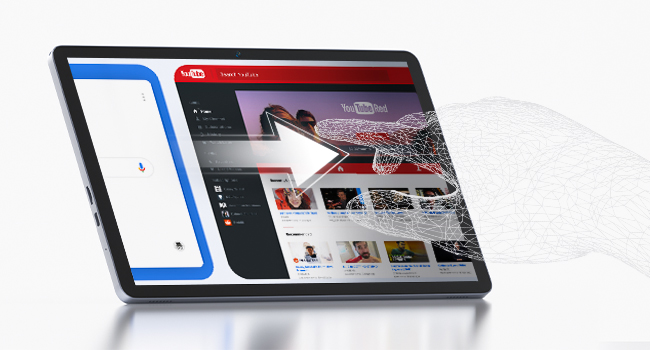
The responsive touchscreen allows for intuitive interaction.
5.2 Падключэнне да Wi-Fi
- Перайсці да Налады > Сетка і інтэрнэт > Wi-Fi.
- Уключыце Wi-Fi.
- Выберыце патрэбную сетку са спісу і ўвядзіце пароль, калі будзе прапанавана.
5.3 Спалучэнне па Bluetooth
- Перайсці да Налады > Падключаныя прылады > Bluetooth.
- Уключыце Bluetooth.
- Select the device you wish to pair from the list of available devices.
5.4 Выкарыстанне камер
Планшэт абсталяваны франтальнай камерай на 5 Мп і задняй камерай на 13 Мп.
- Адкрыйце Камера праграму з галоўнага экрана або з меню праграм.
- Tap the shutter button to take photos or switch to video mode.
- Use the front camera for video calls and selfies, and the rear camera for higher-quality photos.
5.5 Media Playback and Productivity
The tablet supports multiple video and audio formats, and is compatible with various e-book and office software applications.
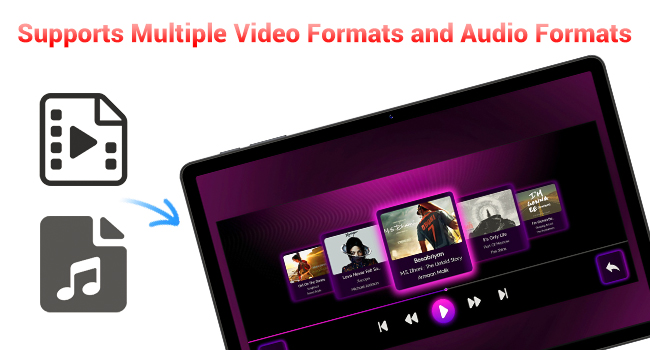
Enjoy your favorite videos and music with broad format support.
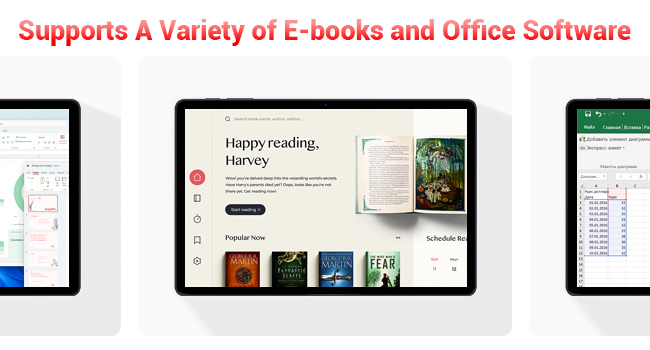
The tablet supports a variety of e-books and office software for productivity.
5.6 Выкарыстанне ахоўнага чахла
The included protective case not only safeguards your tablet but also functions as a stand for hands-free viewінж.
- To use as a stand, fold the front cover into a triangular shape and position the tablet securely.
- Ensure the tablet is fully encased to protect against scratches and minor impacts.

The included protective case can be folded to serve as a convenient stand.
6. Тэхнічнае абслугоўванне
6.1 Ачыстка планшэта
- Выкарыстоўвайце мяккую тканіну без ворса для чысткі экрана і корпуса планшэта.
- Пазбягайце выкарыстання агрэсіўных хімікатаў або абразіўных матэрыялаў.
6.2 Сыход за акумулятарам
- Пазбягайце ўздзеяння экстрэмальных тэмператур на планшэт.
- Не дапускайце частай поўнай разрадкі акумулятара.
- Выкарыстоўвайце толькі зарадную прыладу, якая ўваходзіць у камплект, або сертыфікаваную сумяшчальную зарадную прыладу.
6.3 Абнаўленне праграмнага забеспячэння
- Рэгулярна правярайце наяўнасць абнаўленняў сістэмы ў Налады > сістэма > Абнаўленне сістэмы.
- Абнаўленні могуць палепшыць прадукцыйнасць, дадаць новыя функцыі і павысіць бяспеку.
7. Выпраўленне непаладак
If you encounter any issues with your FIREBAT AR1 Tablet, please refer to the following common solutions:
| праблема | Магчымае рашэнне |
|---|---|
| Планшэт не ўключаецца | Пераканайцеся, што акумулятар зараджаны. Падключыце зарадную прыладу і пачакайце некалькі хвілін, перш чым зноў спрабаваць уключыць прыладу. Калі прылада не рэагуе, выканайце прымусовы перазапуск, утрымліваючы кнопку харчавання 10-15 секунд. |
| Праблемы з падключэннем да Wi-Fi | Перазапусціце маршрутызатар Wi-Fi. Забудзьцеся пра сетку на планшэце і падключыцеся зноў. Пераканайцеся, што вы знаходзіцеся ў зоне дзеяння сігналу Wi-Fi. |
| Павольнае выкананне | Close unused applications. Clear cache from apps in Settings > Apps. Restart the tablet. Consider freeing up storage space. |
| Акумулятар хутка разраджаецца | Reduce screen brightness. Close background apps. Disable Wi-Fi/Bluetooth when not in use. Limit location services. |
8. Тэхнічныя характарыстыкі
| Асаблівасць | Дэталь |
|---|---|
| Марка | ВОГНЕНЫ БАТ |
| Нумар мадэлі | AR1 |
| Аперацыйная сістэма | Android 15 |
| Памер экрана | 10.95 Inches (In-Cell 1920x1200 Touchscreen) |
| Працэсар | Васьміядзерны T606 |
| АЗП | 12 ГБ |
| Флэш-памяць (ROM) | 128 ГБ |
| Пярэдняя камера | 5 МП |
| Задняя камера | 13 МП |
| Ёмістасць батарэі | 8000 мАг |
| Зарадка | Хуткая зарадка Type-C магутнасцю 18 Вт |
| Сувязь | Wi-Fi 5, BT5.0, FM |
| Памеры прадукту | 10 х 6.6 х 0.3 цалі |
| Вага прадмета | 2.49 фунта |
9. Гарантыя і падтрымка
FIREBAT products are manufactured with high standards of quality and performance. For any warranty claims or technical support, please contact FIREBAT customer service.
Кантактная інфармацыя:
- электронная пошта: support@firebatpc.com
- Webсайт: www.firebatpc.com
Калі ласка, захавайце пацвярджэнне пакупкі для гарантыйных мэт.