
1. Уводзіны
Welcome to the user manual for your new Redmi Note 14 Pro+ 5G Prime Edition smartphone. This guide provides essential information on setting up, operating, maintaining, and troubleshooting your device. Please read this manual thoroughly to ensure optimal performance and longevity of your smartphone.
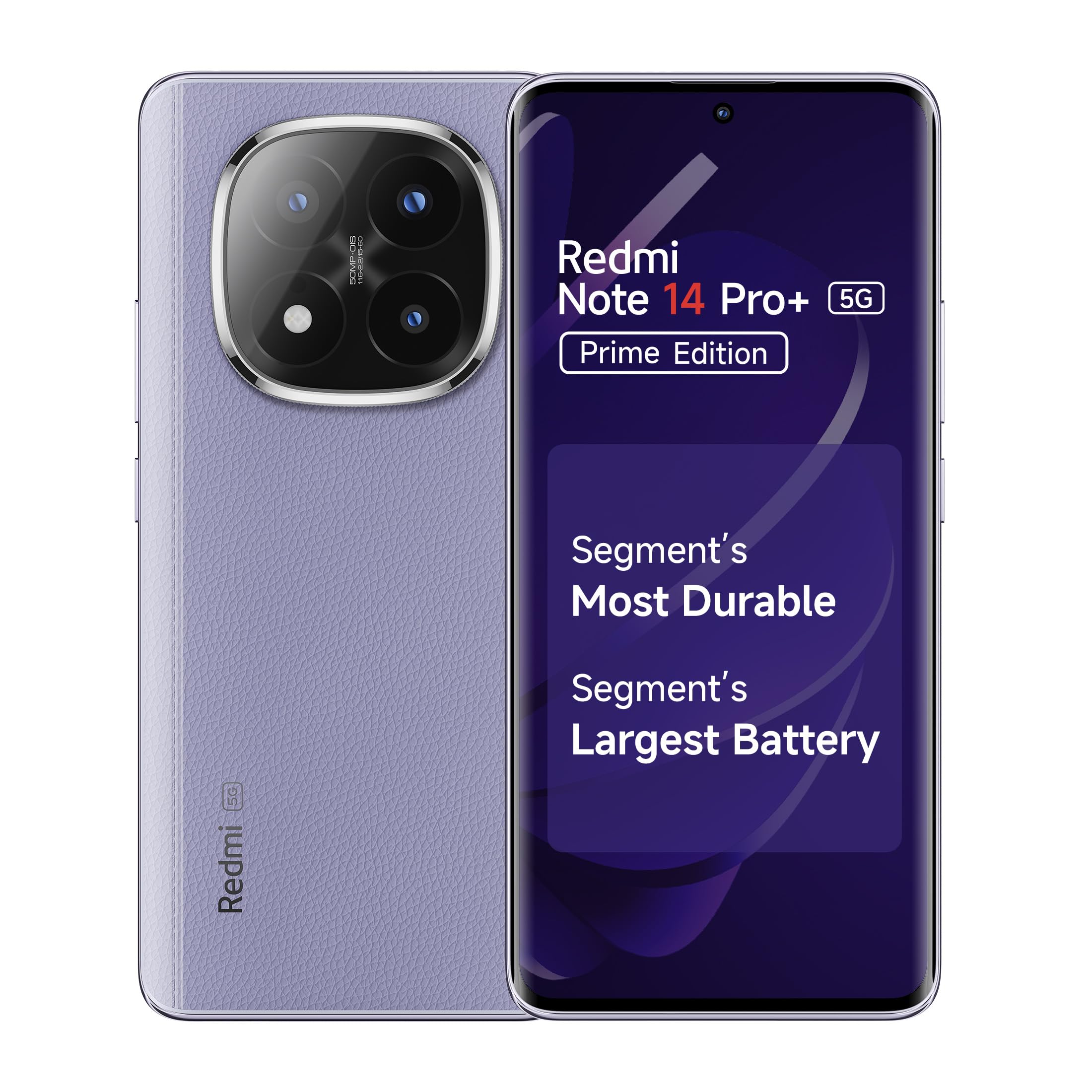
Figure 1: Redmi Note 14 Pro+ 5G Prime Edition smartphone.
2. Прылада скончанаview
Familiarize yourself with the physical components of your Redmi Note 14 Pro+ 5G Prime Edition.
- Спераду: 6.67-inch 1.5K Curved AMOLED Display, 20MP Front Camera, In-Display Fingerprint Sensor.
- Ззаду: 50MP Light Hunter 800 AI Triple Camera (Primary, Telephoto, Ultra-wide), LED Flash.
- Бакі: Power Button, Volume Rocker, USB Type-C Port, Dual Nano-SIM Tray, Speaker Grilles, Microphone.
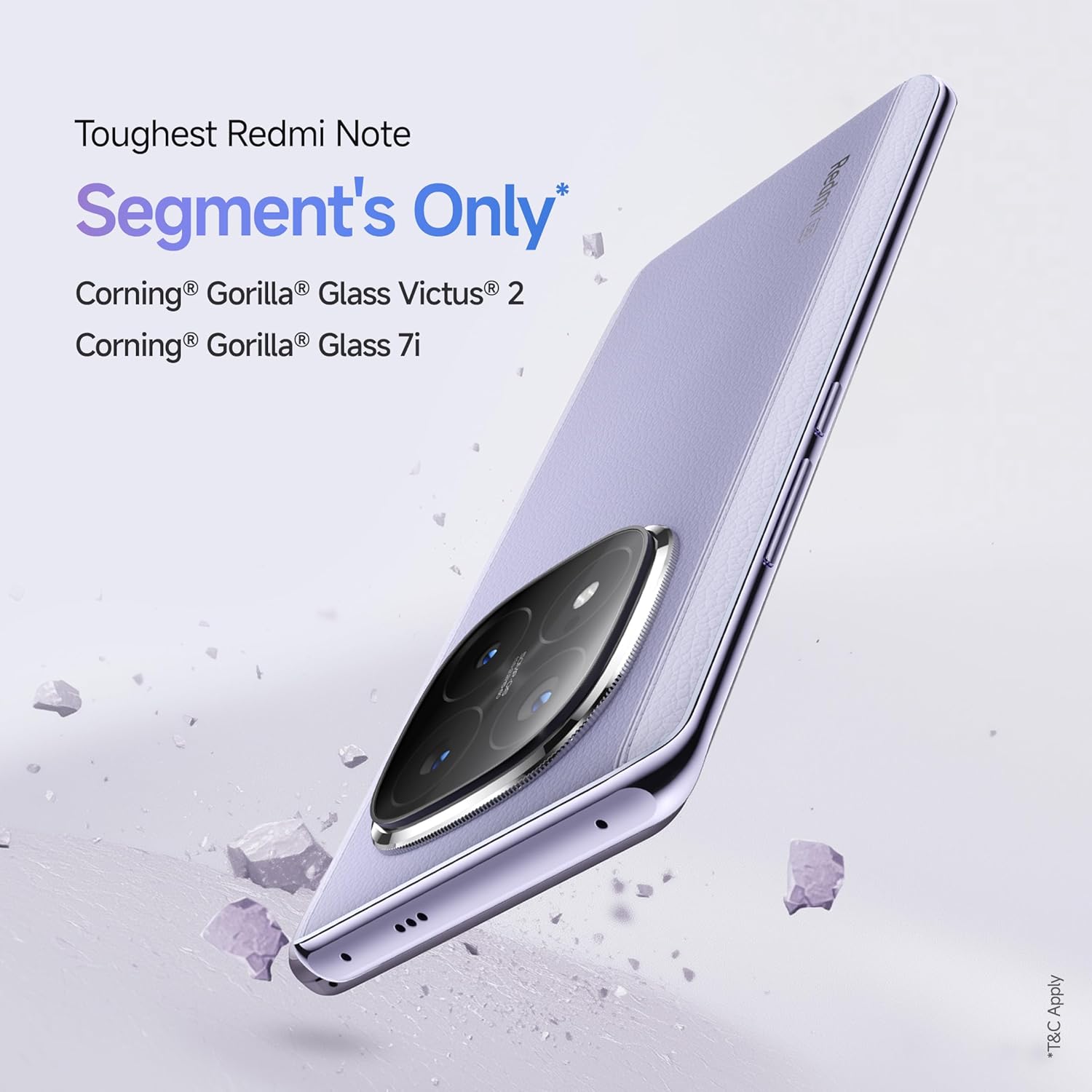
Малюнак 2: бок view of the device, highlighting the USB Type-C port and SIM tray.
3. Настройка
3.1. Ўстаноўка SIM-карты
- Знайдзіце латок для SIM-карты на бакавой частцы прылады.
- Insert the provided SIM ejector tool into the small hole next to the SIM tray and push gently until the tray pops out.
- Place your Nano-SIM cards into the designated slots on the tray. Ensure the gold contacts face downwards. This device supports Dual Nano-SIM.
- Асцярожна ўстаўце латок для SIM-карты назад у прыладу.
3.2. Уключэнне і пачатковая канфігурацыя
- Press and hold the Power button until the Redmi logo appears.
- Выконвайце інструкцыі на экране, каб выбраць мову, падключыцца да сеткі Wi-Fi і наладзіць свой уліковы запіс Google.
- Configure your In-Display Fingerprint Sensor and other security features for quick and secure access.
3.3. Зарадка прылады
Use the included 90W fast charger and USB Type-C cable to charge your device. Connect the USB cable to the phone's Type-C port and the power adapter to a wall outlet. The device supports rapid charging to minimize downtime.

Малюнак 3: Унутраны view illustrating the 6200mAh Silicon Carbon battery and 90W HyperCharge technology.
4. Кіраванне прыладай
4.1. Асаблівасці дысплея
Your Redmi Note 14 Pro+ 5G Prime Edition features a 6.67-inch 1.5K Curved AMOLED Display with a 120Hz adaptive refresh rate. It supports Dolby Vision HDR10+ and offers up to 3000 nits peak brightness for excellent visibility in various lighting conditions. The In-Display Fingerprint Sensor provides convenient and secure unlocking.

Figure 4: The 1.5K 3D Curved AMOLED display.
4.2. Выкарыстанне камеры
The device is equipped with a 50MP Light Hunter 800 AI Triple Camera system on the rear, including a 50MP Telephoto sensor and an 8MP Ultra-wide camera. The front camera is 20MP. Open the Camera app to access various modes such as Photo, Portrait, Video (up to 4K at 60fps), and more. Utilize AI features for enhanced photography.

Малюнак 5: падрабязна view of the flagship camera module components.
4.3. Прадукцыйнасць і праграмнае забеспячэнне
Powered by the Snapdragon 7s Gen 3 processor and running on Android 14 with Xiaomi HyperOS, your device offers smooth performance for daily tasks and gaming. The 8GB RAM ensures efficient multitasking. Explore the features of Xiaomi HyperOS for a personalized user experience.

Figure 6: The Snapdragon 7s Gen 3 processor.
4.4. Кіраванне батарэяй
The 6200mAh Silicon Carbon battery provides extended usage, with an average life of up to 48 hours under normal conditions. To optimize battery life, manage background app usage, adjust screen brightness, and enable power-saving modes when needed.
4.5. Аўдыё і падключэнне
Enjoy immersive audio with Dual Stereo Speakers and Dolby Atmos support. The device supports 5G cellular technology, Wi-Fi, Bluetooth, and features an IR Blaster for controlling compatible home appliances.
5. Тэхнічнае абслугоўванне
5.1. Ачыстка прылады
Use a soft, lint-free cloth to clean the screen and body of your phone. Avoid using harsh chemicals or abrasive materials. For ports, use a soft brush to gently remove dust and debris.
5.2. Абнаўленне праграмнага забеспячэння
Regularly check for and install software updates to ensure your device has the latest security patches, features, and performance improvements. Navigate to Налады > Аб тэлефоне > Версія MIUI каб праверыць наяўнасць абнаўленняў.
5.3. Кіраванне сховішчам
Your device comes with 128GB of internal storage. To manage storage effectively, regularly clear cache, uninstall unused apps, and back up important fileу воблачнае сховішча або на знешнюю прыладу.
6. Выпраўленне непаладак
У гэтым раздзеле разглядаюцца распаўсюджаныя праблемы, з якімі вы можаце сутыкнуцца пры выкарыстанні вашай прылады.
- Прылада не ўключаецца: Пераканайцеся, што акумулятар зараджаны. Націсніце і ўтрымлівайце кнопку харчавання не менш за 10-15 секунд, каб прымусова перазагрузіць прыладу.
- Экран не рэагуе: Перазагрузіце прыладу. Калі праблема не знікне, можа спатрэбіцца скінуць налады да заводскіх (спачатку зрабіце рэзервовую копію дадзеных).
- Праблемы з сеткай: Check if SIM cards are correctly inserted. Toggle Airplane Mode on and off. Restart the device. Verify network settings.
- Хуткая разрадка батарэі: Review app usage in battery settings. Reduce screen brightness. Disable unnecessary features like GPS or Bluetooth when not in use.
- Перагрэў: Пазбягайце выкарыстання тэлефона падчас зарадкі або працяглага інтэнсіўнага выкарыстання (напрыклад, гульняў). Зачыніце фонавыя праграмы. Калі перагрэў не знікае, звярніцеся ў службу падтрымкі.
For more complex issues, refer to the support section or visit an authorized service center.
7. Тэхнічныя характарыстыкі
Key technical specifications for the Redmi Note 14 Pro+ 5G Prime Edition:
| Асаблівасць | Дэталь |
|---|---|
| Марка | Redmi |
| Аперацыйная сістэма | Android 14, Xiaomi HyperOS |
| Працэсар | Snapdragon 7s Gen 3 (2.5 GHz) |
| АЗП | 8 ГБ |
| Захоўванне | 128 ГБ |
| Дысплей | 6.67-inch 1.5K Curved AMOLED, 120Hz, 2712 x 1220 Resolution, 3000 nits Peak Brightness, Dolby Vision HDR10+ |
| Задняя камера | 50 MP (Primary) + 50 MP (Telephoto) + 8 MP (Ultra-wide) |
| Пярэдняя камера | 20 МП |
| Ёмістасць батарэі | 6200 мАг, хуткая зарадка 90 Вт |
| Тып SIM | Падвойная Nano-SIM |
| Сувязь | 5G, Wi-Fi, Bluetooth, Infrared, USB Type-C |
| Бяспека | Убудаваны ў дысплей датчык адбіткаў пальцаў |
| Даўгавечнасць | Corning Gorilla Glass Victus 2, IP68 Water Resistant |
| Памеры | 16.3 х 0.9 х 7.5 сантыметраў |
| Вага | 205 грам |

Figure 7: Device demonstrating IP68 water resistance.
8. Інфармацыя аб гарантыі
Your Redmi Note 14 Pro+ 5G Prime Edition comes with a Гарантыя ад вытворцы 1 год для прылады з даты пакупкі. На аксэсуары, якія ўваходзяць у камплект, у тым ліку батарэі, распаўсюджваецца гарантыя Гарантыя ад вытворцы 6 месяцаў з даты пакупкі. Калі ласка, захавайце пацвярджэнне пакупкі для прэтэнзій па гарантыі.
9. Падтрымка
For assistance with your Redmi Note 14 Pro+ 5G Prime Edition, please use the following support channels:
- Chat Now: Live Agent Support available 24 Hours (All 7 Days). Call +91 88618 26286. Chat with our Virtual AI Bot, available in Hindi and English.
- Напішыце нам: Дасылайце свае пытанні па адрасе service.in@xiaomi.com.
- Інтэрнэт-даведка: Call 1800 103 6286. Available from 9 AM - 9 PM. Supported Languages include English, Hindi, Tamil, Telugu, Kannada, Malayalam, Marathi, Gujarati, Bengali, Odia & Punjabi.
- Сэрвісныя цэнтры: Locate service centers that cater across all Pin Codes for in-person assistance.