
Уводзіны
Thank you for choosing kurdene SP9i Wireless Over-Ear Bluetooth Earbuds. These earbuds are designed to provide a high-quality audio experience with exceptional comfort and stability, making them ideal for sports, meetings, workouts, and everyday use. Featuring advanced Bluetooth 5.3 technology, deep bass sound, and an impressive 60-hour total playtime, your kurdene SP9i earbuds are built for performance and convenience.
This manual will guide you through the setup, operation, maintenance, and troubleshooting of your new earbuds to ensure you get the most out of your listening experience.
Што ў скрынцы
Upon opening your kurdene SP9i package, you should find the following items:
- kurdene SP9i Wireless Over-Ear Earbuds (Left and Right)
- Партатыўны чахол для зарадкі
- Зарадны кабель USB-C
- Interchangeable Ear Tips (Various Sizes)
- Кіраўніцтва карыстальніка

Image: kurdene SP9i Wireless Over-Ear Bluetooth Earbuds in Hot Pink, shown with their charging case.
Кіраўніцтва па ўстаноўцы
1. Зарадка навушнікаў і чахла
Перад першым выкарыстаннем цалкам зарадзіце навушнікі і зарадны футляр.
- Place the earbuds into the charging case. Ensure they are correctly seated; the indicator lights on the earbuds will illuminate to confirm charging.
- Connect the USB-C charging cable to the charging port on the case and plug the other end into a compatible USB power source.
- The charging case's indicator light will show charging status. A full charge for the case typically takes about 1.5 hours.
The earbuds offer up to 12 hours of continuous playtime on a single charge, and the charging case provides an additional 48 hours, totaling 60 hours of playtime.

Image: Visual representation of the earbud and charging case battery life, highlighting 60 hours total playtime and USB-C charging.
2. Спалучэнне з вашай прыладай
Your kurdene SP9i earbuds utilize Bluetooth 5.3 for a stable and efficient connection.
- Адкрыйце зарадны кейс. Навушнікі аўтаматычна пяройдуць у рэжым спалучэння, пра што будзе сведчыць мігценне святлодыёдаў на навушніках.
- На вашай прыладзе (смартфоне, планшэце, ноўтбуку) перайдзіце ў налады Bluetooth.
- Пошук available devices and select "kurdene SP9i" from the list.
- Once connected, the earbud indicator lights will stop flashing or show a steady light, and you will hear an audio confirmation.
The Bluetooth 5.3 technology ensures faster data transfer and a reliable connection up to 33 feet, perfect for seamless audio and video synchronization.
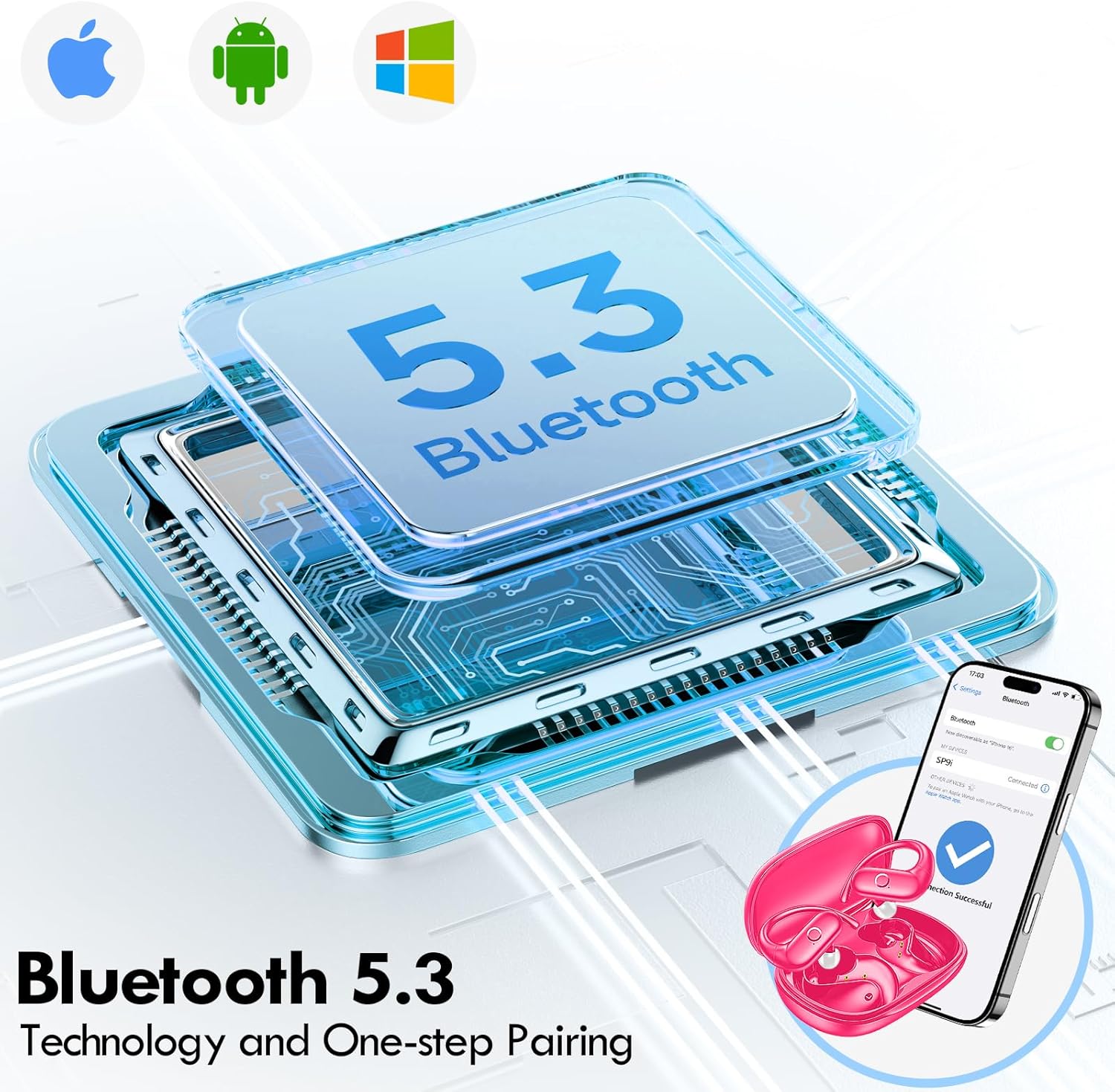
Image: Illustration of Bluetooth 5.3 technology and the one-step pairing process with a mobile device.
Інструкцыя па эксплуатацыі
1. Нашэнне навушнікаў
The kurdene SP9i earbuds feature an over-ear design with soft silicone ear hooks for a secure and comfortable fit, especially during active use.
- Вызначце левы (L) і правы (R) навушнікі-ўкладышы.
- Gently place the earbud into your ear canal and hook the ear hook over the top of your ear.
- Adjust the earbud and hook until it feels snug and comfortable. The flexible design ensures a natural, pressure-free listening experience.

Image: Visual guide to the over-ear design, emphasizing comfort and secure fit.

Image: A user wearing the earbuds during physical activity, showcasing their suitability for active lifestyles.
2. Інтэлектуальнае сэнсарнае кіраванне
Навушнікі маюць інтуітыўна зразумелае сэнсарнае кіраванне для лёгкага кіравання аўдыё і званкамі:
- Прайграванне/Паўза: Адзін націск на любы навушнік.
- Наступны трэк: Двойчы націсніце на правы навушнік.
- Папярэдні трэк: Двойчы націсніце на левы навушнік-ўкладыш.
- Павялічыць гучнасць: Тройчы націсніце на правы навушнік.
- Паменшыць гучнасць: Тройчы націсніце на левы навушнік-ўкладыш.
- Адказ/завяршэнне выкліку: Адно націсканне на любы навушнік падчас уваходнага званка.
- Адхіліць выклік: Падчас уваходнага званка націсніце і ўтрымлівайце любы з навушнікаў на працягу 2 секунд.
- Актываваць галасавы памочнік: Націсніце і ўтрымлівайце любы навушнік на працягу 3 секунд.
3. Sound Quality and Microphones
Equipped with 16.1mm vibrating diaphragm drivers, these earbuds deliver powerful bass, crisp mids, and clear treble for a rich, immersive sound. The built-in microphones are designed to isolate your voice, ensuring crystal-clear call quality even in noisy environments.
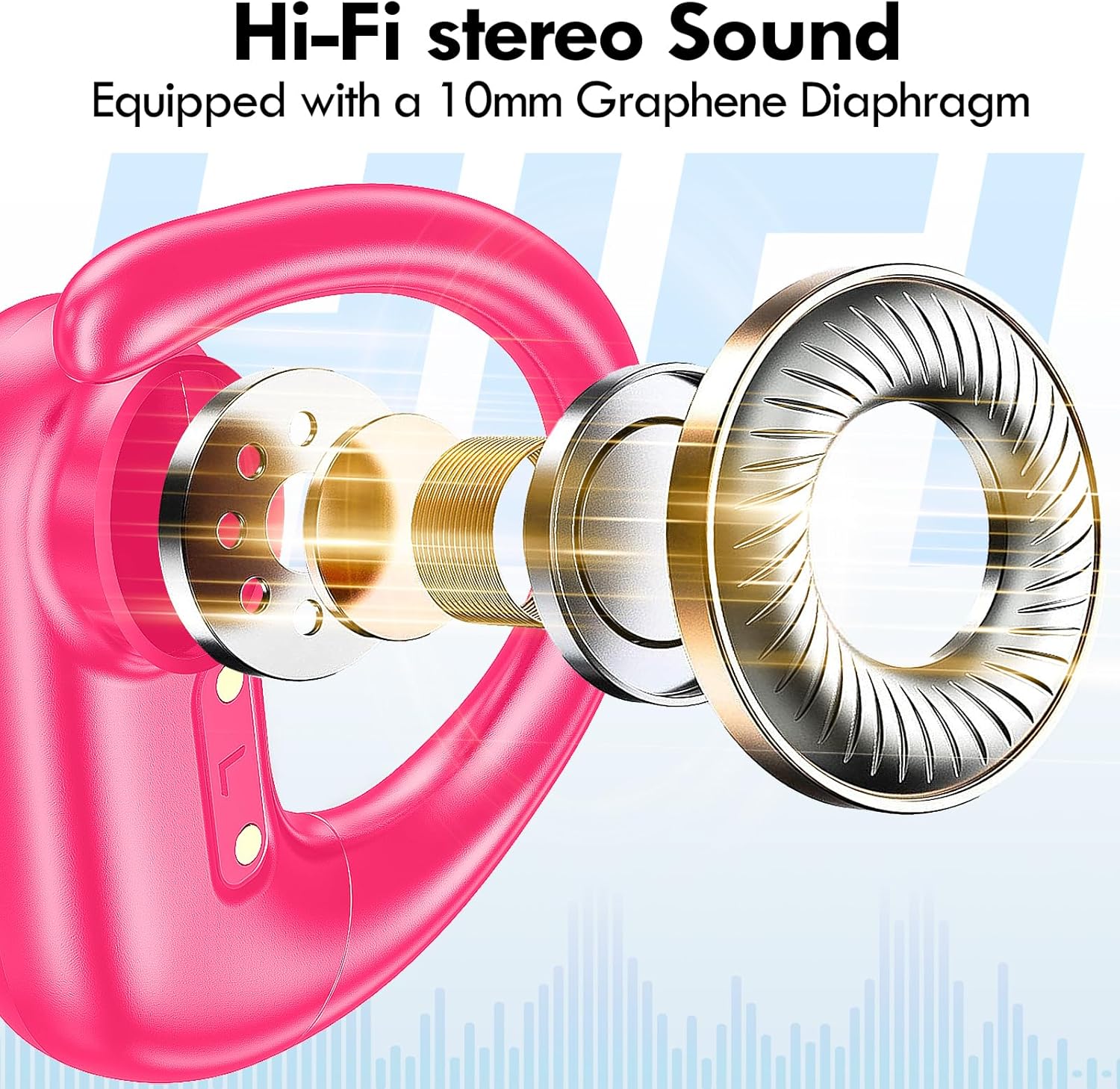
Выява: Разабраная view of the earbud's internal structure, emphasizing the Hi-Fi stereo sound components.

Image: Depiction of precision directional audio and 95% sound leakage reduction for an enhanced listening experience.
Тэхнічнае абслугоўванне
To ensure the longevity and optimal performance of your kurdene SP9i earbuds, follow these maintenance guidelines:
- Уборка: Рэгулярна працірайце навушнікі і зарадны футляр мяккай, сухой тканінай без ворса. Не выкарыстоўвайце агрэсіўныя хімічныя рэчывы або абразіўныя матэрыялы.
- Парады для вушэй: Перыядычна здымайце і чысціце амбушюры мяккім мылам і вадой. Перад тым, як зноў прымацоўваць іх да навушнікаў, пераканайцеся, што яны цалкам сухія.
- Парты для зарадкі: Keep the charging contacts on the earbuds and inside the case clean and free of debris. Use a dry cotton swab if necessary.
- захоўванне: Калі навушнікі не выкарыстоўваюцца, захоўвайце іх у зарадным футляры, каб абараніць ад пылу, пашкоджанняў і падтрымліваць зараджанасць.
- Пазбягайце экстрэмальных умоў: Do not expose the earbuds to extreme temperatures, humidity, or direct sunlight for extended periods.
Ліквідацыю непаладак
If you encounter any issues with your kurdene SP9i earbuds, please refer to the following common solutions:
- Навушнікі не спалучаюцца:
- Пераканайцеся, што абодва навушнікі цалкам зараджаны.
- Выключыце Bluetooth на прыладзе, а затым зноў уключыце яго.
- Forget/delete "kurdene SP9i" from your device's Bluetooth list and attempt to pair again.
- Змясціце навушнікі назад у чахол, зачыніце вечка, пачакайце некалькі секунд, а затым адкрыйце яго, каб зноў увайсці ў рэжым спалучэння.
- Няма гуку або нізкі гук:
- Праверце ўзровень гучнасці як на прыладзе, так і ў навушніках.
- Пераканайцеся, што навушнікі правільна размешчаны ў вушах.
- Try cleaning the ear tips and speaker mesh to remove any obstructions.
- Зноў падключыце навушнікі-ўкладышы да прылады.
- Навушнікі не зараджаюцца:
- Пераканайцеся, што зарадны кабель надзейна падключаны як да корпуса, так і да крыніцы харчавання.
- Праверце, ці чыстыя кантакты зарадкі на навушніках і ўнутры футляра і ці няма на іх смецця.
- Паспрабуйце выкарыстоўваць іншы кабель USB-C або адаптар сілкавання.
- Перарывістае падключэнне:
- Ensure your device is within the 33-foot Bluetooth range.
- Пазбягайце фізічных перашкод паміж прыладай і навушнікамі-ўкладышамі.
- Мінімізуйце перашкоды ад іншых бесправадных прылад.
If these steps do not resolve your issue, please contact kurdene customer support for further assistance.
Тэхнічныя характарыстыкі прадукту
| Асаблівасць | Спецыфікацыя |
|---|---|
| Назва мадэлі | SP9i |
| Марка | курдэне |
| Тэхналогія падлучэння | Бесправадная сувязь (Bluetooth 5.3) |
| Тэхналогія бесправадной сувязі | Bluetooth |
| Версія Bluetooth | 5.3 |
| Дыяпазон Bluetooth | 10 метра (33 футаў) |
| Размяшчэнне вушэй | Над вухам |
| Формаў-фактар | Над вухам |
| Кантроль шуму | Sound Isolation, Passive Noise Isolation |
| Тып аўдыё драйвера | Дынамічны драйвер |
| Тэрмін службы батарэі (навушнікі) | 12 гадзін |
| Агульны час прайгравання (з зарадным чахлом) | 60 гадзін |
| Метад кантролю | Дакранацца |
| Матэрыял | Сілікон |
| Вага прадмета | 3.52 унцыі (0.1 кілаграма) |
| Колер | Ярка-ружовы |
| Уключаныя кампаненты | Microphone Earphones (Earbuds, Charging Case, USB-C Cable, Ear Tips) |
Гарантыя і падтрымка
kurdene products are manufactured with high-quality standards. For information regarding warranty coverage and customer support, please refer to the warranty card included in your product packaging or visit the official kurdene website. If you require assistance with your SP9i earbuds, our customer support team is ready to help.
Каб атрымаць найноўшую інфармацыю і падтрымку, наведайце: kurdene Official Store on Amazon