
Пікун F5
Кіраўніцтва карыстальніка для навушнікаў з актыўным шумапрыглушэннем Picun F5
Мадэль: F5
1. Уводзіны
This manual provides essential information for the proper use and maintenance of your Picun F5 Active Noise Cancelling Headphones. Please read it thoroughly before operating the device.
2. Змесціва ўпакоўкі
Праверце, ці ёсць усе прадметы ў вашай упакоўцы:
- 1 х навушнікі Picun F5
- 1 х 3.5 мм аўдыякабель
- 1 х USB-кабель для зарадкі
- 1 х Кіраўніцтва карыстальніка

3. Асаблівасці прадукту
- Актыўнае шумапрыглушэнне (ANC): Advanced technology to reduce ambient noise for an immersive audio experience.
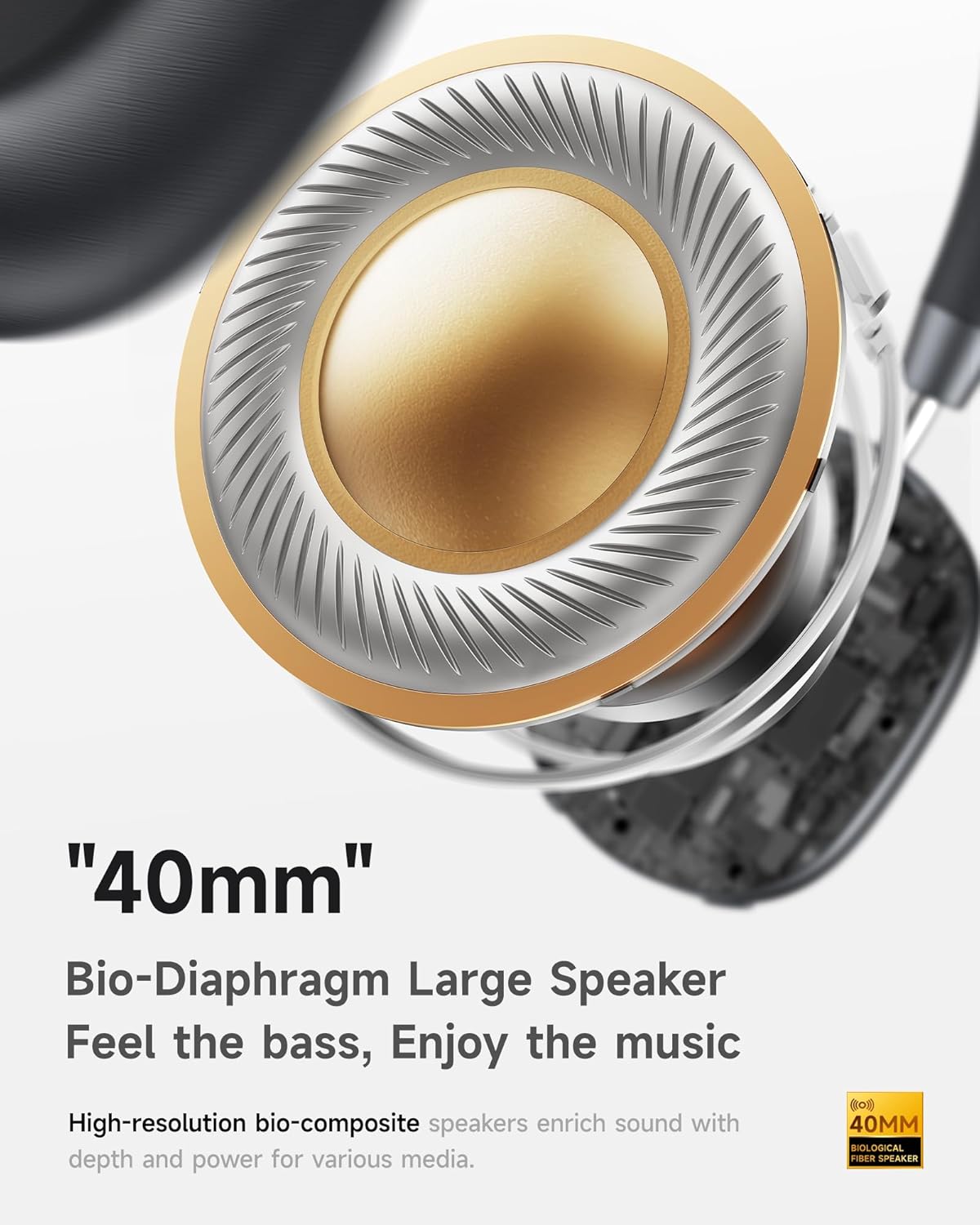
- Hi-Fi Audio with Deep Bass: Delivers clear sound with enhanced bass.
- App-Controlled EQ: Customize audio settings via a dedicated companion application.
- Убудаваны мікрафон: Ensures clear voice calls.
- Шматкропкавае злучэнне: Allows seamless switching between two connected Bluetooth devices.
- Эрганамічны дызайн: Lightweight build with soft memory-foam earcups for extended comfort.
- Long Playtime & Fast Charging: Up to 30 hours of playback on a single charge, with quick recharge capabilities.



4. Настройка
4.1 Зарадка навушнікаў
Before first use, fully charge your Picun F5 headphones. Connect the provided USB charging cable to the headphone's charging port and a compatible USB power source. The charging indicator light will show the charging status.
4.2 Спалучэнне па Bluetooth
- Пераканайцеся, што навушнікі адключаны.
- Націсніце і ўтрымлівайце кнопку харчавання, пакуль індыкатар не пачне міргаць, паказваючы рэжым спалучэння.
- На вашай прыладзе (смартфоне, планшэце, камп'ютары) уключыце Bluetooth і знайдзіце даступныя прылады.
- Select "Picun F5" from the list of devices to connect.
- Once connected, the indicator light will change to a steady blue or turn off, depending on the model.
4.3 Шматкропкавае злучэнне
The Picun F5 supports connecting to two Bluetooth devices simultaneously. After pairing with the first device, disable Bluetooth on that device. Pair the headphones with the second device. Then, re-enable Bluetooth on the first device. The headphones should now be connected to both devices, allowing seamless audio switching.

5. Аперацыя
5.1 Асноўныя элементы кіравання
The headphones feature intuitive controls for managing audio and calls:
- Уключэнне/выключэнне харчавання: Націсніце і ўтрымлівайце кнопку харчавання.
- Рэгуляванне гучнасці: Use the dedicated volume knob/buttons on the earcup.
- Прайграванне/Паўза: Аднаразова націсніце шматфункцыянальную кнопку.
- Наступны трэк: Двойчы націсніце шматфункцыянальную кнопку.
- Папярэдні трэк: Тройчы націсніце шматфункцыянальную кнопку.
- Адказ/завяршэнне выкліку: Аднаразова націсніце шматфункцыянальную кнопку падчас уваходнага званка.
- Адхіліць выклік: Падчас уваходнага званка націсніце і ўтрымлівайце шматфункцыянальную кнопку.
5.2 Рэжымы актыўнага шумапрыглушэння (ANC)
The ANC feature can be toggled or adjusted using a dedicated button on the headphones. Refer to the specific button layout on your device for exact functionality. Some models may offer different ANC levels or transparency modes.
5.3 App Control and Custom EQ
Download the companion app for your Picun F5 headphones to unlock personalized features. The app allows you to:
- Customize Equalizer (EQ) settings to match your audio preferences.
- Adjust ANC levels or switch between different noise control modes.
- Access additional smart features and settings.


6. Тэхнічнае абслугоўванне
To ensure the longevity and optimal performance of your Picun F5 headphones, follow these maintenance guidelines:
- Уборка: Выкарыстоўвайце мяккую сухую тканіну для чысткі амбушюр і агалоўя. Пазбягайце выкарыстання агрэсіўных хімічных рэчываў або абразіўных матэрыялаў.
- захоўванне: Store the headphones in a cool, dry place, away from direct sunlight and extreme temperatures. When not in use, consider storing them in a protective case.
- Пазбягайце вільгаці: Не падвяргайце навушнікі ўздзеянню вады або празмернай вільгаці.
- Асцярожна звяртайцеся: Пазбягайце падзення навушнікаў і моцных удараў.

7. Выпраўленне непаладак
If you encounter issues with your Picun F5 headphones, refer to the following common solutions:
- Няма харчавання: Пераканайцеся, што навушнікі цалкам зараджаныя. Падключыце іх да крыніцы харчавання і праверце індыкатар зарадкі.
- Немагчыма спалучыць: Make sure the headphones are in pairing mode (indicator flashing). Disable and re-enable Bluetooth on your device, then try pairing again. Ensure the headphones are not already connected to another device.
- Няма гуку: Check the volume levels on both the headphones and your connected device. Ensure the headphones are properly paired. If using a wired connection, ensure the 3.5mm audio cable is securely plugged in.
- Дрэнная якасць гуку: Move closer to your connected device to avoid interference. Check for any obstructions between the headphones and the device. Ensure the audio source is of good quality.
- ANC не працуе: Ensure the ANC feature is activated. Check for any physical obstructions around the microphones.
If the issue persists, try resetting the headphones (refer to the full user manual for specific reset instructions) or contact customer support.
8. Тэхнічныя характарыстыкі
| Марка | Пікун |
| Назва мадэлі | F5 |
| Тэхналогія падлучэння | Бесправадная сувязь (Bluetooth 4.0) |
| Кантроль шуму | Гукаізаляцыя (актыўнае шумапрыглушэнне) |
| АЧХ | 20 кГц |
| Адчувальнасць | 42 дБ |
| Гняздо для навушнікаў | 3.5 мм Jack |
| Тэрмін службы батарэі | 30 гадзін |
| Тып аўдыё драйвера | Дынамічны драйвер |
| Форма навушніка | Круглая |
| Імпеданс | 32 Ом |
| Вага прадмета | 14 унцыі (0.4 кілаграма) |
| Матэрыял | Акрыланітрылбутадыенстырол (АБС) |
9. Гарантыя і падтрымка
Picun products are designed for reliability and performance. For warranty information, product support, or technical assistance, please refer to the warranty card included in your package or visit the official Picun webсайт. Захоўвайце чэк аб пакупцы на выпадак прэтэнзій па гарантыі.