
1. Уводзіны
This manual provides essential instructions for the setup, operation, maintenance, and troubleshooting of your RCA 40-inch MultiTuner HD Google TV, Model R40M-F4G. Please read this manual thoroughly before using your television to ensure proper functionality and safety.
2. Важная інфармацыя па бяспецы
Заўсёды выконвайце асноўныя меры бяспекі пры выкарыстанні гэтага вырабу, каб знізіць рызыку пажару, паражэння электрычным токам і траўмаў.
- Не падвяргайце тэлевізар уздзеянню дажджу або вільгаці.
- Не адчыняйце тэлевізарasinг; звяртайцеся да кваліфікаванага персаналу па ўсё абслугоўванне.
- Забяспечце належную вентыляцыю вакол тэлевізара.
- Выкарыстоўвайце толькі шнур сілкавання, які пастаўляецца з тэлевізарам.
- Трымайце тэлевізар далей ад прамых сонечных прамянёў і крыніц цяпла.
3. Што ўваходзіць у камплект
Праверце наяўнасць усіх кампанентаў ва ўпакоўцы:
- RCA 40-inch MultiTuner HD Google TV (Model R40M-F4G)
- Пульт дыстанцыйнага кіравання (з батарэйкамі)
- Кіраўніцтва карыстальніка (гэты дакумент)
- Шнур харчавання
- Тумбы пад тэлевізар (2) і шрубы

Image 1: RCA 40-inch Google TV with included remote control and stand components.
4. Настройка
4.1 Мацаванне падставак для тэлевізара
- Асцярожна пакладзеце тэлевізар экранам уніз на мяккую чыстую паверхню, каб пазбегнуць пашкоджання экрана.
- Сумясціце кожную падстаўку з адпаведнымі адтулінамі для шруб у ніжняй частцы тэлевізара.
- Замацуйце падстаўкі з дапамогай шруб, якія ўваходзяць у камплект. Не перацягвайце.
4.2 Насценны мантаж (дадаткова)
If you plan to wall-mount your TV, refer to the instructions provided with your wall-mount bracket. Ensure the bracket is compatible with the TV's VESA mounting pattern (refer to specifications). Remove the TV stands before wall mounting.

Малюнак 2: ззаду view of the TV, highlighting the VESA mounting points for wall installation.
4.3 Падключэнне прылад
Connect your external devices (e.g., cable box, Blu-ray player, gaming console) to the appropriate ports on the TV.
- HDMI: Для аўдыё і відэа высокай выразнасці.
- USB: Для падключэння USB-назапашвальнікаў.

Малюнак 3: Збоку view of the TV, illustrating the location of HDMI and USB ports for device connectivity.
4.4 Пачатковае ўключэнне і налада Google TV
- Падключыце шнур харчавання да тэлевізара, а затым да разеткі.
- Націсніце кнопку харчавання на пульце дыстанцыйнага кіравання або на тэлевізары.
- Выконвайце інструкцыі на экране, каб завяршыць пачатковую наладу, у тым ліку:
- Выбар мовы
- Сеткавае падключэнне (Wi-Fi)
- Уваход у ўліковы запіс Google
- Сканіраванне каналаў (пры выкарыстанні антэны)
5. Operating Your RCA Google TV
5.1 Інтэрфейс Google TV
The Google TV operating system provides a centralized hub for your streaming services, live TV, and apps. Navigate using the remote control's directional pad and select button.

Image 4: The Google TV home screen, showing recommended content and installed applications.
5.2 Асноўныя магчымасці
- Памочнік Google: Control your TV, search for content, or get information using voice commands. Press the Google Assistant button on your remote and speak into the microphone.

Image 5: Using Google Assistant with the remote control for voice commands.
- Убудаваны Chromecast: Cast content (videos, photos, music) from your compatible smartphone, tablet, or computer directly to the TV screen.
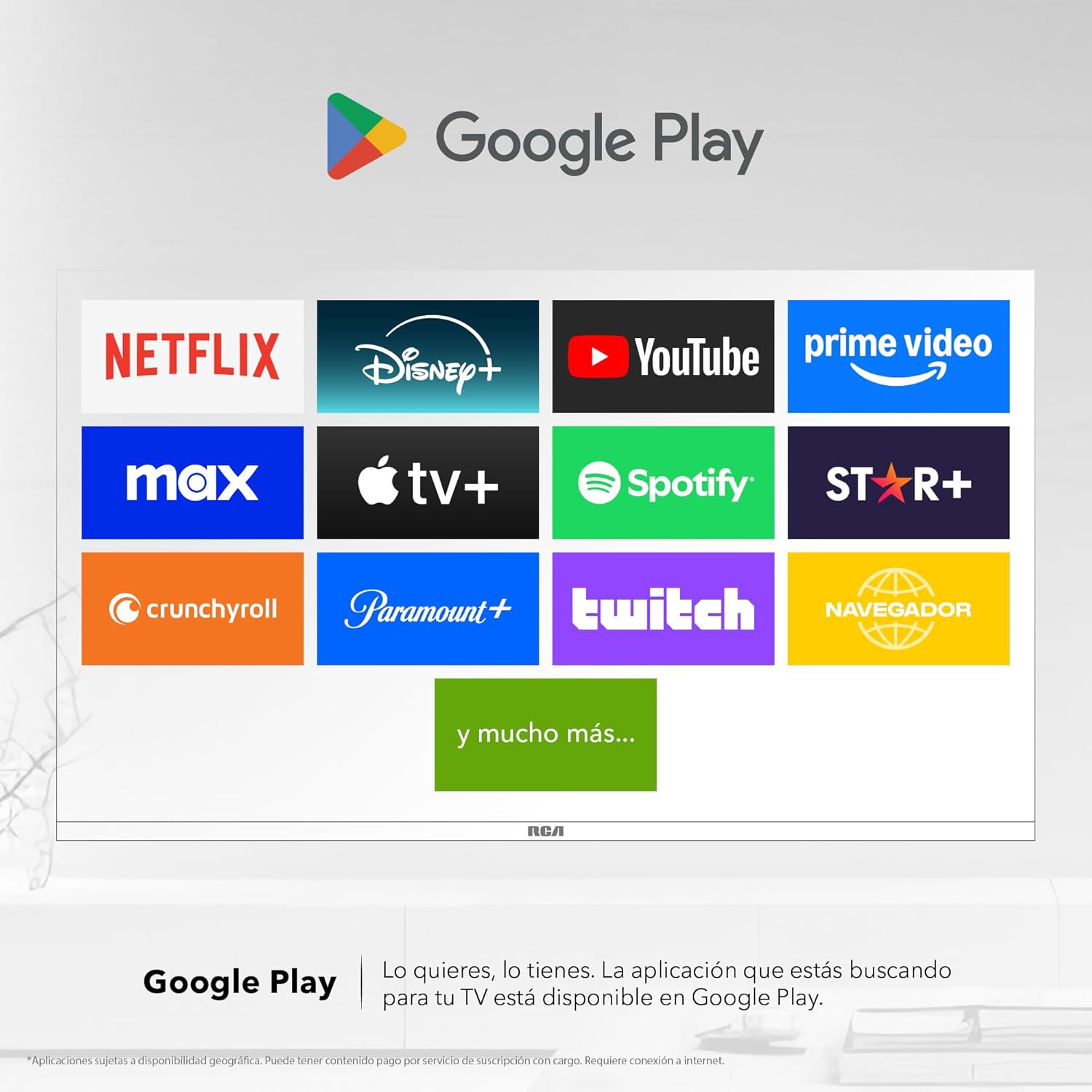
Image 6: Demonstrating content casting from a mobile device to the TV via Google Cast.
- Злучэнне Bluetooth: Падключайце прылады з падтрымкай Bluetooth, такія як саўндбары, навушнікі або гульнявыя кантролеры, да тэлевізара без правадоў.

Image 7: The TV connected to a soundbar via Bluetooth for enhanced audio.
- Крама Google Play: Download and install a wide variety of applications directly onto your TV.

Image 8: The Google Play Store displaying various applications available for download.
- Дзеці Profile: Стварыце адданага прафесіяналаfile for children to manage accessible applications and content.

Image 9: The Kids Profile interface, designed for child-friendly content management.
- Dolby Audio: Experience clear, rich, and detailed sound with Dolby Audio technology.
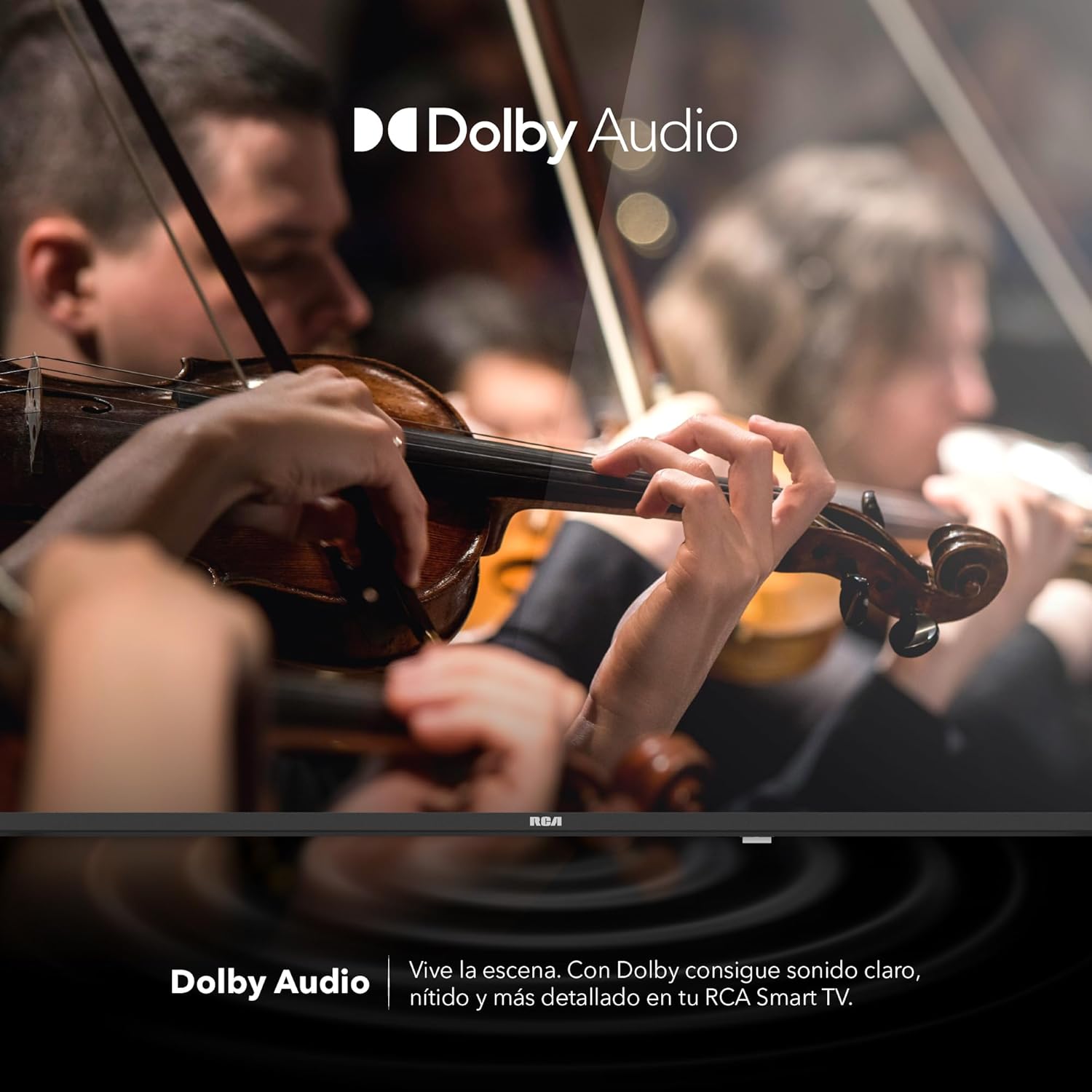
Image 10: The Dolby Audio feature enhancing the sound experience on the TV.
6. Тэхнічнае абслугоўванне
6.1 Ачыстка экрана
- Выключыце тэлевізар і адключыце яго ад электрычнай разеткі.
- Акуратна працярыце экран мяккай тканінай без ворса.
- Для ўстойлівых плям злёгку пачысціцеampпрацярыце тканіну вадой або спецыяльным сродкам для чысткі экранаў (не распыляйце непасрэдна на экран).
- Пазбягайце выкарыстання агрэсіўных хімікатаў або абразіўных матэрыялаў.
6.2 Агульны догляд
- Трымайце тэлевізар у добра вентыляваным памяшканні.
- Protect the TV from dust by regularly wiping the casinпрацярыце мяккай сухой тканінай.
- Пазбягайце размяшчэння цяжкіх прадметаў на тэлевізары.
7. Выпраўленне непаладак
| праблема | Магчымая прычына | Рашэнне |
|---|---|---|
| Няма ўлады | Шнур харчавання адключаны; праблема з разеткай | Пераканайцеся, што шнур харчавання надзейна падключаны. Праверце разетку з дапамогай іншай прылады. |
| Няма выявы, але гук ёсць | Incorrect input source; faulty cable | Press the "Input" button on the remote to select the correct source. Check HDMI/AV cable connections. |
| Няма гуку, але выява ёсць | Volume too low; Mute activated; audio settings issue | Increase volume. Check if Mute is active. Verify audio output settings in the TV menu. |
| Пульт дыстанцыйнага кіравання не працуе | Dead batteries; obstruction; pairing issue | Replace batteries. Remove any obstructions between remote and TV. Re-pair Bluetooth remote if applicable. |
| Праблемы з падключэннем да Wi-Fi | Router problem; incorrect password; signal interference | Restart your router. Re-enter Wi-Fi password. Move TV closer to router or reduce interference. |
8. Тэхнічныя характарыстыкі
| Асаблівасць | Дэталь |
|---|---|
| Марка | RCA |
| мадэль | R40M-F4G |
| Памер экрана | 40 цаляў |
| Тэхналогія адлюстравання | святлодыёд |
| дазвол | 1920 x 1080 (Full HD) |
| Частата абнаўлення | 60 Гц |
| Аперацыйная сістэма | Google TV |
| Кадзіроўка аўдыё | Dolby Atmos |
| Абсталяванне інтэрфейсу | HDMI, USB |
| Усяго партоў USB | 2 |
| Падтрымка Bluetooth | так |
| Асаблівасці | Chromecast, Flat Screen |
| Тып мацавання | Насценны мантаж |
| Памеры прадукту (ШxВxГ) | 97 х 56 х 11 см |
| Вага прадукту | 7 кг |
9. Гарантыя і падтрымка
9.1 Інфармацыя аб гарантыі
This product comes with a manufacturer's warranty. Please refer to the warranty card included in your packaging for specific terms and conditions. Extended warranty options may be available from your retailer.
9.2 Падтрымка кліентаў
For technical assistance, troubleshooting beyond this manual, or warranty claims, please contact RCA customer support. Visit the official RCA webсайт для кантактнай інфармацыі і рэсурсаў падтрымкі.
Афіцыйны прадстаўнік RCA Webсайт: www.rca.com