
Уводзіны
Thank you for choosing the Xtreme Bluetooth Earbuds. This manual provides essential information for setting up, operating, and maintaining your earbuds to ensure optimal performance and longevity. Please read these instructions carefully before use.
Што ў скрынцы
- Xtreme Bluetooth Earbuds (Left and Right)
- Зарадны чахол са святлодыёдным дысплеем
- Зарадны кабель USB-C
- Кіраўніцтва карыстальніка
Настройка
1. Зарадка навушнікаў і чахла
Before first use, fully charge the earbuds and charging case. Place the earbuds into the charging case. Connect the USB-C charging cable to the case's charging port and the other end to a USB power source (e.g., wall adapter, computer USB port).
The LED display on the charging case indicates the battery level. When fully charged, the display will show 100. The earbuds will charge automatically when placed in the case.

Image: Xtreme Bluetooth Earbuds and Charging Case. The image shows the earbuds resting in their open charging case, which features an LED display indicating '100' for full charge. Key features like Bluetooth connectivity, playtime, True Wireless Stereo, comfort design, play/pause & calls, and charging case functionality are highlighted around the product.
2. Спарванне Bluetooth
- Ensure the earbuds are charged. Open the charging case. The earbuds will automatically enter pairing mode, indicated by a flashing LED light on the earbuds.
- На вашай прыладзе (смартфоне, планшэце і г.д.) уключыце Bluetooth.
- Пошук available Bluetooth devices and select "Xtreme Earbuds" from the list.
- Once connected, a voice prompt will confirm successful pairing, and the earbud LED lights will stop flashing.
The earbuds support True Wireless Stereo (TWS), allowing them to be used simultaneously as a pair or individually. They will automatically reconnect to the last paired device when removed from the case and within range.
Інструкцыя па эксплуатацыі
Уключэнне/выключэнне харчавання
- Уключэнне: Open the charging case, and the earbuds will power on automatically. Alternatively, press and hold the touch control area on both earbuds for 3 seconds.
- Выключэнне: Place the earbuds back into the charging case and close the lid. They will power off automatically. Alternatively, press and hold the touch control area on both earbuds for 5 seconds.
Прайграванне музыкі
Use the one-touch controls on either earbud to manage music:
- Прайграванне/Паўза: Адзін націск на любы навушнік.
- Наступны трэк: Двойчы націсніце на правы навушнік.
- Папярэдні трэк: Двойчы націсніце левы навушнік.
- Павялічыць гучнасць: Тройчы націсніце на правы навушнік.
- Паменшыць гучнасць: Тройчы націсніце левы навушнік.

Image: Xtreme Bluetooth Earbuds in use with a smartphone displaying a music player. The image highlights the ability to activate voice assistant and use one-touch controls for play, pause, and answering calls.
Кіраванне званкамі
The built-in microphone allows for hands-free calling. Use the one-touch controls:
- Адказаць на званок: Адзін націск на любы навушнік.
- Завяршыць выклік: Адно націсканне на любы навушнік падчас размовы.
- Адхіліць выклік: Націсніце і ўтрымлівайце любы навушнік на працягу 2 секунд.
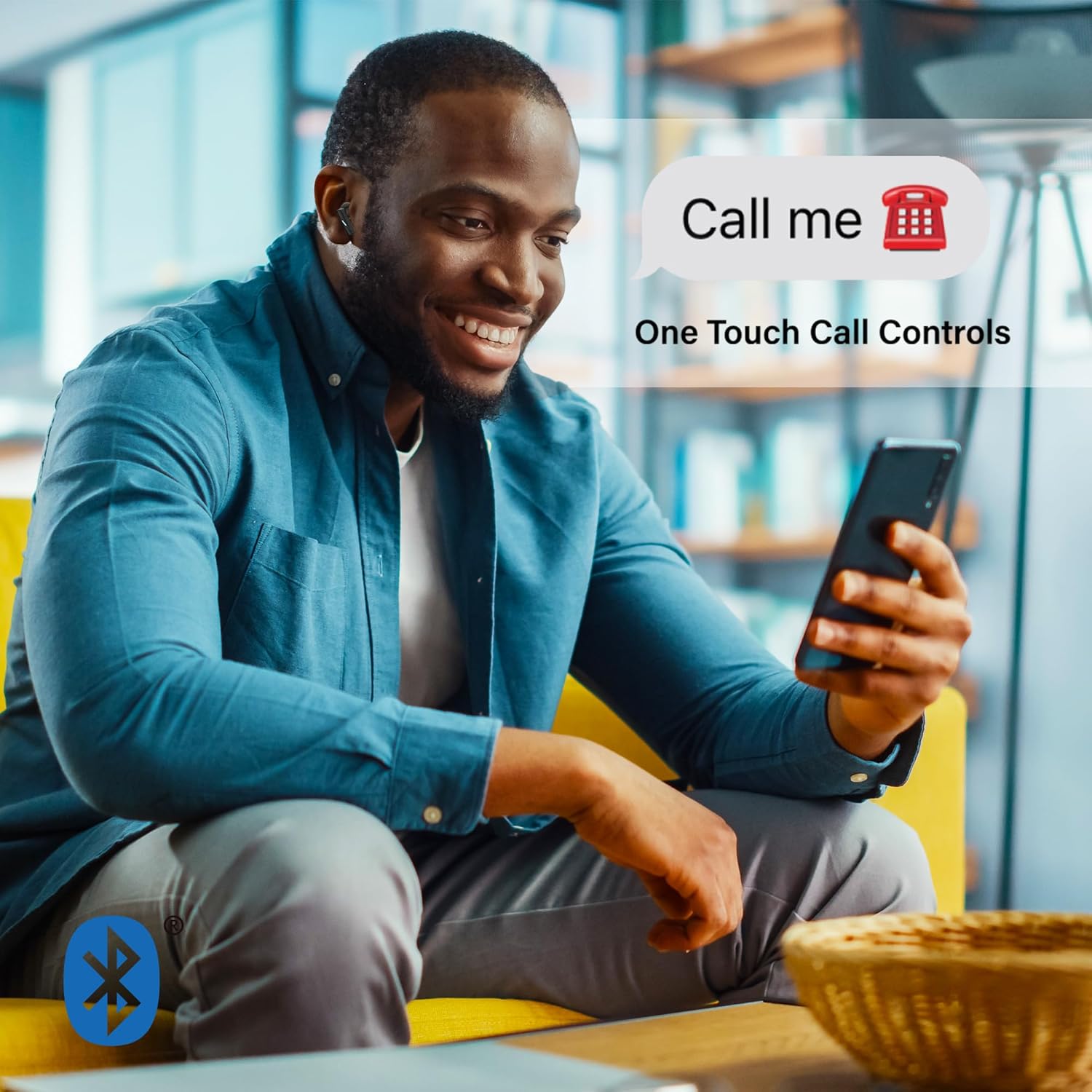
Image: A man smiling and looking at his phone while wearing Xtreme Bluetooth Earbuds. A speech bubble above his head says "Call me" with a phone icon, illustrating the one-touch call controls feature.
Актыўны шумапрыглушэння (ANC)
The earbuds feature Active Noise Cancellation to reduce ambient sounds.
- Уключыць/выключыць шумавое спыненне (ANC): Press and hold the touch control area on the злева earbud for 2 seconds. A voice prompt will confirm the mode change.

Image: A woman in athletic wear stretching outdoors while wearing Xtreme Bluetooth Earbuds. The image features text overlay "ISOLATE YOUR MUSIC WITH ACTIVE NOISE CANCELLING", emphasizing the ANC feature for focused listening during activities.
Галасавы памочнік
Activate your device's voice assistant (e.g., Siri, Google Assistant) directly from the earbuds.
- Актываваць галасавы памочнік: Press and hold the touch control area on the справа навушнік на працягу 2 секунд.
Тэхнічнае абслугоўванне
Уборка
- Рэгулярна працірайце навушнікі і зарадны футляр мяккай, сухой тканінай без ворса.
- Не выкарыстоўвайце агрэсіўныя хімічныя рэчывы, ачышчальныя растваральнікі або моцныя мыйныя сродкі.
- Пазбягайце траплення вільгаці ў любыя адтуліны.
Захоўванне
- Калі навушнікі не выкарыстоўваюцца, захоўвайце іх у зарадным чахле, каб абараніць і падтрымліваць зараджанасць.
- Захоўваць у прахалодным, сухім месцы, удалечыні ад экстрэмальных тэмператур і прамых сонечных прамянёў.
Ліквідацыю непаладак
- Навушнікі не спалучаюцца: Ensure both earbuds are charged. Turn off Bluetooth on your device, then turn it back on. Forget "Xtreme Earbuds" from your device's Bluetooth list and try pairing again.
- Працуе толькі адзін навушнік: Place both earbuds back into the charging case, close the lid, wait a few seconds, then open the lid and remove them. This should re-sync them.
- Няма гуку: Check the volume level on your device and on the earbuds. Ensure the earbuds are properly connected to your device.
- Чахол для зарадкі не зараджаецца: Пераканайцеся, што кабель USB-C надзейна падключаны як да корпуса, так і да крыніцы сілкавання. Паспрабуйце іншы кабель USB-C або адаптар сілкавання.
- ANC not working: Ensure ANC is activated by pressing and holding the left earbud's touch control area for 2 seconds.
Тэхнічныя характарыстыкі
| Асаблівасць | Спецыфікацыя |
|---|---|
| Нумар мадэлі | XBE9-0137-BLK |
| Версія Bluetooth | 5.4 |
| Далёкасць бесправадной сувязі | Да 33 футаў (10 метраў) |
| Playtime (per charge) | Да 4 гадзін |
| Порт для зарадкі | USB-C |
| Кантроль шуму | Актыўны шумапрыглушэння (ANC) |
| Тып кіравання | Дакранацца |
| Мікрафон | Убудаваны |
| Размяшчэнне вушэй | У вуха |
| Узровень воданепранікальнасці | Воданепранікальны |
| Дыяпазон частот | 20 Гц - 20,000 Гц |
Інфармацыя аб гарантыі
Xtreme products are designed for reliability and performance. For specific warranty details, including coverage period and terms, please refer to the warranty card included with your purchase or visit the official Xtreme webсайт. Захоўвайце пацвярджэнне пакупкі для любых гарантыйных прэтэнзій.
Падтрымка
If you encounter any issues or have questions not covered in this manual, please contact Xtreme customer support. Contact information can typically be found on the product packaging, the official Xtreme webсайт або ваш чэк аб пакупцы.