
Уводзіны
This manual provides essential information for setting up, operating, maintaining, and troubleshooting your Acer Aspire 14 AI Copilot+ PC. This high-performance laptop features an Intel Core Ultra 7 Processor, 32GB LPDDR5X RAM, a 1TB PCIe Gen 4 SSD, and a 14-inch WUXGA Touchscreen Display, designed for enhanced productivity and AI-powered experiences.
Кіраўніцтва па ўстаноўцы
1. Распакаванне і першапачатковы агляд
Carefully remove your Acer Aspire 14 PC and its accessories from the packaging. Ensure all components, including the AC Adapter, are present and undamaged.

Figure 1: Acer Aspire 14 AI Copilot+ PC, open and ready for setup.
2. Падключэнне адаптара харчавання
Connect the AC Adapter to the power port on your laptop and then plug it into a power outlet. It is recommended to fully charge the battery before initial use.
3. Пачатковае ўключэнне і ўстаноўка Windows
Press the power button to turn on your PC. Follow the on-screen instructions to complete the Windows 11 Home setup, including language selection, network connection, and user account creation.
4. Падключэнне перыферыйных прылад
Your PC supports various compatible devices. Use the available ports to connect external displays via HDMI, mice, keyboards, storage devices, printers, or wireless headphones. For wireless connectivity, utilize Wi-Fi 6E and Bluetooth 5.3.

Малюнак 2: бок view illustrating available ports for peripheral connections.
Інструкцыя па эксплуатацыі
Базавая аперацыя
- Уключэнне/выключэнне харчавання: Press the power button located on the keyboard deck to turn the device on or off.
- Сэнсарны экран: The 14-inch WUXGA (1920 x 1200) display is multi-touch enabled. Interact directly with the screen using your fingers for navigation and input.
- Сэнсарная панэль: Use the integrated touchpad for cursor control and gesture-based navigation.
- Клавіятура з падсветкай: The keyboard features backlighting for comfortable typing in various lighting conditions.

Малюнак 3: Зверху ўніз view падсветленай клавіятуры і сэнсарнай панэлі.
AI Copilot+ Features
Leverage the integrated AI Copilot+ capabilities for enhanced productivity and creative tasks. The Intel Core Ultra 7 Processor with its Neural Processing Unit (NPU) and Intel Arc 140V GPU accelerates AI workloads, providing faster performance for AI-driven applications.
Дысплей і графіка
The 14-inch WUXGA (1920 x 1200) IPS LED-Backlit display offers vibrant visuals with 300-Nits brightness and a 120Hz refresh rate. The integrated Intel Arc 140V GPU handles graphics processing efficiently for both work and entertainment.
WebКамера выкарыстання
The integrated FHD Webcam (1920 x 1080) with Blue Glass supports 1080p FHD video, ideal for video conferencing and online communication.
Сувязь
The device supports Wi-Fi 6E (2.4GHz, 5GHz, and 6GHz bands with 2x2 MU-MIMO Technology) and Bluetooth 5.3 for robust wireless connections.
Тэхнічнае абслугоўванне
Ачыстка вашага ПК
Для чысткі экрана і вонкавых паверхняў выкарыстоўвайце мяккую тканіну без ворса. Для выдалення ўстойлівых плям злёгкуampПрацярыце тканіну вадой або сродкам для ачысткі экрана. Пазбягайце агрэсіўных хімічных рэчываў або абразіўных матэрыялаў.
Абнаўлення праграмнага забеспячэння
Regularly check for and install operating system and driver updates to ensure optimal performance and security. Windows 11 Home will prompt you for necessary updates.
Сыход за батарэяй
To prolong battery life, avoid extreme temperatures and allow the battery to discharge partially before recharging. For long-term storage, charge the battery to about 50%.
Кіраванне сховішчам
The 1TB PCIe Gen 4 Solid State Drive provides ample storage. Regularly back up important data and manage files для падтрымання прадукцыйнасці сістэмы.
Ліквідацыю непаладак
Агульныя праблемы і рашэнні
- PC not powering on: Пераканайцеся, што адаптар пераменнага току надзейна падключаны, а разетка спраўная. Паспрабуйце іншую разетку.
- Праблемы з дысплеем: If the screen is blank or flickering, try restarting the PC. Check external display connections if applicable.
- Няма падключэння да Wi-Fi: Verify that Wi-Fi is enabled in Windows settings. Restart your router and PC.
- Павольная прадукцыйнасць: Close unnecessary applications. Check for background processes and ensure sufficient free storage space.
Па больш складаных пытаннях звярніцеся ў службу падтрымкі Acer webсайт або звярніцеся ў службу падтрымкі.
Тэхнічныя характарыстыкі прадукту
| Асаблівасць | Спецыфікацыя |
|---|---|
| Марка | Acer |
| Назва мадэлі | Aspire 14 |
| Нумар мадэлі | A14-52mt-701k |
| Працэсар | Intel Core Ultra 7 Processor 258V (up to 4.8 GHz) |
| АЗП | 32 ГБ LPDDR5X |
| Захоўванне | 1 TB PCIe Gen 4 SSD |
| Дысплей | 14" WUXGA (1920 x 1200) Multi-Touch IPS LED-Backlit, 300 Nits, 120Hz Refresh Rate |
| Графіка | Intel Arc 140V GPU (Integrated) |
| Аперацыйная сістэма | Windows 11 хатняя |
| Сувязь | Wi-Fi 6E, Bluetooth 5.3 |
| Парты | 3x USB Ports, 1x Thunderbolt Port, HDMI |
| Webкамера | Integrated FHD (1920 x 1080) with Blue Glass |
| Асаблівасці | AI Copilot+, Enhanced Webcam, Backlit Keyboard |
| Dimensions (L x W x Thickness) | 13"Д х 1"Ш х 9"Т |
| Вага прадмета | 1.8 кілаграма |
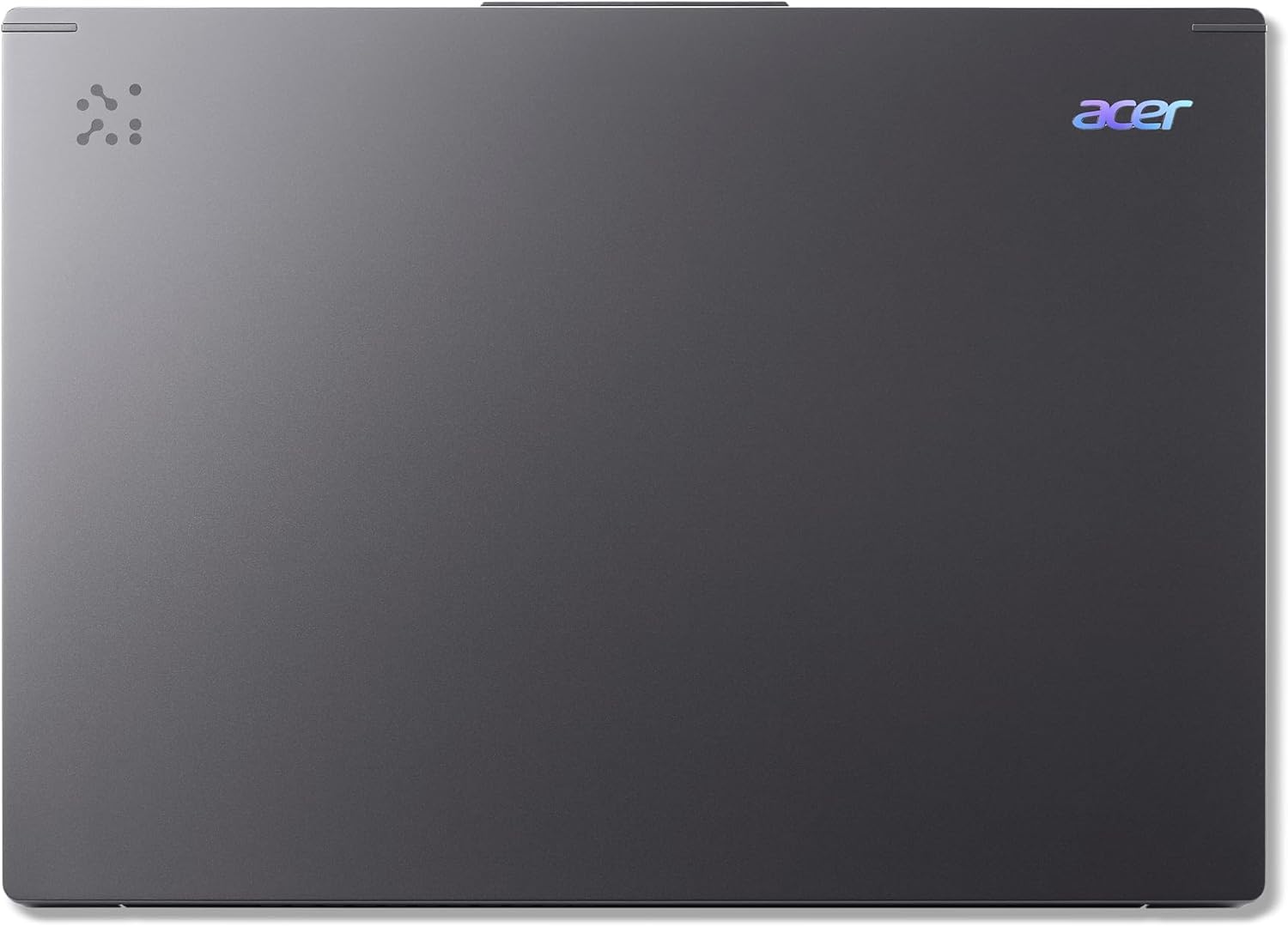
Figure 4: The Acer Aspire 14 AI Copilot+ PC in a closed state.
Інфармацыя аб гарантыі
Your Acer Aspire 14 AI Copilot+ PC comes with a 1 гады гарантыі ад вытворцы. Please retain your proof of purchase for warranty claims. For detailed terms and conditions, refer to the warranty card included with your product or visit the official Acer webсайт.
Падтрымка кліентаў
Каб атрымаць дадатковую дапамогу, тэхнічную падтрымку або запыты аб абслугоўванні, наведайце афіцыйны сайт падтрымкі Acer. website or contact their customer service hotline. You can find contact information and resources on the Acer webсайт: www.acer.com/support.