
1. Уводзіны
Thank you for choosing the Gtheos Captain 370 Wireless Gaming Headset. This manual provides essential information for setting up, operating, and maintaining your new headset. Designed for an immersive audio experience, the Captain 370 offers versatile connectivity and comfortable wear for extended gaming sessions and communication.
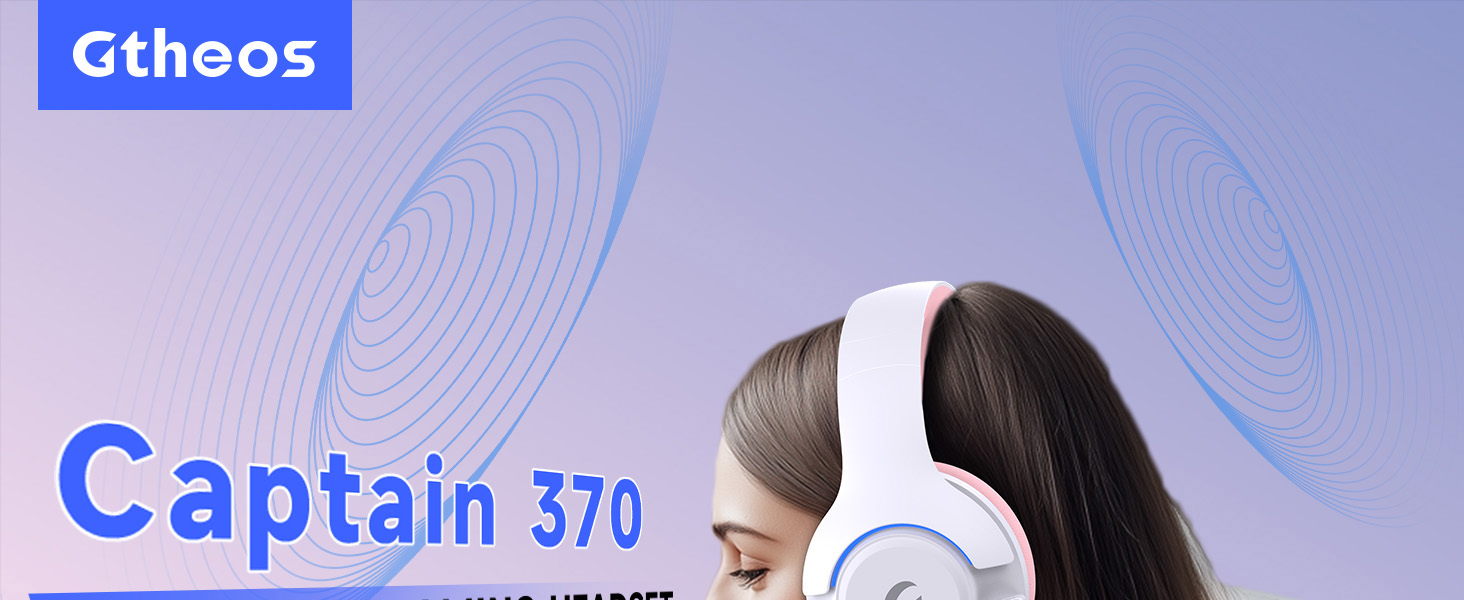
Image 1: The Gtheos Captain 370 Wireless Gaming Headset, showcasing its sleek design and comfortable earcups.
Асноўныя характарыстыкі:
- 4-у-1 падключэнне: Seamlessly switch between 2.4GHz wireless, Bluetooth 5.3, and 3.5mm wired modes for broad device compatibility.
- Дынамічныя драйверы 50 мм: Experience realistic and immersive sound quality for gaming and multimedia.
- Мікрафон з шумапрыглушэннем: Detachable microphone designed to reduce background noise for clear communication.
- Павялічаны тэрмін службы батарэі: Атрымлівайце асалоду ад да 45 гадзін бесперапыннага выкарыстання ад адной зарадкі.
- Зручны дызайн: Ergonomically designed earcups and headband for prolonged comfort during use.
- RGB асвятленне: Customizable LED lighting effects on the earcups.
2. Настройка
2.1 Што ў камплекце
- 1 x Gtheos Captain 370 Gaming Headset
- 1 x Detachable Noise Cancelling Microphone
- 1 х зарадны кабель Type-C
- 1 x USB Transmitter (2.4GHz dongle)
- 1 х 3.5 мм аўдыякабель
- 1 х Кіраўніцтва карыстальніка
2.2 Зарадка гарнітуры
Before first use, fully charge the headset. Connect the Type-C charging cable to the headset's charging port and the other end to a USB power source (e.g., computer USB port, USB wall adapter). The LED indicator will show charging status and turn off when fully charged.

Image 2: Headset highlighting the 45-hour battery life and charging port.
2.3 Падключэнне мікрафона
The Captain 370 comes with a detachable noise-canceling microphone. Insert the microphone into the dedicated port on the left earcup until it clicks into place. Ensure it is securely connected for optimal voice pickup.

Image 3: Close-up of the headset showing the detachable noise-canceling microphone.
3. Інструкцыя па эксплуатацыі
3.1 Уключэнне/выключэнне сілкавання
To power on the headset, press and hold the Power button located on the earcup until the LED indicator lights up. To power off, press and hold the Power button again until the LED indicator turns off.
3.2 Рэжымы падключэння
The Gtheos Captain 370 supports four connectivity modes:
- Бесправадны рэжым 2.4 ГГц: For PS4, PS5, PC, Mac, Nintendo Switch (via Type-C), and Phones/Pads (via Type-C). Insert the USB transmitter into your device. The headset will automatically connect.
- Рэжым Bluetooth 5.3: For Phones, Pads, and Notebooks. Enable Bluetooth on your device, put the headset into pairing mode (refer to device-specific instructions if needed), and select "Gtheos Captain 370" from the available devices.
- Правадны рэжым 3.5 мм: For PS4, PS5, Xbox, PC, Mac, and Laptops/Tablets with a 3.5mm jack. Connect the included 3.5mm audio cable to the headset and your device.
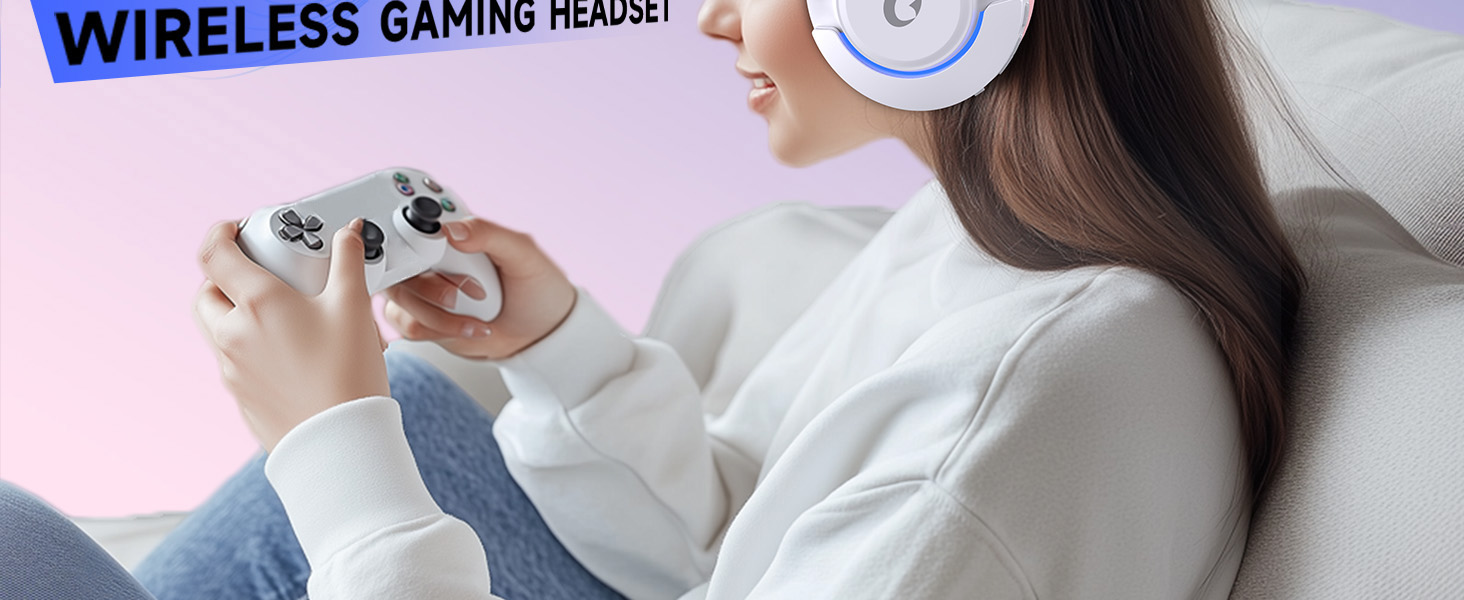
Image 4: Visual representation of the four connectivity modes and compatible devices.

Image 5: Detailed compatibility matrix for voice and microphone functions across 2.4G, Bluetooth, and 3.5mm wired modes.
3.3 Рэгулятар гучнасці
Adjust the volume using the dedicated volume roller or buttons on the headset's earcup. For optimal sound, also check the volume settings on your connected device.
3.4 Адключэнне мікрафона
Press the Microphone Mute button on the headset to toggle the microphone on or off. An indicator light (often red) will typically show when the microphone is muted.
3.5 Кіраванне святлодыёдным асвятленнем
The headset features customizable RGB lighting. Press the dedicated LED control button (often integrated with the mic mute button or a separate button) to cycle through different lighting effects or turn them off. A quick press may change colors, while a long press might toggle the lights on/off.
4. Тэхнічнае абслугоўванне
To ensure the longevity and performance of your Gtheos Captain 370 headset, follow these maintenance guidelines:
- Уборка: Для чысткі гарнітуры выкарыстоўвайце мяккую сухую тканіну. Пазбягайце выкарыстання агрэсіўных хімічных рэчываў або абразіўных матэрыялаў. Акуратна працярыце амбушуры сухой тканінай.amp тканінай і дайце цалкам высахнуць на паветры.
- захоўванне: Захоўвайце гарнітуру ў прахалодным, сухім месцы, удалечыні ад прамых сонечных прамянёў і экстрэмальных тэмператур.
- Апрацоўка: Avoid dropping the headset or exposing it to excessive force. Do not pull on cables forcefully.
- Сыход за батарэяй: For optimal battery life, avoid fully discharging the headset frequently. Charge it regularly, even if not in constant use.
5. Выпраўленне непаладак
5.1 Няма гуку або нізкі ўзровень гучнасці
- Пераканайцеся, што гарнітура ўключана і цалкам зараджана.
- Праверце ўзровень гучнасці як на гарнітуры, так і на падлучанай прыладзе.
- Праверце, ці выбрана правільная прылада вываду гуку ў наладах гуку вашай прылады.
- If using 2.4GHz wireless, ensure the USB transmitter is securely plugged in and recognized by your device.
- If using Bluetooth, ensure the headset is properly paired and connected.
- If using 3.5mm wired, ensure the cable is fully inserted into both the headset and the device.
5.2 Мікрафон не працуе
- Пераканайцеся, што мікрафон надзейна падключаны да гарнітуры.
- Check if the microphone is muted using the headset's mute button.
- Праверце, ці выбрана правільная прылада ўводу мікрафона ў наладах гуку вашай прылады.
- Праверце мікрафон у розных праграмах або з іншай прыладай.
5.3 Праблемы з падключэннем
- 2.4 ГГц: Try unplugging and re-plugging the USB transmitter. Ensure no other 2.4GHz devices are causing interference.
- Bluetooth: Unpair and re-pair the headset with your device. Ensure the headset is within the Bluetooth range (10 meters).
- Агульнае: Перазагрузіце гарнітуру і падключаную прыладу.
6. Тэхнічныя характарыстыкі
| Асаблівасць | Дэталь |
|---|---|
| Назва мадэлі | Капітан 370 |
| Марка | Гтэас |
| Тэхналогія падлучэння | Бесправадная сувязь 2.4 ГГц, Bluetooth 5.3, правадны раз'ём 3.5 мм |
| Памер аўдыё драйвера | 50 міліметра |
| Тып аўдыё драйвера | Дынамічны драйвер |
| АЧХ | 20 кГц |
| Імпеданс | 32 Ом |
| Кантроль шуму | Sound Isolation, Noise Cancellation (Microphone) |
| Тэрмін службы батарэі | Да 45 гадзін |
| Версія Bluetooth | 5.3 |
| Дыяпазон Bluetooth | 10 метраў |
| Затрымка аўдыя | 20 мілісекунд |
| Сумяшчальныя прылады | PS5, PS4, PC, Mac, Laptop, Tablets, Phones, Nintendo Switch, Xbox (wired) |
| Матэрыял | ABS, Leather, PC |
| Вага прадмета | 0.51 кілаграма (1.12 фунта) |
| Колер | Цёмна-ружовы |
7. Гарантыя і падтрымка
7.1 Інфармацыя аб гарантыі
The Gtheos Captain 370 Wireless Gaming Headset comes with a standard manufacturer's warranty. Please refer to the warranty card included in your product packaging for specific terms and conditions, including warranty period and coverage details.
7.2 Падтрымка кліентаў
For technical assistance, troubleshooting, or any questions regarding your Gtheos Captain 370 headset, please contact Gtheos customer support. You can find contact information on the official Gtheos webна сайце або праз прадаўца, у якога вы набылі тавар.
Наведайце ст Gtheos Store on Amazon для атрымання дадатковай інфармацыі і абнаўленняў прадуктаў.