
1. Уводзіны
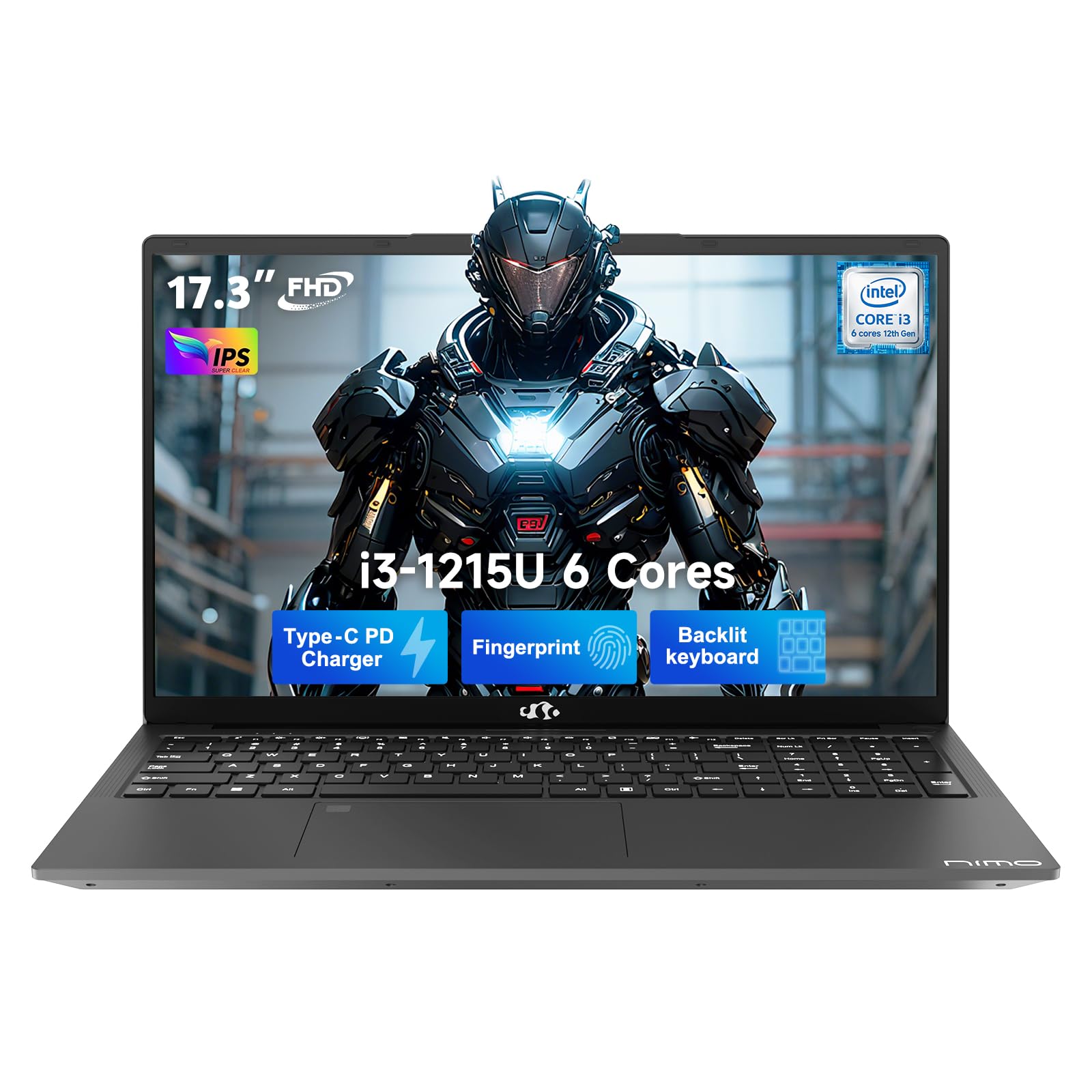
This manual provides essential information for setting up, operating, and maintaining your NIMO 17.3" FHD IPS Laptop. Please read this guide thoroughly before using your device to ensure proper function and longevity. This laptop features an Intel Core i3-1215U processor, 16GB RAM, and a 512GB SSD, designed for efficient everyday computing.
2. Што ў скрынцы
- 1 x NIMO N171 Laptop
- 1 x Type-C 65W PD Fast Charger
- 1 х Кіраўніцтва карыстальніка (гэты дакумент)
- Windows 11 Home (pre-installed)
3. Кіраўніцтва па наладцы
3.1 Першапачатковае ўключэнне
- Распакуйце ноўтбук: Акуратна дастаньце ноўтбук і ўсе аксэсуары з упакоўкі.
- Падключыце харчаванне: Plug the Type-C 65W PD Fast Charger into the laptop's USB-C port and then into a power outlet.
- Уключэнне: Адкрыйце вечка ноўтбука і націсніце кнопку харчавання, якая звычайна знаходзіцца ў правым верхнім куце клавіятуры або збоку.
- Настройка Windows: Выконвайце інструкцыі на экране, каб завяршыць пачатковую наладу Windows 11 Home, у тым ліку мову, рэгіён, сеткавае падключэнне і стварэнне ўліковага запісу карыстальніка.
3.2 Налада датчыка адбіткаў пальцаў
For enhanced security and quick access, set up the integrated fingerprint sensor:
- Перайсці да Налады > Уліковыя запісы > Параметры ўваходу у Windows 11.
- Locate the "Fingerprint recognition (Windows Hello)" option and click Наладзіць.
- Follow the on-screen prompts to register your fingerprint.

4. Інструкцыя па эксплуатацыі
4.1 Клавіятура і сэнсарная панэль
- Клавіятура з падсветкай: The full-size keyboard includes a numeric keypad and backlighting for use in low-light conditions. The backlight can typically be toggled using a function key combination (e.g., Fn + F5 or similar, refer to keyboard icons).
- Сэнсарная панэль: Інтэграваная сэнсарная панэль падтрымлівае мультытач-жэсты для навігацыі.

4.2 Webкамера з прыватнай засаўкай
The laptop features a 2MP HD camera with a physical privacy shutter. To ensure privacy, slide the shutter to cover the camera lens when not in use. Slide it open to activate the camera for video calls or other applications.

5. Асноўныя магчымасці
5.1 Прадукцыйнасць
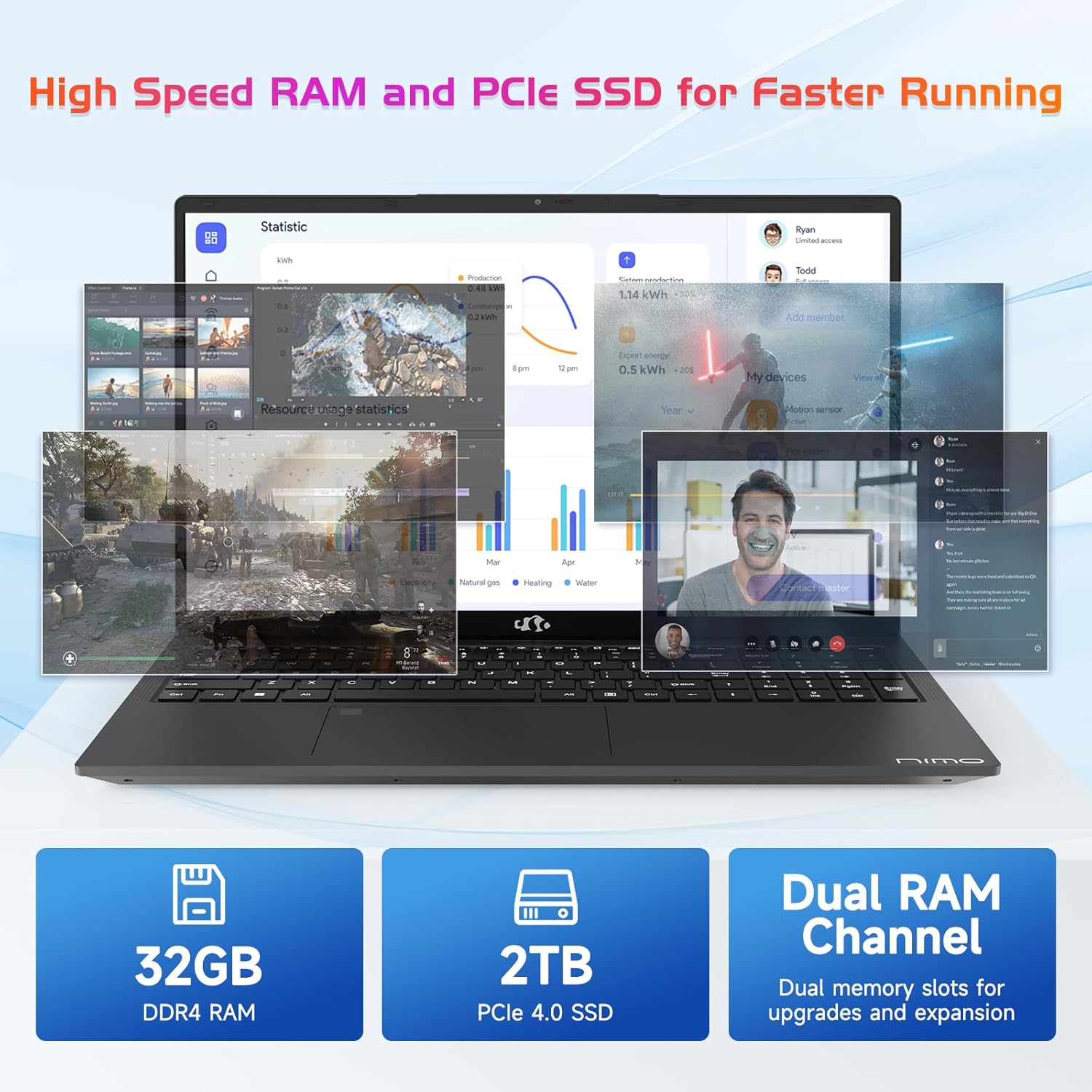
The NIMO N171 laptop is equipped with a 12th Gen Intel Core i3-1215U processor (6 Cores, up to 4.40 GHz), 16GB DDR4 RAM, and a 512GB SSD. This configuration provides responsive performance for multitasking, web browsing, and various applications.

5.2 Дысплей
The laptop features a 17.3-inch Full HD (1920x1080) IPS display, offering a wide viewing experience with clear visuals and reduced eye strain. The screen-to-body ratio is approximately 85%.

5.3 Падключэнне
The NIMO N171 supports Wi-Fi 6 for fast and stable wireless internet connectivity and Bluetooth 5.2 for pairing with wireless peripherals.
The laptop includes multiple ports for versatile connectivity:
- USB 3.2 Gen1 ports (x2)
- Порт USB 2.0 (x1)
- USB Type-C 3.2 Gen1 port (x1)
- USB Type-C Gen1 port (Charge Only) (x1)
- Standard HDMI 1.4 port (x1)
- Audio Jack (x1)
- Micro SD card slot (x1)
- Kensington lock slot (x1)

5.4 Акумулятар і зарадка
The laptop is powered by a 53.58Wh battery, providing up to 9 hours of average battery life. It supports 65W PD Fast Charge via USB-C, allowing for quick recharging.


6. Тэхнічнае абслугоўванне
- Уборка: Выкарыстоўвайце мяккую тканіну без ворса для чысткі экрана і вонкавага выгляду. Пазбягайце выкарыстання агрэсіўных хімічных рэчываў.
- Сыход за батарэяй: Каб падоўжыць тэрмін службы батарэі, пазбягайце частай поўнай разрадкі батарэі. Захоўвайце ноўтбук у прахалодным, сухім месцы.
- Абнаўленні праграмнага забеспячэння: Рэгулярна абнаўляйце аперацыйную сістэму Windows і драйверы, каб забяспечыць аптымальную прадукцыйнасць і бяспеку.
- захоўванне: Keep the SSD from becoming completely full to maintain performance. Utilize the Micro SD card slot for additional storage if needed.
7. Выпраўленне непаладак
| выпуск | Магчымая прычына | Рашэнне |
|---|---|---|
| Ноўтбук не ўключаецца | Low battery or power adapter issue | Ensure the charger is properly connected and the power outlet is functional. Allow the laptop to charge for at least 30 minutes before attempting to power on again. |
| Экран пусты або чорны | Display settings, external monitor connection, or system crash | Прэса Fn + F7 (or the key with a display icon) to cycle through display modes. Disconnect any external monitors. Perform a hard reset by holding the power button for 10-15 seconds. |
| Праблемы з падключэннем да Wi-Fi | Wi-Fi adapter disabled, incorrect password, or router problem | Check if Wi-Fi is enabled in Windows settings. Verify the Wi-Fi password. Restart your router and modem. |
| Датчык адбіткаў пальцаў не працуе | Unregistered fingerprint, dirty sensor, or software glitch | Ensure your fingerprint is registered correctly. Clean the sensor with a soft cloth. Restart the laptop. |
8. Тэхнічныя характарыстыкі
| Асаблівасць | Дэталь |
|---|---|
| Марка | NIMO |
| Назва мадэлі | NIMO N171 |
| Памер экрана | 17.3 цалі |
| Дазвол экрана | 1920 x 1080 пікселяў (FHD) |
| Працэсар | Intel Core i3-1215U (6 ядраў, да 4.4 ГГц) |
| АЗП | 16 ГБ DDR4 (3200 МГц) |
| Жорсткі дыск | 512 ГБ SSD (цвёрдацельны) |
| Графічны супрацэсар | Integrated Graphics (Intel) |
| Аперацыйная сістэма | Windows 11 хатняя |
| Бесправадны тып | Wi-Fi 6 (802.11a/b/g/n/ac) |
| Bluetooth | Bluetooth 5.2 |
| Парты USB 2.0 | 1 |
| Парты USB 3.0 | 3 (includes USB 3.2 Gen1) |
| Парты USB тыпу C | 2 (1x 3.2 Gen1, 1x Gen1 Charge Only) |
| Порт HDMI | 1 (Standard HDMI 1.4) |
| Аўдыёраз'ём | 1 (Combo Jack) |
| Слот для карты Micro SD | так |
| Тыл WebДазвол камеры | 2 МП |
| Тэрмін службы батарэі (сярэдні) | 9 гадзін |
| Ёмістасць батарэі | 53.58 Wh |
| Крыніца харчавання | Battery Powered (65W PD Fast Charger) |
| Вага прадмета | 4.6 фунта |
| Памеры прадукту (ДxШxВ) | 15.61 х 9.84 х 0.76 цалі |
| Асаблівасці | Fingerprint Reader, HD Audio, Memory Card Slot, Numeric Keypad, Backlit Keyboard, Privacy Shutter |
9. Гарантыя і падтрымка
NIMO provides a Гарантыя 2 год for this product. Additionally, a 90-day hassle-free return policy is offered. For technical assistance, warranty claims, or product-related inquiries, please contact NIMO customer support.
- Гарантыйны тэрмін: 2 гады
- Палітыка вяртання: 90 Days (hassle-free)
- Кантакты: Refer to the official NIMO website or product page for current contact information.


10. Відэа прадуктуview
Гэта відэа дае візуальнае ўяўленне праview of the NIMO 17.3" FHD Intel i3-1215U Laptop, showcasing its design, features, and various usage scenarios.