
1. Уводзіны
This manual provides essential information for the safe and efficient use of your Doro Leva E20 4G Flip Phone. Designed with seniors in mind, this phone features a large 2.8-inch display, contrasting keys, loud and clear sound, HD voice, a camera, and a dedicated assistance button. Please read these instructions carefully before using your new phone.

Image 1: Doro Leva E20 highlighting key features such as 4G connectivity, large display, clear sound, and hearing aid compatibility.
2. Настройка
2.1. Устаўка SIM-карты і акумулятара
Before using your phone, you must insert a SIM card (provided by your mobile network operator) and the battery.
- Open the phone: Gently open the flip phone to access the battery compartment.
- Зніміце крышку батарэйнага адсека: Locate the notch on the back cover and carefully lift it off.
- Устаўце SIM-карту: Slide the SIM card into the designated slot with the gold contacts facing down and the cut corner aligned as shown in the diagram (refer to your quick start guide for a visual).
- Устаўце батарэю: Place the battery into its compartment, ensuring the contacts align with those in the phone.
- Замяніць вокладку: Snap the battery cover back into place until it clicks.
2.2. Зарадка тэлефона
Your phone's battery may not be fully charged upon purchase. It is recommended to fully charge the battery before first use.
- Падключыце зарадную прыладу: Plug the USB Type-C cable into the charging port on the phone.
- Падключыце да сілкавання: Plug the other end of the charger into a wall outlet.
- Індыкатар зарадкі: The charging indicator on the screen will show the charging status. The phone is fully charged when the indicator shows a full battery icon.
2.3. Уключэнне / выключэнне харчавання
- Каб уключыць: Націсніце і ўтрымлівайце чырвоны End Call/Power button until the Doro logo appears.
- Каб выключыць харчаванне: Націсніце і ўтрымлівайце чырвоны End Call/Power button, then select 'Power off' from the options on the screen.
3. Інструкцыя па эксплуатацыі
3.1. Асноўныя функцыі
- Здзяйсненне званка:
- Увядзіце нумар тэлефона з дапамогай клавіятуры.
- Націсніце зялёны Тэлефануйце кнопку, каб пачаць званок.
- Адказ на званок: Simply open the flip phone to answer an incoming call. Alternatively, press the green Тэлефануйце кнопка.
- Завяршэнне выкліку: Close the flip phone or press the red Завяршыць выклік кнопка.
- Рэгуляванне гучнасці: Use the volume buttons located on the side of the phone during a call or when playing media.
3.2. Sending and Receiving Messages (SMS)
- З галоўнага меню перайдзіце да Паведамленні.
- Выберыце Новае паведамленне.
- Увядзіце нумар тэлефона атрымальніка або выберыце яго са спісу кантактаў.
- Набярыце паведамленне з дапамогай клавіятуры.
- Прэса Адправіць.
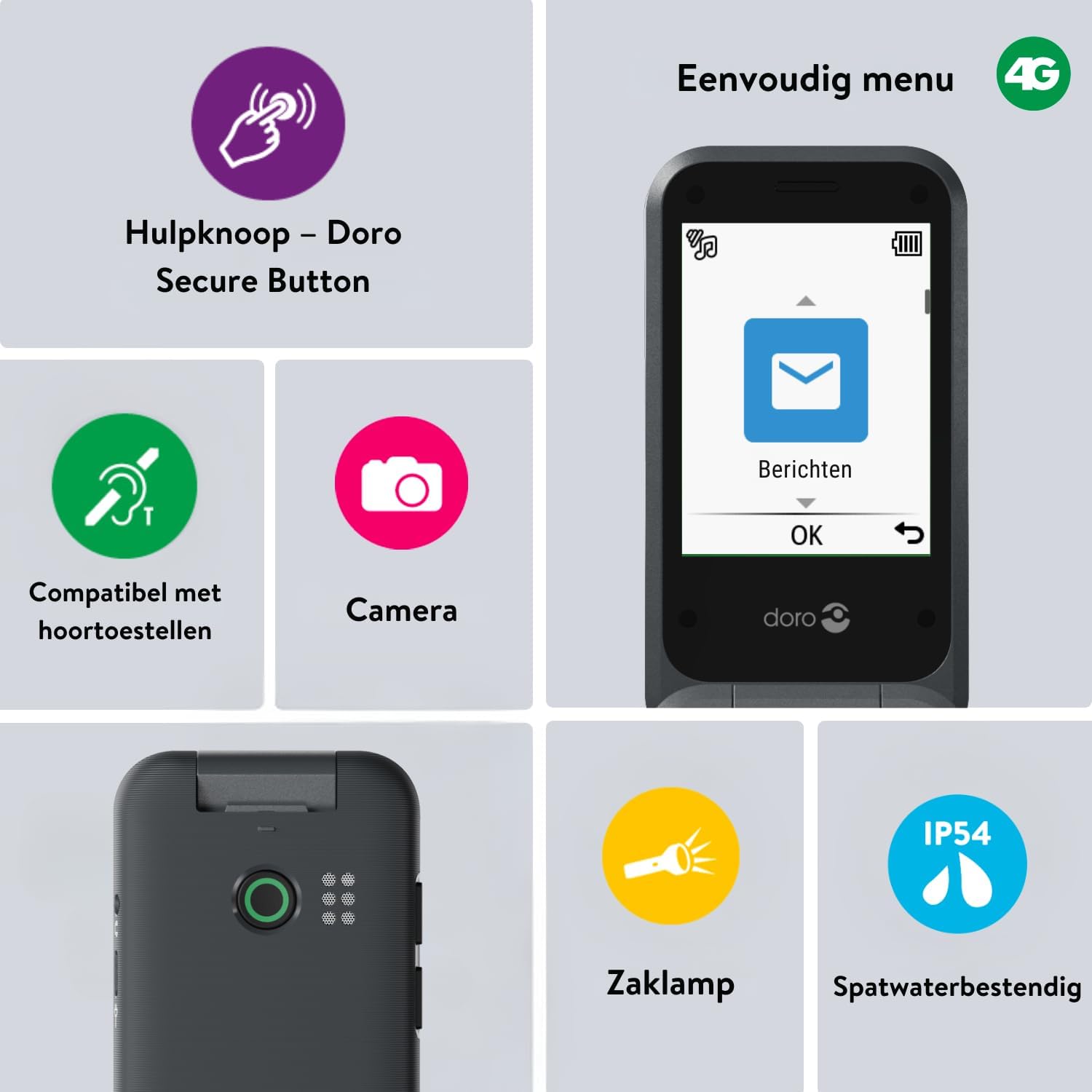
Image 2: The Doro Leva E20's simple menu interface, showing the 'Messages' icon, along with other features like the assistance button, camera, flashlight, and IP54 splash resistance.
3.3. Фотаапарат
The Doro Leva E20 includes a basic camera for capturing photos.
- У галоўным меню абярыце Камера.
- Скампануйце здымак, выкарыстоўваючы экран у якасці viewшукальнік.
- Націсніце OK кнопку, каб зрабіць здымак.
3.4. Assistance Button (Doro Secure Button)
The dedicated assistance button is a key safety feature, allowing you to quickly contact pre-set emergency numbers.
- Настройка: Refer to the phone's settings menu under 'Assistance' to program emergency contacts.
- Актывацыя: Press and hold the assistance button (located on the back of the phone) for a few seconds. The phone will automatically call and send an SMS to your pre-programmed emergency contacts.

Image 3: The Doro Leva E20's Doro Secure Button, designed for quick access to emergency contacts.
3.5. Ліхтарык
To activate the built-in flashlight:
- Locate the flashlight icon or dedicated button (if available) on the phone or in the quick settings menu.
- Press the corresponding key or navigate to the option to turn the flashlight on/off.
3.6. Quick Access Buttons
The Doro Leva E20 features quick access buttons for frequently used functions.
- Любімыя кантакты: Assign frequently called numbers to speed dial keys.
- Камера: A dedicated button or menu option for quick camera access.
- Паведамленні: A dedicated button or menu option for quick message access.

Image 4: The Doro Leva E20 in hand, showcasing the keypad with quick access buttons for favorite contacts, camera, and messages.
4. Тэхнічнае абслугоўванне
4.1. Ачыстка прылады
Каб падтрымліваць тэлефон у найлепшым стане:
- Use a soft, dry, lint-free cloth to clean the screen and body of the phone.
- Пазбягайце выкарыстання агрэсіўных хімікатаў, якія чысцяць растваральнікаў або моцных мыйных сродкаў.
- Не падвяргайце тэлефон уздзеянню празмернай вільгаці.
4.2. Сыход за батарэяй
The Doro Leva E20 is powered by a rechargeable battery. To maximize battery life and performance:
- Charge the phone regularly. Avoid letting the battery drain completely before recharging.
- Не падвяргайце батарэю ўздзеянню экстрэмальных тэмператур.
- Калі тэлефон не будзе выкарыстоўвацца працяглы час, зарадзіце яго прыкладна да 50% перад захоўваннем.
4.3. Воданепранікальнасць
The Doro Leva E20 has an IP54 rating, meaning it is protected against dust ingress and splashing water from any direction. It is not designed to be submerged in water.
5. Выпраўленне непаладак
If you encounter issues with your Doro Leva E20, try the following solutions:
| праблема | Магчымае рашэнне |
|---|---|
| Тэлефон не ўключаецца | Ensure the battery is charged. Connect the charger and try again. Check if the battery is correctly inserted. |
| Немагчыма рабіць або прымаць званкі | Check if the SIM card is correctly inserted. Ensure you have network coverage. Contact your service provider if the issue persists. |
| Дрэнная якасць гуку | Adjust the volume. Ensure the speaker/microphone is not blocked. If using a hearing aid, ensure compatibility settings are correct. |
| Акумулятар хутка разраджаецца | Reduce screen brightness. Close unused applications. Limit background data usage. Ensure the phone is not in an area with poor network signal, which can increase battery consumption. |
If these steps do not resolve the issue, please contact Doro customer support.
6. Тэхнічныя характарыстыкі
- Назва мадэлі: Leva E20
- Аперацыйная сістэма: Mocor OS
- Мадэль працэсара: Cortex A7
- Памер экрана: 2.8 цалі
- дазвол: 320 х 240
- Сотавая тэхналогія: 4G
- Падключэнне: USB тыпу C
- Ёмістасць памяці: 17 ГБ
- колер: Чорны
- Воданепранікальнасць: IP54 (брызгаабаронены)
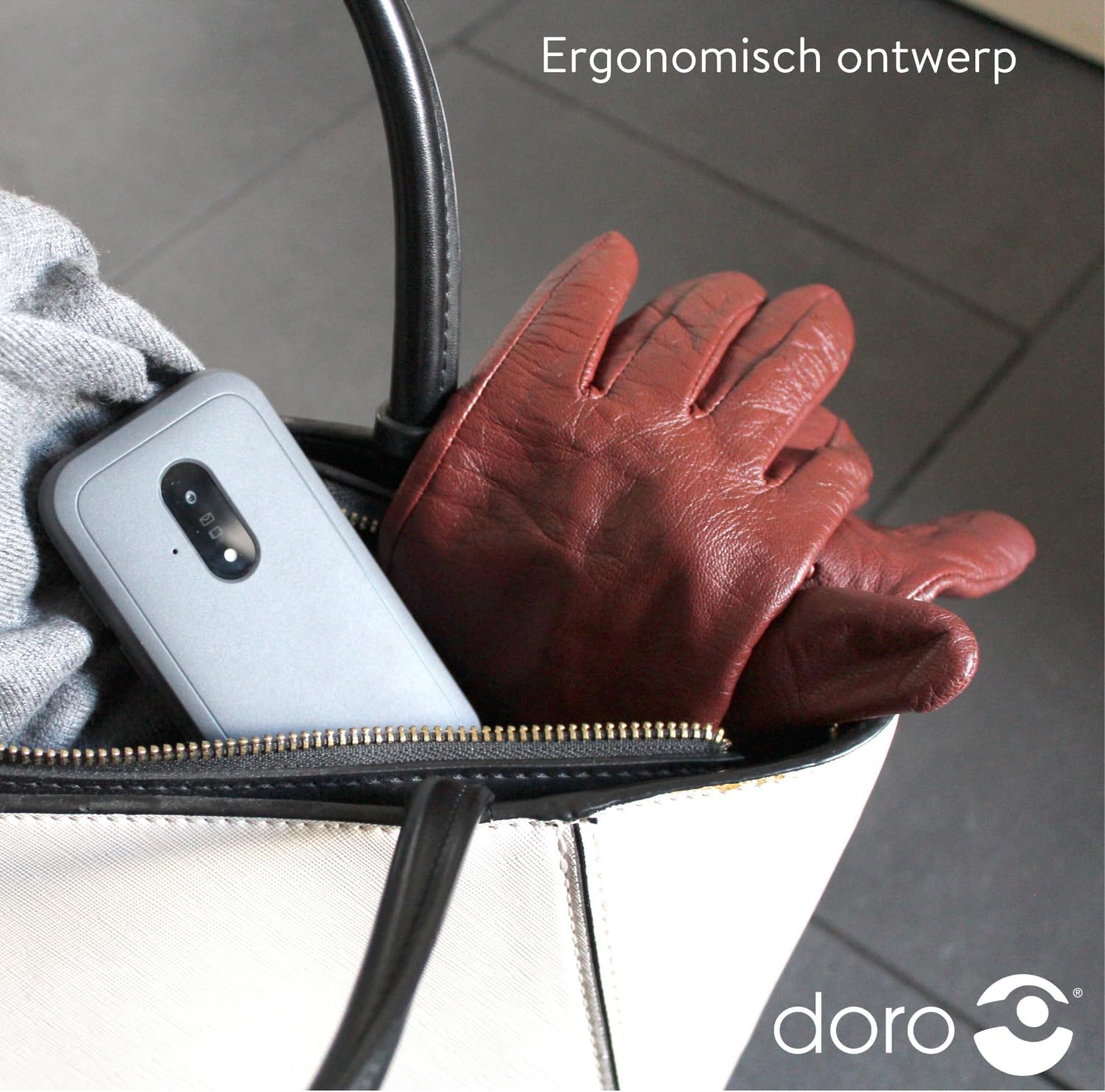
Image 5: The Doro Leva E20's ergonomic design allows for easy portability, fitting comfortably in a bag.
7. Гарантыя і падтрымка
Your Doro Leva E20 is manufactured by Doro. For specific warranty information, including terms and conditions, please refer to the warranty card included with your product or visit the official Doro website. For technical support, troubleshooting assistance beyond this manual, or service inquiries, please contact Doro customer support directly.
вытворца: Доро
Webсайт: www.doro.com (Please check your regional Doro website for local support contact details.)