
Уводзіны
Thank you for choosing the Fisher Pro Active Noise Cancelling Headphones. These headphones are designed to provide a superior audio experience with advanced noise cancellation, comfortable wear, and seamless wireless connectivity. This manual will guide you through the setup, operation, and maintenance of your new headphones.
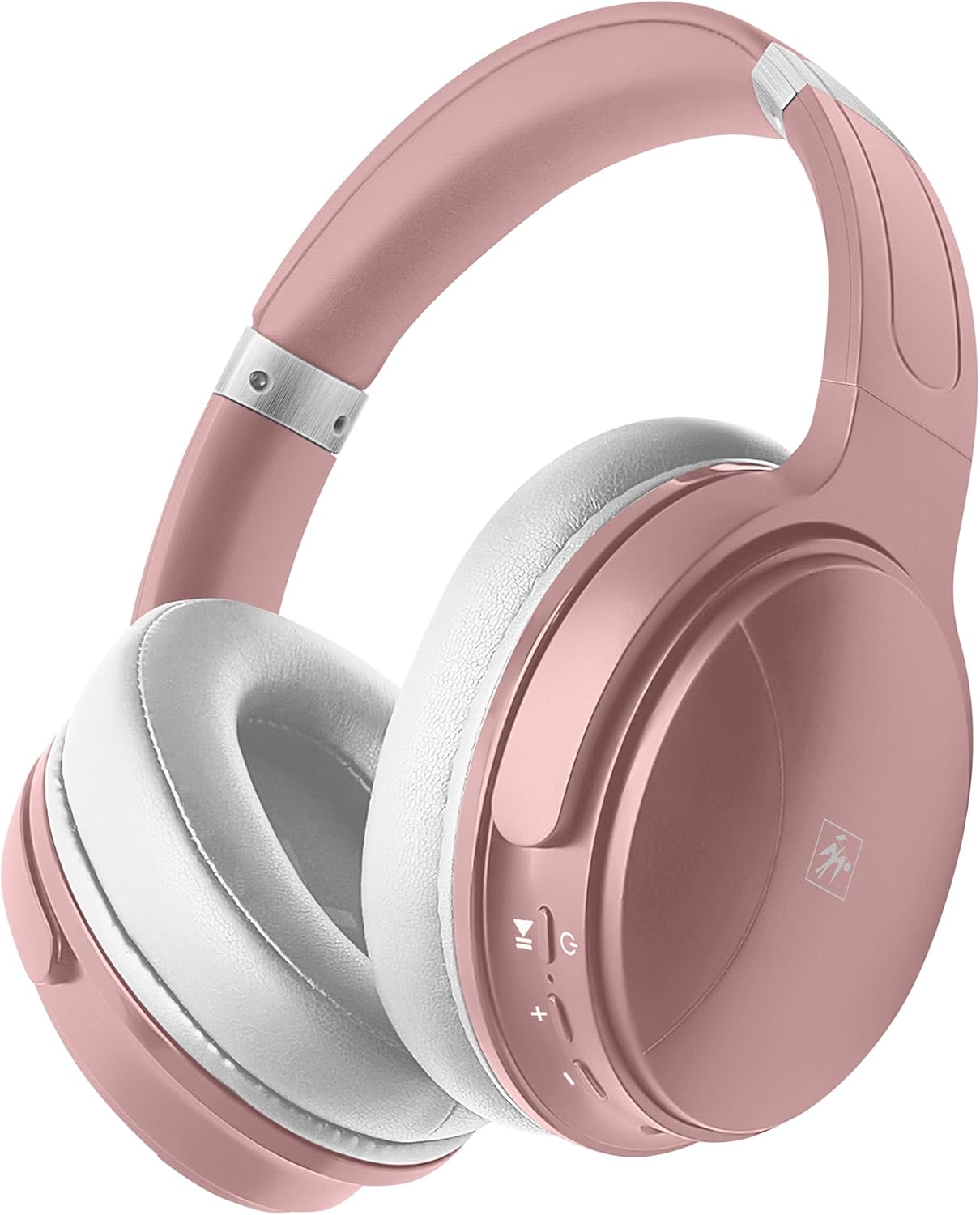
Image: Fisher Pro Active Noise Cancelling Headphones in Rose Gold color, showcasinг элегантны дызайн.
Змест пакета
Калі ласка, праверце ўпакоўку на наяўнасць наступных прадметаў:
- Fisher Pro Active Noise Cancelling Headphones
- Зарадны кабель USB-C
- 3.5mm Stereo AUX Cable
- Кіраўніцтва карыстальніка (гэты дакумент)
- Гарантыйны талон
Прадукт скончаныview
The Fisher Pro headphones are equipped with several features to enhance your listening experience:
- Пашыранае актыўнае шумапрыглушэнне (ANC): Reduces ambient sounds by up to 25dB for distraction-free listening.
- Падключэнне Bluetooth 5.3: Ensures fast pairing, stable connections, and low-latency audio.
- Hi-Fidelity Sound: 40mm drivers deliver deep bass, clear mids, and crisp highs.
- Эрганамічны камфорт: Plush memory-foam ear cushions, adjustable headband, and swivel design for extended wear.
- Доўгі тэрмін службы батарэі: Да 16 гадзін бесперапыннага прайгравання на адной зарадцы.
- Гучная сувязь: Убудаваны мікрафон для выразнай камунікацыі.
- Складаны дызайн: Для зручнай пераноскі і захоўвання.
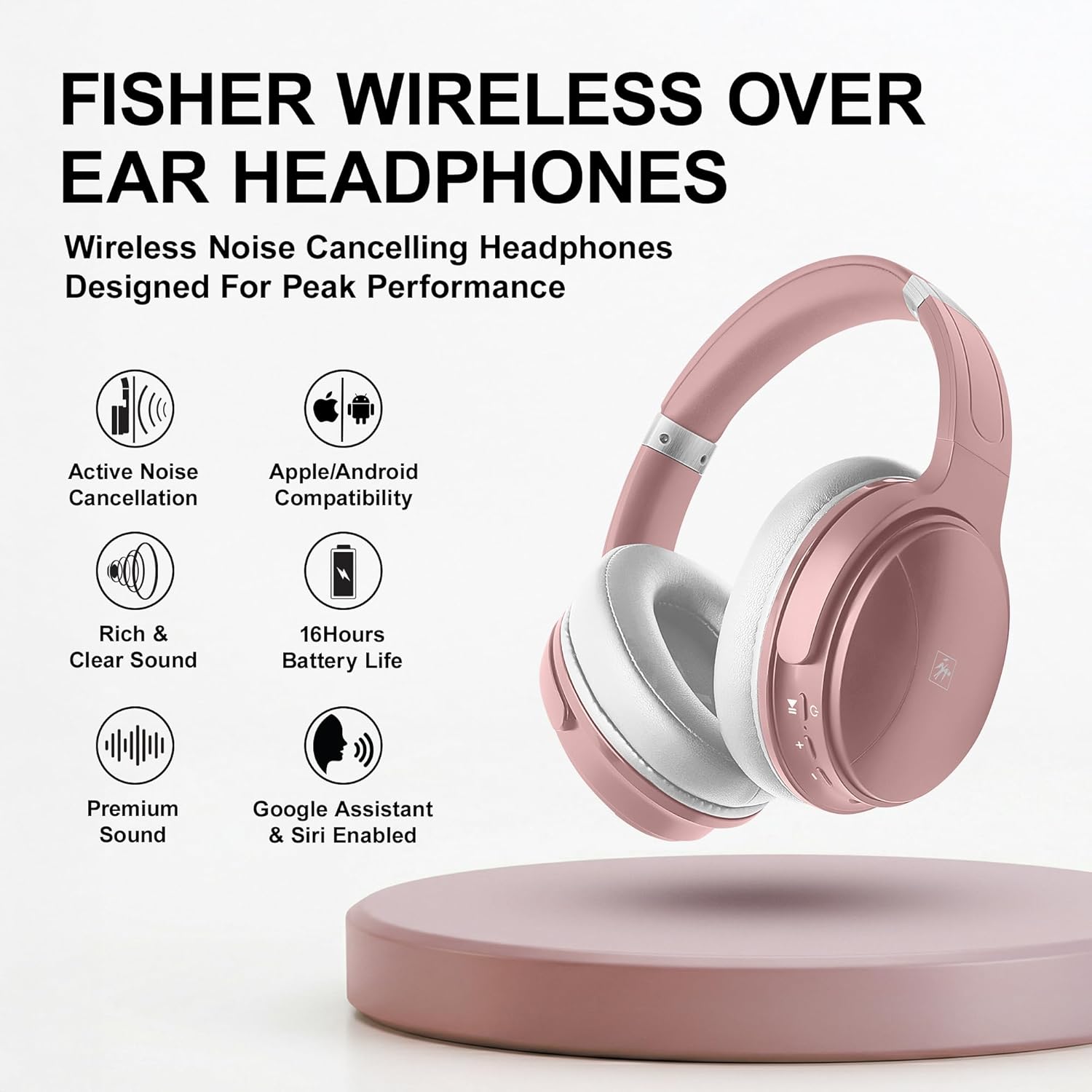
Выява: Оверview of the headphones highlighting key features such as Active Noise Cancellation, Apple/Android Compatibility, 16-hour Battery Life, Rich & Clear Sound, Premium Sound, and Google Assistant & Siri Enabled.
Настройка
1. Зарадка навушнікаў
Before first use, fully charge your headphones. Connect the provided USB-C charging cable to the charging port on the headphones and the other end to a USB power source (e.g., computer, wall adapter). The LED indicator will show charging status and turn off or change color when fully charged.
- Час зарадкі: прыкладна 2-3 гадзіны.
- Тэрмін службы батарэі: да 16 гадзін прайгравання.
2. Уключэнне / выключэнне харчавання
- Каб уключыць: Націсніце і ўтрымлівайце кнопку харчавання на працягу 3 секунд, пакуль не пачне міргаць святлодыёдны індыкатар.
- Каб выключыць: Націсніце і ўтрымлівайце кнопку харчавання на працягу 3 секунд, пакуль святлодыёдны індыкатар не выключыцца.
3. Спарванне Bluetooth
Каб падключыць навушнікі да прылады:
- Пераканайцеся, што навушнікі адключаны.
- Націсніце і ўтрымлівайце кнопку харчавання на працягу 5-7 секунд, пакуль святлодыёдны індыкатар не пачне міргаць па чарзе чырвоным і сінім колерамі, што паказвае на рэжым спалучэння.
- On your device (smartphone, laptop, TV), enable Bluetooth and search for new devices.
- Select "Fisher Pro" from the list of available devices.
- Once connected, the LED indicator will flash blue slowly or remain solid blue.
Пры ўключэнні навушнікі аўтаматычна паспрабуюць падключыцца да апошняй спалучанай прылады.
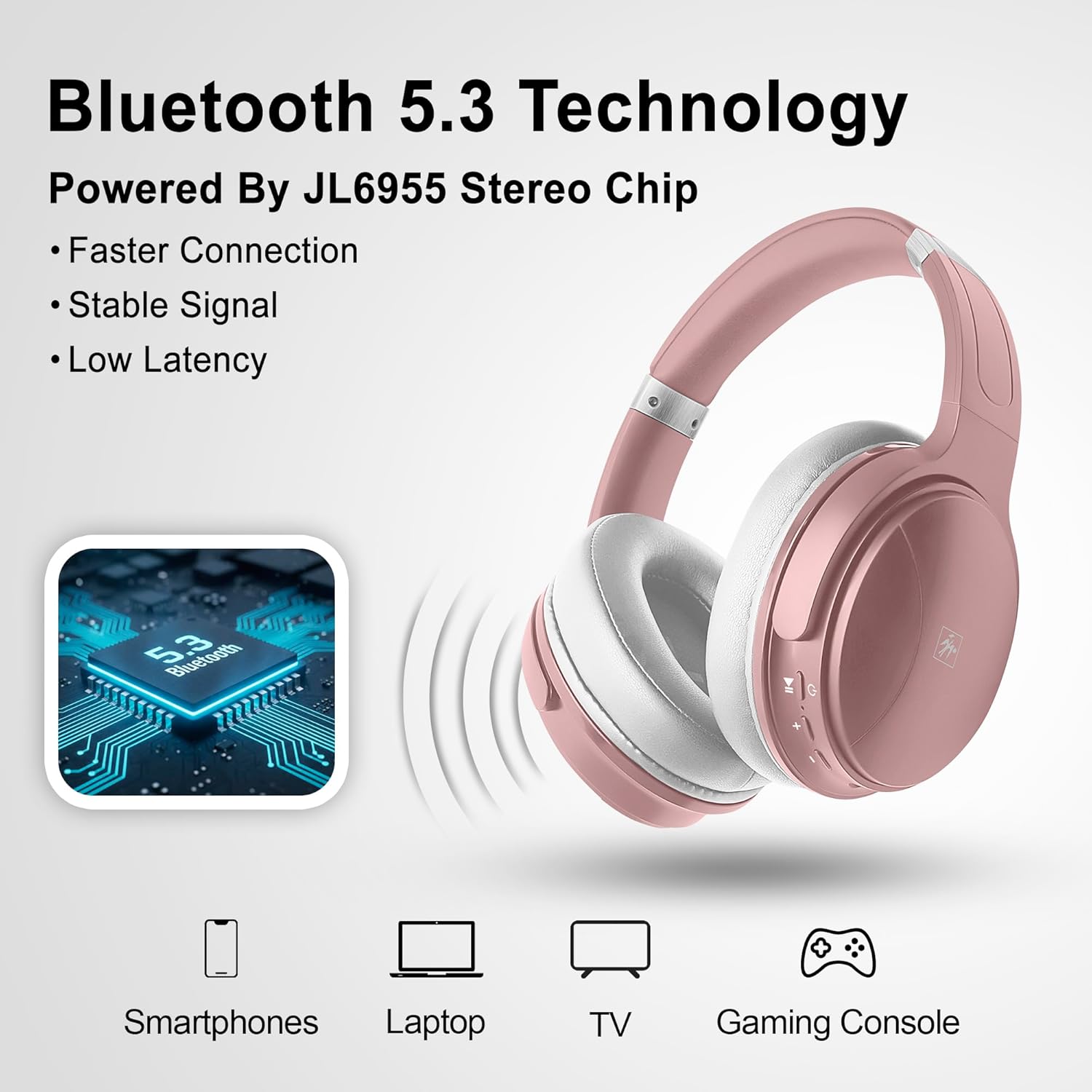
Image: Illustration of Bluetooth 5.3 technology powered by JL6955 Stereo Chip, showing compatibility with smartphones, laptops, TVs, and gaming consoles.
Інструкцыя па эксплуатацыі
1. Асноўныя элементы кіравання
Навушнікі маюць зручныя кнопкі для розных функцый:
- Кнопка харчавання: Уключэнне/выключэнне, уваход у рэжым спалучэння.
- Павялічыць гучнасць (+): Павялічыць гучнасць. Націсніце і ўтрымлівайце для наступнага трэка.
- Памяншэнне гучнасці (-): Паменшыць гучнасць. Націсніце і ўтрымлівайце для папярэдняга трэка.
- Шматфункцыянальная кнопка (МФК): Прайграванне/прыпыненне музыкі, адказ/завяршэнне выклікаў.
- Кнопка ANC: Уключэнне/выключэнне актыўнага шумапрыглушэння.
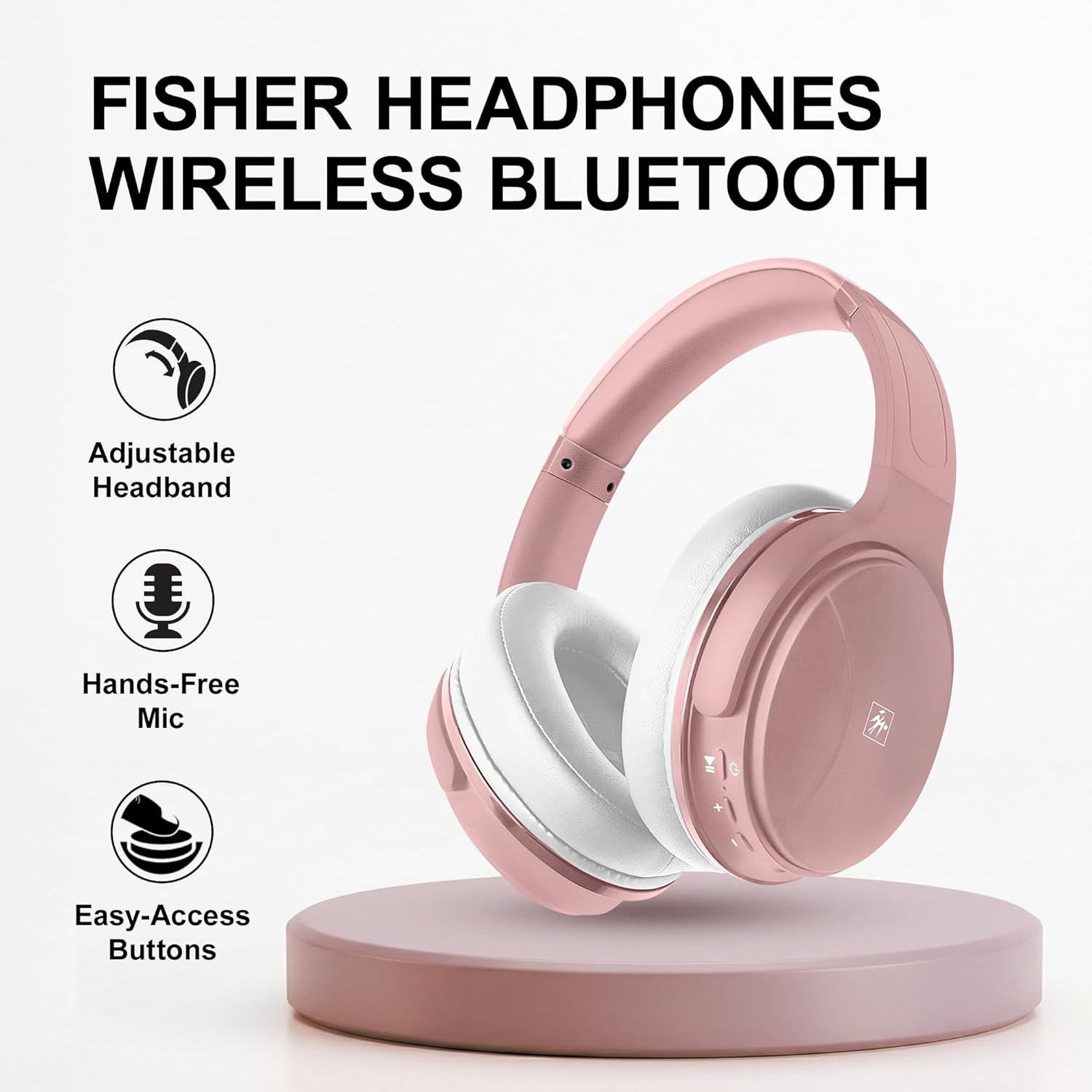
Image: Close-up of the Fisher headphones highlighting the adjustable headband, hands-free microphone, and easy-access control buttons on the earcup.
2. Актыўнае шумапрыглушэнне (ANC)
To activate or deactivate the ANC feature, press the dedicated ANC button. When ANC is active, the headphones will reduce ambient background noise, providing a more immersive listening experience. This feature is particularly useful in noisy environments like airplanes, trains, or busy offices.

Image: Visual representation of Active Noise Cancellation, showing sound waves being blocked by the headphones.
3. Гучная сувязь
When connected via Bluetooth, you can manage calls directly from your headphones:
- Адказ/завяршэнне выкліку: Націсніце MFB адзін раз.
- Адхіліць выклік: Націсніце і ўтрымлівайце MFB на працягу 2 секунд.
- Паўторны набор апошняга нумара: Двойчы націсніце MFB.
4. Правадны рэжым (AUX)
If the battery is depleted or you prefer a wired connection, use the provided 3.5mm stereo AUX cable. Plug one end into the headphone's AUX port and the other into your audio device's 3.5mm jack. In wired mode, Bluetooth and ANC features may not be available or function differently depending on the headphone's power status.
Тэхнічнае абслугоўванне
Каб забяспечыць даўгавечнасць і аптымальную працу вашых навушнікаў:
- Рэгулярна працірайце амбушуры і агалоўе мяккай сухой тканінай.
- Пазбягайце ўздзеяння навушнікаў на экстрэмальныя тэмпературы, вільготнасць або прамыя сонечныя прамяні.
- Не выкарыстоўвайце абразіўныя ачышчальнікі або растваральнікі.
- Store the headphones in a cool, dry place, preferably in a protective case when not in use.
- Пазбягайце падзення навушнікаў і моцных удараў.

Выява: Крупны план view of the headphone's earcups, illustrating the foldable design, breathable mesh, and memory foam cushions for comfort.
Ліквідацыю непаладак
Калі ў вас узнікнуць праблемы з навушнікамі, звярніцеся да наступных распаўсюджаных праблем і іх рашэнняў:
| праблема | Магчымае рашэнне |
|---|---|
| Навушнікі не ўключаюцься | Пераканайцеся, што навушнікі цалкам зараджаныя. Падключыце іх да крыніцы харчавання і паспрабуйце яшчэ раз. |
| Немагчыма спалучыць прыладу | Ensure headphones are in pairing mode (flashing red/blue). Turn off and on your device's Bluetooth. Move headphones closer to the device. |
| Няма гуку альбо малая гучнасць | Check volume levels on both headphones and connected device. Ensure headphones are properly paired. Try another audio source. |
| АНК працуе неэфектыўна | Ensure ANC is activated. Adjust headphone position for a better seal around your ears. ANC is most effective against low-frequency, constant noise. |
| Не працуе мікрафон | Ensure headphones are connected via Bluetooth. Check microphone settings on your device. |
Тэхнічныя характарыстыкі
| Асаблівасць | Дэталь |
|---|---|
| Нумар мадэлі | SBHP550ARG/W |
| Версія Bluetooth | 5.3 |
| Размяшчэнне вушэй | Над вухам |
| Кантроль шуму | Актыўнае падаўленне шуму |
| Тып аўдыё драйвера | Дынамічны драйвер |
| Памер драйвера | 40 мм |
| Дыяпазон частот | 20 Гц - 20 000 Гц |
| Імпеданс | 32 Ом |
| Тэрмін службы батарэі | Да 16 гадзін |
| Порт для зарадкі | USB-C |
| Раз'ём для навушнікаў | 3.5 мм Jack |
| Вага | 0.69 кілаграма |
| Матэрыял | Пластыкавыя |

Image: An illustration highlighting the Hi-Res Audio capabilities and the 40mm driver within the headphones, indicating clear, detailed, and immersive sound.
Інфармацыя аб гарантыі
Your Fisher Pro Active Noise Cancelling Headphones are covered by a limited warranty from the date of purchase. Please refer to the included Warranty Card for specific terms and conditions. This warranty covers manufacturing defects and workmanship under normal use. It does not cover damage caused by misuse, accidents, unauthorized modifications, or normal wear and tear.
Падтрымка кліентаў
For further assistance, technical support, or warranty claims, please contact our customer service team:
- электронная пошта: support@fisheraudio.com
- Webсайт: www.fisheraudio.com/support
Please have your model number (SBHP550ARG/W) and proof of purchase ready when contacting support.