
KAGEEN Q5
KAGEEN 4K GPS Drone with Touchscreen Controller (Model Q5)
Кіраўніцтва па эксплуатацыі
1. Уводзіны
Thank you for choosing the KAGEEN 4K GPS Drone. This advanced quadcopter is designed for both beginners and experienced users, offering high-quality aerial photography and stable flight performance. Please read this manual thoroughly before operating the drone to ensure safe and optimal use.
2. Што ў скрынцы

Малюнак 2.1: Уключаныя кампаненты
- Drone ×1
- Touchscreen Remote Controller ×1
- Батарэя ×2
- Propellers ×8 (2 Pairs)
- Зарадны кабель ×1
- Screwdriver Kit ×1
- Tool Bag ×1
- Інструкцыя па эксплуатацыі × 1
3. Прадукт скончыўсяview
3.1 Асноўныя магчымасці
- Under 249g: No FAA registration required for recreational use, making it ideal for travel.
- 4K UHD Camera with Stabilization: Captures smooth, detailed footage with a 3-axis mechanical gimbal and Electronic Image Stabilization (EIS), offering a 110° wide-angle view and ±90° vertical tilt.
- 2 KM Long-Range FPV Transmission: Provides stable, real-time image transmission up to 2 kilometers for extended flight range.
- 5.5" Touchscreen Remote Controller: Features a built-in display, eliminating the need for a smartphone. Includes intuitive controls for one-tap takeoff/landing, speed adjustment, and auto return.
- 46-Min Max Flight Time: Two modular batteries provide up to 23 minutes of flight time each, allowing for extended sessions.
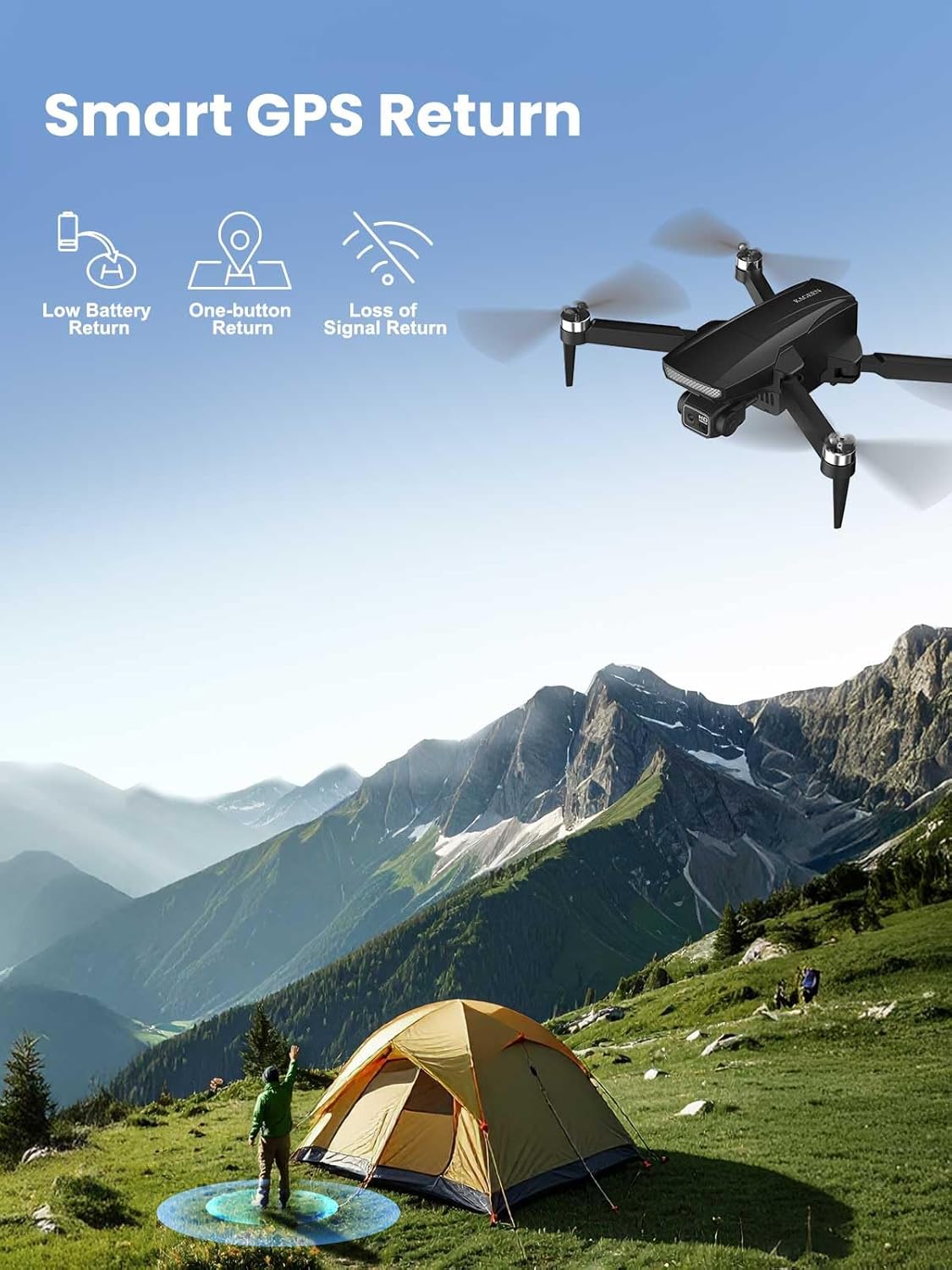
- Dual-Mode Hover Stability: Combines GPS positioning for accurate outdoor flight with optical flow sensors for reliable indoor or low-signal hovering.
- Wind-Resistant Brushless Motors: High-performance brushless motors support up to Level 4 wind resistance for stable flight in challenging conditions.
3.2 Візуальны оверview
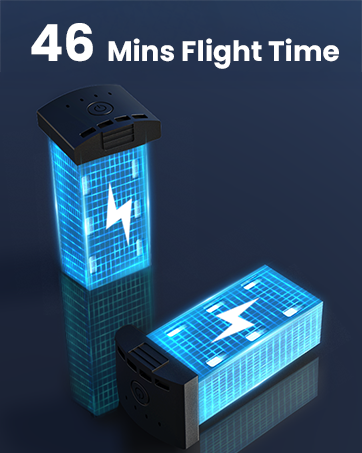
Figure 3.1: Portable Design (Under 249g)

Figure 3.2: 4K Camera with 3-Axis Gimbal & EIS

Figure 3.3: 5.5" Touchscreen Remote Controller

Figure 3.4: Extended Flight Time with Dual Batteries

Figure 3.5: Smart GPS Return Features
4. Настройка
4.1 Раскладванне дрона
Carefully unfold the drone arms. Ensure all arms click into place securely before flight.

Figure 4.1: Unfolding the Drone
4.2 Усталёўка і зарадка акумулятара
Insert the fully charged battery into the drone's battery compartment. Connect the charging cable to the battery and a suitable USB power source to charge. The LED indicators on the battery will show the charging status.
Малюнак 4.2: Устаноўка батарэі
4.3 Налада пульта дыстанцыйнага кіравання
Power on the remote controller. The 5.5" touchscreen will display the live feed from the drone's camera once connected. Ensure the controller is fully charged before use.

Малюнак 4.3: Пульт дыстанцыйнага кіравання
4.4 Pre-Flight Calibration
Before each flight, perform a compass calibration. Follow the on-screen instructions on the remote controller. This typically involves rotating the drone horizontally and vertically to calibrate its sensors for accurate positioning.
5. Інструкцыя па эксплуатацыі
5.1 Узлёт і пасадка
- Аўтаматычны ўзлёт: Press the one-tap takeoff button on the remote controller. The drone will ascend to a safe height and hover.
- Аўтаматычная пасадка: Press the one-tap landing button. The drone will descend and land automatically.
5.2 Асноўныя элементы кіравання палётам
Use the joysticks on the remote controller to control the drone's movement:
- Левы джойсцік: Кіруе вышынёй (уверх/уніз) і паваротам (рысканне налева/направа).
- Правы джойсцік: Кіруе рухам наперад/назад і налева/направа.
5.3 Праца камеры
The integrated 4K UHD camera captures high-resolution photos and videos. Use the dedicated buttons on the remote controller to:
- Зрабіць фота: Press the photo button once.
- Пачаць/спыніць відэазапіс: Press the video button once to start, and again to stop.
- Adjust Gimbal Tilt: Use the scroll wheel on the remote controller to adjust the camera's vertical tilt (±90°).
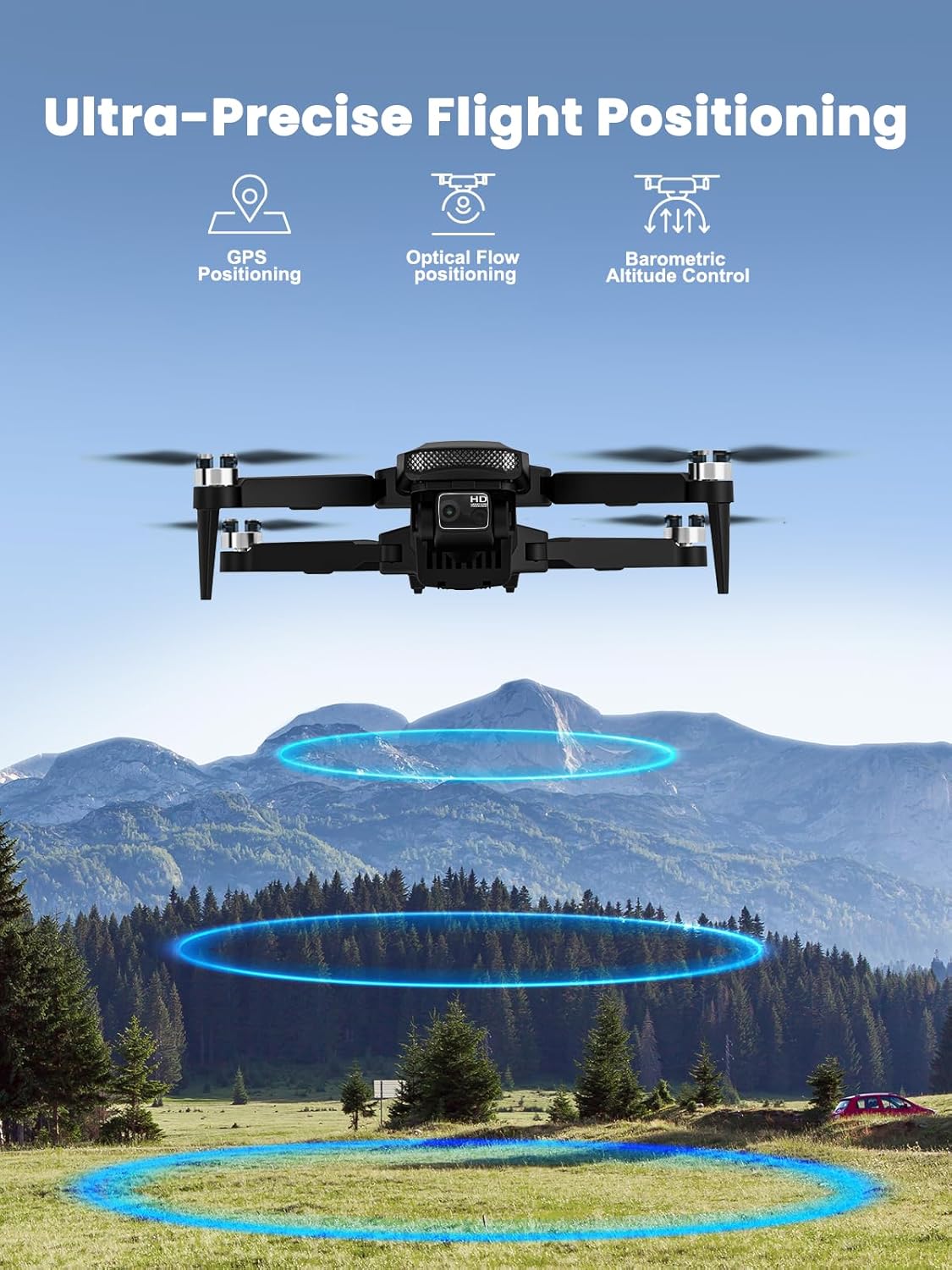
Figure 5.1: Drone Camera Detail
5.4 Інтэлектуальныя рэжымы палёту
The KAGEEN drone features several intelligent flight modes for enhanced creativity and ease of use:
- Сачыце за мной: The drone automatically follows the remote controller, capturing dynamic footage.
- Рэжым арбіты: Дрон кружыць вакол вызначанай цікавай кропкі.
- Палёт з пункту прызначэння: Plan a flight path on the map, and the drone will automatically follow it.

Figure 5.2: Intelligent Flight Modes
5.5 Auto Return Home (RTH)
The drone is equipped with GPS-assisted Auto Return Home. This feature automatically brings the drone back to its takeoff point under the following conditions:
- Нізкі акумулятар.
- Loss of signal from the remote controller.
- Manually activated by pressing the RTH button on the controller.

Figure 5.3: Auto Return Home
Video 5.1: KAGEEN Drone with Camera for Adults 4K - Product Overview
6. Тэхнічнае абслугоўванне
6.1 Ачыстка
Regularly clean the drone body, propellers, and camera lens with a soft, dry cloth. Avoid using liquid cleaners or solvents.
6.2 Сыход за акумулятарам
- Charge batteries fully before each flight.
- Не перазараджайце і не разраджайце акумулятары.
- Захоўвайце батарэі ў прахалодным, сухім месцы, удалечыні ад прамых сонечных прамянёў.
6.3 Замена прапелера
If propellers are damaged, replace them immediately using the provided spare propellers and screwdriver. Ensure correct propeller orientation (A and B types) as indicated in the manual or on the drone arms.
6.4 Захоўванне
When not in use, fold the drone and store it in its protective carrying case. Remove batteries from the drone and controller for long-term storage.
7. Выпраўленне непаладак
- Дрон не ўключаецца: Ensure batteries are fully charged and correctly inserted.
- Няма сігналу GPS: Fly in an open outdoor area away from tall buildings or interference. Perform GPS calibration.
- Няўстойлівы палёт: Recalibrate the compass and gyroscope. Check for damaged propellers.
- Blurry or distorted camera feed: Ensure the camera lens is clean. Check for any physical damage to the gimbal.
- Remote controller screen issues: Ensure the controller is fully charged. If issues persist, contact customer support.
8. Тэхнічныя характарыстыкі
| Асаблівасць | Дэталь |
|---|---|
| Марка | KAGEEN |
| Назва мадэлі | KAGEEN 4K Drone (Q5) |
| Вага прадмета | 249 грам (8.8 унцый) |
| Дазвол відэазахопу | 4K |
| Стабілізацыя камеры | 3-Axis Mechanical Gimbal & EIS |
| FPV Transmission Range | Up to 2 KM (6500 ft) |
| Пульт дыстанцыйнага кіравання | 5.5" Touchscreen Display |
| Максімальны час палёту | 46 Minutes (with 2 batteries) |
| Рухавікі | Бесщеточные рухавікі |
| Сістэма пазіцыянавання | GPS & Optical Flow |
| Супраціў ветру | Узровень 4 |
| Узровень майстэрства | Пачатковец |
| Памеры прадукту | 9 см Д х 9 см Ш х 2 см В |
9. Гарантыя і падтрымка
For warranty information and technical support, please refer to the warranty card included in your product packaging or visit the official KAGEEN webсайт. Захоўвайце чэк аб куплі як пацвярджэнне пакупкі для гарантыйных прэтэнзій.
Ask a question about this manual
Ask about setup, troubleshooting, compatibility, parts, safety, or missing instructions. Manuals+ will review the question and use this page’s manual context to help answer it.