
Уводзіны
This manual provides detailed instructions for the installation, operation, and maintenance of your GNCC W5PRO 2K Solar Security Camera. Please read this manual thoroughly before using the product to ensure proper function and safety.

Image: GNCC W5PRO 2K Solar Security Camera, showing the camera unit, solar panel, and a smartphone displaying live footage.
Асаблівасці прадукту
- Разрозненне 2K HD: Забяспечвае выразнае і падрабязнае відэа footage.
- Solar Powered & Rechargeable Battery: Equipped with a solar panel for continuous charging and a built-in rechargeable battery.
- Двухдыяпазоннае падключэнне Wi-Fi: Supports both 2.4GHz and 5GHz Wi-Fi networks for stable connection.
- Каляровы начны бачанне: Палепшаная бачнасць ва ўмовах нізкай асветленасці.
- Выяўленне руху PIR: Detects human, animal, and vehicle movement with real-time notifications.
- Двухбаковы аўдыё: Дазваляе мець зносіны праз камеру.
- IP65 Воданепранікальнасць: Прызначаны для выкарыстання на вуліцы, устойлівы да пылу і вады.
- Smart Spotlight & Alert: Activates a spotlight and alarm upon motion detection.
- Параметры захоўвання: Supports cloud storage and local SD card storage (up to 128GB).

Выява: Зверхуview of key features including Dual Band Wifi, Solar Charging, IP65 Waterproof, Colour Night Vision, Two-Way Audio, and PIR Motion Detection.
Кіраўніцтва па ўстаноўцы
1. Пачатковая зарадка акумулятара
Before installation, fully charge the camera's built-in battery using the provided charging cable and power adapter. This ensures optimal performance from the start.
2. Усталёўка праграмы і стварэнне ўліковага запісу
- Download the official GNCC application from your smartphone's app store (iOS or Android).
- Адкрыйце праграму і выконвайце інструкцыі на экране, каб стварыць новы ўліковы запіс, або ўвайдзіце ў сістэму, калі ў вас ужо ёсць уліковы запіс.
3. Спалучэнне прылады
- In the GNCC app, select "Add Device" and choose your camera model.
- Follow the in-app prompts to connect the camera to your 2.4GHz or 5GHz Wi-Fi network. Ensure your camera is within range of your Wi-Fi router.
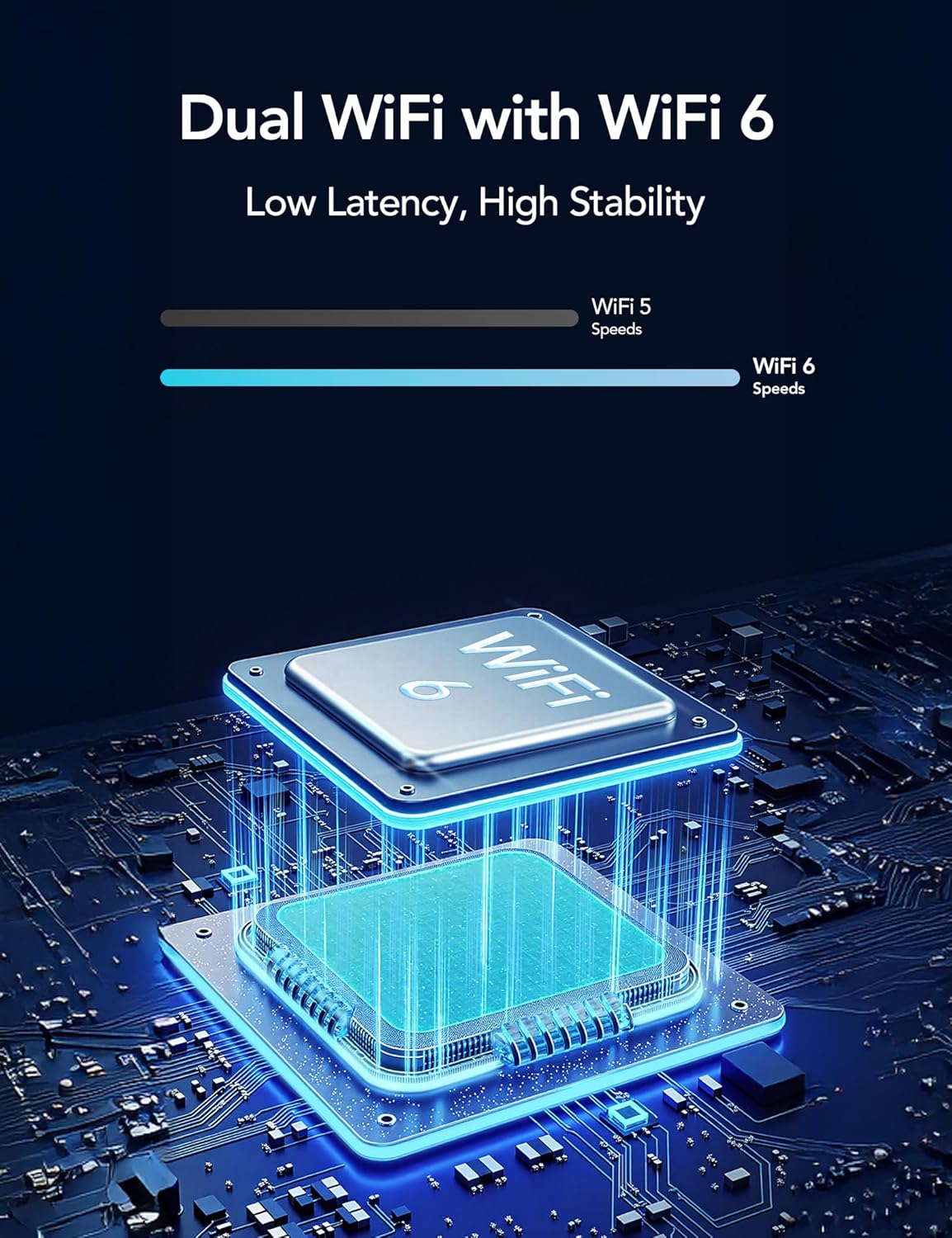
Image: Illustration of Dual WiFi with WiFi 6 technology, indicating low latency and high stability for network connection.
4. Фізічная ўстаноўка
- Choose a suitable outdoor location for the camera and solar panel. The solar panel requires direct sunlight exposure for efficient charging.
- Mount the camera securely using the provided mounting screws and stand.
- Connect the solar panel to the camera using the 2-meter solar cable.

Image: A person installing the GNCC W5PRO camera on an exterior wall using a ladder, demonstrating easy installation.

Image: Details on solar panel charging, highlighting 2X solar speed, 10 minutes of charge for 24 hours of power, and a 2M solar cable. Note: Solar panel effectiveness depends on direct sunlight exposure.
Інструкцыя па эксплуатацыі
жыць View і запіс
Access the GNCC app to view жывы footage from your camera. You can manually record video or capture screenshots directly from the live view інтэрфейс.
Выяўленне руху і абвесткі
The camera utilizes PIR (Passive Infrared) motion detection to identify movement from people, animals, and vehicles. When motion is detected, you will receive real-time notifications on your smartphone via the app.

Image: Illustration of PIR Smart Detection, showing the camera detecting a person, animal, and vehicle, with corresponding app notifications.
Двухбаковае аўдыё
Use the two-way audio feature in the app to speak through the camera's speaker and listen to audio from the camera's microphone.
Smart Spotlight and Alert System
Configure the camera to activate its built-in spotlight and sound an alert upon detecting motion. This can be set for specific times or triggered by motion activation.

Image: The GNCC W5PRO camera activating its smart spotlight and alert system, illuminating an area and deterring potential intruders.
Кіраванне сховішчам
The camera supports both cloud storage and local storage via a Micro SD card (not included).
- Воблачнае сховішча: Offers 1-day event loop recording.
- Памяць SD-карты: Supports up to 128GB Micro SD card for local recording.

Image: Illustration showing cloud storage for 1-day event loop recording and SD card storage up to 128GB. Micro SD card is not included.
Тэхнічнае абслугоўванне
- Ачыстка сонечных батарэй: Periodically clean the surface of the solar panel to ensure maximum sunlight absorption and charging efficiency.
- Зарад батарэі: While solar-powered, ensure the camera receives adequate sunlight. If the camera is in a shaded area for extended periods, occasional manual charging may be required.
- Абнаўленні прашыўкі: Check the GNCC app regularly for firmware updates to ensure your camera has the latest features and security enhancements.
- Ахова навакольнага асяроддзя: The camera is IP65 weatherproof, but avoid submerging it in water or exposing it to extreme temperatures beyond its operating range.
Ліквідацыю непаладак
- Камера не падключаецца да Wi-Fi:
- Ensure your Wi-Fi network is 2.4GHz or 5GHz and the camera is within range.
- Праверце правільны пароль Wi-Fi, уведзены ў дадатку.
- Перазагрузіце маршрутызатар Wi-Fi і камеру.
- Дрэнная якасць відэа:
- Праверце ўзровень сігналу Wi-Fi. Слабы сігнал можа паўплываць на якасць відэатрансляцыі.
- Пераканайцеся, што аб'ектыў камеры чысты і не мае перашкод.
- Выяўленне руху не працуе:
- Праверце, ці ўключана выяўленне руху ў наладах праграмы.
- Adjust the motion detection sensitivity settings.
- Пераканайцеся, што няма фізічных перашкод, якія блакавалі камеру view.
- Battery Not Charging via Solar Panel:
- Ensure the solar panel is positioned in direct sunlight for several hours daily.
- Clean the solar panel surface to remove any dirt or debris.
- Праверце кабель злучэння паміж сонечнай панэллю і камерай.
Тэхнічныя характарыстыкі
| Асаблівасць | Дэталь |
|---|---|
| Назва мадэлі | W5 Pro |
| Дазвол відэазахопу | 2K |
| Тэхналогія падлучэння | Бесправадная сувязь (Wi-Fi) |
| Пратакол злучэння | Wi-Fi (2.4 ГГц і 5 ГГц) |
| Выкарыстанне ў памяшканні/на вуліцы | На адкрытым паветры |
| Асаблівасці | 2 Way Audio, HD Resolution, Motion Sensor, Night Vision, Weather Proof |
| Тып мацавання | Насценнае мацаванне |
| Крыніца харчавання | Акумулятарная батарэя, сонечная панэль |
| Тып батарэі | Built-in Rechargeable Lithium Ion |
| Памеры прадукту | 6 х 8.5 х 6 см; 210 г |
| Уключаныя кампаненты | Charging Cable, Instruction Manual, Mounting Screw, Power Adapter, Stand |
| Ўстойлівасць да надвор'я | IP65 |
Гарантыя і падтрымка
For warranty information and technical support, please refer to the official GNCC website or contact their customer service directly. Details are typically provided on the product packaging or within the GNCC application.