
NIMO Nimo N155
NIMO 15.6-inch FHD Laptop Nimo N155 User Manual
Model: Nimo N155
1. Уводзіны
This manual provides essential information for setting up, operating, and maintaining your NIMO 15.6-inch FHD Laptop Nimo N155. Please read this manual thoroughly before using your device to ensure proper function and longevity.

Figure 1: NIMO 15.6-inch FHD Laptop Nimo N155 Overview
The NIMO N155 laptop is equipped with an AMD Ryzen 7 6800H processor, 32GB DDR5 RAM, and a 1TB PCIe 4.0 SSD, designed for efficient performance in various computing tasks. It features a 15.6-inch Full HD IPS anti-glare display, a backlit keyboard, and an integrated fingerprint sensor for enhanced security and user experience.
2. Што ў скрынцы
Праверце наяўнасць усіх прадметаў у камплекце:
- 1 x Nimo N155 Laptop
- 1 x Type-C 100W PD Fast Charger
- 1 х Кіраўніцтва карыстальніка (гэты дакумент)
- Windows 11 Home Operating System (pre-installed)
3. Пачатковая налада
3.1. Charging the Laptop
Before first use, connect the laptop to the power adapter and charge it fully. The Type-C 100W PD Fast Charger provides rapid charging capabilities.
- Connect the Type-C charger to a power outlet.
- Plug the Type-C connector into one of the Type-C ports on your laptop.
- The charge LED indicator will illuminate, indicating that the laptop is charging.

Figure 2: Connecting the Type-C 100W PD Fast Charger
3.2. Уключэнне
Press the power button located on the keyboard to turn on the laptop. Follow the on-screen instructions to complete the initial Windows 11 setup, including language selection, network connection, and user account creation.
4. Laptop Components and Ports
Familiarize yourself with the various components and ports of your NIMO N155 laptop.

Figure 3: Laptop Ports and Connectors
4.1. Левыя бакавыя парты
- Порт USB 2.0: Для падлучэння старых USB-прылад.
- Порт USB 3.0: Для падлучэння хуткасных USB-прылад.
- Слот для карты Micro SD: Для чытання і запісу на карты Micro SD.
- Раз'ём для навушнікаў: Для падлучэння навушнікаў або знешніх дынамікаў.
- Слот замка Kensington: For securing your laptop with a compatible lock.
4.2. Правыя бакавыя парты
- Святлодыёд зарада: Паказвае стан зарадкі.
- Type-C (PD/Charging) Port: Primarily for power delivery and charging.
- Type-C (Multifunction) Port: Падтрымлівае перадачу дадзеных і вывад на дысплей.
- Парты USB 3.0 (x2): Для падлучэння хуткасных USB-прылад.
- Порт HDMI: Для падлучэння да знешніх дысплеяў або праектараў.
4.3. Унутраныя кампаненты
- Працэсар: AMD Ryzen 7 6800H (8 Cores, 16 Threads, up to 4.7 GHz).
- Графіка: Integrated AMD Radeon 680M GPU.
- Аператыўная памяць: 32GB DDR5 (upgradeable).
- захоўванне: 1TB PCIe 4.0 SSD (upgradeable).
- Дысплей: 15.6-inch FHD (1920x1080) IPS Anti-Glare Display.
- Webкамера: 2.0 MP with privacy shield.
- Бесправадная сувязь: 802.11a/b/g/n/ac (Wi-Fi 5) and Bluetooth 5.2.

Figure 4: AMD Ryzen 7 6800H Processor Details

Figure 5: High-Speed RAM and PCIe SSD
5. Кіраванне ноўтбукам
5.1. Дысплей
The 15.6-inch Full HD IPS display offers a resolution of 1920x1080 pixels. Adjust brightness and display settings through Windows settings (Right-click on desktop > Display settings).
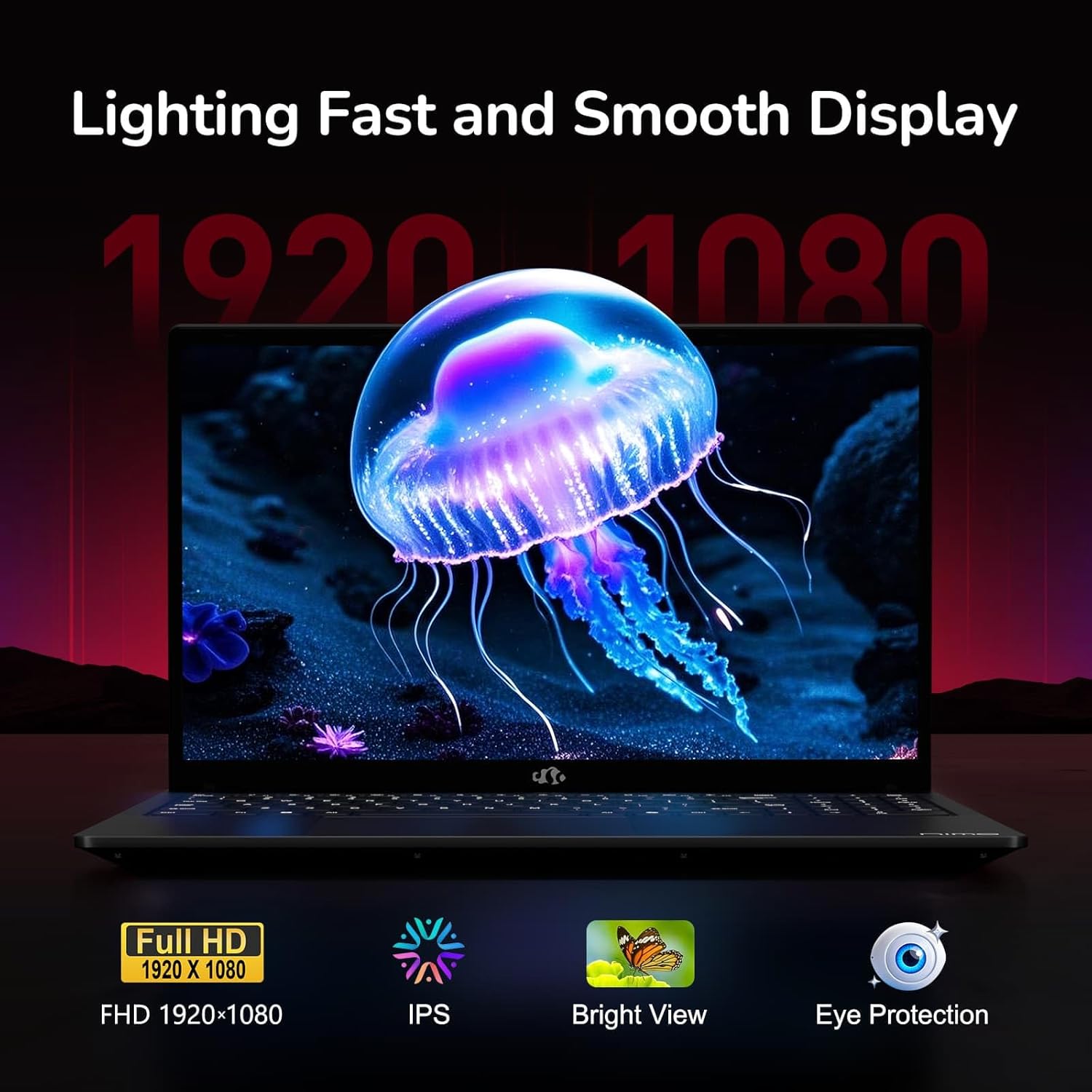
Figure 6: Laptop Display Features
5.2. Клавіятура і сэнсарная панэль
The laptop features a backlit keyboard and a responsive touchpad with multi-touch gesture support. The integrated fingerprint sensor is located on the touchpad for secure login.
- Клавіятура з падсветкай: Прэса Fn + Fx (where Fx is the backlight key, typically F3 or F4) to adjust keyboard backlight brightness.
- Датчык адбіткаў пальцаў: Enroll your fingerprints via Windows Settings > Accounts > Sign-in options for quick and secure access.
- Webcam Privacy Shield: Slide the physical cover over the webcam for privacy when not in use.

Figure 7: Keyboard and Input Features

Figure 8: Seamless Security Integration (Fingerprint and Webcam Shield)
5.3. Кіраванне харчаваннем
The laptop is equipped with a 4700mAh (53.58Wh) Lithium Polymer battery. Battery life can vary based on usage. To optimize battery life, adjust power settings in Windows and close unnecessary applications.

Малюнак 9: Характарыстыкі акумулятара
6. Тэхнічнае абслугоўванне і догляд
6.1. Уборка
- Выкарыстоўвайце мяккую тканіну без ворса для чысткі экрана і вонкавых паверхняў.
- Для ўстойлівых слядоў, dampпрацярыце тканіну вадой або сродкам для чысткі экранаў. Пазбягайце агрэсіўных хімічных рэчываў.
- Перад чысткай пераканайцеся, што ноўтбук выключаны і адключаны ад сеткі.
6.2. Захоўванне і апрацоўка
- Захоўвайце ноўтбук у прахалодным, сухім месцы, удалечыні ад прамых сонечных прамянёў і экстрэмальных тэмператур.
- Не кладзіце цяжкія прадметы на ноўтбук.
- Do not expose the laptop to liquids.
6.3. Паляпшэнні
The NIMO N155 laptop supports detachable RAM and SSD, allowing for user upgrades. Refer to the official NIMO support website or contact customer service for detailed upgrade instructions to avoid voiding your warranty.
7. Выпраўленне непаладак
This section addresses common issues you might encounter with your NIMO N155 laptop.
| праблема | Магчымае рашэнне |
|---|---|
| Ноўтбук не ўключаецца. | Ensure the charger is properly connected and the battery has sufficient charge. Try a different power outlet. |
| Экран пусты. | Check if the laptop is powered on. Adjust screen brightness. Connect to an external monitor to check if the issue is with the laptop's display. |
| Праблемы з падключэннем да Wi-Fi. | Пераканайцеся, што Wi-Fi уключаны ў наладах Windows. Перазагрузіце маршрутызатар і ноўтбук. Абнавіце драйверы Wi-Fi. |
| Не працуе падсветка клавіятуры. | Press the Fn key combined with the appropriate function key (e.g., F3 or F4) to toggle or adjust the backlight. |
| Fingerprint sensor not responding. | Ensure your finger is clean and dry. Re-enroll your fingerprints in Windows settings. Update fingerprint sensor drivers. |
If you encounter issues not listed here or require further assistance, please contact NIMO customer support.
8. Тэхнічныя характарыстыкі
| Асаблівасць | Спецыфікацыя |
|---|---|
| Назва мадэлі | Nimo N155 |
| Дысплей | 15.6-inch FHD (1920x1080) IPS Anti-Glare |
| Працэсар | AMD Ryzen 7 6800H (8 ядраў, 16 патокаў, да 4.7 ГГц) |
| Графіка | Інтэграваная відэакарта AMD Radeon 680M |
| АЗП | 32GB DDR5 4800 MHz (Dual-channel, upgradeable) |
| Захоўванне | 1TB PCIe 4.0 SSD (upgradeable) |
| Аперацыйная сістэма | Windows 11 хатняя |
| Бесправоднае падключэнне | Wi-Fi 5 (802.11a/b/g/n/ac), Bluetooth 5.2 |
| Парты | 1x USB 2.0, 3x USB 3.0, 2x Type-C (1x PD, 1x Multifunction), 1x HDMI, 1x Micro SD, 1x Headphone Jack, 1x Kensington Lock |
| Webкамера | 2.0 MP (with privacy shield) |
| акумулятар | 4700mAh / 53.58Wh Lithium Polymer |
| Адаптар сілкавання | Type-C 100W PD Fast Charger |
| Памеры (ДхШхВ) | 14.07 х 8.98 х 0.76 цалі (357.4 х 228 х 19.2 мм) |
| Вага | 3.8 фунта (1.7 кг) |
| Асаблівасці | Падсветленая клавіятура, счытвальнік адбіткаў пальцаў, HD-аўдыё, лічбавая клавіятура |
9. Гарантыя і падтрымка
9.1. Гарантыя вытворцы
Your NIMO N155 laptop comes with a 2-гадовая гарантыя вытворцыГэтая гарантыя распаўсюджваецца на дэфекты матэрыялаў і вырабу пры нармальным выкарыстанні. Калі ласка, захавайце пацвярджэнне пакупкі для прэтэнзій па гарантыі.
9.2. Палітыка вяртання
NIMO offers a 90-day hassle-free return policy from the date of purchase. For details on eligibility and the return process, please refer to your purchase documentation or contact customer support.
9.3. Падтрымка кліентаў
For technical assistance, warranty claims, or any other inquiries, please visit the official NIMO support website or contact their customer service team. Contact information can typically be found on the NIMO brand store page or included documentation.
NIMO Brand Store: Visit NIMO Store on Amazon