
LongPlus X84
LongPlus 2K Vicohome Wireless Outdoor Security Camera Instruction Manual
Мадэль: X84
Уводзіны
This manual provides detailed instructions for the installation, operation, and maintenance of your LongPlus 2K Vicohome Wireless Outdoor Security Camera. Please read this manual thoroughly before using the product to ensure proper functionality and safety.

Image: Two LongPlus 2K Vicohome Wireless Outdoor Security Cameras, black, with water droplets, mounted on a wall bracket.
Змест пакета
Праверце, ці ўсе пералічаныя ніжэй прадметы ўваходзяць у вашу ўпакоўку:
- Security Camera with Bracket
- Пакет шруб
- Скінуць іголку
- Кабель USB
- Кароткае кіраўніцтва
Асаблівасці прадукту
- AI Event Analysis: Identifies and differentiates between people, pets, vehicles, and packages to reduce false alarms.
- 3MP Color Night Vision: Captures clear color images in low light conditions up to 33 feet.
- PIR Motion Detection & Siren Alarm: Triggers an audio and strobe light alarm upon detecting humanoid motion.
- Гнуткае захоўванне: Supports up to 128GB Micro SD card (not included) and optional cloud storage.
- Двухбаковая размова: Allows communication through the Vicohome app.
- 100% Wire-free: Battery-operated design for easy installation without wiring.
- Інтэграцыя разумнага дома: Сумяшчальнасць з Amazon Alexa.
- Шырокае поле в View: 125 градусаў viewкут нахілу.
- Ўстойлівы да надвор'я дызайн: Для выкарыстання на вуліцы з класам абароны IP65.
Настройка
1. Зарадка камеры
Before initial use, fully charge the camera using the provided USB cable. The charging indicator light will show the charging status.
2. Усталёўка праграмы і стварэнне ўліковага запісу
- Download the "Vicohome" app from your smartphone's app store (iOS or Android).
- Адкрыйце праграму і выконвайце інструкцыі на экране, каб стварыць уліковы запіс і ўвайсці.
3. Падключэнне да Wi-Fi
- Ensure your camera is powered on and near your Wi-Fi router.
- In the Vicohome app, tap the "+" icon to add a new device.
- Follow the app's instructions to connect the camera to your 2.4GHz Wi-Fi network. 5GHz networks are not supported.
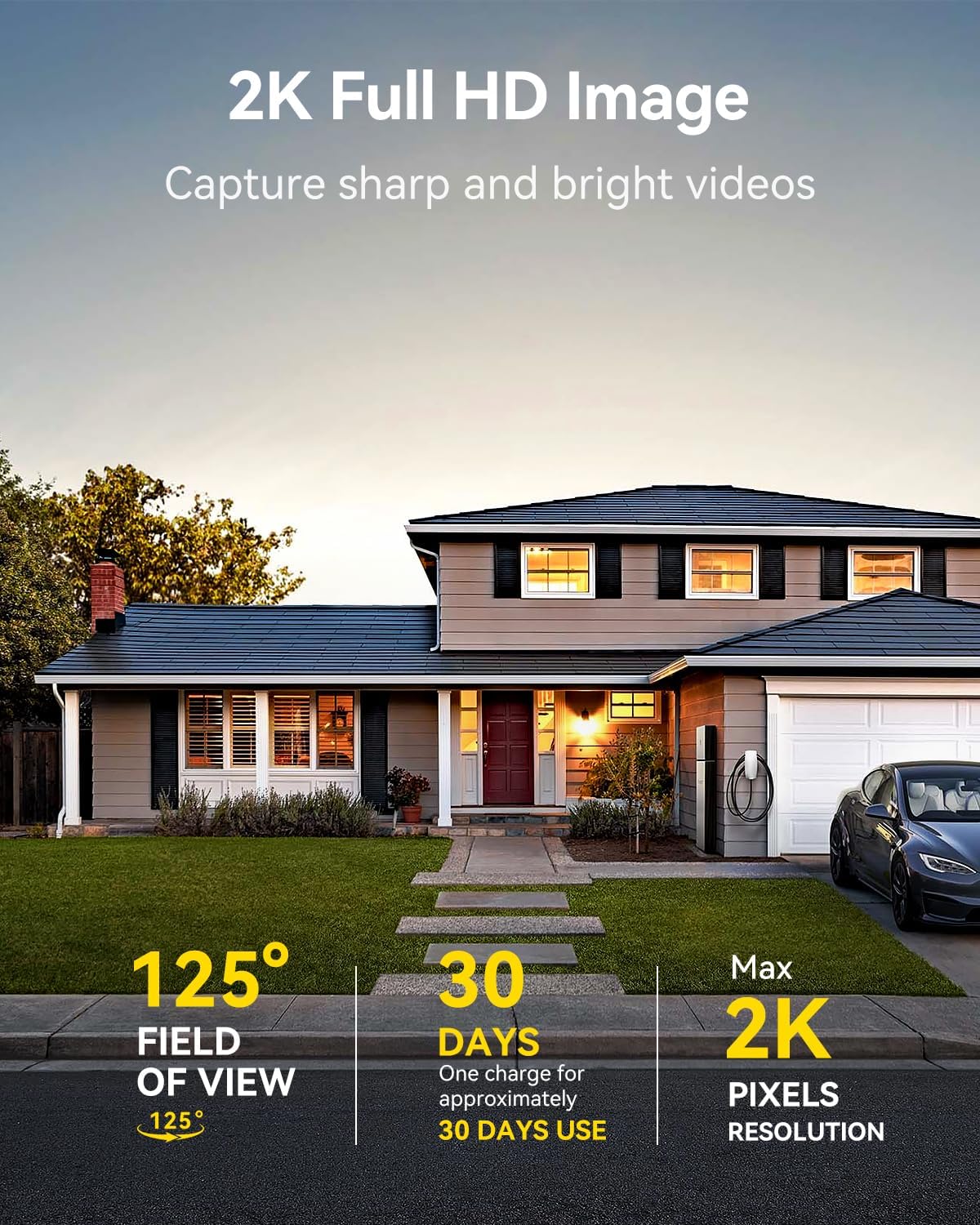
Image: A LongPlus security camera on a wooden table, illustrating its 2.4GHz WiFi connectivity.
4. Мантаж камеры
The camera can be mounted on a ceiling or wall. Choose a location that provides the desired viewпад вуглом агляду і знаходзіцца ў зоне дзеяння Wi-Fi.
- Mark the positions for drilling using the camera bracket as a template.
- Прасвідруйце адтуліны і пры неабходнасці ўстаўце ў сцяну анкеры.
- Замацуеце кранштэйны на паверхні з дапамогай прадугледжаных шруб.
- Attach the camera to the bracket and adjust the angle.

Image: A LongPlus security camera mounted on an outdoor wall, demonstrating its wire-free installation.
Аперацыя
1. Жыць View
Open the Vicohome app and select your camera to view the live feed. You can monitor your surroundings in real-time.

Image: A smartphone displaying the live feed from a LongPlus security camera, showing children playing in a yard.
2. Двухбаковая размова
З прамога эфіру view screen in the app, tap the microphone icon to initiate two-way communication. Speak into your phone to communicate with individuals near the camera.

Image: A person receiving a package at their front door, demonstrating the two-way talk feature of the LongPlus camera.
3. Налады выяўлення руху
Configure motion detection sensitivity and define detection zones within the Vicohome app settings for your camera. This helps in reducing unwanted alerts.

Image: A man walking past a LongPlus security camera, illustrating motion detection and app alerts.

Выява: паветраная антэнная view of a house with a pool, illustrating customizable motion detection zones for different objects.

Image: A house with a lawn, demonstrating the ability to set specific motion detection zones.
4. Начное бачанне
The camera automatically switches to color night vision in low light conditions, providing clear visibility.

Image: A LongPlus security camera mounted outdoors at night, showing its color night vision capability on a smartphone screen.
5. Запіс і прайграванне
Recordings are stored on a Micro SD card (if installed) or in the cloud (subscription may be required). Access and playback recorded events through the Vicohome app's library section.

Image: A LongPlus camera with an SD card being inserted, illustrating local and cloud storage options.
6. Агульны доступ да прылады
You can share access to your camera with other users through the Vicohome app, allowing multiple individuals to monitor the feed simultaneously.
7. Інтэграцыя разумнага дома
The camera is compatible with Amazon Alexa. Follow the instructions in the Vicohome app or Alexa app to link your devices and use voice commands for monitoring.

Image: A person using an Amazon Echo Show to view the camera feed via Alexa voice commands.
Тэхнічнае абслугоўванне
1. Зарадка акумулятара
Monitor the battery level through the Vicohome app. Recharge the camera when the battery is low to ensure continuous operation. If the camera is installed in a hard-to-reach location, consider using a compatible solar panel charger (sold separately) to reduce the frequency of manual charging.
2. Кіраванне SD-картай
If using a Micro SD card, ensure it is a genuine card and inserted correctly. Periodically review і кіраваць захаваным footage. The card can be ejected with a gentle press.
3. Уборка
Gently wipe the camera lens and body with a soft, dry cloth to remove dust and debris. Avoid using harsh chemicals or abrasive materials.
Ліквідацыю непаладак
| праблема | Магчымая прычына | Рашэнне |
|---|---|---|
| Камера не падключаецца да Wi-Fi | Няправільны пароль Wi-Fi; камера занадта далёка ад маршрутызатара; выкарыстоўваецца сетка Wi-Fi 5 ГГц. | Verify Wi-Fi password. Move camera closer to router. Ensure you are connecting to a 2.4GHz Wi-Fi network. Reset the camera using the reset needle and try pairing again. |
| Частыя ілжывыя трывогі | High motion detection sensitivity; environmental factors (e.g., moving branches, insects). | Reduce motion detection sensitivity in the Vicohome app. Define specific detection zones to exclude irrelevant areas. |
| Кароткі тэрмін службы батарэі | Frequent motion detection events; cold weather; continuous live view выкарыстанне. | Знізіць адчувальнасць выяўлення руху. Абмежаваць прамы эфір view sessions. Consider purchasing a solar panel charger for continuous power. Ensure the camera is fully charged before deployment. |
| Дрэнная якасць выявы ўначы | Obstructions near the lens; insufficient ambient light for color night vision. | Ensure the camera lens is clean and free from obstructions. Verify that the night vision mode is active in the app settings. |
| SD-карта не запісвае | SD card not inserted correctly; incompatible SD card; SD card full or corrupted. | Reinsert the SD card carefully. Use a genuine Micro SD card up to 128GB. Format the SD card through the app. Replace the SD card if corrupted. |
Тэхнічныя характарыстыкі
| Асаблівасць | Дэталь |
|---|---|
| Нумар мадэлі | X84 |
| Выкарыстанне ў памяшканні/на вуліцы | У памяшканні, на адкрытым паветры |
| Крыніца харчавання | Харчаванне ад батарэі |
| Пратакол злучэння | Wi-Fi (2.4 ГГц) |
| Тып кантролера | Amazon Alexa, Vicohome App |
| Дазвол відэазахопу | 1440p (2K) |
| Эфектыўнае рашэнне | 3 МП |
| Viewing кут | 130 градусаў |
| Дыяпазон начнога бачання | 33 футаў |
| Частата кадраў | 15 кадраў у секунду |
| Матэрыял | Высокая якасць ABS |
| Узровень воданепранікальнасці | IP65 (воданепранікальны) |
| Максімальны памер флэш-памяці, які падтрымліваецца | 128 ГБ (Micro SD) |
| Памеры прадмета (Д х Ш х У) | 2.36 х 2.16 х 4 цалі |
| Вага прадмета | 1.59 фунта (0.72 кілаграма) |
| Батарэі | Патрабуецца 1 літый-іённы акумулятар (у камплекце) |
Падтрымка
For technical assistance, troubleshooting beyond this manual, or warranty inquiries, please contact LongPlus customer support. Refer to the product packaging or the official LongPlus webсайт для кантактнай інфармацыі.
Вы таксама можаце наведаць LongPlus Store on Amazon для атрымання дадатковай інфармацыі аб прадукце і рэсурсаў.