
Уводзіны
Thank you for choosing the pTron Flick M2 Wireless Gaming Mouse. This manual provides detailed instructions for setting up, operating, and maintaining your device. Please read this manual carefully before use to ensure optimal performance and longevity of your mouse.
Змест пакета
- 1N Wireless Mouse
- 1N USB Receiver
- 1N Charging Cable (Type-C)
- 1N User Guide
Прадукт скончаныview
The pTron Flick M2 features an ergonomic design with RGB lighting and dual wireless connectivity. It is equipped with 6 buttons and adjustable DPI settings for precise control.

Выява: Зверхуview of the pTron Flick M2 Wireless Gaming Mouse with its 6 buttons labeled: Left Click, Right Click, Scroll Wheel, DPI Button, Forward Button, and Backward Button.
Асноўныя характарыстыкі:
- Два бесправадныя рэжымы: Connect via 2.4GHz USB receiver or Bluetooth.
- RGB LED асвятленне: Dynamic multi-color lighting effects.
- Дызайн з 6 кнопкамі: Includes Left/Right-Click, Scroll Wheel, DPI Adjustment, Forward, and Backward buttons.
- Рэгуляваны DPI: Three levels (1000/1200/1600) for precision tracking.
- Эрганамічны дызайн: Lightweight and comfortable for extended use.
- Акумулятарная батарэя: Built-in battery with Type-C charging port.
Інструкцыя па наладзе
1. Зарадка мышы
Before first use, ensure the mouse is fully charged. Connect the provided Type-C charging cable to the mouse's charging port and the other end to a USB power source (e.g., computer, wall adapter).
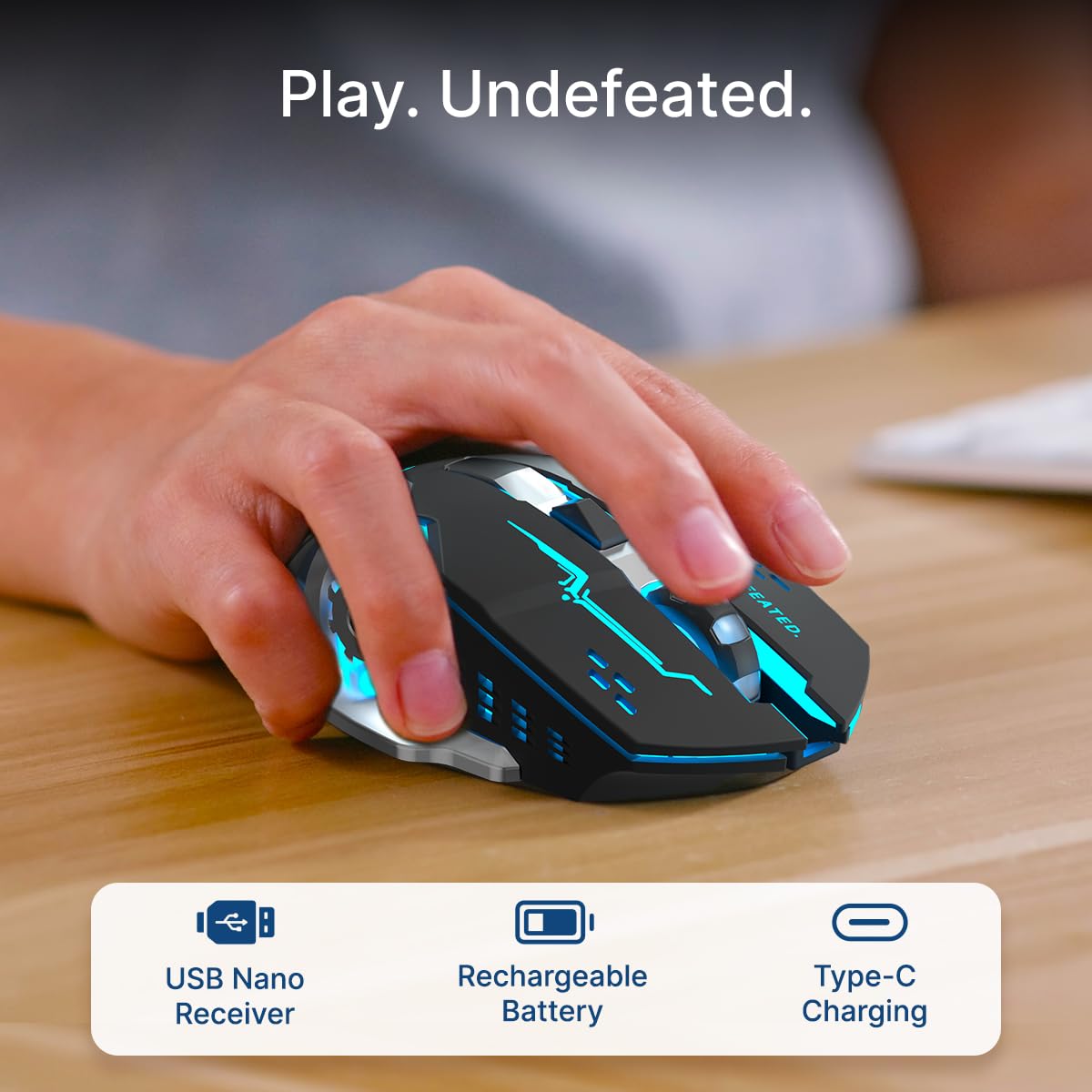
Image: A user's hand operating the pTron Flick M2 mouse, with icons indicating the USB Nano Receiver, Rechargeable Battery, and Type-C Charging features.
2. Падключэнне мышы
The pTron Flick M2 offers two wireless connection methods:
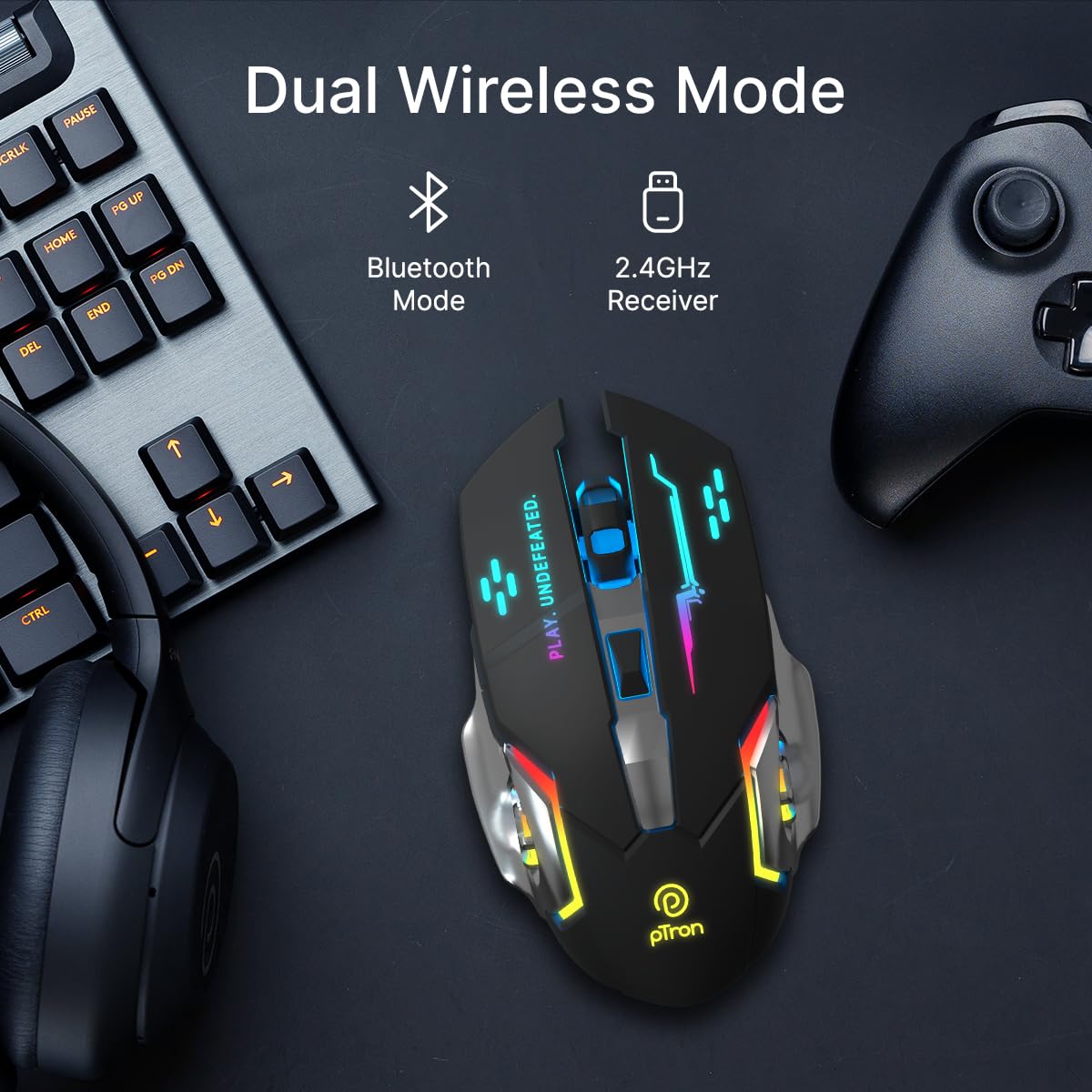
Image: The pTron Flick M2 mouse displayed with text indicating its Dual Wireless Mode capability, offering both Bluetooth and 2.4GHz Receiver options.
2.1. 2.4GHz Wireless Mode (USB Receiver)
- Locate the USB Nano Receiver, typically stored in a compartment on the underside of the mouse.
- Plug the USB Nano Receiver into an available USB port on your computer, laptop, or compatible device.
- Уключыце мыш з дапамогай выключальніка харчавання, размешчанага на яе ніжняй панэлі.
- The mouse should automatically connect to your device. No additional drivers are usually required.
2.2. Рэжым Bluetooth
- Уключыце мыш з дапамогай выключальніка харчавання на яе ніжняй панэлі.
- On your device (computer, smartphone, tablet), enable Bluetooth and search for new devices.
- Select "pTron Flick M2" from the list of available Bluetooth devices to pair.
- Пасля спалучэння мыш гатовая да выкарыстання.
Інструкцыя па эксплуатацыі
1. Рэгуляванне DPI
The mouse features an adjustable DPI (Dots Per Inch) button to change cursor sensitivity. There are three preset DPI levels: 1000, 1200, and 1600.

Image: The pTron Flick M2 mouse with an overlay indicating its Adjustable DPI feature, offering 1000 DPI, 1200 DPI, and 1600 DPI options.
- Націсніце Кнопка DPI (размешчаны за колам пракруткі), каб пераключацца паміж даступнымі наладамі DPI.
- Each press will change the sensitivity, allowing you to find the optimal speed for your tasks or games.
2. RGB-падсветка
The pTron Flick M2 features dynamic multi-color RGB LED lighting.

Image: The pTron Flick M2 mouse illuminated with vibrant multi-color lighting, showcasinг яго эстэтычную прывабнасць.
- The RGB lighting automatically cycles through various colors and effects when the mouse is active.
- The lighting enhances the gaming experience and provides visual feedback.
Тэхнічнае абслугоўванне
To ensure the longevity and optimal performance of your pTron Flick M2 Wireless Gaming Mouse, follow these maintenance guidelines:
- Уборка: Выкарыстоўвайце мяккую сухую тканіну для працірання паверхні мышы. Для выдалення ўстойлівага бруду злёгку працярыцеampПрацярыце тканіну вадой або мяккім ачышчальным растворам. Пазбягайце выкарыстання агрэсіўных хімікатаў або абразіўных матэрыялаў.
- Сыход за датчыкам: Трымайце аптычны датчык на ніжняй частцы мышы чыстым і без пылу або смецця. Пры неабходнасці выкарыстоўвайце ватовы тампон або сціснутае паветра.
- захоўванне: Калі мыш не выкарыстоўваецца, захоўвайце яе ў прахалодным, сухім месцы, удалечыні ад прамых сонечных прамянёў і экстрэмальных тэмператур.
- акумулятар: Пазбягайце частай поўнай разрадкі акумулятара. Рэгулярна зараджайце мыш, каб падтрымліваць яго ў працоўным стане.
Ліквідацыю непаладак
If you encounter issues with your pTron Flick M2 Wireless Gaming Mouse, refer to the following common solutions:
| праблема | Магчымая прычына | Рашэнне |
|---|---|---|
| Мышка не рэагуе | Low battery; Mouse is off; Incorrect connection mode; USB receiver not detected. | Charge the mouse; Turn on the mouse; Ensure correct mode (2.4GHz/Bluetooth) is selected; Re-insert USB receiver or try a different USB port. |
| Затрымка або перарывістае падключэнне | Перашкоды; адлегласць ад прымача/прылады; нізкі ўзровень зарада батарэі. | Move closer to the receiver/device; Ensure no large metal objects are between mouse and receiver; Charge the mouse; Try a different USB port for the receiver. |
| Кнопка DPI не змяняе адчувальнасць | Няспраўнасць кнопак; канфлікт праграмнага забеспячэння. | Ensure the mouse is properly connected; Restart your device; If the issue persists, contact customer support. |
| RGB-ліхтары не працуюць | Mouse is off; Low battery; Malfunction. | Turn on the mouse; Charge the mouse; If the issue persists, contact customer support. |
Тэхнічныя характарыстыкі
| Асаблівасць | Дэталь |
|---|---|
| Марка | pTron |
| мадэль | Флік М2 |
| Сувязь | Бесправадная сетка 2.4 ГГц, Bluetooth |
| Ўзроўні DPI | 1000/1200/1600 |
| Гузікі | 6 (Left, Right, Scroll Wheel, DPI, Forward, Backward) |
| Тып датчыка | Аптычны |
| Асвятленне | Святлодыёд RGB |
| Крыніца харчавання | Rechargeable Battery (Lithium Ion) |
| Порт для зарадкі | Тып-C |
| Сумяшчальныя прылады | Персанальны камп'ютар, смартфон, планшэт |
| Вага прадмета | 96 г |
| Матэрыял | Пластыкавыя |
Афіцыйнае відэа пра прадукт
Відэа: Афіцыйная відэапрэзентацыя прадуктуasing the pTron Flick M2 Wireless Gaming Mouse, its dual wireless capabilities, RGB lighting, adjustable DPI, and ergonomic design.
Гарантыя і падтрымка
The pTron Flick M2 Wireless Gaming Mouse comes with a 6 месяцаў гарантыі вытворцы на вытворчыя дэфекты.
Па пытаннях гарантыйнага абслугоўвання, тэхнічнай падтрымкі або па любых іншых пытаннях, калі ласка, звяртайцеся:
- вытворца: ТАА «Палрэд Электроніка»
- Кантактная служба падтрымкі кліентаў: 040-67138888
- Падтрымка па электроннай пошце: support@ptron.in
- Адрас: SY.NO. 56, 1-ы паверх, ГандлапочAMPВёска Элі, тэхналагічны парк MTP, TSIIC-IALA NACHARAM, Хайдарабад - 500076, Тэлангана, Індыя


