
Уводзіны
Thank you for choosing the Gsou IPX6 Waterproof Bluetooth Shower Speaker. This manual provides essential information for the safe and efficient operation of your new device. Please read it thoroughly before use and retain it for future reference.
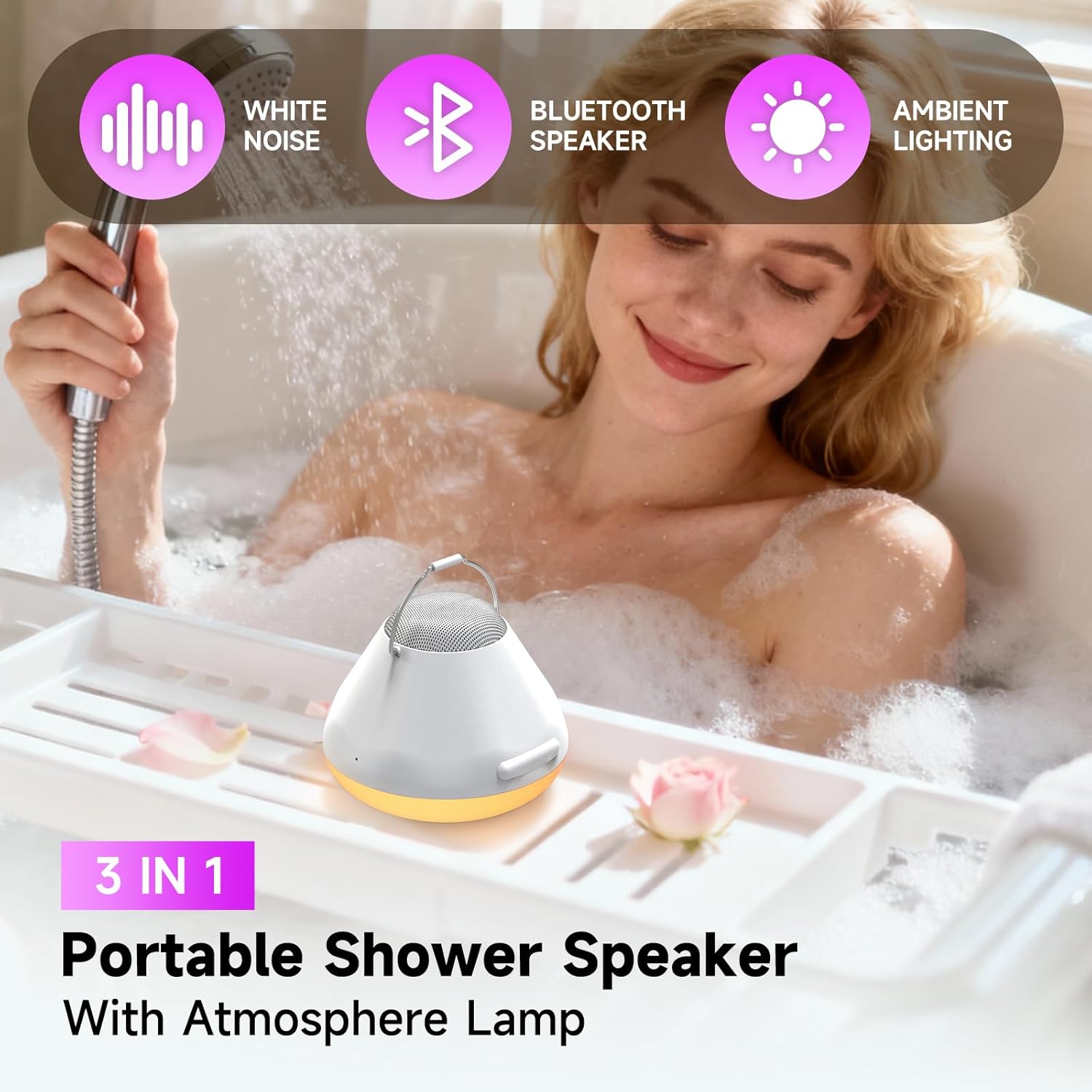
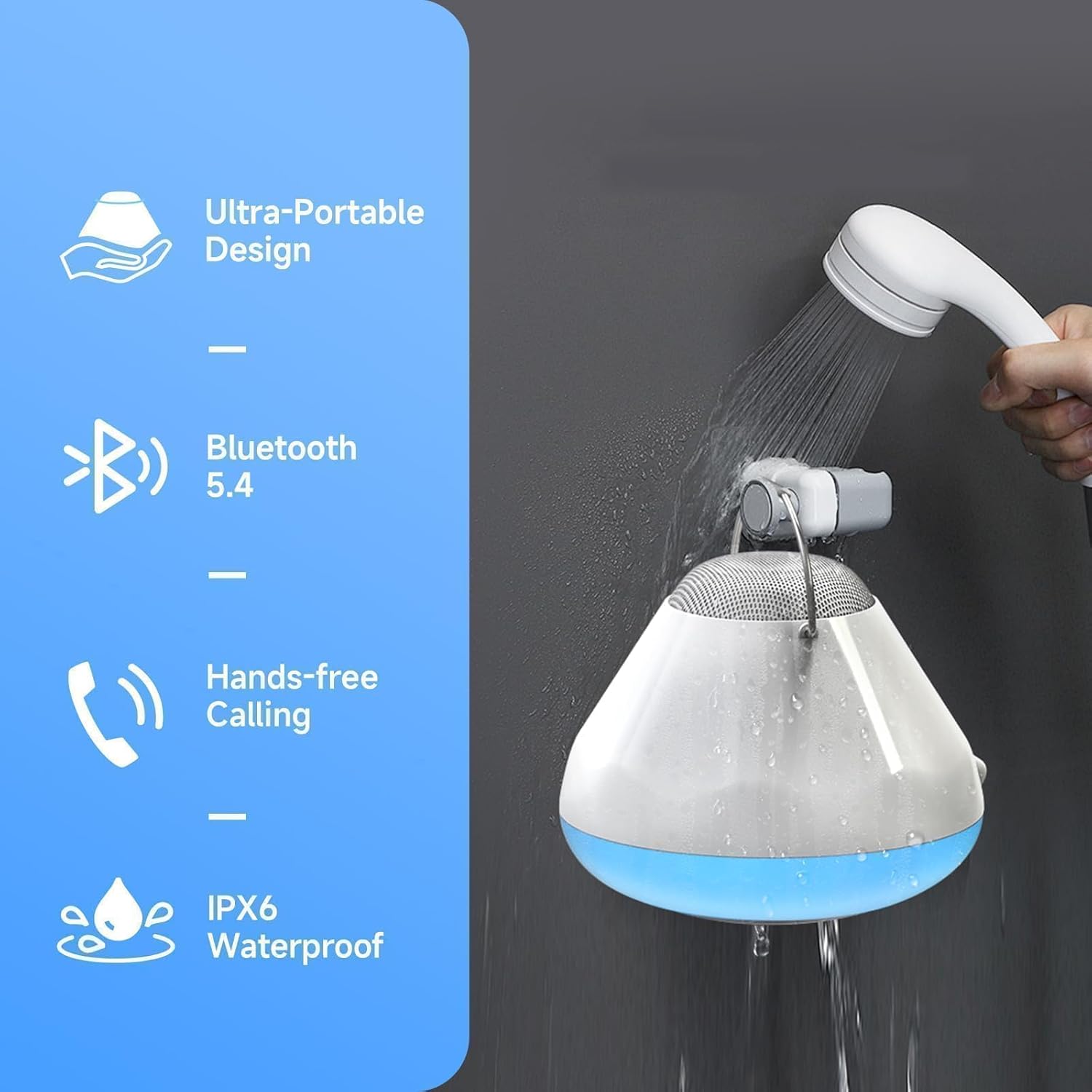
This versatile speaker is designed for use in wet environments, featuring IPX6 waterproofing, LED lights, and a white noise function. Enjoy clear audio, hands-free calling, and a built-in timer for a personalized experience.
Што ў скрынцы
- Gsou IPX6 Waterproof Bluetooth Shower Speaker (Model U56)
- USB-кабель для зарадкі
- Кароткае кіраўніцтва
Прадукт скончаныview
The Gsou U56 speaker features an intuitive control panel and a durable, waterproof design. It includes a convenient strap for hanging and a USB-C charging port.
выява: Зверху ўніз view of the Gsou U56 speaker, highlighting the central control panel with power, volume, mode, and call buttons. The speaker is black with a white LED ring.
выява: Збоку view of the Gsou U56 speaker, showing its compact, circular design and the integrated black silicone strap for easy hanging.
Настройка
1. Зарадка дынаміка
Before first use, fully charge your Gsou U56 speaker. Connect the provided USB charging cable to the speaker's USB-C port (located under a protective flap) and to a compatible USB power source. The LED indicator will show charging status.
2. Уключэнне/выключэнне харчавання
- Уключэнне: Press and hold the Power button (marked with a circle and vertical line) for 2 seconds. You will hear a prompt sound and the LED lights will activate.
- Выключэнне: Press and hold the Power button for 2 seconds. You will hear a power-off sound.
3. Спарванне Bluetooth
After powering on, the speaker automatically enters Bluetooth pairing mode. The blue LED light will flash slowly.
- Уключыце Bluetooth на мабільнай прыладзе (смартфоне, планшэце і г.д.).
- Пошук available devices and select "U56" (or similar model name) from the list.
- Once connected, you will hear a successful prompt tone, and the blue LED light will stop flashing and remain solid.
Відэа: A demonstration of the Gsou IPX6 Waterproof Bluetooth Shower Speaker's features, including LED lights and white noise functions. This video shows the speaker in action and highlights its ease of use and connectivity.
Інструкцыя па эксплуатацыі
1. Прайграванне музыкі
- Прайграванне/Паўза: Short press the Power button to play or pause music.
- Рэгулятар гучнасці: Short press the '+' button to increase volume, and the '-' button to decrease volume.
- Наступны/Папярэдні трэк: Press and hold the '+' button for 2 seconds for the next song, and the '-' button for 2 seconds for the previous song.
2. Рэжымы святлодыёднага асвятлення
The speaker features 4 LED light modes with 6 vibrant solid colors. Short press the 'Mode' button (marked with a sun icon) to cycle through the light modes:
- Solid Colors (6 options)
- Rhythm Mode (lights dance to music)
- Flickering Candlelight Mode
- Рэжым каляровага цыклу

выява: The Gsou U56 speaker displaying various colorful LED light effects, enhancing the ambiance for music or relaxation.
3. White Noise & Soothing Sounds
Access 5 immersive soundscapes for relaxation. Long press the 'Mode' button to switch between Bluetooth mode and White Noise mode. Short press the '+' or '-' buttons to cycle through the different white noise options:
- Пяшчотны дождж
- Акіянскія хвалі
- Crickets on a Summer Night
- Calming Fan Noise
- Pure White Noise

выява: A person relaxing in a bathtub with the Gsou U56 speaker nearby, illustrating the use of its 5 soothing soundscapes for stress relief.
4. One-Touch Answering & Timer
- Адказ на званкі: With the built-in microphone, short press the Call button (phone icon) to answer an incoming call. Short press again to hang up.
- Адхіляць выклікі: Націсніце і ўтрымлівайце кнопку выкліку, каб адхіліць уваходны выклік.
- Функцыя таймера: The speaker includes a timer function (30, 60, 90 minutes) to help you manage your bath time. Short press the Timer button (clock icon) to set the desired duration.
Відэа: Кароткі аглядview of the Gsou IPX6 Waterproof Bluetooth Shower Speaker, showcasing its LED lights, white noise, and waterproof capabilities. The video demonstrates the speaker's suitability for bath and shower environments.
Тэхнічнае абслугоўванне
- Уборка: Працярыце дынамік мяккім, damp тканіна. Не выкарыстоўвайце агрэсіўныя хімікаты або абразіўныя ачышчальнікі.
- захоўванне: Захоўвайце дынамік у прахалодным, сухім месцы, калі ён не выкарыстоўваецца. Пазбягайце экстрэмальных тэмператур.
- Ахова вады: Ensure the USB-C port's protective flap is securely closed before exposing the speaker to water.
Ліквідацыю непаладак
- Няма харчавання: Пераканайцеся, што дынамік цалкам зараджаны.
- Немагчыма падключыць Bluetooth: Make sure the speaker is in pairing mode (blue LED flashing). Check that your device's Bluetooth is enabled and within range. Try restarting both the speaker and your device.
- Дрэнная якасць гуку: Ensure the speaker is not submerged too deeply if in water. Check the Bluetooth connection for interference. Adjust volume on both the speaker and your connected device.
- Святло не працуе: Ensure the speaker is powered on. Cycle through light modes using the Mode button.
Тэхнічныя характарыстыкі
| Асаблівасць | Дэталь |
|---|---|
| Марка | Гсоу |
| Назва мадэлі | U56 |
| Матэрыял | Пластыкавыя |
| Тып дынаміка | Партатыўны дынамік |
| Тэхналогія падлучэння | Bluetooth 5.4 |
| Рэйтынг воданепранікальнасці | IPX6 |
| Максімальная выхадная магутнасць дынаміка | 8 ват |
| Рэжым выхаду гуку | Стэрэа |
| Крыніца харчавання | Харчаванне ад батарэі |
| Тэрмін службы батарэі | Up to 15 bath times on one charge |
| Метад кантролю | Дакранацца |
| Памеры прадукту | 6.3" Г x 5.5" Ш x 4" У |
| Вага прадмета | 12.3 унцыі (350 грама) |
Гарантыя і падтрымка
The Gsou IPX6 Waterproof Bluetooth Shower Speaker comes with a limited warranty. For detailed warranty information, please refer to the included Quick Start Guide or visit the official Gsou website. For technical support, troubleshooting assistance, or any product-related inquiries, please contact Gsou customer service through their official channels.