
Уводзіны
Thank you for choosing the ILIFE V5s Plus Robot Vacuum and Mop. This device is designed to provide efficient cleaning for your home, combining both vacuuming and mopping functions. It features smart navigation, app control, and automatic self-charging for convenience. Please read this manual thoroughly before use to ensure proper operation and maintenance.
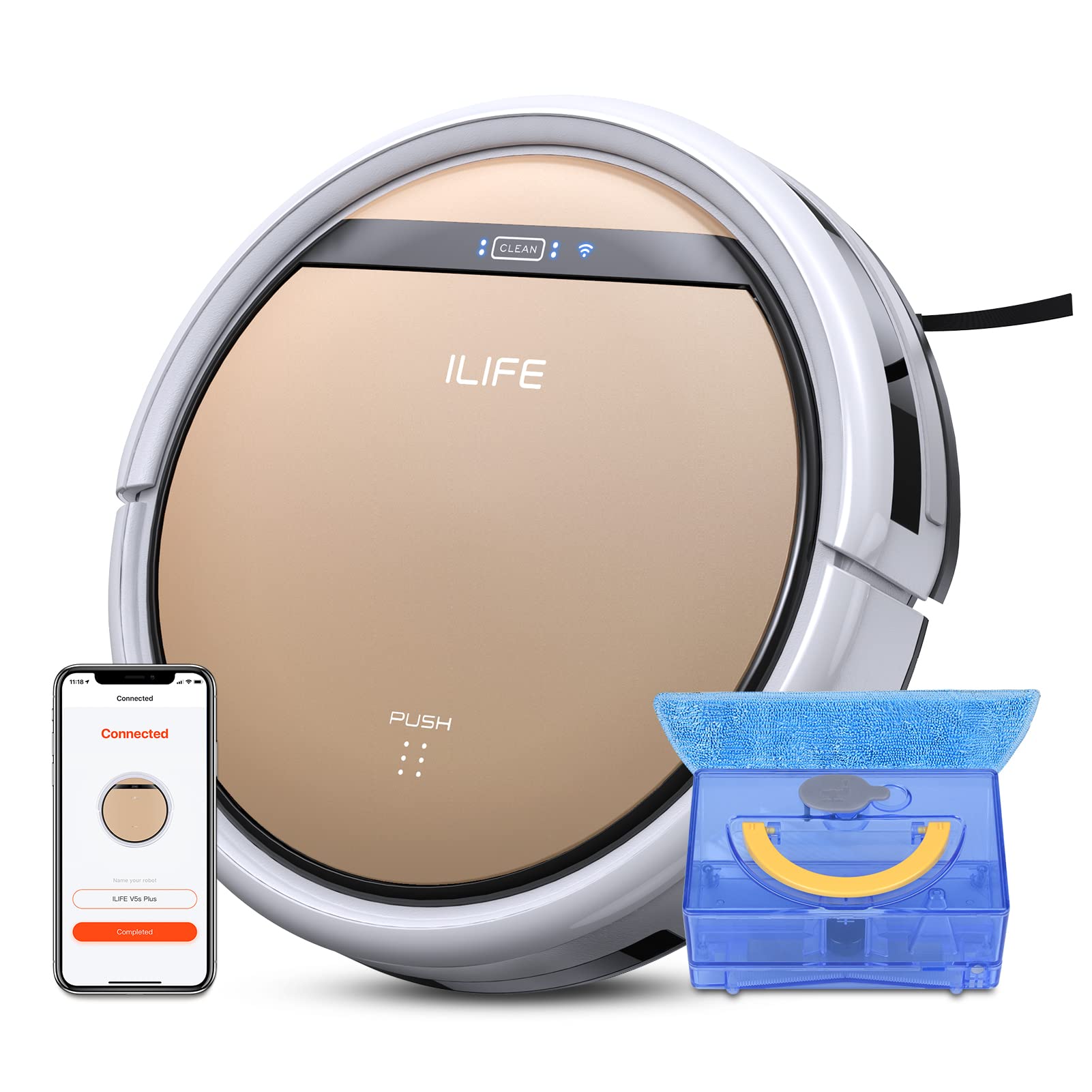
The ILIFE V5s Plus Robot Vacuum and Mop, ready for use.
Інструкцыі па тэхніцы бяспекі
Before operating the ILIFE V5s Plus, please observe the following safety precautions:
- Перад выкарыстаннем прыбора ўважліва прачытайце ўсе інструкцыі.
- Keep the robot and its accessories out of reach of children.
- Не выкарыстоўвайце робата ў вільготных умовах або паблізу вады.
- Пераканайцеся, што зарадная док-станцыя размешчана на роўнай паверхні каля сцяны, а вакол яе ёсць вольная прастора.
- Прыбярыце з зоны ачысткі любыя свабодныя кабелі, дробныя прадметы або далікатныя рэчы, каб пазбегнуць заблытвання або пашкоджання.
- Do not use the robot to pick up large debris, sharp objects, or liquids other than water for mopping.
- Only use the original power adapter and charging dock provided with the robot.
Што ў скрынцы
Праверце наяўнасць усіх кампанентаў у камплекце:
- Асноўны корпус (акумулятар уключаны)
- Док-станцыя для зарадкі
- Пульт дыстанцыйнага кіравання (акумулятар не ўваходзіць у камплект)
- адаптар пераменнага току
- Інструмент для ачысткі
- Швабра
- Бак для вады
- Кіраўніцтва карыстальніка
- Высокапрадукцыйны фільтр
- Дадатковыя бакавыя шчоткі
Настройка
1. Пачатковая зарадка
Place the charging dock against a wall in an open area. Connect the AC adapter to the charging dock and plug it into a power outlet. Place the robot onto the charging dock, ensuring the charging pins align. The robot will begin charging automatically. Allow for a full charge before first use (approximately 3-5 hours).
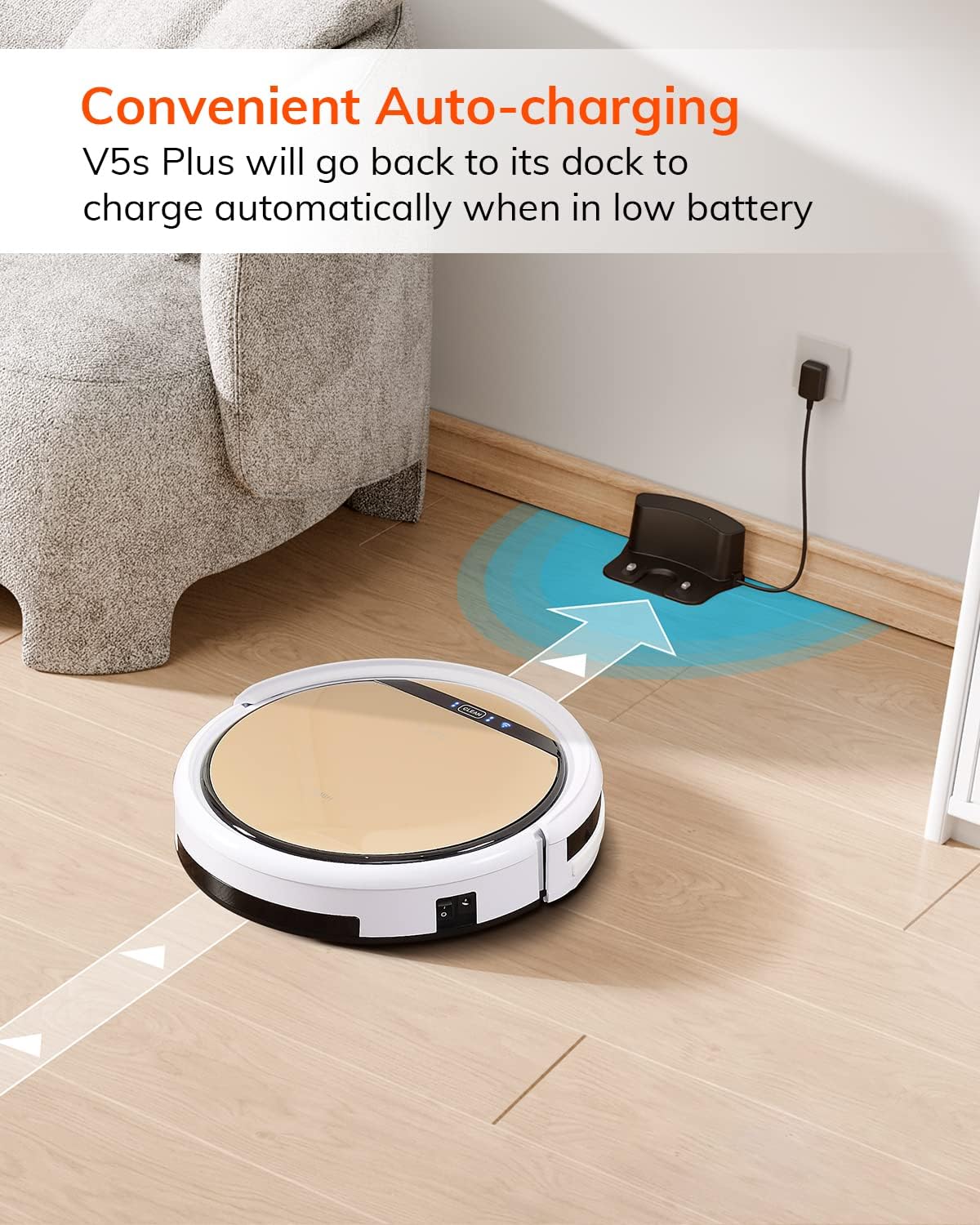
The robot automatically returns to its charging dock when the battery is low.
2. App Download and WiFi Connection
Download the 'ILIFEHOME' app from your smartphone's app store. Follow the in-app instructions to connect your robot to your home WiFi network. Ensure your WiFi is 2.4GHz, as the app does not support 5G WiFi.

Control the robot and schedule cleaning via the ILIFEHOME app.
3. Падрыхтоўка зоны ўборкі
Before each cleaning cycle, clear the floor of any obstacles such as cables, toys, or small rugs that could entangle the robot. For mopping, ensure the water tank is filled and the mop cloth is attached.
Інструкцыя па эксплуатацыі
1. Уключэнне/выключэнне харчавання
To power on the robot, press the 'CLEAN' button on the robot or use the remote control/app. To power off, press and hold the 'CLEAN' button until the indicator lights turn off, or use the app.
2. Рэжымы ачысткі
The ILIFE V5s Plus offers multiple cleaning modes:
- Аўтаматычны рэжым: The robot automatically cleans the area, adjusting its path as needed.
- Кропкавы рэжым: Засяроджваецца на канкрэтнай забруджанай зоне, чысцячы па спіралі.
- Рэжым Edge: Чысціць уздоўж сцен і па краях мэблі.
- Максімальны рэжым: Павялічвае магутнасць ўсмоктвання для больш глыбокай уборкі.
- Scheduling Cleaning Mode: Усталюйце графік уборкі праз праграму для аўтаматычнай уборкі.

The robot utilizes various cleaning modes to suit different needs.
3. Vacuuming and Mopping
The V5s Plus functions as both a vacuum and a mop. For vacuuming, ensure the dustbin is installed. For mopping, replace the dustbin with the water tank and attach a clean mop cloth. The intelligent control water tank offers three-level water outlet: gentle, standard, and strong, which can be controlled by the App.

The ILIFE V5s Plus offers both vacuuming and mopping capabilities.
4. Галасавое кіраванне
The ILIFE V5s Plus is compatible with Amazon Alexa and Google Assistant. Connect your robot to your smart home system to start or stop cleaning tasks using voice commands.

Control your robot with voice commands through Alexa or Google Assistant.
5. Automatic Charging
When the battery is low or a cleaning cycle is complete, the robot will automatically return to its charging dock. Ensure the charging dock is accessible and free from obstructions.

The robot automatically returns to its charging base when power is low.
Тэхнічнае абслугоўванне
Regular maintenance ensures optimal performance and extends the lifespan of your ILIFE V5s Plus.
1. Апаражненне і ачыстка пылазборніка
Open the top cover of the robot and remove the dustbin. Empty the dustbin into a trash receptacle. Clean the dustbin and filter with the provided cleaning tool or a soft brush. Rinse the dustbin with water if necessary, ensuring it is completely dry before reinstallation.
2. Filling and Cleaning the Water Tank
Remove the water tank from the robot. Open the water tank cap and fill it with clean water. Securely close the cap and reinsert the water tank into the robot. After mopping, empty any remaining water and rinse the tank. Allow it to air dry.

The water tank for the mopping function.
3. Ачыстка бакавых шчотак
Regularly check the side brushes for tangled hair or debris. Remove any obstructions using the cleaning tool or scissors. Replace worn-out side brushes with new ones.
4. Ачыстка датчыкаў
Wipe the anti-drop sensors and anti-collision sensors on the robot's underside and front bumper with a clean, dry cloth to ensure proper navigation.
Ліквідацыю непаладак
If you encounter issues with your ILIFE V5s Plus, refer to the following common problems and solutions:
- Robot does not power on: Ensure the battery is charged. Check if the power switch on the side of the robot is turned on.
- Робат не зараджаецца: Verify the charging dock is powered and the robot is correctly aligned with the charging pins. Clean the charging contacts on both the robot and the dock.
- Робат часта захрасае: Clear the cleaning area of obstacles. Check for tangled hair in the side brushes or wheels.
- Слабая эфектыўнасць уборкі: Empty the dustbin and clean the filter. Clean the side brushes. Ensure the water tank is properly filled for mopping.
- Unable to connect to App:
- Make sure to select the correct Wi-Fi and login with the correct Wi-Fi password.
- The ILIFE Robot does not support 5G Wi-Fi. Make sure to use a 2.4G Wi-Fi connection.
- Make sure the Wi-Fi signal is covered and strong.
- Allow the ILIFEHOME APP to have access to your location services and wireless data.
Тэхнічныя характарыстыкі
| Асаблівасць | Дэталь |
|---|---|
| Марка | ЖЫЦЦЁ |
| Назва мадэлі | V5s плюс |
| Рэкамендацыя па паверхні | Цвёрдая падлога |
| Магутнасць ўсмоктвання | 2 кпа |
| Час выкарыстання | Да 110 хвілін |
| Ёмістасць бака для вады | 300 мл |
| Ёмістасць пыладахоўкі | 300 мл |
| Dust Box Filter Type | High efficiency filter + nylon mesh |
| Рэжымы ачысткі | Auto/Spot/Edge/Max |
| Тып кіравання | Remote Control/ App Control/ Alexa/ Google Assistant |
| Памеры прадукту | 30 Д х 30 Ш х 8.1 У сантыметраў |
| Тып батарэі | Літый-іённы |
| тtage | 110 вольт |
Гарантыя
The ILIFE V5s Plus Robot Vacuum and Mop comes with a 1-гадовая гарантыя вытворцы. Please retain your proof of purchase for warranty claims. The warranty covers defects in materials and workmanship under normal use. It does not cover damage caused by misuse, accidents, unauthorized modifications, or normal wear and tear.
Падтрымка
For further assistance, technical support, or warranty inquiries, please contact ILIFE customer service:
- электронная пошта: service_us_ca@iliferobot.com
Прадукт скончаныview Відэа
Паглядзіце гэта відэа для агульнага аглядуview of the ILIFE V5s Plus features and operation.
Афіцыйны прадукт скончыўсяview of the ILIFE V5s Plus Robot Vacuum and Mop.