
KEF XIOSB
Інструкцыя карыстальніка саўндбара KEF XIO Dolby Atmos 5.1.2
Model: XIOSB
1. Уводзіны
The KEF XIO Dolby Atmos 5.1.2 Soundbar is engineered to deliver a truly cinematic audio experience with its full 5.1.2 speaker configuration and 12 discreet amplifiers. This manual provides essential information for setting up, operating, and maintaining your KEF XIO Soundbar to ensure optimal performance and longevity.
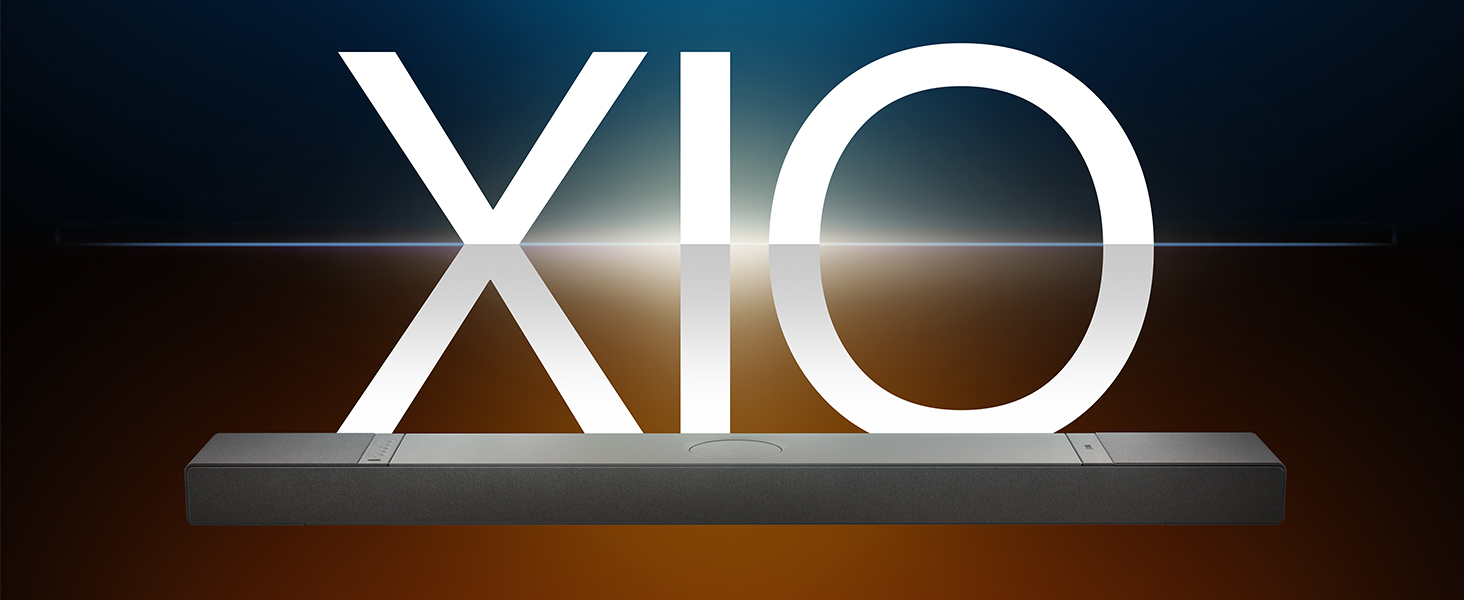
Image: The KEF XIO Soundbar, showcasing its sleek design and the XIO branding.
2. Інфармацыя па бяспецы
Please read all safety instructions carefully before using the KEF XIO Soundbar. Retain this manual for future reference.
- крыніца харчавання: Use only the power cable provided. Ensure the voltage адпавядае вашай мясцовай крыніцы харчавання.
- Вентыляцыя: Не блакуйце вентыляцыйныя адтуліны. Усталюйце ў адпаведнасці з інструкцыямі вытворцы.
- Вада і вільгаць: Do not expose the soundbar to rain, moisture, dripping, or splashing. Do not place objects filled with liquids, such as vases, on the apparatus.
- Цяпло: Не ўстанаўлівайце побач з крыніцамі цяпла, такімі як радыятары, абагравальнікі, пліты або іншыя прылады (у тым ліку ampLifiers), якія вырабляюць цяпло.
- Уборка: Unplug the soundbar from the power outlet before cleaning. Clean only with a dry cloth.
- Абслугоўванне: Не спрабуйце самастойна абслугоўваць гэты прадукт. Звярніцеся да ўсіх абслугоўванняў кваліфікаванага абслуговага персаналу.
3. Што ў скрынцы
Перад тым, як працягнуць наладу, пераканайцеся, што ўсе кампаненты наяўныя.
- KEF XIO Dolby Atmos 5.1.2 Soundbar
- Сілавы кабель
- Пульт дыстанцыйнага кіравання
- Кабель HDMI
- Кранштэйн для сцен
- Шаблон насценнага мацавання
- Кароткае кіраўніцтва
4. Настройка
4.1 Варыянты размяшчэння
The KEF XIO Soundbar offers flexible placement options to suit your home environment. It can be placed on a credenza or mounted to a wall using the included hardware. The soundbar automatically senses its position and adjusts its speakers accordingly for optimal audio performance.

Image: The KEF XIO Soundbar positioned on a credenza beneath a television in a modern living room setting.

Image: The KEF XIO Soundbar wall-mounted below a large screen in a dedicated gaming or entertainment area.

Выява: Падрабязны view of the KEF XIO Soundbar resting on a credenza, highlighting its sleek profile.
4.2 Падключэнне саўндбара
The KEF XIO Soundbar offers a variety of connectivity options for seamless integration with your home entertainment system.

Image: The rear panel of the KEF XIO Soundbar, displaying the various input ports including HDMI eARC, Optical, and Ethernet.
- HDMI eARC: Connect the included HDMI cable from the HDMI eARC port on your soundbar to the HDMI eARC/ARC port on your television for high-quality audio transmission and control.
- Аптычны: For devices without HDMI eARC, use an optical cable to connect to the soundbar's optical input.
- Магутнасць: Падключыце кабель харчавання да саўндбару, а затым да разеткі.
- Сетка (неабавязкова): For wired network connectivity, connect an Ethernet cable to the LAN port.
For wireless connectivity (Wi-Fi, Bluetooth), refer to the "Operating" section for initial pairing and setup.
5. Кіраванне саўндбарам
5.1 Метады кантролю
You can control your KEF XIO Soundbar using the included customizable remote, the KEF Connect App, or your smart remote.
- Пульт дыстанцыйнага кіравання: Use the dedicated remote for power, volume, input selection, and sound mode adjustments.
- Праграма KEF Connect: Download the KEF Connect App from your device's app store for advanced control, settings customization, and firmware updates.
- Разумны пульт: If your TV supports HDMI CEC (Consumer Electronics Control), you may be able to control basic functions like volume and power using your TV's remote.
5.2 рэжыму гуку
Easily switch between optimized sound modes for different content types:
- Рэжым фільма: Enhances cinematic audio with immersive surround sound.
- Рэжым дыялогу: Clarifies spoken words, making conversations easier to understand.
- Начны рэжым: Reduces dynamic range for quieter listening, ideal for late-night viewінж.
5.3 Connectivity and Streaming
The KEF XIO is engineered for seamless connectivity and easy streaming, supporting a wide range of wireless technologies and services.

Image: The KEF XIO Soundbar displayed with icons representing its support for Google Cast, Amazon Music, Qobuz, Apple Music, Bluetooth, Spotify, and Tidal.
- Wi-Fi: Connect to your home Wi-Fi network via the KEF Connect App for access to online streaming services and multi-room audio.
- Apple AirPlay: Трансліруйце аўдыё непасрэдна з вашых прылад Apple.
- Bluetooth 5.3: Pair your smartphone, tablet, or other Bluetooth-enabled devices for wireless audio playback.
- Сэрвісы струменевай перадачы: Enjoy direct integration with Spotify Connect, Tidal Connect, Google Cast, Apple Music, Amazon Music, and Qobuz Connect.
5.4 Spatial Audio Support
The KEF XIO brings the world of spatial audio into your home, transforming your entertainment experience. It effortlessly plays Dolby Atmos, DTS:X, Sony 360 Reality Audio, and more by up-mixing mono/stereo content.

Image: An artistic representation of sound waves emanating from the KEF XIO Soundbar, illustrating immersive audio filling a living space.
6. Тэхнічнае абслугоўванне
Proper care will ensure the longevity and performance of your KEF XIO Soundbar.
- Уборка:
- Always unplug the soundbar before cleaning.
- Выкарыстоўвайце мяккую, сухую тканіну без ворса для працірання паверхняў.
- Не выкарыстоўвайце вадкія ачышчальнікі, аэразольныя спрэі або абразіўныя хімікаты, бо яны могуць пашкодзіць пакрыццё.
- пыл: Regularly dust the soundbar to prevent accumulation, especially around speaker grilles and ventilation openings.
- захоўванне: If storing the soundbar for an extended period, place it in its original packaging in a cool, dry place.
7. Выпраўленне непаладак
If you encounter issues with your KEF XIO Soundbar, refer to the following common problems and solutions.
| праблема | Магчымая прычына | Рашэнне |
|---|---|---|
| Няма ўлады | Сеткавы кабель не падключаны; разетка неактыўная. | Пераканайцеся, што кабель харчавання надзейна падключаны да гукавой панэлі і спраўнай разеткі. |
| Няма гуку | Incorrect input selected; volume too low; audio cable loose/damaged; TV audio output settings. | Select correct input; increase volume; check audio cable connections; adjust TV audio output to external speakers (e.g., PCM, Bitstream). |
| Праблемы спалучэння Bluetooth | Саўндбар не ў рэжыме спалучэння; прылада занадта далёка; перашкоды. | Ensure soundbar is in Bluetooth pairing mode; move device closer; minimize interference from other wireless devices. |
| Пульт дыстанцыйнага кіравання не працуе | Batteries depleted; obstruction; remote out of range. | Replace batteries; remove obstructions between remote and soundbar; ensure remote is within range. |
| Дрэнная якасць гуку | Incorrect sound mode; improper placement; source audio quality. | Try different sound modes; ensure soundbar is placed optimally (refer to placement section); check source audio quality. |
If the problem persists, please contact KEF customer support for assistance.
8. Тэхнічныя характарыстыкі
| Асаблівасць | Дэталь |
|---|---|
| Назва мадэлі | XIO |
| Нумар мадэлі тавару | XIOSB |
| Тып дынаміка | Саундбар |
| Канфігурацыя канала аб'ёмнага гуку | 5.1.2 |
| Максімальная выхадная магутнасць дынаміка | 820 ват |
| Тып мацавання | Wall Mount, Credenza |
| Тэхналогія падлучэння | Bluetooth, Wi-Fi, Ethernet, HDMI (eARC), Optical, IR |
| Тэхналогія бесправадной сувязі | Airplay, Bluetooth, Wi-Fi |
| Рэжым выхаду гуку | Акружаць |
| Асаблівасці | Bass Boost, Hi Res Audio, Dolby Enabled, Built-in Microphone, Automatic Position Sensing |
| Памеры прадукту (Д х Ш х У) | 6.5" Г x 47.6" Ш x 2.8" У |
| Вага прадмета | 23.1 фунта |
| Колер | Black (Slate Black) |
| UPC | 637203051234 |

Image: An exploded diagram of the KEF XIO Soundbar, illustrating its internal components including speakers and circuitry.

Выява: Падрабязны view of one of the internal speaker drivers, showcasinг яго праектаванне і будаўніцтва.
9. Гарантыя і падтрымка
KEF products are designed and manufactured to the highest quality standards. For warranty information and customer support, please refer to the warranty card included with your product or visit the official KEF webсайт.
For technical assistance or service inquiries, please contact KEF customer support through their official channels. Keep your purchase receipt as proof of purchase for warranty claims.
Больш падрабязную інфармацыю і рэсурсы падтрымкі можна знайсці на KEF Brand Store on Amazon.