
1. Уводзіны
Thank you for choosing the UCOCARE Mini Portable Projector V18. This projector is designed to provide a high-quality visual and audio experience for various entertainment and presentation needs. Featuring native 1080P resolution with 4K support, AI-enhanced visuals and audio, and smart screen adjustments, it offers versatility and ease of use. Please read this manual thoroughly before using the product to ensure proper operation and to maximize its lifespan.
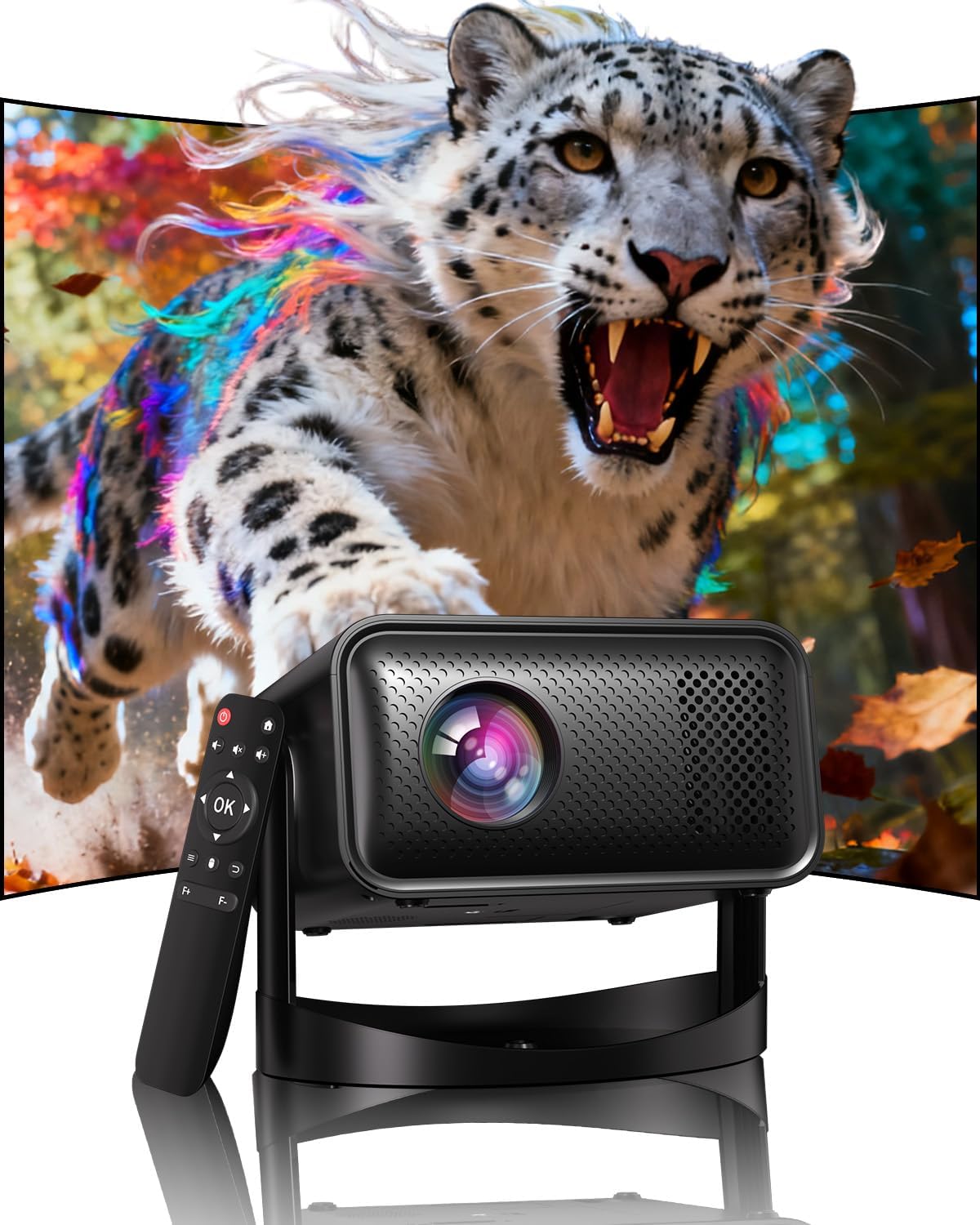
Image: The UCOCARE Mini Portable Projector V18, showcasing its compact design and the vibrant projection capabilities.
2. Інфармацыя па бяспецы
- Не глядзіце непасрэдна ў аб'ектыў праектара, калі ён уключаны.amp уключаны.
- Забяспечце належную вентыляцыю вакол праектара, каб прадухіліць перагрэў.
- Выкарыстоўвайце толькі адаптар сілкавання, які пастаўляецца з прыладай.
- Трымайце праектар далей ад вады, вільгаці і лёгкаўзгаральных матэрыялаў.
- Пазбягайце размяшчэння праектара на няўстойлівых паверхнях.
- Do not attempt to disassemble or repair the projector yourself. Contact customer support for assistance.
3. Змесціва ўпакоўкі
Праверце, ці ёсць усе прадметы ў вашай упакоўцы:
- UCOCARE Mini Portable Projector V18
- Пульт дыстанцыйнага кіравання
- Шнур харчавання
- Кіраўніцтва карыстальніка (гэты дакумент)
4. Прадукт скончыўсяview
The UCOCARE V18 projector combines advanced features in a compact design, making it suitable for various environments. It weighs approximately 2.09 pounds and measures 8.35 x 8.03 x 5.28 inches.

Image: The compact and lightweight design of the UCOCARE Mini Portable Projector V18, highlighting its dimensions and portability.
4.1 Асноўныя магчымасці
- Уласцівае разрозненне 1080P з падтрымкай 4K: Delivers sharp and detailed images.
- AI-Enhanced Visuals: Improves detail, contrast, and color for a lifelike viewвопыту.
- AI-Enhanced Audio: Provides clear dialogue and rich, distortion-free sound.
- Smart Screen Adjustment: Features electric focus, 50%-100% zoom, and auto keystone correction.
- Двухдыяпазонны Wi-Fi: Supports 2.4GHz/5GHz for stable and high-speed streaming.
- Злучэнне Bluetooth: For wireless audio devices.
- 180° Flexible Rotating Stand: Allows projection on walls, ceilings, or tables.
- Універсальная сувязь: HDMI, USB, and 3.5mm audio jack.
5. Настройка
5.1 Размяшчэнне
Position the projector on a stable surface. The 180° flexible rotating stand allows you to adjust the projection angle to suit your needs, whether projecting on a wall, ceiling, or screen.
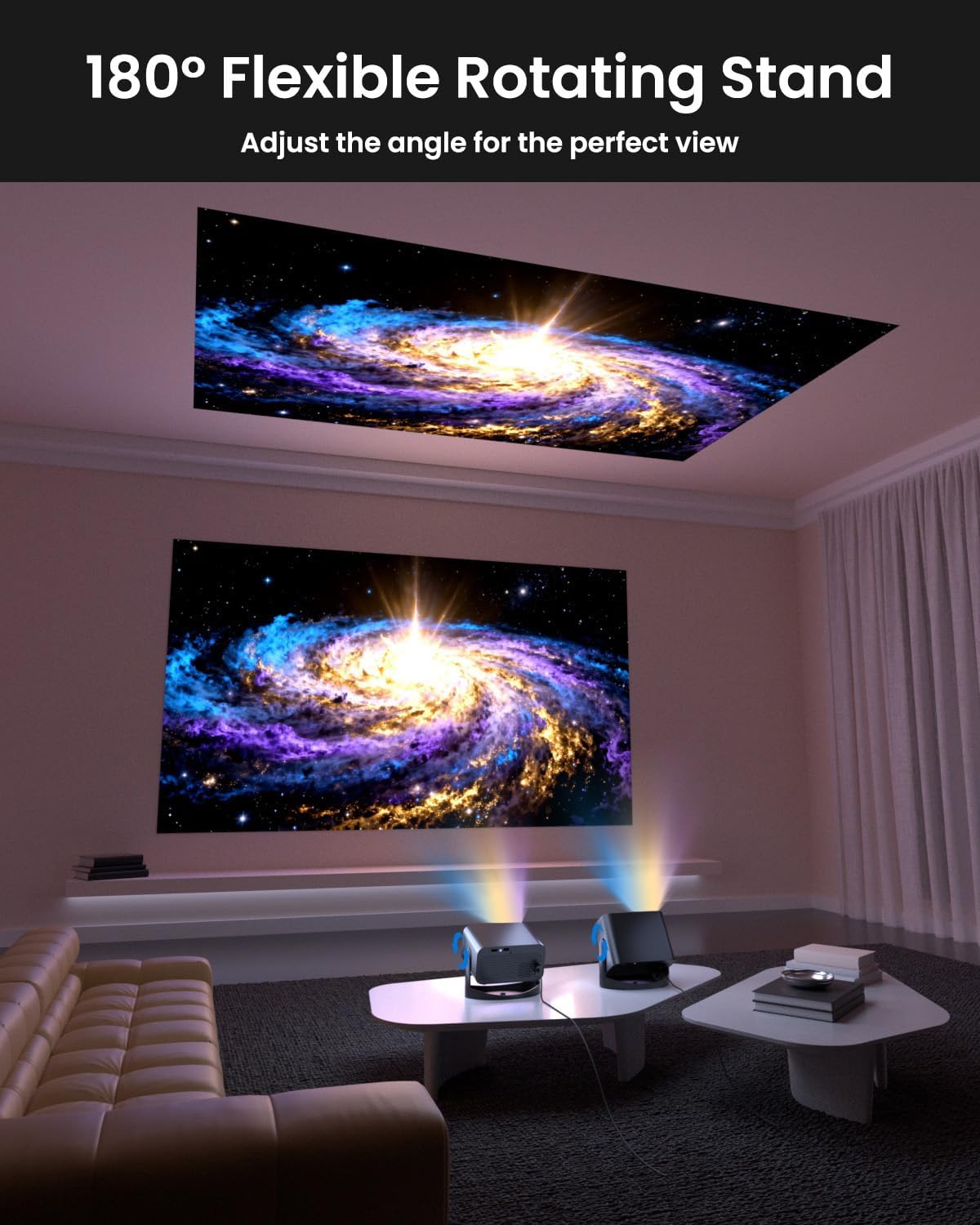
Image: The UCOCARE Mini Portable Projector V18 demonstrating its flexible 180° rotating stand, allowing projection onto various surfaces.
5.2 Падключэнне харчавання
- Падключыце шнур харчавання да ўваходнага порта харчавання праектара.
- Падключыце другі канец шнура сілкавання да электрычнай разеткі.
- Націсніце кнопку харчавання на праектары або пульце дыстанцыйнага кіравання, каб уключыць яго.
5.3 Initial Screen Adjustment
The projector features smart screen adjustment for optimal viewінж.
- Электрычны фокус: Use the remote control to activate one-touch electric focus for a clear image.
- Аўтаматычная карэкцыя трапецеідальных скажэнняў: The projector will automatically correct vertical distortion.
- Функцыя маштабавання (50%-100%): Adjust the screen size without moving the projector using the remote control.

Image: Visual representation of the smart screen adjustment features: Electric Focus, 50%-100% Zoom, and Auto Keystone Correction.
5.4 Network Connection (WiFi)
- Перайдзіце ў меню «Налады» на праектары.
- Выберыце «Сетка» або «Налады Wi-Fi».
- Choose your desired 2.4GHz or 5GHz WiFi network from the list.
- Увядзіце пароль і падключыцеся.
5.5 Спалучэнне па Bluetooth
- Go to the 'Settings' menu and select 'Bluetooth'.
- Уключыце Bluetooth на праектары.
- Put your Bluetooth audio device (e.g., speaker, headphones) into pairing mode.
- Select your device from the list on the projector screen to pair.
6. Аперацыйная
6.1 Падключэнне знешніх прылад
Праектар падтрымлівае розныя крыніцы ўваходнага сігналу:
- HDMI: Падключыце такія прылады, як ноўтбукі, гульнявыя прыстаўкі або тэлевізары, з дапамогай кабеля HDMI.
- USB: Plug in a USB drive to play media files непасрэдна.
- 3.5 мм аўдыяраз'ём: Падключыце знешнія правадныя дынамікі або навушнікі.
- Бесправадная трансляцыя: Stream content from your smartphone or tablet via WiFi.

Выява: Зверхуview of the UCOCARE Mini Portable Projector V18's universal multi-device connectivity options.
6.2 Якасць выявы
Experience stunning visuals with AI-enhanced technology.

Image: The UCOCARE Mini Portable Projector V18's AI-enhanced video quality, detailing 4K support, HDR 10+, Native 1080P, and Wide Color Gamut.
6.3 Якасць гуку
The projector features AI-enhanced audio for an immersive sound experience.
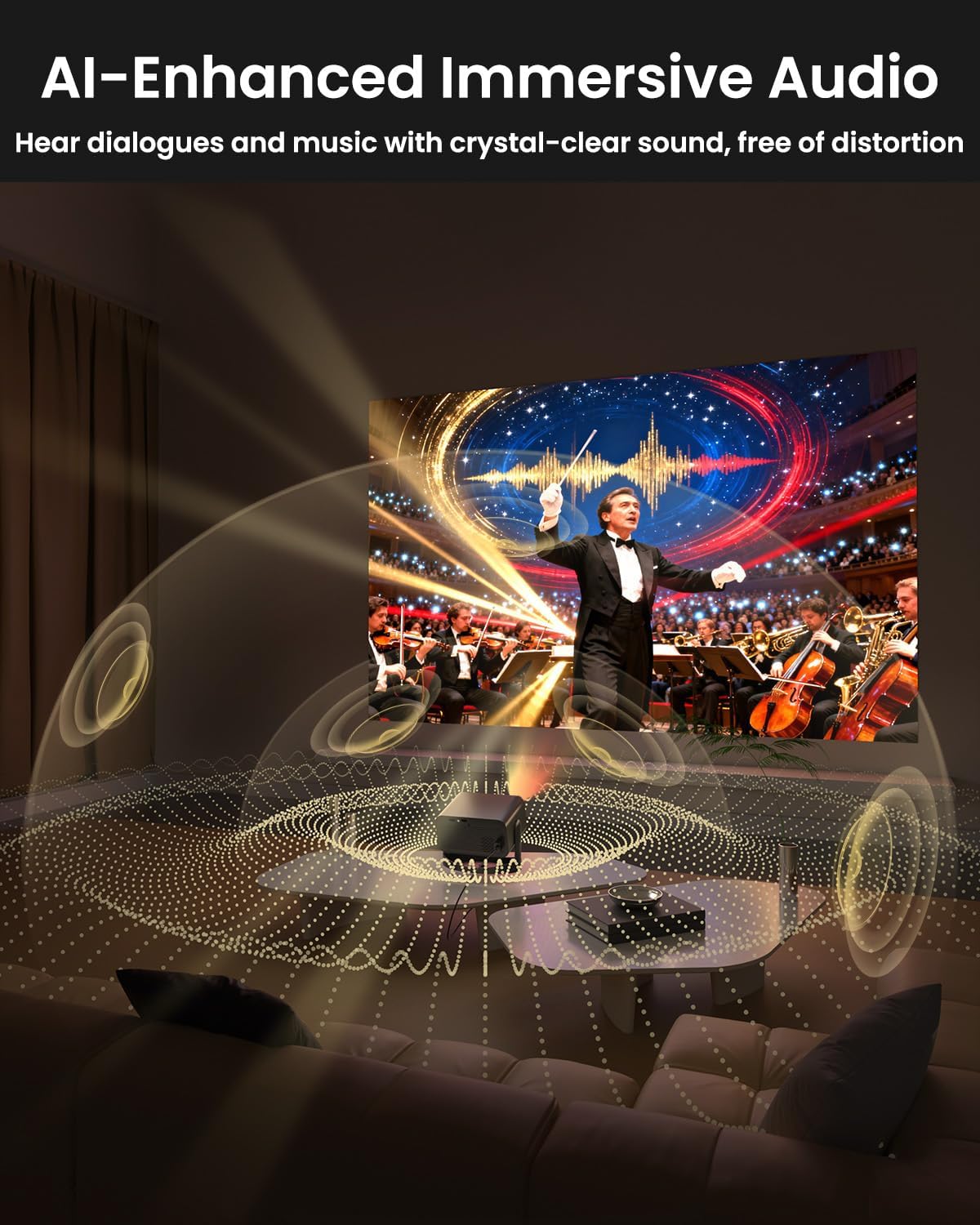
Image: The UCOCARE Mini Portable Projector V18 delivering AI-enhanced immersive audio, creating a surround sound experience.
6.4 Функцыі дыстанцыйнага кіравання
The included remote control allows you to navigate menus, adjust volume, change input sources, and control playback. Refer to the remote control diagram in your quick start guide for specific button functions.
6.5 Сцэнарыі выкарыстання
The UCOCARE V18 projector is versatile for various uses:
- хатні кінатэатр: Enjoy movies and shows on a large screen.
- Гульні: Connect your console for an immersive gaming experience.
- Бізнес-прэзентацыі: Project documents and slides for meetings.
- Bedtime Relax: Project calming visuals or stories onto the ceiling.

Image: The UCOCARE Mini Portable Projector V18 adapting to various scenarios, including home theater, business, gaming, and relaxation.
7. Тэхнічнае абслугоўванне
7.1 Ачыстка аб'ектыва
Выкарыстоўвайце мяккую тканіну без ворса, спецыяльна распрацаваную для аптычных лінзаў, каб акуратна праціраць аб'ектыў праектара. Пазбягайце выкарыстання абразіўных матэрыялаў або агрэсіўных хімічных рэчываў.
7.2 Выдаленне пылу
Regularly clean the projector's exterior with a soft, dry cloth. For ventilation openings, use a soft brush or compressed air to remove dust buildup, ensuring proper airflow.
7.3 Захоўванне
Калі праектар не выкарыстоўваецца працяглы час, захоўвайце яго ў прахалодным, сухім месцы, удалечыні ад прамых сонечных прамянёў і экстрэмальных тэмператур. Выкарыстоўвайце арыгінальную ўпакоўку або ахоўны чахол, каб прадухіліць трапленне пылу і пашкоджанні.
8. Выпраўленне непаладак
Калі ў вас узніклі праблемы з праектарам, звярніцеся да наступных распаўсюджаных праблем і рашэнняў:
| праблема | Магчымая прычына | Рашэнне |
|---|---|---|
| Няма выявы на экране | Кабель сілкавання адключаны, няправільная крыніца ўваходнага сігналу, надзета вечка аб'ектыва. | Праверце падключэнне да сілкавання, абярыце правільную крыніцу ўваходнага сігналу, зніміце вечка аб'ектыва. |
| Відарыс размыты | Focus not adjusted, projector too far/close. | Use electric focus function. Adjust projector distance if necessary. |
| Няма гуку | Volume too low, external audio device not connected, incorrect audio output. | Increase volume, check Bluetooth connection or 3.5mm cable, select correct audio output in settings. |
| WiFi/Bluetooth connectivity issues | Out of range, incorrect password, interference. | Ensure projector is within range of router/device. Re-enter password. Reduce interference. |
| Пульт дыстанцыйнага кіравання не працуе | Batteries low/dead, obstruction, remote not paired. | Replace batteries. Remove obstructions. Re-pair remote if applicable. |
9. Тэхнічныя характарыстыкі
| Асаблівасць | Дэталь |
|---|---|
| Марка | UCOCARE |
| Нумар мадэлі | V18 |
| Дазвол дысплея | Уласцівае разрозненне 1920 x 1080 (1080P), падтрымліваецца 4K |
| Тэхналогія падлучэння | 2.4GHz/5GHz Wi-Fi, Bluetooth, 3.5mm Jack, HDMI, USB |
| Асаблівасці | 4K Supported, Native 1080P, Adjustable Stand, Electric Focus, Auto Keystone, Portable Mini Size, Built-In 2.4G/5GHz WiFi, Built-In Bluetooth |
| Вага прадмета | 2.09 фунта |
| Памеры ўпакоўкі | 8.35 х 8.03 х 5.28 цалі |
| Рэкамендуемае выкарыстанне | Бізнес, адукацыя, гульні, хатні кінатэатр |
10. Гарантыя і падтрымка
UCOCARE products are manufactured to high-quality standards. For warranty information, please refer to the documentation included with your purchase or visit the official UCOCARE website. If you require technical assistance or have questions not covered in this manual, please contact UCOCARE customer support.
Contact information can typically be found on the product packaging or the official brand webсайт.