
1. Уводзіны
This manual provides detailed instructions for the installation, operation, and maintenance of your CP PLUS 3MP Smart Wi-Fi CCTV Security Camera, model CP-E35Q. Please read this manual thoroughly before using the product to ensure proper functionality and safety. Keep this manual for future reference.

Image 1.1: CP PLUS CP-E35Q Smart Wi-Fi Security Cameras (Pack of 2)
2. Прадукт скончыўсяview
2.1 Асноўныя магчымасці
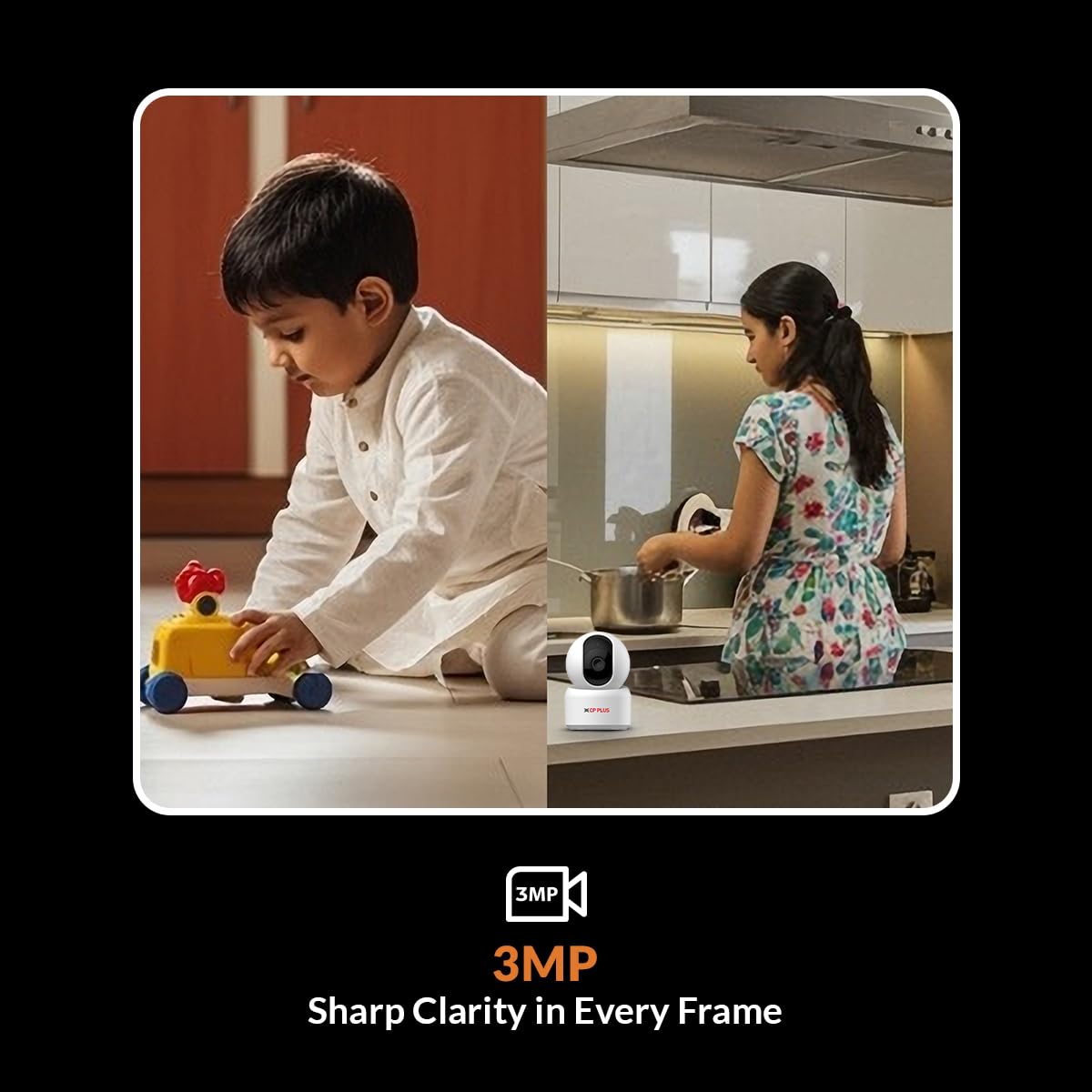
- 3MP Full HD Clarity: Delivers high-definition video (2304x1296) with H.265 compression for clear indoor surveillance.
- Паварот на 360° і нахіл на 85°: Motorized pan and tilt functionality provides comprehensive room coverage, eliminating blind spots.
- Motion Tracking & Detection: Automatically tracks human movement and sends instant motion alerts to your smartphone.
- Двухбаковы аўдыё: Built-in microphone and speaker enable real-time communication via the ezyKam+ app.
- CTC Cyber Secure Technology: Enhanced security with multi-layered data encryption and cyber protection.
- Cloud & SD Card Recording: Supports both cloud storage and local microSD card recording (up to 256GB).
- 15m IR Night Vision: Enhanced IR LED night vision allows monitoring in complete darkness, with automatic day/night mode switching.
- Інтэграцыя разумнага дома: Compatible with Amazon Alexa and Google Home for voice control and viewінж.
2.2 Змест пакета
Пераканайцеся, што ўсе прадметы прысутнічаюць у пасылцы:
- CP PLUS CP-E35Q Camera (x2)
- Адаптар харчавання (x2)
- Кабель USB тыпу C (2 шт.)
- User Manual QR Card
- Мантажныя шрубы і дзюбелі

Выява 2.1: Спераду View of CP-E35Q Camera
Малюнак 2.2: Збоку View of CP-E35Q Camera

Малюнак 2.3: Спіна View of CP-E35Q Camera
3. Інструкцыі па ўсталёўцы
3.1 Initial Setup (App Integration)
Follow these steps to integrate your camera with the ezyKam+ app:
- Download the ezyKam+ App: Пошук "ezyKam+" on the App Store (iOS) or Google Play Store (Android) and download the application. Register your account if you are a new user.
- Дадаць прыладу: Open the ezyKam+ app. On the home page, click the '+' icon to add a new device. Select the model number of your device (CP-E35Q).
- Падключыцеся да Wi-Fi: Enter your 2.4GHz Wi-Fi network name and password. Confirm the details. Note: The camera supports 2.4GHz Wi-Fi only.
- Сканаванне QR -кода: The app will generate a QR code. Hold your camera approximately 15-20 cm (6-8 inches) in front of your smartphone screen. Ensure the camera lens is facing the QR code. You will hear a voice prompt "Beep" from the camera once the QR code is successfully scanned.
- Configuration Complete: After hearing the beep, wait for a steady blue indicator light on the camera, which signifies that the configuration is complete and the camera is connected to your Wi-Fi network.
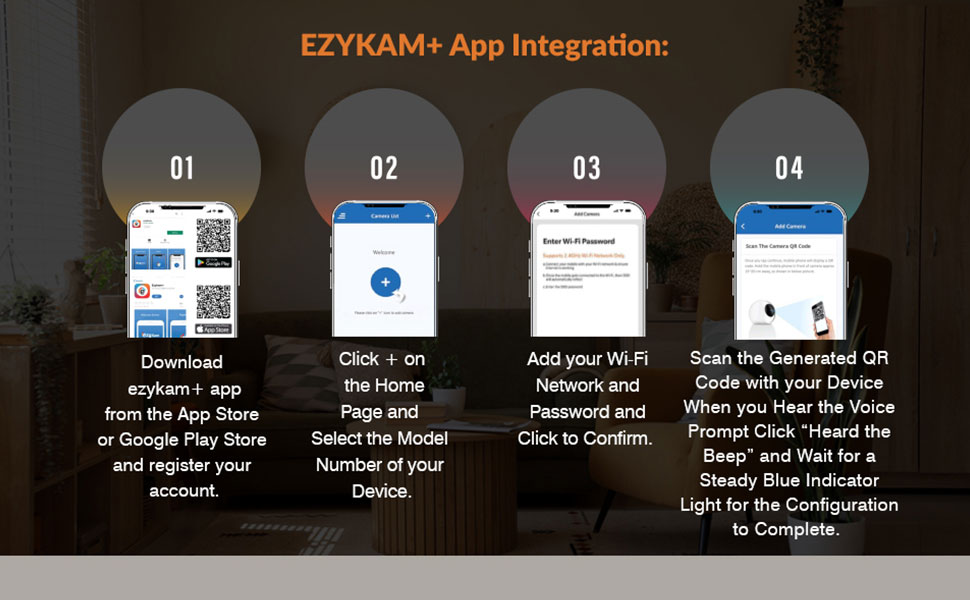
Image 3.1: Ezykam+ App Integration Steps
3.2 Фізічная ўстаноўка
The CP-E35Q camera is designed for indoor use. It can be placed on a flat surface or mounted on a wall or ceiling.
- Размяшчэнне: Выберыце месца, якое забяспечвае жаданае viewing angle and is within range of your 2.4GHz Wi-Fi network. Ensure the power cable can reach a power outlet.
- Мантаж (дадаткова): If mounting, use the provided screws and wall plugs. Mark the drilling points, drill holes, insert wall plugs, and secure the mounting bracket (if applicable) or the camera directly. Ensure the camera is securely fastened.
- Падключэнне сілкавання: Connect the USB Type-C cable to the camera and the power adaptor. Plug the adaptor into a power outlet. The camera will power on and begin its startup sequence.
4. Інструкцыя па эксплуатацыі
4.1 У прамым эфіры View
Once the camera is successfully connected and configured, open the ezyKam+ app. Select your camera from the device list to access the live video feed. You can view the area in 3MP Full HD resolution.
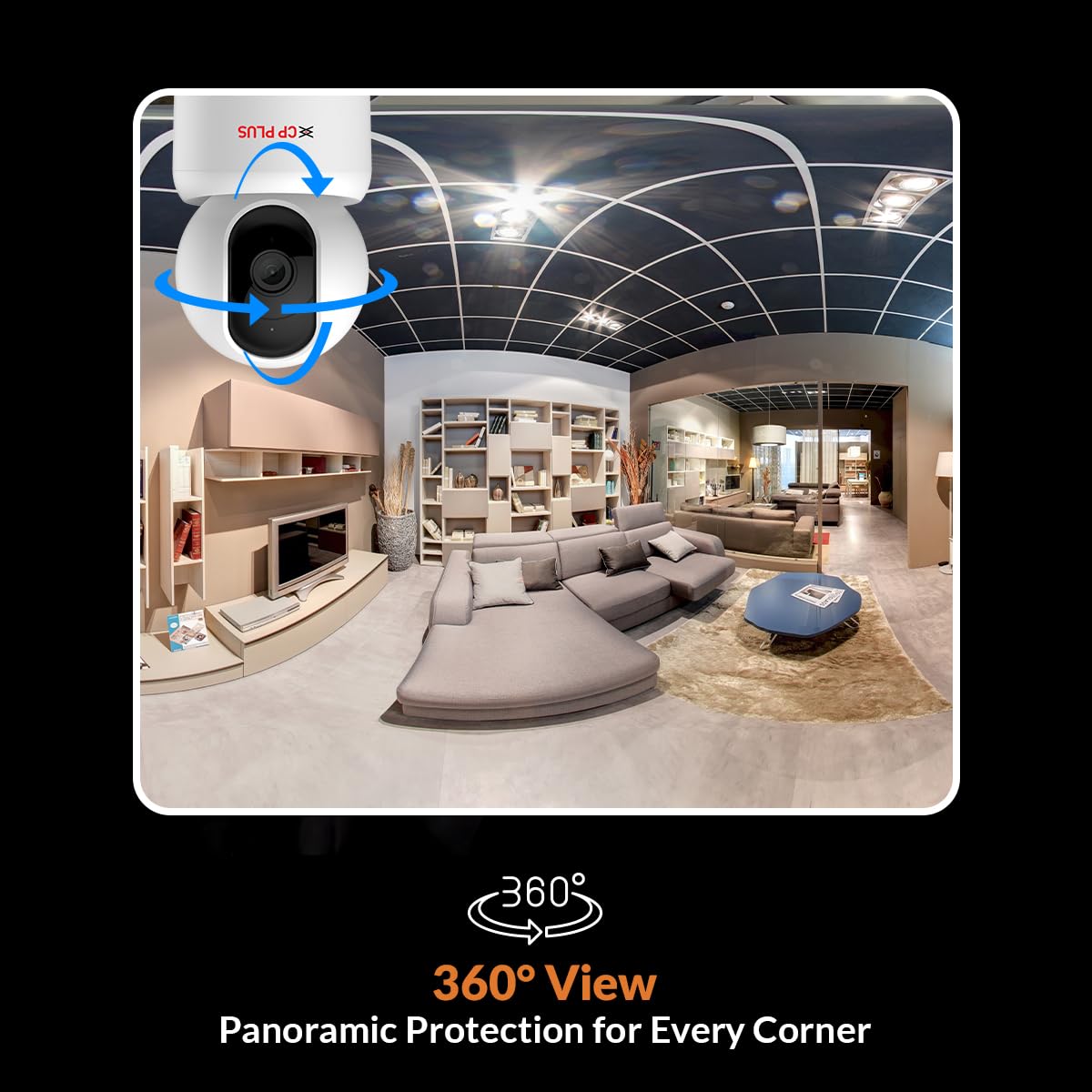
Image 4.1: 3MP Sharp Clarity in Every Frame
4.2 Кіраванне паваротам і нахілам
З прамога эфіру view interface in the ezyKam+ app, use the on-screen controls to remotely pan (horizontal rotation up to 360°) and tilt (vertical movement up to 85°) the camera lens. This allows you to adjust the viewкут агляду і ахопліваюць шырэйшую плошчу.

Image 4.2: 360° Panoramic View
4.3 Двухбаковае аўдыё
The camera features a built-in microphone and speaker. To use two-way audio, tap the microphone icon in the ezyKam+ app's live view. You can then speak through your phone, and your voice will be projected through the camera's speaker. Similarly, you can hear audio from the camera's environment through your phone.
4.4 Выяўленне і адсочванне руху
The CP-E35Q camera is equipped with a Smart Detection Suite:
- Выяўленне чалавечага цела: Identifies human shapes to reduce false alarms.
- Вызначэнне гуку: Alerts you to unusual sounds.
- Выяўленне руху: Triggers recording and alerts upon detecting general movement.
- Адсочванне руху: When human motion is detected, the camera automatically pans and tilts to follow the subject.
- Убудаваная сірэна: Can be activated manually or set to trigger automatically upon detection to deter intruders.
Configure detection settings and alert preferences within the ezyKam+ app. You will receive instant notifications on your smartphone when an event is detected.
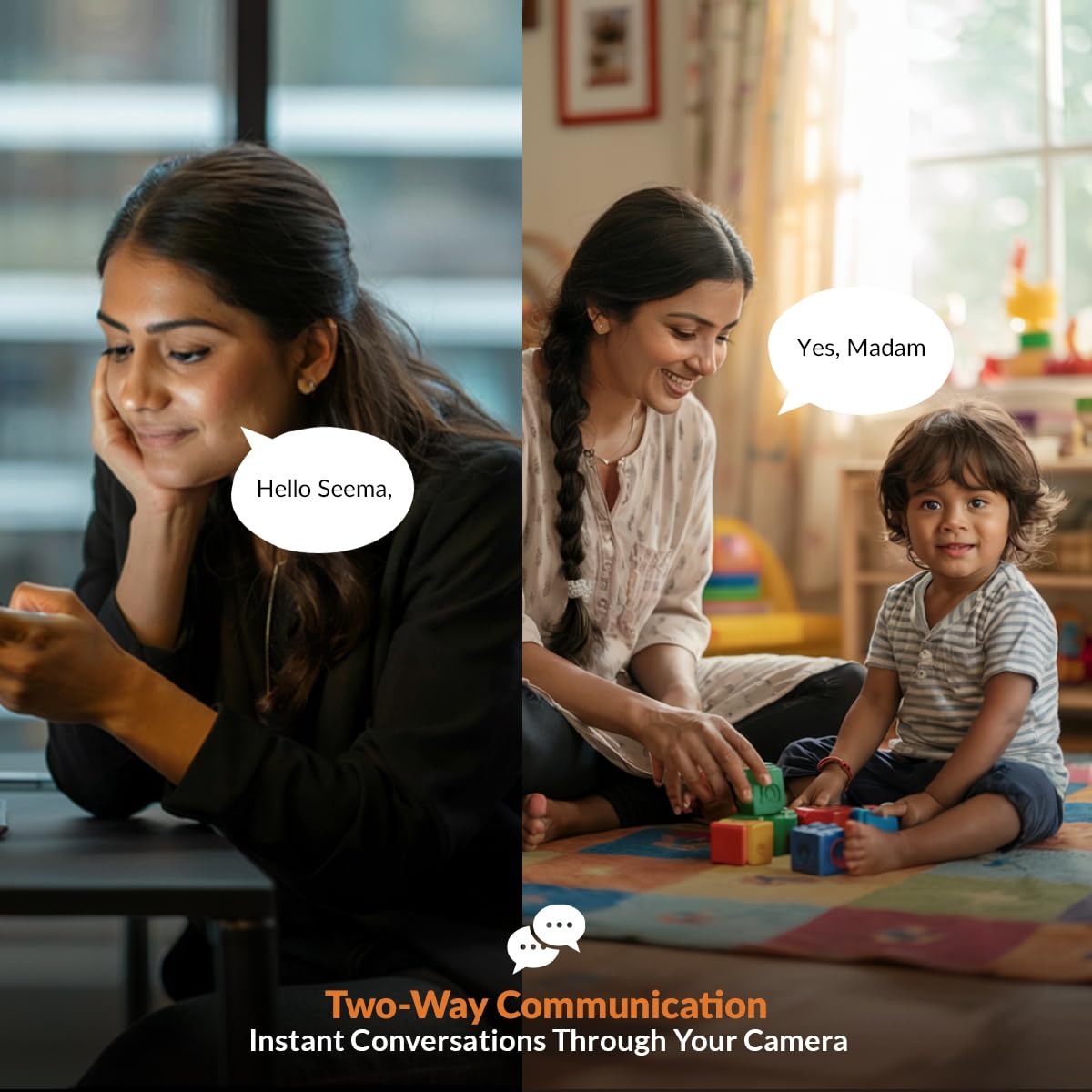
Image 4.3: Smart Detection Suite
4.5 Начное бачанне
The camera automatically switches to infrared (IR) night vision mode in low-light conditions, providing clear black-and-white video up to 15 meters. The auto IR cut filter ensures accurate color reproduction during the day.
4.6 Рэжым прыватнасці
To temporarily disable recording and live viewing for privacy, activate the Privacy Mode through the ezyKam+ app. This feature allows you to pause surveillance when not needed.
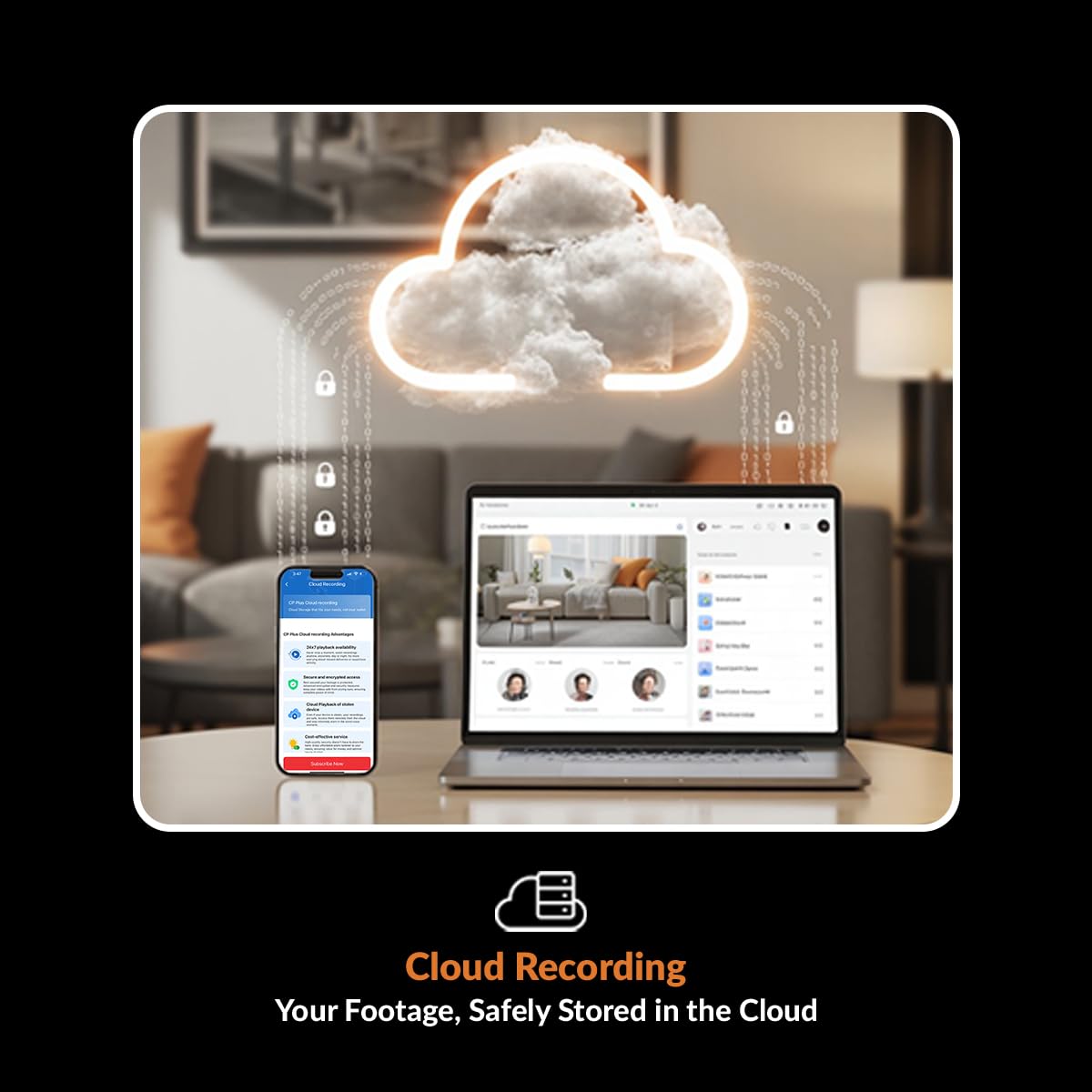
Image 4.4: Privacy Mode Activation
4.7 Recording Options (Cloud & SD Card)
- Запіс на карту MicroSD: Insert a microSD card (up to 256GB, Class 10 recommended) into the designated slot on the camera. The camera will automatically begin recording based on your settings (e.g., continuous, motion-triggered). You can review фуtage via the ezyKam+ app.
- Воблачнае сховішча: For enhanced security and remote access to recorded footage, subscribe to the cloud storage service through the ezyKam+ app. Cloud recording typically stores event-based footage (e.g., motion detection) and provides secure backup.
4.8 Інтэграцыя разумнага дома
The CP-E35Q camera can be integrated with Amazon Alexa and Google Home. Follow the instructions within the respective smart home apps to link your ezyKam+ account. Once linked, you can use voice commands to view відэа з камеры на сумяшчальных разумных дысплеях.
5. Тэхнічнае абслугоўванне
- Уборка: Use a soft, dry cloth to clean the camera lens and body. Avoid using harsh chemicals or abrasive materials that could damage the surface or lens.
- Абнаўленні прашыўкі: Periodically check the ezyKam+ app for available firmware updates. Keeping your camera's firmware updated ensures optimal performance, security, and access to new features. Follow the in-app instructions for updating.
- Кіраванне SD-картай: If using a microSD card, it is recommended to format it periodically (e.g., monthly) through the ezyKam+ app to maintain optimal recording performance and prevent data corruption.
6. Выпраўленне непаладак
- Камера ў аўтаномным рэжыме:
- Пераканайцеся, што камера ўключана, а адаптар сілкавання надзейна падключаны.
- Verify your Wi-Fi router is working and the camera is within range of the 2.4GHz network.
- Перазапусціце камеру, адключыўшы і зноў падключыўшы кабель харчавання.
- If the issue persists, try re-configuring the Wi-Fi connection through the ezyKam+ app.
- Не магу падключыцца да Wi-Fi:
- Пераканайцеся, што ваша сетка Wi-Fi працуе на частаце 2.4 ГГц. Камера не падтрымлівае сеткі 5 ГГц.
- Двойчы праверце пароль Wi-Fi на дакладнасць.
- Ensure the camera is close to the router during the initial setup.
- Reset the camera to factory settings (refer to the QR card for specific reset instructions) and attempt setup again.
- Дрэнная якасць відэа:
- Праверце хуткасць падключэння да Інтэрнэту. Для аптымальнай трансляцыі патрабуецца стабільнае і хуткае падключэнне.
- Пераканайцеся, што аб'ектыў камеры чысты і без пылу або плям.
- Adjust the video quality settings within the ezyKam+ app if available.
- SD Card Not Recording/Malfunctioning:
- Пераканайцеся, што SD-карта ўстаўлена правільна.
- Format the SD card through the ezyKam+ app.
- Check if the SD card has sufficient free space.
- Try using a different, high-quality microSD card (Class 10 or higher).
7. Тэхнічныя характарыстыкі
| Асаблівасць | Спецыфікацыя |
|---|---|
| Назва мадэлі | CP-E35Q |
| дазвол | 3 МП (2304x1296) |
| Дыяпазон павароту/нахілу | Панарамаванне 360°, нахіл 85° |
| Сувязь | Wi-Fi (толькі 2.4 ГГц) |
| Начное бачанне | Up to 15 meters (IR) |
| Параметры захоўвання | Карта MicroSD (да 256 ГБ), воблачнае сховішча |
| Аўдыё | Двухбаковая аўдыёсувязь (убудаваны мікрафон і дынамік) |
| Асаблівасці | Motion Detection, Motion Tracking, Human Body Detection, Sound Detection, Privacy Mode, Built-in Siren |
| Сумяшчальныя прылады | Смартфон (iOS, Android) |
| Тып кантролера | Amazon Alexa, Google Home |
| Крыніца харчавання | Правадная электрычная |
| Памеры прадукту | 7.2 х 7.2 х 10.9 см |
| Вага | 161 г |
| Выкарыстанне ў памяшканні/на вуліцы | У памяшканні |
8. Гарантыя і падтрымка
Каб атрымаць інфармацыю аб гарантыі, звярніцеся да гарантыйнага талона, які ўваходзіць у камплект пастаўкі вашага прадукту, або наведайце афіцыйны сайт CP PLUS. website. For technical support, product registration, or service inquiries, please contact CP PLUS customer support through their official channels. Contact details are typically available on the manufacturer's webсайта або ўпакоўкі прадукту.


