
Уводзіны
Thank you for choosing the YFK Smart Fingerprint Door Lock. This manual provides detailed instructions for the installation, operation, and maintenance of your new smart lock. Please read this manual thoroughly before installation and use to ensure proper function and security.
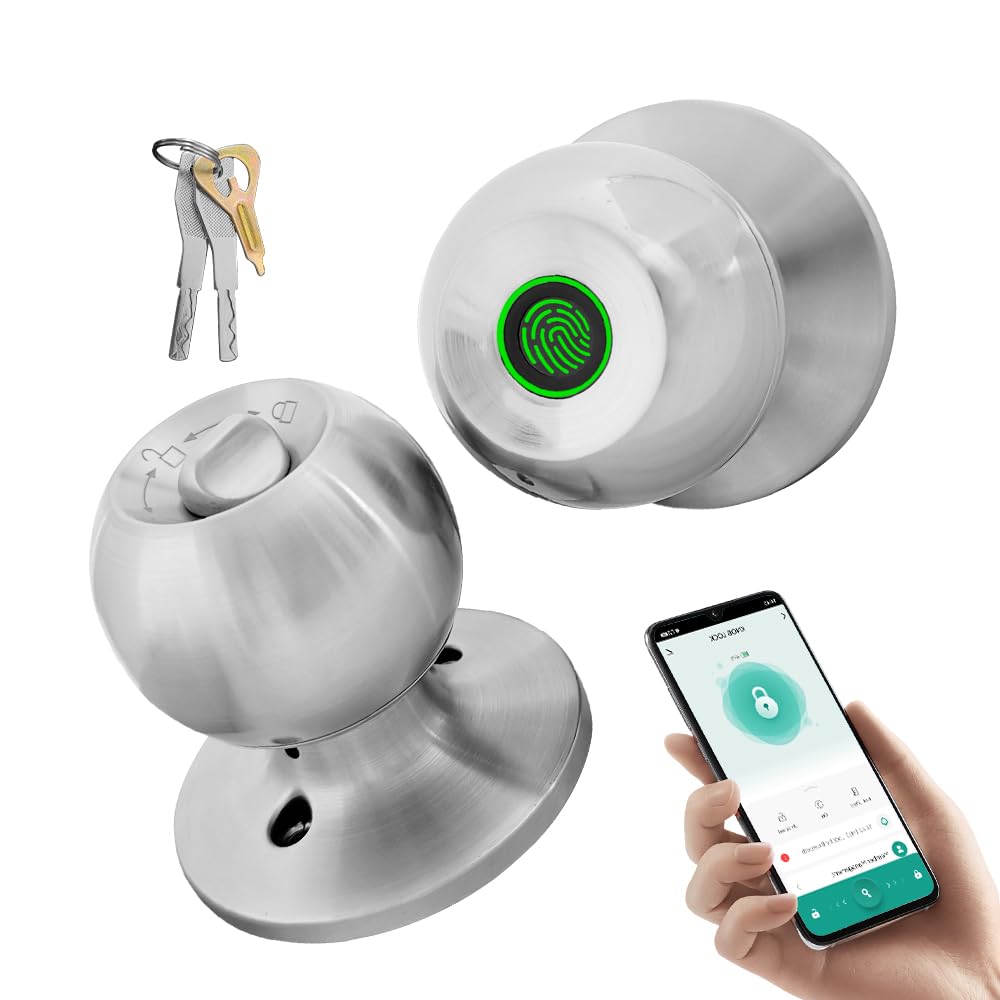
Image: The YFK Smart Fingerprint Door Lock in silver, showcasinг яго элегантны дызайн.
Асноўныя характарыстыкі:
- Доступ па адбітках пальцаў: Unlock your door in approximately 1.5 seconds with advanced biometric technology. Stores up to 20 unique fingerprints.
- Multiple Unlocking Modes: Choose from fingerprint, mechanical key, or app access.
- Разумнае кіраванне праграмамі: Manage your lock remotely via the Tuya Smart App, including Bluetooth unlocking, user management, and access history.
- Трывалая канструкцыя: Made from premium aluminum alloy and stainless steel for long-lasting performance.
- Акумулятарная батарэя: Built-in Li-On rechargeable battery with an estimated life of 8-12 months, charged via a Type-C port.
- Універсальная сумяшчальнасць: Compatible with wooden, steel, copper, and composite doors (35–55mm thick) and features an adjustable 60–70mm latch.
- Сігналізацыя разраду батарэі: Provides warning when battery power is low.
Змест пакета
Before beginning installation, please verify that all components are present and undamaged.
- YFK Smart Fingerprint Door Lock Unit
- Мантажнае абсталяванне
- 2 механічныя клавішы
- Кіраўніцтва карыстальніка
Настройка і ўстаноўка
This section guides you through the physical installation of the YFK Smart Fingerprint Door Lock.
Сумяшчальнасць дзвярэй:
- Таўшчыня дзвярэй: 35mm to 55mm (1.38 inches to 2.17 inches)
- Зашчапка: Adjustable 60mm to 70mm (2.36 inches to 2.76 inches)
- Тыпы дзвярэй: Wooden, steel, copper, and composite doors.
Агульныя этапы ўстаноўкі:
- Падрыхтуйце дзверы: Ensure your door meets the compatibility requirements. If replacing an existing lock, remove it.
- Усталюйце зашчапку: Insert the latch into the door edge and secure it with screws. Adjust the backset if necessary.
- Усталюйце знешнюю зборку: Place the exterior lock assembly (with fingerprint sensor) onto the door, aligning it with the latch.
- Усталяваць унутраную зборку: Connect the interior lock assembly to the exterior assembly, ensuring the spindle and wires are correctly routed. Secure with mounting screws.
- Тэставая аперацыя: After installation, test the mechanical key and ensure the knob turns smoothly.
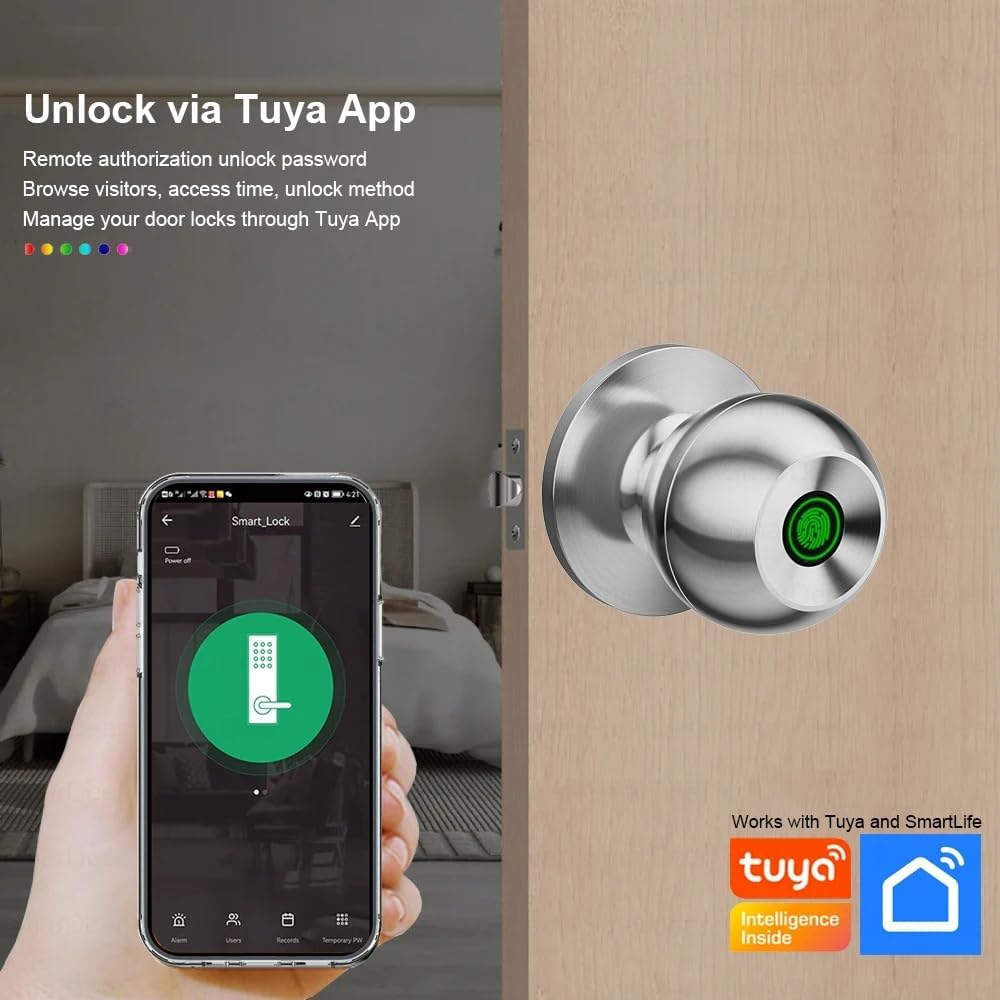
Image: The YFK Smart Fingerprint Door Lock shown installed on a wooden door, demonstrating its appearance after setup.
Інструкцыя па эксплуатацыі
Learn how to use the various unlocking methods and smart features of your YFK Smart Fingerprint Door Lock.
1. Fingerprint Access:
- Enroll Fingerprints:
- Download and install the Tuya Smart App (see 'Smart App Control' section).
- Follow the in-app instructions to add new fingerprints. You can store up to 20 unique fingerprints.
- Ensure your finger covers the entire sensor for accurate registration.
- Unlock with Fingerprint:
- Моцна прыкладзеце зарэгістраваны палец да сканера адбіткаў пальцаў.
- The lock will unlock in approximately 1.5 seconds if the fingerprint is recognized.
2. Mechanical Key Access:
- In case of emergency or battery depletion, use one of the two provided mechanical keys.
- Insert the key into the keyhole located on the exterior assembly and turn to unlock.

Выява: Падрабязны view of the YFK Smart Door Lock's exterior, highlighting the mechanical keyhole and the Type-C charging port.
3. Smart App Control (Tuya Smart App):
The Tuya Smart App allows for remote management and enhanced control over your lock.
- Спампаваць і ўсталяваць: Пошук "Tuya Smart" in your mobile app store (iOS or Android) and install the application.
- Падключыце замок:
- Уключыце Bluetooth на вашым смартфоне.
- Open the Tuya Smart App and follow the on-screen instructions to add a new device.
- Ensure your phone is within Bluetooth range of the lock during pairing.
- Функцыі прыкладання:
- Разблакіроўка Bluetooth: Unlock the door directly from the app when within Bluetooth range.
- Кіраванне адбіткамі пальцаў карыстальніка: Add, edit, or delete registered fingerprints.
- Unlock Record Log: View гісторыя ўсіх падзей блакавання і разблакавання.
- Часовы доступ: Grant temporary access to guests or service providers.
- Папярэджанне пра нізкі зарад батарэі: Receive notifications when the lock's battery is low.

Image: A smartphone screen showing the Tuya Smart App interface, demonstrating remote control capabilities for the smart lock.

Image: An infographic illustrating the various functions available through the Tuya App, such as APP Unlock, User Fingerprint Management, and Lock Unlocking Record Log.
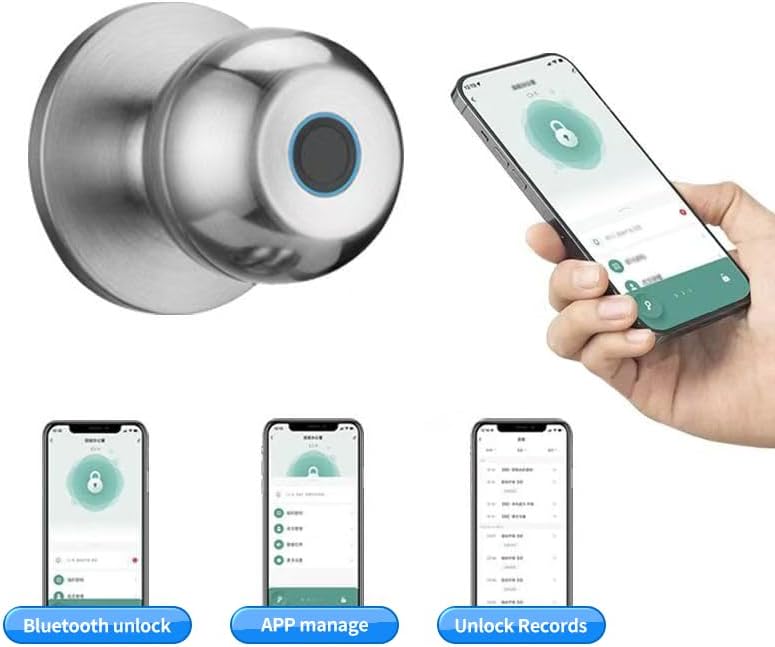
Image: Multiple smartphone screenshots demonstrating the Tuya App's features, including Bluetooth unlocking, app-based management, and viewing unlock records.
4. Multiple Unlocking Modes:
The lock supports various operational modes to suit different needs:
- Стандартны рэжым: Requires fingerprint, key, or app unlock for each entry.
- Звычайна адкрыты рэжым: Keeps the door unlocked for continuous access (e.g., during parties or business hours). This mode can typically be activated via the app or a specific sequence on the lock.
- Reverse Lock Mode: (If applicable, specific details not provided, but generally implies a mode for enhanced security or specific access control). Refer to the Tuya App for advanced settings.
Тэхнічнае абслугоўванне
Кіраванне батарэяй:
- The YFK Smart Fingerprint Door Lock is equipped with a built-in Li-On rechargeable battery.
- Expected battery life is 8-12 months, depending on usage frequency.
- Зарадка: Use a standard Type-C USB cable to charge the lock. The charging port is located on the exterior assembly.
- Папярэджанне пра нізкі зарад батарэі: The lock will provide an audible or visual alert when the battery level is low. Charge the lock promptly to avoid being locked out.

Image: An illustration highlighting the Li-On rechargeable battery and the Type-C charging port of the YFK Smart Door Lock.
Агульны догляд:
- Clean the lock's exterior with a soft, dry cloth. Avoid abrasive cleaners or solvents.
- Для аптымальнай працы падтрымлівайце датчык адбіткаў пальцаў у чысціні і без бруду або вільгаці.
- Do not expose the lock to extreme temperatures or direct water spray.
Ліквідацыю непаладак
This section addresses common issues you might encounter with your YFK Smart Fingerprint Door Lock.
- Адбітак пальца не распазнаны:
- Пераканайцеся, што ваш палец чысты і сухі.
- Place your finger firmly and completely on the sensor.
- Try re-registering your fingerprint through the Tuya Smart App.
- Ensure the sensor is clean.
- Замак не адказвае:
- Check the battery level. Recharge the lock if the battery is low.
- Use the mechanical key for emergency access.
- Праблемы з падключэннем праграмы:
- Пераканайцеся, што Bluetooth уключаны на вашым смартфоне.
- Make sure your phone is within close proximity to the lock.
- Restart the Tuya Smart App or your phone.
- Try re-pairing the lock with the app.
- Захрасанне механізму замка:
- Ensure the installation screws are not overtightened.
- Праверце наяўнасць перашкод у дзвярной раме або запорнай пласціне.
If you continue to experience issues, please refer to the manufacturer's support resources.
Тэхнічныя характарыстыкі
| Марка | YFK |
| Нумар мадэлі | B0FL7M8WDC |
| Матэрыял | Aluminum, Stainless Steel (Metal) |
| Колер | Серабро |
| Памеры прадукту | 3.35"Д х 2.64"Ш |
| Сумяшчальнасць таўшчыні дзвярэй | 35 мм - 55 мм |
| Рэгуляваная зашчапка | 60 мм - 70 мм |
| Тып замка | Combination Lock (Fingerprint, Key, App) |
| Асаблівасці | Auto-Lock, Fingerprint, Lightweight, Lockable, Rustproof |
| Тып батарэі | Built-in Li-On Rechargeable Battery |
| Порт для зарадкі | Тып-C |
| Выкарыстанне ў памяшканні/на вуліцы | У памяшканні |
| Рука арыентацыі | Амбідэкстр |
Гарантыя і падтрымка
For warranty information, technical support, or further assistance, please refer to the official YFK website or contact their customer service directly. Details are typically provided with your purchase documentation or on the product packaging.
вытворца: door knob (as per product specifications, please refer to YFK for official support)