
1. Уводзіны
The PHOINIKAS Q5S Wireless Gaming Headset provides a versatile audio solution for gamers across multiple platforms. Featuring 2.4GHz wireless connectivity for low-latency performance and a 3.5mm wired mode, this headset is designed for immersive gaming experiences. It includes a detachable noise-canceling microphone and 7.1 stereo sound capabilities.

Image 1.1: PHOINIKAS Q5S Wireless Gaming Headset, showing the headset, USB dongle, and 3.5mm audio cable.
2. Што ў скрынцы
Калі ласка, пераканайцеся, што ўсе кампаненты наяўныя пасля распакавання:
- Бесправадная гульнявая гарнітура PHOINIKAS Q5S
- 2.4GHz USB Transmitter Dongle
- Здымны ўсенакіраваны мікрафон
- Зарадны кабель USB (тыпу C)
- Аўдыёкабель 3.5 мм
- Кіраўніцтва карыстальніка (гэты дакумент)
3. Прадукт скончыўсяview
Азнаёмцеся з элементамі кіравання і інтэрфейсамі гарнітуры:

Выява 3.1: Канецview of headset controls and ports.
- Power / Pairing Mode Button: Press and hold to power on/off. Short press to toggle 7.1 sound. Double press to turn lights on/off.
- Кнопка ўключэння/выключэння мікрафона: Уключае/выключае мікрафон.
- Volume Adjustment Wheel: Rotates to increase or decrease audio volume.
- 3.5mm Wired Interface: For connecting the 3.5mm audio cable.
- External Microphone Interface: Port for attaching the detachable microphone.
- Порт для зарадкі Type-C: Для падключэння USB-кабеля для зарадкі.
4. Настройка
4.1 Першапачатковая зарадка
Before first use, fully charge the headset. Connect the USB charging cable to the headset's Type-C port and a compatible USB power source. A full charge takes approximately 2.5-3 hours and provides up to 40 hours of use (battery life varies with lighting and volume settings).

Image 4.1: Headset charging via USB-C, highlighting battery life.
4.2 Wireless Connection (2.4GHz USB Dongle)
For wireless operation, ensure the 3.5mm audio cable and charging cable are disconnected, and the headset is fully charged.
- Insert the 2.4GHz USB transmitter dongle into an available USB port on your PC, PS4, PS5, or Switch dock.
- Power on the headset by pressing and holding the Power button.
- The headset will automatically pair with the USB dongle. An indicator light on the headset will confirm a successful connection.

Image 4.2: The 2.4GHz USB dongle, illustrating its low-latency connection.
4.3 Правадное падключэнне (аўдыёкабель 3.5 мм)
For wired use, connect the 3.5mm audio cable to the headset's 3.5mm interface and to the audio jack of your device (e.g., Xbox controller, PC, mobile phone). In wired mode, certain functions like lights and mute may be inactive.
5. Інструкцыя па эксплуатацыі
5.1 Уключэнне/выключэнне сілкавання
- Каб уключыць: націсніце і ўтрымлівайце кнопку харчавання, пакуль не загарыцца індыкатар.
- Каб выключыць прыладу: націсніце і ўтрымлівайце кнопку харчавання, пакуль індыкатар не пагасне.
5.2 Выкарыстанне мікрафона
Attach the detachable microphone to the External Microphone Interface on the headset. The microphone features noise-canceling technology for clear communication.
- To mute/unmute: Press the Microphone On/Off button.
- Adjust the flexible microphone boom for optimal voice pickup.

Малюнак 5.1: Здымны мікрафон для выразнага запісу голасу.
5.3 7.1 Stereo Sound
The headset supports 7.1 stereo sound for an immersive audio experience.
- To activate/deactivate 7.1 sound: Short press the Power button.
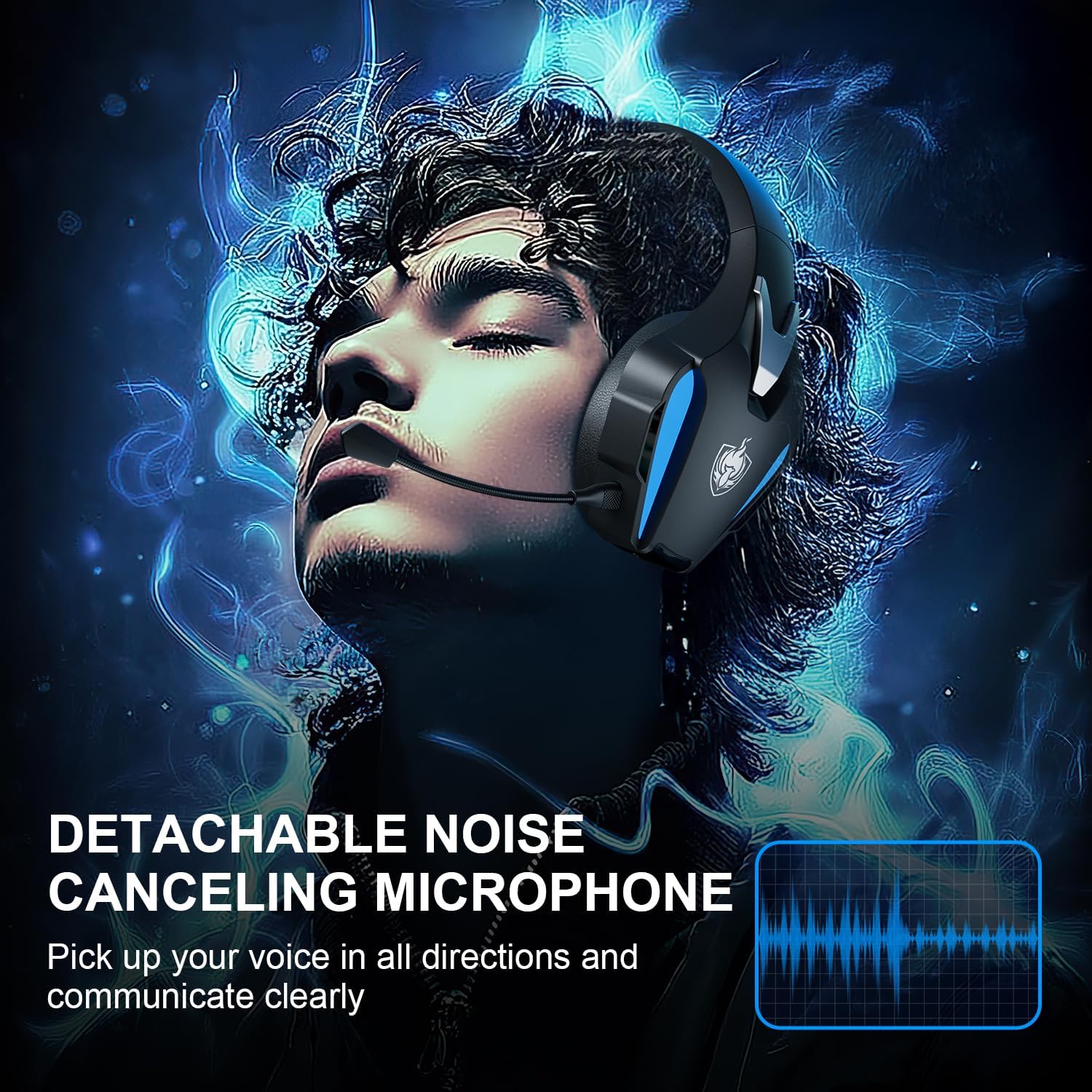
Image 5.2: Visual representation of 7.1 stereo sound capabilities.
5.4 Рэгуляванне гучнасці
Rotate the Volume Adjustment Wheel to control the audio output level.
6. Сумяшчальнасць
The PHOINIKAS Q5S headset offers broad compatibility:

Image 6.1: Multi-platform compatibility overview.
6.1 Бесправадны рэжым 2.4 ГГц
- Compatible with: PC, PS4, PS5, Laptops, Nintendo Switch (audio only).
- Заўвага: The microphone does not function when used wirelessly with Nintendo Switch.
- Not compatible with Xbox Series consoles in wireless mode.
6.2 3.5mm Wired Mode
- Compatible with: Devices featuring a 3.5mm audio interface, including Xbox controllers, PC, PS4/PS5 controllers, Nintendo Switch, laptops, tablets, and mobile phones.
- In wired mode, headset lights and mute functions may be inactive.
7. Тэхнічнае абслугоўванне
7.1 Ачыстка
- Працірайце паверхні гарнітуры мяккай сухой тканінай.
- Для амбушюр выкарыстоўвайце злёгку damp пры неабходнасці працярыце тканінай з мяккім мылам, а затым неадкладна вытрыце насуха.
- Не выкарыстоўвайце агрэсіўныя хімічныя рэчывы або абразіўныя мыйныя сродкі.

Image 7.1: Detail of the comfortable earcup design.
7.2 Захоўванне
- Захоўвайце гарнітуру ў прахалодным, сухім месцы, удалечыні ад прамых сонечных прамянёў і экстрэмальных тэмператур.
- Пазбягайце класці цяжкія прадметы на гарнітуру.
7.3 Сыход за акумулятарам
- Каб падоўжыць тэрмін службы батарэі, пазбягайце частай поўнай разрадкі гарнітуры.
- Рэгулярна зараджайце гарнітуру, нават калі яна выкарыстоўваецца не так часта.
8. Выпраўленне непаладак
| праблема | Магчымая прычына | Рашэнне |
|---|---|---|
| Гарнітура не ўключаецца. | Low battery; 3.5mm cable or charging cable connected in wireless mode. | Charge the headset fully. Ensure all cables are removed for wireless mode. |
| Няма гуку ў бесправадным рэжыме. | USB transmitter not properly connected; headset not paired; volume too low. | Ensure USB transmitter is firmly inserted. Power cycle headset and transmitter. Check device audio settings. Increase headset volume. |
| Не працуе мікрафон. | Microphone muted; not properly attached; compatibility issue (e.g., Switch wireless). | Press the Mic On/Off button to unmute. Ensure microphone is securely attached. Note that the microphone does not work with Nintendo Switch in wireless mode. Check device privacy settings for microphone access. |
| Якасць гуку дрэнная або скажоная. | Weak wireless signal; incorrect audio settings; low battery. | Move closer to the USB transmitter. Check device audio output settings. Charge the headset. |
| Headset not compatible with Xbox. | The headset's 2.4GHz wireless mode is not designed for Xbox consoles. | Use the 3.5mm audio cable to connect to an Xbox controller for wired audio and microphone functionality. |
9. Тэхнічныя характарыстыкі
| Асаблівасць | Дэталь |
|---|---|
| Назва мадэлі | Q5S |
| Тэхналогія падлучэння | 2.4GHz Wireless, 3.5mm Wired |
| Бесправадная затрымка | Менш за 25 мс |
| Памер аўдыё драйвера | 40 мм |
| Асаблівасці гуку | 7.1 Stereo Sound, Surround Sound |
| Мікрафон | Detachable, Omnidirectional, Noise-Canceling |
| Кантроль шуму | Active Noise Cancellation, Sound Isolation |
| Ёмістасць батарэі | 1200 мАг |
| Тэрмін службы батарэі | Да 40 гадзін (у залежнасці ад выкарыстання) |
| Час зарадкі | Approx. 2.5-3 hours (via USB-C) |
| Гняздо для навушнікаў | 3.5 мм Jack |
| Матэрыял | Пластыкавыя |
| Вага прадмета | 12.3 унцыі |
10. Гарантыя і падтрымка
PHOINIKAS products are designed for reliability and performance. For specific warranty information, please refer to the warranty card included with your product or visit the official PHOINIKAS website. If you encounter any issues or require technical assistance, please contact PHOINIKAS customer support through their official channels or the retailer from whom you purchased the product.
Каб атрымаць дадатковую дапамогу, вы можаце наведаць PHOINIKAS Store on Amazon.