
1. Уводзіны
The INAIR Wakey is a remote PC wake-up device designed to seamlessly integrate with your INAIR Spatial Computer ecosystem. This accessory allows you to power on your personal computer from any location with internet access, providing convenience and flexibility for remote work or access.

Image 1.1: The INAIR Wakey device connected to a laptop.
Асноўныя функцыі ўключаюць у сябе:
- Remote Wake-Up: Activate your PC from a distance using an internet connection.
- Поўная інтэграцыя: Works with INAIR Space software for unified control.
- Бяспека карпаратыўнага ўзроўню: Utilizes encrypted communication for secure remote access.
2. Інструкцыі па ўсталёўцы
Follow these steps to set up your INAIR Wakey device:
- Падключыць: Connect the INAIR Wakey device into an available USB-C port on your personal computer.
- Падключэнне да сеткі: Ensure both your PC (with INAIR Wakey connected) and your INAIR Spatial Computer are connected to the same network. This facilitates automatic pairing.
- Ўстаноўка праграмнага забеспячэння: Verify that the latest version of INAIR Space software is installed on your INAIR Spatial Computer. This is crucial for optimal performance and security.
- Уваход у рахунак: Log in with your INAIR account on both your PC (via INAIR Space software) and your INAIR Spatial Computer. This enables the remote control functionality.

Image 2.1: Connecting the INAIR Wakey to your PC.
The device is designed for simple setup and should automatically pair once connected to the same network and logged into your INAIR account.
3. Інструкцыя па эксплуатацыі
Once setup is complete, you can remotely wake up and access your PC using your INAIR Spatial Computer:
- Launch INAIR Space: On your INAIR Spatial Computer, open the INAIR Space application.
- Select PC: Within the INAIR Space interface, locate and select your connected PC.
- Initiate Wake-Up: Follow the on-screen prompts within INAIR Space to send the wake-up command to your PC. Your PC will power on and become accessible.
- Аддалены доступ: After your PC is awake, you can proceed with remote streaming and control through the INAIR Space software, enjoying a seamless experience regardless of your physical location.
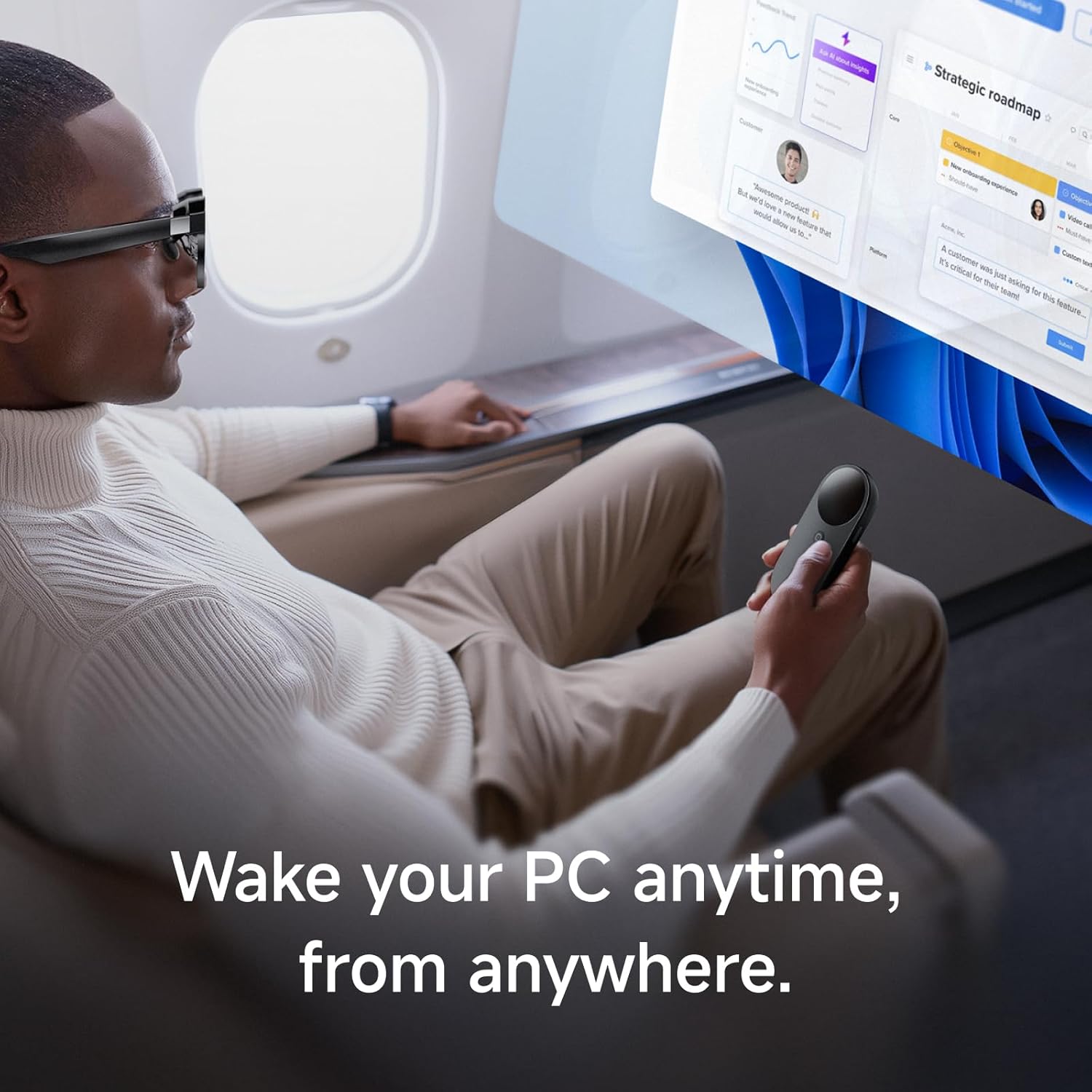
Image 3.1: Remote PC access from a distance.

Image 3.2: Interacting with INAIR Space software.
4. Тэхнічнае абслугоўванне
The INAIR Wakey device requires minimal maintenance to ensure optimal performance.
- Уборка: Gently wipe the device with a dry, soft cloth to remove dust or smudges. Avoid using liquid cleaners or abrasive materials.
- Абнаўленні праграмнага забеспячэння: Regularly ensure that your INAIR Space software on both your PC and Spatial Computer is updated to the latest version. This ensures compatibility, security, and access to new features.
- захоўванне: Калі прылада не выкарыстоўваецца, захоўвайце яе ў прахалодным сухім месцы, удалечыні ад прамых сонечных прамянёў і экстрэмальных тэмператур.
5. Выпраўленне непаладак
If you encounter issues with your INAIR Wakey, consider the following troubleshooting steps:
- PC Not Waking Up:
- Ensure the INAIR Wakey is securely plugged into a USB-C port on your PC.
- Verify that both your PC and INAIR Spatial Computer are connected to the same network (Wi-Fi or Ethernet).
- Confirm that the INAIR Space software is running on your PC and you are logged into your INAIR account.
- Check for any power management settings on your PC that might prevent wake-on-LAN or USB device wake-up.
- Прылада не спалучаецца:
- Restart both your PC and your INAIR Spatial Computer.
- Ensure your INAIR Space software is up-to-date on both devices.
- Verify that you are logged into the same INAIR account on both devices.
- Праблемы з падключэннем:
- Check your internet connection on both devices.
- If using Wi-Fi, ensure a strong signal.
Калі гэтыя дзеянні не вырашаць праблему, звярніцеся ў раздзел падтрымкі для атрымання дадатковай дапамогі.
6. Тэхнічныя характарыстыкі
| Асаблівасць | Дэталь |
|---|---|
| Назва прадукту | INAIR Wakey |
| Назва мадэлі | INAIR Wakey |
| Марка | ІНАІР |
| Колер | Чорны |
| Тэхналогія падлучэння | Wi-Fi |
| Сумяшчальныя прылады | Персанальны кампутар |
| Асаблівасць | Лёгкі |
| Колькасць кнопак | 1 |
| Тып кантролера | Кіраванне кнопкамі |
| Інтэрфейс | Тып-C |
| тtagе/Ток | 5 В – 1 А |

Image 6.1: INAIR Wakey device dimensions.
7. Інфармацыя аб гарантыі
The INAIR Wakey device comes with a 1-гадовая абмежаваная гарантыя з даты пакупкі. Гэтая гарантыя распаўсюджваецца на вытворчыя дэфекты і няспраўнасці пры нармальным выкарыстанні. Яна не распаўсюджваецца на пашкоджанні, выкліканыя няправільным выкарыстаннем, аварыямі, несанкцыянаванымі мадыфікацыямі або няправільнай устаноўкай.
For warranty claims or detailed terms and conditions, please retain your proof of purchase and contact INAIR customer support.
8. Падтрымка
For additional assistance, technical support, or to provide feedback, please visit the official INAIR webсайт або звязацца з нашай службай падтрымкі кліентаў.
- Інтэрнэт-падтрымка: Наведайце the INAIR Store on Amazon каб атрымаць часта задаваныя пытанні і інфармацыю пра прадукт.
- Абслугоўванне кліентаў: Refer to your product packaging or the INAIR webсайт для атрымання канкрэтнай кантактнай інфармацыі.