
1. Уводзіны
Welcome to your new Hisense 32-Inch Class A4 Series HD Smart Fire TV. This manual provides essential information for setting up, operating, maintaining, and troubleshooting your television. Please read this manual thoroughly before using your TV and keep it for future reference.
The Hisense A4NF Series smart TV is designed for an immersive viewing experience, featuring built-in Wi-Fi and Fire TV for easy content access. Enjoy a 720p High-Definition picture with Full Array LED backlighting, DTS Virtual:X surround sound, and a slim bezel design.
2. Важная інфармацыя па бяспецы
Заўсёды выконвайце асноўныя меры бяспекі пры выкарыстанні гэтага вырабу, каб знізіць рызыку пажару, паражэння электрычным токам і траўмаў.
- Не падвяргайце тэлевізар уздзеянню дажджу або вільгаці.
- Не адчыняйце тэлевізарasinг; звяртайцеся да кваліфікаванага персаналу па ўсё абслугоўванне.
- Забяспечце належную вентыляцыю вакол тэлевізара.
- Выкарыстоўвайце толькі кабель харчавання, які ўваходзіць у камплект.
- Захоўвайце батарэі ў месцах, недаступных дзецям.
3. Што ў скрынцы
Upon unboxing your Hisense 32A4HNF TV, please ensure all the following items are present:
- Hisense 32-Inch Class A4 Series HD Smart Fire TV
- Сілавы кабель
- Пульт дыстанцыйнага кіравання (патрабуюцца 2 батарэйкі тыпу ААА, не ўключаны)
- Тумба пад тэлевізар (2 штукі)
- Quick Setup Guide (separate document)
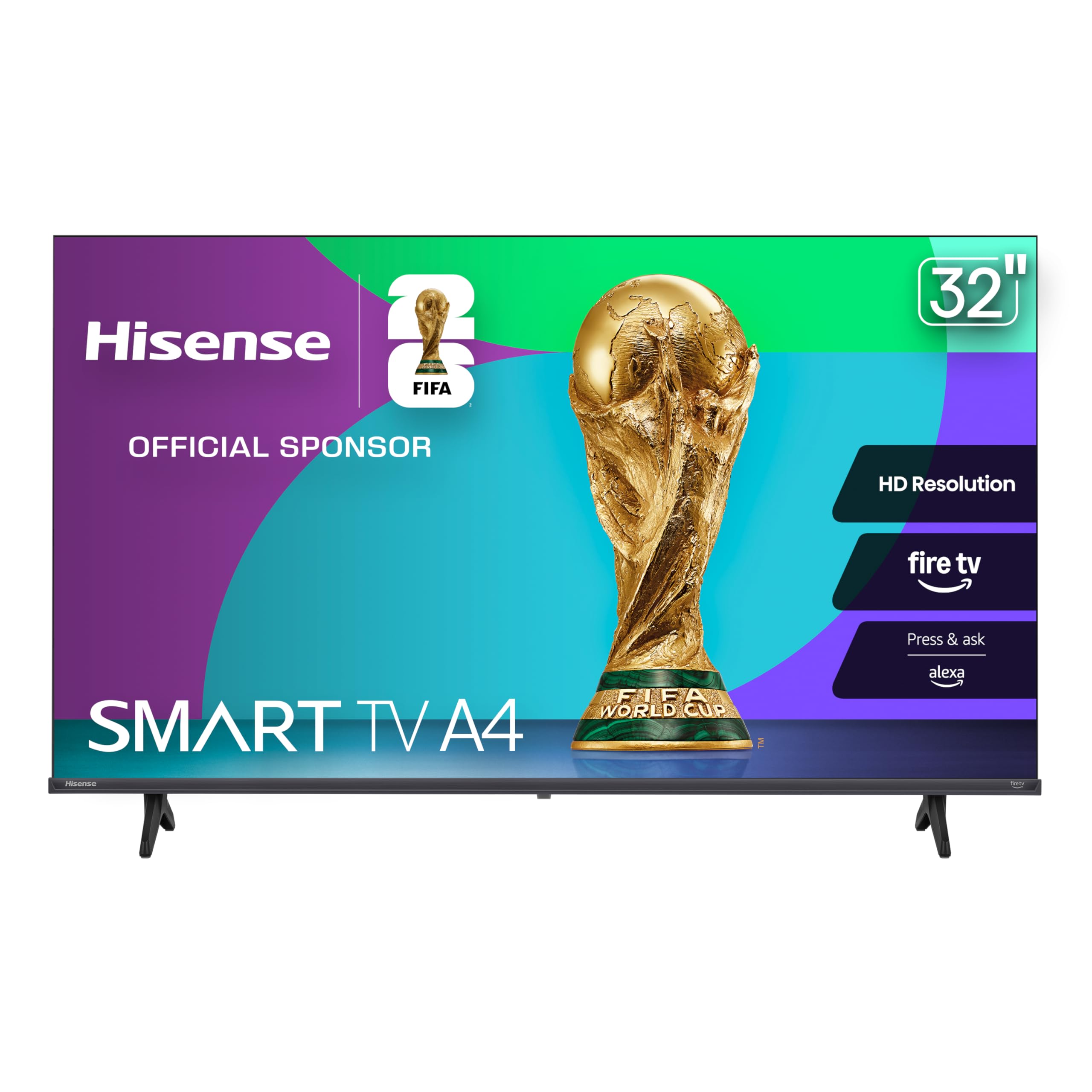
Выява: спераду view of the Hisense 32-Inch Class A4 Series HD Smart Fire TV.
4. Настройка
4.1 Мацаванне падстаўкі для тэлевізара
If you are not wall-mounting your TV, follow these steps to attach the included stand:
- Асцярожна пакладзеце тэлевізар экранам уніз на мяккую чыстую паверхню, каб пазбегнуць пашкоджання экрана.
- Сумясціце кожную частку падстаўкі з адпаведнымі адтулінамі для шруб у ніжняй частцы тэлевізара.
- Замацуйце кожную частку падстаўкі з дапамогай шруб, якія ўваходзяць у камплект. Пераканайцеся, што яны надзейна зацягнуты.

Image: Diagram showing the dimensions of the 32-inch Hisense Smart TV and how to attach the stand. The VESA wall mount size is 100x100 mm (M6). Product weight with stand is 7.7 lbs, without stand is 7.5 lbs.
4.2 Насценны мантаж (дадаткова)
Your Hisense TV is VESA mount compatible (100 x 200 mm). For wall mounting, you will need a compatible wall mount kit (sold separately) and professional installation is recommended. Refer to the wall mount kit's instructions for proper installation.
4.3 Падключэнне сілкавання і прылад
- Падключыце кабель харчавання да ўваходу харчавання тэлевізара, а затым да разеткі.
- Connect external devices (e.g., cable box, gaming console, soundbar) to the available HDMI, USB, or other input ports on the TV.

Выява: Збоку view of the Hisense TV displaying various input ports including HDMI and USB.

Выява: Задняя частка view of the Hisense TV displaying various input ports including HDMI, USB, and coaxial cable input.
4.4 Initial Fire TV Setup
Once powered on, your TV will guide you through the initial Fire TV setup process. This includes:
- Выбар мовы.
- Падключэнне да сеткі Wi-Fi.
- Signing in to your Amazon account.
- Pairing the Alexa Voice Remote.
- Downloading essential apps.
5. Кіраванне тэлевізарам
5.1 Інтэрфейс пажарнага тэлебачання
The Fire TV interface provides a centralized home screen for all your favorite apps, movies, and live TV. Navigate using the directional pad on your remote control.

Image: The Hisense Fire TV home screen displaying various streaming applications like Apple TV+, Netflix, Prime Video, Hulu, and Max.
5.2 Пульт дыстанцыйнага кіравання Alexa
Use the Alexa Voice Remote to quickly find, launch, and control content. Press and hold the voice button (blue microphone icon) and speak your command. You can also check sports scores, set timers, and reminders.

Image: A close-up of the Hisense Alexa Voice Remote, highlighting the blue voice command button.
5.3 Налады выявы і гуку
Your TV features HD Resolution with Full Array LED backlighting for a sharp, bright picture. DTS Virtual:X enhances audio with crystal clarity and realistic surround sound.
- Раздзяленне HD: Provides clear and crisp visuals.
- Натуральны ўзмацняльнік колеру: Optimizes colors for a more vibrant display.
- Зніжэнне шуму: Reduces visual noise for spotless images.
- Палепшальнік глыбіні: Adds depth to scenes for a more immersive experience.
- DTS Virtual:X: Delivers enhanced audio quality.
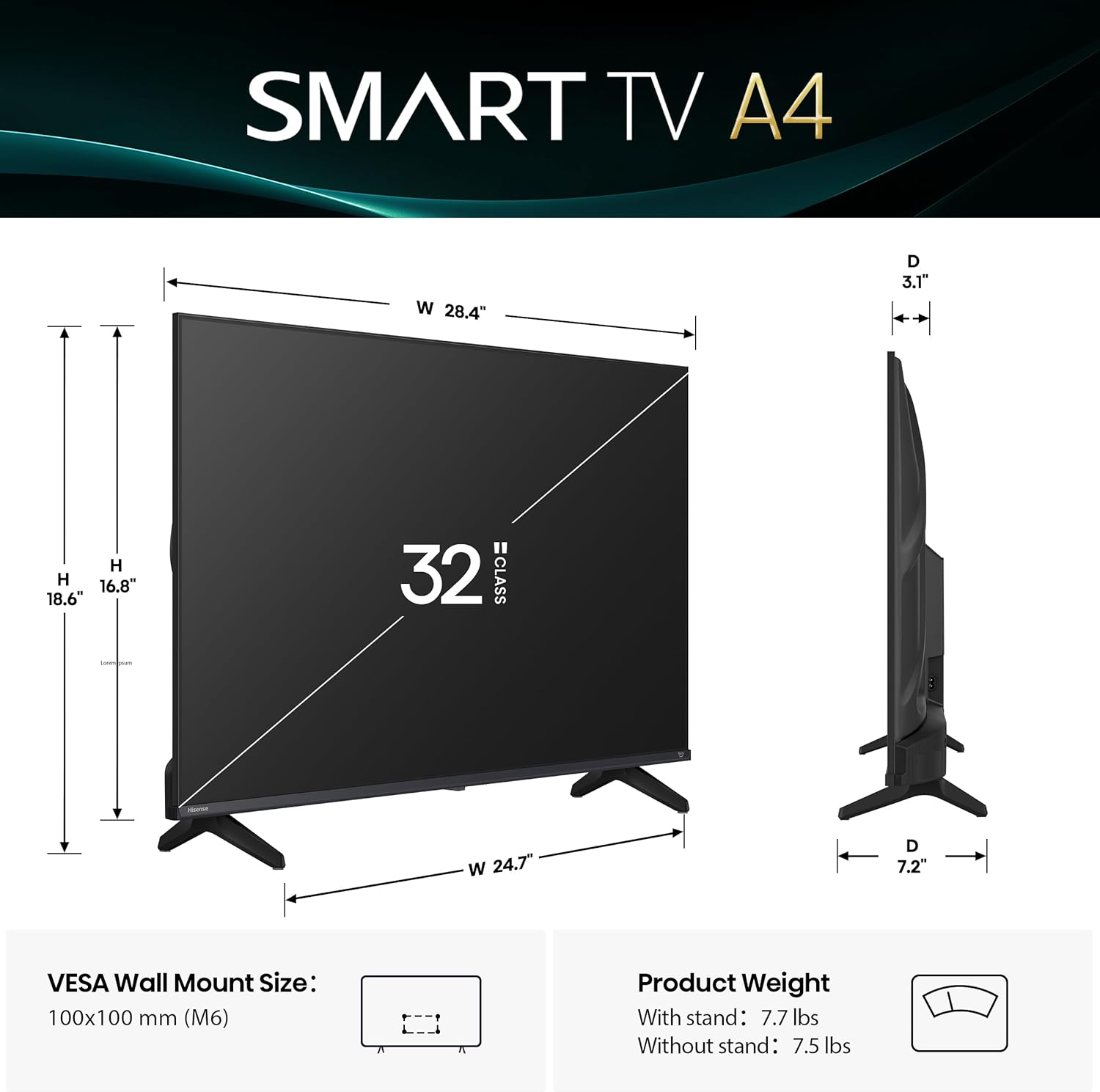
Image: An abstract image with geometric shapes and the text "HD Resolution" indicating clear and crisp visuals.
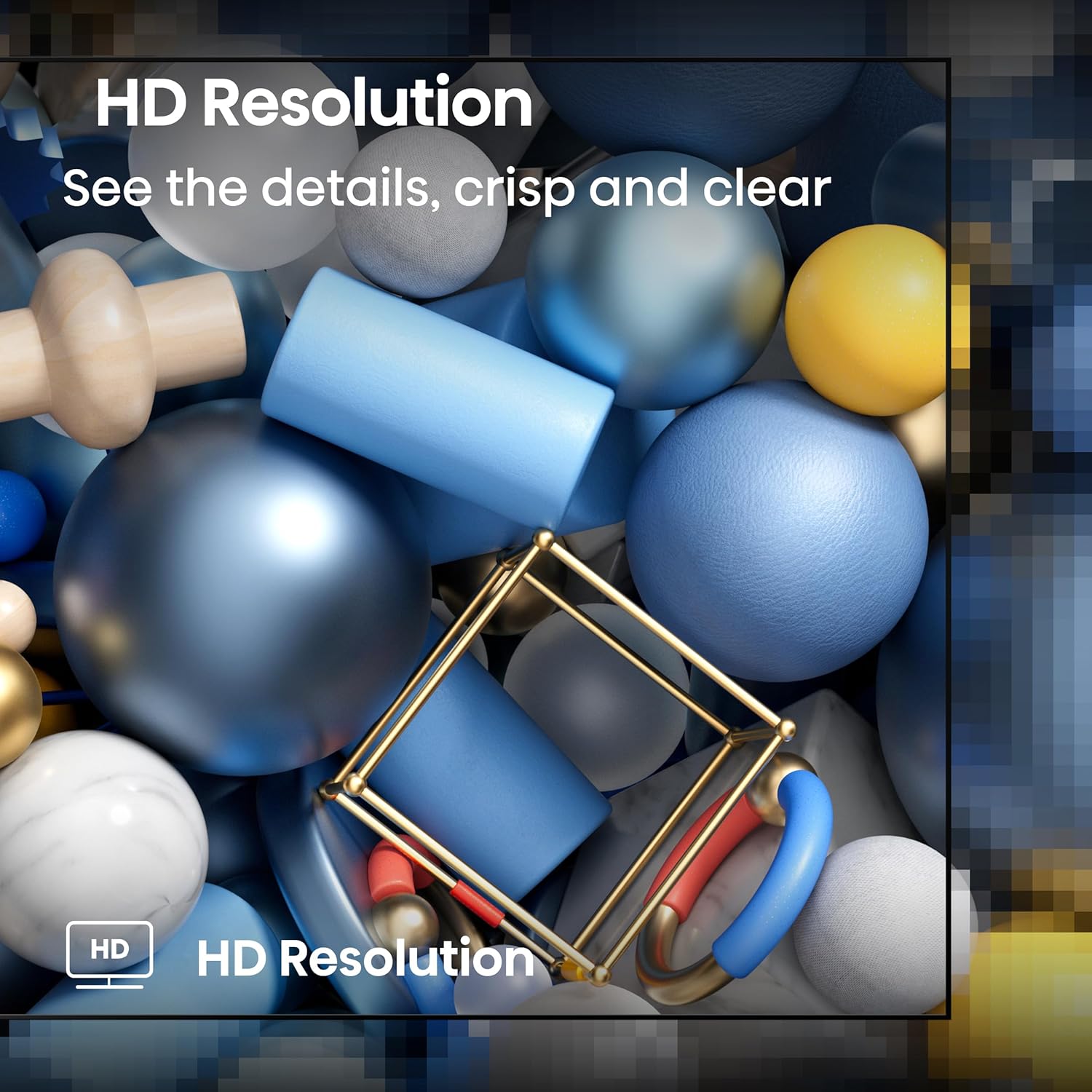
Image: A vibrant image of colorful houses with the text "Natural Color Enhancer" suggesting optimized color display.
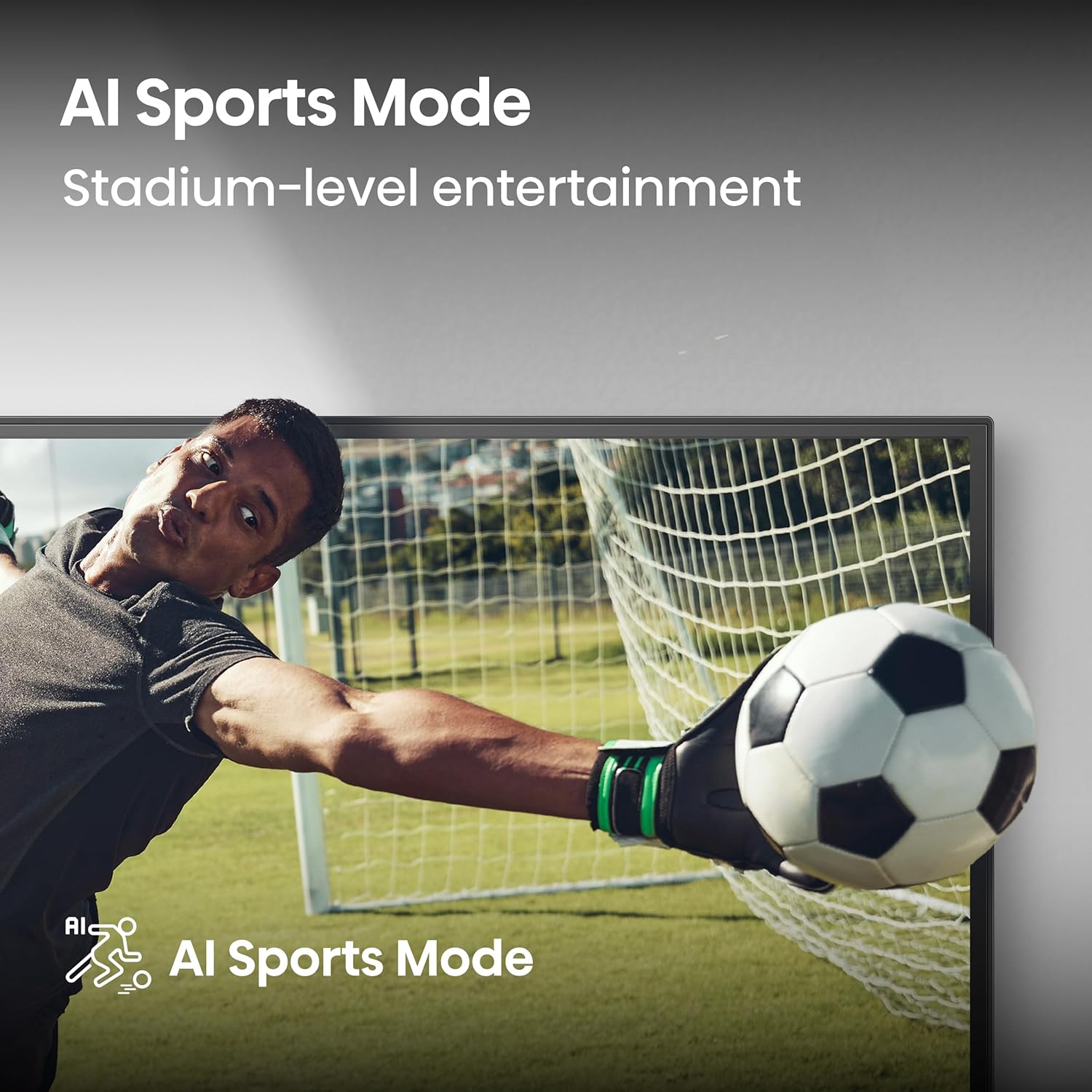
Image: A drum set with vibrant light effects, illustrating the immersive audio experience provided by DTS Virtual:X.

Image: A building with a blue dome, split to show a clear side and a grainy side, illustrating the Noise Reduction feature.

Image: A lighthouse at sunset with a wooden pier, demonstrating the Depth Enhancer feature for lifelike scenes.
5.4 Gaming and Sports Modes
The TV offers specialized modes for optimized viewING:
- Спартыўны рэжым са штучным інтэлектам: Enhances clarity for fast-moving sports scenes and optimizes sound effects.
- Рэжым гульні: Змяншае затрымку ўводу для больш плыўнай гульні.

Image: A goalkeeper making a save during a soccer match, illustrating the AI Sports Mode.

Image: A motorcycle racer on a track, representing the Game Mode for enhanced gaming.
5.5 Live TV and Personalized Profiles
Fire TV seamlessly integrates live channels and apps on the home screen. You can also create personalized user profiles to customize your viewing experience and get tailored recommendations.
6. Тэхнічнае абслугоўванне
Каб забяспечыць даўгавечнасць і аптымальную працу вашага тэлевізара Hisense, выконвайце наступныя рэкамендацыі па тэхнічным абслугоўванні:
- Ачыстка экрана: Акуратна працярыце экран мяккай тканінай без ворса. Для ўстойлівых плям злёгку працярыцеampпрацярыце тканіну вадой або спецыяльным сродкам для чысткі экранаў (ніколі не распыляйце непасрэдна на экран).
- Ачыстка Casing: Выкарыстоўвайце мяккую сухую тканіну, каб праціраць тэлевізарasinг. Пазбягайце абразіўных ачышчальнікаў або растваральнікаў.
- Вентыляцыя: Каб пазбегнуць перагрэву, пераканайцеся, што вентыляцыйныя адтуліны на задняй панэлі тэлевізара не заблакаваныя.
- Шнур харчавання: Regularly check the power cord for any damage. If damaged, contact customer support for a replacement.
7. Выпраўленне непаладак
Калі ў вас узніклі праблемы з тэлевізарам, паспрабуйце наступныя рашэнні, перш чым звяртацца ў службу падтрымкі:
- Няма харчавання:
- Праверце, ці надзейна падключаны кабель сілкавання да тэлевізара і разеткі.
- Test the outlet with another device to ensure it's working.
- Няма выявы/гуку:
- Пераканайцеся, што выбрана правільная крыніца ўваходнага сігналу (напрыклад, HDMI 1, HDMI 2).
- Праверце ўсе кабельныя злучэнні паміж тэлевізарам і знешнімі прыладамі.
- Праверце, ці не адключаны гук і ці не ўсталяваны занадта нізкі ўзровень.
- Пульт дыстанцыйнага кіравання не працуе:
- Заменіце батарэйкі (2 батарэйкі тыпу ААА).
- Пераканайцеся, што паміж пультам дыстанцыйнага кіравання і тэлевізарам няма перашкод.
- Re-pair the remote if necessary (refer to the Fire TV setup guide).
- Праблемы з падключэннем Wi-Fi:
- Перазагрузіце маршрутызатар і мадэм.
- Пераканайцеся, што тэлевізар знаходзіцца ў зоне дзеяння вашай сеткі Wi-Fi.
- Праверце налады сеткі на тэлевізары.
8. Тэхнічныя характарыстыкі
| Асаблівасць | Дэталь |
|---|---|
| Марка | Hisense |
| Назва мадэлі | 32A4HNF |
| Памер экрана | 31.5 цалі (клас 32 цалі) |
| Тэхналогія адлюстравання | LCD, LED (Full Array LED backlight) |
| дазвол | 720p HD |
| Частата абнаўлення | 60 Гц (частата руху 60) |
| Падтрымліваецца фармат HDR | HDR10 |
| Асаблівасці | Bezel-Less Design, DTS VIRTUAL:X, Multiple Voice Assistance, Fire TV OS |
| Тэхналогія падлучэння | HDMI, USB, Wi-Fi |
| Усяго партоў HDMI | 3 |
| Усяго партоў USB | 1 (USB 3.0) |
| Апісанне дынаміка | 2.0 channel stereo speakers with DTS Virtual:X technology |
| Энергаспажыванне | 50 ват |
| Стандарт мацавання VESA | 100 х 200 мм |
| Памеры прадукту (Д х Ш х У) | 3.3" Г x 28.6" Ш x 16.9" У |
| Вага прадмета | 7.5 фунта |
9. Гарантыя і падтрымка
Your Hisense 32-Inch Class A4 Series HD Smart Fire TV (32A4HNF) comes with a 1-гадовая гарантыя вытворцы. This warranty covers defects in materials and workmanship under normal use. For warranty claims or technical support, please contact Hisense customer service.
For additional support and resources, visit the official Hisense webсайт або звярніцеся да кантактнай інфармацыі, указанай на ўпакоўцы прадукту.
Інтэрнэт-рэсурсы: Крама Hisense на Amazon