
Уводзіны
This manual provides detailed instructions for the setup, operation, and maintenance of your Jectse 5G Mobile Hotspot. Please read this manual thoroughly before using the device to ensure proper functionality and to maximize your user experience. Keep this manual for future reference.
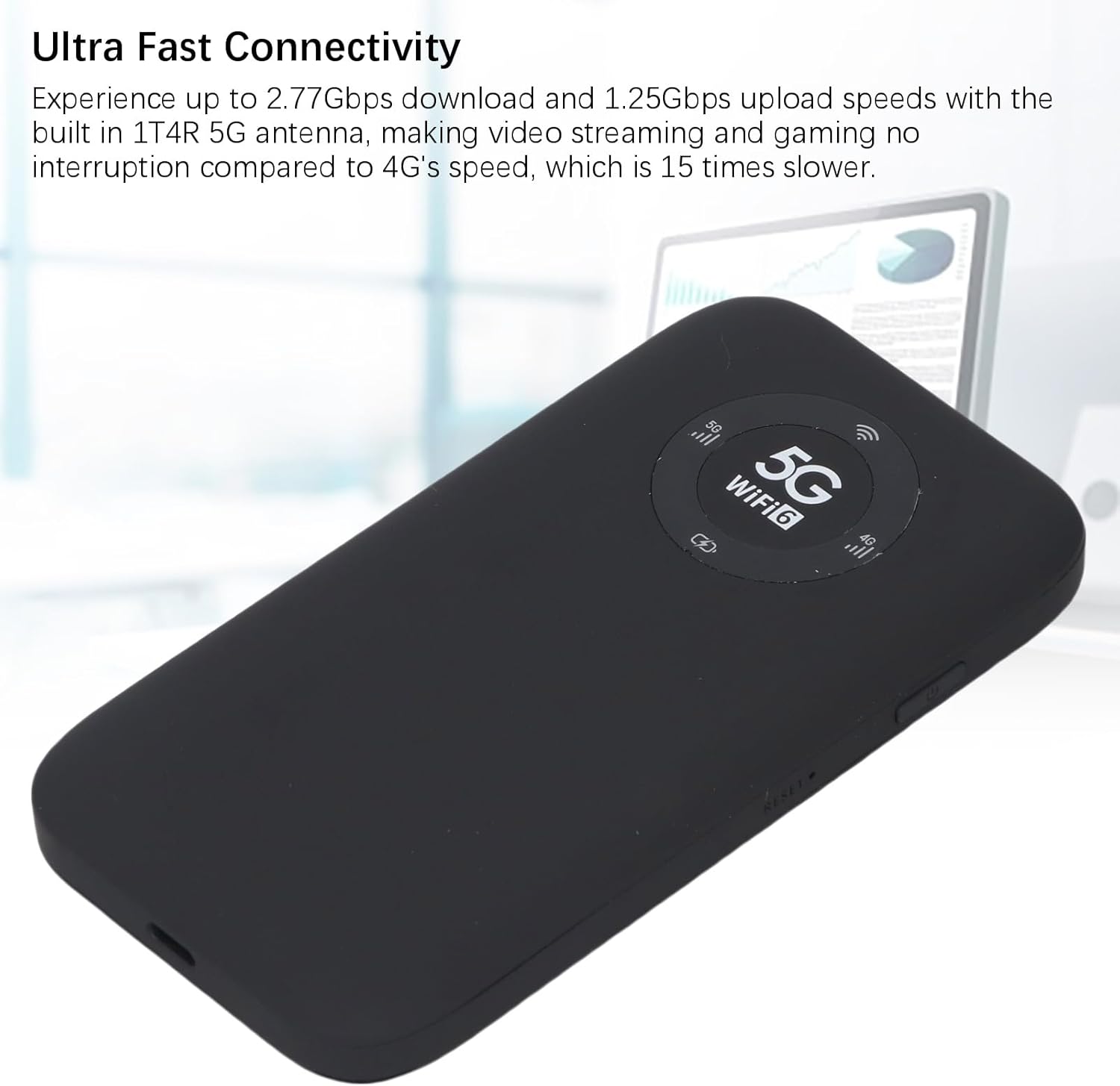
Image: The Jectse 5G Mobile Hotspot, a compact and portable device designed for high-speed 5G and WiFi 6 connectivity.
Прадукт скончаныview
Асноўныя характарыстыкі
- Ultra-Fast 5G Connectivity: Supports up to 2.77Gbps download and 1.25Gbps upload speeds with a built-in 1T4R 5G antenna.
- Extensive Network Band Support: Compatible with multiple 5G NR bands (FDD: N1, N3, N28; TDD: N41, N78) and 4G bands (TDD LTE: B34, 38, 39, 40, 41; FDD LTE: B1, B3, B5, B8), and 3G band B1.
- Двухдыяпазонны Wi-Fi 6: Offers 2.4GHz and 5.8GHz WiFi connectivity (802.11 a/b/g/n/ac/ax protocols) for up to 16 devices simultaneously.
- Працяглая батарэя: Equipped with a 7100mAh Li-Ion battery for extended use.
- Трывалы дызайн: Features an IP67 rating, making it drop-proof, dust-proof, and rain-proof.
- User-Friendly LED Display: Provides information on data usage, signal strength, WiFi credentials, and device settings.
- Слот для SIM-карты: Supports SIM card compatibility for ease of setup (SIM card not included).
Змест пакета
Пакет прадукту ўключае ў сябе:
- 1 x Jectse 5G Mobile Hotspot
- 1 х USB-кабель (тыпу C)
- 1 х Кіраўніцтва карыстальніка (гэты дакумент)
- 1 x SIM Card Eject Pin

Image: The Jectse 5G Mobile Hotspot device shown alongside its included USB-C charging cable and a SIM card eject pin.
Кіраўніцтва па ўстаноўцы
1. Ўстаноўка SIM-карты
- Пераканайцеся, што прылада выключана.
- Locate the SIM card slot on the side of the hotspot.
- Insert the provided SIM eject pin into the small hole next to the SIM card tray. Press gently until the tray pops out.
- Place your activated Nano-SIM card into the tray with the gold contacts facing down and the notched corner aligned correctly.
- Carefully push the SIM card tray back into the slot until it clicks into place.
2. Зарадка прылады
- Connect the USB-C cable to the charging port on the hotspot.
- Падключыце другі канец USB-кабеля да сумяшчальнага адаптара харчавання USB (не ўваходзіць у камплект) або да USB-порта кампутара.
- The LED indicator on the device will show charging status. A full charge is recommended before first use.
3. Уключэнне / выключэнне харчавання
- Каб уключыць: Press and hold the Power button (usually located on the side) for a few seconds until the screen or LED indicators light up.
- Каб выключыць: Press and hold the Power button until the device prompts you to power off or the indicators turn off.
Інструкцыя па эксплуатацыі
1. Падключэнне прылад да кропкі доступу
- Ensure the Jectse 5G Mobile Hotspot is powered on.
- On your WiFi-enabled device (smartphone, laptop, tablet), open the WiFi settings.
- Scan for available WiFi networks.
- Select the network name (SSID) displayed on your hotspot's screen or indicated in the manual.
- Enter the WiFi password (Key) displayed on the hotspot's screen or in the manual.
- Once connected, your device will have internet access through the hotspot. Up to 16 devices can be connected simultaneously.

Image: The Jectse 5G Mobile Hotspot showing its display with 5G and WiFi 6 indicators, ready for device connection.
2. Разуменне святлодыёдных індыкатараў
The device features an LED light display that provides essential information:
- Моц сігналу: Паказвае сілу сотавага сігналу 5G/4G.
- Узровень батарэі: Shows the current battery charge status.
- Статус WiFi: Confirms if WiFi is active and broadcasting.
- Выкарыстанне дадзеных: May display current data consumption (check device interface for details).
- Тып сеткі: Indicates whether the device is connected to a 5G or 4G network.
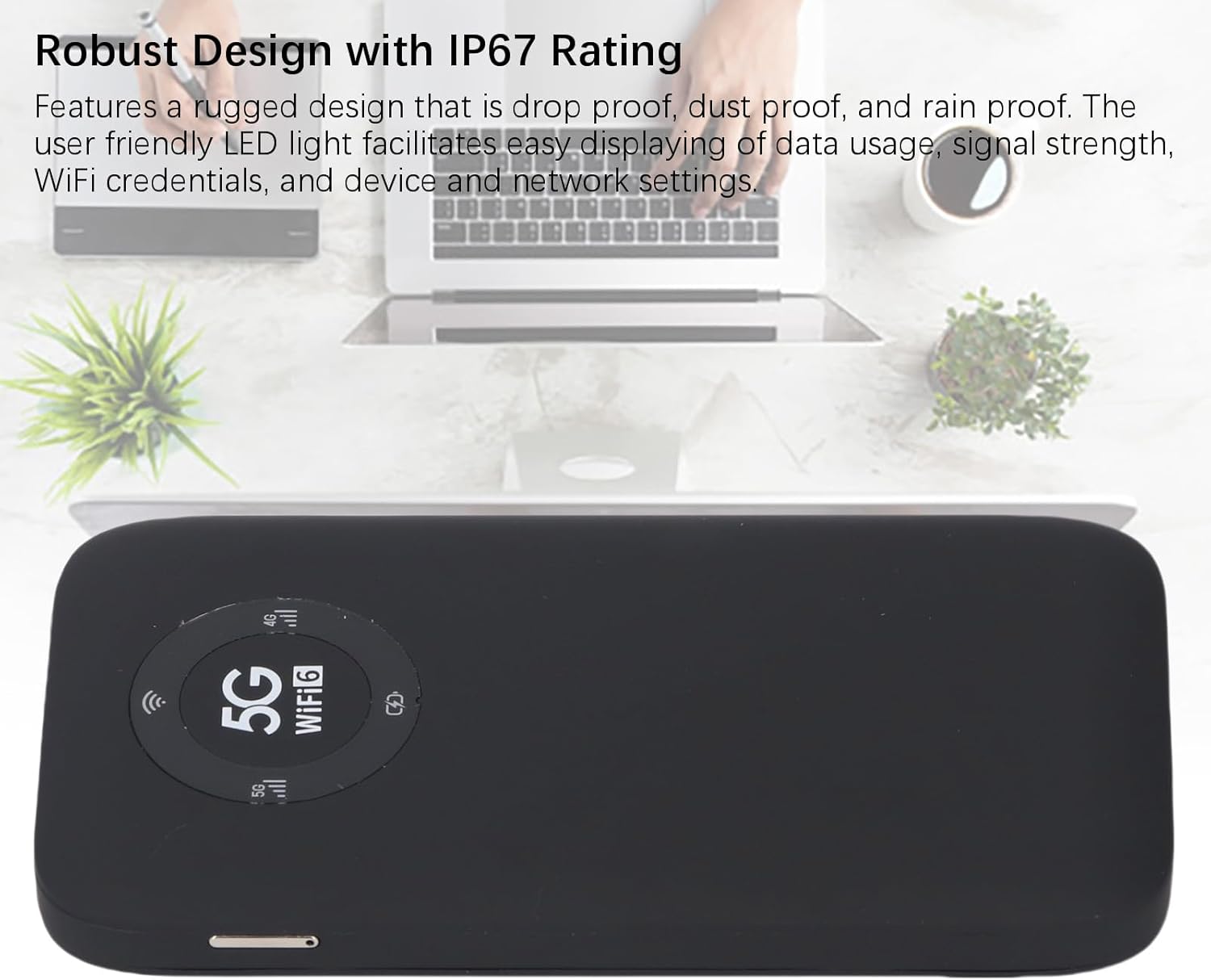
Image: A close-up of the Jectse 5G Mobile Hotspot's LED display, highlighting the 5G and WiFi 6 indicators, along with signal and battery icons.
3. Доступ Web Management Interface (if applicable)
For advanced settings and configuration, you may access the device's web інтэрфейс кіравання:
- Connect your computer or smartphone to the hotspot's WiFi network.
- Адкрыйце a web browser and enter the default IP address (e.g., 192.168.0.1 or 192.168.1.1). This address is usually found on a sticker inside the SIM card slot or in the quick start guide.
- Enter the default username and password (also typically found on the device sticker or in documentation).
- Ад ст web interface, you can manage WiFi settings, change passwords, view падлучаныя прылады і кантраляваць выкарыстанне дадзеных.
Тэхнічнае абслугоўванне
Сыход за батарэяй
- Пазбягайце ўздзеяння на прыладу экстрэмальных тэмператур (ніжэй за 0°C або вышэй за 45°C).
- Не пакідайце прыладу цалкам разраджанай на працяглы час.
- Для працяглага захоўвання зарадзіце акумулятар прыкладна да 50-70%.
- Для зарадкі выкарыстоўвайце толькі кабель USB, які ўваходзіць у камплект.
Уборка
- Працярыце прыладу мяккай, сухой тканінай без ворса.
- Не выкарыстоўвайце вадкія ачышчальнікі, аэразолі або растваральнікі.
- Пераканайцеся, што ўсе парты чыстыя ад пылу і смецця.
Ліквідацыю непаладак
| праблема | Магчымая прычына | Рашэнне |
|---|---|---|
| Няма падключэння да Інтэрнэту |
|
|
| Немагчыма падключыцца да Wi-Fi |
|
|
| Прылада не ўключаецца |
|
|
Тэхнічныя характарыстыкі
| Асаблівасць | Дэталь |
|---|---|
| Нумар мадэлі | Jectses1yn2px9gw-11 |
| Памеры | Approx. 136x72x16mm (5.35x2.83x0.63in) |
| Вага | 10.6 унцыі |
| акумулятар | 7100mAh Li-Ion Battery (Built-in) |
| Памяць | LPDDR4X 4 ГБ аператыўнай памяці, NAND 2 ГБ ПЗУ |
| Порт для зарадкі | USB-C |
| Тып SIM-карты | Nano-SIM (Not Included) |
| Сетка сотавай сувязі | 3GPP Rel.15, 5G NR (SA/NSA, Sub 6G), LTE Category 18 |
| Дыяпазоны 5G NR | FDD: N1, N3, N28; TDD: N41, N78 |
| Дыяпазоны 4G | FDD: B1, B3, B5, B8; TDD: B34, B38, B39, B40, B41 |
| Дыяпазон 3G | B1 |
| Дыяпазоны WiFi | WiFi6 2.4 ГГц, 5.8 ГГц |
| Пратакол WiFi | 802.11 a, b, g, n, ac, ax |
| Max WiFi Connections | Да 16 прылад адначасова |
| NR Download Rate | 2.77Gbps (DL) |
| NR Upload Rate | 1.25Gbps (UL) |
| Рэйтынг IP | IP67 (Drop-proof, Dust-proof, Rain-proof) |
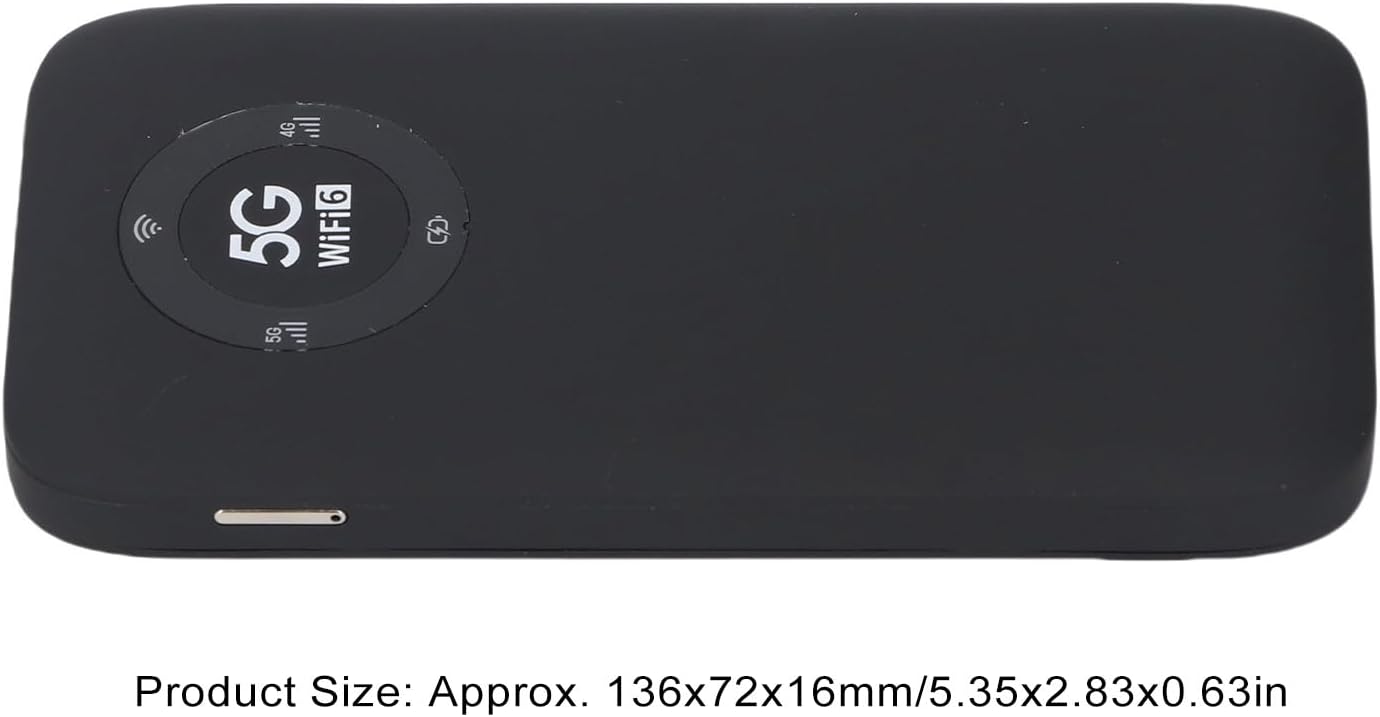
Image: The Jectse 5G Mobile Hotspot, illustrating its compact size with approximate dimensions of 136x72x16mm.
Важныя заўвагі
- Перад пакупкайasing, ensure that your local network signal frequency band and the SIM card frequency band are compatible with the supported frequency bands of this product.
- This product does not support use in South America, Japan, and South Korea regions.
Гарантыя і падтрымка
For warranty information and technical support, please refer to the documentation provided with your purchase or contact Jectse customer service through their official channels. Specific warranty terms may vary by region and retailer.
Вы можаце наведаць Jectse Store on Amazon для атрымання дадатковай інфармацыі або звязацца са службай падтрымкі.