
1. Прадукт скончыўсяview
The CP PLUS CP-Z45Q is a 4MP Full HD outdoor Wi-Fi CCTV camera designed for comprehensive surveillance of homes and commercial spaces. It features 360° pan and tilt capabilities, full-color night vision, and smart detection functionalities including human detection and sound alerts. Integrated with CTC Cyber Secure Technology, this camera ensures data privacy and security. It also supports two-way communication and voice control via Alexa and Google Home.

Figure 1.1: CP PLUS CP-Z45Q 4MP Outdoor Wi-Fi CCTV Camera.
2. Што ў скрынцы
Праверце наяўнасць усіх кампанентаў ва ўпакоўцы:
- CP PLUS CP-Z45Q Camera
- Адаптар сілкавання
- User Manual QR Card
- Screws Packet for Mounting
3. Настройка і ўстаноўка
3.1 App Integration Steps
Follow these steps to integrate your camera with the EZYKAM+ application:
- Download EZYKAM+ App: Пошук "EZYKAM+" on the App Store (iOS) or Google Play Store (Android) and download the application. Register your account.
- Дадаць прыладу: On the app's home page, click the '+' icon and select your camera's model number.
- Падключыцеся да Wi-Fi: Enter your 2.4GHz Wi-Fi network name and password. Confirm the details. Note: This camera supports 2.4GHz Wi-Fi networks only.
- Сканаванне QR -кода: The app will generate a QR code. Present this QR code to the camera lens. Listen for a voice prompt indicating successful scanning. Wait for the indicator light to turn steady blue, signifying successful configuration.
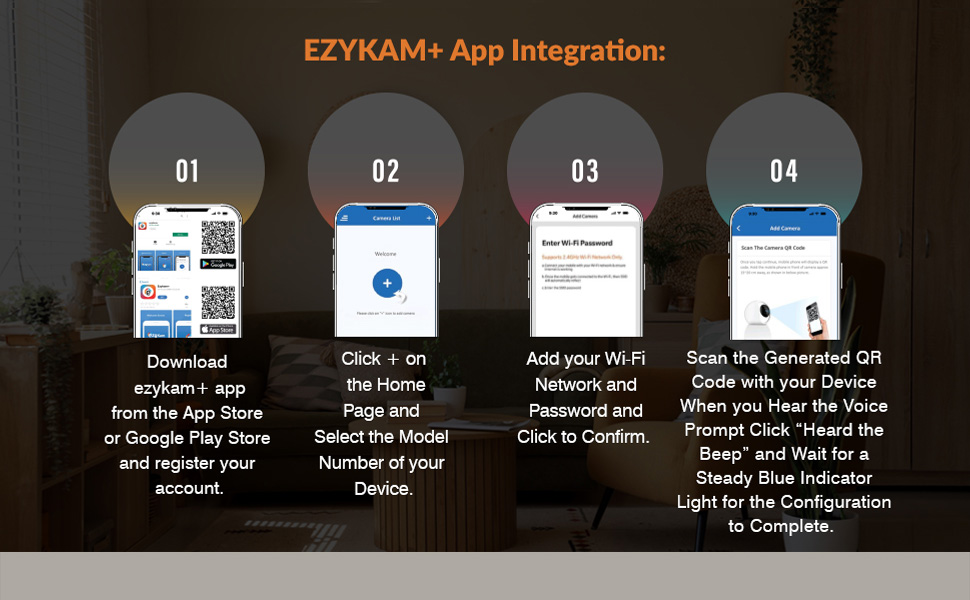
Figure 3.1: Visual guide for EZYKAM+ App integration.
3.2 Фізічная ўстаноўка
Choose a suitable outdoor location for mounting the camera, ensuring a clear line of sight and access to a power source. Use the provided screws and mounting template (if included) to securely attach the camera to a wall or ceiling. Ensure the camera is positioned to cover the desired surveillance area.
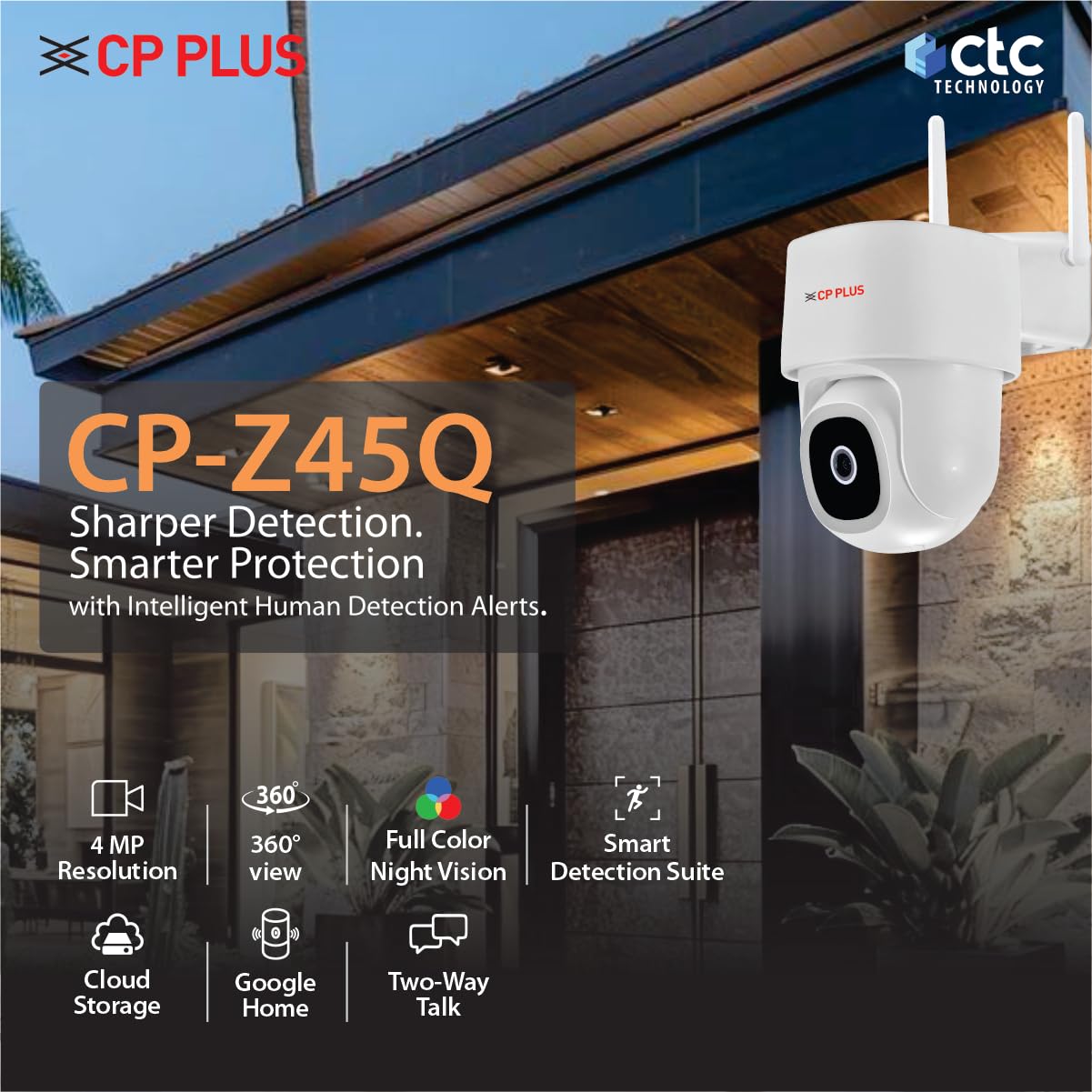
Малюнак 3.2: Спераду View
Малюнак 3.3: бок View

Малюнак 3.4: Назад View

Малюнак 3.5: Выпample of outdoor camera mounting.
4. Інструкцыя па эксплуатацыі
4.1 Кіраванне паваротам і нахілам
The CP-Z45Q camera offers motorized 360° horizontal pan and 96° vertical tilt movement. You can control the camera's viewing angle remotely through the EZYKAM+ app, allowing you to monitor a wide area and eliminate blind spots.
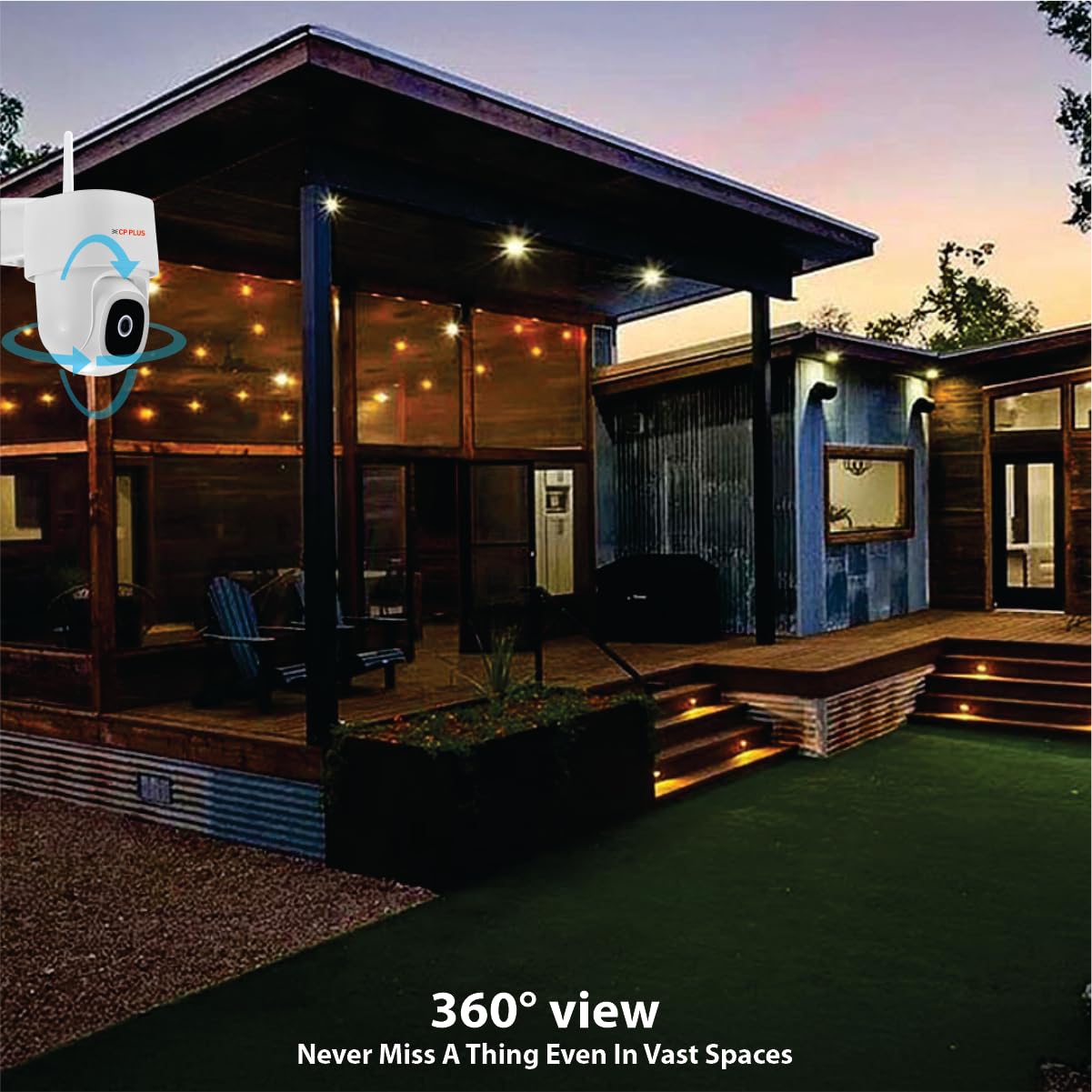
Figure 4.1: Camera providing 360° view of an outdoor space.
4.2 Full-Color Night Vision
Equipped with advanced low-light sensors and LED illumination, this camera provides bright, full-color video footage even in complete darkness, offering clearer identification compared to traditional infrared-only cameras.

Figure 4.2: Day and Full-Color Night Vision comparison.
4.3 Функцыі інтэлектуальнага выяўлення
- Выяўленне чалавечага цела: The camera intelligently identifies human shapes, reducing false alarms from pets or environmental factors.
- Выяўленне руху: Receive alerts when any movement is detected within the camera's field of view.
- Адсочванне руху: The camera can automatically follow detected human movement, keeping the subject in frame.
- Вызначэнне гуку: Get notifications for loud noises, enhancing overall security awareness.
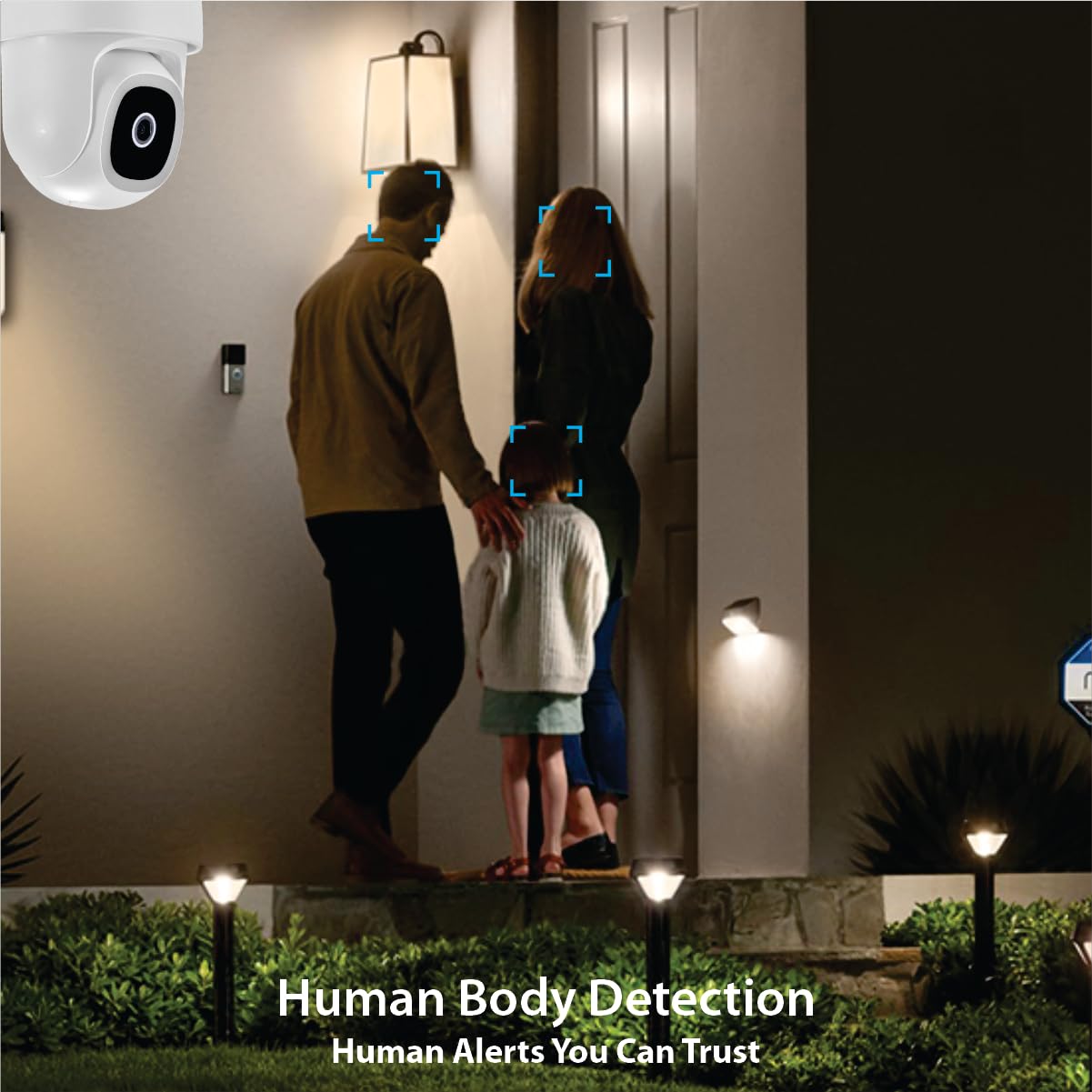
Figure 4.3: Human Body Detection
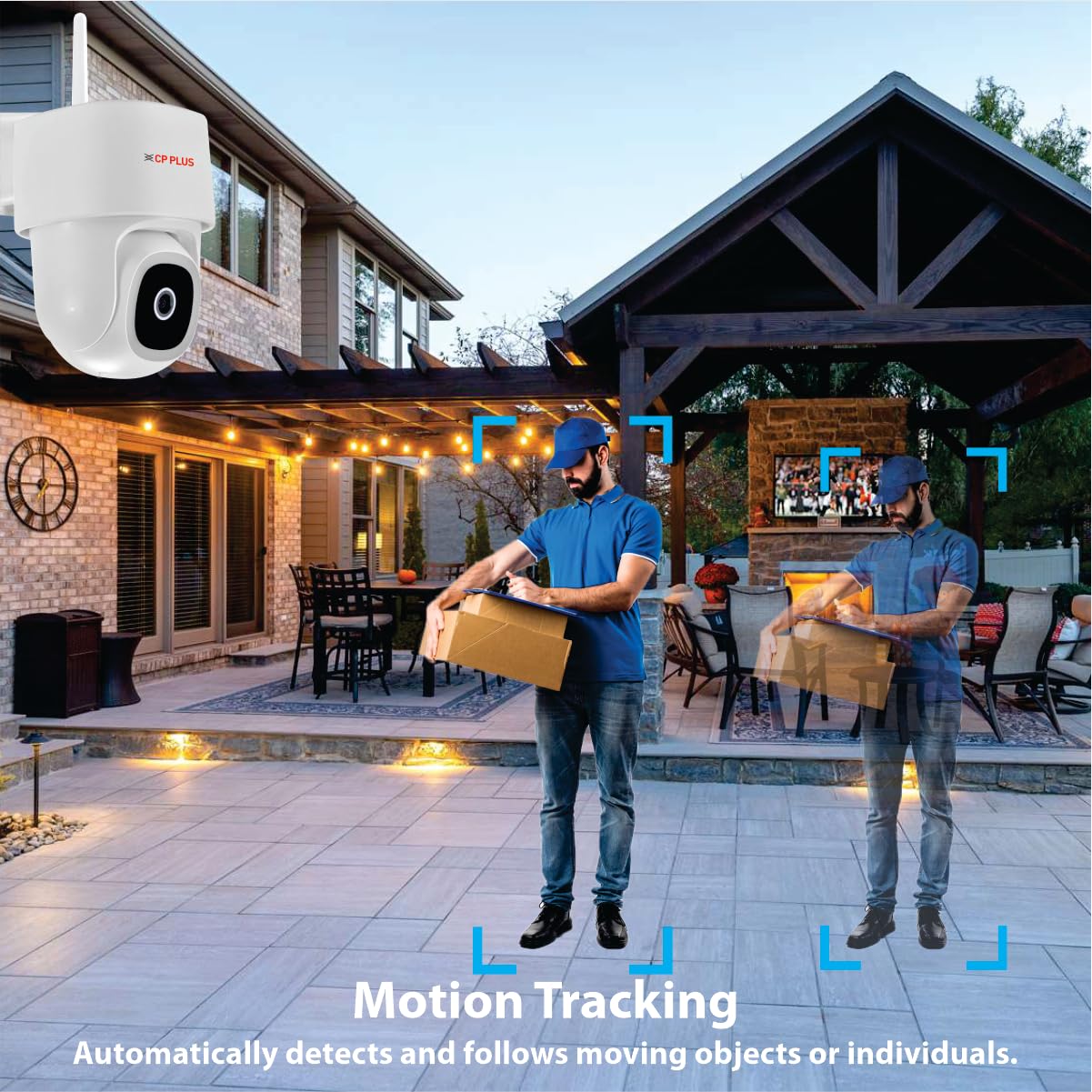
Figure 4.4: Motion Tracking
4.4 Двухбаковая сувязь
Utilize the built-in microphone and speaker for real-time two-way audio communication through the EZYKAM+ app. This allows you to speak with visitors or deter intruders directly.

Figure 4.5: Two-Way Communication in action.
4.5 Інтэграцыя галасавога памочніка
The CP-Z45Q camera is compatible with Amazon Alexa and Google Home, enabling voice-activated control and integration into your smart home ecosystem.

Figure 4.6: Google Home integration for camera control.
5. Функцыі бяспекі
5.1 CTC Cyber Secure Technology
This camera incorporates CTC Cyber Secure Technology, which includes secure boot-up, end-to-end data encryption, and tamper-proof firmware. These features protect your video footage from unauthorized access, hacking attempts, and data breaches, ensuring your privacy and security.

Figure 5.1: CTC Cyber Secure Technology overview.
5.2 Built-in Siren
The camera features a built-in siren that can be activated manually or automatically upon detection of suspicious activity, serving as an effective deterrent against potential threats.
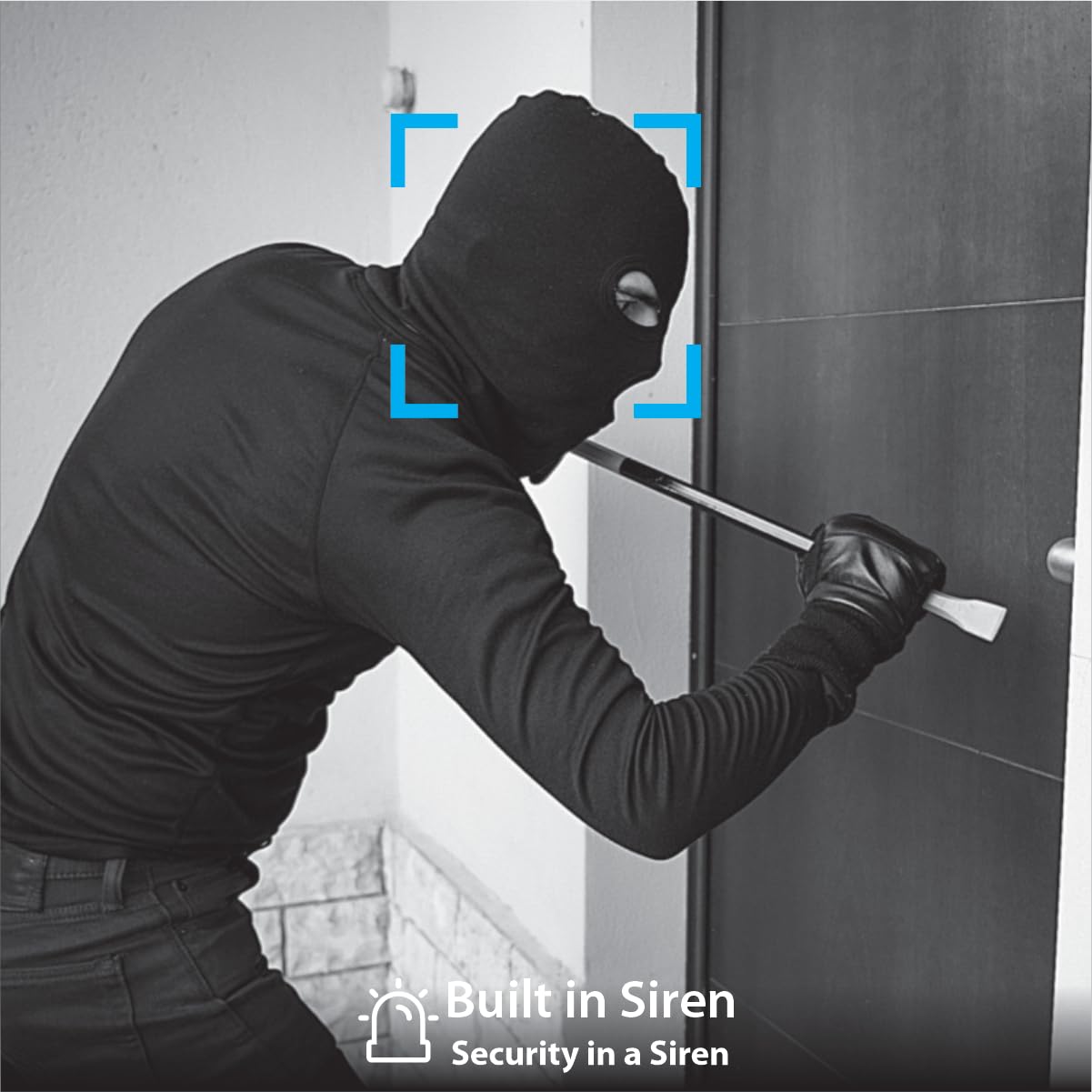
Figure 5.2: Built-in siren deterring an intruder.
6. Тэхнічнае абслугоўванне
Рэгулярнае тэхнічнае абслугоўванне забяспечвае аптымальную прадукцыйнасць і даўгавечнасць вашай камеры:
- Уборка: Перыядычна чысціце аб'ектыў і корпус камеры мяккай губкайamp тканінай, каб выдаліць пыл і смецце. Пазбягайце абразіўных ачышчальнікаў.
- Абнаўленні прашыўкі: Check the EZYKAM+ app regularly for available firmware updates. Keeping the firmware updated ensures access to the latest features and security enhancements.
- Кіраванне SD-картай: If using an SD card for storage, it is recommended to format it regularly (e.g., weekly or when storage reaches 50-60%) to prevent data corruption and ensure continuous recording. The camera does not support loop recording; once full, manual formatting is required.
- крыніца харчавання: Пераканайцеся, што камера падключана да стабільнай крыніцы харчавання.
7. Выпраўленне непаладак
Звярніцеся да наступных распаўсюджаных праблем і іх рашэнняў:
- Камера не падключаецца да Wi-Fi:
- Пераканайцеся, што ваша сетка Wi-Fi працуе на частаце 2.4 ГГц. Камера не падтрымлівае сеткі 5 ГГц.
- Праверце правільны пароль Wi-Fi.
- Перамясціце камеру бліжэй да маршрутызатара Wi-Fi, каб палепшыць узровень сігналу.
- Reset the camera and attempt the setup process again.
- SD card malfunctioning or camera restarting:
- This can occur when the SD card is full. Format the SD card through the app or by removing it and formatting it on a computer.
- Consider using a high-quality, compatible SD card.
- If issues persist, try using cloud storage as an alternative.
- Camera making noise while rotating:
- Ensure there are no obstructions around the camera's moving parts.
- If the noise is excessive or new, contact customer support.
- Дрэнная якасць відэа:
- Check your Wi-Fi signal strength. A weak signal can affect streaming quality.
- Пераканайцеся, што аб'ектыў камеры чысты і на ім няма плям або бруду.
- Adjust video settings within the EZYKAM+ app if available.
If you encounter issues not listed here or require further assistance, please contact CP PLUS customer support.
8. Тэхнічныя характарыстыкі
| Асаблівасць | Дэталь |
|---|---|
| Нумар мадэлі | CP-Z45Q |
| дазвол | 4MP Full HD |
| Pan & Tilt | Панарамаванне 360°, нахіл 96° |
| Начное бачанне | Full-Color Night Vision with LED Illumination |
| Асаблівасці выяўлення | Human Body Detection, Motion Detection, Sound Detection, Motion Tracking |
| Аўдыё | Двухбаковая аўдыёсувязь (убудаваны мікрафон і дынамік) |
| Параметры захоўвання | Карта MicroSD (да 256 ГБ), воблачнае сховішча |
| Сувязь | Wi-Fi (толькі 2.4 ГГц) |
| Галасавы памочнік | Alexa, Google Home |
| Бяспека | CTC Cyber Secure Technology, Built-in Siren |
| Выкарыстанне ў памяшканні/на вуліцы | На адкрытым паветры |
| Крыніца харчавання | Правадная электрычная |
| Памеры прадукту | 15.5 х 10 х 14.5 см |
| Вага прадмета | 526 г |
9. Гарантыя і падтрымка
Каб атрымаць інфармацыю аб гарантыі, звярніцеся да гарантыйнага талона, які ўваходзіць у камплект пастаўкі вашага прадукту, або наведайце афіцыйны сайт CP PLUS. webсайт. Захоўвайце чэк аб куплі як пацверджанне пакупкі.
For technical support, product inquiries, or service requests, please contact CP PLUS customer service through their official channels. Contact details can typically be found on the manufacturer's webсайце або на ўпакоўцы прадукту.