
1. Уводзіны
This manual provides detailed instructions for the installation, operation, and maintenance of your CP PLUS 4MP WI-FI Full Color Outdoor Smart Security Camera, model CP-Z43Q. This camera is designed for outdoor surveillance, offering 4MP resolution, 360-degree pan and tilt functionality, two-way audio, human detection, and full-color night vision capabilities.
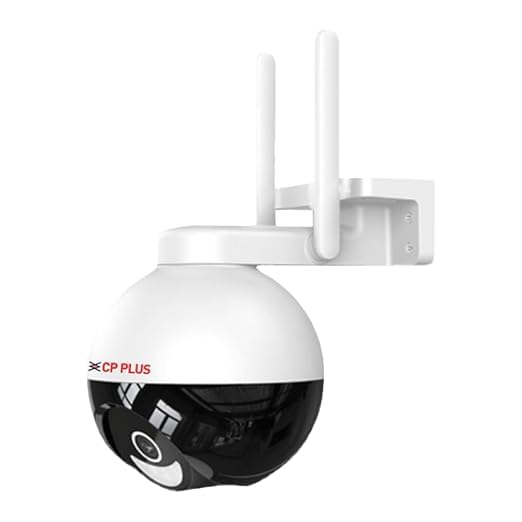
Выява: спераду view of the CP PLUS CP-Z43Q camera, showing its dome shape and dual antennas.
2. Змесціва ўпакоўкі
Калі ласка, пераканайцеся, што ўсе прадметы прысутнічаюць у камплекце:
- CP PLUS CP-Z43Q Camera
- Power Adaptor (12V 2AMP)
- Крапежныя шрубы
- Кіраўніцтва карыстальніка (гэты дакумент)
Заўвага: A memory card for local storage and installation services are not included and must be acquired separately.
3. Прадукт скончыўсяview
The CP-Z43Q camera integrates advanced features for comprehensive security monitoring:
- 4MP Quad HD Video: Захоплівае выразнае і падрабязнае відэа footage.
- Панарамаванне і нахіл на 360°: Provides extensive coverage with remote control.
- Двухбаковая размова: Убудаваны мікрафон і дынамік для дыстанцыйнай сувязі.
- Выяўленне чалавека: Identifies human shapes to reduce false alarms.
- Папярэджанне аб руху: Sends immediate notifications upon detecting movement.
- Разумнае каляровае начное бачанне: Utilizes built-in LEDs for full-color imaging in low-light conditions.
- Падключэнне Wi-Fi: Падключаецца да вашай хатняй сеткі бесправадным спосабам.
- Падтрымка SD-карты: Падтрымлівае лакальнае сховішча да 128 ГБ.
- Інтэграцыя галасавога памочніка: Сумяшчальнасць з Alexa і Google Home.
- Рэжым прыватнасці: Temporarily pauses recording and live audio/video.

Image: The CP-Z43Q camera with an overlay of its main features, including 4MP Quad HD video, 360° coverage, human detection, and two-way talk.
4. Настройка
4.1. Ўстаноўка
The CP-Z43Q camera is designed for outdoor use and supports wall or ceiling mounting. Ensure the installation location has stable Wi-Fi coverage and access to a power outlet.
- Choose a suitable mounting location that provides the desired viewпад вуглом нахілу і знаходзіцца ў зоне дзеяння вашай сеткі Wi-Fi.
- Use the provided screws to securely mount the camera bracket to the wall or ceiling.
- Прымацуеце камеру да ўсталяванага кранштэйна.
- Connect the power adaptor to the camera and plug it into a power source.

Image: The CP-Z43Q camera shown mounted on a wall, illustrating its outdoor installation capability.
4.2. App Integration (ezykam+)
To operate the camera, you need to download and configure the ezykam+ application.
- крок 1: Спампаваць ezykam+ app from the App Store (iOS) or Google Play Store (Android) and register your account.
- крок 2: Click on the '+' icon on the app's home page and select the model number of your device (CP-Z43Q).
- крок 3: Enter your Wi-Fi network name and password, then confirm. Ensure your Wi-Fi network is 2.4GHz.
- крок 4: Scan the generated QR code with your camera. You will hear a voice prompt "Heard the beep" upon successful scanning. Wait for a steady blue indicator light, which confirms successful configuration.

Image: A visual guide demonstrating the four steps for integrating the CP-Z43Q camera with the ezykam+ mobile application, including QR code scanning.
5. Інструкцыя па эксплуатацыі
5.1. Жыць View і кіраванне панарамаваннем/нахілам
Access the live video feed through the ezykam+ app. Use the on-screen controls to pan (horizontal movement) and tilt (vertical movement) the camera to adjust the viewing angle. The camera offers a 360-degree viewкут нахілу.
5.2. Двухбаковая размова
The camera features a built-in microphone and speaker, enabling two-way audio communication. In the live view interface of the ezykam+ app, tap the microphone icon to speak and the speaker icon to listen to audio from the camera's location.

Image: A visual representation of the two-way talk feature, showing a person interacting with a delivery person via the camera's audio capabilities.
5.3. Human Detection and Motion Alerts
The camera is equipped with human detection technology to distinguish human shapes from other moving objects, minimizing false alarms. When motion is detected, the camera will send an immediate alert to your ezykam+ app.
- Enable motion detection and human detection in the camera settings within the ezykam+ app.
- Adjust sensitivity levels as needed.
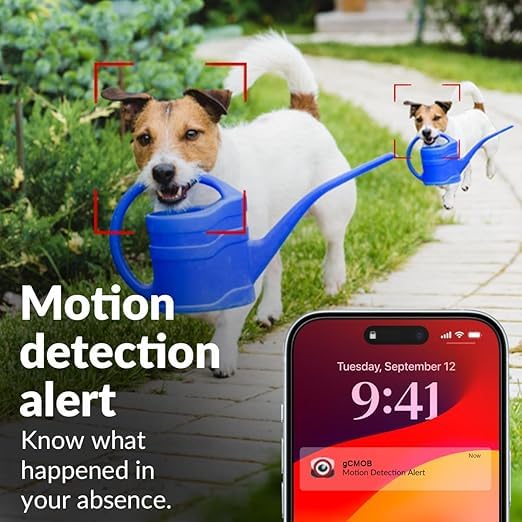
Image: A child on a bicycle with a red box highlighting the human body detection capability of the camera.

Image: A smartphone screen displaying a motion detection alert notification, with a dog in the background.
5.4. Smart Color Night Vision
The camera provides full-color video even in low-light conditions. In-built LED lights automatically activate upon motion detection to capture clear, colored images at night.
- Configure night vision settings in the ezykam+ app to enable or disable color night vision.
- The IR distance is up to 15 meters, and white LED distance is 8-10 meters.
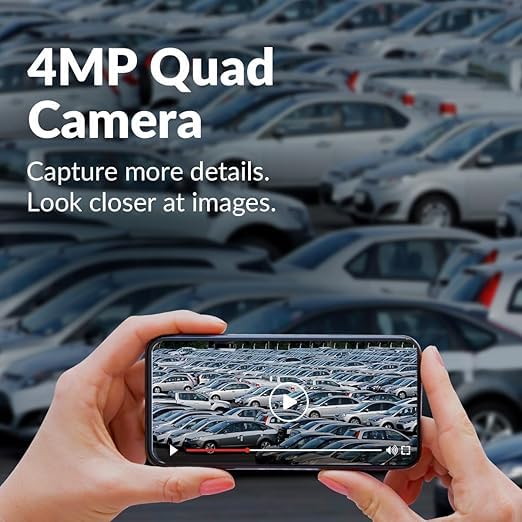
Image: A nighttime scene of a house and garden, illustrating the camera's full night color vision capability.
5.5. Рэжым прыватнасці
Activate Privacy Mode through the ezykam+ app to temporarily pause live video and audio streaming, as well as recording. This feature allows for privacy when needed.
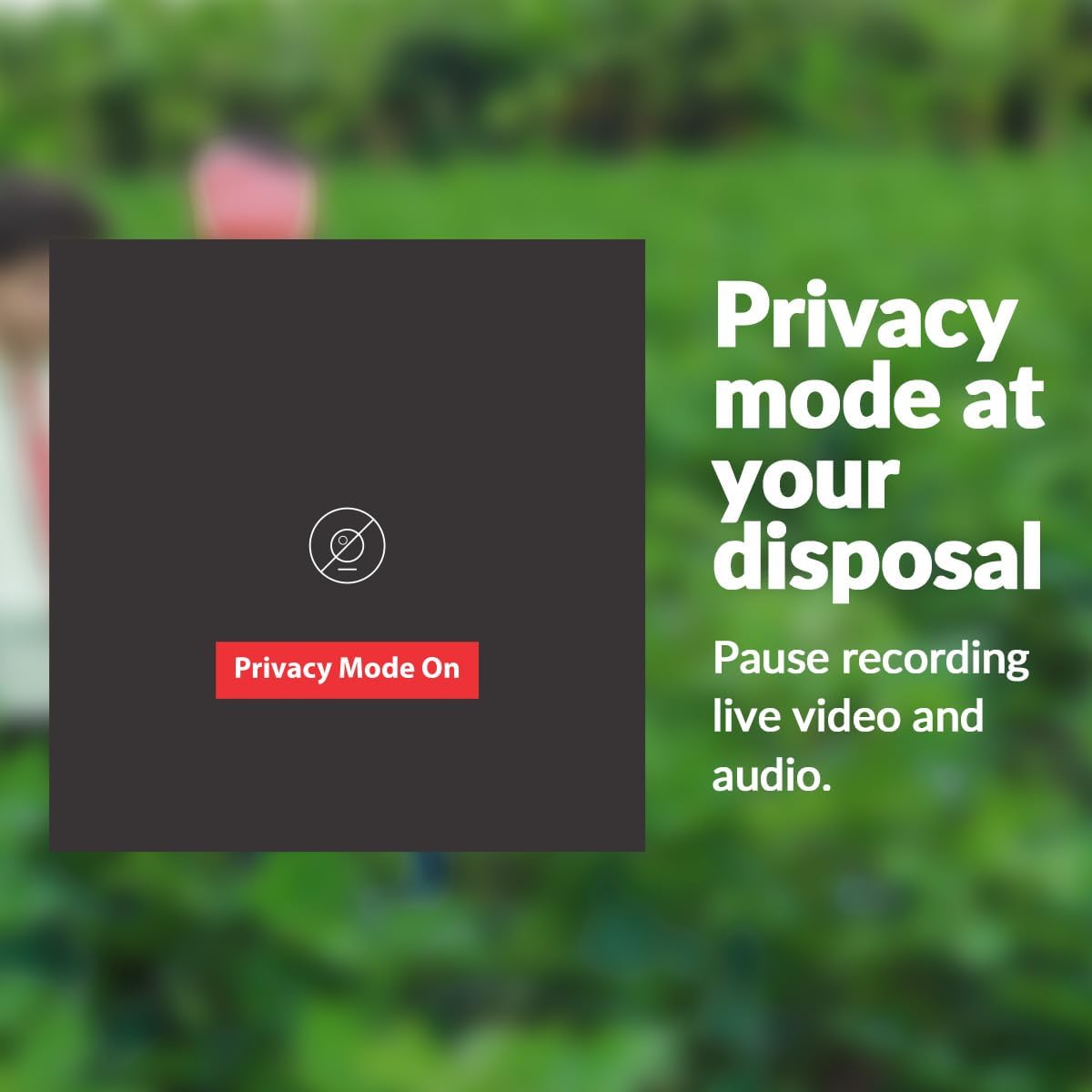
Image: A visual showing a "Privacy Mode On" button, indicating the feature to pause recording and live view.
5.6. Захоўванне на SD-карце
The camera supports a Micro SD card up to 128 GB for local video storage. Insert the SD card into the designated slot on the camera. Ensure the camera is powered off before inserting or removing the SD card.
5.7. Інтэграцыя галасавога памочніка
The CP-Z43Q camera is compatible with Amazon Alexa and Google Home. Follow the instructions within the ezykam+ app or your voice assistant's app to link your camera and enable voice commands for basic functions.
6. Тэхнічнае абслугоўванне
- Уборка: Акуратна працярыце аб'ектыў і корпус камеры мяккай губкайamp тканіна. Пазбягайце выкарыстання агрэсіўных хімікатаў або абразіўных ачышчальнікаў.
- Абнаўленні прашыўкі: Regularly check the ezykam+ app for available firmware updates to ensure optimal performance and security.
- крыніца харчавання: Ensure the camera is connected to a stable power source (12V 2AMP).
- Стабільнасць сеткі: Maintain a strong and stable Wi-Fi connection for uninterrupted operation.
7. Выпраўленне непаладак
| праблема | Магчымая прычына | Рашэнне |
|---|---|---|
| Камера не падключаецца да Wi-Fi. | Incorrect Wi-Fi password, 5GHz network, camera too far from router. | Verify Wi-Fi password. Ensure you are using a 2.4GHz network. Move the camera closer to the router or use a Wi-Fi extender. |
| Частыя адключэнні. | Слабы сігнал Wi-Fi, перашкоды ў сетцы. | Improve Wi-Fi signal strength. Reduce interference from other devices. Restart the camera and router. |
| No image/video in app. | Camera offline, power issue, app glitch. | Check camera power and network connection. Restart the app. Re-add the camera if necessary. |
| Папярэджанні аб руху не атрыманы. | Alerts disabled, incorrect settings, app notifications off. | Ensure motion detection and alerts are enabled in the ezykam+ app. Check phone notification settings for the app. |
8. Тэхнічныя характарыстыкі
| Асаблівасць | Дэталь |
|---|---|
| Нумар мадэлі | CP-Z43Q |
| Датчык выявы | 1/2.9” 4MP CMOS |
| дазвол | 4 МП (1440p) |
| Аб'ектыў | 4 мм |
| Кампрэсія відэа | H.265 |
| Частата кадраў | Max. 25fps@4MP |
| Сувязь | Wi-Fi (2.4 ГГц) |
| Viewing кут | 360 Degrees (Pan & Tilt) |
| Night Vision Range (IR) | 15 метраў |
| Night Vision Range (White LED) | 8-10 метры |
| Аўдыё | Two-Way Talk (Built-in Mic and Speaker) |
| Захоўванне | Micro SD Card (Up to 128 GB) |
| Крыніца харчавання | 12V 2AMP |
| Тып ўстаноўкі | Насценнае мацаванне, мацаванне на столі |
| Выкарыстанне ў памяшканні/на вуліцы | На адкрытым паветры |
| Матэрыял | Пластыкавыя |
| Памеры (ДхШхВ) | 18 х 11 х 18 сантыметраў |
| Вага | 420 грам |
| Узровень воданепранікальнасці | Водатрывалы |
| Сумяшчальныя прылады | Smartphone (via ezykam+ app), Alexa, Google Home |
9. Інфармацыя аб гарантыі
The CP PLUS CP-Z43Q camera comes with a Гарантыя 2 год from the date of purchase. Please retain your purchase receipt for warranty claims. The warranty covers manufacturing defects but does not cover damages caused by improper installation, misuse, or unauthorized repairs.
10. Падтрымка
For technical assistance or support, please contact CP PLUS customer service:
- Тэлефон тэхнічнай падтрымкі: +91-8800952952 | +91-120-4555666
- электронная пошта: customer_care@cpplusworld.com
- Webсайт: www.cpplusworld.com
Please have your model number (CP-Z43Q) and purchase details ready when contacting support.