
1. Уводзіны
This manual provides detailed instructions for the installation, operation, and maintenance of your CP PLUS EZ-P34Q 3MP Smart Wi-Fi CCTV Camera. Please read this manual thoroughly before using the product to ensure proper functionality and safety. Keep this manual for future reference.
2. Прадукт скончыўсяview
The CP PLUS EZ-P34Q is a 3MP Smart Wi-Fi CCTV Camera designed for indoor home surveillance. It features 360° pan and 60° tilt capabilities, providing comprehensive coverage. The camera supports 2K clarity video recording with H.265 compression, ensuring clear footage and efficient storage. Advanced features include motion detection, human body detection, motion tracking, sound alerts, dual-vision night mode, two-way communication, and cloud recording options. It is equipped with CTC Cyber Secure Tech for data privacy.

Figure 2.1: CP PLUS EZ-P34Q Camera with highlighted features.
3. Што ў скрынцы
Пераканайцеся, што ў камплекце ёсць усе наступныя прадметы:
- CP PLUS EZ-P34Q Camera Unit
- Адаптар сілкавання
- Зарадны кабель (USB Type-C)
- Кіраўніцтва па эксплуатацыі
- Крапежныя шрубы
4. Настройка
4.1 Фізічная ўстаноўка
The camera is designed for indoor use and tabletop mounting. Ensure the camera is placed on a stable, flat surface with a clear view of the area you wish to monitor. For wall or ceiling mounting, use the provided mounting screws and follow the instructions in the separate mounting guide (if applicable).
- Choose a suitable indoor location for the camera.
- Connect the charging cable to the camera's USB Type-C port and the power adapter.
- Plug the power adapter into a standard electrical outlet. The camera will power on and initiate its startup sequence.
4.2 Усталёўка і спалучэнне праграм
To operate the camera and access its features, you need to download and install the compatible mobile application on your smartphone.
- Download the official CP PLUS mobile application from your device's app store (e.g., Google Play Store or Apple App Store).
- Зарэгіструйце новы ўліковы запіс або ўвайдзіце ў сістэму, калі ён у вас ужо ёсць.
- Follow the in-app instructions to add your new EZ-P34Q camera. This typically involves scanning a QR code on the camera or manually entering its device ID.
- Connect the camera to your Wi-Fi network as prompted by the application. Ensure your Wi-Fi network is 2.4GHz for optimal compatibility.
- Once successfully paired, you can view the live feed and configure camera settings through the app.
5. Аперацыя
5.1 Кіраванне паваротам і нахілам
The camera offers a 360° horizontal pan and 60° vertical tilt range, allowing you to adjust the viewing angle remotely via the mobile application.
- Адкрыйце жывы эфір view у мабільным дадатку.
- Use the directional controls (usually an on-screen joystick or arrows) to move the camera lens horizontally (pan) and vertically (tilt).

Figure 5.1: Illustrates the 360° pan and tilt capability for comprehensive coverage.
5.2 Smart Detection Suite
The camera is equipped with advanced detection features to enhance security and reduce false alarms.
- Выяўленне руху: Камера выяўляе рух у сваім полі зроку view.
- Выяўленне чалавечага цела: Specifically identifies human shapes, minimizing alerts from pets or inanimate objects.
- Адсочванне руху: When motion is detected, the camera can automatically track the moving object.
- Гукавыя абвесткі: The camera can detect unusual sounds and send notifications.
- Актыўнае стрымліванне: Features a built-in siren and warm LED flash light that can be activated automatically upon detection of unexpected motion to deter intruders.
Configure these settings in the mobile application's detection settings menu to receive instant notifications on your smartphone.

Figure 5.2: Motion tracking feature in action, following movement.
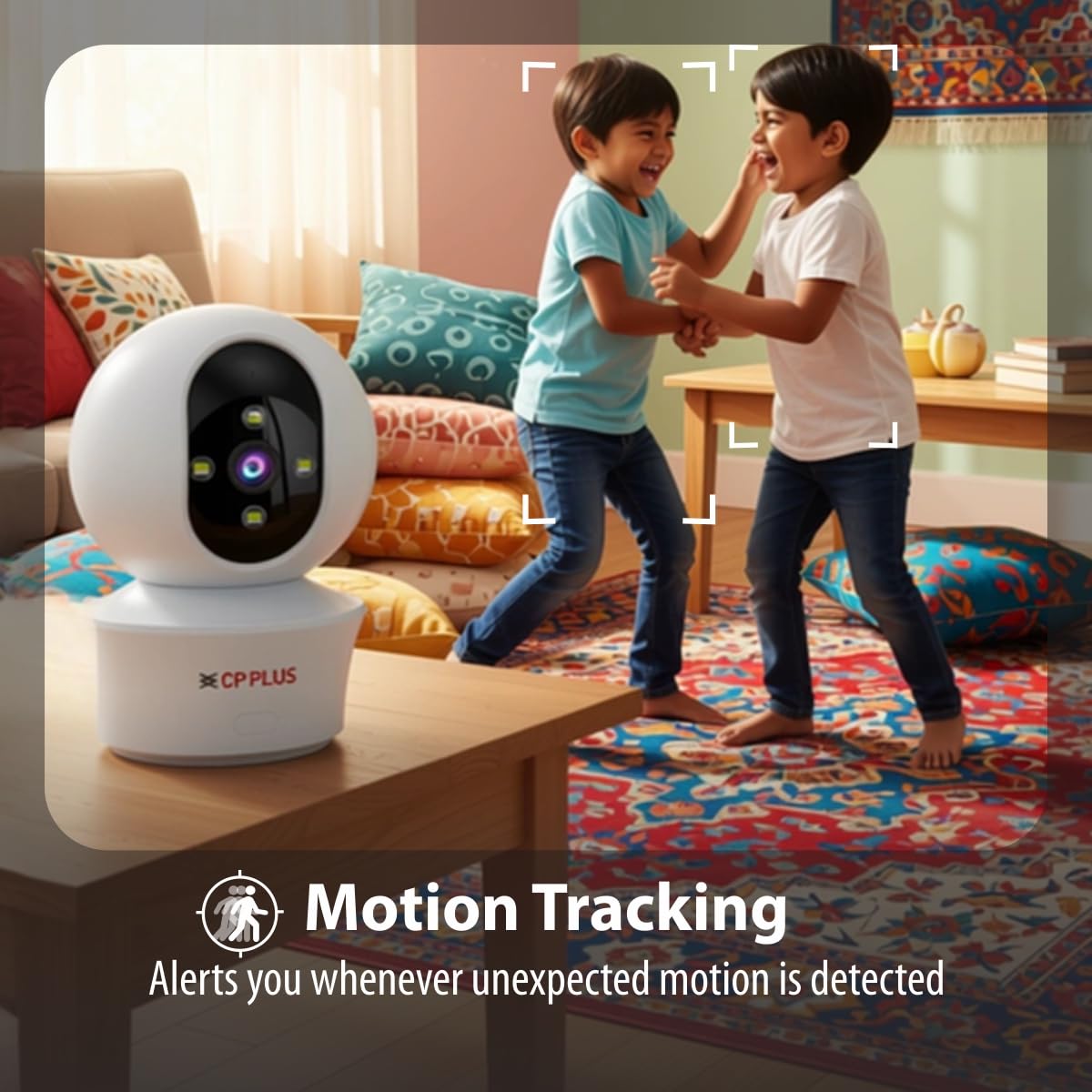
Figure 5.3: Human body detection providing real-time alerts.

Figure 5.4: Active deterrence using siren and LED flash light.
5.3 Начное бачанне
The camera offers dual-vision night mode for clear surveillance in low-light conditions.
- Інфрачырвонае (ІЧ) начное бачанне: Забяспечвае выразную чорна-белую выявуtage up to 20-30 meters in complete darkness.
- White LED Color Night Vision: Utilizes built-in white LEDs to deliver full-color video up to 15-20 meters at night, also serving as a deterrent.
You can switch between these modes or set them to activate automatically based on ambient light conditions through the app.

Figure 5.5: Full-color night vision capturing details in low light.
5.4 Двухбаковая сувязь
The built-in microphone and speaker allow for two-way audio communication.
- З прамога эфіру view in the mobile app, tap the microphone icon to speak through the camera's speaker.
- The camera's microphone will pick up audio from the monitored area, which you can hear through your smartphone.
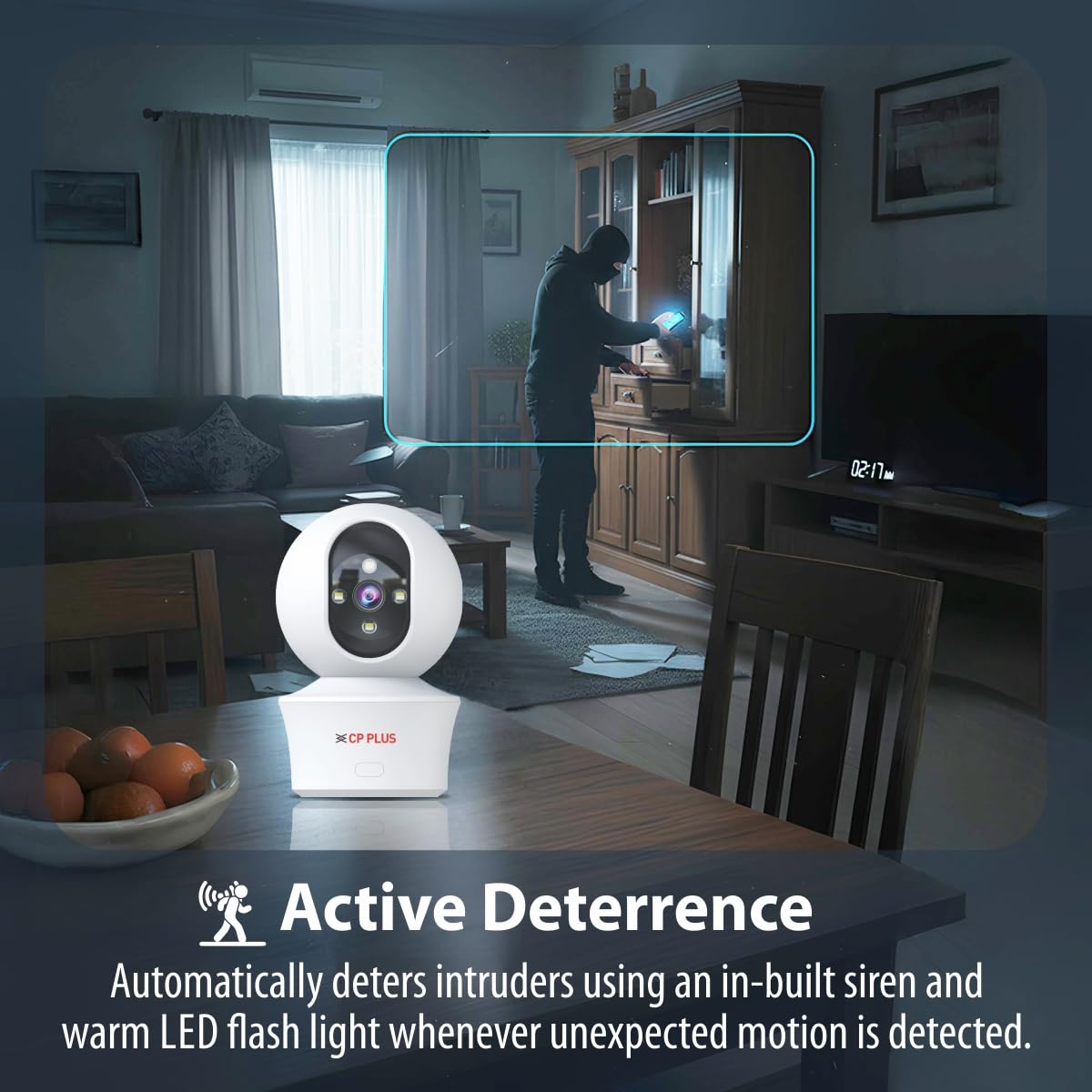
Figure 5.6: Two-way communication feature for interacting with the monitored area.
5.5 Запіс і захоўванне відэа
The camera supports both local and cloud storage options for your video recordings.
- Захоўванне карты MicroSD: Insert a MicroSD card (up to 256GB, not included) into the designated slot on the camera for local storage. Recordings will be saved directly to the card.
- Воблачны запіс: The camera supports cloud recording services (subscription may be required). Refer to the mobile application for details on activating and managing cloud storage.
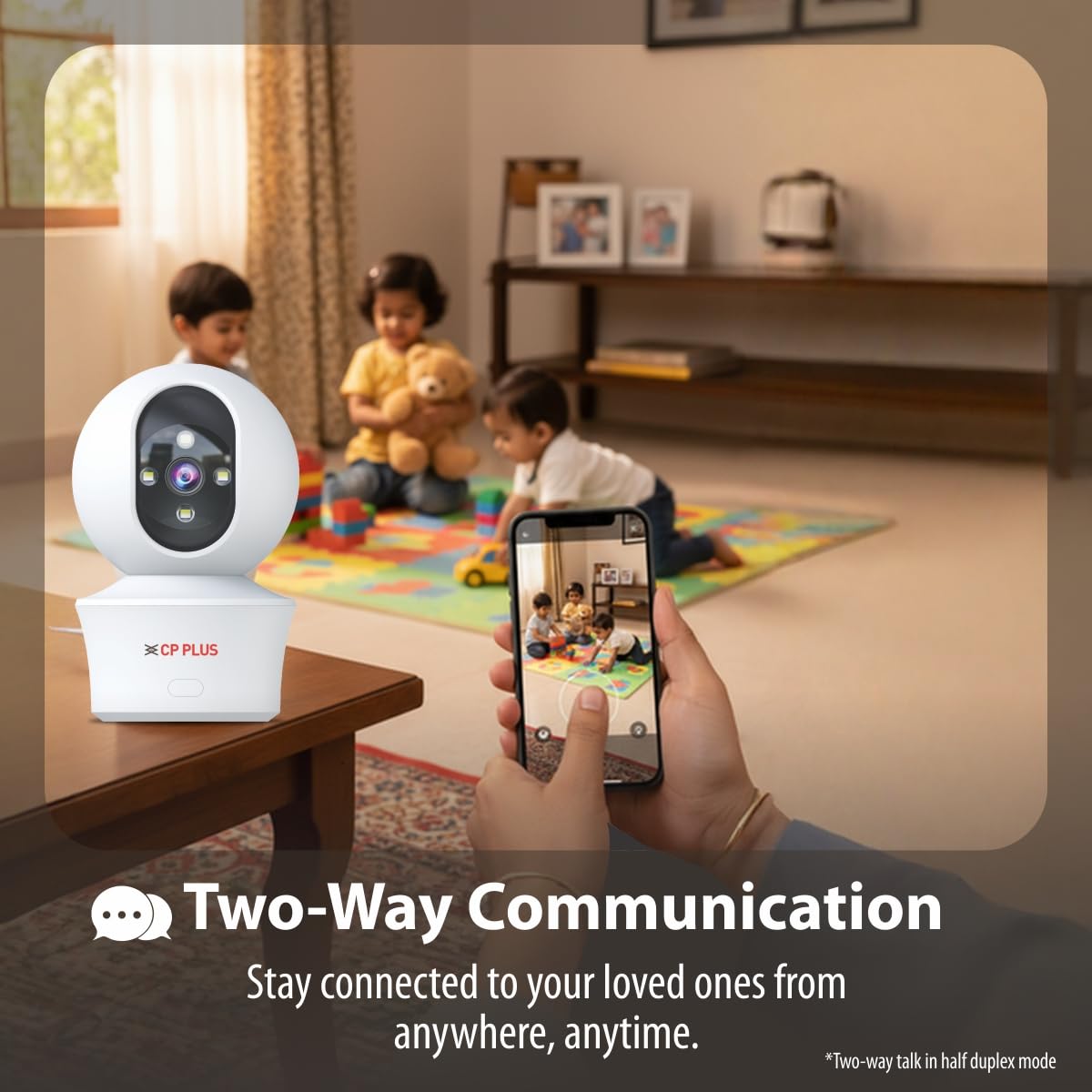
Figure 5.7: Cloud recording feature for remote access to footage.
5.6 CTC Cyber Secure Tech
Your CP PLUS camera incorporates CTC Cyber Secure Tech to ensure your video data remains encrypted, private, and protected from cyber threats.
6. Тэхнічныя характарыстыкі
| Асаблівасць | Спецыфікацыя |
|---|---|
| Нумар мадэлі | EZ-P34Q |
| дазвол | 3 МП (2304x1296) |
| Кампрэсія відэа | H.265 |
| Pan Range | 360° |
| Дыяпазон нахілу | 60° |
| ВК дыяпазон начнога бачання | 20-30 метраў |
| White LED Night Vision Range | 15-20 meters (Full Color) |
| Частата кадраў | 20 кадраў у секунду |
| Захоўванне | Карта MicroSD (да 256 ГБ), воблачнае сховішча |
| Сувязь | Wi-Fi (2.4 ГГц) |
| Увод магутнасці | 5 В USB Type-C |
| Памеры (ДхШхВ) | 7.7 х 7.7 х 10.9 см |
| Вага | 330 грамаў |
| Выкарыстанне ў памяшканні/на вуліцы | Толькі ў памяшканні |
| Асаблівасці | 2-Way Audio, Motion Sensor, Night Vision, Human Detection, Auto Tracking, Built-in Siren |
7. Выпраўленне непаладак
Калі ў вас узніклі праблемы з камерай, звярніцеся да наступных распаўсюджаных праблем і іх рашэнняў:
- Камера не падключаецца да Wi-Fi:
- Пераканайцеся, што ваша сетка Wi-Fi працуе на частаце 2.4 ГГц.
- Праверце ўзровень сігналу Wi-Fi ў месцы, дзе знаходзіцца камера.
- Праверце правільнасць уводу пароля Wi-Fi ў дадатку.
- Перазагрузіце маршрутызатар Wi-Fi і камеру.
- Дрэнная якасць відэа:
- Праверце хуткасць падключэння да Інтэрнэту.
- Пераканайцеся, што аб'ектыў камеры чысты.
- Калі прапускная здольнасць вашай сеткі абмежаваная, адрэгулюйце налады раздзялення відэа ў дадатку.
- Няма папярэджанняў аб выяўленні руху:
- Verify motion detection and notification settings are enabled in the app.
- Праверце налады адчувальнасці выяўлення.
- Пераканайцеся, што камера view не перашкаджае.
- Двухбаковая аўдыёсувязь не працуе:
- Check microphone and speaker permissions for the app on your phone.
- Ensure volume levels are adjusted correctly in the app and on your phone.
8. Інфармацыя па бяспецы
- This camera is designed for толькі для выкарыстання ў памяшканні. Do not expose it to water, moisture, or extreme temperatures.
- Use only the provided power adapter and charging cable. Using unauthorized accessories may damage the product and void the warranty.
- Трымайце камеру і яе аксэсуары ў месцах, недаступных для дзяцей.
- Не спрабуйце разбіраць або рамантаваць камеру самастойна. Звярніцеся па дапамогу ў службу падтрымкі кліентаў.
- Забяспечце належную вентыляцыю вакол камеры, каб пазбегнуць перагрэву.
9. Відэа прадуктуview
Паглядзіце гэта кароткае відэа для хуткага азнаямленняview of the CP PLUS EZ-P34Q camera's features and capabilities.
Video 9.1: A brief introduction to the CP PLUS 3MP Camera features.
10. Гарантыя і падтрымка
For warranty information, technical support, or service inquiries, please refer to the official CP PLUS webсайт або звярніцеся ў службу падтрымкі кліентаў. Захоўвайце чэк аб куплі як пацверджанне пакупкі.