
Уводзіны
This manual provides essential information for the safe and efficient use of your DJI Neo Intelligent Flight Battery. This battery is designed for compatibility with the DJI Neo 2 drone, offering reliable power for your flight experiences. Please read this manual thoroughly before using the product.

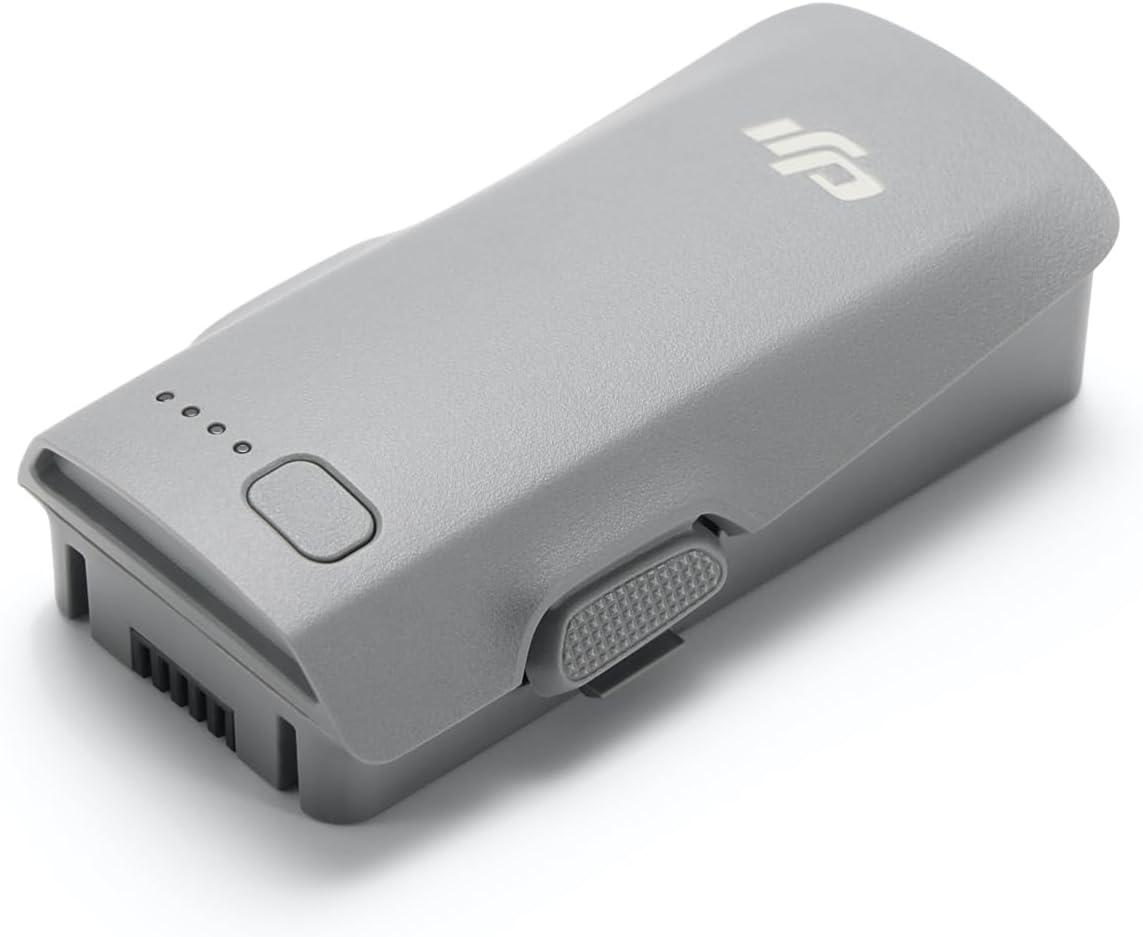
The DJI Neo Intelligent Flight Battery, showcasing its sleek design and the four LED lights that indicate battery charge level.
Настройка
1. Распакоўка
Carefully remove the DJI Neo Intelligent Flight Battery from its packaging. The package should contain one (1) DJI Neo Intelligent Flight Battery.
2. Пачатковая зарадка
Before first use, fully charge the battery using a DJI-approved charging device. Connect the charger to a power source and then connect the battery to the charger. The LED indicators on the battery will show the charging status.
3. Устаноўка батарэі
To install the battery into your DJI Neo 2 drone, align the battery with the battery compartment on the drone. Gently push the battery into place until it clicks securely. Ensure it is firmly seated to prevent dislodgement during flight.

The DJI Neo Intelligent Flight Battery positioned beside a compatible DJI Neo 2 drone, illustrating its size and form factor relative to the drone.
Інструкцыя па эксплуатацыі
1. Уключэнне / выключэнне харчавання
To power on the battery, press the power button once, then press and hold it for two seconds. The LED indicators will light up. To power off, repeat the same procedure: press the power button once, then press and hold it for two seconds until the LEDs turn off.
2. Праверка ўзроўню зарада батарэі
With the battery powered off, a single short press of the power button will illuminate the LED indicators to show the current charge level. Each illuminated LED typically represents approximately 25% of the battery's charge.
3. Час палёту
The DJI Neo Intelligent Flight Battery provides up to 19 minutes of flight time under optimal conditions. Actual flight time may vary based on environmental factors, flight style, and drone payload.
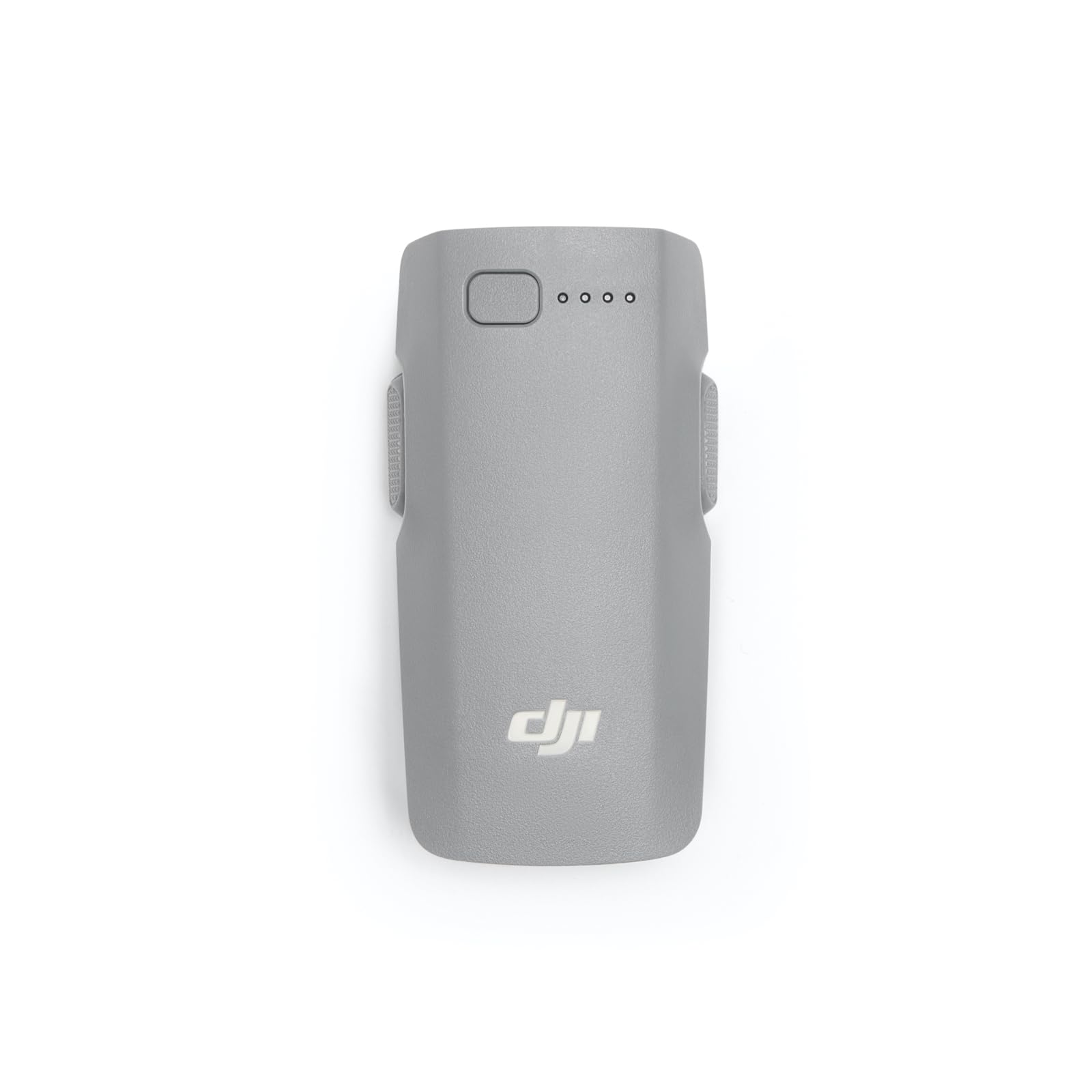
Буйны план view of the DJI Neo Intelligent Flight Battery, showing its grey casing, LED indicators, and power button.
Тэхнічнае абслугоўванне і бяспека
1. Найлепшыя практыкі зарадкі
- Always use a DJI-approved charger.
- Не зараджайце акумулятар без нагляду.
- Пазбягайце зарадкі пры экстрэмальных тэмпературах.
2. Захоўванне
- Захоўвайце акумулятар у прахалодным, сухім месцы, удалечыні ад прамых сонечных прамянёў і крыніц цяпла.
- For long-term storage, discharge the battery to approximately 50-60% to prolong its lifespan.
- Avoid storing fully charged or fully discharged batteries for extended periods.
3. Уборка
Працярыце паверхню акумулятара чыстай сухой тканінай. Не выкарыстоўвайце вадкія ачышчальнікі і не апускайце акумулят у ваду.
4. Папярэджанні па тэхніцы бяспекі
Observe the following critical safety warnings to prevent damage or injury:
- Only use DJI approved charging devices.
- DO NOT place the battery in a fire or disassemble, pierce, drop, strike, or short circuit the battery.
- DO NOT use batteries that have been dropped in water.
- Захоўвайце батарэю далей ад дзяцей і хатніх жывёл.
- If the battery shows signs of swelling, leakage, or damage, discontinue use immediately and dispose of it properly.
Падрабязны view of the warning label on the DJI Neo Intelligent Flight Battery, displaying important safety instructions, specifications, and certification marks.
Ліквідацыю непаладак
Акумулятар не зараджаецца
- Пераканайцеся, што зарадная прылада правільна падключана да крыніцы харчавання і акумулятара.
- Verify that you are using a DJI-approved charger.
- Праверце акумулятар або зарадную прыладу на наяўнасць бачных пашкоджанняў.
- Try charging in a different power outlet.
Drone Not Powering On with Battery
- Пераканайцеся, што акумулятар цалкам зараджаны.
- Confirm the battery is correctly installed and securely clicked into the drone's compartment.
- Perform the power-on sequence correctly (press once, then press and hold for two seconds).
Reduced Flight Time
- Extreme temperatures (hot or cold) can affect battery performance.
- Aggressive flight maneuvers or high wind conditions consume more power.
- Перад кожным палётам пераканайцеся, што акумулятар цалкам зараджаны.
- Over time, all batteries experience degradation. If flight time significantly decreases, consider replacing the battery.
Тэхнічныя характарыстыкі
| Асаблівасць | Дэталь |
|---|---|
| Марка | DJI |
| Нумар мадэлі | 6937224131798 |
| Склад батарэі | Літый-іённы |
| Тып элемента батарэі | Літый-іённы |
| тtage | 220 вольт |
| Вага акумулятара | 100 грам |
| Вага прадмета | 46 грам |
| Памеры прадмета (Д х Ш х У) | 3.05 х 1.6 х 0.8 цалі |
| Колькасць батарэек | Патрабуюцца 1 батарэйкі тыпу C (у камплекце) |
Інфармацыя аб гарантыі
The DJI Neo Intelligent Flight Battery is covered by DJI's standard manufacturer's warranty. Please refer to the official DJI website or your purchase documentation for detailed warranty terms and conditions, including coverage period and claim procedures. Keep your proof of purchase for warranty service.
Падтрымка кліентаў
For technical assistance, troubleshooting beyond this manual, or service inquiries, please contact DJI Customer Support. You can find contact information, including phone numbers and online support resources, on the official DJI webсайт.