
1. Прадукт скончыўсяview
The NICGIGA 16 Port 2.5Gb Ethernet Switch (Model S25-1600) is an unmanaged network switch designed to expand your network capacity with high-speed 2.5 Gigabit Ethernet ports. It features a fanless metal design for quiet operation and efficient heat dissipation, supporting both desktop and 19-inch rack mounting. This plug-and-play device requires no software configuration, making it suitable for home and small office environments requiring enhanced network performance.
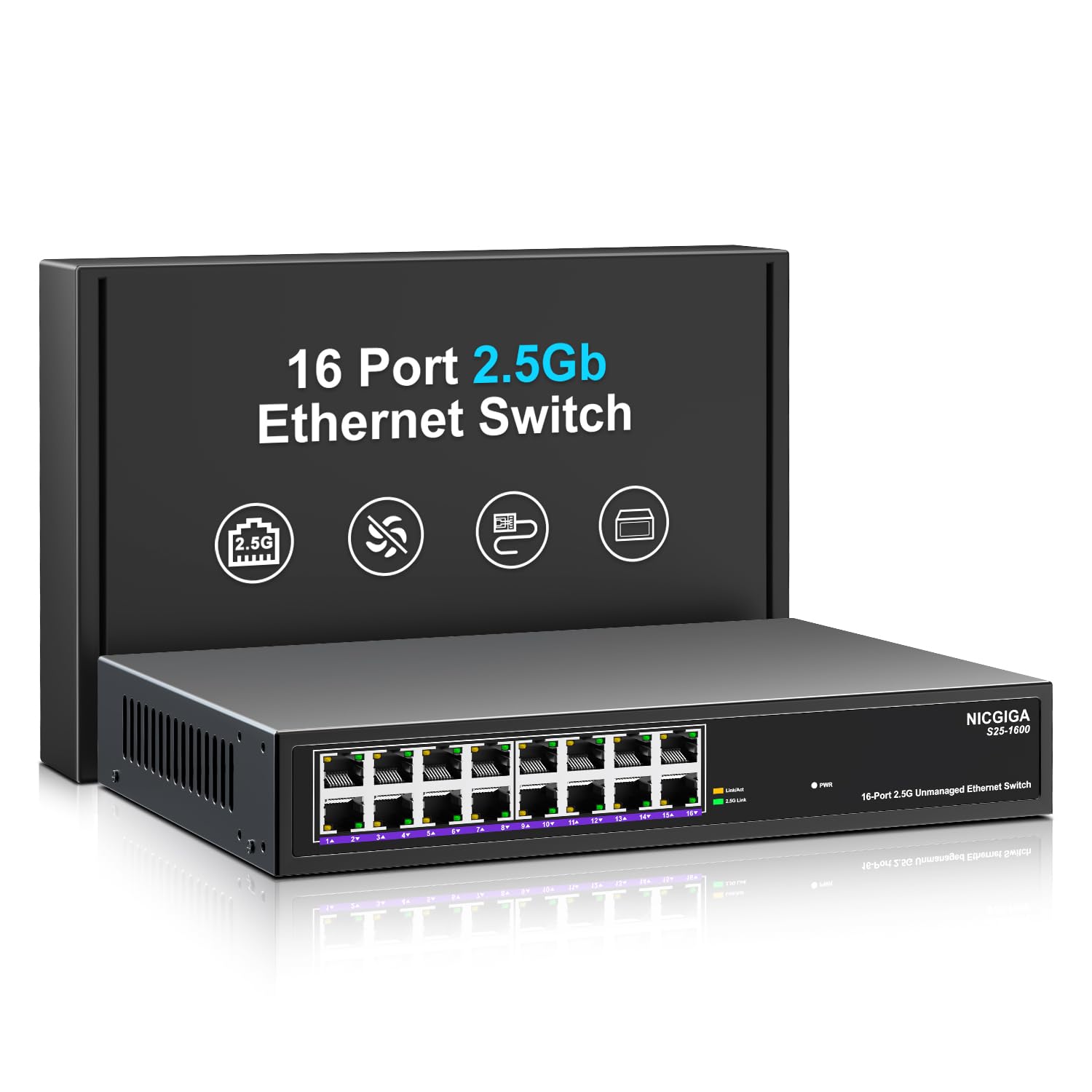
Малюнак 1: Спераду view of the NICGIGA S25-1600 switch, highlighting the 16 RJ45 ports and LED indicators for power and link status.
2. Змесціва ўпакоўкі
Праверце, ці ёсць у вашай упакоўцы наступныя рэчы:
- NICGIGA 16 Port 2.5Gb Ethernet Switch (Model S25-1600)
- Адаптар сілкавання
- Камплект для мантажу ў стойку (пры наяўнасці)
- Кіраўніцтва карыстальніка (гэты дакумент)
3. Асаблівасці прадукту
- 16x 2.5Gbps RJ45 Ports: Provides high-speed connectivity for multiple devices.
- Прапускная здольнасць камутатара 80 Гбіт/с: Ensures high-performance data transfer without bottlenecks.
- Аўтаматычнае ўзгадненне: Automatically detects and adjusts to optimal link speeds (100Mbps, 1Gbps, 2.5Gbps) for connected devices.
- Plug and Play: No software or configuration required for immediate use.
- Безвентылятарны металічны дызайн: Offers silent operation and robust heat dissipation.
- Desktop or 19-inch Rack Mount: Flexible installation options.
- Абарона ад маланкі 4 кВ: Enhances device durability against electrical surges.
- Automatic MDI/MDIX: Выключае неабходнасць выкарыстання перакрыжаваных кабеляў.
- Non-blocking Data Forwarding: Ensures full wire-speed throughput on all ports simultaneously.

Figure 2: Key features of the NICGIGA S25-1600 switch, including its 2.5Gbps ports, rack-mountable design, fanless operation, plug-and-play functionality, metal casing і маланкаабарона 4 кВ.
4. Інструкцыі па ўсталёўцы
The NICGIGA 16 Port 2.5Gb Ethernet Switch is designed for simple plug-and-play installation. Follow these steps to set up your switch:
- Падключэнне сілкавання: Падключыце адаптар сілкавання да ўваходнага порта сілкавання камутатара, а затым падключыце адаптар да стандартнай электрычнай разеткі. Святлодыёдны індыкатар сілкавання на пярэдняй панэлі павінен загарэцца.
- Падключэнне прылады: Connect your network devices (e.g., computers, NAS, WiFi 6 APs, routers) to any of the 16 RJ45 ports on the switch using standard Ethernet cables. The switch will automatically detect the link speed and establish a connection.
- Праверка: Observe the LED indicators on the front panel. A green light indicates a 2.5G link, while a yellow light indicates a 100Mb/1G link. A flashing yellow light signifies data transmission.

Figure 3: Simplified setup process: connect power, connect devices, and the network is ready.
Варыянты мантажу:
The switch supports both desktop placement and 19-inch rack mounting. Use the included rack mount kit for rack installations.

Figure 4: The NICGIGA S25-1600 switch installed in a 19-inch rack, showing its compact dimensions suitable for enterprise and data center use.
5. Інструкцыя па эксплуатацыі
As an unmanaged switch, the NICGIGA S25-1600 operates automatically once connected. There is no software configuration required.
Святлодыёдныя індыкатары:
- Святлодыёд харчавання:
- На: Перамыкач уключаны.
- Выключана: Выключальнік выключаны.
- Port Link/Activity LEDs (Green/Yellow):
- Гарыць зялёнае святло: Indicates a 2.5G network link is established.
- Жоўтае святло: Indicates a 100Mb/1G network link is established.
- Yellow Light Flashing: Indicates data transmission activity on the port.
- Выключана: No link is established or the connected device is powered off.
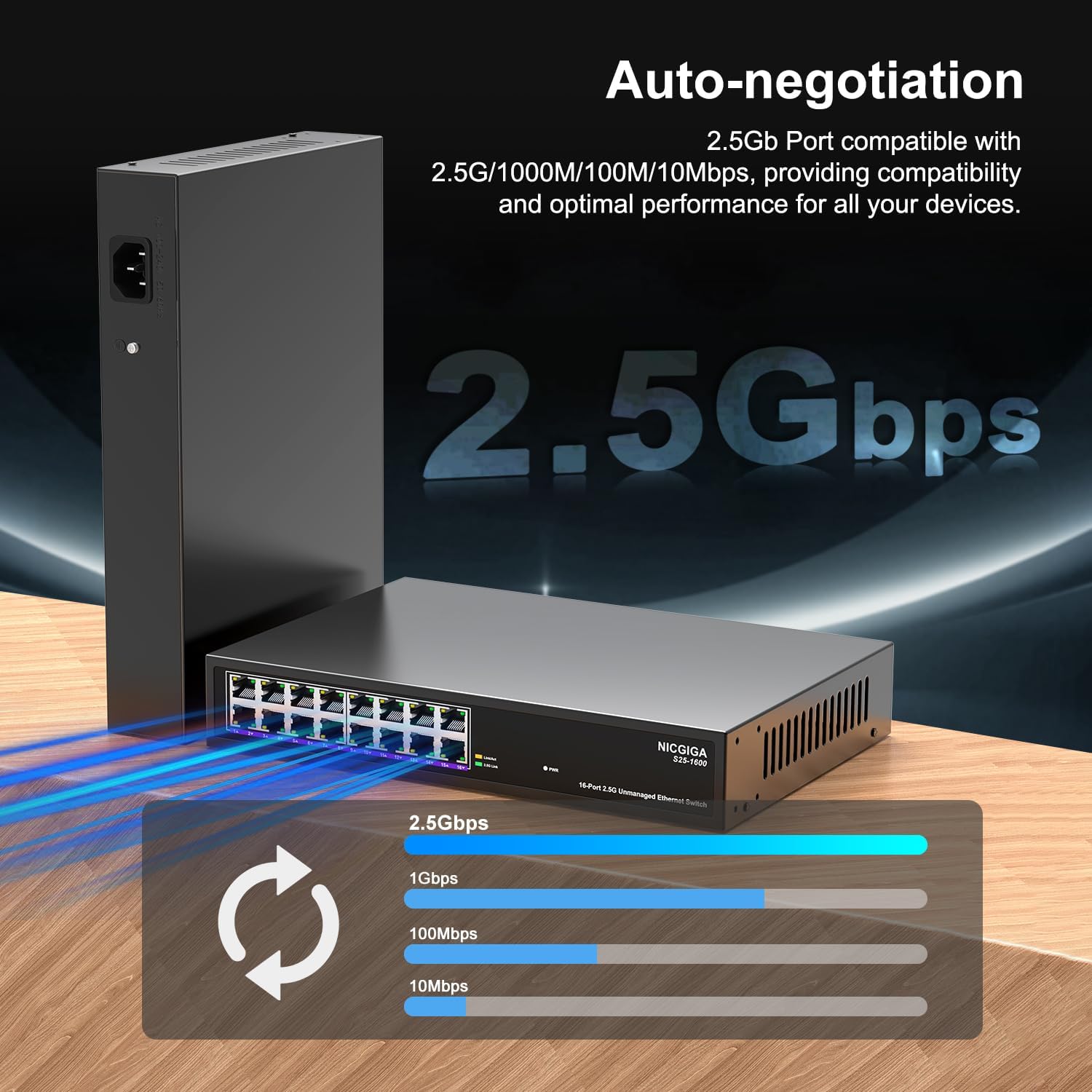
Figure 5: The auto-negotiation function ensures compatibility and optimal performance across various network speeds.
6. Тэхнічнае абслугоўванне
The NICGIGA S25-1600 switch is designed for minimal maintenance.
- Уборка: Для чысткі вонкавага боку перамыкача выкарыстоўвайце мяккую сухую тканіну. Не выкарыстоўвайце вадкія або аэразольныя ачышчальнікі.
- Вентыляцыя: Ensure the switch is placed in a well-ventilated area. Although fanless, proper airflow helps maintain optimal operating temperatures. Do not block ventilation openings.
- Умовы навакольнага асяроддзя: Operate the switch within the recommended temperature and humidity ranges specified in the technical specifications.
7. Выпраўленне непаладак
If you encounter issues with your NICGIGA S25-1600 switch, refer to the following troubleshooting tips:
| праблема | Магчымая прычына | Рашэнне |
|---|---|---|
| Няма індыкацыі харчавання. | Няма блока харчавання або няспраўны адаптар харчавання. |
|
| No Link/Activity LED for a connected device. |
|
|
| Павольная хуткасць сеткі. |
|
|
8. Тэхнічныя характарыстыкі
| Асаблівасць | Апісанне |
|---|---|
| мадэль | С25-1600 |
| Парты | 16 парты 100/1000/2500 Мбіт/с RJ45 |
| Камутацыйны патэнцыял | 80 Гбіт/с |
| Хуткасць перасылкі пакетаў | 89.28 Мпікс |
| Табліца MAC-адрасоў | 16 тыс |
| Рамка Jumbo | 12 тыс |
| Кэш памяці | 12 Мбіт |
| Аўтаматычнае ўзгадненне | 100Mb/1G/2.5G |
| MDI/MDIX | Падтрымліваецца |
| Безвентылятарны дызайн | так |
| Жыллё | Метал |
| Варыянты мантажу | Desktop, 19-inch Rack Mount |
| Абарона ад маланак | 4KV |
| Памеры ўпакоўкі | 13.62 х 10.51 х 3.5 цалі |
| Вага прадмета | 4.09 фунта |
| UPC | 790885830181 |
9. Гарантыя і тэхнічная падтрымка
NICGIGA provides a one-year warranty for this product. For technical assistance or warranty claims, please contact NICGIGA customer support. Lifetime technical support is available for the product.
For further information, please visit the official NICGIGA webсайт або звярніцеся да кантактнай інфармацыі, указанай пры куплі.