
Прадукт скончаныview
The EWEADN C98 Wired Keyboard and Mouse Combo is designed for comfortable and efficient use with various computer systems. This set includes a wired keyboard with a detachable wrist rest, RGB backlighting, double-shot keycaps, and a multimedia knob, along with a wired mouse featuring adjustable DPI settings.
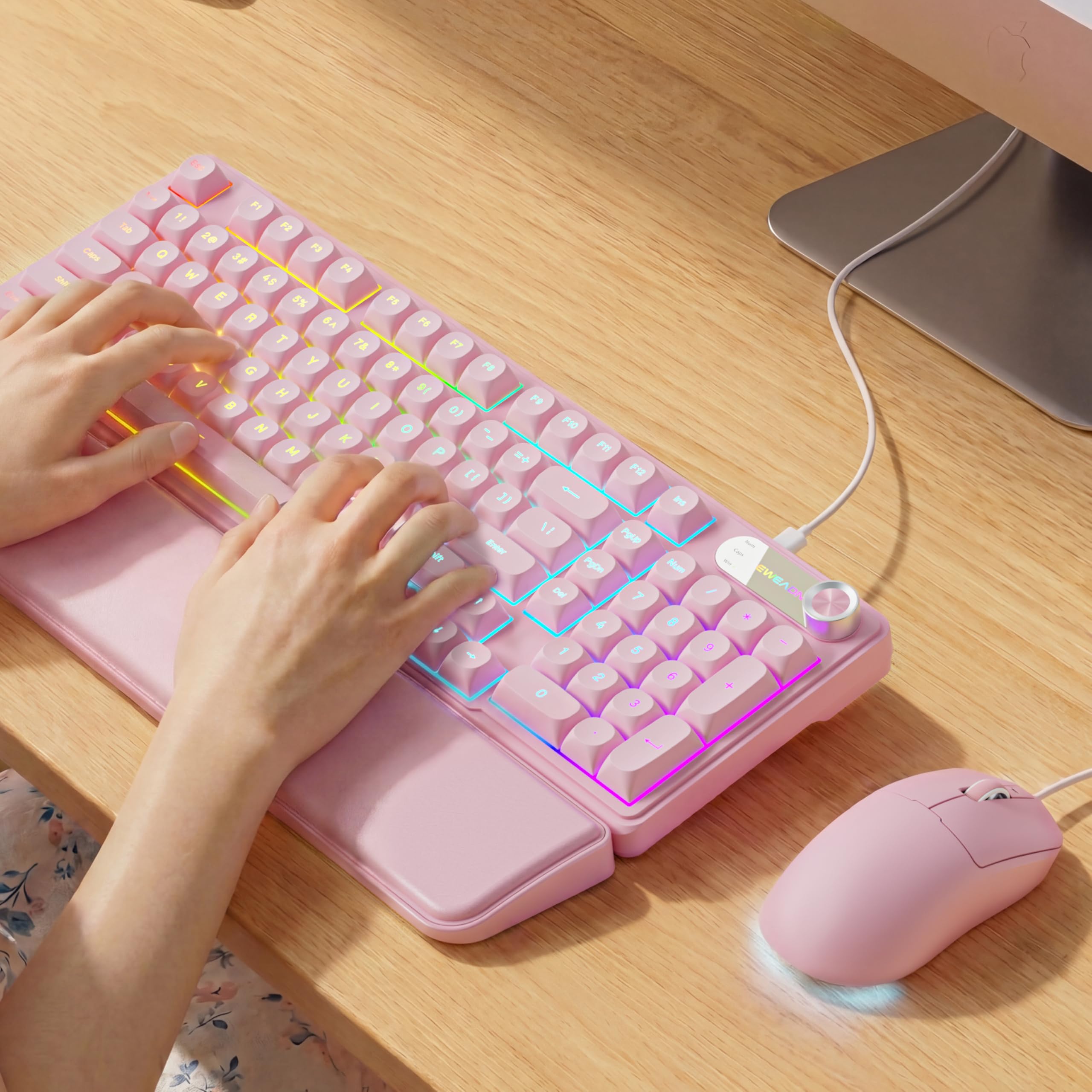
Image: EWEADN C98 Wired Keyboard and Mouse Combo in Pink. This image displays the full keyboard and mouse set, highlighting its ergonomic design and color.
Змест пакета
Праверце наяўнасць усіх прадметаў у камплекце:
- EWEADN C98 Wired Keyboard
- Правадная мыш
- Здымная падстаўка для запясцяў
- USB-кабель (інтэграваны)
- Кіраўніцтва карыстальніка (гэты дакумент)
Інструкцыя па наладзе
Follow these steps to set up your EWEADN C98 Keyboard and Mouse Combo:
- Падключэнне клавіятуры: Locate an available USB-A port on your computer (Laptop, PC, Desktop, Gaming Console). Insert the USB-A connector from the keyboard into the port.
- Падключыце мыш: The mouse is typically connected via the same USB cable as the keyboard or has its own integrated USB-A connector. Insert the mouse's USB-A connector into another available USB-A port on your computer.
- Прымацуйце падстаўку для запясцяў: Align the detachable wrist rest with the front edge of the keyboard and gently attach it.
- Распазнаванне сістэмы: Your operating system (Windows, Linux, macOS) should automatically detect and install the necessary drivers. No additional software installation is typically required for basic functionality.
- Mac Compatibility Note: For macOS devices, a USB-A to Type-C adapter is required if your Mac only has Type-C ports. This adapter is not included with the product.

Image: Close-up of the keyboard's USB connection and the detachable wrist rest. This illustrates how the keyboard connects and the wrist rest attaches for ergonomic support.

Image: Diagram showing dual-system compatibility. The image indicates how to switch between Windows (FN + A) and Mac (FN + S) layouts for optimal functionality.
Інструкцыя па эксплуатацыі
Функцыі клавіятуры
- RGB-падсветка: The keyboard features 12 active RGB lighting modes.
- Колер падсветкі перамыкача: Прэса FN + INS to cycle through different lighting colors.
- Наладзіць яркасць: Прэса FN + PGUP для павелічэння яркасці і FN + PGDN каб паменшыць яркасць.
- Мультымедыйная ручка: The 2-in-1 rotary knob provides quick control over media and lighting.
- Рэгулятар гучнасці: Rotate the knob to adjust system volume.
- Функцыя адключэння гуку: Press the knob once to mute/unmute audio.
- Рэжым пераключэння: Press and hold the knob for 3 seconds to switch between volume control mode and lighting adjustment mode. In lighting mode, rotate to adjust brightness or press to switch light effects.
- Эрганамічны дызайн: The keyboard includes a detachable PU leather wrist rest for comfortable typing posture and foldable stands to adjust the typing angle (up to 8 degrees).
- Ціхі ўвод: The membrane keys are designed for low-noise operation, suitable for quiet environments.
- Падвойныя каўпачкі клавіш: Characters are injection molded for durability and fade resistance, allowing backlighting to shine through clearly.

Image: Illustration of RGB backlight controls. This image shows the FN + INS and FN + PGUP/PGDN key combinations for adjusting keyboard lighting.

Image: Diagram detailing the 2-in-1 multimedia knob functions. It shows how to adjust volume, mute, and switch between lighting and volume modes.
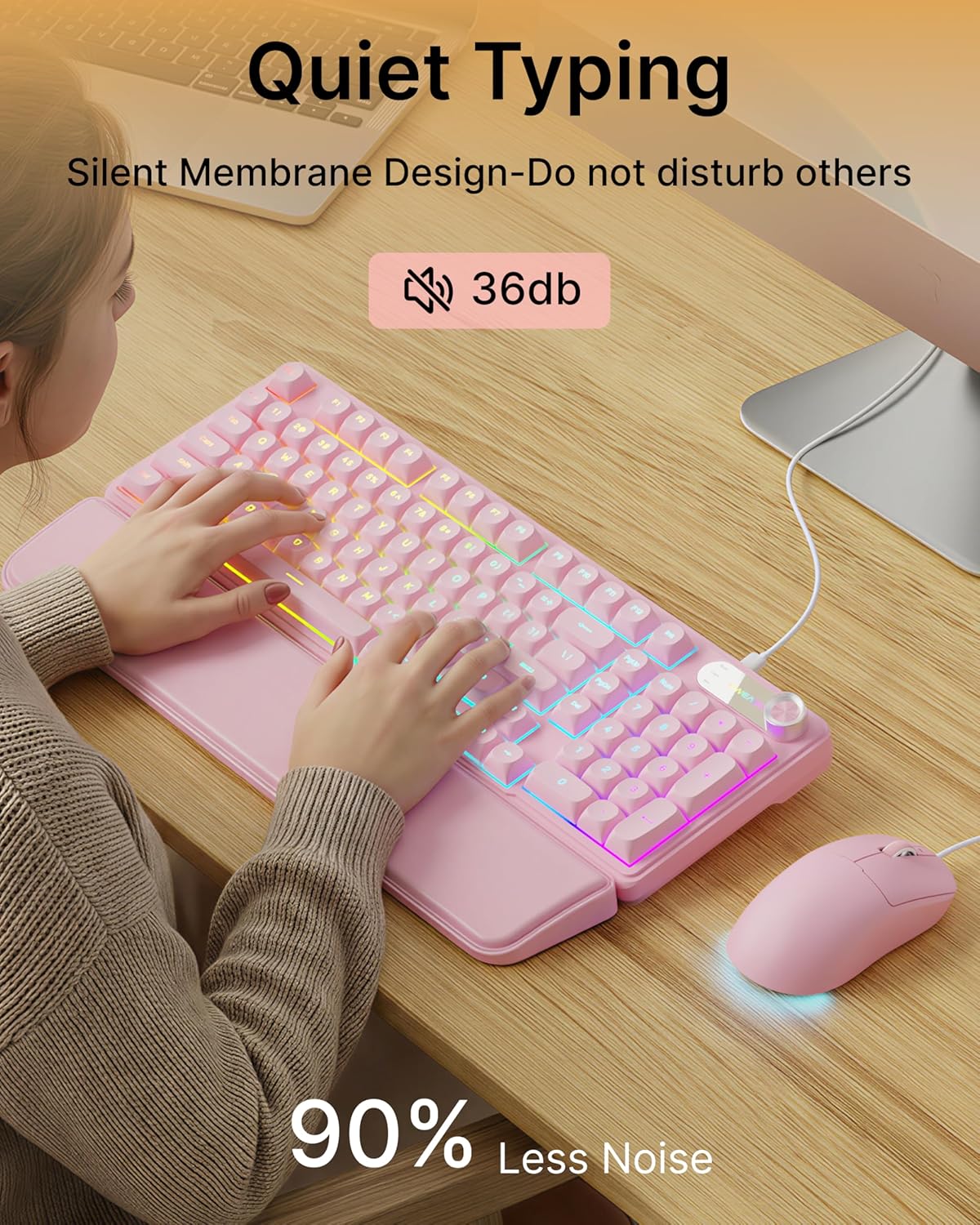
Image: Visual representation of the quiet typing feature. This image highlights the low noise level (36dB) of the keyboard during use.
Функцыі мышы
- Рэгуляваны DPI: The mouse offers 4 adjustable DPI levels for precision control.
- DPI levels typically range from 800 to 4800.
- Press the DPI button (usually located behind the scroll wheel) to cycle through the available sensitivity settings.
- Ціхі клік: The mouse buttons are designed for quiet operation.
- Эрганамічны дызайн: Designed for a comfortable palm grip.

Image: Diagram illustrating the 4-level DPI adjustment for the mouse. It shows the different DPI settings (800, 1600, 3200, 4800) and the ergonomic palm grip design.
Тэхнічнае абслугоўванне
To ensure the longevity and optimal performance of your EWEADN C98 Keyboard and Mouse Combo, follow these simple maintenance guidelines:
- Уборка: Выкарыстоўвайце мяккую сухую тканіну для працірання паверхняў клавіятуры і мышы. Для выдалення ўстойлівага бруду злёгкуampПрацярыце тканіну вадой або мяккім неабразіўным ачышчальнікам. Пазбягайце празмернай вільготнасці.
- Выдаленне пылу: Выкарыстоўвайце сціснутае паветра, каб выдаліць пыл і смецце паміж клавішамі.
- Пазбягайце вадкасці: While the product has some water resistance, avoid spilling liquids directly onto the keyboard or mouse. If a spill occurs, disconnect immediately and allow to dry completely before reconnecting.
- захоўванне: Store the combo in a clean, dry environment away from extreme temperatures.
Ліквідацыю непаладак
If you encounter issues with your EWEADN C98 Keyboard and Mouse Combo, refer to the following common solutions:
- Клавіятура або мыш не рэагуюць:
- Ensure the USB-A connector(s) are securely plugged into your computer's USB port(s).
- Try plugging the USB connector(s) into a different USB port on your computer.
- Перазагрузіце кампутар.
- Калі карыстаецеся USB-канцэнтратарам, паспрабуйце падключыць яго непасрэдна да кампутара.
- Не працуе падсветка:
- Пераканайцеся, што клавіятура правільна падключана.
- Прэса FN + PGUP multiple times to increase brightness, as it might be set to the lowest level.
- Прэса FN + INS to cycle through lighting modes, ensuring a mode with backlighting is selected.
- Multimedia Knob Not Functioning:
- Пераканайцеся, што клавіятура правільна падключана.
- Press and hold the knob for 3 seconds to switch between volume and lighting modes. Verify you are in the desired mode.
- Mouse Cursor Movement is Erratic or Slow:
- Clean the mouse sensor on the underside with a soft cloth.
- Пераканайцеся, што вы карыстаецеся мышшу на адпаведнай паверхні (напрыклад, кілімку для мышы).
- Press the DPI button to adjust the sensitivity.
- Сумяшчальнасць з Mac: If using with a Mac and experiencing connection issues, confirm you are using a USB-A to Type-C adapter if your Mac lacks standard USB-A ports.
Тэхнічныя характарыстыкі
| Марка | ЭВІДН |
| Нумар мадэлі | C98 |
| Тэхналогія падлучэння | USB-A (правадны) |
| Сумяшчальныя прылады | Laptop, PC, Desktop, Windows, Linux, Gaming Consoles |
| Апісанне клавіятуры | Membrane, 98-key layout |
| Асаблівасці | RGB Backlit, Ergonomic, Detachable Wrist Rest, Multimedia Knob, Double-Shot Keycaps, Quiet Typing |
| Keyboard Backlight Color Support | RGB (12 рэжымы) |
| Узроўні DPI мышы | 4 adjustable levels (up to 4800 DPI) |
| Матэрыял | Plastic (Keyboard), PU Leather (Wrist Rest) |
| Узровень воданепранікальнасці | Waterproof (general resistance, not submersible) |
| Колер | Ружовы |

Image: Detailed dimensions of the EWEADN C98 keyboard, mouse, and wrist rest. This image provides measurements in inches for each component.
Гарантыя і падтрымка
Specific warranty details are not provided in the product information. For warranty claims or technical support, please refer to the retailer's return policy or contact EWEADN customer service directly through their official channels. Typically, products purchased through Amazon.sg may be subject to a 30-day return policy.