
1. Уводзіны
This manual provides detailed instructions for the safe and efficient operation of your iSinbox AC311 4K Projector. Please read this manual thoroughly before use and retain it for future reference.
The iSinbox AC311 is a portable smart projector designed for versatile entertainment. It features a 360° rotatable stand, 1.1:1 short-throw ratio, 1000 ANSI lumens brightness, 4K HDR10+ support, integrated Smart TV OS with official apps like Netflix, YouTube, and Prime Video, Dolby Audio, Bluetooth 5.4, and WiFi 6 connectivity. It also includes intelligent automatic adjustments for focus and keystone correction.
2. Змесціва ўпакоўкі
Праверце, ці ўсе пералічаныя ніжэй прадметы ўваходзяць у камплект. Калі якія-небудзь прадметы адсутнічаюць або пашкоджаныя, звярніцеся ў службу падтрымкі кліентаў.
- iSinbox AC311 Projector Unit
- Пульт дыстанцыйнага кіравання (батарэйкі тыпу AAA не ўваходзяць у камплект)
- Шнур харчавання
- Кабель HDMI
- Анучка для чысткі
- Ачышчальныя тампоны
- Кіраўніцтва карыстальніка

3. Настройка
3.1 Падключэнне харчавання
- Connect the power cord to the power input port on the back of the projector.
- Падключыце другі канец шнура сілкавання да насценнай разеткі.
3.2 Пачатковае ўключэнне і выбар мовы
- Press the power button located on the top of the projector to turn it on.
- Выконвайце падказкі на экране, каб выбраць патрэбную мову.
- Connect to your Wi-Fi network as instructed.
4. Інструкцыя па эксплуатацыі
4.1 Выкарыстанне дыстанцыйнага кіравання
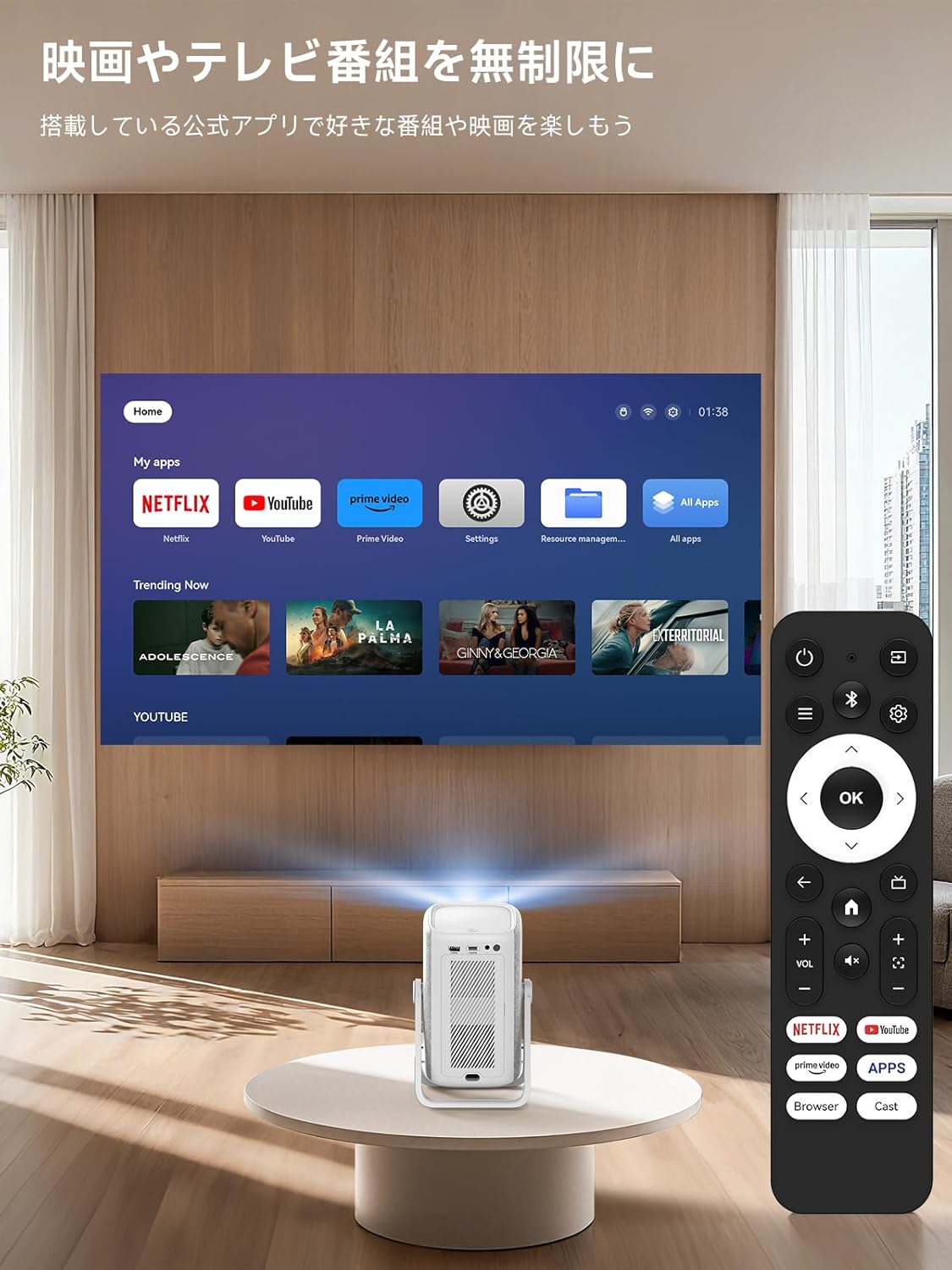
The included remote control allows for easy navigation and control of the projector's functions. Insert two AAA batteries (not included) into the remote before use.

4.2 Smart TV OS and Applications
The iSinbox AC311 features an integrated Smart TV operating system, providing direct access to popular streaming services.
- Папярэдне ўсталяваныя праграмы: Netflix, YouTube, Prime Video, Disney+, and more are pre-installed for immediate use.
- App Store: Access the App Store to download additional applications.
- Браўзэр: Use the built-in browser to navigate the internet and access web-based content.
4.3 Image and Sound Adjustment
Adjust image and sound settings for an optimal viewвопыту.
- Navigate to the "Settings" menu.
- Select "Display and Sound" to adjust image mode (brightness, contrast, color, sharpness, noise reduction, color temperature) and sound effects (standard, movie, music, news, sports).
4.4 Аўтаматычныя карэкціроўкі
The projector features AI auto-focus and 6D keystone correction, automatically adjusting the image for clarity and proper alignment within approximately 3 seconds. It also includes automatic obstacle avoidance.
4.5 Падключэнне
- Wi-Fi 6: Supports high-speed wireless connections for seamless streaming and screen mirroring.
- Bluetooth 5.4: Connect external Bluetooth speakers or use the projector as a standalone Bluetooth speaker.
- HDMI/USB: Connect external devices such as game consoles, Blu-ray players, or USB drives.
5. Асаблівасці і магчымасці
- 360° Rotation & Portable Design: The projector features a 360° rotatable stand and an ergonomic handle, allowing for easy adjustment from wall projection to ceiling projection and convenient portability.
- 1.1:1 Short-Throw Ratio: Project a large 100-inch screen from a distance of approximately 2.4 meters (95 inches), ideal for small spaces.
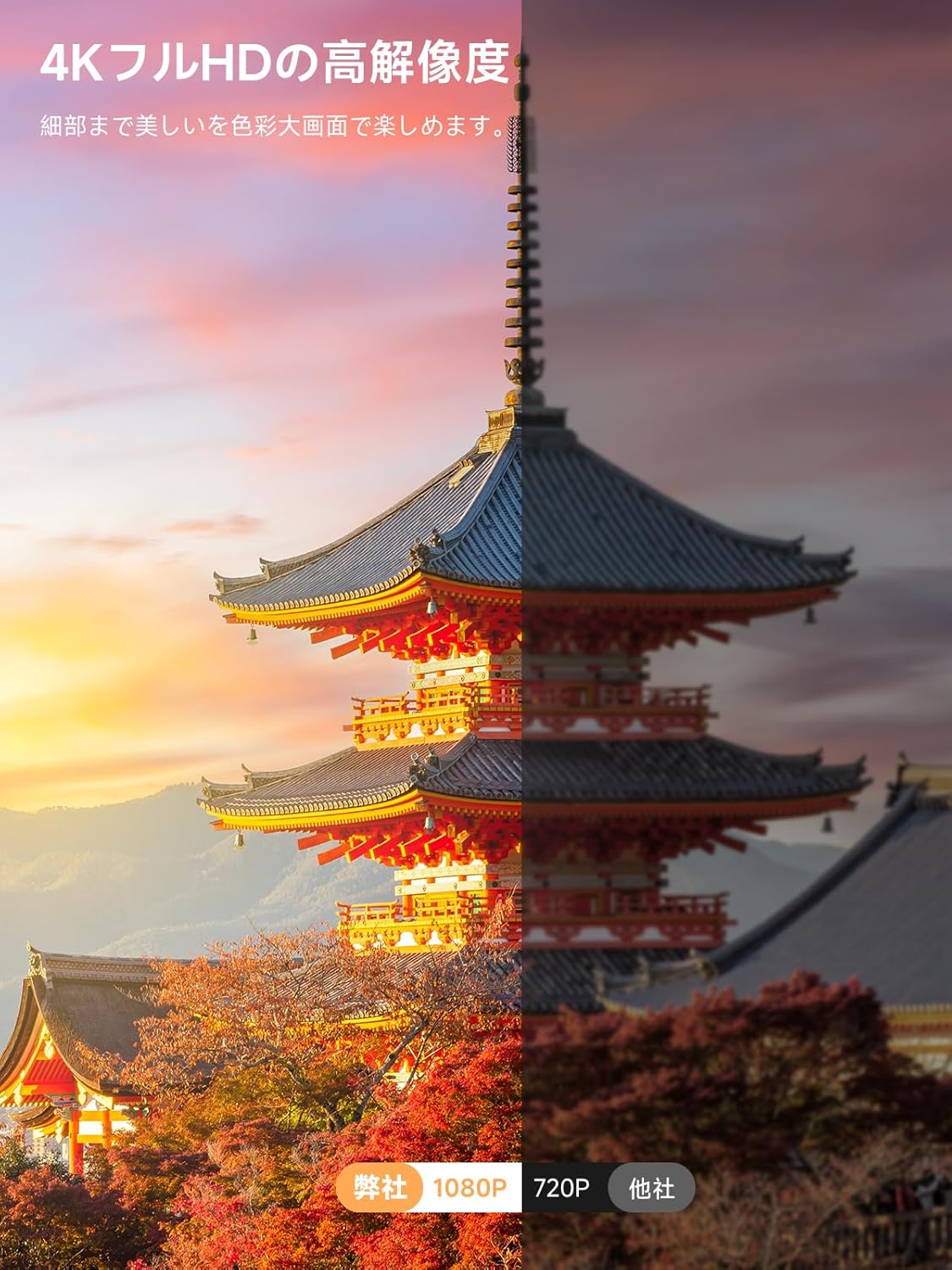
- 1000 ANSI Lumens & 4K HDR10+ Support: Delivers bright, clear 1080p resolution with support for 4K HDR10+ content, ensuring vibrant colors and sharp details.
- Dolby Audio & DTS Decoding: Provides an immersive audio experience with HiFi stereo speakers and DTS decoding technology.
- AI Image Enhancement & Eye Protection: Utilizes AI image enhancement technology for 98% NTSC color reproduction and blue light reduction for comfortable long-term viewінж.
- Лічбавае павелічэнне: Adjust screen size from 50% to 100% without moving the projector.


6. Тэхнічнае абслугоўванне
6.1 Ачыстка паветранага фільтра
Regularly clean the air filter to ensure optimal performance and longevity of your projector.
- Locate the filter cover on the side of the projector.
- Акуратна адкрыйце вечка.
- Зніміце паветраны фільтр.
- Clean the filter using the provided cleaning swabs or a soft brush.
- Устаўце чысты фільтр назад і шчыльна зачыніце вечка.
7. Выпраўленне непаладак
If you encounter any issues with your iSinbox AC311 Projector, please refer to the following common troubleshooting tips:
- Няма харчавання: Пераканайцеся, што шнур харчавання надзейна падключаны як да праектара, так і да разеткі. Паспрабуйце іншую разетку.
- Няма выявы: Check that the projector is powered on. Verify the input source if using HDMI/USB. Ensure the lens cap is removed.
- Размытая выява: The projector features auto-focus. If the image remains blurry, try moving the projector slightly or manually adjusting focus in the settings.
- Image Not Rectangular: The projector has automatic keystone correction. If the image is still distorted, try repositioning the projector or manually adjusting keystone in the settings.
- Няма гуку: Check the volume settings on both the projector and any connected external audio devices. Ensure the correct audio output is selected in the settings.
- Пульт дыстанцыйнага кіравання не працуе: Replace the AAA batteries in the remote control. Ensure there are no obstructions between the remote and the projector.
For further assistance, please contact iSinbox customer support.
8. Тэхнічныя характарыстыкі
| Асаблівасць | Спецыфікацыя |
|---|---|
| Марка | iSinbox |
| Нумар мадэлі | AC311 |
| Памеры прадукту | 11.5 х 13 х 19 см |
| Вага прадмета | 1.35 кілаграма |
| Роднае дазвол | 1920 x 1080 пікселяў (1080p) |
| Максімальнае разрозненне дысплея | 1920 х 1080 пікселяў |
| Яркасць | 1000 прасветаў ANSI |
| Тэхналогія падлучэння | Bluetooth, HDMI, USB, Wi-Fi |
| Бесправадная сувязь | Bluetooth 5.4, Wi-Fi 6 |
| Формаў-фактар | Партатыўны |
| Асаблівасці | Wi-Fi compatible, Built-in speaker, Foldable arm, Auto screen alignment, Lightweight |
| Ватtage | 6.5 Вт |
9. Гарантыя і падтрымка
iSinbox is committed to providing excellent customer service and product quality.
- 1-Year Free Exchange: Enjoy a one-year free exchange policy for eligible issues.
- 3-гадовая гарантыя: The product comes with a conditional three-year warranty.
- Пажыццёвая тэхнічная падтрымка: iSinbox offers lifetime technical support for your projector.
For any questions or concerns, please do not hesitate to contact our customer support team.