
1. Прадукт скончыўсяview
The SGIN S15 is a 15.6-inch laptop designed for versatile use, featuring a powerful Intel Celeron N5100 processor, ample memory, and fast storage. It comes pre-installed with Windows 11 Pro and offers a range of connectivity options.
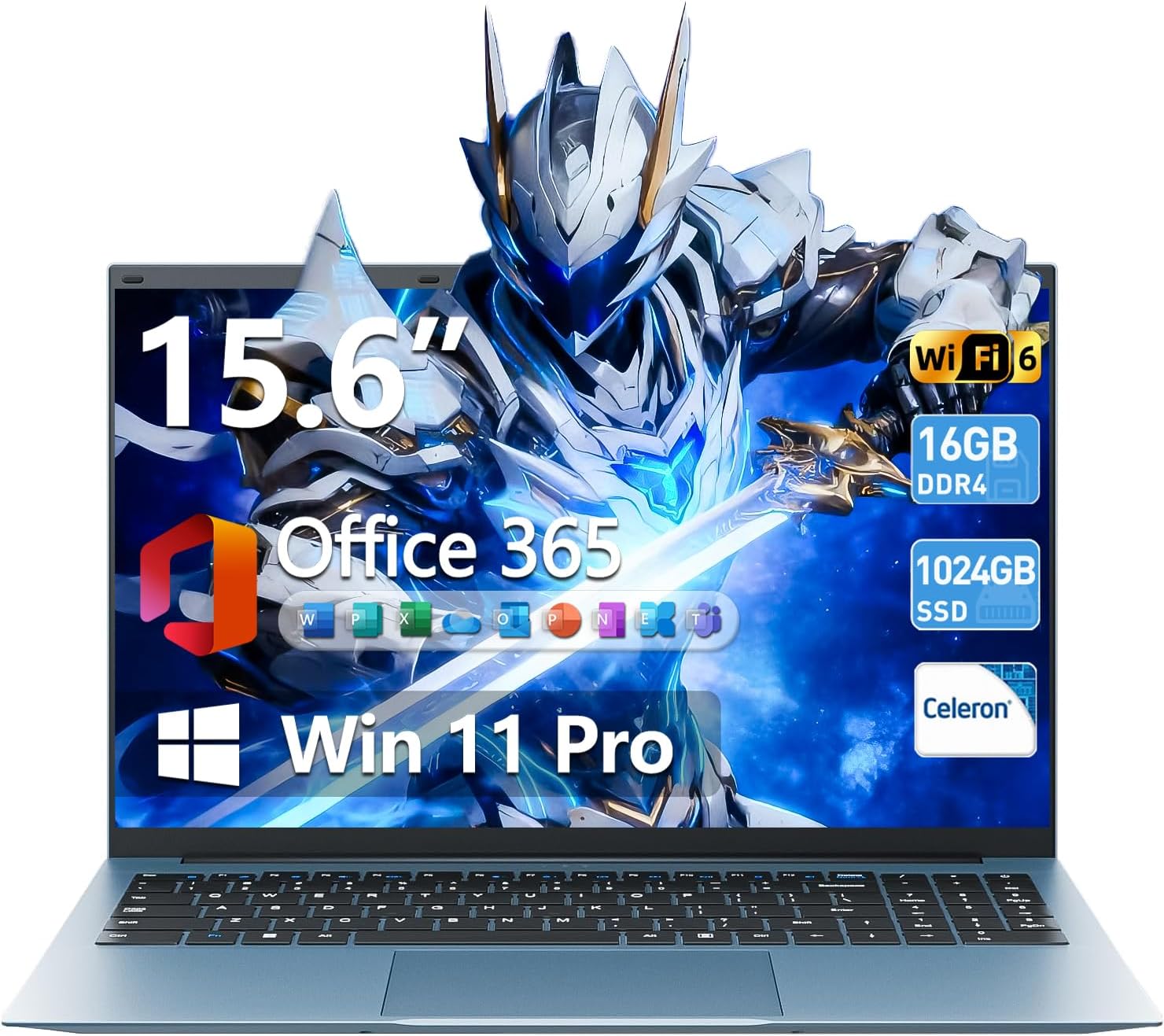
Image 1.1: The SGIN S15 15.6-inch laptop, showcasinяго дысплей і клавіятура.

Image 1.2: Visual representation of the SGIN S15 laptop's key advantages, including battery, processor, RAM, storage, display, Wi-Fi 6, and 180-degree hinge.
2. Што ў скрынцы
Upon unboxing your SGIN S15 laptop, you should find the following items:
- SGIN S15 Laptop (1 unit)
- Блок харчавання/зарадная прылада (1 адзінка)
- Кіраўніцтва карыстальніка (1 адзінка)
- Windows 11 Pro (папярэдне ўсталяваная)
Video 2.1: An unboxing and initial setup guide for the SGIN 15.6-inch laptop, demonstrating the contents of the package and the first power-on sequence.
3. Пачатковая налада
Follow these steps to set up your SGIN S15 laptop for the first time:
- Распакоўка: Акуратна дастаньце ўсе кампаненты з упакоўкі.
- Падключыце харчаванне: Plug the power adapter into the laptop's charging port and then into a power outlet. Ensure the laptop is connected to power before its first use.
- Уключэнне: Адкрыйце вечка ноўтбука і націсніце кнопку харчавання. Ноўтбук пачне сваю пачатковую паслядоўнасць загрузкі.
- Усталёўка Windows 11: Follow the on-screen prompts to configure Windows 11. This includes selecting your language, region, and keyboard layout.
- Падключэнне да сеткі: Connect to your Wi-Fi network when prompted. This is necessary for updates and full functionality.
- Уліковы запіс Microsoft: Sign in with an existing Microsoft account or create a new one. This allows access to Microsoft services and applications.
- Абнаўленні: The system will check for and install necessary updates. Allow this process to complete to ensure optimal performance and security.
4. Кіраванне ноўтбукам
The SGIN S15 laptop runs on Windows 11 Pro, offering a user-friendly interface and access to a wide range of applications. It is equipped with a 15.6-inch Full HD IPS anti-glare display for clear visuals and a 180-degree hinge for flexible viewныя вуглы.

Image 4.1: The laptop's 15.6-inch Full HD IPS display, highlighting its wide viewing angles and anti-glare properties.
The laptop also includes a 1-year subscription to Microsoft 365 Personal, providing access to applications like Word, Excel, and PowerPoint.

Image 4.2: A visual demonstrating the inclusion of Microsoft 365 Personal with the laptop, showing various Microsoft Office application icons.
5. Асноўныя магчымасці
- Працэсар: Intel Celeron N5100 (4 Cores, 4 Threads, up to 2.8GHz) for reliable performance.
- Памяць: 16 ГБ аператыўнай памяці DDR4 для плаўнай шматзадачнасці.
- захоўванне: 1024GB SSD (Solid State Drive) for fast boot-up and data access, expandable up to 1TB with a TF card.
- Дысплей: 15.6-inch Full HD (1920x1080) IPS Anti-Glare Display with 85% screen-to-body ratio and 180° viewкут нахілу.
- Аперацыйная сістэма: Windows 11 Pro.
- акумулятар: 7000mAh battery providing up to 8 hours of continuous use.
- Падключэнне: WiFi 6 and Bluetooth 5.2 for fast and stable wireless connections.
- парты: HDMI, Type-C, 3.5mm TRRS jack, memory card slot, and USB 3.2 ports.
- Астуджэнне: Dual cooling fans for efficient heat dissipation.
- Канфідэнцыяльнасць: Інтэграваны webcam with a privacy switch.

Image 5.1: A close-up of the Intel Celeron N5100 processor, illustrating its core and thread count, cache, and turbo speed.

Image 5.2: A visual representation of the laptop's 16GB DDR4 RAM and 1024GB SSD, emphasizing fast data access and multitasking capabilities.
6. Сувязь
The SGIN S15 laptop offers comprehensive connectivity options:
- Бесправадная сувязь: Integrated WiFi 6 provides enhanced network efficiency and reduced latency. Bluetooth 5.2 enables connection to various wireless peripherals.
- парты: The laptop includes multiple ports for external devices and displays.

Image 6.1: An illustration detailing the various ports available on the SGIN S15 laptop, including HDMI, Type-C, USB 3.2, 3.5mm audio jack, TF card slot, and security lock.
7. Power and Battery
The SGIN S15 is equipped with a 7000mAh battery, providing extended usage time. The included charger ensures efficient recharging.
- Тэрмін службы батарэі: Expect up to 8 hours of continuous use on a full charge, depending on usage patterns.
- Зарадка: Use only the provided power adapter to charge the laptop.
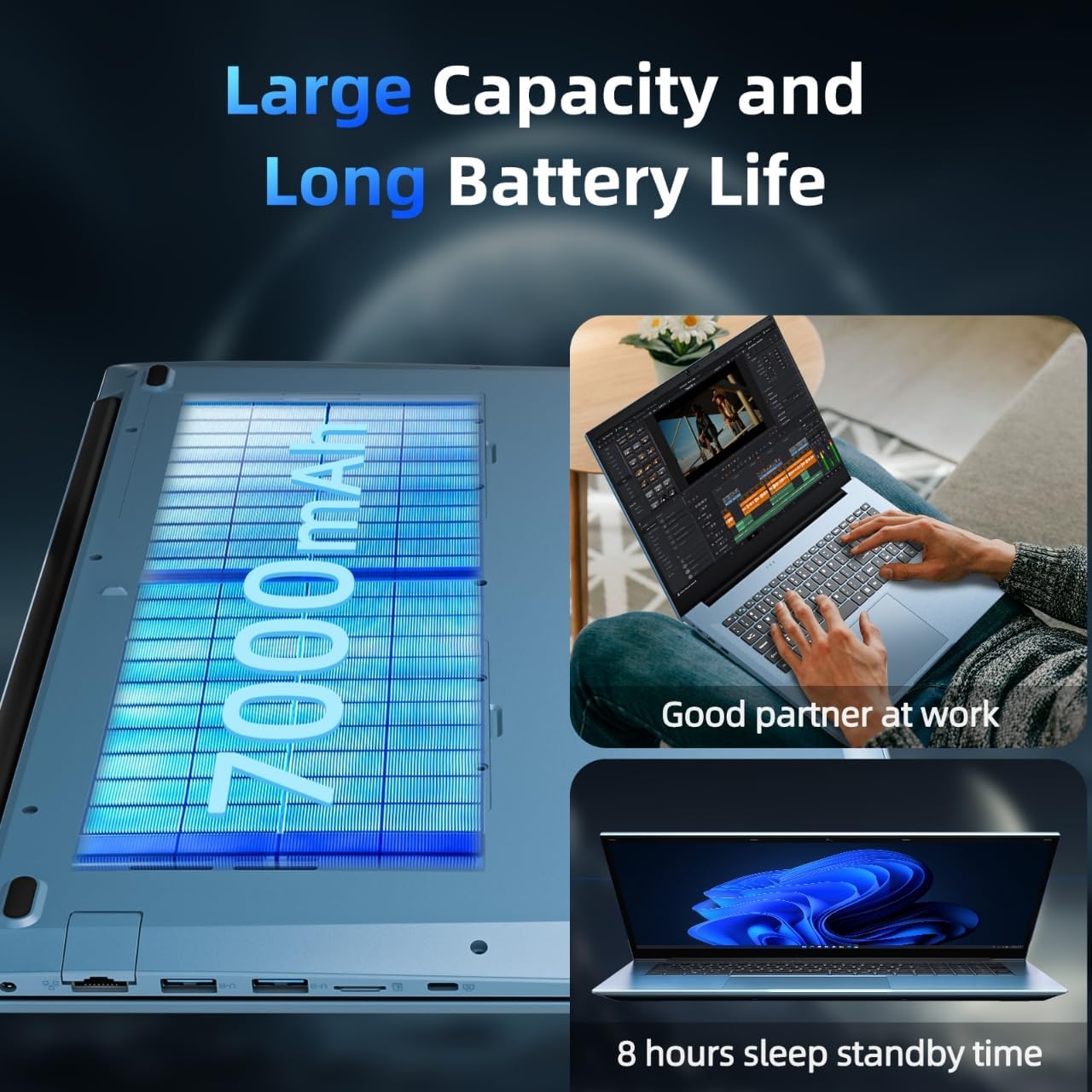
Image 7.1: A depiction of the laptop's 7000mAh battery, highlighting its capacity for extended work and standby times.
8. Сістэма астуджэння
To maintain optimal performance and prevent overheating, the SGIN S15 laptop features an internal cooling system with dual fans.
- Эфектыўнае рассейванне цяпла: The cooling system is designed to manage heat effectively, especially during demanding tasks.
- Ціхая праца: The fans operate at low decibel levels to minimize distraction.

Малюнак 8.1: Унутраны view illustrating the laptop's cooling system with its high-speed motor fan and air ducting for rapid heat dissipation.
9. Тэхнічныя характарыстыкі
| Асаблівасць | Спецыфікацыя |
|---|---|
| Марка | SGIN |
| Назва мадэлі | SGIN-S15 |
| Памер пастаяннага экрана | 15.6 цалі |
| Дазвол экрана | 1920 x 1080 пікселяў (FHD IPS) |
| Працэсар | Intel Celeron N5100 (да 2.8 ГГц) |
| АЗП | 16 ГБ DDR4 |
| Жорсткі дыск | 1024 GB SSD (expandable with TF card) |
| Графічны супрацэсар | Інтэграваны |
| Аперацыйная сістэма | Windows 11 Pro |
| Бесправадны тып | WiFi 6, Bluetooth 5.2 |
| Колькасць партоў USB 3.0 | 3 |
| Вага прадмета | 5.04 фунта |
| Памеры прадукту | 15.6 х 9 х 0.6 цалі |
| Колер | Шэры |
| акумулятар | 7000 мАг (батарэі 12 В у камплекце) |
| Асаблівасць | Слот для карты памяці |
10. Тэхнічнае абслугоўванне і ліквідацыя непаладак
To ensure the longevity and optimal performance of your SGIN S15 laptop, consider the following maintenance tips and basic troubleshooting steps:
- Трымайце яго ў чысціні: Regularly clean the screen with a microfiber cloth and the keyboard with compressed air.
- Абнаўленні праграмнага забеспячэння: Ensure Windows 11 and all drivers are kept up-to-date.
- Пазбягайце перагрэву: Use the laptop on a flat, hard surface to allow proper airflow to the cooling vents. Avoid blocking the vents.
- Сыход за батарэяй: For optimal battery health, avoid consistently draining the battery to 0% or keeping it at 100% for extended periods.
- Ухіленне праблем з харчаваннем: If the laptop does not power on, ensure the charger is securely connected and the power outlet is functional.
- Troubleshooting Connectivity: If experiencing Wi-Fi issues, try restarting your router and the laptop. Ensure Wi-Fi is enabled in Windows settings.
11. Гарантыя і падтрымка
SGIN provides comprehensive support for your laptop:
- Гарантыя: The SGIN S15 laptop comes with a 1-year protection plan.
- Служба рамонту: A 365-day repair service is available.
- Падтрымка кліентаў: 24/7 customer instant help is provided.
- Рашэнне праблемы: SGIN products include a 360-day issue resolution service.
For support, you can contact SGIN via email at sgin-tech@sginservice.com.

Image 11.1: Details on how to access SGIN customer service, including email contact and information about repair services.
Image 11.2: Information regarding SGIN's 360-day issue resolution service and 24/7 instant laptop support.