
Уводзіны
This manual provides essential instructions for setting up, operating, and maintaining your SGIN-T12S Android Tablet. Please read this guide thoroughly to ensure proper use and to maximize your tablet's performance and longevity.

Image: The SGIN-T12S Android Tablet, showcasing its 12-inch screen with the Android 13 operating system and a protective blue case.
Настройка
1. Прылада скончанаview і парты

Image: A detailed diagram illustrating the various components and ports of the SGIN-T12S tablet, including cameras, power button, volume controls, speakers, Type-C port, and TF mount.
- Пярэдняя камера: Для відэазванкоў і сэлфі.
- Задняя камера: Для здымкі фота і відэа.
- Кнопка ўключэння/выключэння харчавання: Націсніце і ўтрымлівайце, каб уключыць або выключыць харчаванне.
- Кнопка павелічэння гучнасці: Рэгулюе ўзровень гукавога выхаду.
- Кнопка памяншэння гучнасці: Рэгулюе ўзровень гукавога выхаду.
- Стэрэадынамікі: Забяспечвае выхад гуку.
- TF Mount: Slot for inserting a Micro TF (microSD) card.
- Порт тыпу C: Для зарадкі і перадачы дадзеных.
2. Зарадка планшэта
Before first use, fully charge your tablet. Use the included Type-C fast charger.
- Connect the Type-C cable to the tablet's Type-C port.
- Падключыце зарадная прылада да электрычнай разеткі.
- Індыкатар батарэі на экране будзе паказваць стан зарадкі.
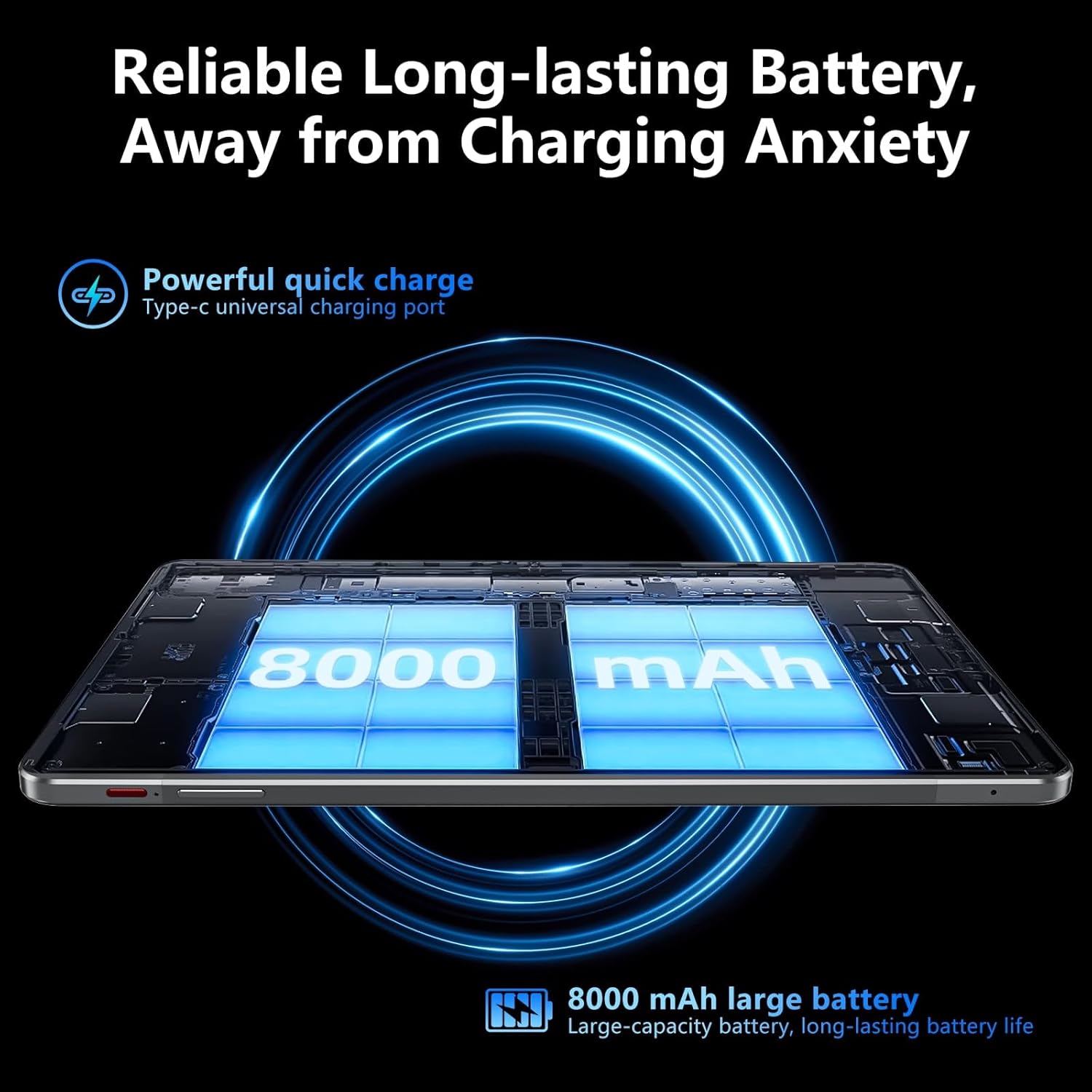
Image: Visual representation of the tablet's 8000mAh battery capacity and the Type-C universal charging port, emphasizing long battery life.
3. Уключэнне / выключэнне харчавання
- Каб уключыць: Press and hold the Power ON/OFF button until the SGIN logo appears.
- Каб выключыць: Press and hold the Power ON/OFF button, then select 'Power off' from the options on the screen.
- Каб перазапусціць: Press and hold the Power ON/OFF button, then select 'Restart' from the options.
4. Пачатковая налада
Upon first power-on, the tablet will guide you through the initial setup process for Android 13. This includes:
- Выбар мовы.
- Падключэнне да сеткі Wi-Fi.
- Setting up your Google account (required for Google Mobile Services and app downloads).
- Setting up screen lock (PIN, pattern, or password).
5. Inserting a Micro TF Card
To expand storage, insert a Micro TF (microSD) card into the TF mount.
- Locate the TF mount on the side of the tablet (refer to the Device Overview малюнак).
- Gently insert the Micro TF card into the slot until it clicks into place.
- The tablet supports up to 256GB TF card expansion.
Інструкцыя па эксплуатацыі
1. Display and Touch Screen
The tablet features an 11.97-inch Full HD IPS touch screen with a resolution of 1920x1200 pixels.
- Сэнсарныя жэсты: Use standard Android touch gestures such as tap, swipe, pinch-to-zoom, and long-press.
- Паварот экрана: The display automatically adjusts orientation based on how you hold the tablet. This can be locked or unlocked in the Quick Settings panel.
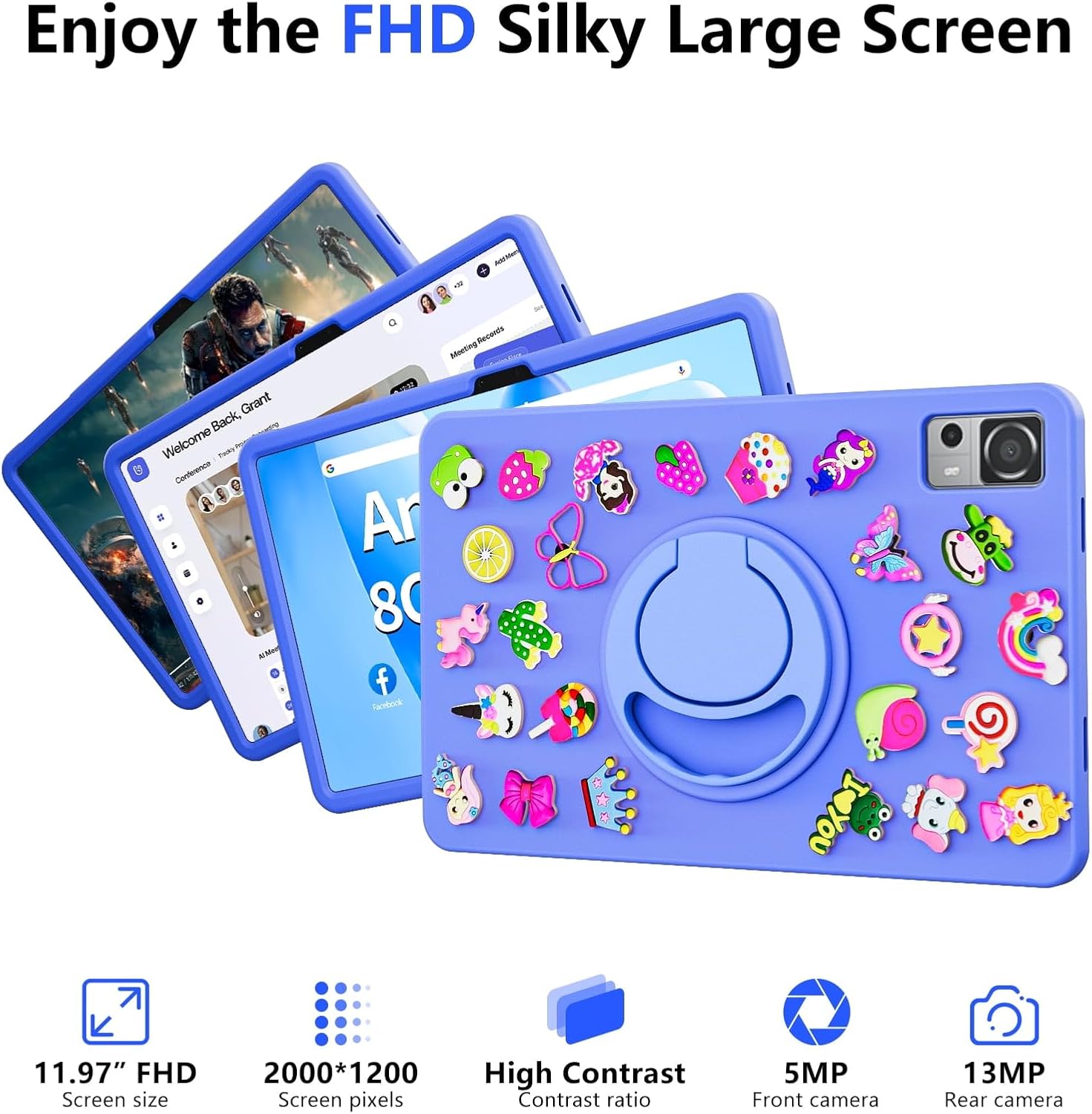
Image: The SGIN-T12S tablet highlighting its 11.97-inch FHD screen, 2000x1200 pixel resolution, 5MP front camera, and 13MP rear camera.
2. Камеры
The tablet is equipped with a 5MP front camera and a 13MP rear camera.
- Адкрыйце праграму «Камера» на галоўным экране або ў панэлі праграм.
- Пераключайцеся паміж пярэдняй і задняй камерамі з дапамогай значка на экране.
- Tap to focus and press the shutter button to capture photos or start/stop video recording.
3. Audio
Experience immersive sound with the tablet's quad speakers and 3.5mm headphone jack.
- Чатыры дынамікі: Located on the sides of the tablet, providing stereo sound.
- Раз'ём для навушнікаў: Падключыце стандартныя навушнікі 3.5 мм для праслухоўвання ў адзіноце.
- Adjust volume using the physical volume buttons or the on-screen controls.

Image: The SGIN-T12S tablet illustrating its surround four-speaker stereo system, designed for an immersive audio experience.
4. Сувязь
- Wi-Fi: Supports dual-band Wi-Fi (2.4G/5G). Go to Налады > Сетка і інтэрнэт > Wi-Fi падключыцца да даступных сетак.
- Bluetooth 5.0: For connecting wireless accessories like headphones, keyboards, or mice. Go to Налады > Падключаныя прылады > Параметры злучэння > Bluetooth to pair devices.
5. Захоўванне і прадукцыйнасць
The tablet comes with 8GB RAM and 256GB internal storage, expandable via Micro TF card.
- Аператыўная памяць: 8GB LPDDR4 RAM ensures smooth multitasking and app performance.
- Унутраная памяць: 256GB ROM for apps, photos, videos, and documents.
- Пашыраная памяць: Supports Micro TF cards up to 256GB for additional storage.
- Працэсар: Powered by an ARM high-performance 8-core CPU with a frequency up to 2GHz for efficient operation.
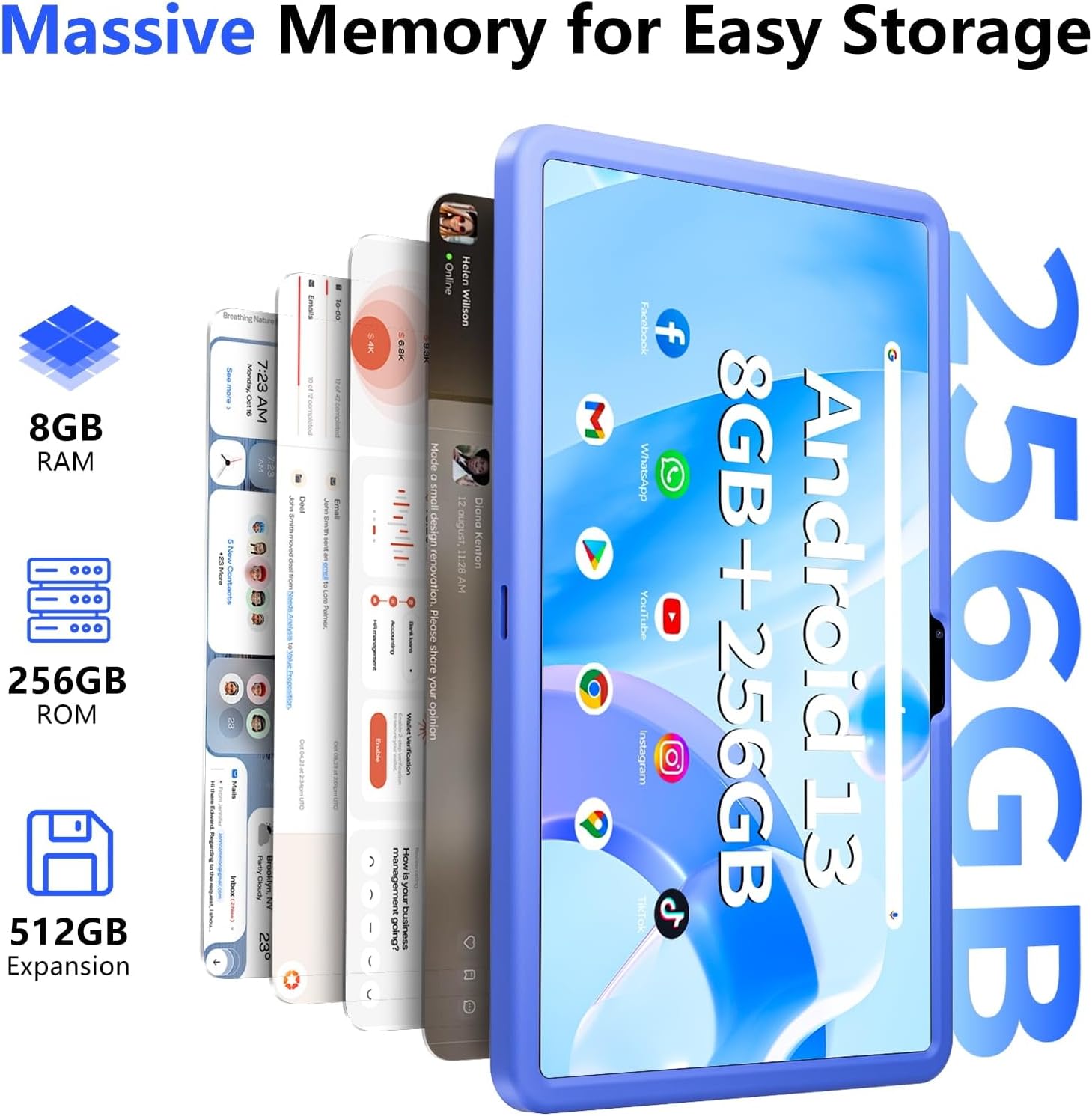
Image: The SGIN-T12S tablet emphasizing its large memory capacity, including 8GB RAM, 256GB ROM, and the potential for 512GB expansion.
6. Аперацыйная сістэма Android 13
The tablet runs on Android 13, offering enhanced security and personalization features.
- Бяспека: Android 13 provides improved privacy controls and system security.
- персаналізацыя: Customize your tablet's interface, themes, and widgets to suit your preferences.
- Google Mobile Services: Access to Google Play Store for apps, Gmail, Google Maps, and other Google services.

Image: The SGIN-T12S tablet highlighting the benefits of Android 13, such as enhanced security and personalization, alongside its matte metal body and silicone shell options.
Тэхнічнае абслугоўванне
1. Уборка
- Выкарыстоўвайце мяккую тканіну без ворса для чысткі экрана і корпуса планшэта.
- Для ўстойлівых плям злёгкуampпрацярыце тканіну вадой або растворам для ачысткі экрана.
- Пазбягайце выкарыстання агрэсіўных хімікатаў, абразіўных матэрыялаў або празмернай вільготнасці.
2. Сыход за батарэяй
- Пазбягайце экстрэмальных тэмператур, бо яны могуць пагоршыць тэрмін службы батарэі.
- Для аптымальнага стану акумулятара пазбягайце частай поўнай разрадкі акумулятара або працяглага захоўвання яго на 100% зарада.
- The 8000mAh battery provides approximately 7-9 hours of usage depending on activity.
3. Абнаўленне праграмнага забеспячэння
- Рэгулярна правярайце наяўнасць абнаўленняў сістэмы і ўсталёўвайце іх, каб пераканацца, што ваш планшэт мае найноўшыя функцыі, патчы бяспекі і паляпшэнні прадукцыйнасці.
- Перайсці да Налады > Сістэма > Абнаўленне сістэмы каб праверыць наяўнасць абнаўленняў.
Ліквідацыю непаладак
- Планшэт не ўключаецца: Ensure the tablet is charged. Connect it to the charger and wait a few minutes before attempting to power on again. If it still doesn't turn on, try holding the power button for 10-15 seconds.
- Экран не рэагуе: Try restarting the tablet. If the issue persists, ensure the screen is clean and free of debris.
- Праблемы з падключэннем Wi-Fi: Check if Wi-Fi is enabled in settings. Restart your router and the tablet. Ensure you are within range of the Wi-Fi signal and have entered the correct password.
- Збоі або завісанні праграм: Close and reopen the app. Clear the app's cache (Settings > Apps > [App Name] > Storage & cache > Clear cache). If the problem continues, uninstall and reinstall the app.
- Павольная прадукцыйнасць: Close unnecessary background apps. Clear cached data. Consider removing unused apps or large files, каб вызваліць месца для захоўвання.
Тэхнічныя характарыстыкі
| Асаблівасць | Спецыфікацыя |
|---|---|
| Назва мадэлі | SGIN-T12S |
| Аперацыйная сістэма | Android 13 |
| Памер экрана | 11.97 цалі |
| Максімальны дазвол экрана | 2000*1200 Pixels (FHD IPS) |
| Працэсар | ARM Octa-Core 2.0 GHz (ARM_Cortex_A5) |
| АЗП | 8 ГБ DDR4 SDRAM |
| Жорсткі дыск (ПЗУ) | 256 ГБ |
| Сховішча з магчымасцю пашырэння | Supports Micro TF card up to 256 GB |
| Пярэдняя камера | 5 МП |
| Задняя камера | 13 МП |
| Бесправадны тып | 802.11bgn (Dual-band 2.4G/5G Wi-Fi) |
| Bluetooth | Bluetooth 5.0 |
| акумулятар | 8000 mAh Lithium Ion (Average 6-9 hours) |
| Парты | Type-C, Micro TF slot, 3.5mm Headphone Jack |
| Аўдыё | Чатыры дынамікі |
| Вага прадмета | 2.2 фунта (прыблізна 500 грамаў) |
| Памеры прадукту | 11.97 х 6.85 х 0.3 цалі |
Гарантыя і падтрымка
Information regarding specific warranty terms and direct support contact details for the SGIN-T12S tablet is not provided in the available product data. Please refer to the product packaging or the official SGIN website for the most current warranty information and customer support options.