
Уводзіны
This manual provides comprehensive instructions for the setup, operation, and maintenance of your PUSOKEI NMMiner ESP32-D0 Crypto Lottery Miner. This device is designed for efficient mining of cryptocurrencies like Bitcoin and Dogecoin, featuring a 1.54-inch intelligent display and a high hashrate. Please read this manual carefully before using the device to ensure optimal performance and longevity.
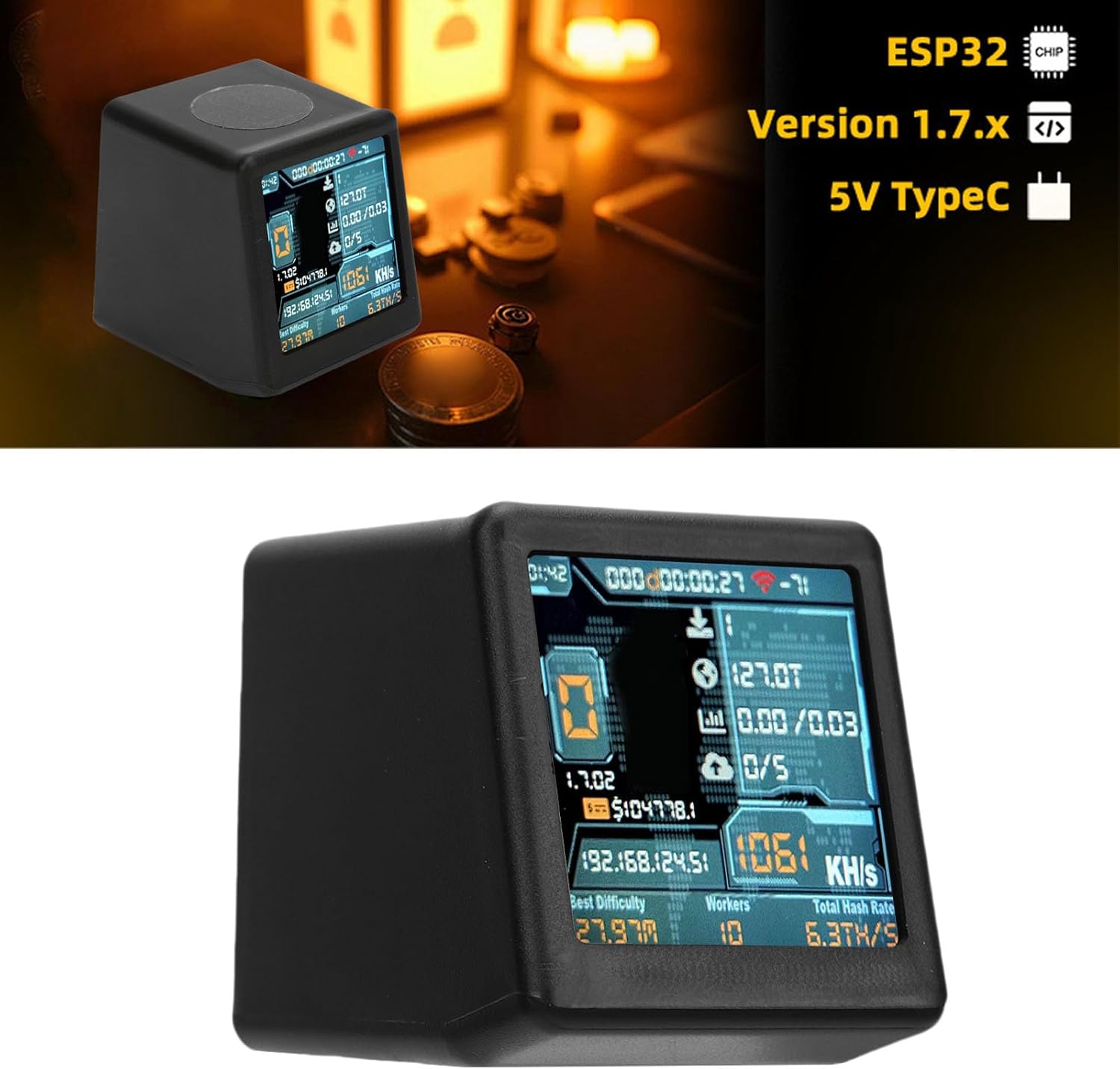
Figure 1: PUSOKEI NMMiner ESP32-D0 device displaying mining statistics on its 1.54-inch screen.
Настройка
1. Распакоўка і змесціва ўпакоўкі
Carefully remove all components from the packaging. The package should contain the PUSOKEI NMMiner ESP32-D0 device and a USB cable for power.
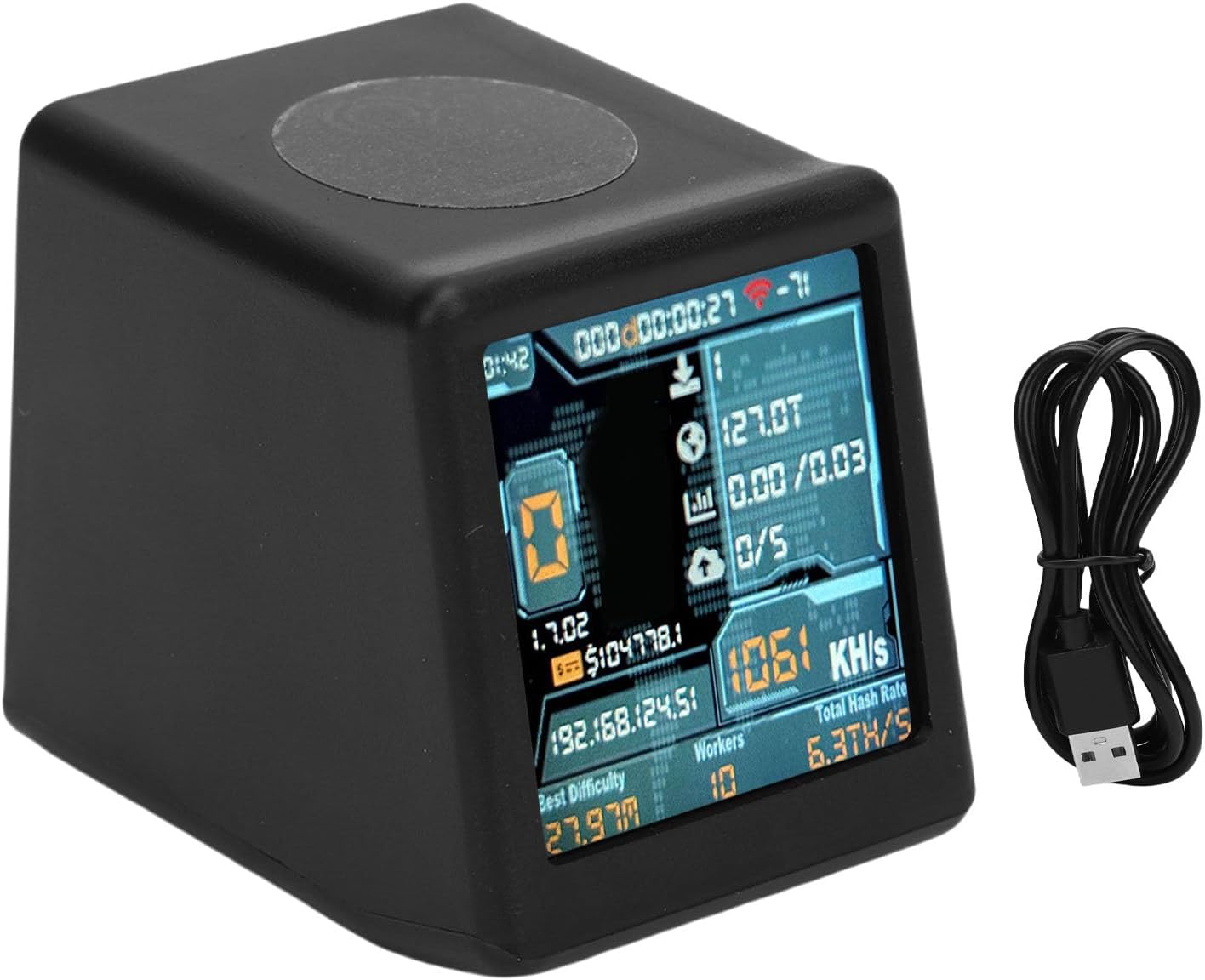
Figure 2: The PUSOKEI NMMiner ESP32-D0 device shown with its accompanying USB cable.
2. Падключэнне сілкавання
The device requires 5V power via a USB Type-C connection. Connect the provided USB cable to the USB-C port on the back of the miner and plug the other end into a compatible USB power source (e.g., computer USB port, USB wall adapter).

Малюнак 3: Задняя частка view of the device highlighting the USB-C power input port.
3. Network Connection (Wi-Fi or Bluetooth)
The NMMiner ESP32-D0 connects to your network via Wi-Fi or Bluetooth. Upon initial power-up, the device will guide you through the network configuration process on its display. Follow the on-screen prompts to connect to your preferred network.
4. Firmware and License Activation
The device supports NMMiner firmware. For initial setup or if you need to update/restore firmware, you can obtain it from NMTech's GitHub repository. The NMMiner web-flash-tool can be used for flashing the firmware and for license recovery if needed. Devices such as nm-bot-chain, nm-usb-chain, and Heltec Vision Master T190 (NMMiner) are NMMiner Inside devices and do not require activation.

Figure 4: Information regarding NMMiner firmware acquisition and flashing process.
Інструкцыя па эксплуатацыі
1. Dual Mode Operation
The NMMiner ESP32-D0 features a dual-mode display. You can easily switch between the "mining state" display, which shows real-time mining statistics, and a "desktop clock" display for general use. This transition is typically achieved with a light touch or button press on the device.

Figure 5: The device can switch to a desktop clock display with a simple touch.
2. Monitoring Mining Performance
The 1.54-inch HD display provides real-time information on your mining operations, including hashrate (1050-1060 KH/s), network status, and other relevant statistics. Regularly check the display to monitor the device's performance.

Figure 6: The device's screen displaying a hashrate of 1061 KH/s, indicating active mining.
Тэхнічнае абслугоўванне
1. Агульны догляд
Keep the device in a clean, dry environment. Avoid exposing it to extreme temperatures outside its operating range of -20°C to 70°C. Clean the display and exterior with a soft, dry cloth. Do not use harsh chemicals or abrasive materials.
2. Абнаўленне прашыўкі
Periodically check for updated NMMiner firmware on NMTech's GitHub. Keeping the firmware up-to-date ensures optimal performance, security, and access to new features. Use the NMMiner web-flash-tool for safe and easy updates.
Ліквідацыю непаладак
Прылада не ўключаецца
- Пераканайцеся, што кабель USB-C надзейна падключаны як да прылады, так і да крыніцы харчавання.
- Verify that the USB power source is functional and providing adequate power (5V).
- Паспрабуйце іншы кабель USB або адаптар сілкавання.
Unable to Connect to Network
- Check your Wi-Fi or Bluetooth settings on the device and ensure they are correctly configured.
- Ensure the device is within range of your Wi-Fi router or Bluetooth host.
- Restart the device and attempt the connection process again.
Mining Performance Issues
- Verify your internet connection is stable and strong.
- Ensure the device's firmware is up-to-date.
- Check the mining pool status if applicable.
Тэхнічныя характарыстыкі
| Асаблівасць | Дэталь |
|---|---|
| Марка | ПУСОКЕЙ |
| Нумар мадэлі | PUSOKEImrvcsziufq |
| Чып | ESP32-D0 |
| Хэшрэйт | 1050 to 1060 KH/s |
| Дысплей | 1.54-inch HD Intelligent Display |
| Увод магутнасці | USB тыпу C (5 В) |
| Сувязь | Wi-Fi, Bluetooth |
| Працоўная тэмпература | -20°C да 70°C |
| Колькасць працэсараў | 1 |
| Усяго партоў USB | 1 |
| ASIN | B0FWD9QLNJ |

Figure 7: Physical dimensions of the PUSOKEI NMMiner ESP32-D0.
Інфармацыя аб гарантыі
The manufacturer guarantees this product for 90 days from the date of purchase. Please retain your proof of purchase for warranty claims. This warranty covers manufacturing defects and does not cover damage caused by misuse, accidents, or unauthorized modifications.
Падтрымка
For technical assistance, troubleshooting beyond this manual, or warranty inquiries, please contact PUSOKEI customer support through the retailer where the product was purchased. You may also refer to the official NMTech GitHub for firmware-related support and community resources.