
1. Уводзіны
This manual provides essential information for setting up, operating, maintaining, and troubleshooting your NIMO 15.6-inch Laptop N152. Please read this manual thoroughly before using your device to ensure proper functionality and longevity.

Image 1.1: NIMO 15.6-inch Laptop, top-down view.
2. Настройка
2.1 Распакоўка і першапачатковы агляд
Carefully remove all components from the packaging. Verify that all items listed in the 'What's in the Box' section (Section 6) are present and undamaged. If any items are missing or damaged, contact customer support.
2.2 Зарадка ноўтбука
Before first use, fully charge your NIMO laptop. Connect the provided 65W USB-C PD Fast Charger to the laptop's USB-C port and then to a power outlet. The charging indicator light will illuminate. A 15-minute charge provides approximately 2 hours of use.

Image 2.1: The 65W USB-C PD Fast Charger can charge multiple devices.
2.3 Уключэнне і пачатковая канфігурацыя
Press the power button to turn on the laptop. Follow the on-screen instructions to complete the Windows 11 Home setup, including language selection, network connection, and user account creation. You can set up the fingerprint reader during this process for secure login.
3. Інструкцыя па эксплуатацыі
3.1 Клавіятура і сэнсарная панэль
The NIMO N152 features an ergonomic backlit keyboard. To adjust the backlight brightness or toggle it on/off, use the dedicated function keys (Fn + F-key combination, refer to keyboard legends). The touchpad supports multi-touch gestures for enhanced navigation.
3.2 Счытвальнік адбіткаў пальцаў
The fingerprint reader is integrated into the touchpad for secure and instant login. Once configured, simply place your registered finger on the sensor to unlock your device.
3.3 Функцыі дысплея
The 15.6-inch Full HD (1920x1080) IPS anti-glare display offers clear visuals. The 180° hinge allows the screen to lay completely flat, useful for sharing content or collaborating.

Image 3.1: The 180° lay-flat hinge for versatile viewінж.
3.4 Падключэнне
The laptop is equipped with various ports for external devices:
- Порты USB 3.0: Для хуткаснай перадачы дадзеных.
- Порт USB 2.0: Для стандартных USB-прылад.
- HDMI: Падключэнне да знешніх дысплеяў або праектараў.
- Парты тыпу C: Для зарадкі і перадачы дадзеных.
- Счытвальнік мікра SD-карт: Для пашырэння сховішча або пераносу files з карт памяці.
- Аўдыёраз'ём: Для навушнікаў або знешніх дынамікаў.
- Кенсінгтонскі замак: Для фізічнай бяспекі.
Малюнак 3.2: Збоку view of the NIMO laptop showing available ports.
For wireless connectivity, the laptop supports Wi-Fi 6 for stable, high-speed internet and Bluetooth 5.2 for connecting wireless peripherals.
4. Асноўныя магчымасці
4.1 Прадукцыйнасць
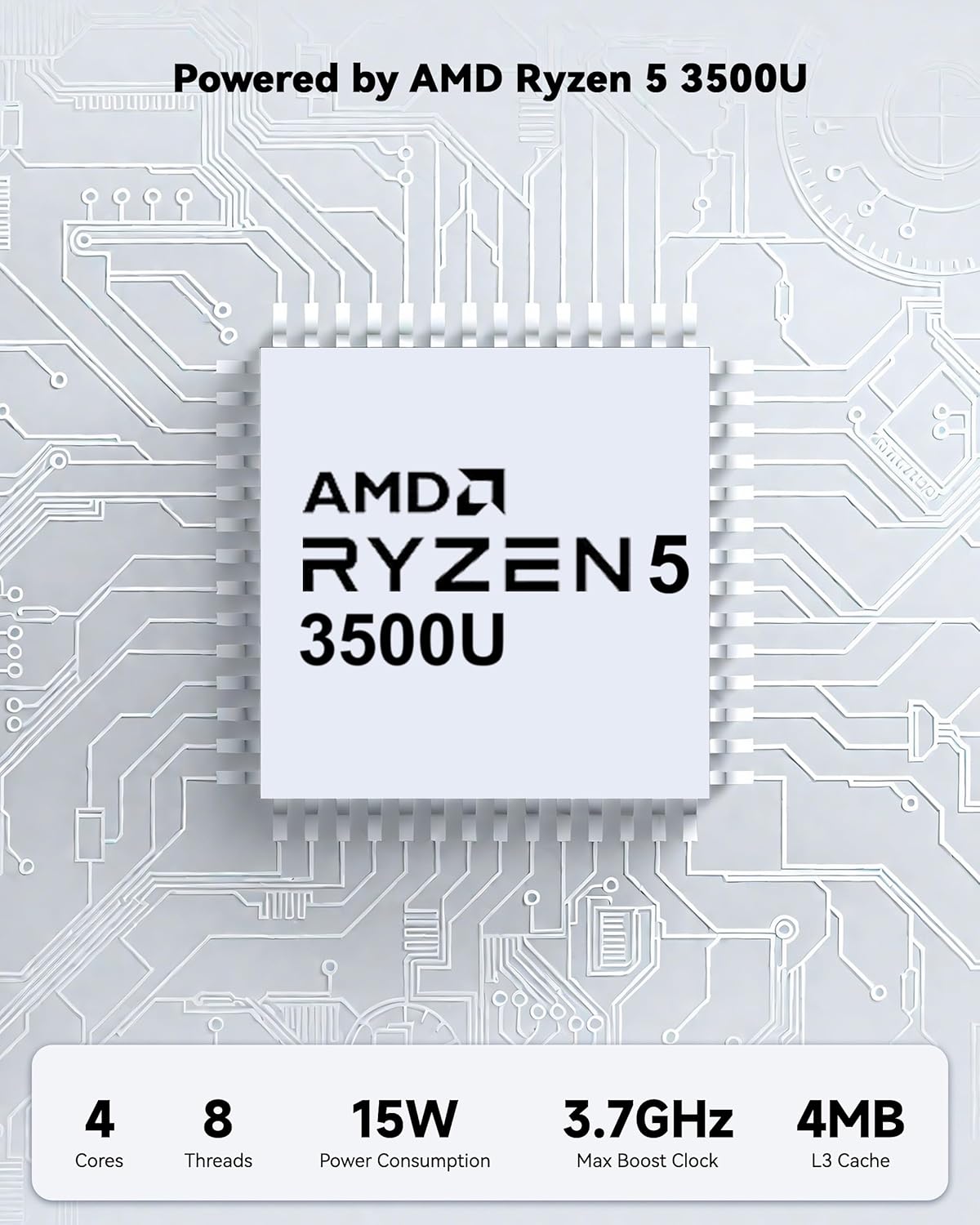
Powered by an AMD Ryzen 5 processor with 4 cores up to 3.7GHz and 16GB DDR4 RAM, the NIMO N152 is designed for efficient multitasking. The 512GB PCIe SSD ensures fast boot-ups and quick file transfers. The RAM is upgradable for future needs.

Image 4.1: AMD Ryzen 5 processor details.
4.2 Visuals and Audio
The 15.6-inch Full HD (1920x1080) IPS anti-glare display provides vibrant visuals with an 85% screen-to-body ratio. The integrated 2MP webcam allows for clear video calls.
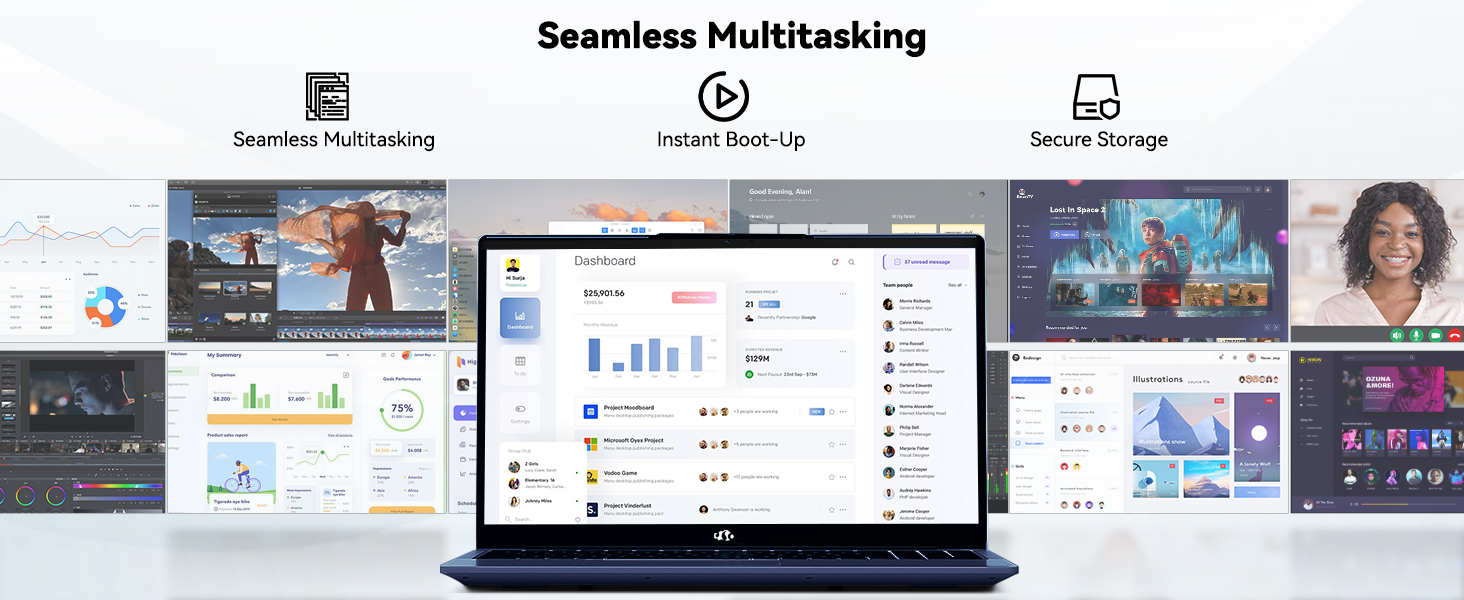
Image 4.2: The laptop's stunning Full HD display.

Image 4.3: The 1080p FHD camera for clear video conferencing.
4.3 Тэрмін службы батарэі
The laptop features a 54WH battery with smart battery optimization for extended lifespan and efficient power control, providing approximately 9 hours of average battery life.

Image 4.4: Smart Battery Optimization features.
4.4 Дызайн і партатыўнасць
The NIMO N152 has a durable metal A-shell and a slim, lightweight design, weighing approximately 3.75 pounds.

Image 4.5: The NIMO laptop's lightweight and slim profile.
4.5 Прадукт скончыўсяview Відэа
Відэа 4.1: Агульны вынікview of the NIMO 15.6-inch laptop, highlighting its features and design.
4.6 Power and Portability Video
Video 4.2: This video demonstrates the power and portability aspects of the NIMO 15.6-inch laptop.
5. Тэхнічнае абслугоўванне
5.1 Ачыстка
- Выкарыстоўвайце мяккую тканіну без ворса для чысткі экрана і вонкавых паверхняў.
- Для ўстойлівых плям злёгку працярыцеampпрацярыце тканіну вадой або сродкам для ачысткі экрана.
- Пазбягайце агрэсіўных хімічных рэчываў, абразіўных рэчываў або растваральнікаў.
- Keep vents clear of dust and debris to ensure proper airflow.
5.2 Сыход за акумулятарам
- Пазбягайце частай поўнай разрадкі акумулятара.
- Захоўвайце ноўтбук у прахалодным, сухім месцы, калі ён не выкарыстоўваецца працяглы час.
- Use only the provided NIMO charger.
5.3 Абнаўленне праграмнага забеспячэння
Regularly update your operating system and drivers to ensure optimal performance and security. Windows 11 Home will prompt you for updates.
6. Выпраўленне непаладак
6.1 Ноўтбук не ўключаецца
- Пераканайцеся, што зарадная прылада надзейна падключана як да ноўтбука, так і да спраўнай разеткі.
- Праверце працаздольнасць разеткі, падключыўшы да яе іншую прыладу.
- Дайце ноўтбуку зарадзіцца не менш за 30 хвілін, перш чым спрабаваць зноў яго ўключыць.
6.2 Праблемы з экранам
- If the screen is blank, try connecting an external monitor to check if the display output is working.
- Адрэгулюйце яркасць экрана з дапамогай функцыянальных клавіш.
- Перазагрузіце ноўтбук.
6.3 Праблемы з падключэннем
- Wi-Fi: Check your router and internet connection. Ensure Wi-Fi is enabled on the laptop.
- Bluetooth: Verify Bluetooth is enabled and devices are in pairing mode.
- USB прылады: Try connecting the device to a different USB port or another computer to rule out device issues.
6.4 Павольная праца
- Зачыніце непатрэбныя праграмы, якія працуюць у фонавым рэжыме.
- Праверце і ўсталюйце ўсе чакаючыя абнаўлення Windows.
- Пераканайцеся, што на SSD-назапашвальніку дастаткова вольнага месца.
- Запусціце праверку на вірусы.
7. Тэхнічныя характарыстыкі
| Асаблівасць | Спецыфікацыя |
|---|---|
| Назва мадэлі | NIMO N152 |
| Памер экрана | 15.6 цалі |
| Дазвол экрана | 1920 x 1080 пікселяў (Full HD IPS) |
| Працэсар | AMD Ryzen 5 (4 Cores, up to 3.7 GHz) |
| АЗП | 16 GB DDR4 (Upgradable) |
| Хуткасць памяці | 3200 МГц |
| Жорсткі дыск | 512 GB SSD (PCIe) |
| Графічны супрацэсар | AMD Integrated graphics |
| Аперацыйная сістэма | Windows 11 хатняя |
| Бесправадны тып | Wi-Fi 6 (802.11a/b/g/n/ac), Bluetooth 5.2 |
| Парты USB 2.0 | 1 |
| Парты USB 3.0 | 3 |
| Сярэдні тэрмін службы батарэі | 9 гадзін |
| Вага прадмета | 3.75 фунта |
| Памеры прадукту | 14.07 х 8.98 х 0.76 цалі |
| Колер | Сіні |
| Тыл WebДазвол камеры | 2 МП |
| Асаблівасці | Падсветленая клавіятура, счытвальнік адбіткаў пальцаў, HD-аўдыё, лічбавая клавіятура |
7.1 Што ў камплекце
- 1 x NIMO N152 Laptop
- 1 x Type-C 65W PD Fast Charger
- 1 х Кіраўніцтва карыстальніка
- Windows 11 Home (Pre-installed)
8. Гарантыя і падтрымка
Your NIMO N152 laptop comes with a 2-гадовая гарантыя вытворцы. Additionally, NIMO offers a 90-day hassle-free return and exchange policy. For any product-related questions, technical assistance, or warranty claims, please contact NIMO customer service.
8.1 Кантактная інфармацыя
For support, you can reach out to the professional after-sales team via email or phone. Please refer to the official NIMO website or product page for the most current contact details.

Image 8.1: NIMO products are covered by a 2-year support.

Image 8.2: 90-Day Return policy.