
1. Уводзіны
The SOLAKAKA SM802 is a versatile tri-mode wireless gaming mouse designed for various computing needs. It offers 2.4GHz wireless, Bluetooth 5.0, and wired USB-C connectivity, along with customizable features such as replaceable shells, microswitches, and programmable buttons. This manual provides detailed instructions for setup, operation, maintenance, and troubleshooting to ensure optimal performance.
2. Змесціва ўпакоўкі
Праверце, ці ёсць усе прадметы ў вашай упакоўцы:
- SOLAKAKA SM802 Tri-Mode Wireless Gaming Mouse
- Зарадны кабель USB-C
- USB-прыёмнік 2.4 ГГц (знаходзіцца ўнутры мышы)
- Additional Set of Micro Switches (Gaming Switch and Office Mute Switch)
- Additional Set of Shells (Hollowed-out Shell and Classic Shell)
- Кіраўніцтва па эксплуатацыі

Video: This video demonstrates the unboxing and contents of the SOLAKAKA SM802 gaming mouse package, including the mouse, cables, and interchangeable parts.
3. Прадукт скончыўсяview
Кампаненты мышы
Выява: зверху ўніз view of the SM802 mouse, showcasing its overall design and accessible buttons.
Асноўныя характарыстыкі
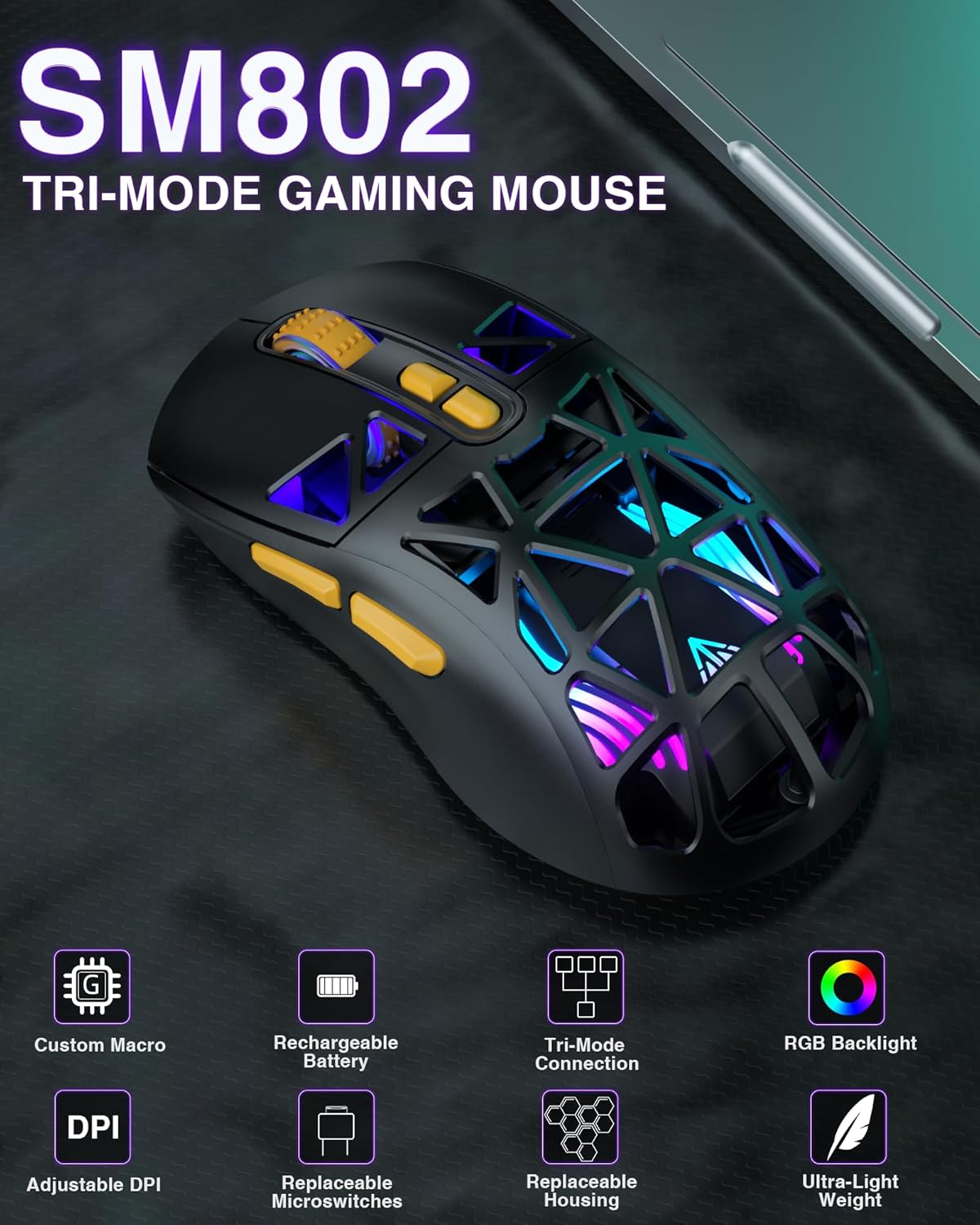
- Трохрэжымнае падключэнне: Supports 2.4GHz wireless, Bluetooth 5.0, and wired USB-C connections. Can save up to 4 devices simultaneously.
- DIY Personalized Hotswap: Comes with two sets of micro switches (gaming and office mute) that users can easily change. Compatible with most branded microswitches.
- Customizable Shells: Includes two sets of shells (hollowed-out and classic) allowing for four different aesthetic styles.
- 7 праграмуемых кнопак: Buttons can be customized via software (Windows system only) to reset functions, adjust DPI, and configure macros.
- Рэгуляваны DPI: Six DPI levels available (1000, 1200, 1600, 2400, 4800, 10000).
- Акумулятарная батарэя: Built-in 450mAh lithium battery with USB-C charging. Supports use while charging. Low battery indicator flashes red.
- Power Saving Design: RGB lighting automatically turns off when the mouse is in motion in wireless mode. A toggle switch on the bottom can turn off partial RGB lights (keeping wheel and logo lights on).
4. Налада і падключэнне
Зарадка мышы
Connect the mouse to your computer using the provided USB-C cable. The mouse can be used while charging. A red flashing light indicates a low battery.
Бесправадное злучэнне 2.4 ГГц
- Locate the 2.4GHz USB receiver stored in the compartment on the bottom of the mouse.
- Падключыце USB-прыёмнік да вольнага порта USB на вашым кампутары.
- Toggle the mode switch on the bottom of the mouse to the '2.4G' position. The mouse will automatically connect.
Падключэнне Bluetooth 5.0
- Toggle the mode switch on the bottom of the mouse to either 'BT1' or 'BT2' position.
- On your device (laptop, tablet, etc.), enable Bluetooth and search for new devices.
- Select 'SM802' from the list of available devices to pair.
Правадное злучэнне
Connect the mouse to your computer using the provided USB-C cable. The mouse will automatically switch to wired mode.
Пераключэнне рэжымаў злучэння
Use the mode switch located on the bottom of the mouse to select between 2.4GHz wireless, Bluetooth 1 (BT1), Bluetooth 2 (BT2), or wired mode. Ensure the mouse's signal source matches the selected device for proper connection.

Image: The SM802 mouse demonstrating its tri-mode connectivity options, connecting to a laptop via 2.4GHz, a tablet via Bluetooth, and a PC via wired USB-C.
5. Аперацыя
Рэгуляванне DPI
The mouse supports 6 adjustable DPI levels: 1000, 1200, 1600, 2400, 4800, and 10000. Use the DPI button, typically located behind the scroll wheel, to cycle through these settings. The current DPI level may be indicated by an LED color change or through the customization software.
Кіраванне RGB асвятленнем
The SM802 features RGB backlighting. You can adjust lighting effects using a dedicated light button on the mouse or through the customization software. In wireless mode, RGB lighting automatically turns off when the mouse is moved to conserve power. A toggle switch on the bottom allows for partial RGB light deactivation (wheel and logo lights remain on).
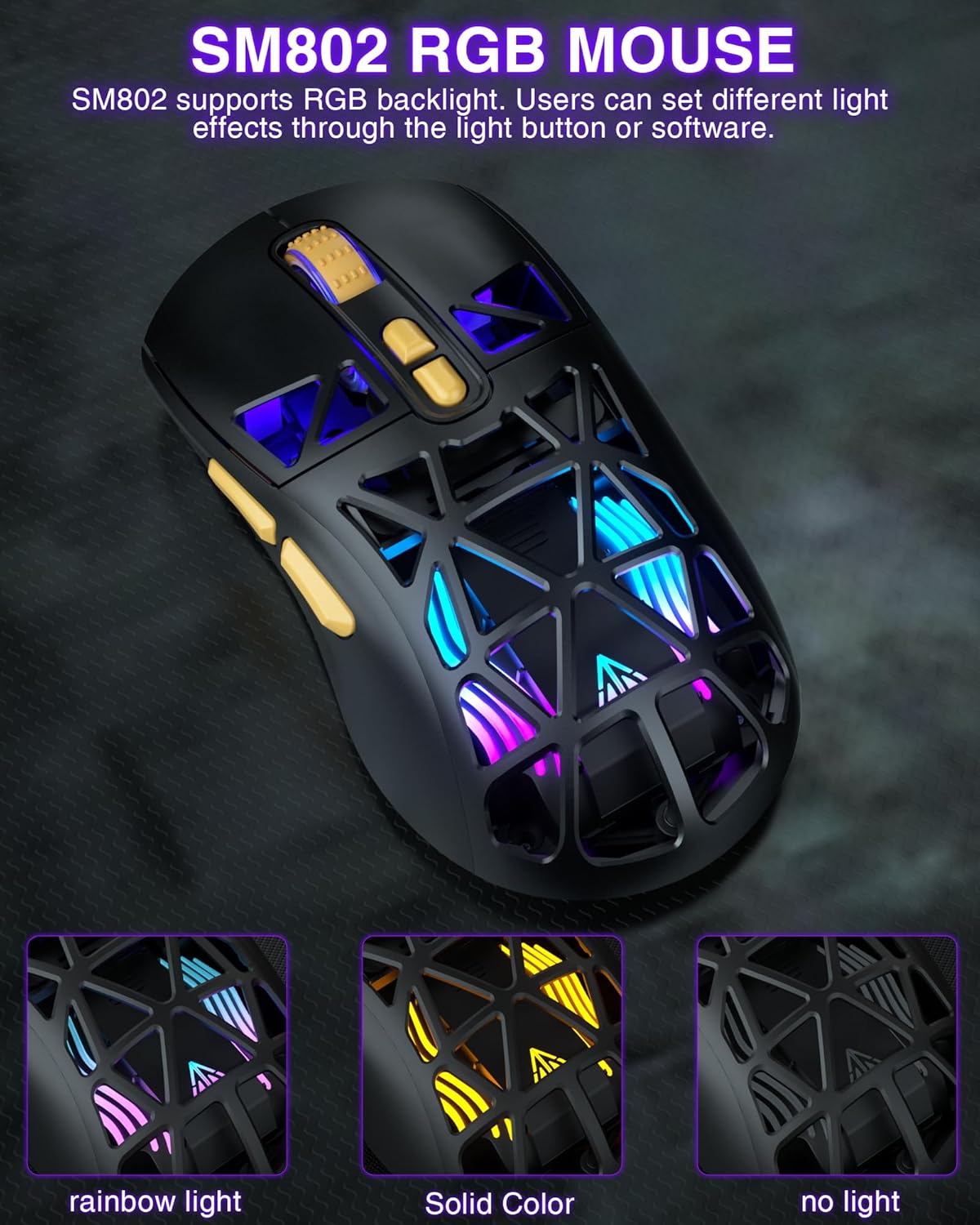
Image: The SM802 mouse displaying its vibrant RGB lighting, alongside information on its 6-level adjustable DPI up to 10000 and its rechargeable battery.
Customizable Shells
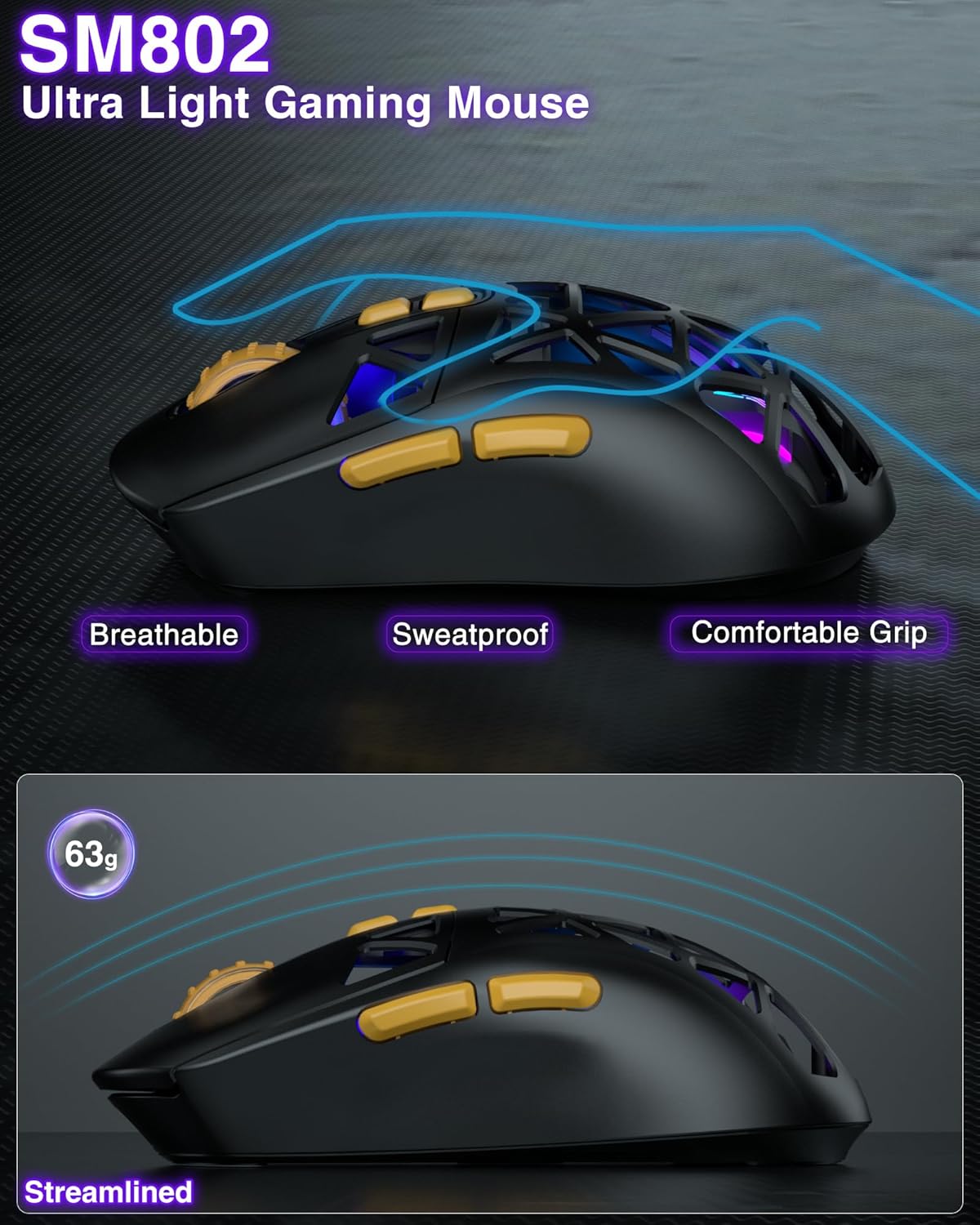
The SM802 mouse comes with two sets of shells: a hollowed-out shell and a classic shell. These can be interchanged to customize the mouse's appearance and feel. The hollowed-out shell enhances the RGB lighting and provides a breathable, sweat-proof design, while the classic shell offers a more traditional and versatile look.
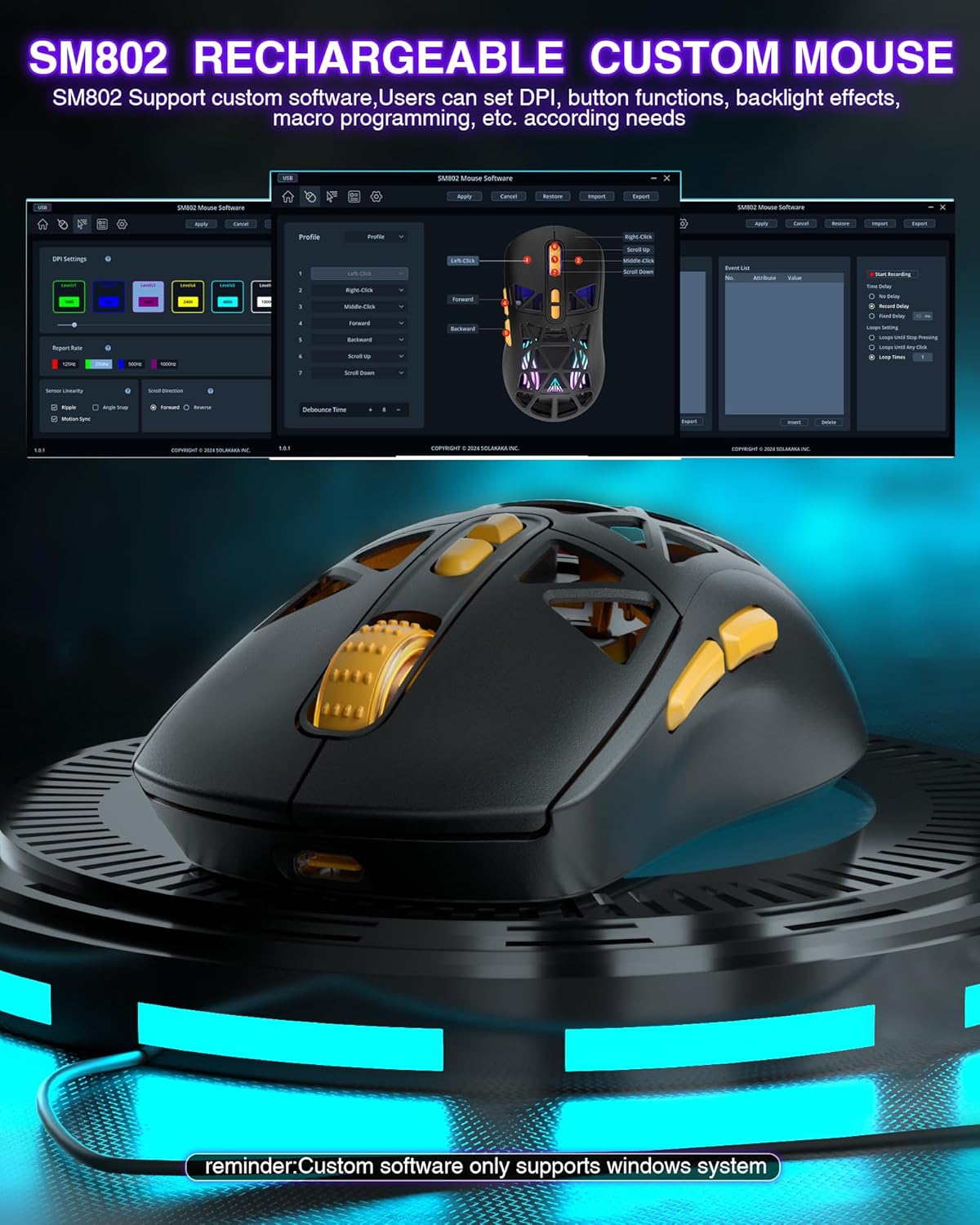
Image: The SM802 mouse with its two interchangeable shell options, showing how users can switch between a hollowed-out design and a solid classic design.
Replaceable Microswitches
The mouse includes two types of microswitches: a gaming switch and an office mute switch. Users can replace these switches according to their preference for click feel and sound. The hotswap design allows for easy replacement and compatibility with most standard microswitches.
Выява: буйны план view of the SM802 mouse's internal structure, illustrating how to replace the microswitches with either a click switch or a silent switch.
Праграмуемыя кнопкі і праграмнае забеспячэнне
The SM802 mouse features 7 programmable buttons. Customization is available through dedicated software, which allows users to reset button functions, adjust DPI settings, and configure macro files. Заўвага: The customization software is only compatible with Windows operating systems and functions in wired mode.
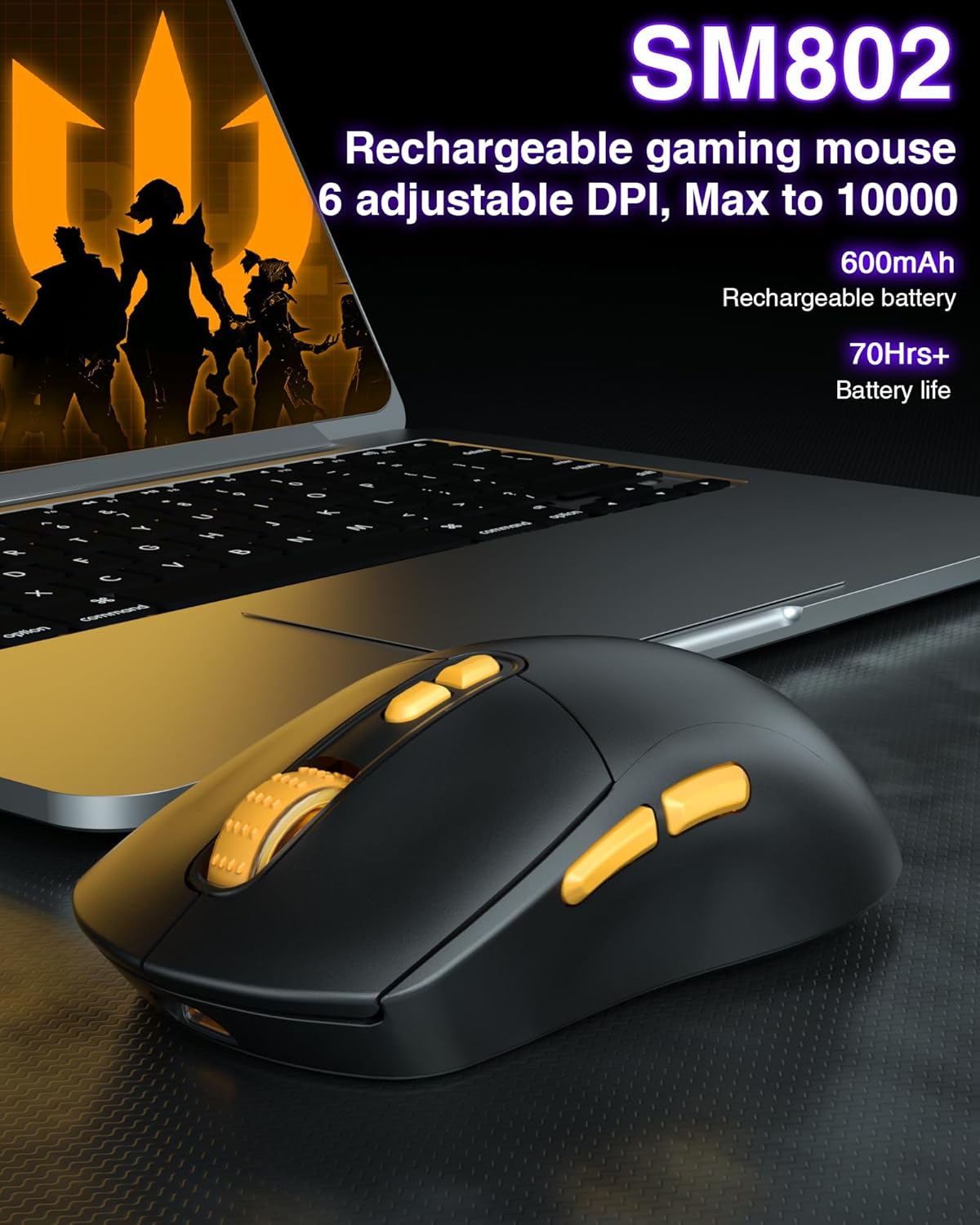
Image: A visual representation of the SM802 mouse customization software, demonstrating its interface for adjusting button assignments, DPI, and macro settings.
6. Тэхнічнае абслугоўванне
To ensure the longevity and optimal performance of your SOLAKAKA SM802 mouse, follow these maintenance guidelines:
- Уборка: Выкарыстоўвайце мяккую сухую тканіну для працірання паверхні мышы. Для ўстойлівага бруду злёгкуamp можна выкарыстоўваць тканіну, але сачыце за тым, каб вільгаць не трапляла ўнутраныя кампаненты. Пазбягайце выкарыстання агрэсіўных хімічных рэчываў або абразіўных ачышчальнікаў.
- Сыход за датчыкам: Каб забяспечыць дакладнасць адсочвання, падтрымлівайце аптычны датчык у ніжняй частцы мышы ў чысціні і без пылу і смецця.
- захоўванне: Захоўвайце мыш у прахалодным, сухім месцы, удалечыні ад прамых сонечных прамянёў і экстрэмальных тэмператур.
- акумулятар: Пазбягайце частай поўнай разрадкі батарэі. Зараджайце мыш, калі з'явіцца індыкатар нізкага зараду батарэі.
7. Выпраўленне непаладак
If you encounter issues with your SM802 mouse, refer to the following common solutions:
- Мышка не рэагуе:
- Пераканайцеся, што мыш зараджана.
- Check the connection mode switch on the bottom of the mouse. Make sure it matches your intended connection (2.4G, BT1, BT2, or wired).
- For 2.4GHz, ensure the USB receiver is securely plugged into a working USB port.
- For Bluetooth, ensure Bluetooth is enabled on your device and the mouse is paired correctly. Try re-pairing if necessary.
- For wired mode, ensure the USB-C cable is properly connected to both the mouse and the computer.
- Затрымка або перарывістае падключэнне:
- Паменшыце адлегласць паміж мышшу і прымачом/прыладай.
- Выдаліце ўсе патэнцыйныя крыніцы перашкод (напрыклад, іншыя бесправадныя прылады, буйныя металічныя прадметы).
- Ensure the mouse battery is not critically low.
- DPI не змяняецца:
- Моцна націсніце кнопку DPI.
- If using customization software, ensure settings are applied and saved to the mouse.
- RGB lights not working or behaving unexpectedly:
- Check the RGB light button on the mouse.
- Verify settings in the customization software.
- Ensure the power-saving feature is not active if you expect constant lighting during movement.
- Customization software not detecting mouse:
- Ensure the mouse is connected in wired mode.
- Confirm your operating system is Windows.
- Пры неабходнасці пераўсталюйце праграмнае забеспячэнне.
8. Тэхнічныя характарыстыкі
| Асаблівасць | Дэталь |
|---|---|
| Марка | САЛАКАКА |
| Нумар мадэлі | SM802 |
| Тэхналогія падлучэння | 2.4GHz Wireless, BT5.0, USB-C Wired |
| Тэхналогія выяўлення руху | Аптычны |
| Maximum Sensitivity (DPI) | 10000 |
| Рэгуляваныя ўзроўні DPI | 1000, 1200, 1600, 2400, 4800, 10000 |
| Колькасць кнопак | 7 (праграмуемых) |
| Рука арыентацыі | правільна |
| Крыніца харчавання | Працуе ад батарэі (убудаваная літыевая батарэя ёмістасцю 450 мАг) |
| Сумяшчальныя прылады | Ноўтбук, персанальны кампутар, планшэт |
| Сумяшчальнасць аперацыйнай сістэмы | Android, Windows (Windows 10 minimum), iOS |
| Матэрыял корпуса | Пластыкавыя |
| Вага прадмета | 0.43 фунта |
9. Гарантыя і падтрымка
The SOLAKAKA SM802 Wireless Gaming Mouse comes with a manufacturer's warranty. For specific warranty details, please refer to the documentation included with your purchase or contact SOLAKAKA customer support.
For technical support, troubleshooting assistance, or further inquiries, please visit the official SOLAKAKA webсайт або звярніцеся ў аддзел абслугоўвання кліентаў. Кантактную інфармацыю звычайна можна знайсці на ўпакоўцы прадукту або ў інтэрнэт-краме брэнда.