
1. Прадукт скончыўсяview
The SGIN Y101 is a 15.6-inch laptop designed for everyday computing tasks, featuring a Core i3 processor, 16GB RAM, and a 1024GB SSD. It operates on Windows 11 Home and includes a backlit keyboard, WiFi 6 connectivity, and a 180-degree hinge for flexible use.

Image: SGIN Y101 Laptop highlighting its Core i3 processor, Windows 11, 7000mAh battery, backlit keyboard, WiFi 6, 180-degree hinge, 16GB RAM, and 1024GB SSD.
2. Што ў скрынцы
- 1 x SGIN Y101 Laptop
- 1 х адаптар харчавання/зарадная прылада
- 1 х Кіраўніцтва карыстальніка (гэты дакумент)
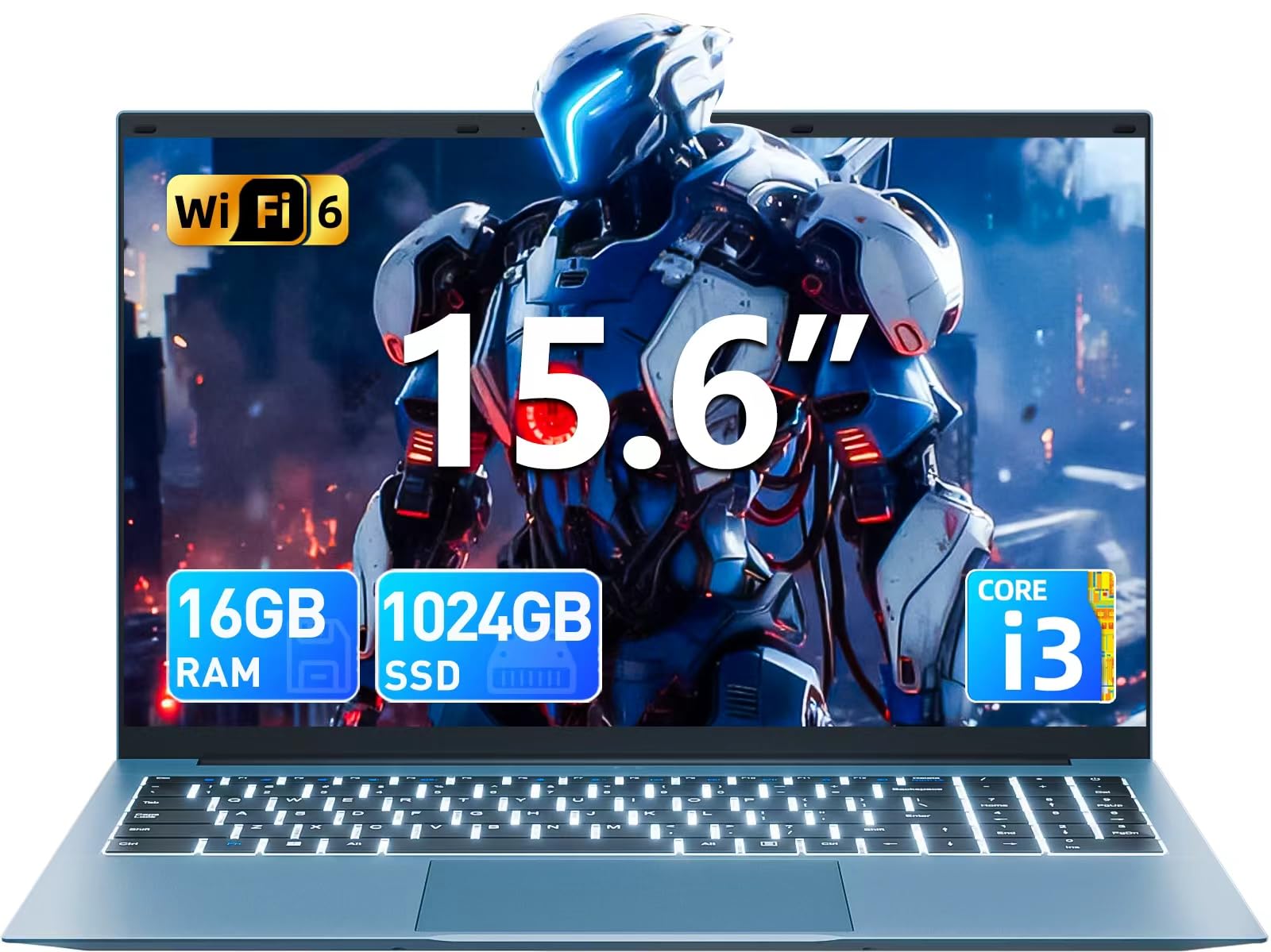
Image: The SGIN Y101 laptop, its power adapter, and the user manual as typically found in the product packaging.
3. Настройка
3.1 Пачатковая зарадка і ўключэнне
- Падключыце адаптар сілкавання: Plug the power adapter into the DC jack on the side of the laptop and then into a power outlet.
- Зарадзіць акумулятар: Перад першым выкарыстаннем дайце ноўтбуку зарадзіцца не менш за 30 хвілін або пакуль індыкатар батарэі не пакажа дастатковы зарад.
- Уключэнне: Open the laptop lid and press the power button, usually located on the top right of the keyboard, to turn on the device.
3.2 Усталёўка Windows 11
Follow the on-screen instructions to complete the initial Windows 11 Home setup. This typically includes:
- Выбар рэгіёну і раскладкі клавіятуры.
- Connecting to a Wi-Fi network (WiFi 6 supported).
- Уваход у сістэму з дапамогай уліковага запісу Microsoft або яго стварэнне.
- Усталёўка PIN-кода або пароля.
3.3 Падключэнне перыферыйных прылад
The SGIN Y101 laptop offers various ports for connecting external devices:
Выява: Падрабязная view of the laptop's multiple interfaces, including DC jack, Type-C, HDMI, USB 3.2, Security lock, TF card slot, 3.5mm Headphone jack, and RJ45 Ethernet port.
- Парты USB 3.0/3.2: Для падключэння USB-прылад, такіх як мышы, клавіятуры або знешнія назапашвальнікі.
- Порт HDMI: Падключыце знешні манітор або тэлевізар для пашыранага адлюстравання.
- Порт тыпу C: For data transfer and potentially charging compatible devices.
- Слот Micro SD: Insert a TF card for expanded storage up to 1TB.
- Гняздо для навушнікаў 3.5 мм: Падключыце навушнікі або знешнія дынамікі.
- Порт Ethernet RJ45: Для праваднога падключэння да Інтэрнэту.
- Слот замка Kensington: Для фізічнай бяспекі.
4. Кіраванне ноўтбукам
4.1 Клавіятура і сэнсарная панэль
The laptop features a full-size keyboard with a numeric keypad and a large touchpad for navigation. The keyboard is backlit for use in low-light conditions.
- Клавіятура з падсветкай: Прэса Fn + F5 to toggle the keyboard backlight on or off.
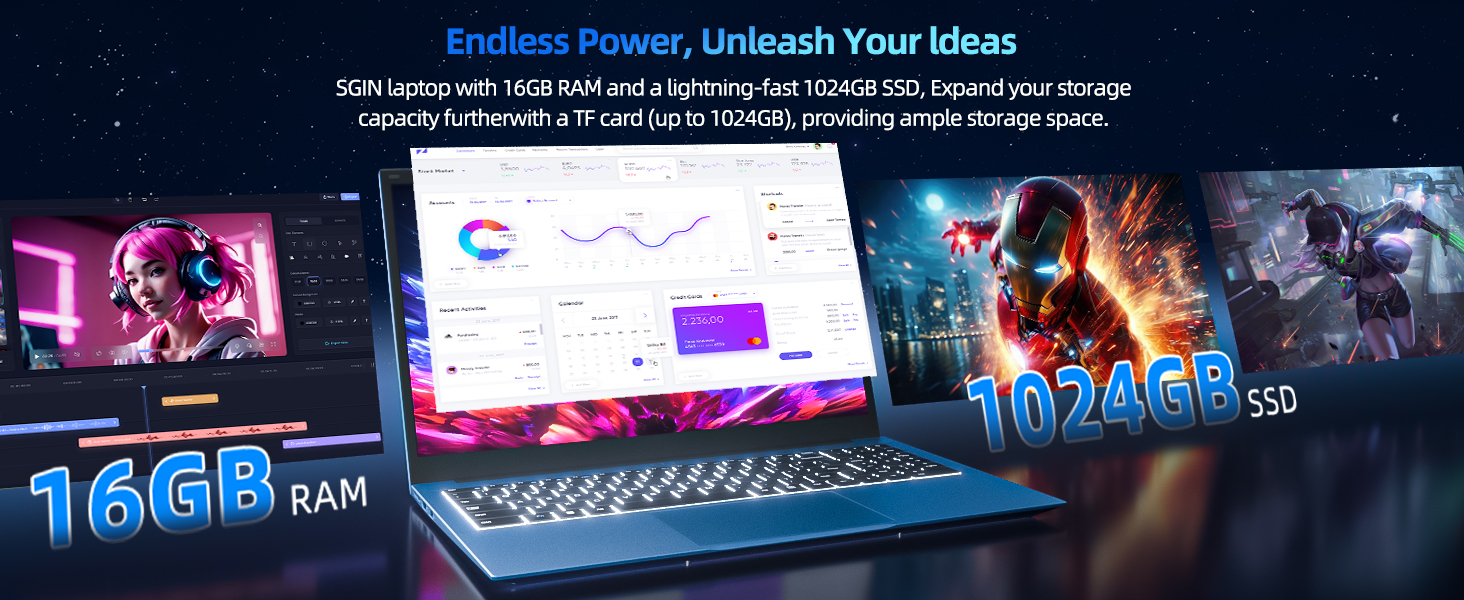
Image: Close-up of the SGIN Y101 laptop's backlit keyboard and numeric keypad, illustrating the Fn+F5 shortcut for backlight control.
4.2 Функцыі дысплея
The 15.6-inch Full HD (1920x1080) IPS screen provides clear visuals and wide viewing angles. The laptop also features a 180-degree hinge, allowing the screen to lay flat for easy sharing and collaboration.
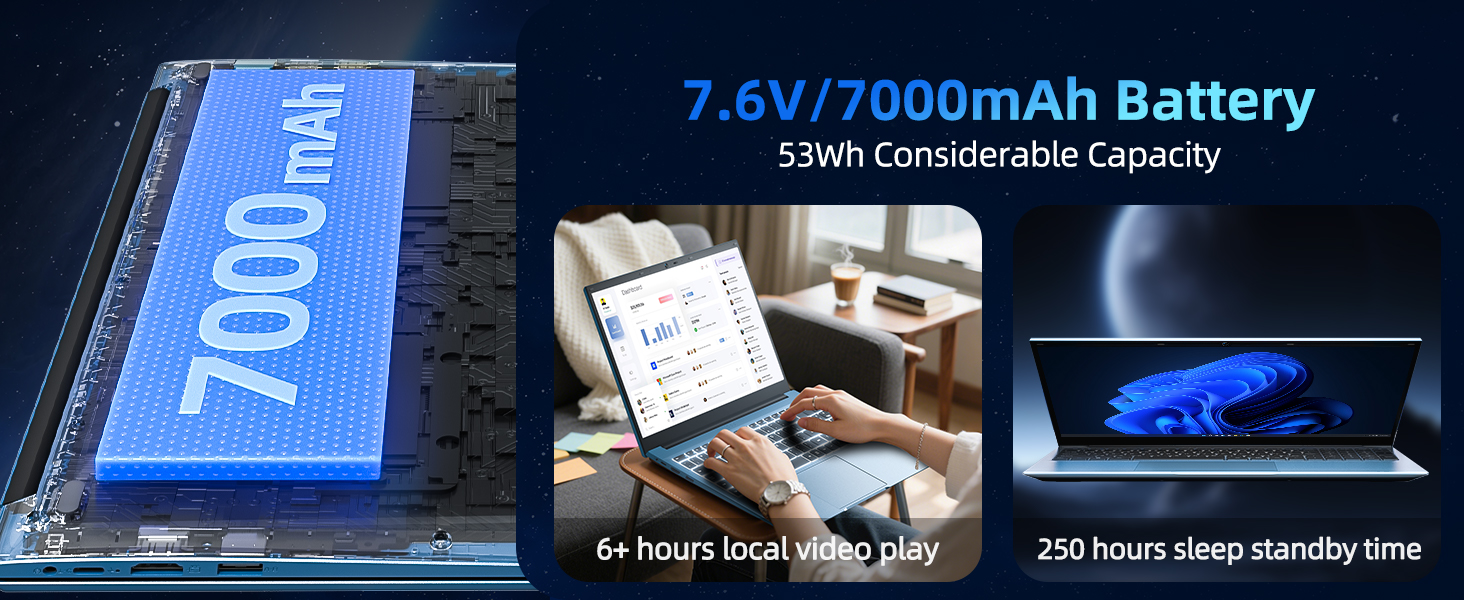
Image: The SGIN Y101 laptop displaying vibrant visuals on its 15.6-inch Full HD IPS screen.
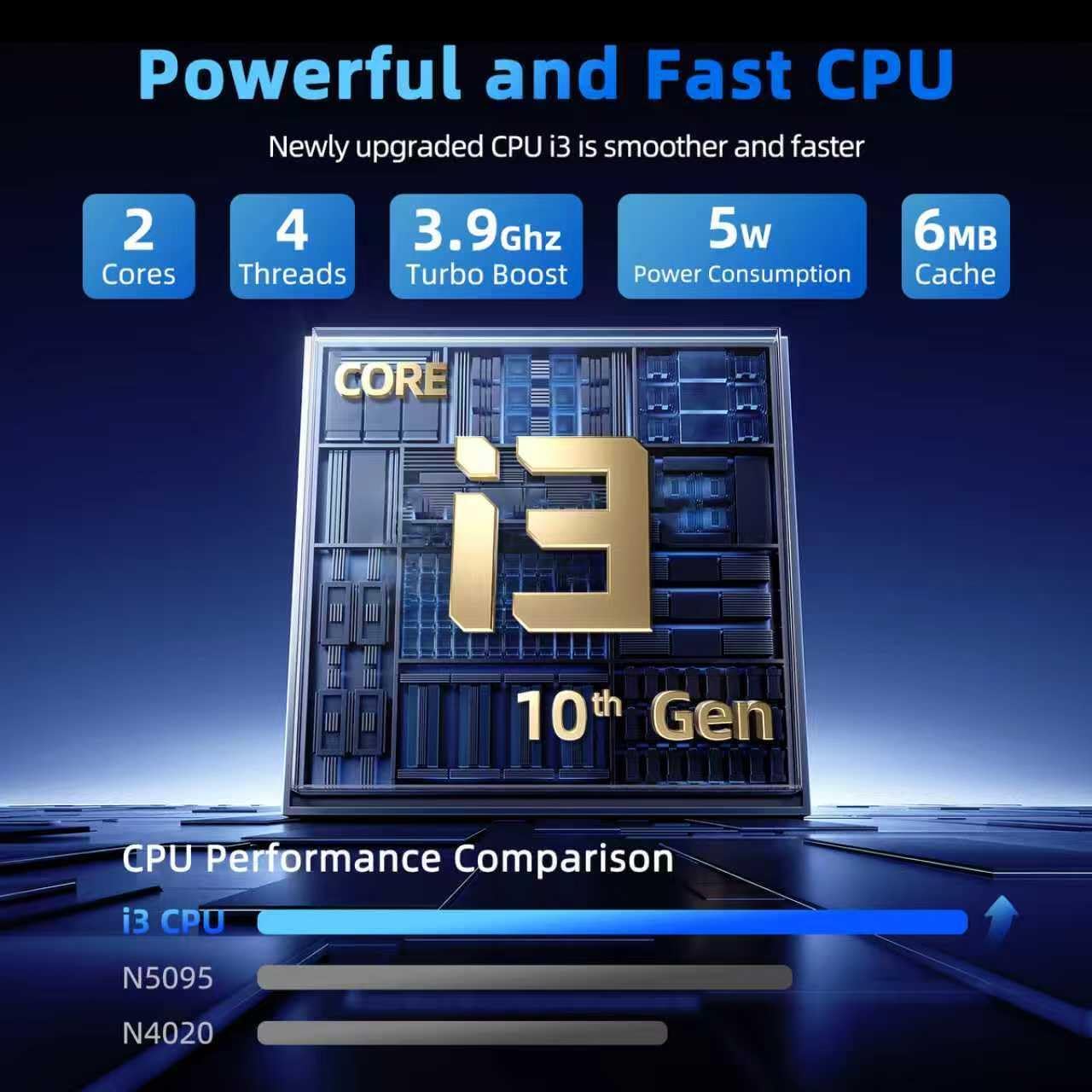
Image: The SGIN Y101 laptop open, illustrating its 180-degree hinge design for flexible viewінфармаванне і абмен.
4.3 Прыватнасць WebЧахол для камеры
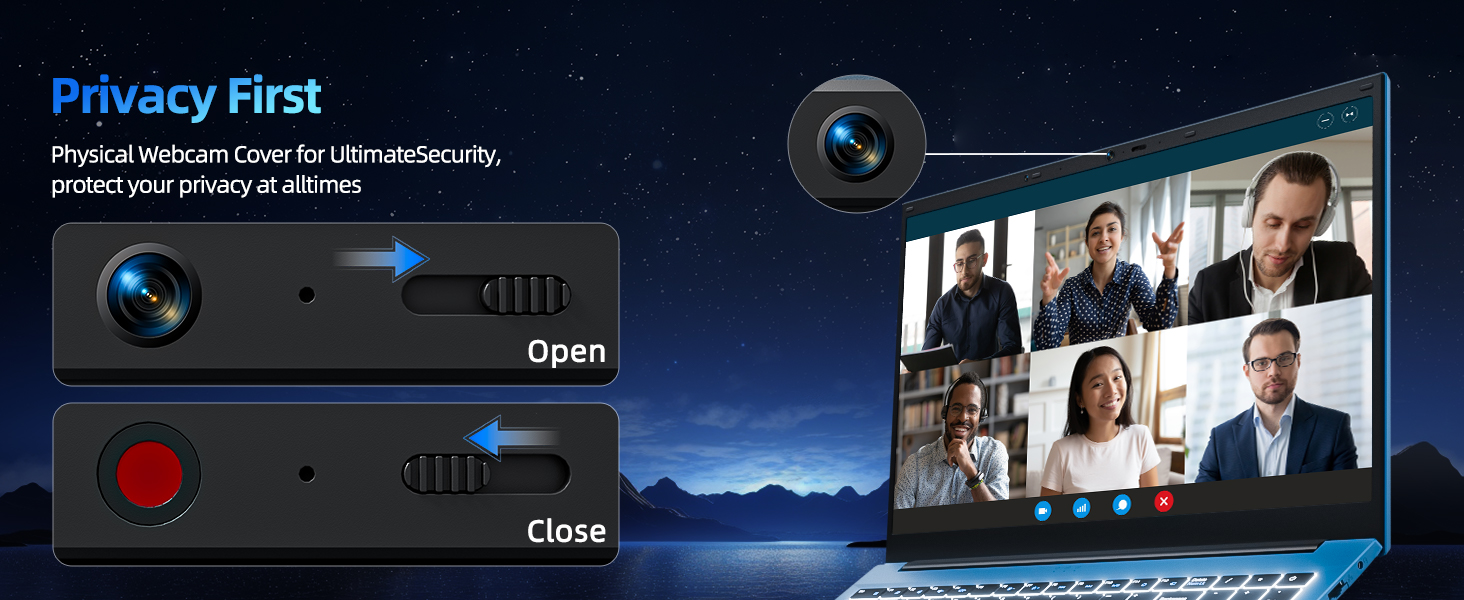
For enhanced privacy, the laptop includes a built-in physical webcam switch. Slide the cover to open or close the webкулачок па меры неабходнасці.
5. Тэхнічнае абслугоўванне
5.1 Агульны догляд
- Пазбягайце ўздзеяння на ноўтбук экстрэмальных тэмператур, прамых сонечных прамянёў або высокай вільготнасці.
- Трымайце вадкасці далей ад прылады.
- Будзьце асцярожныя з ноўтбукам, каб пазбегнуць фізічных пашкоджанняў.
5.2 Ачыстка
- Выкарыстоўвайце мяккую тканіну без ворса для чысткі экрана і вонкавых паверхняў.
- Для ўстойлівых плям злёгкуampпрацярыце тканіну вадой або сродкам для ачысткі экрана.
- Do not spray cleaners directly onto the laptop.
5.3 Сыход за акумулятарам
- Каб падоўжыць тэрмін службы батарэі, пазбягайце частай поўнай разрадкі батарэі.
- Захоўвайце ноўтбук у прахалодным, сухім месцы, калі ён не выкарыстоўваецца працяглы час.
- The 7000mAh/53.2Wh battery provides up to 8 hours of typical use.
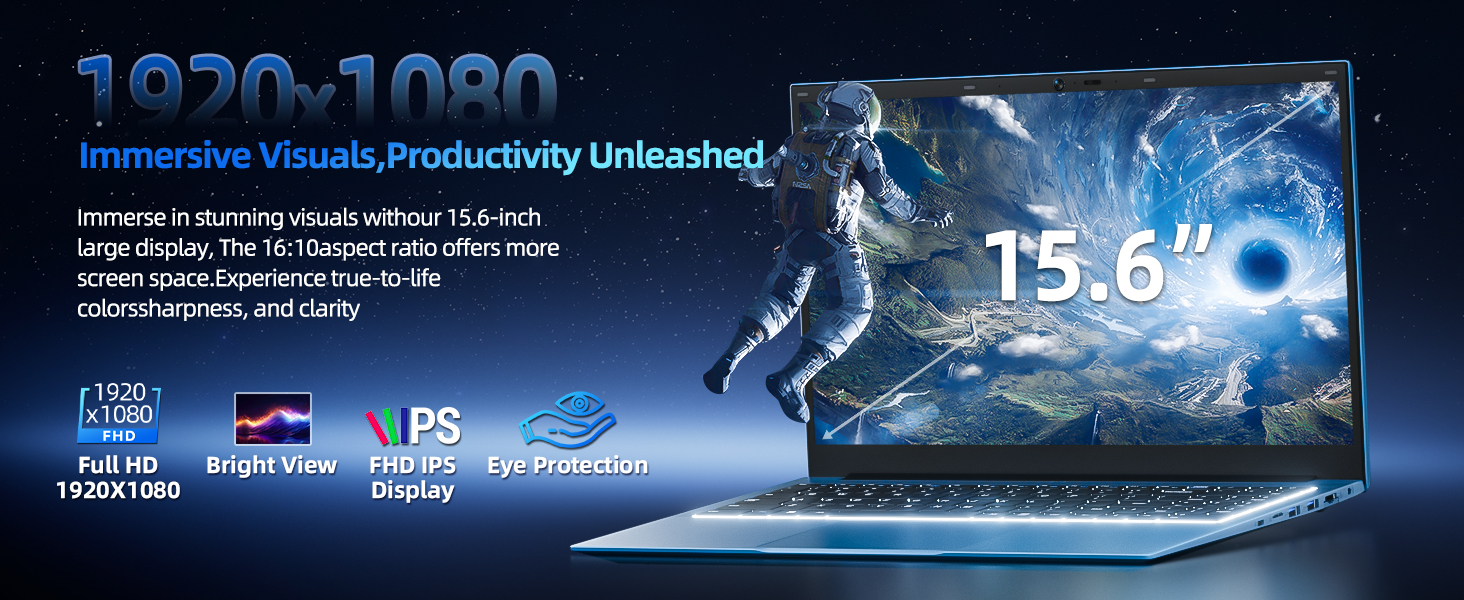
Image: Visual representation of the SGIN Y101 laptop's 7000mAh/53.2Wh large capacity battery, indicating its suitability for extended use.
6. Выпраўленне непаладак
This section addresses common issues you might encounter with your SGIN Y101 laptop.
6.1 Праблемы з харчаваннем і загрузкай
- Ноўтбук не ўключаецца: Пераканайцеся, што адаптар сілкавання надзейна падключаны, а акумулятар дастаткова зараджаны. Паспрабуйце іншую разетку.
- Laptop turns on but screen is black: Connect to an external monitor via HDMI to check if the display is the issue. Restart the laptop.
6.2 Дысплей і графіка
- Screen flickering or unusual display: Update graphics drivers. If connecting to an external display, ensure the cable is secure.
- Screen appears dim or too bright: Adjust brightness settings in Windows or using keyboard function keys.
6.3 Праблемы з падключэннем
- Wi-Fi не падключаецца: Check if Wi-Fi is enabled in Windows settings. Restart your router and the laptop. Ensure correct password entry.
- USB-прылады не распазнаюцца: Try a different USB port. Ensure the device drivers are installed.
6.4 Клавіятура і сэнсарная панэль
- Клавіятура не рэагуе: Restart the laptop. Ensure no foreign objects are under the keys.
- Сэнсарная панэль не працуе: Check Windows settings to ensure the touchpad is enabled. Restart the laptop.
- Не працуе падсветка: Прэса Fn + F5 to ensure it's toggled on.
If you encounter persistent issues not covered here, please refer to the support section for assistance.
7. Тэхнічныя характарыстыкі
| Асаблівасць | Дэталь |
|---|---|
| Назва мадэлі | SGIN-Y101 |
| Працэсар | Intel Core i3-10100 (2-core, 4-thread, 6MB cache, up to 3.9GHz) |
| АЗП | 16 ГБ DDR3 SDRAM |
| Захоўванне | 1024GB SSD (expandable with TF card up to 1TB) |
| Дысплей | 15.6-цалевы Full HD (1920x1080) IPS |
| Аперацыйная сістэма | Windows 11 хатняя |
| акумулятар | 7000mAh / 53.2Wh (up to 8 hours battery life) |
| Бесправоднае падключэнне | Wi-Fi 6 (802.11ax) |
| Парты | USB 3.0, HDMI, Micro SD slot, Type-C, Kensington lock, 3.5mm Headphone jack, RJ45 Ethernet |
| Памеры (ДхШхВ) | 15.6 х 9 х 0.6 цалі |
| Вага | 4.97 фунта |
| Колер | Шэры |
8. Гарантыя і падтрымка
Your SGIN Y101 laptop comes with comprehensive support and warranty:
- 1-Year Protection: Enjoy a 1-year protection plan covering manufacturing defects.
- 1-гадовае абслугоўванне на рамонце: The product includes a 1-year repair service.
- 30-дзённая палітыка вяртання: Eligible for returns within 30 days of purchase.
- Кругласутачная падтрымка кліентаў: Access instant customer help for any queries or issues.
For support, please contact SGIN customer service through the official channels provided at the time of purchase or on the SGIN webсайт.
9. Дэманстрацыйнае відэа прадукту
Watch this official video for a visual guide on the SGIN 15.6 Inch Laptop Computer's features and connectivity options.
Відэа: Оверview and demonstration of the SGIN 15.6-inch laptop, showcasing its design, features, and available ports.