
Уводзіны
This manual provides detailed instructions for the JJC Magnetic Phone Lens Filter Adapter Kit, which includes a 67mm CPL filter. This kit is designed to enhance your smartphone photography experience by allowing you to attach standard 67mm filters to your Magsafe-compatible iPhone (iPhone 14, 15, 16, 17 series). It also features a 1/4-inch screw hole and a cold shoe mount for additional accessories.
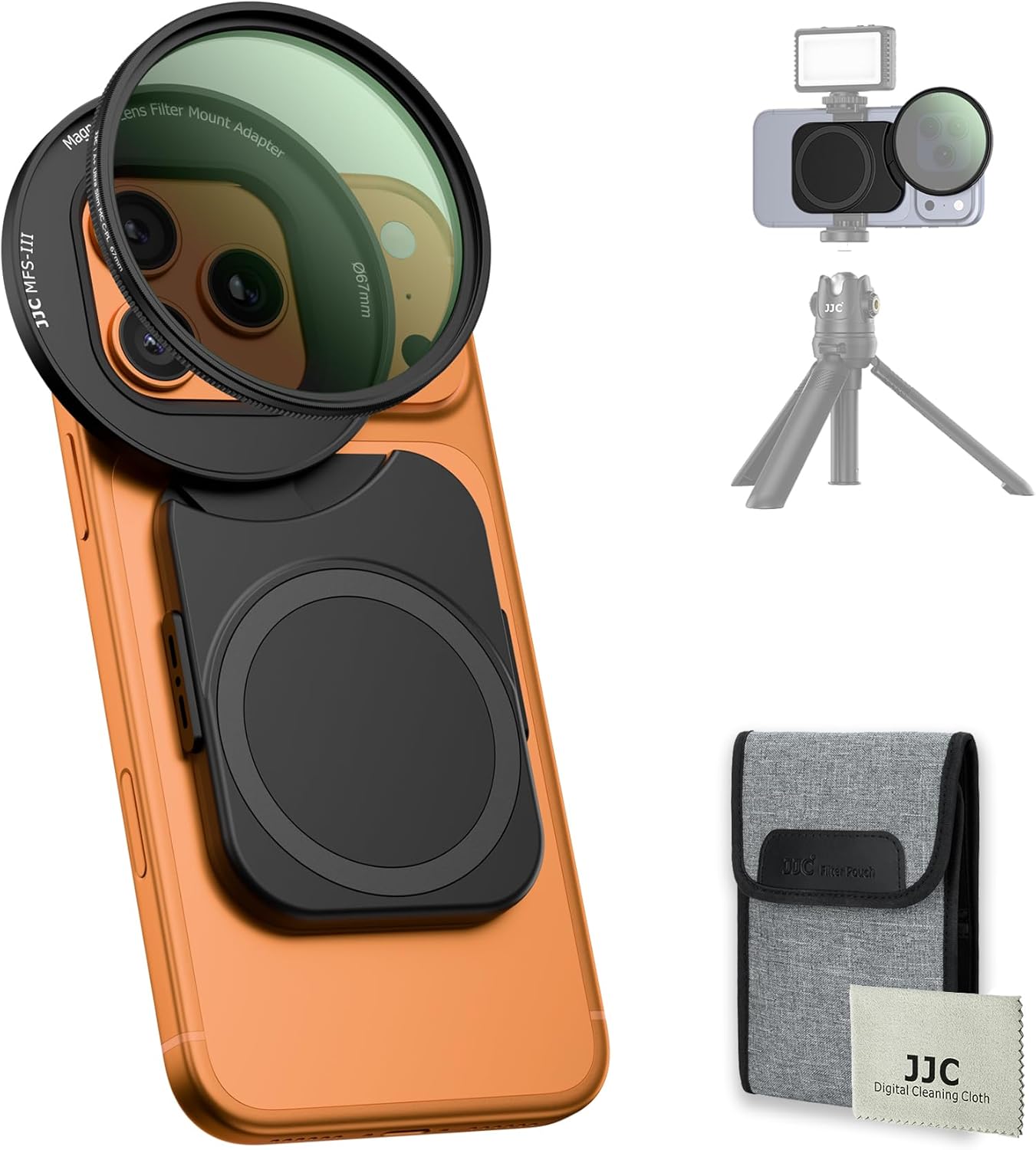
Image: The JJC Magnetic Phone Lens Filter Adapter Kit attached to an iPhone, demonstrating its compact design and ease of use.
Інструкцыя па наладзе
Follow these steps to properly set up your JJC Magnetic Phone Lens Filter Adapter Kit.
1. Attaching the Adapter to Your iPhone
- Пераканайцеся, што ваш iPhone чысты і без смецця.
- Align the magnetic adapter with the Magsafe area on the back of your iPhone. The adapter features a strong double-sided magnetic design for secure attachment.
- Gently press the adapter onto the phone until it snaps into place. The adapter's elastic design allows it to securely fit various iPhone models (iPhone 14, 15, 16, 17 series).
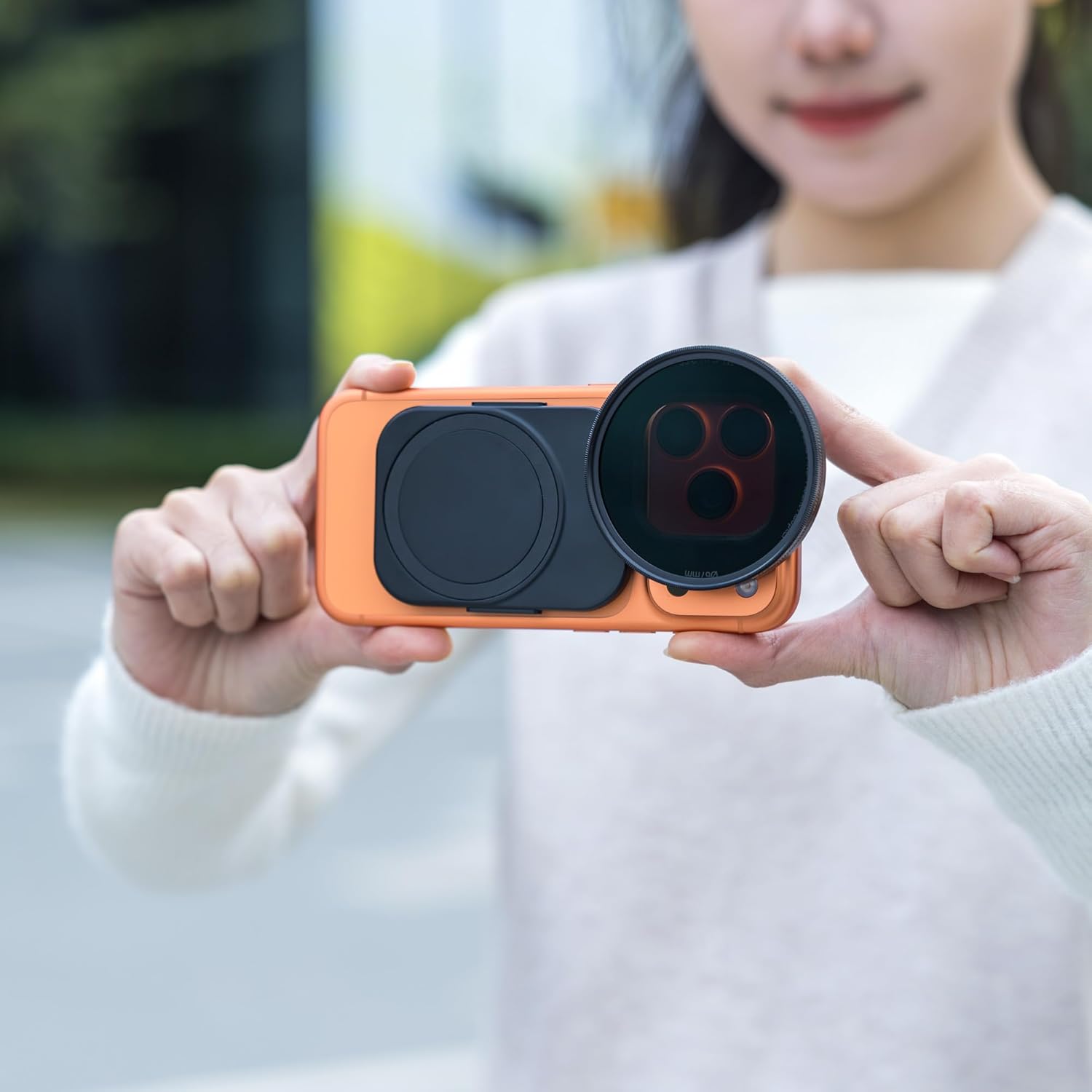
Image: The adapter's elastic design ensures a secure fit for various iPhone models, expanding or contracting as needed.

Image: The strong double-sided magnetic design ensures easy and secure attachment of the adapter to your Magsafe-compatible iPhone.
2. Attaching the 67mm CPL Filter
- Take the 67mm CPL filter from its storage.
- Align the CPL filter with the filter mount on the adapter. The filter will magnetically attach to the adapter.
- Ensure the filter is securely seated.

Image: The 67mm CPL filter magnetically attaches to the adapter, providing a quick and secure connection for photography.
3. Падключэнне знешніх аксесуараў
The adapter features a 1/4-inch screw hole and a cold shoe mount for attaching additional photography accessories.
- 1/4-inch Screw Hole: Connect the adapter to tripods, monopods, or selfie sticks using the standard 1/4"-20 screw hole.
- Мацаванне халоднага башмака: Attach microphones, LED video lights, or other cold shoe compatible accessories to enhance your video recording or photography setup.

Image: The adapter supports various accessories like microphones and LED lights via its cold shoe mount, and can be mounted on a tripod using the 1/4-inch screw hole.
Setup and Usage Video
Video: This video demonstrates the assembly and use of the JJC Magnetic Phone Lens Filter Adapter Kit, including attaching the adapter, CPL filter, and various accessories like microphones and lights.
Інструкцыя па эксплуатацыі
The included 67mm CPL (Circular Polarizer) filter is designed to improve your photo and video quality in specific conditions.
Using the CPL Filter
- Once the CPL filter is attached to the adapter, open your iPhone's camera application.
- Rotate the outer ring of the CPL filter while observing the live preview на вашым экране.
- You will notice changes in reflections and color saturation. Adjust the rotation until you achieve the desired effect.
Benefits of the CPL Filter:
- Reduces reflections and glare from non-metallic surfaces such as water, glass, and wet foliage.
- Enhances color saturation and contrast, making skies bluer and greenery more vibrant.
- Ideal for shooting reflective scenes like rivers, oceans, and forests.

Image: A visual comparison demonstrating the effect of a CPL filter, showing reduced reflections and improved color saturation in a landscape scene.
Compatibility with Other 67mm Filters
The adapter is compatible with other 67mm lens filters, allowing you to easily swap them out to suit different shooting conditions and creative needs. This includes ND filters, black diffusion filters, and blue streak filters (sold separately).

Image: The adapter is compatible with a range of 67mm filters, including ND, Black Diffusion, CPL, and Blue Streak, offering versatility for different photographic styles.
Тэхнічнае абслугоўванне
Proper maintenance ensures the longevity and optimal performance of your filter kit.
Уборка
- Use the provided JJC Digital Cleaning Cloth to gently wipe the filter and adapter surfaces.
- For stubborn smudges or fingerprints on the filter glass, use a specialized lens cleaning solution and a clean microfiber cloth.
- Avoid using abrasive materials or harsh chemicals, as these can damage the filter coatings or adapter finish.
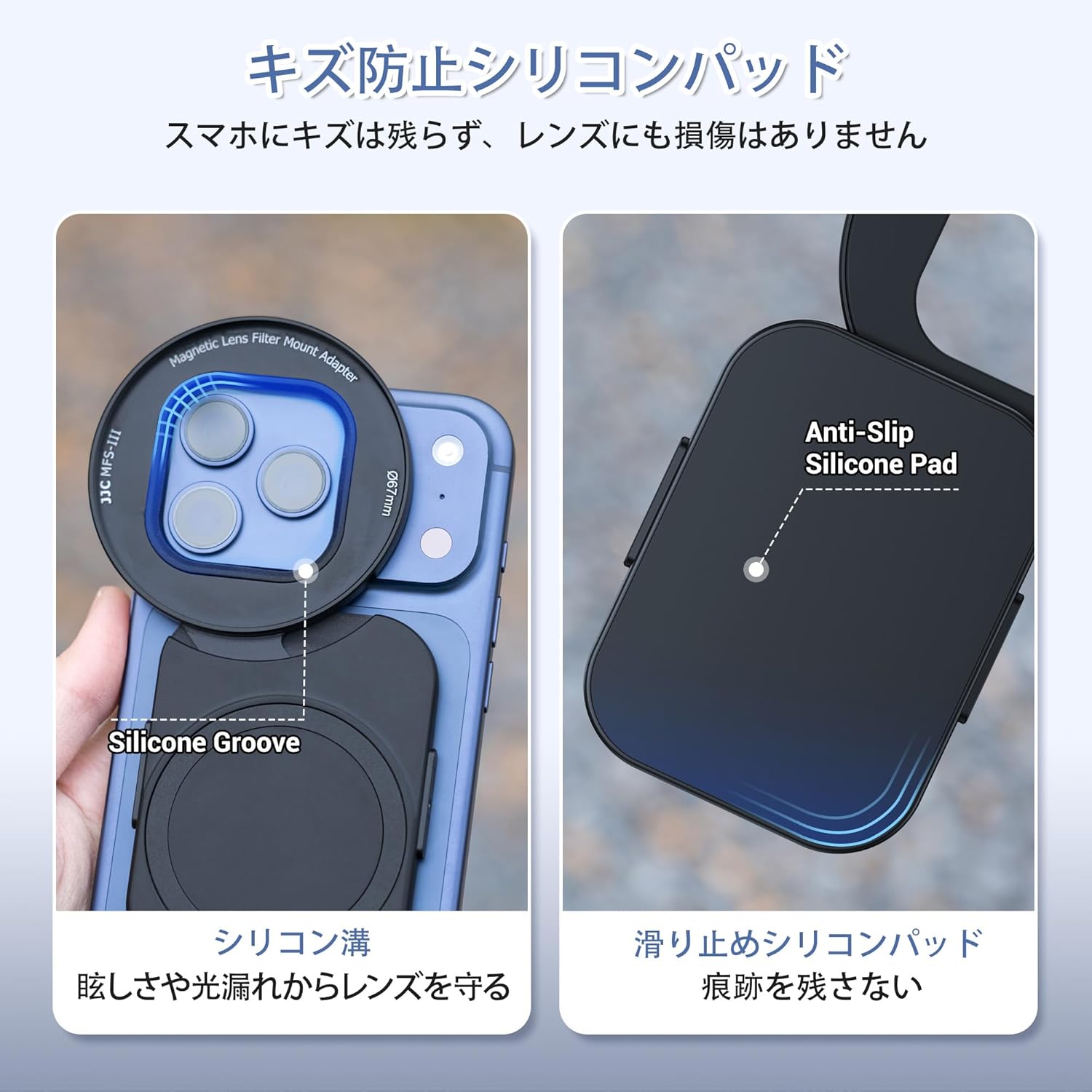
Image: Use the included JJC Digital Cleaning Cloth to keep your filter and adapter free from dust, fingerprints, and smudges.
Захоўванне
- When not in use, store the filter and adapter in the provided storage bag.
- The storage bag features individual pockets to keep the filter and adapter organized and protected from scratches and dust.
- Keep the kit in a dry, cool place away from direct sunlight and extreme temperatures.

Image: The compact storage bag provides convenient and organized storage for the filter and adapter, protecting them during transport and daily use.
Ліквідацыю непаладак
If you encounter any issues with your JJC Magnetic Phone Lens Filter Adapter Kit, please refer to the following common solutions:
- Filter not attaching securely: Ensure the adapter is correctly aligned with your iPhone's Magsafe area and that the filter is properly aligned with the adapter's magnetic mount. Check for any obstructions.
- Image quality issues (e.g., vignetting, blur): Ensure the filter is clean and free from smudges. Verify that the filter is correctly seated and not misaligned.
- Adapter not fitting iPhone: Confirm your iPhone model is Magsafe compatible and within the supported series (iPhone 14, 15, 16, 17 series). The elastic design should accommodate these models.
Калі праблема не знікне, звярніцеся ў службу падтрымкі кліентаў для атрымання дадатковай дапамогі.
Тэхнічныя характарыстыкі
| Асаблівасць | Апісанне |
|---|---|
| Марка | JJC |
| Памер ніткі фотафільтра | 67 мм |
| Тып эфекту фотафільтра | Polarizing (CPL) |
| Lens Mount Thread Diameter | 67 мм |
| Задаць імя | Upgraded Version Smartphone Filter Adapter + CPL |
| Сумяшчальныя мадэлі відэакамер | GoPro MAX, Insta360 Air, Insta360 Pro (Note: This refers to general compatibility, primary use is with Magsafe iPhones) |
| У камплекце | Lens Filter Adapter *1, CPL Filter *1 |
| Краіна паходжання | Кітай |
| Колер | Upgraded Version Smartphone Filter Adapter + CPL |
Інфармацыя аб гарантыі
If you have any questions or encounter any unclear points regarding the product, please contact us. We are committed to providing support for our products.
Падтрымка кліентаў
For further assistance, technical support, or warranty claims, please contact JJC customer service through the retailer where you purchased the product or visit the official JJC webсайт для кантактных дадзеных.